

What is this?
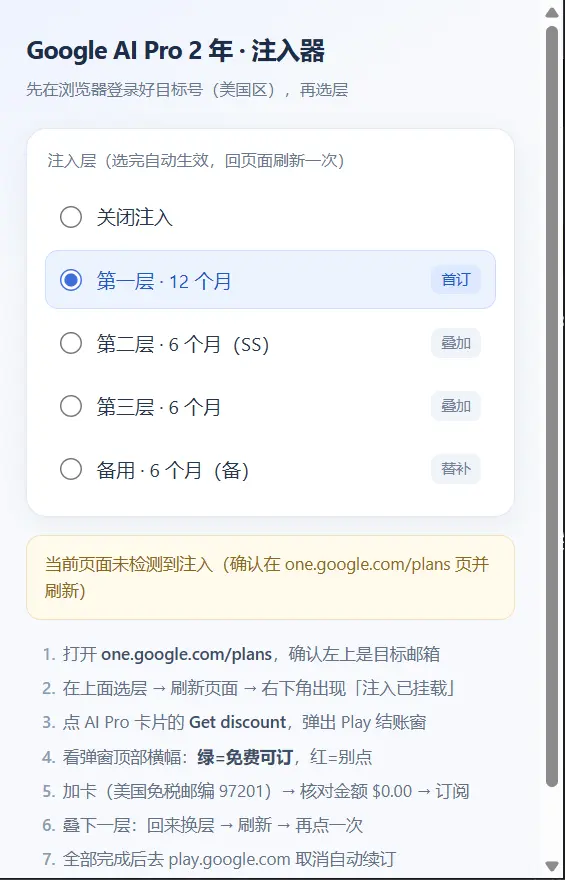
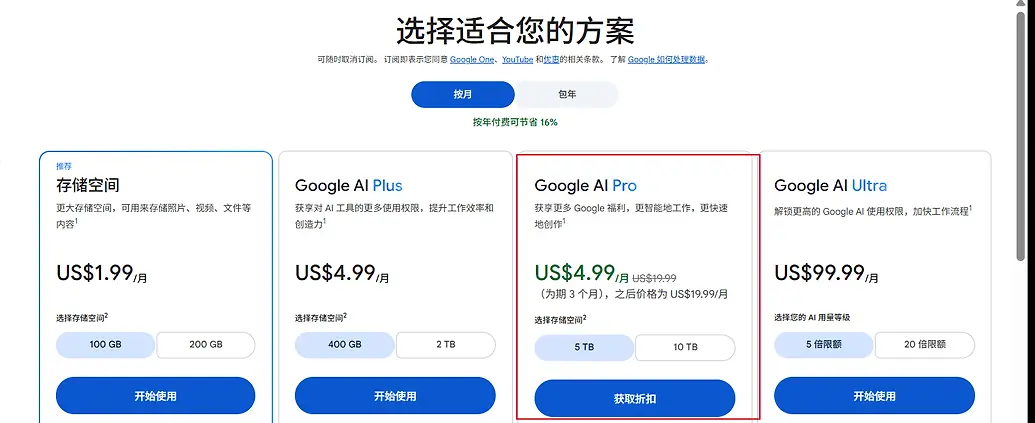
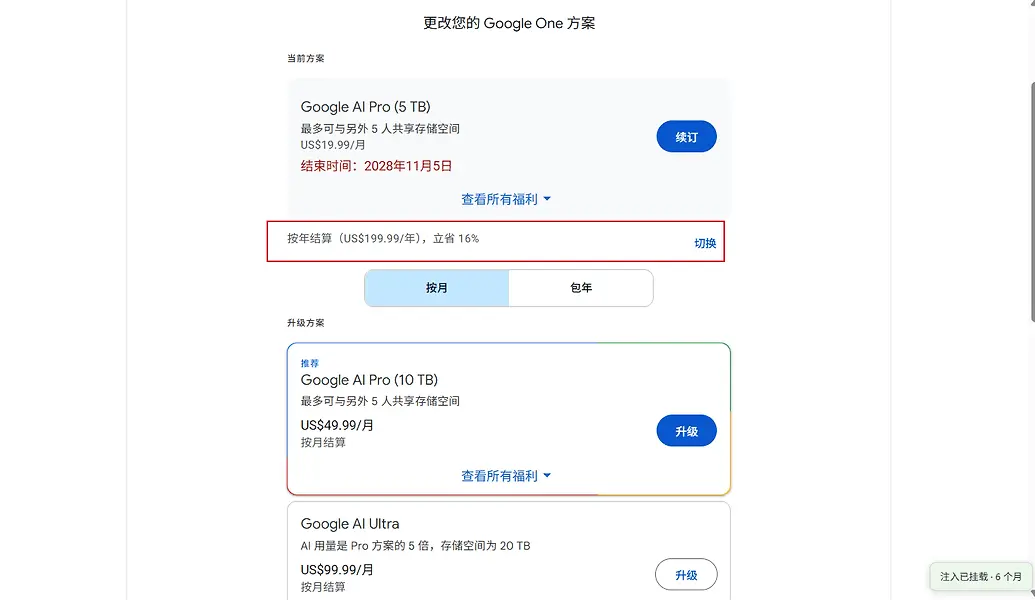
 A repo with two separate helpers for a Google AI Pro promotional offer: a Chrome extension and a Windows batch control panel. Its stated goal is a 24-month Google AI Pro plan for US$0.00, but the README says that is not a verified result.
Is it one app or two separate tools?Two independent versions in separate folders: 'extension' for the browser and 'batch' for running multiple accounts from a local web console.
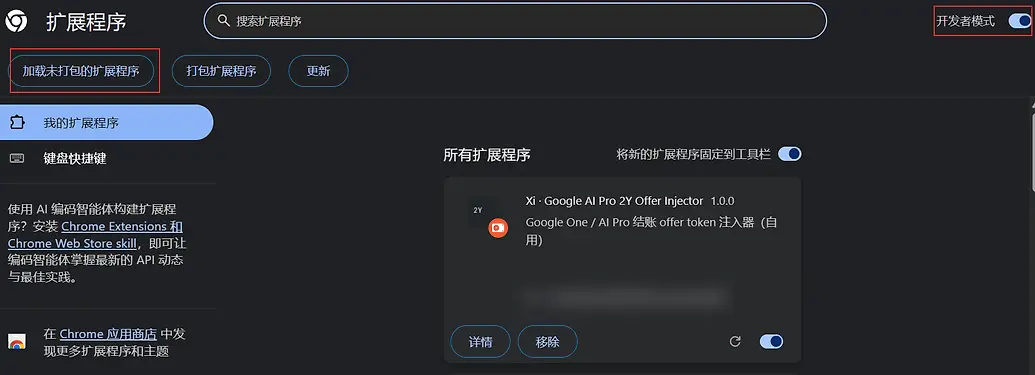
Two independent versions in separate folders: 'extension' for the browser and 'batch' for running multiple accounts from a local web console.How do I load the extension?In Chrome, turn on developer mode on the extensions page, choose 'Load unpacked' and select the 'extension' folder. The batch version is started from the 'batch' folder on Windows.
In Chrome, turn on developer mode on the extensions page, choose 'Load unpacked' and select the 'extension' folder. The batch version is started from the 'batch' folder on Windows.What does the batch version need?Windows 10 or 11, Google Chrome, Python 3.10 or newer, and a US-region proxy or proxy template set in the console. It installs packages into your current Python environment, not an isolated virtualenv.
Windows 10 or 11, Google Chrome, Python 3.10 or newer, and a US-region proxy or proxy template set in the console. It installs packages into your current Python environment, not an isolated virtualenv.Is the free plan guaranteed?No. The README calls the 'zero-cost two years' a project goal, not a verified result, and says actual charges and benefits depend on checkout and upstream results.
No. The README calls the 'zero-cost two years' a project goal, not a verified result, and says actual charges and benefits depend on checkout and upstream results.What sensitive data does it handle?Google passwords, 2FA secrets, card details and browser login data are stored locally, and the README says they must never be committed. Each account gets its own browser profile, which the README says is not a sandbox.
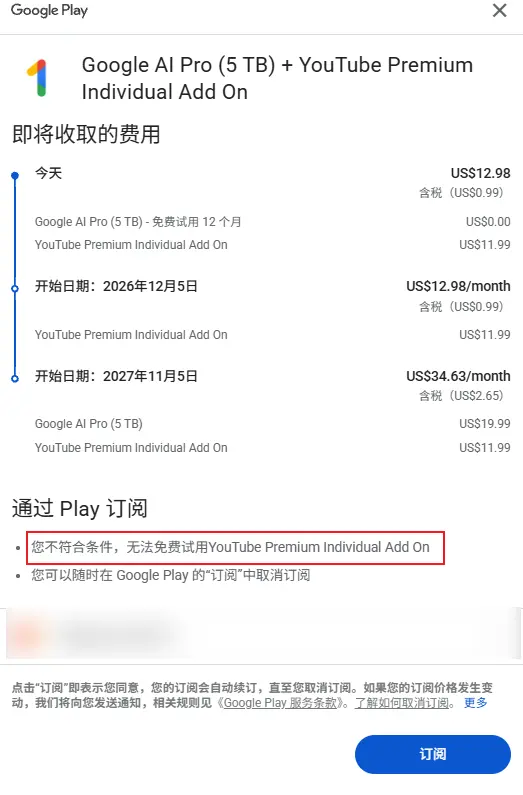
Google passwords, 2FA secrets, card details and browser login data are stored locally, and the README says they must never be committed. Each account gets its own browser profile, which the README says is not a sandbox.Does the checkout guard prevent charges?The README says the script clicks subscribe only when checkout shows US$0.00, but it also says actual fees are decided at checkout, so this is not a guarantee.
The README says the script clicks subscribe only when checkout shows US$0.00, but it also says actual fees are decided at checkout, so this is not a guarantee.Is each account isolated from the others?Each account uses its own browser profile directory, but the README states this is not a virtual machine or security sandbox.
Each account uses its own browser profile directory, but the README states this is not a virtual machine or security sandbox.What are similar projects?multi-row-tabs, BrowserKitten, Endoplexity, penguin-harness, aipass-bridge, JobFlow, pricebuddy, automa
multi-row-tabs, BrowserKitten, Endoplexity, penguin-harness, aipass-bridge, JobFlow, pricebuddy, automaWhich topics is it in?chrome-extension, google, browser-extension, browser-automation, utility, dashboard, web-app, automation, tool, ai, web, python
chrome-extension, google, browser-extension, browser-automation, utility, dashboard, web-app, automation, tool, ai, web, python