







这是什么?
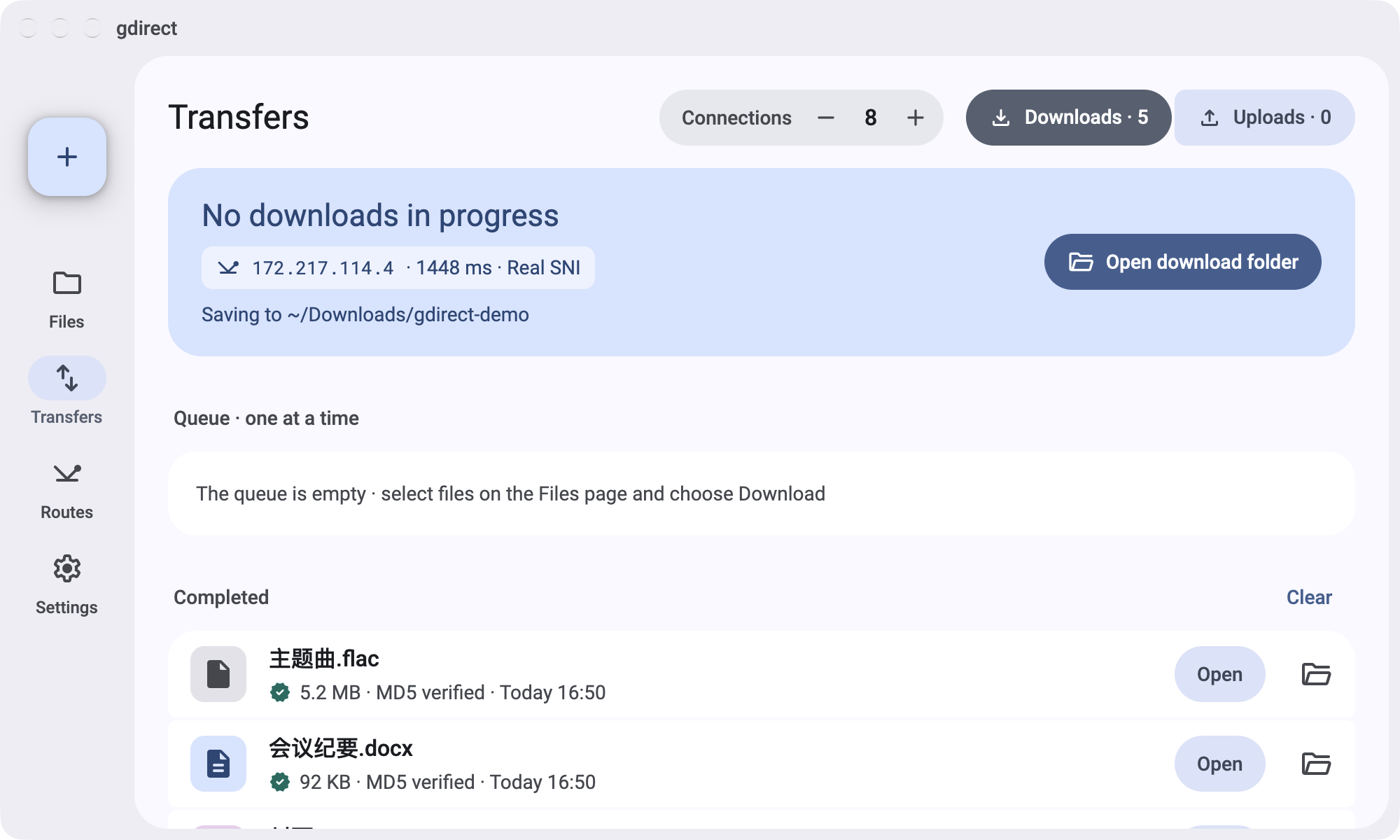
 gdirect 是一个用 Rust 编写的命令行工具,可以在终端中浏览、下载、上传和挂载你的 Google 云端硬盘。它会通过扫描得到的 Google IP 转发云端硬盘流量,以实现快速、可断点续传的多连接传输。
这是图形界面应用还是终端工具?它是一个终端命令行工具,带有类似文件管理器的交互式 TUI,用于浏览和传输云端硬盘文件,不提供单独的图形界面应用。
它是一个终端命令行工具,带有类似文件管理器的交互式 TUI,用于浏览和传输云端硬盘文件,不提供单独的图形界面应用。怎么安装并开始使用?通过 curl(macOS/Linux)或 PowerShell(Windows)安装程序,或通过 Homebrew 安装预编译的二进制文件;然后完成一次性的 Google Cloud 设置,创建你自己的 OAuth 客户端,并运行 gdirect login。
通过 curl(macOS/Linux)或 PowerShell(Windows)安装程序,或通过 Homebrew 安装预编译的二进制文件;然后完成一次性的 Google Cloud 设置,创建你自己的 OAuth 客户端,并运行 gdirect login。我需要自己的 Google API 凭据吗?需要。gdirect 不附带共享的 Google 客户端,因此你必须先在 Google Cloud 项目中创建自己的 OAuth 客户端(大约需要 10 分钟),才能登录。
需要。gdirect 不附带共享的 Google 客户端,因此你必须先在 Google Cloud 项目中创建自己的 OAuth 客户端(大约需要 10 分钟),才能登录。如果 Google 本身被屏蔽,这个工具还能让我访问云端硬盘吗?只有云端硬盘 API 流量(浏览、下载、上传)会通过扫描到的、可连通的 Google IP 转发;登录和令牌刷新仍走你的常规网络。因此,如果当地屏蔽了 Google,你仍需要为登录单独使用代理或 VPN。
只有云端硬盘 API 流量(浏览、下载、上传)会通过扫描到的、可连通的 Google IP 转发;登录和令牌刷新仍走你的常规网络。因此,如果当地屏蔽了 Google,你仍需要为登录单独使用代理或 VPN。哪些平台提供开箱即用的版本?预编译二进制文件支持 macOS 15+(Apple Silicon 或 Intel)、带 glibc 2.35+ 的 Linux x86_64,以及 Windows x86_64;Alpine/musl、较旧的 glibc 以及 Linux ARM64 需要改用源码编译。
预编译二进制文件支持 macOS 15+(Apple Silicon 或 Intel)、带 glibc 2.35+ 的 Linux x86_64,以及 Windows x86_64;Alpine/musl、较旧的 glibc 以及 Linux ARM64 需要改用源码编译。我的凭据和设置存放在哪里?凭据、扫描到的 IP 和设置都保存在一个私有的本地 SQLite 文件中(例如 Linux 上的 ~/.local/share/gdirect/state.sqlite3),不会发送到其他任何地方。
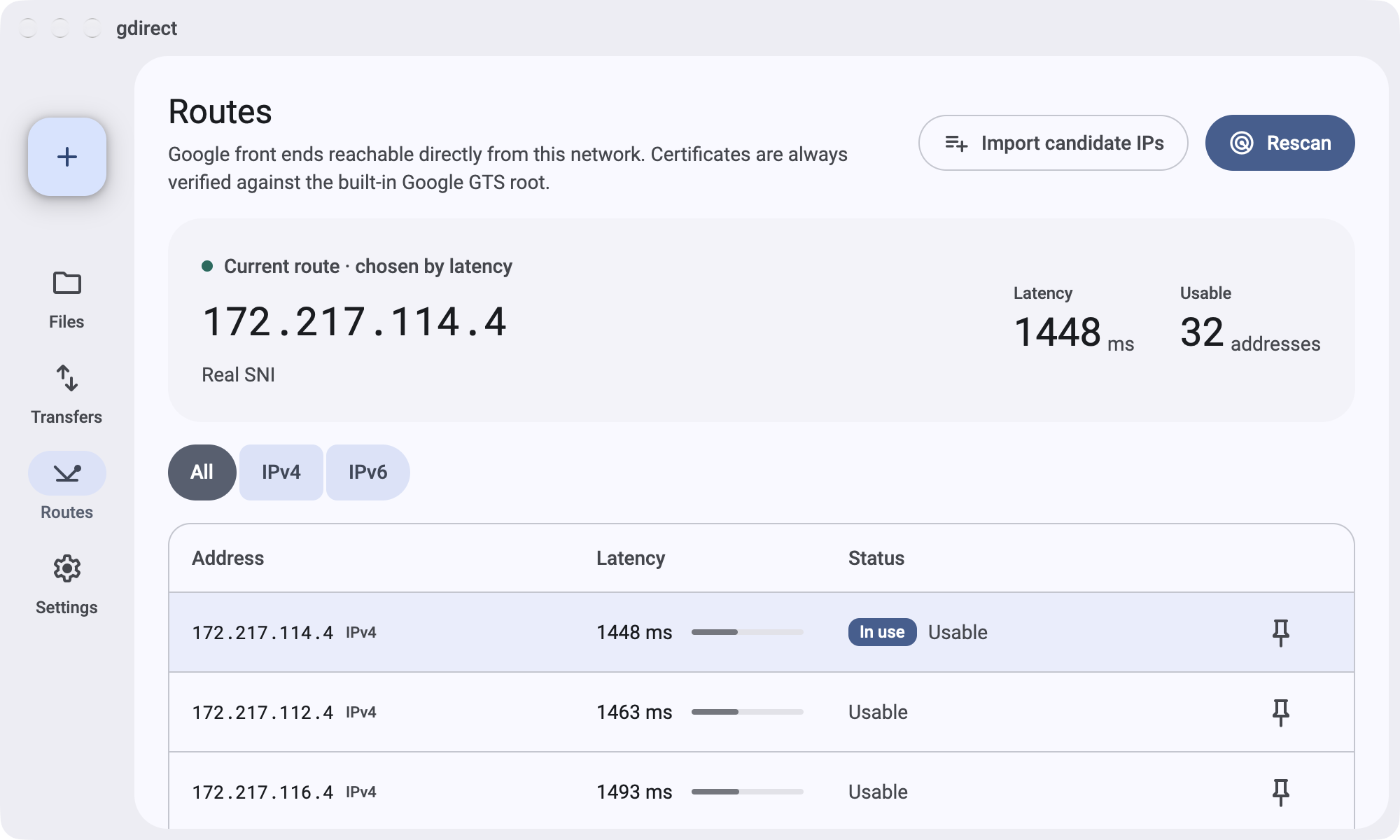
凭据、扫描到的 IP 和设置都保存在一个私有的本地 SQLite 文件中(例如 Linux 上的 ~/.local/share/gdirect/state.sqlite3),不会发送到其他任何地方。gdirect 如何找到通往 Google 云端硬盘的可用路线?它会扫描你所在网络可以连通的候选 Google IP,并分别用真实的 TLS SNI 和伪造身份进行探测(TLS 名称为 g.cn,Host 请求头中为真实主机名),然后将最快的可用 IP 缓存 24 小时。
它会扫描你所在网络可以连通的候选 Google IP,并分别用真实的 TLS SNI 和伪造身份进行探测(TLS 名称为 g.cn,Host 请求头中为真实主机名),然后将最快的可用 IP 缓存 24 小时。将 Google 云端硬盘挂载为文件系统是如何工作的?挂载功能结合 rclone 使用:在 macOS 上使用内置的 NFS 客户端,在 Linux 上使用 FUSE3,在 Windows 上使用 WinFsp。写入的内容会先保存到本地缓存,然后在后台上传。
挂载功能结合 rclone 使用:在 macOS 上使用内置的 NFS 客户端,在 Linux 上使用 FUSE3,在 Windows 上使用 WinFsp。写入的内容会先保存到本地缓存,然后在后台上传。我可以在脚本中使用 gdirect 而无需交互式登录吗?可以。对于大多数命令,可以通过 GDIRECT_ACCESS_TOKEN 环境变量提供访问令牌,而无需登录;但挂载功能仍然需要先执行 gdirect login。
可以。对于大多数命令,可以通过 GDIRECT_ACCESS_TOKEN 环境变量提供访问令牌,而无需登录;但挂载功能仍然需要先执行 gdirect login。它如何确保自己确实是在与 Google 通信?证书会根据嵌入在二进制文件中的 Google 自有 GTS 根证书进行校验,而不是依据系统的 CA 证书包。因此,即使某个第三方 CA 被攻破,也无法冒充 Google 与 gdirect 通信。
证书会根据嵌入在二进制文件中的 Google 自有 GTS 根证书进行校验,而不是依据系统的 CA 证书包。因此,即使某个第三方 CA 被攻破,也无法冒充 Google 与 gdirect 通信。有哪些类似的项目?MasterHttpRelayVPN-RUST, gping, zlib, aria2, mhr-cfw, sing-box, v2ray, shadowsocks-c
MasterHttpRelayVPN-RUST, gping, zlib, aria2, mhr-cfw, sing-box, v2ray, shadowsocks-c它属于哪些主题?sni, resumable, fuse, download-manager, gfw, oauth2, anti-censorship, gplv2, censorship-circumvention, homebrew, tui, cli-tool
sni, resumable, fuse, download-manager, gfw, oauth2, anti-censorship, gplv2, censorship-circumvention, homebrew, tui, cli-tool