



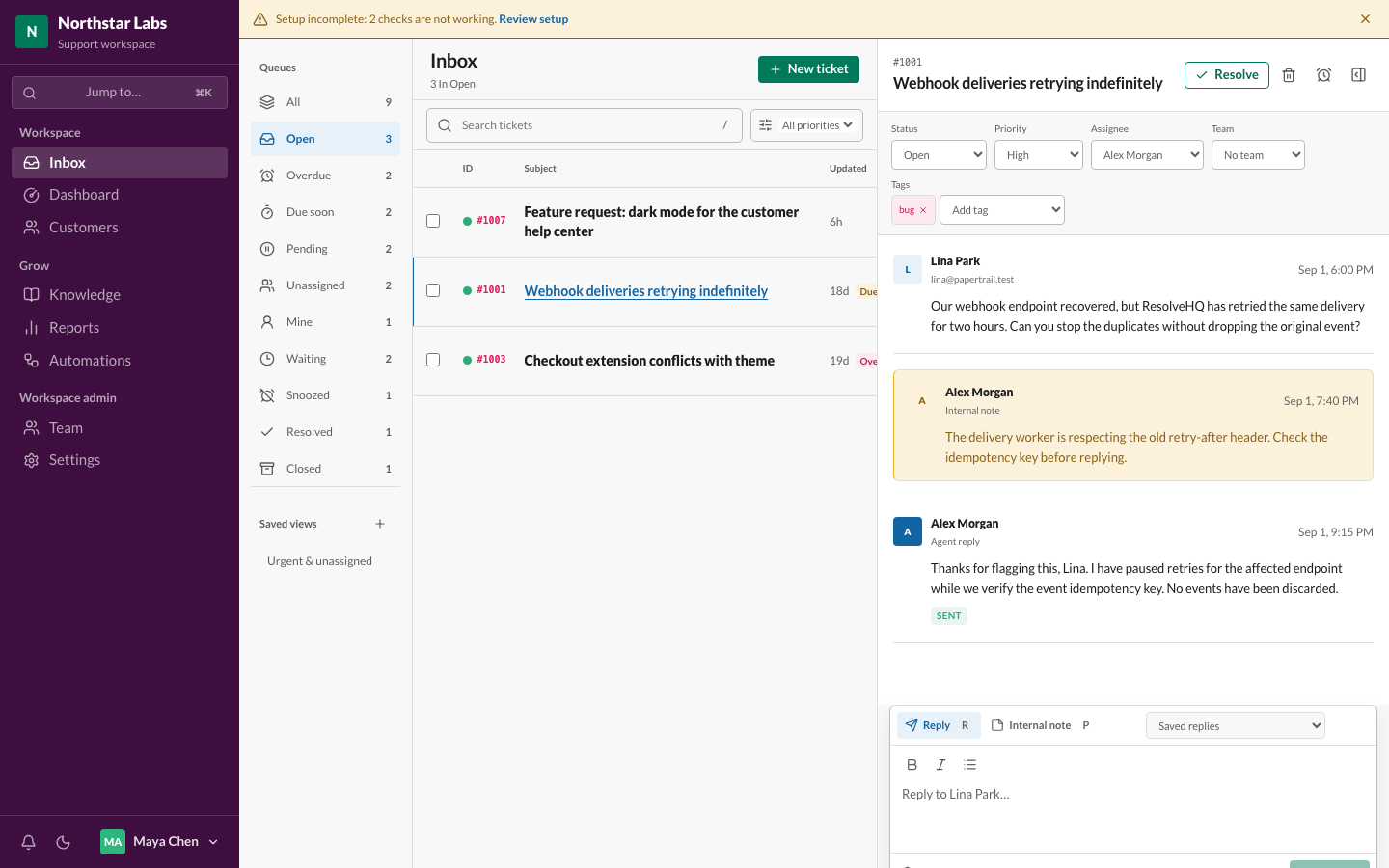
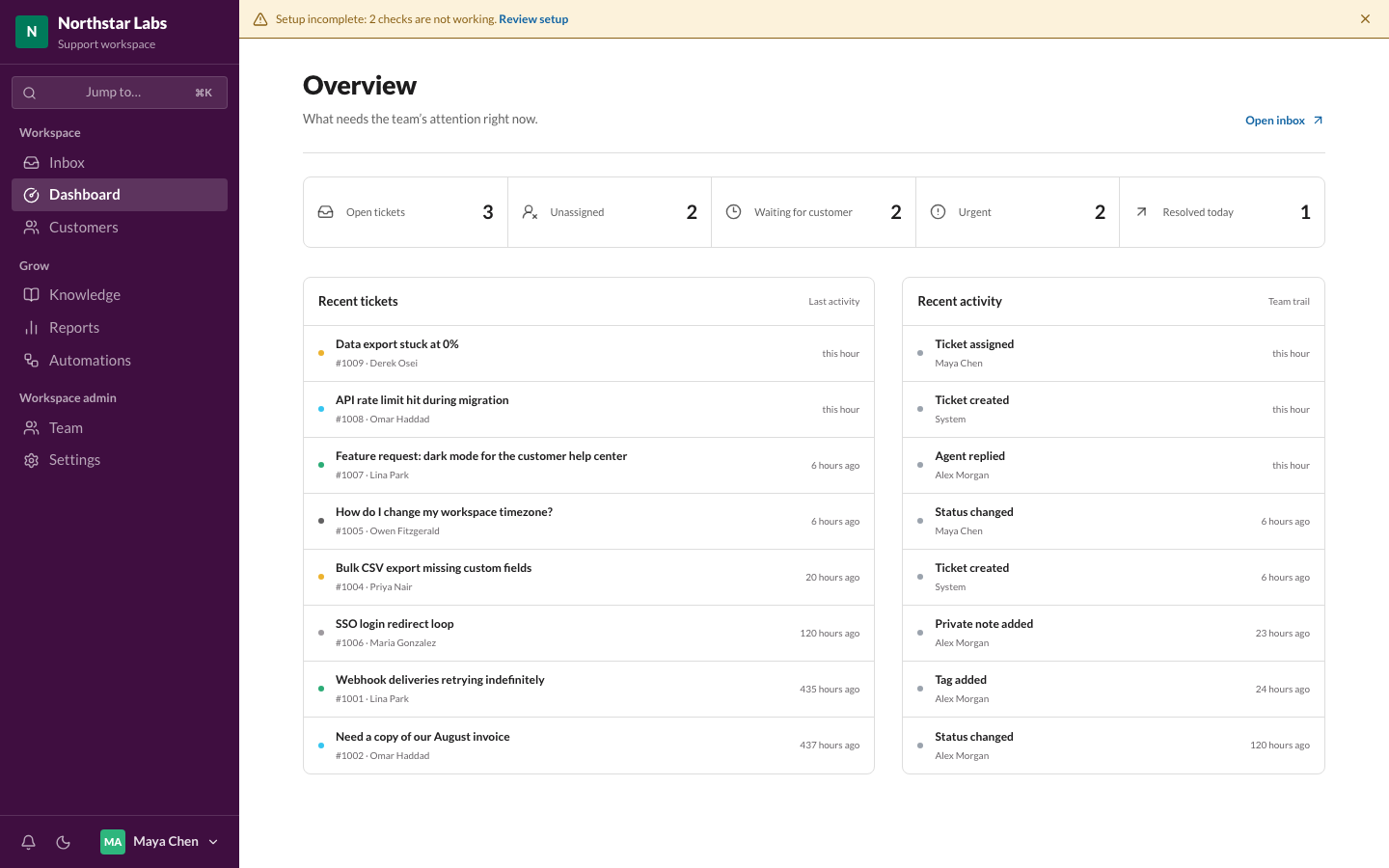
 Overview dashboard
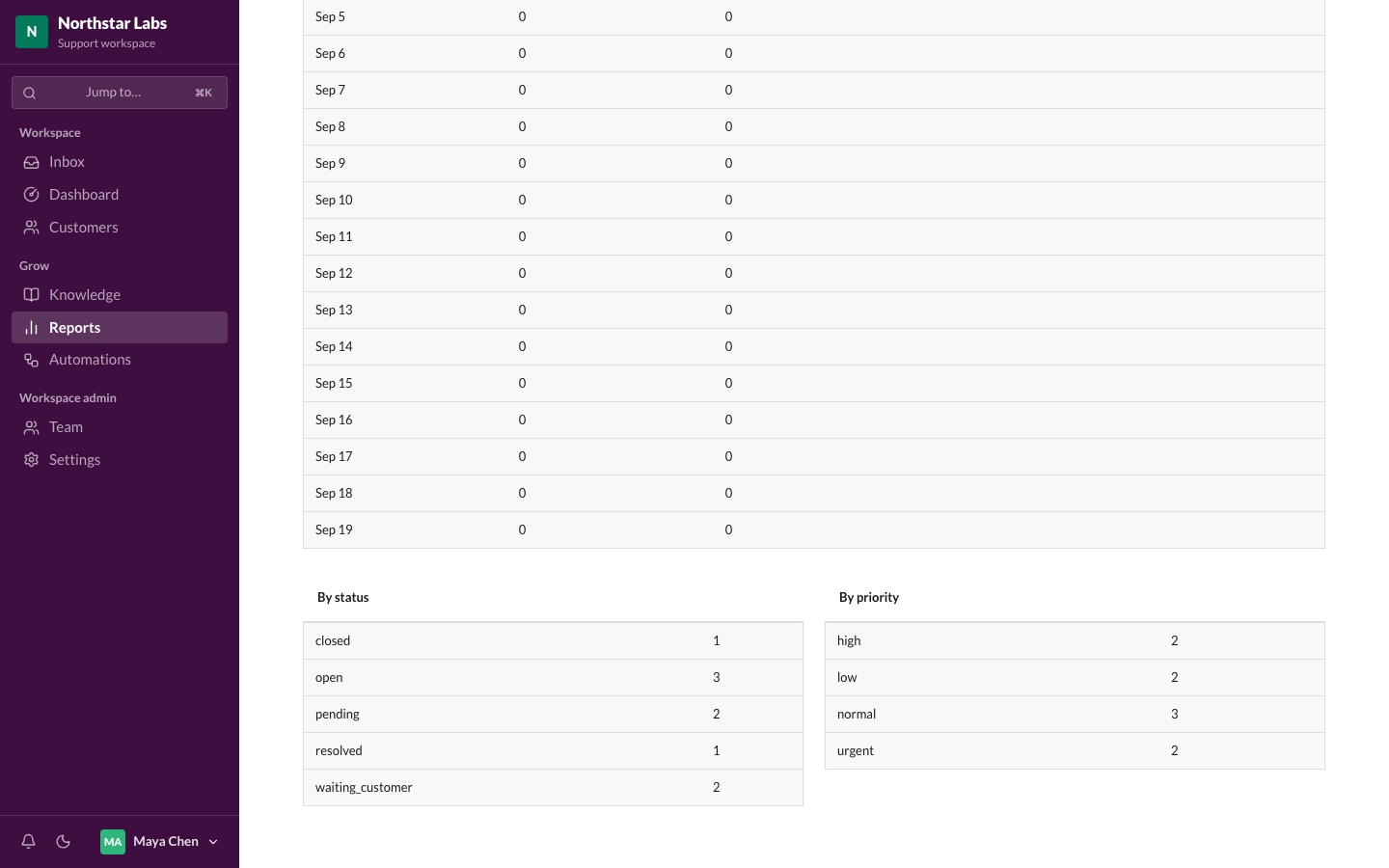 Reports
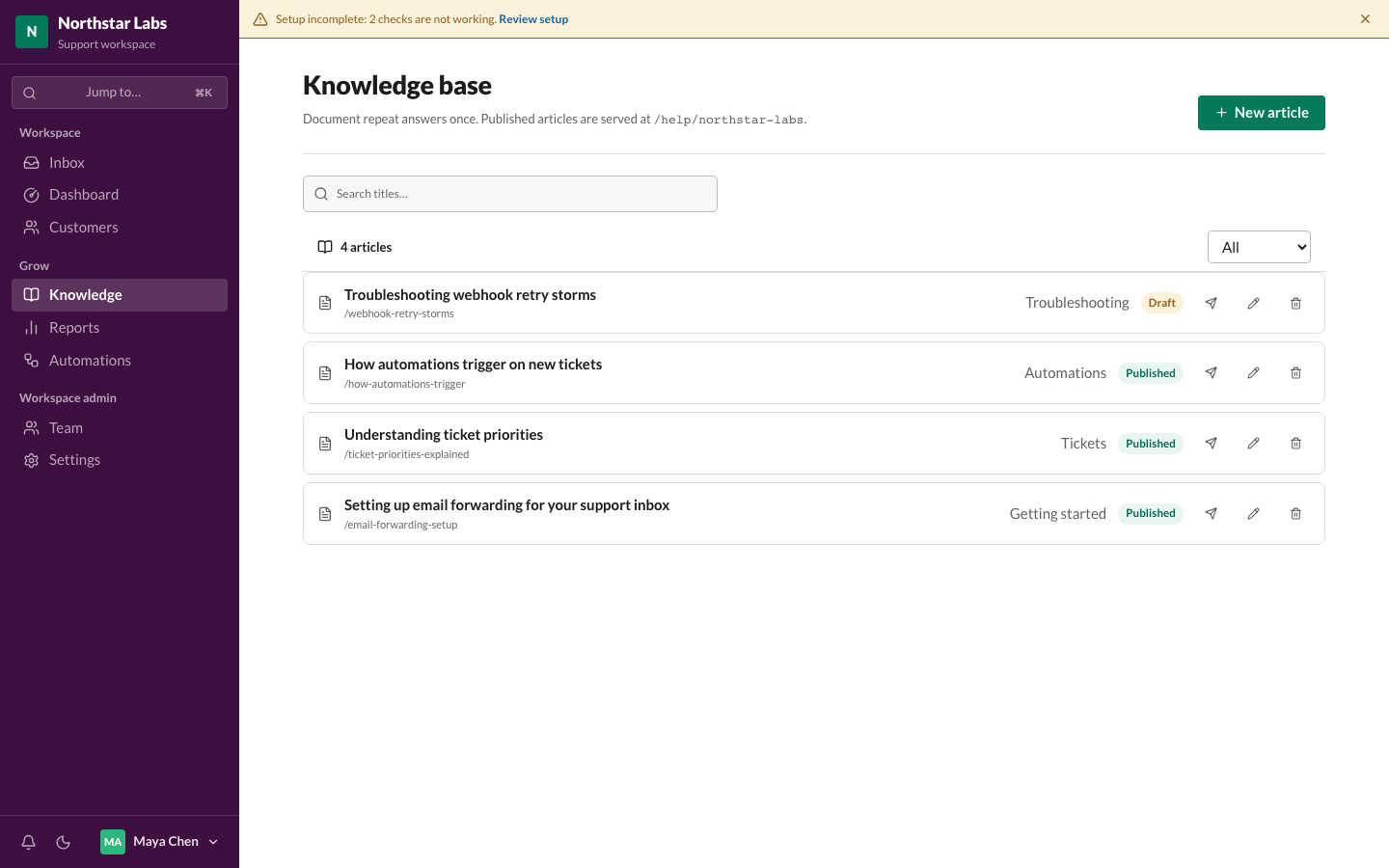 Knowledge base
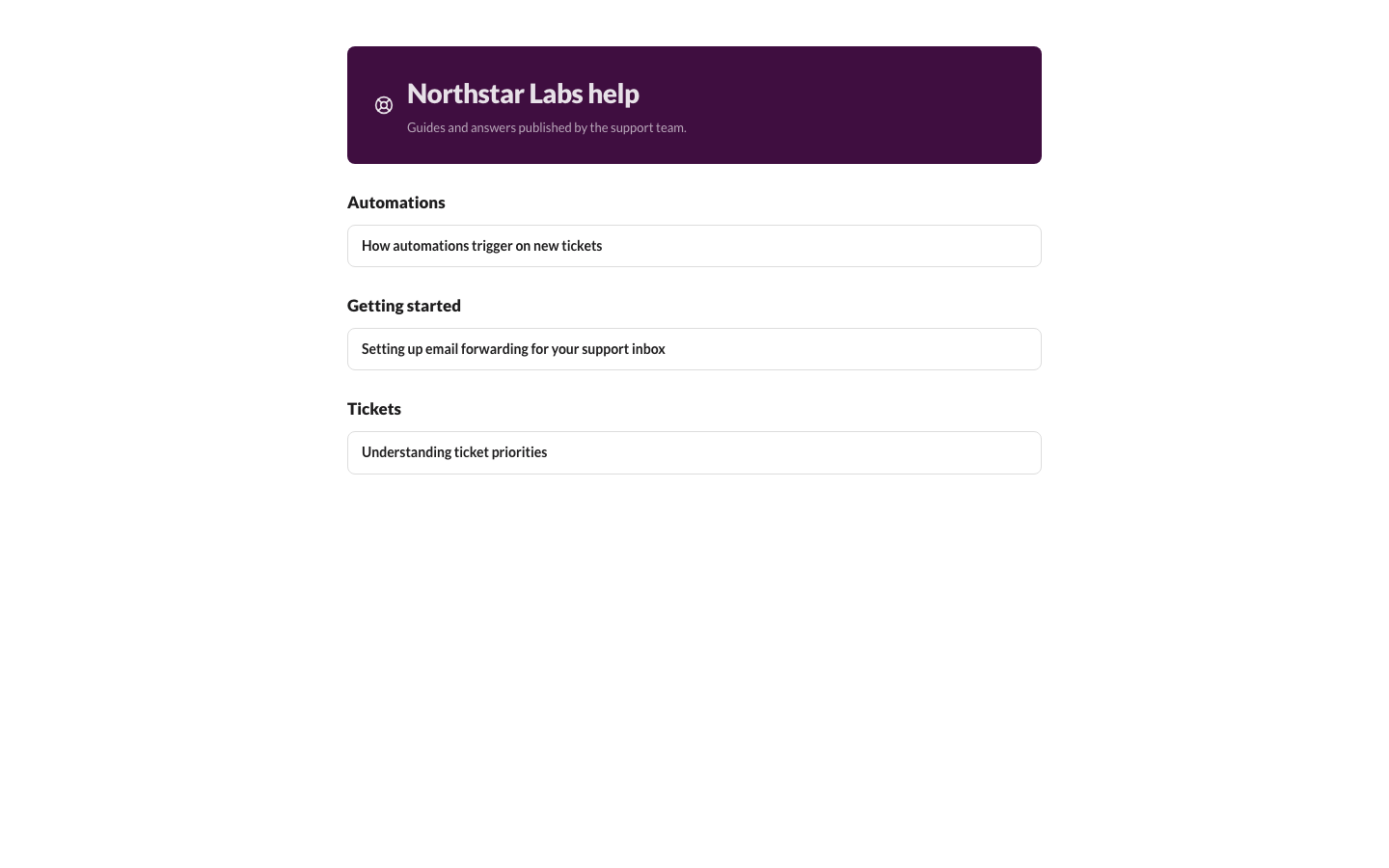 Public help center
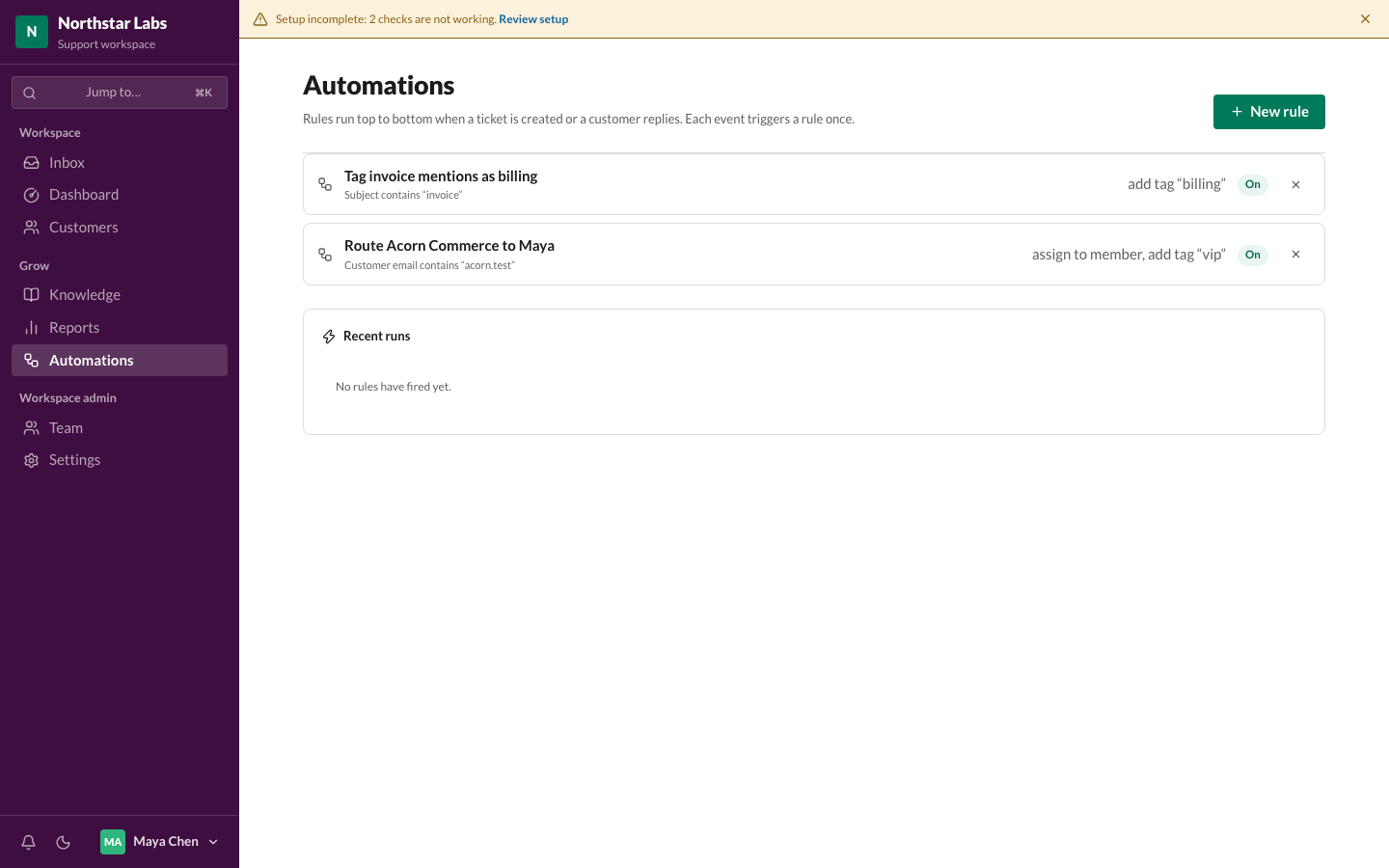 Automations
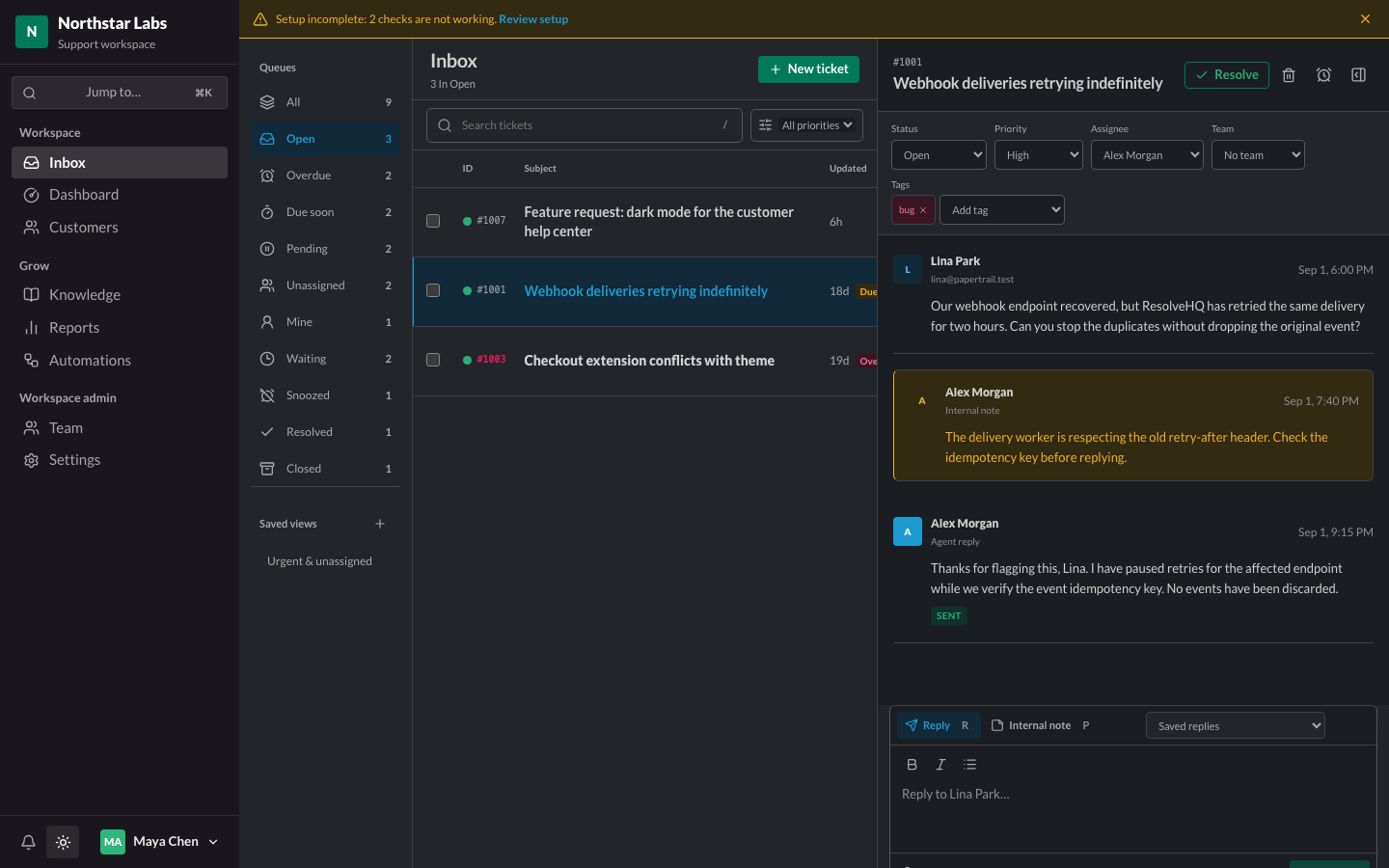 Dark mode
What is this?
 ResolveHQ is a self-hostable, Cloudflare-native helpdesk for small support teams: a shared inbox with ticket assignment, statuses, priorities and tags, RFC-correct email threading, a knowledge base with a public help center, reports and an opt-in AI assistant.
ResolveHQ is a self-hostable, Cloudflare-native helpdesk for small support teams: a shared inbox with ticket assignment, statuses, priorities and tags, RFC-correct email threading, a knowledge base with a public help center, reports and an opt-in AI assistant.Is this a hosted SaaS I sign up for, or something I run myself?Self-hosted software, but Cloudflare-only: it runs as a single Worker in your own Cloudflare account — Hono serves both the REST API and the built React app. There is no hosted version to sign up for, and no servers of your own to manage.
Self-hosted software, but Cloudflare-only: it runs as a single Worker in your own Cloudflare account — Hono serves both the REST API and the built React app. There is no hosted version to sign up for, and no servers of your own to manage.How do I actually deploy it to my Cloudflare account?Use the Deploy to Cloudflare button, apply migrations (setting the deploy command to npm run deploy makes every later deploy migrate first) and check GET /api/ready. Then sign up as the owner and add an Email Routing rule pointing your support address at the Worker.
Use the Deploy to Cloudflare button, apply migrations (setting the deploy command to npm run deploy makes every later deploy migrate first) and check GET /api/ready. Then sign up as the owner and add an Email Routing rule pointing your support address at the Worker.What do I need before deploying?A Cloudflare account (Queues work on Free, R2 needs separate activation and billing) and a domain on Cloudflare so Email Routing can deliver inbound mail. Optionally a Resend account with a verified sending domain for outgoing mail.
A Cloudflare account (Queues work on Free, R2 needs separate activation and billing) and a domain on Cloudflare so Email Routing can deliver inbound mail. Optionally a Resend account with a verified sending domain for outgoing mail.Can it really run on Cloudflare's Free plan?Yes, at first — but expect to outgrow it. Workers Free allows 10 ms of CPU per request and a measured signup took 29 ms; Cloudflare only tolerates infrequent overshoot, so watch your Worker's Metrics and move to Workers Paid before the queue gets busy.
Yes, at first — but expect to outgrow it. Workers Free allows 10 ms of CPU per request and a measured signup took 29 ms; Cloudflare only tolerates infrequent overshoot, so watch your Worker's Metrics and move to Workers Paid before the queue gets busy.Where does my ticket and customer data end up?Tickets and attachments stay in your own Cloudflare account (D1 and R2). The one external hop is outbound mail, which passes through Resend — unless you enable native Cloudflare Email Sending on Workers Paid, then no mail content leaves your account.
Tickets and attachments stay in your own Cloudflare account (D1 and R2). The one external hop is outbound mail, which passes through Resend — unless you enable native Cloudflare Email Sending on Workers Paid, then no mail content leaves your account.Does the AI feature send customer conversations to a third party?Only if an admin opts in: AI assistance is off by default and enabled per workspace in Settings. It can run on Cloudflare Workers AI inside your own account (no key needed) or via OpenAI (default gpt-4o-mini); with neither configured the feature stays hidden and no AI calls are made.
Only if an admin opts in: AI assistance is off by default and enabled per workspace in Settings. It can run on Cloudflare Workers AI inside your own account (no key needed) or via OpenAI (default gpt-4o-mini); with neither configured the feature stays hidden and no AI calls are made.Can Claude or Cursor connect to my helpdesk?Yes — Claude Code, Claude Desktop and Cursor connect over MCP to search tickets, read threads, check queue counts, look up customers and search the knowledge base. It is read-only on purpose: no tool can reply, assign or change anything.
Yes — Claude Code, Claude Desktop and Cursor connect over MCP to search tickets, read threads, check queue counts, look up customers and search the knowledge base. It is read-only on purpose: no tool can reply, assign or change anything.What happens if a customer replies while their ticket is snoozed?The ticket comes back immediately. Snoozed tickets leave the working queues and never count as overdue while they sleep, but a customer reply returns them early — so deferring something is honest rather than a bet on your memory.
The ticket comes back immediately. Snoozed tickets leave the working queues and never count as overdue while they sleep, but a customer reply returns them early — so deferring something is honest rather than a bet on your memory.What can it not do yet?Multi-language interface and notifications outside the app, restoring a workspace export from inside the app (loading one back is a documented wrangler runbook instead), and write access over MCP — the AI server stays read-only until assistant actions can be approved.
Multi-language interface and notifications outside the app, restoring a workspace export from inside the app (loading one back is a documented wrangler runbook instead), and write access over MCP — the AI server stays read-only until assistant actions can be approved.What are similar projects?mailflare, opendesk, cloud-mail, mail2telegram, edgeever, DoulorCloud, all-set-tw, rankme.fast
mailflare, opendesk, cloud-mail, mail2telegram, edgeever, DoulorCloud, all-set-tw, rankme.fastWhich topics is it in?customer-support, hono, cloudflare-r2, cloudflare-d1, drizzle-orm, webhooks, cloudflare-workers, email, cloudflare, knowledge-base, mcp-server, react
customer-support, hono, cloudflare-r2, cloudflare-d1, drizzle-orm, webhooks, cloudflare-workers, email, cloudflare, knowledge-base, mcp-server, react