




Что это такое?
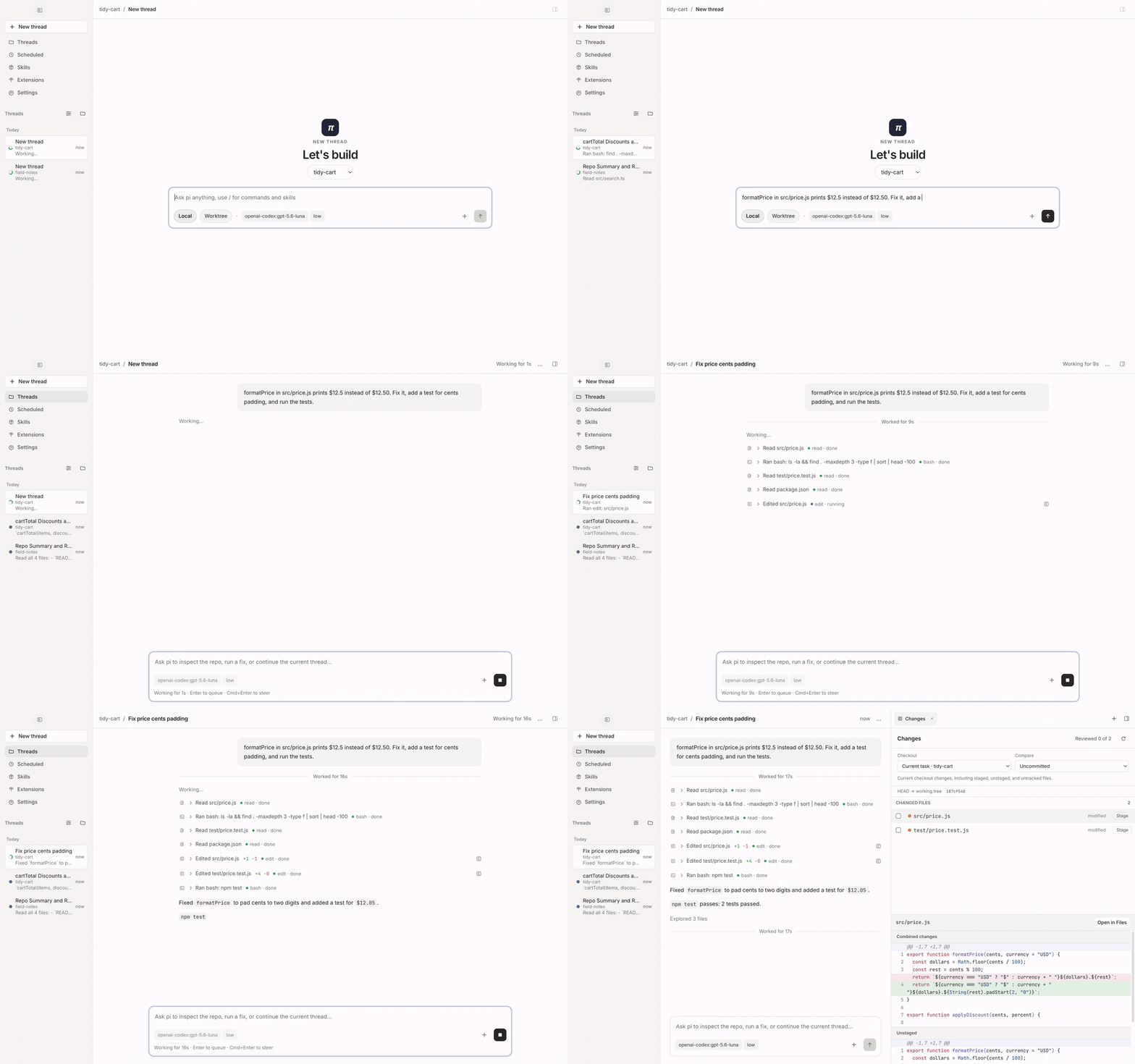
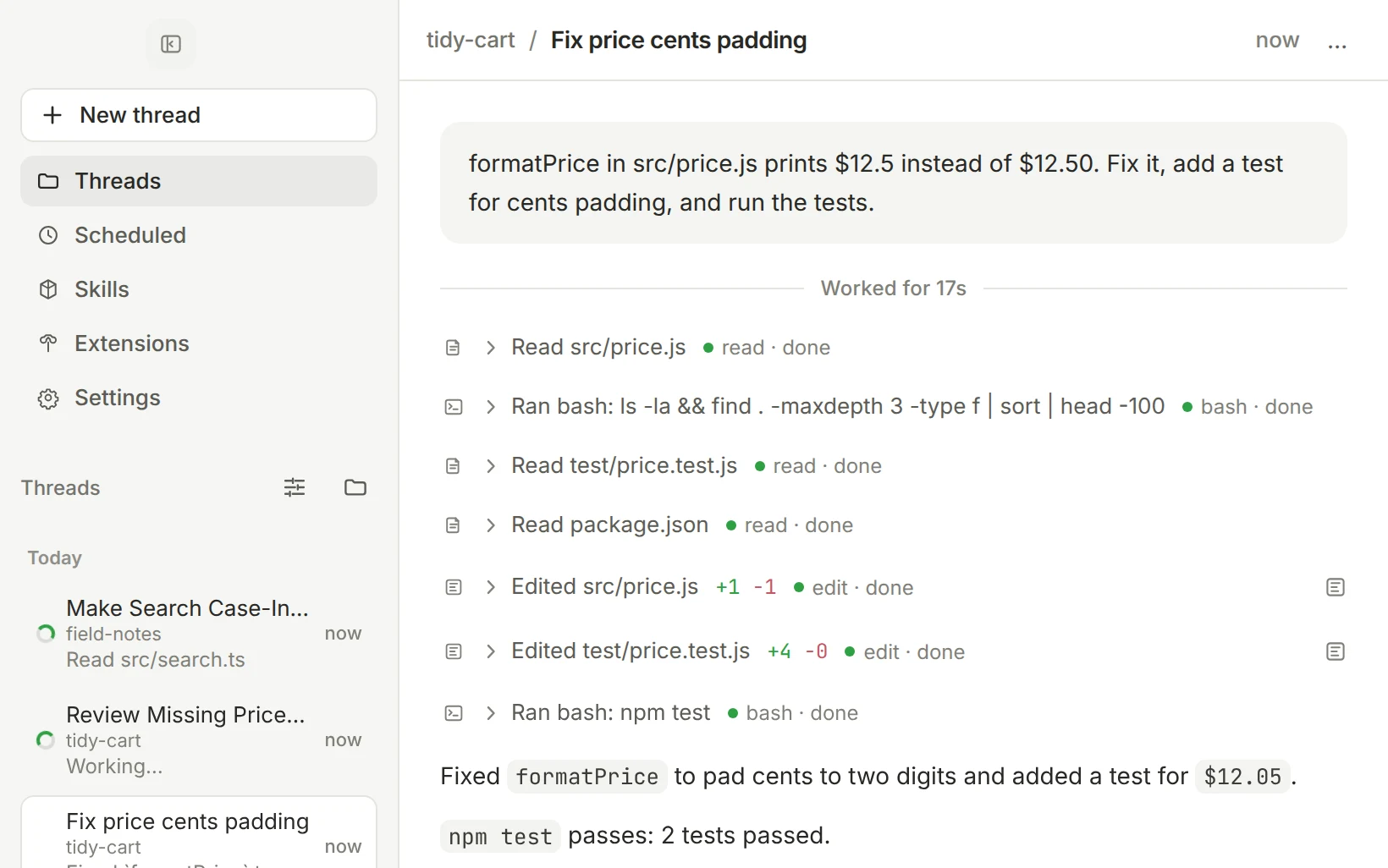
 pi-gui — настольное приложение для кодинг-агента pi: вы запускаете агентов параллельно в нескольких ветках, просматриваете каждое их изменение, гоняете тесты в настоящем терминале и доводите задачу до конца, не выходя из окна.
pi-gui — настольное приложение для кодинг-агента pi: вы запускаете агентов параллельно в нескольких ветках, просматриваете каждое их изменение, гоняете тесты в настоящем терминале и доводите задачу до конца, не выходя из окна.Это самостоятельный агент или оболочка над чем-то другим?Это настольная оболочка над рантаймом pi (@earendil-works/pi-coding-agent), а не отдельный агент: сессии, модели, авторизация и инструменты работают через сам pi, так что всё, что вы настроили через pi CLI, подхватится автоматически.
Это настольная оболочка над рантаймом pi (@earendil-works/pi-coding-agent), а не отдельный агент: сессии, модели, авторизация и инструменты работают через сам pi, так что всё, что вы настроили через pi CLI, подхватится автоматически.Нужен ли API-ключ или аккаунт, чтобы этим пользоваться?Провайдера модели вы подключаете в настройках Providers: войдите через OAuth, вставьте API-ключ или укажите свой endpoint. Модель и уровень «размышлений» выбираются отдельно для каждой ветки.
Провайдера модели вы подключаете в настройках Providers: войдите через OAuth, вставьте API-ключ или укажите свой endpoint. Модель и уровень «размышлений» выбираются отдельно для каждой ветки.Есть ли подводные камни при установке?Сборки для Windows пока не имеют цифровой подписи, поэтому SmartScreen может попросить подтвердить запуск. Релизы для macOS подписаны и нотаризованы, а после обновления через Homebrew может понадобиться заново подтвердить разрешения macOS или закрепление в Dock.
Сборки для Windows пока не имеют цифровой подписи, поэтому SmartScreen может попросить подтвердить запуск. Релизы для macOS подписаны и нотаризованы, а после обновления через Homebrew может понадобиться заново подтвердить разрешения macOS или закрепление в Dock.На каких системах работает — пойдёт ли на Intel Mac?Работает на macOS (только Apple Silicon), Linux (x64) и Windows (x64), так что Intel Mac не поддерживается.
Работает на macOS (только Apple Silicon), Linux (x64) и Windows (x64), так что Intel Mac не поддерживается.Где хранятся мои сессии и настройки?pi сохраняет каждую сессию как JSONL-транскрипт на диске, а pi-gui читает эти файлы, а не ведёт свою копию, поэтому ветки, учётные данные и скиллы общие с pi CLI.
pi сохраняет каждую сессию как JSONL-транскрипт на диске, а pi-gui читает эти файлы, а не ведёт свою копию, поэтому ветки, учётные данные и скиллы общие с pi CLI.Как вообще работает параллельный запуск агентов?Каждая задача получает собственную ветку: запустите её в существующем чекауте или в новом git worktree, и, пока она работает, запускайте следующую. В сайдбаре видно, что выполняется, что завершилось и где нужно ваше участие; ветки можно закреплять, группировать по времени или по воркспейсу и архивировать.
Каждая задача получает собственную ветку: запустите её в существующем чекауте или в новом git worktree, и, пока она работает, запускайте следующую. В сайдбаре видно, что выполняется, что завершилось и где нужно ваше участие; ветки можно закреплять, группировать по времени или по воркспейсу и архивировать.Как проверить, что агент реально изменил?Вкладка Review показывает ровно то, что трогал агент — незакоммиченные изменения, ветку относительно её базы или отдельный ход, — и вы добавляете или убираете файлы из индекса по одному. Рядом с перепиской в workbench находятся настоящий терминал, проводник по файлам и редактор, со своей раскладкой для каждой задачи.
Вкладка Review показывает ровно то, что трогал агент — незакоммиченные изменения, ветку относительно её базы или отдельный ход, — и вы добавляете или убираете файлы из индекса по одному. Рядом с перепиской в workbench находятся настоящий терминал, проводник по файлам и редактор, со своей раскладкой для каждой задачи.Может ли агент запускать других агентов?Да — ветка может запускать другие ветки, читать их и писать им, и в сайдбаре они выглядят как обычные. Вы получите уведомление, когда фоновая ветка завершится, упадёт или потребует вашего внимания, а ещё можно форкнуть ветку из любого сообщения или откатиться назад командой /tree.
Да — ветка может запускать другие ветки, читать их и писать им, и в сайдбаре они выглядят как обычные. Вы получите уведомление, когда фоновая ветка завершится, упадёт или потребует вашего внимания, а ещё можно форкнуть ветку из любого сообщения или откатиться назад командой /tree.Можно ли запускать промпт по расписанию?Да, запланированные задачи позволяют pi выполнять промпт по расписанию — скажем, еженедельную проверку зависимостей, — пока приложение открыто. Также можно включать и выключать скиллы и расширения pi, а десктопные расширения получают собственные вкладки в workbench.
Да, запланированные задачи позволяют pi выполнять промпт по расписанию — скажем, еженедельную проверку зависимостей, — пока приложение открыто. Также можно включать и выключать скиллы и расширения pi, а десктопные расширения получают собственные вкладки в workbench.What are similar projects?1code, CanvasTTY, ClawX, qwen-code, claudecodeui, MiMo-Code, ZCode, agent-router
1code, CanvasTTY, ClawX, qwen-code, claudecodeui, MiMo-Code, ZCode, agent-routerWhich topics is it in?ai-coding-agent, git-worktrees, electron-app, themes, code-review, oauth, homebrew, apple-silicon, electron, git, agentic-ai, agents
ai-coding-agent, git-worktrees, electron-app, themes, code-review, oauth, homebrew, apple-silicon, electron, git, agentic-ai, agents