
10.9K ·GitHub
这是什么?
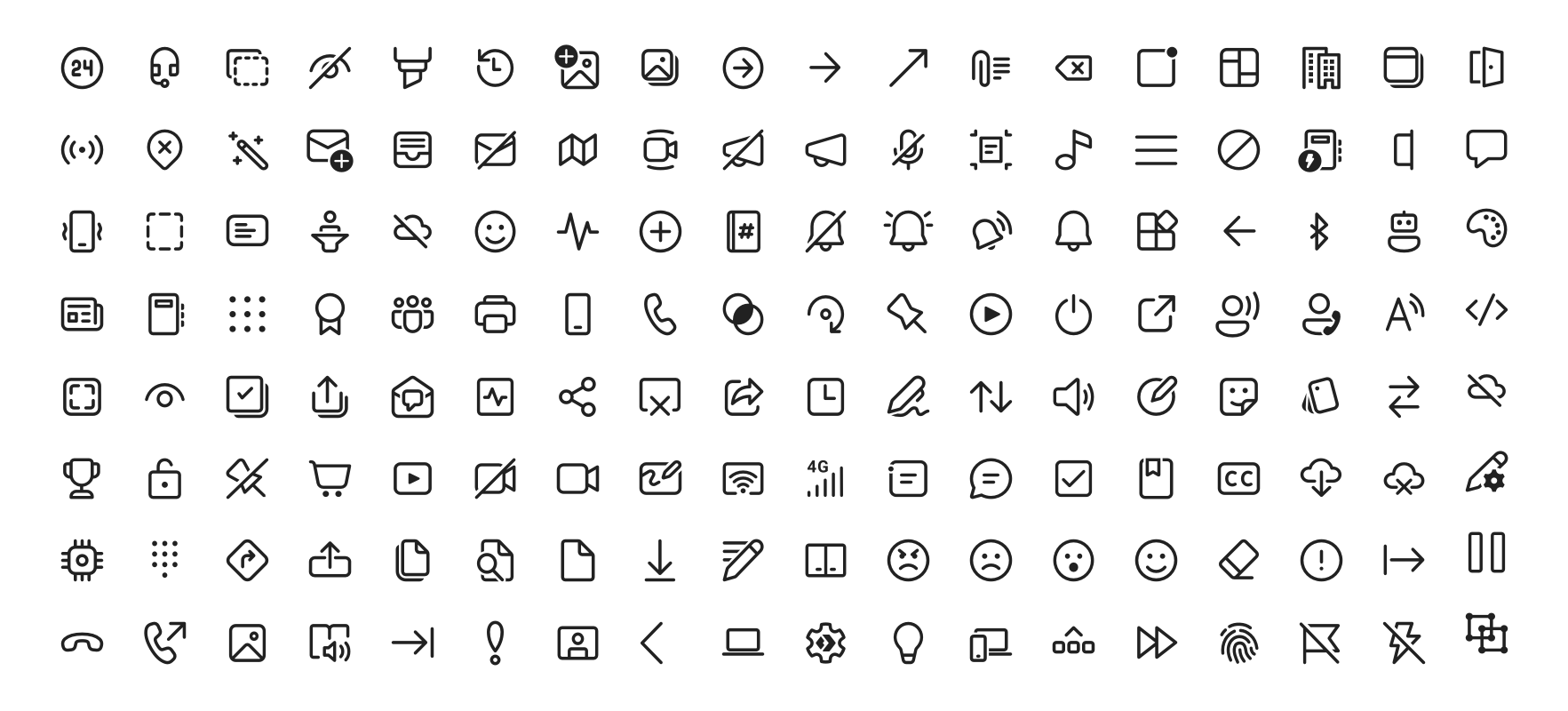
 Fluent UI System Icons 是微软开源的一套图标,风格熟悉、友好又现代,以现成的包的形式提供给 Android、iOS/macOS 和 Flutter,另外还提供纯 SVG 文件。
Fluent UI System Icons 是微软开源的一套图标,风格熟悉、友好又现代,以现成的包的形式提供给 Android、iOS/macOS 和 Flutter,另外还提供纯 SVG 文件。这是一个图标包,还是每个平台各有一个独立的库?图标本身是同一套,但使用时要按平台分别接入:Android 用 Maven 库,iOS 和 macOS 通过 CocoaPods 或 Carthage 安装 pod,Flutter 用 Flutter 包,另外还有原始的 SVG 文件。
图标本身是同一套,但使用时要按平台分别接入:Android 用 Maven 库,iOS 和 macOS 通过 CocoaPods 或 Carthage 安装 pod,Flutter 用 Flutter 包,另外还有原始的 SVG 文件。怎么把图标加到我的应用里?取决于平台:在 Android 的 build.gradle 里加入依赖(已发布到 Maven Central),iOS/macOS 上用 CocoaPods 或 Carthage 安装 pod,Flutter 中加到 pubspec.yaml,或者直接把 SVG 内嵌到项目里。
取决于平台:在 Android 的 build.gradle 里加入依赖(已发布到 Maven Central),iOS/macOS 上用 CocoaPods 或 Carthage 安装 pod,Flutter 中加到 pubspec.yaml,或者直接把 SVG 内嵌到项目里。这些图标支持从右到左的语言吗?支持,而且每个图标都会声明自己的处理方式:metadata.json 里有一个 directionType 字段,'unique' 表示有专门的 RTL 和 LTR 两套版本,'mirror' 表示直接把图标镜像翻转,另外还有一个 singleton 属性用来设置默认方向。
支持,而且每个图标都会声明自己的处理方式:metadata.json 里有一个 directionType 字段,'unique' 表示有专门的 RTL 和 LTR 两套版本,'mirror' 表示直接把图标镜像翻转,另外还有一个 singleton 属性用来设置默认方向。这些库也支持网页吗,还是只能用于移动端和桌面应用?原生包面向 Android、iOS 和 macOS,Flutter 包能跑在 Flutter 支持的所有平台上;如果不用任何包管理器,你也可以把原始 SVG 内嵌到任何地方,包括网页。
原生包面向 Android、iOS 和 macOS,Flutter 包能跑在 Flutter 支持的所有平台上;如果不用任何包管理器,你也可以把原始 SVG 内嵌到任何地方,包括网页。这些图标有哪几种样式?两种变体:regular(常规)和 filled(填充),README 里附有每种样式完整列表的浏览链接。
两种变体:regular(常规)和 filled(填充),README 里附有每种样式完整列表的浏览链接。在把图标加进应用之前,可以先试用吗?可以——仓库里自带演示应用。用 yarn deploy:android 构建 Android 版,在 Android Studio 里运行 sample-showcase,或者直接打开并运行 Flutter 示例。
可以——仓库里自带演示应用。用 yarn deploy:android 构建 Android 版,在 Android Studio 里运行 sample-showcase,或者直接打开并运行 Flutter 示例。Android 和 iOS 的库是怎么从图标素材生成的?由一个 yarn-workspace 导入器根据 assets 目录里的图标自动生成,CI 会执行 deploy:android 和 deploy:ios,构建定义位于 .github/workflows/ 目录。
由一个 yarn-workspace 导入器根据 assets 目录里的图标自动生成,CI 会执行 deploy:android 和 deploy:ios,构建定义位于 .github/workflows/ 目录。What are similar projects?material-design-icons, react-native-ui-kitten, fluentui, Best-Flutter-UI-Templates, simple-icons, heroicons, MaterialDesign, Font-Awesome
material-design-icons, react-native-ui-kitten, fluentui, Best-Flutter-UI-Templates, simple-icons, heroicons, MaterialDesign, Font-Awesome