
10.9K ·GitHub
Что это такое?
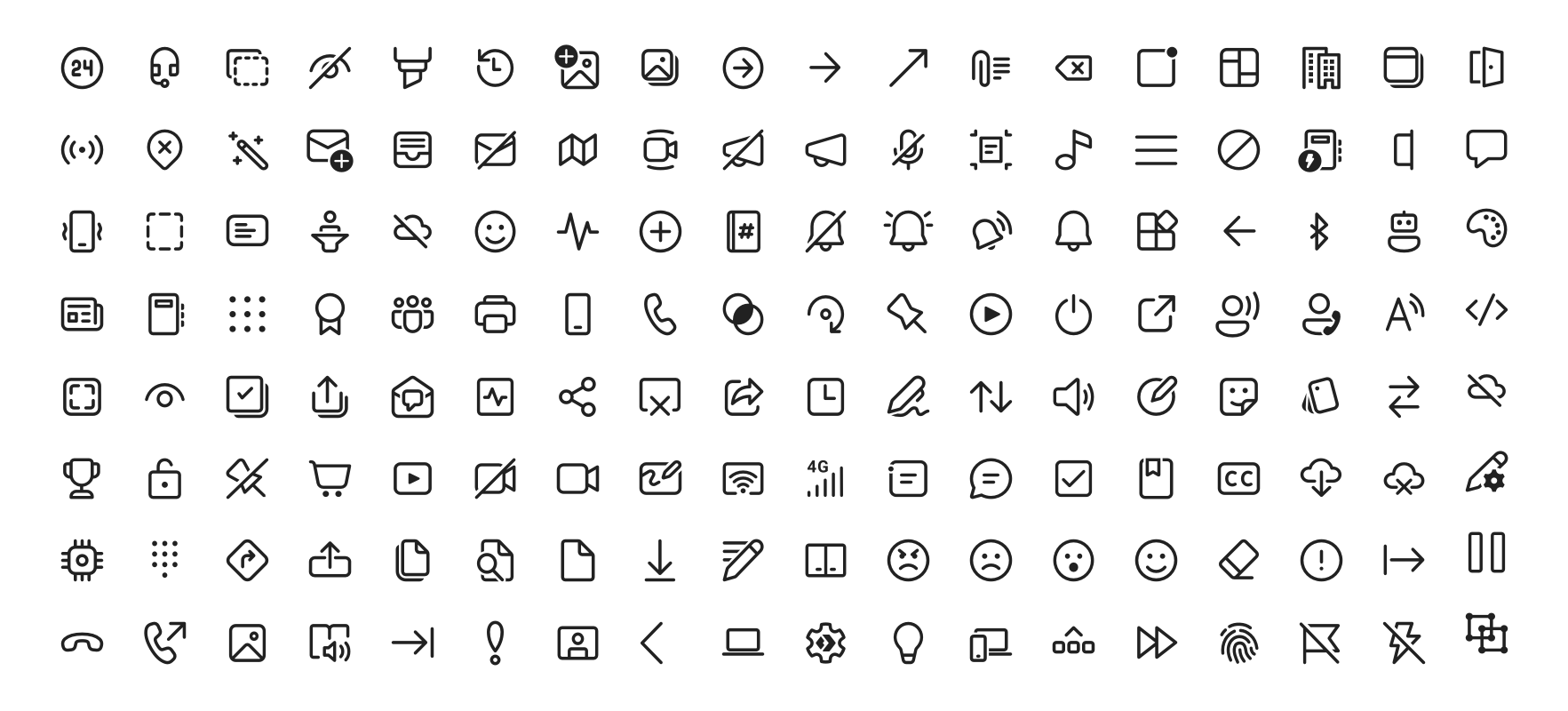
 Fluent UI System Icons — это открытая коллекция Microsoft: знакомые, дружелюбные и современные иконки, которые поставляются в виде готовых пакетов для Android, iOS/macOS и Flutter, а также в виде обычных SVG-файлов.
Fluent UI System Icons — это открытая коллекция Microsoft: знакомые, дружелюбные и современные иконки, которые поставляются в виде готовых пакетов для Android, iOS/macOS и Flutter, а также в виде обычных SVG-файлов.Это один набор иконок или отдельная библиотека для каждой платформы?Набор иконок общий, но подключается он отдельными пакетами: Maven-библиотека для Android, поды через CocoaPods или Carthage для iOS и macOS, пакет для Flutter и исходные SVG-файлы.
Набор иконок общий, но подключается он отдельными пакетами: Maven-библиотека для Android, поды через CocoaPods или Carthage для iOS и macOS, пакет для Flutter и исходные SVG-файлы.Как добавить иконки в своё приложение?Зависит от платформы: добавьте зависимость в Android build.gradle (пакет опубликован на Maven Central), установите под через CocoaPods или Carthage на iOS/macOS, добавьте его в pubspec.yaml во Flutter или вставьте SVG прямо в код.
Зависит от платформы: добавьте зависимость в Android build.gradle (пакет опубликован на Maven Central), установите под через CocoaPods или Carthage на iOS/macOS, добавьте его в pubspec.yaml во Flutter или вставьте SVG прямо в код.Иконки работают в языках с письмом справа налево?Да, и для каждой иконки указано, как именно: в metadata.json есть поле directionType, где 'unique' означает отдельные версии для RTL и LTR, 'mirror' — что иконку просто отражают, а свойство singleton задаёт направление по умолчанию.
Да, и для каждой иконки указано, как именно: в metadata.json есть поле directionType, где 'unique' означает отдельные версии для RTL и LTR, 'mirror' — что иконку просто отражают, а свойство singleton задаёт направление по умолчанию.Библиотеки подходят и для веба, или только для мобильных и десктопных приложений?Нативные пакеты нацелены на Android, iOS и macOS, пакет для Flutter работает везде, где работает Flutter, а без всякого пакетного менеджера SVG-файлы можно вставить куда угодно, включая веб-страницы.
Нативные пакеты нацелены на Android, iOS и macOS, пакет для Flutter работает везде, где работает Flutter, а без всякого пакетного менеджера SVG-файлы можно вставить куда угодно, включая веб-страницы.В каких стилях есть иконки?Два варианта: обычный (regular) и заполненный (filled), полные списки иконок каждого стиля можно посмотреть по ссылкам в README.
Два варианта: обычный (regular) и заполненный (filled), полные списки иконок каждого стиля можно посмотреть по ссылкам в README.Можно ли попробовать иконки, прежде чем добавлять их в приложение?Да — в репозитории есть демо-приложения. Соберите Android-версию командой yarn deploy:android и запустите sample-showcase в Android Studio, либо откройте и запустите Flutter-пример.
Да — в репозитории есть демо-приложения. Соберите Android-версию командой yarn deploy:android и запустите sample-showcase в Android Studio, либо откройте и запустите Flutter-пример.Как из исходников иконок получаются библиотеки для Android и iOS?Импортер на yarn-workspace генерирует их из иконок в каталоге assets, а CI запускает deploy:android и deploy:ios; описания сборок лежат в .github/workflows/.
Импортер на yarn-workspace генерирует их из иконок в каталоге assets, а CI запускает deploy:android и deploy:ios; описания сборок лежат в .github/workflows/.What are similar projects?material-design-icons, react-native-ui-kitten, fluentui, Best-Flutter-UI-Templates, simple-icons, heroicons, MaterialDesign, Font-Awesome
material-design-icons, react-native-ui-kitten, fluentui, Best-Flutter-UI-Templates, simple-icons, heroicons, MaterialDesign, Font-Awesome