
10.9K ·GitHub
What is this?
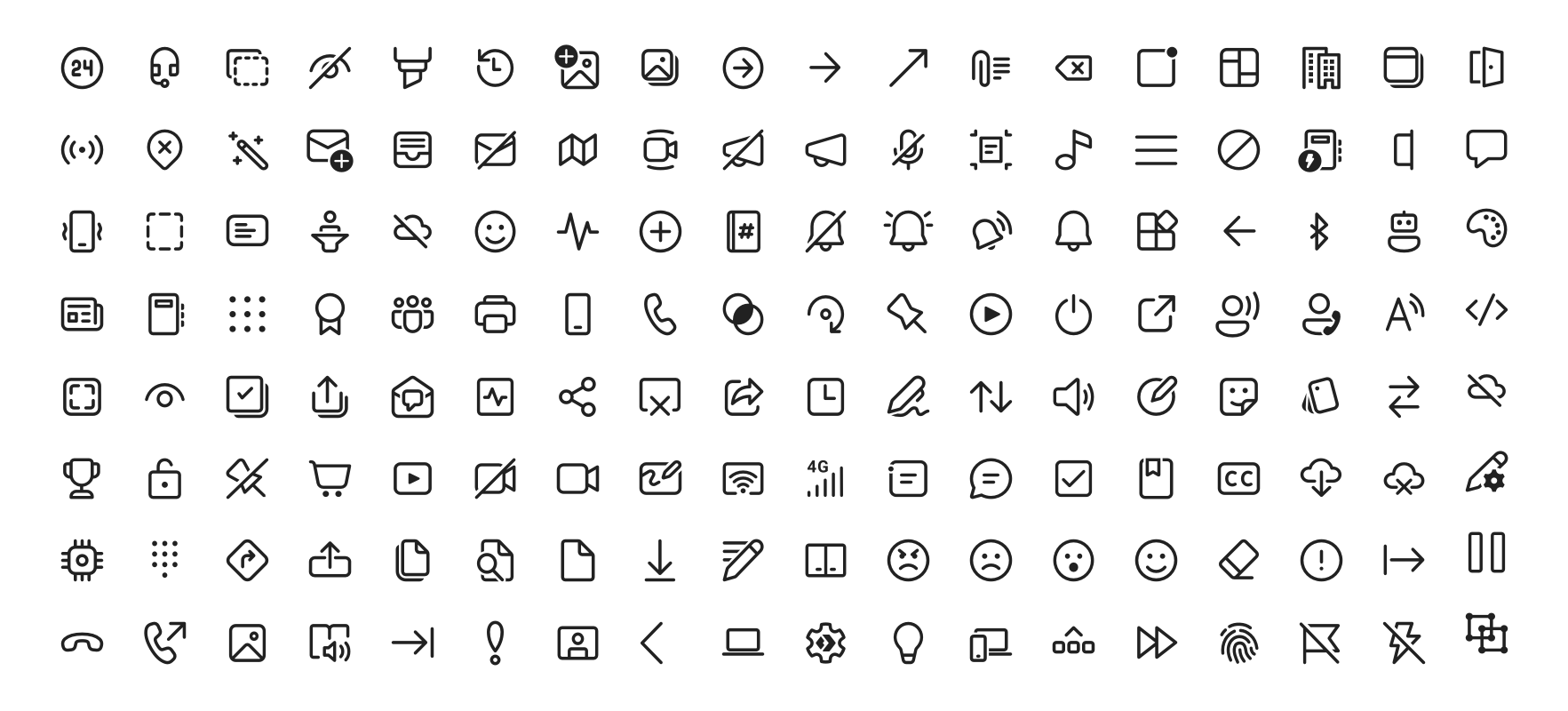
 Fluent UI System Icons is Microsoft's open collection of familiar, friendly and modern icons, shipped as ready-made packages for Android, iOS/macOS and Flutter, plus plain SVG files.
Fluent UI System Icons is Microsoft's open collection of familiar, friendly and modern icons, shipped as ready-made packages for Android, iOS/macOS and Flutter, plus plain SVG files.Is this one icon pack or a separate library for each platform?One shared set of icons, but you consume it as separate packages: a Maven library for Android, pods via CocoaPods or Carthage for iOS and macOS, a Flutter package, and raw SVG files.
One shared set of icons, but you consume it as separate packages: a Maven library for Android, pods via CocoaPods or Carthage for iOS and macOS, a Flutter package, and raw SVG files.How do I add the icons to my app?Depends on the platform: include the dependency in your Android build.gradle (published on Maven Central), install the pod with CocoaPods or Carthage on iOS/macOS, add it to pubspec.yaml in Flutter, or inline the SVGs directly.
Depends on the platform: include the dependency in your Android build.gradle (published on Maven Central), install the pod with CocoaPods or Carthage on iOS/macOS, add it to pubspec.yaml in Flutter, or inline the SVGs directly.Do the icons work in right-to-left languages?Yes, and each icon declares how: metadata.json has a directionType where 'unique' means dedicated RTL and LTR versions, 'mirror' means the icon is simply flipped, and a singleton property sets the default direction.
Yes, and each icon declares how: metadata.json has a directionType where 'unique' means dedicated RTL and LTR versions, 'mirror' means the icon is simply flipped, and a singleton property sets the default direction.Do the libraries cover the web too, or just mobile and desktop apps?The native packages target Android, iOS and macOS, the Flutter package runs wherever Flutter does, and outside any package manager you can inline the raw SVGs in anything, including web pages.
The native packages target Android, iOS and macOS, the Flutter package runs wherever Flutter does, and outside any package manager you can inline the raw SVGs in anything, including web pages.What styles do the icons come in?Two variants: regular and filled, with a browsable full list of each style linked in the README.
Two variants: regular and filled, with a browsable full list of each style linked in the README.Can I try the icons before adding them to my app?Yes — the repo ships demo apps. Build the Android one with yarn deploy:android and run the sample-showcase in Android Studio, or open and run the Flutter example.
Yes — the repo ships demo apps. Build the Android one with yarn deploy:android and run the sample-showcase in Android Studio, or open and run the Flutter example.How are the Android and iOS libraries produced from the icon artwork?A yarn-workspace importer generates them from the icons in the assets directory, and CI runs deploy:android and deploy:ios, with build definitions in .github/workflows/.
A yarn-workspace importer generates them from the icons in the assets directory, and CI runs deploy:android and deploy:ios, with build definitions in .github/workflows/.What are similar projects?material-design-icons, react-native-ui-kitten, fluentui, Best-Flutter-UI-Templates, simple-icons, heroicons, MaterialDesign, Font-Awesome
material-design-icons, react-native-ui-kitten, fluentui, Best-Flutter-UI-Templates, simple-icons, heroicons, MaterialDesign, Font-Awesome