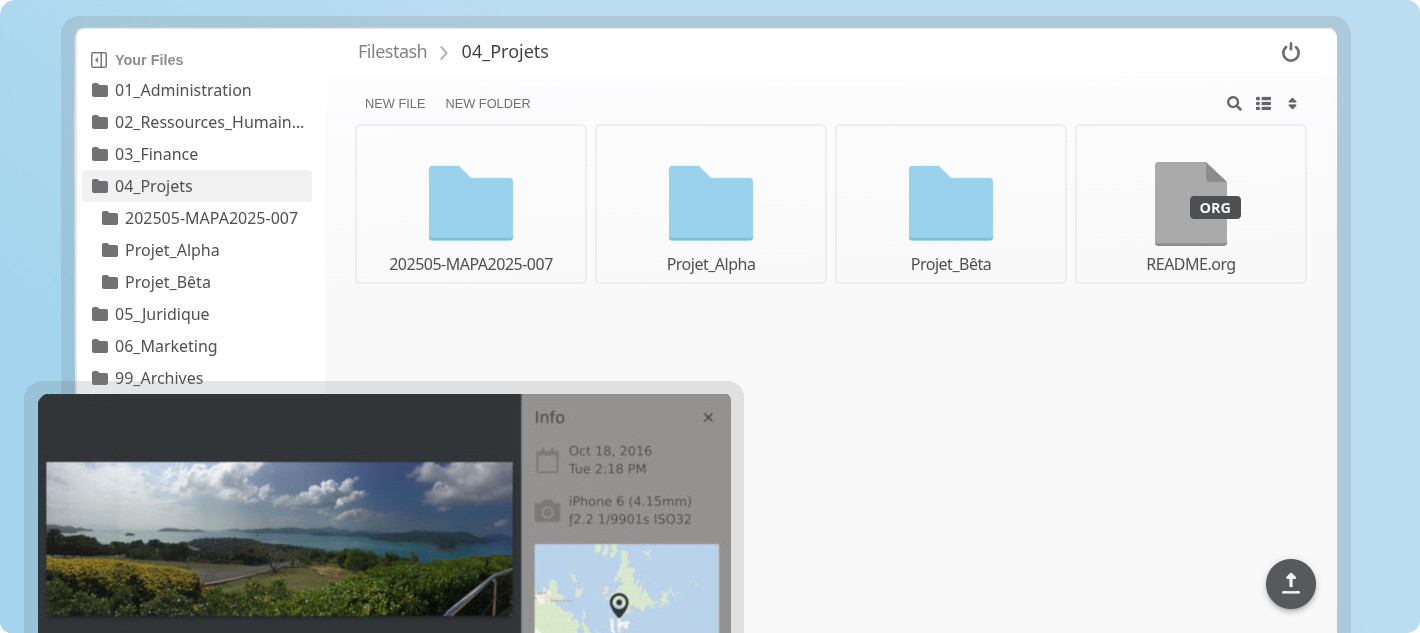
What is this?
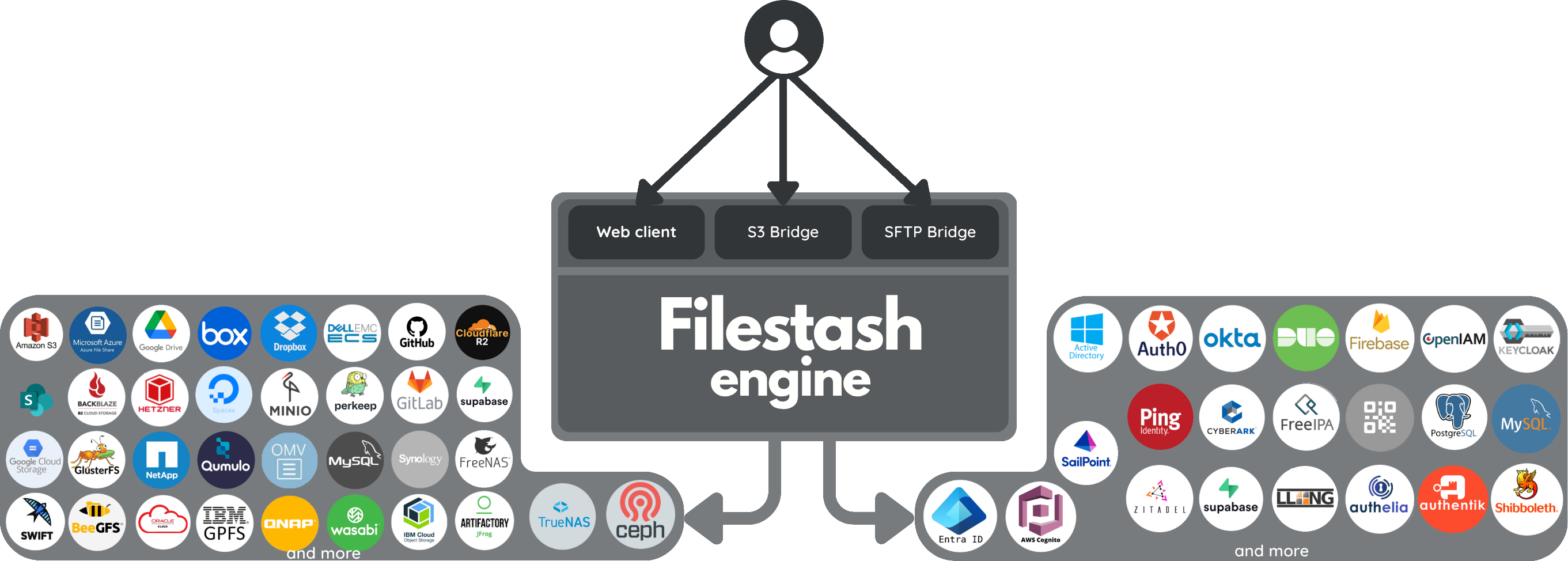
Filestash started as a storage agnostic Dropbox-like file manager that speaks every storage protocol (FTP, SFTP, S3, SMB, WebDAV, IPFS, and about 20 more). It grew into what we want to be the world's best file management platform, centered around 3 separate products:
- Web client (the file manager available from your browser): documentation / screenshot / demo
- Native client (to sync your data on your device): repo / screenshots for mac, windows, linux, android & iphone
- Gateways (to expose your storages over any protocol): showcase
The philosophy that guides this project is: "anything that's not a fundamental truth of the universe lives in a plugin". That keeps the core lean and fast, and the opinions replaceable, so when your requirements get deep or weird, the answer is a plugin, not a fork. You only carry the bloat you really need.
Key Features
- Plugin Driven Architecture: everything that matters is a plugin, browse the ecosystem or build your own. With this approach, you get exactly what you need without overhead and bloat.
- Universal Access: the web client is just one way to access your data (albeit an awesome one, handcrafted in vanilla JS). APIs and Gateways let you also expose your data over protocols like SFTP, S3, FTP, WebDAV, MCP, and AS2.
- Integrations: our explicit goal is to support 100% of storage and authentication technologies on the market. Beyond your usual options, you can go much further, like a virtual filesystem delegating authentication to your WordPress site and using its roles to drive RBAC authorization.
- Workflow Engine: automate anything that happens to your files by chaining actions on events, from simple notifications via Slack or email to full on MFT pipelines and everything in between.
- File Apps: use any of the existing apps or build your own, from astronomy to embroidery and everything in between like:
- photography: heif, nef, raf, tiff, raw, arw, sr2, srf, nrw, cr2, crw, x3f, pef, rw2, orf, mrw, mdc, mef, mos, dcr, kdc, 3fr, erf and srw
- astronomy: fits, xisf
- science: with latex, plantuml & pandoc compilers
- music: mid, midi, gp4 and gp5
- GIS: geojson, shp, gpx, wms and dbf
- data engineering: parquet, arrow, feather, avro, orc, hdf5, h5, netcdf, nc, rds, rda and rdata
- dev: a, so, o, dylib, dll, tar, tgz, zip, har, cap, pcap, pcapng and sqlite
- creative work: svg, psd, ai, sketch, cdr, woff, woff2, ttf, otf, eot, exr, tga, pgm, ppm, dds, ktx, dpx, pcx, xpm, pnm, xbm, aai, xwd, cin, pbm, pcd, sgi, wbmp and rgb
- biomedical: dicom, sam, bam, cif, pdb, xyz, sdf, mol, mol2 and mmtf
- autodesk: dwg and dxf
- adobe: psd, ai, xd, dng, postscript, aco, ase, swf
- 3d: fbx, gltf, obj, stl, step, mesh, ifc, dae
- embroidery: dgt, dst, dsb, dsz, edr, exp, 10o, col, hus, inf, jef, ksm, pcm, pcs, pes, sew, shv, sst, tap, u01, vip, vp3 and xxx
- e2e: pgp, gpg
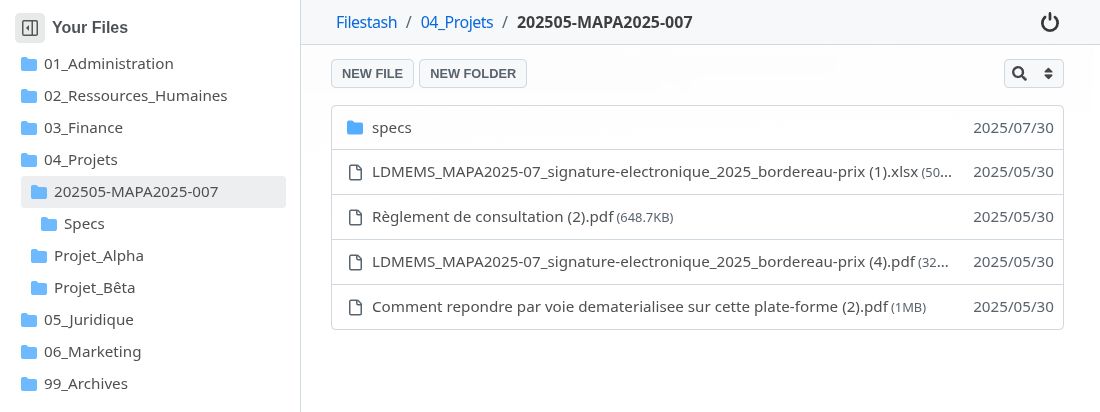
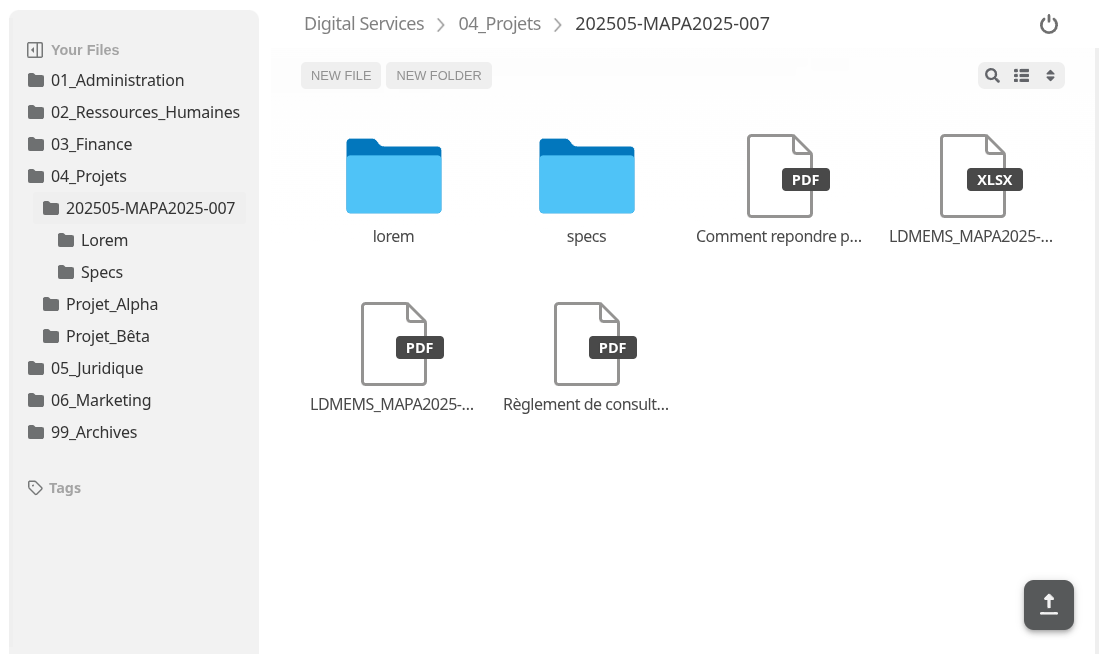
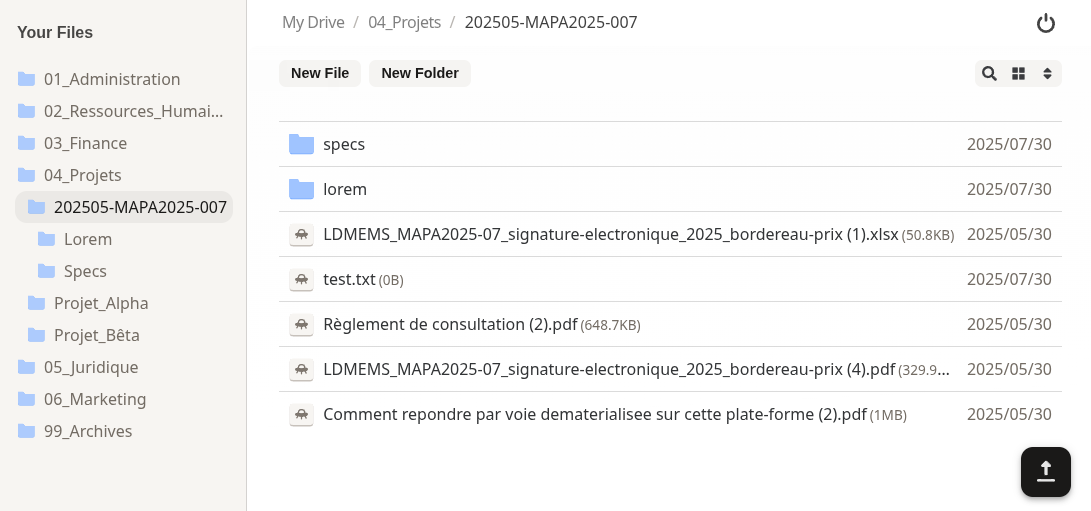
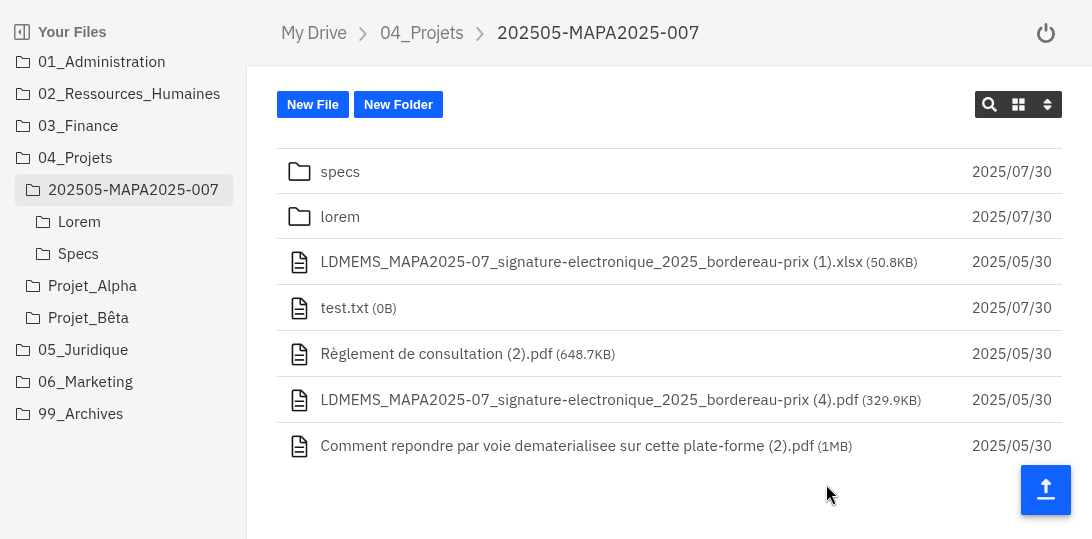
- Themes:
- AI features for search, smart folders and OCRs.
- ... and much much more (versioning, audit, public site, antivirus, quota, chat, chromecast support, on demand video transcoding, mounting shared links as network drive, ...) As a rule of thumb, if your problem involves files, we either already have a plugin for it or can make a plugin for it
Plugins
Malleability isn't an afterthought, it's the whole architecture:
anything that's not a fundamental truth of the universe lives in a plugin
Taken literally, the "truths of the universe" are a set of core interfaces, one for every key component of Filestash, and they're yours to implement (storage, authentication, authorisation, search, thumbnailing, apps, middleware, frontend changes, ...)
The oldest one is the storage interface, the one at work whenever you connect to a storage:
type IBackend interface {
	Ls(path string) ([]os.FileInfo, error)
	Stat(path string) (os.FileInfo, error)
	Cat(path string) (io.ReadCloser, error)
	Mkdir(path string) error
	Rm(path string) error
	Mv(from string, to string) error
	Save(path string, file io.Reader) error
	Touch(path string) error
}
Historically, plugins were made in Go and compiled in. Today there's a second path: runtime plugins, a zip you drop in the plugins folder. The zip can reshape the frontend and it can carry wasm implementing the very same core interfaces. That wasm runs in a VM with tight control on permissions: no declared network host, no way to phone home. Installing a plugin doesn't mean trusting it with everything.
For example:
use filestash::*;

#[derive(Default)]
pub struct Plugin;

impl Authorisation for Plugin {
    fn ls(&self, _ctx: &Context, path: &str) -> Decision {
        self.check(path)
    }
    fn cat(&self, _ctx: &Context, path: &str) -> Decision { ... }
    fn stat(&self, _ctx: &Context, path: &str) -> Decision { ... }
}

impl Plugin {
    fn check(&self, path: &str) -> Decision {
        if path.split("/").any(|segment| segment == "top_secret") {
            log::warn!("[TOPSECRET] access denied !!");
            return Decision::Deny;
        }
        Decision::Allow
    }
}

register!(Plugin: Authorisation);
These few lines give you a readonly view of your data where every folder named "top_secret" is off limits. For more examples, browse the plugin folder, the runtime plugin cookbook, and the plugin marketplace.
And to be clear, code is the power-user path, there are no code options
Getting Started
To install Filestash, head to the Getting started guide. If you want to leverage plugins, head over to the inventory, or learn about developing your own plugins.
Support
Why
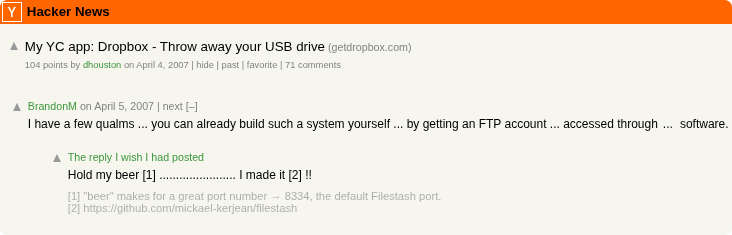
Familiar with the infamous comment from Dropbox's launch on HN? In my memory it goes like this:
Credits
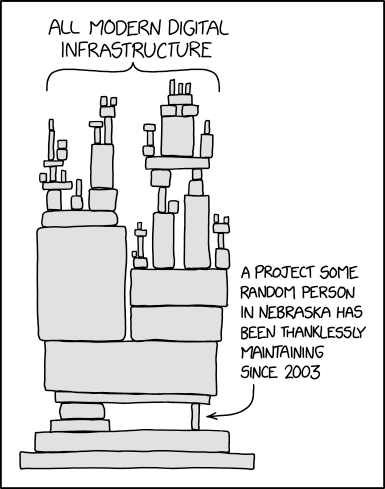
Filestash stands on the shoulder of: contributors, folks developing awesome libraries, BrandonM, a whole bunch of C stuff (the C standard library, libjpeg, libpng, libgif, libraw and many more), fontawesome, material, Browser stack to let us test on real devices, and the many guys from Nebraska and elsewhere who have been thanklessly maintaining the critical pieces that Filestash sits on top:

 Filestash 是一款与存储后端无关、类似 Dropbox 的文件管理器,几乎支持所有存储协议(S3、FTP、SFTP、WebDAV、SMB、NFS、Git、IPFS、Dropbox、Azure、SharePoint 等),因此你只需一个文件浏览器就能管理所有后端存储。