

What is this?
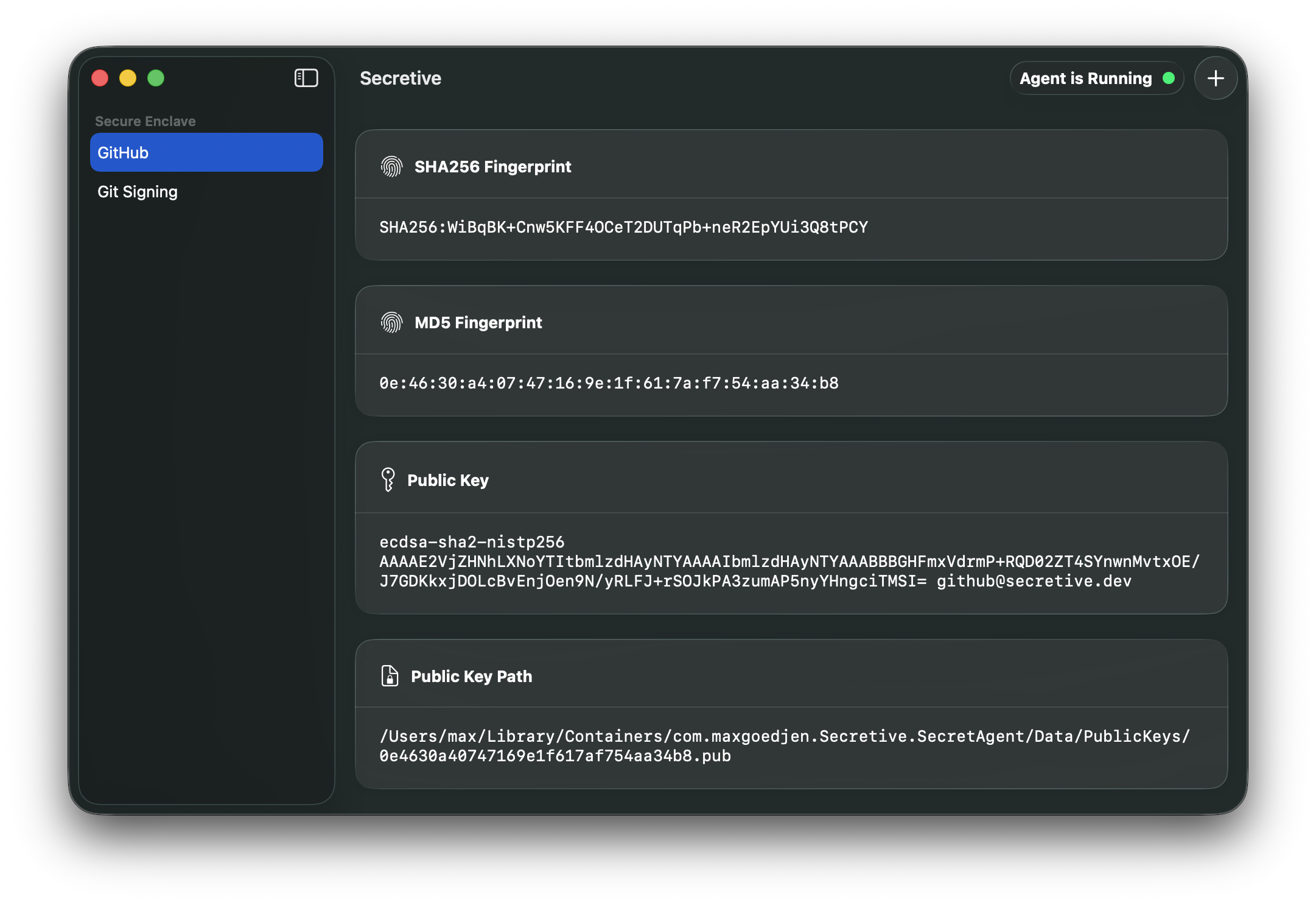
 Secretive is a macOS app that stores and manages SSH keys inside your Mac's Secure Enclave instead of on disk, so the private key material can never be exported or copied.
Secretive is a macOS app that stores and manages SSH keys inside your Mac's Secure Enclave instead of on disk, so the private key material can never be exported or copied.Is it a background service or an app I open?It's a native macOS app with a UI for managing keys, plus an SSH agent it runs in the background to serve signing requests.
It's a native macOS app with a UI for managing keys, plus an SSH agent it runs in the background to serve signing requests.Do I need a Mac with a Secure Enclave for this to work?You need a Mac with a Secure Enclave to get hardware-backed key storage; if your Mac lacks one, you can instead use a Smart Card like a YubiKey.
You need a Mac with a Secure Enclave to get hardware-backed key storage; if your Mac lacks one, you can instead use a Smart Card like a YubiKey.Can I back up or move my keys to a new Mac?No. Because keys live in the Secure Enclave, they're not exportable, so they can't be backed up or transferred; on a new Mac you just generate a fresh set of keys.
No. Because keys live in the Secure Enclave, they're not exportable, so they can't be backed up or transferred; on a new Mac you just generate a fresh set of keys.Does this only work on macOS?Yes, it's a macOS-only app built with Swift that relies on Apple's Secure Enclave and Keychain APIs.
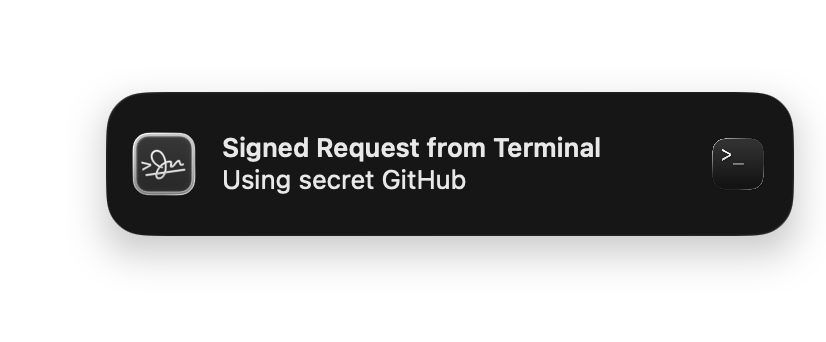
Yes, it's a macOS-only app built with Swift that relies on Apple's Secure Enclave and Keychain APIs.Does Secretive track or access my keys without me knowing?No, it does the opposite: it notifies you every time a key is accessed so you're never caught off guard.
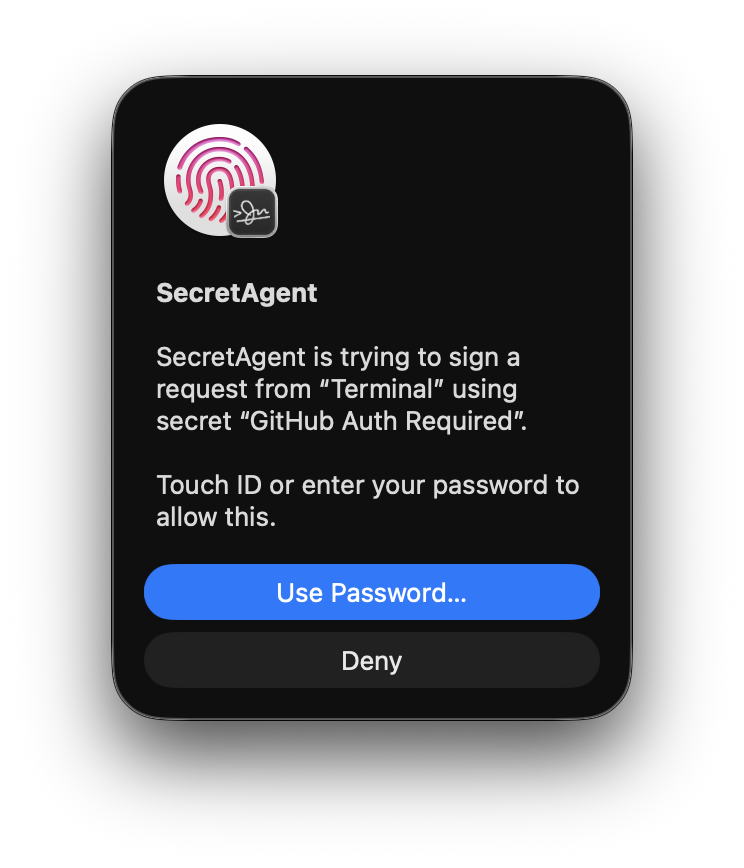
No, it does the opposite: it notifies you every time a key is accessed so you're never caught off guard.Can I require Touch ID before a key is used?Yes, keys can be configured to require Touch ID or Apple Watch authentication before they're accessed.
Yes, keys can be configured to require Touch ID or Apple Watch authentication before they're accessed.Why not just use a key file on disk?Disk-stored keys are protected only by file permissions, making them relatively easy for malware or attackers to copy; Secure Enclave storage makes the key physically impossible to export.
Disk-stored keys are protected only by file permissions, making them relatively easy for malware or attackers to copy; Secure Enclave storage makes the key physically impossible to export.Are the release builds trustworthy?Builds are produced via GitHub Actions with an auditable process, and since version 3.0 are attested using GitHub Artifact Attestation, which you can verify on the attestation page.
Builds are produced via GitHub Actions with an auditable process, and since version 3.0 are attested using GitHub Artifact Attestation, which you can verify on the attestation page.Why does building from source matter for Keychain access?Keychain restricts key access to the app bundle ID that created the key, so if you build from source you must keep the same bundle ID consistently or Secretive won't be able to find your existing keys.
Keychain restricts key access to the app bundle ID that created the key, so if you build from source you must keep the same bundle ID consistently or Secretive won't be able to find your existing keys.What are similar projects?PureMac, greenbubbles, OpenYoink, RemoveMacAI, Insomnia, leftopen, AirCard, vphone-cli
PureMac, greenbubbles, OpenYoink, RemoveMacAI, Insomnia, leftopen, AirCard, vphone-cliWhich topics is it in?mac, localization, notifications, ssh, homebrew, macos-app, apple, sysadmin, apple-silicon, cli-tool, encryption, swift
mac, localization, notifications, ssh, homebrew, macos-app, apple, sysadmin, apple-silicon, cli-tool, encryption, swift