




11.3K ·GitHub
What is this?
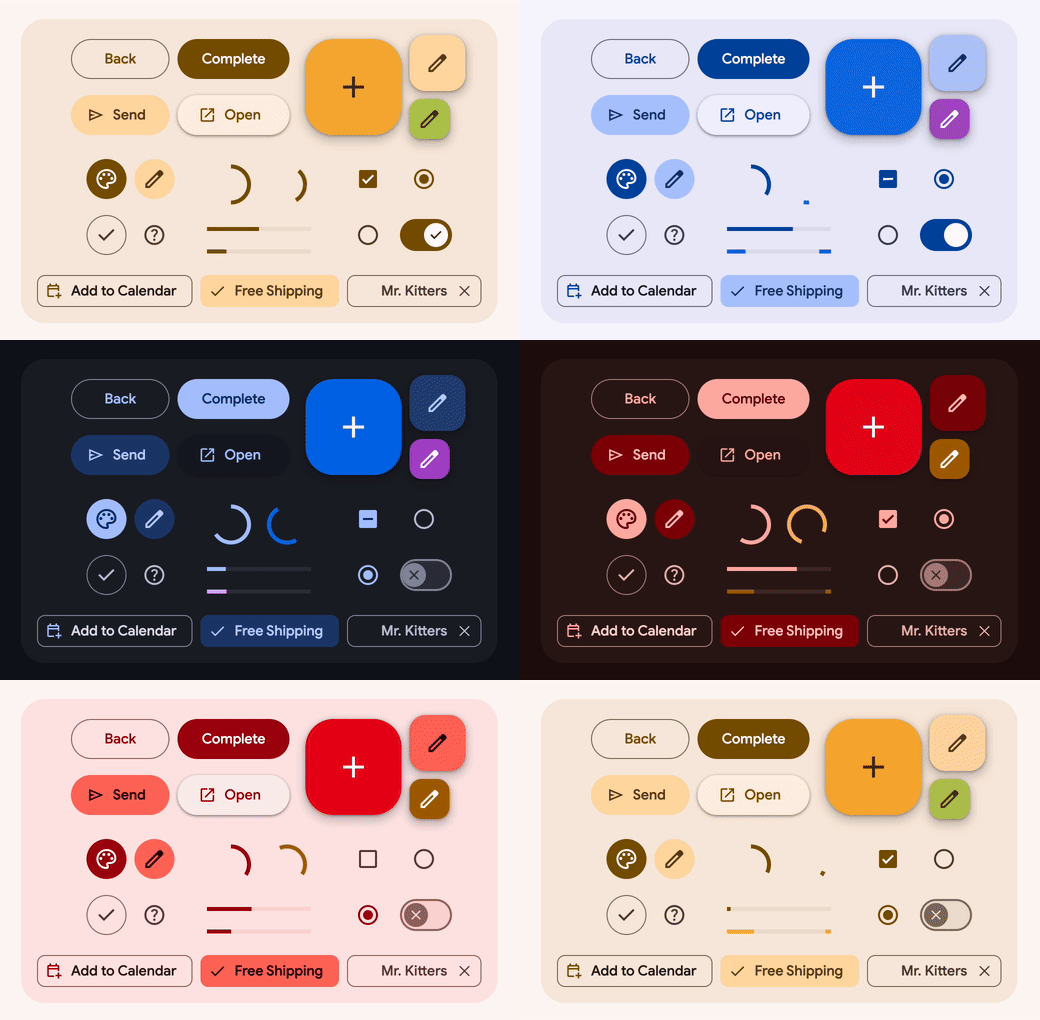
 Material Web (@material/web) is Google's library of web components implementing Material 3, the latest version of their open-source design system, for building accessible web UIs.
Material Web (@material/web) is Google's library of web components implementing Material 3, the latest version of their open-source design system, for building accessible web UIs.Is this a framework or a set of drop-in components?It's a library of standards-based web components built with Lit, not a full framework, so you can drop individual components into any web page or app.
It's a library of standards-based web components built with Lit, not a full framework, so you can drop individual components into any web page or app.How do I start using the components?The quickest start is a buildless example that loads @material/web straight from a CDN; for production you follow the quick start guide to install and build the components properly.
The quickest start is a buildless example that loads @material/web straight from a CDN; for production you follow the quick start guide to install and build the components properly.What does it depend on?The components are built on top of Lit (plus helpers like @lit/context, safevalues and tslib), so Lit is the core runtime dependency.
The components are built on top of Lit (plus helpers like @lit/context, safevalues and tslib), so Lit is the core runtime dependency.Is this project actively maintained?No — the README states it is in maintenance mode while waiting for new maintainers, so expect slow or no new feature development.
No — the README states it is in maintenance mode while waiting for new maintainers, so expect slow or no new feature development.Should I use this if I'm building with Angular?The maintainers explicitly recommend using Angular Material components instead if you're on Angular, rather than this library.
The maintainers explicitly recommend using Angular Material components instead if you're on Angular, rather than this library.Where does this run?It's framework-agnostic web components that run in the browser, usable in any web app regardless of the JS framework (except Angular, where Angular Material is preferred).
It's framework-agnostic web components that run in the browser, usable in any web app regardless of the JS framework (except Angular, where Angular Material is preferred).What is Material 3?It's Google's latest open-source design system, and this library is the official web-component implementation of its components and styling.
It's Google's latest open-source design system, and this library is the official web-component implementation of its components and styling.Can I check how big a component is before adding it?Yes, the project provides bundle size documentation so you can see the cost of each component before including it.
Yes, the project provides bundle size documentation so you can see the cost of each component before including it.Does it work in every browser?The README points to dedicated browser support and FAQ docs, implying support varies and should be checked for your target browsers.
The README points to dedicated browser support and FAQ docs, implying support varies and should be checked for your target browsers.What are similar projects?mdb-ui-kit, lit, material-design-lite, material, pwa-install, material-components-web, semi-design, vuetify
mdb-ui-kit, lit, material-design-lite, material, pwa-install, material-components-web, semi-design, vuetifyWhich topics is it in?material-you, material, material3, web-components, scss, material-design, design-system, google, accessibility, component-library, css, ui
material-you, material, material3, web-components, scss, material-design, design-system, google, accessibility, component-library, css, ui