







92.6K ·GitHub
Что это такое?
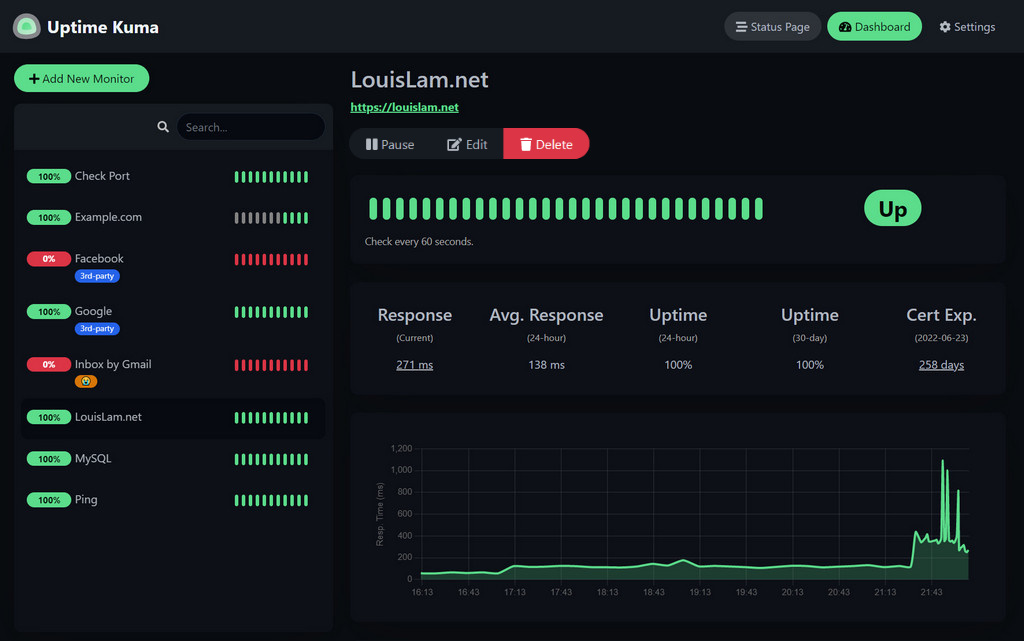
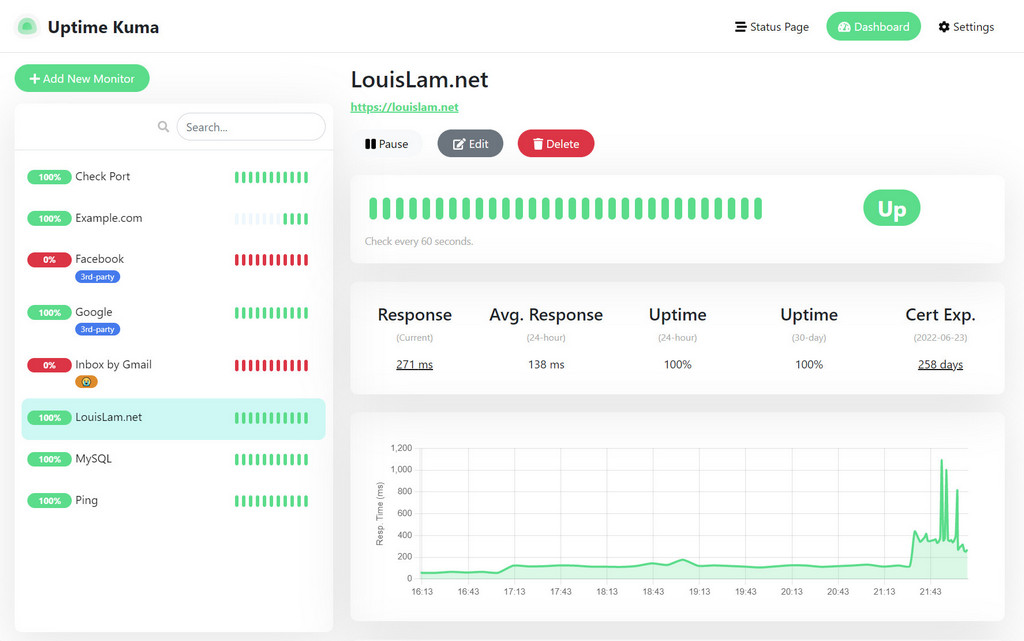
 Uptime Kuma — это самостоятельно размещаемый инструмент для мониторинга доступности и работы серверов с красивым веб-интерфейсом, страницами статуса и уведомлениями, когда ваши сервисы перестают работать.
Uptime Kuma — это самостоятельно размещаемый инструмент для мониторинга доступности и работы серверов с красивым веб-интерфейсом, страницами статуса и уведомлениями, когда ваши сервисы перестают работать.Это веб-приложение, которое я размещаю сам, или облачный сервис?Это самостоятельно размещаемое одностраничное веб-приложение с дашбордом в реальном времени, созданное на Vue 3 и WebSockets вместо REST API, которое вы запускаете на собственном сервере.
Это самостоятельно размещаемое одностраничное веб-приложение с дашбордом в реальном времени, созданное на Vue 3 и WebSockets вместо REST API, которое вы запускаете на собственном сервере.Как его запустить?Самый простой способ — официальный образ Docker; также можно установить его без Docker на поддерживаемых платформах, используя Node.js, Git и pm2, чтобы процесс работал в фоновом режиме.
Самый простой способ — официальный образ Docker; также можно установить его без Docker на поддерживаемых платформах, используя Node.js, Git и pm2, чтобы процесс работал в фоновом режиме.Нужно ли сначала установить Node.js или Docker?Для установки без Docker нужны Node.js >= 20.4, Git и pm2; однако поле engines фактически требует Node >= 26.2.0. Docker — более простой путь, и он избавляет от этих требований.
Для установки без Docker нужны Node.js >= 20.4, Git и pm2; однако поле engines фактически требует Node >= 26.2.0. Docker — более простой путь, и он избавляет от этих требований.Есть ли подводные камни при установке, о которых стоит знать?Сетевые файловые системы, такие как NFS, не поддерживаются для каталога данных — вместо них нужно подключить локальный каталог или том. Также не поддерживаются FreeBSD/OpenBSD/NetBSD и такие платформы, как Replit и Heroku.
Сетевые файловые системы, такие как NFS, не поддерживаются для каталога данных — вместо них нужно подключить локальный каталог или том. Также не поддерживаются FreeBSD/OpenBSD/NetBSD и такие платформы, как Replit и Heroku.Работает ли это на Windows, или только на Linux?Да, помимо основных дистрибутивов Linux официально поддерживаются Windows 10 (x64) и Windows Server 2012 R2 (x64) или новее.
Да, помимо основных дистрибутивов Linux официально поддерживаются Windows 10 (x64) и Windows Server 2012 R2 (x64) или новее.Покидают ли данные мониторинга мой сервер?Нет, всё работает на инфраструктуре, которой вы управляете, так как приложение полностью самостоятельно размещаемое; упоминаний о каком-либо внешнем сборе данных нет.
Нет, всё работает на инфраструктуре, которой вы управляете, так как приложение полностью самостоятельно размещаемое; упоминаний о каком-либо внешнем сборе данных нет.Почему автор создал Uptime Kuma, а не использовал существующий инструмент?Автор искал самостоятельно размещаемую альтернативу Uptime Robot, счёл statping нестабильным и неподдерживаемым и хотел создать красивый интерфейс, одновременно изучая Vue 3, Vite, Bootstrap 5 и архитектуру SPA на WebSocket вместо REST API.
Автор искал самостоятельно размещаемую альтернативу Uptime Robot, счёл statping нестабильным и неподдерживаемым и хотел создать красивый интерфейс, одновременно изучая Vue 3, Vite, Bootstrap 5 и архитектуру SPA на WebSocket вместо REST API.Можно ли попробовать перед установкой?Да, есть живой демо-сервер, размещённый во Франкфурте, Германия, которым можно пользоваться без какой-либо установки.
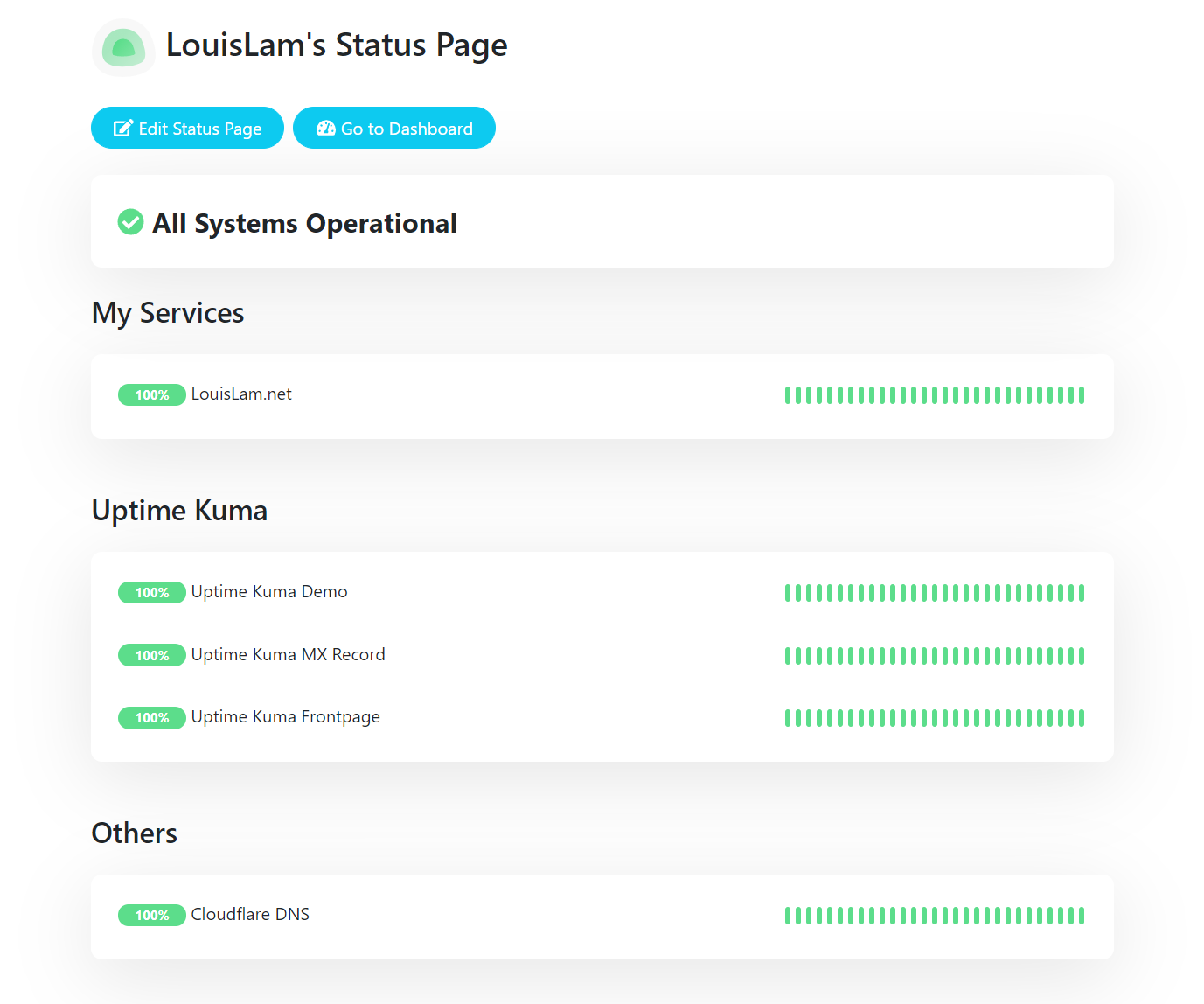
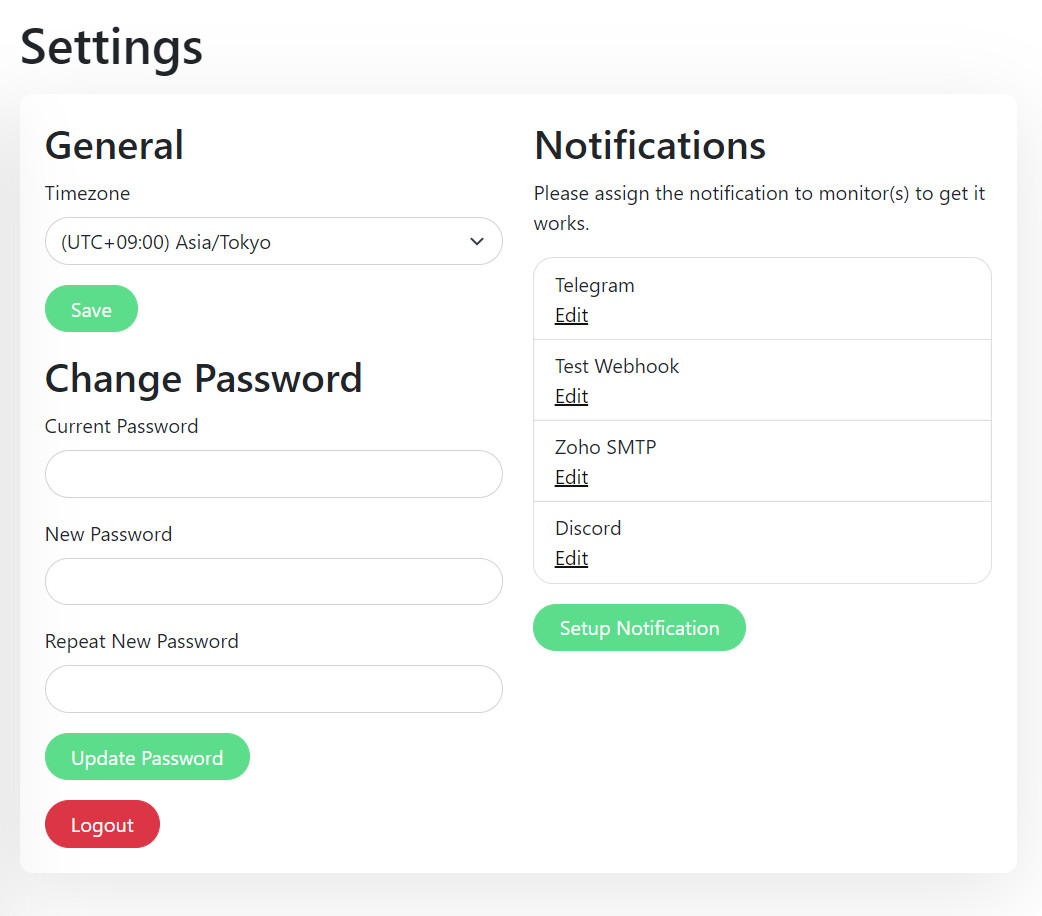
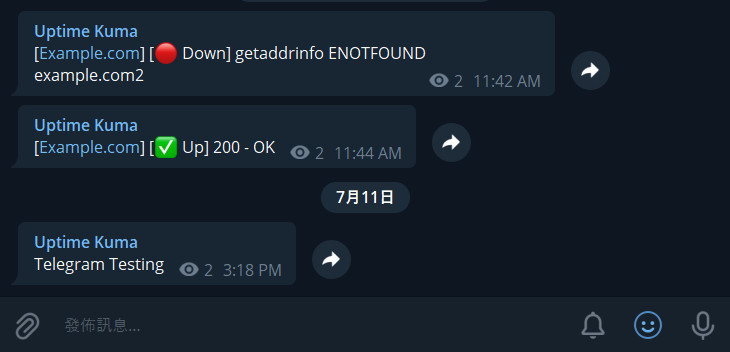
Да, есть живой демо-сервер, размещённый во Франкфурте, Германия, которым можно пользоваться без какой-либо установки.Поддерживает ли он страницы статуса и уведомления?Да, есть публичная страница статуса и интеграции уведомлений, например Telegram, что видно на скриншотах в README.
Да, есть публичная страница статуса и интеграции уведомлений, например Telegram, что видно на скриншотах в README.Можно ли запустить его за обратным прокси?Да, в README есть ссылка на подробное руководство по установке, где описана настройка работы за обратным прокси и другие варианты.
Да, в README есть ссылка на подробное руководство по установке, где описана настройка работы за обратным прокси и другие варианты.What are similar projects?gatus, dockge, Checkmate, upptime, OKPing-Network-Monitor, nezha, nicegui, labtether
gatus, dockge, Checkmate, upptime, OKPing-Network-Monitor, nezha, nicegui, labtetherWhich topics is it in?uptime-monitoring, monitor, socket-io, selfhosted, webapp, single-page-app, responsive, websocket, vue, monitoring, dashboard, server
uptime-monitoring, monitor, socket-io, selfhosted, webapp, single-page-app, responsive, websocket, vue, monitoring, dashboard, server