






92.6K ·GitHub
What is this?
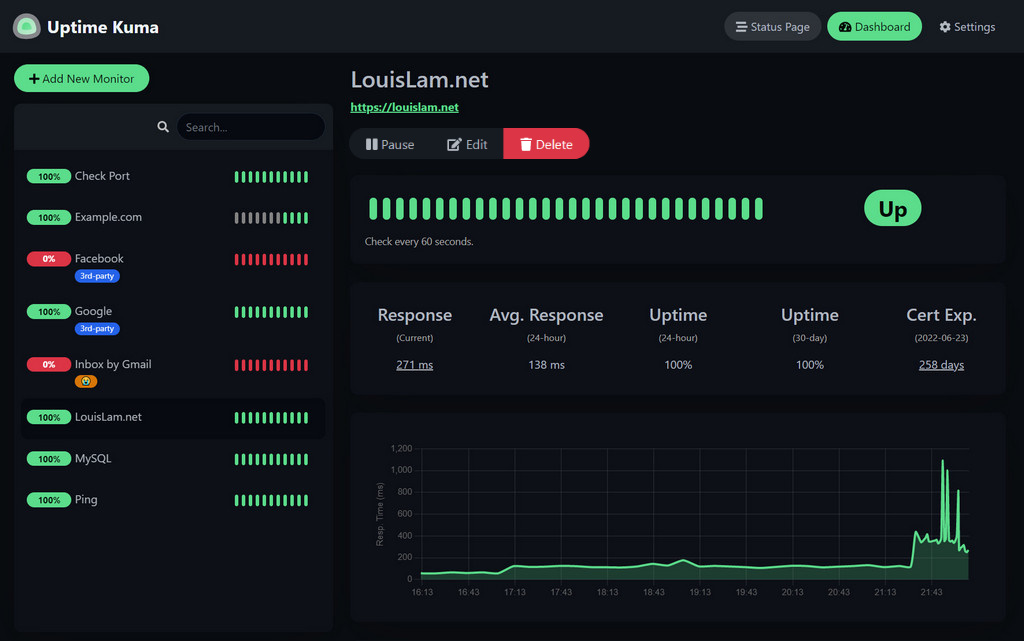
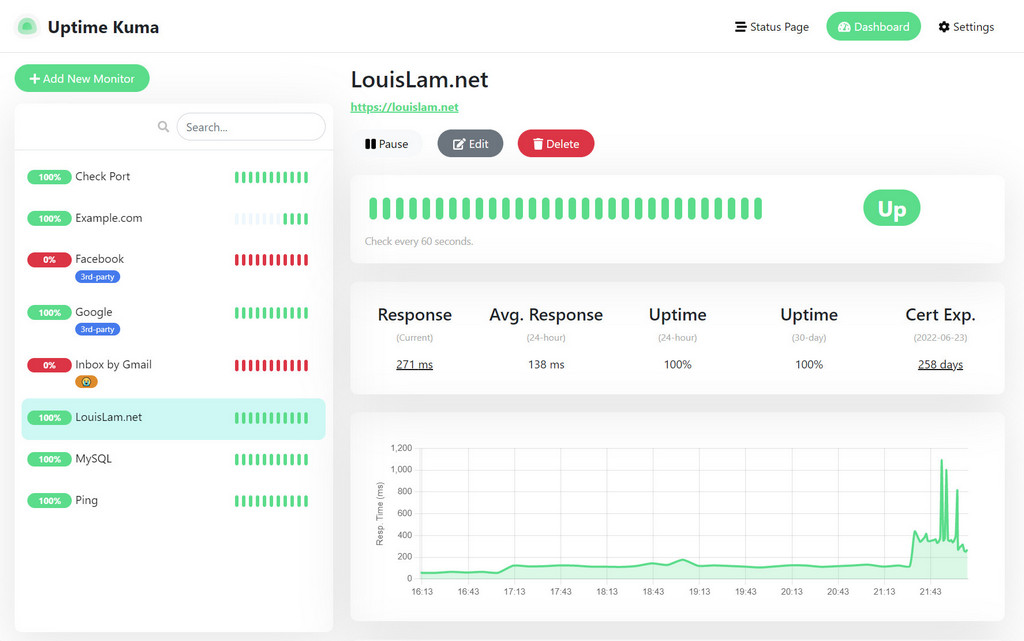
 Uptime Kuma is a self-hosted uptime and server monitoring tool with a fancy web UI, status pages, and notifications when your services go down.
Uptime Kuma is a self-hosted uptime and server monitoring tool with a fancy web UI, status pages, and notifications when your services go down.Is this a web app I host myself, or a hosted service?It's a self-hosted single-page web app with a real-time dashboard, built with Vue 3 and WebSockets instead of a REST API, that you run on your own server.
It's a self-hosted single-page web app with a real-time dashboard, built with Vue 3 and WebSockets instead of a REST API, that you run on your own server.How do I get it running?The simplest way is the official Docker image; alternatively you can install it without Docker on supported platforms using Node.js, Git and pm2 to keep it running in the background.
The simplest way is the official Docker image; alternatively you can install it without Docker on supported platforms using Node.js, Git and pm2 to keep it running in the background.Do I need Node.js or Docker first?For non-Docker installs you need Node.js >= 20.4, Git, and pm2; the engines field actually requires Node >= 26.2.0. Docker is the easier route and avoids these requirements.
For non-Docker installs you need Node.js >= 20.4, Git, and pm2; the engines field actually requires Node >= 26.2.0. Docker is the easier route and avoids these requirements.Any install pitfalls I should know about?Network file systems like NFS are not supported for its data directory—you must map to a local directory or volume instead. FreeBSD/OpenBSD/NetBSD and platforms like Replit/Heroku are also unsupported.
Network file systems like NFS are not supported for its data directory—you must map to a local directory or volume instead. FreeBSD/OpenBSD/NetBSD and platforms like Replit/Heroku are also unsupported.Does it work on Windows too, or just Linux?Yes, besides major Linux distros it officially supports Windows 10 (x64) and Windows Server 2012 R2 (x64) or higher.
Yes, besides major Linux distros it officially supports Windows 10 (x64) and Windows Server 2012 R2 (x64) or higher.Does my monitoring data leave my server?No, everything runs on infrastructure you control since it's fully self-hosted; there's no mention of any external data collection.
No, everything runs on infrastructure you control since it's fully self-hosted; there's no mention of any external data collection.Why did the author build Uptime Kuma instead of using an existing tool?The author was looking for a self-hosted alternative to Uptime Robot, found statping unstable and unmaintained, and wanted to build a fancy UI while learning Vue 3, Vite, Bootstrap 5, and WebSocket-based SPA architecture instead of a REST API.
The author was looking for a self-hosted alternative to Uptime Robot, found statping unstable and unmaintained, and wanted to build a fancy UI while learning Vue 3, Vite, Bootstrap 5, and WebSocket-based SPA architecture instead of a REST API.Can I try it before installing?Yes, there is a live demo server hosted in Frankfurt, Germany that you can try without installing anything.
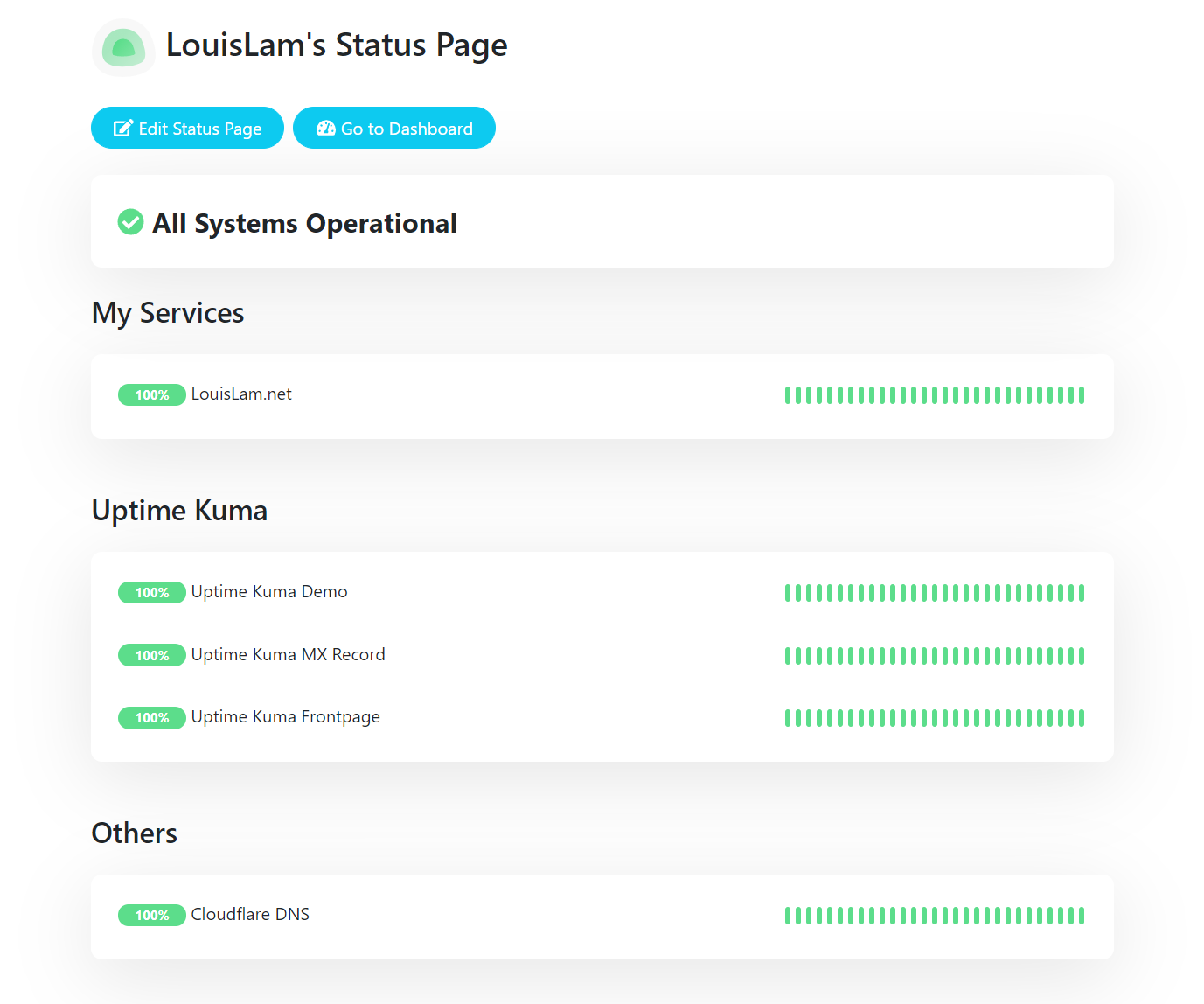
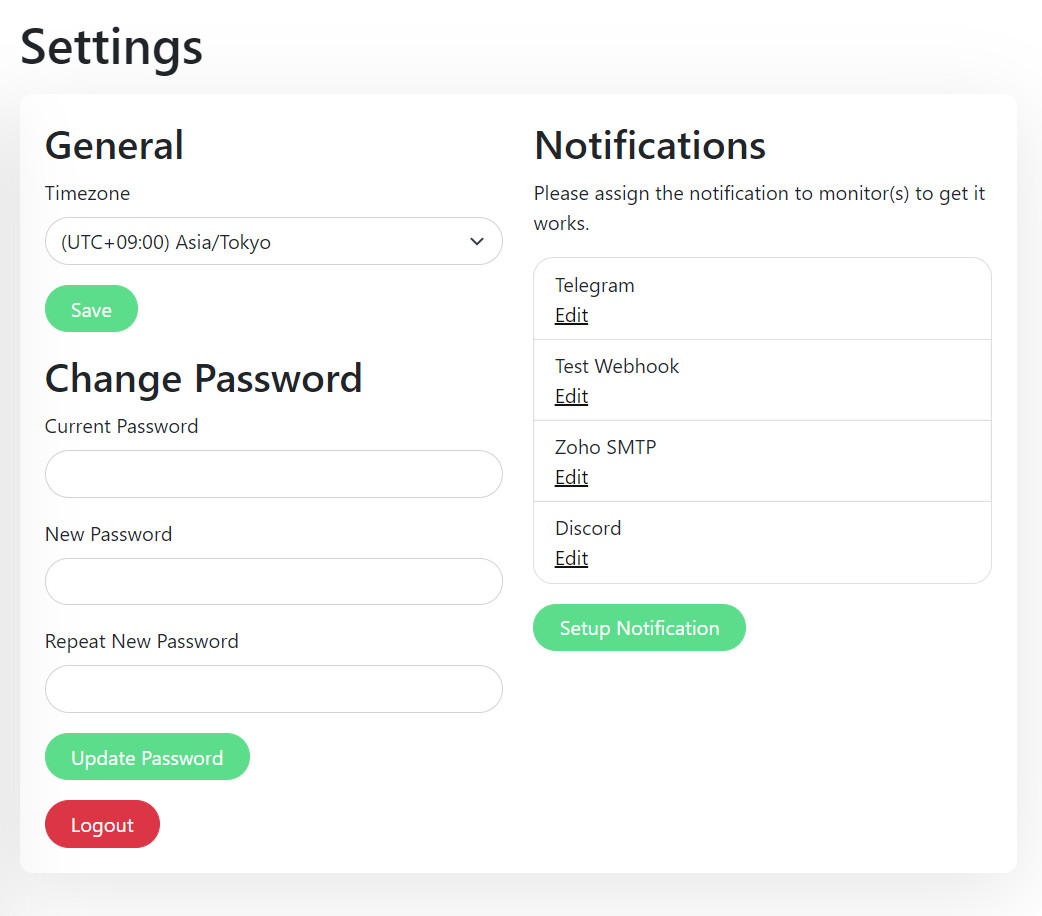
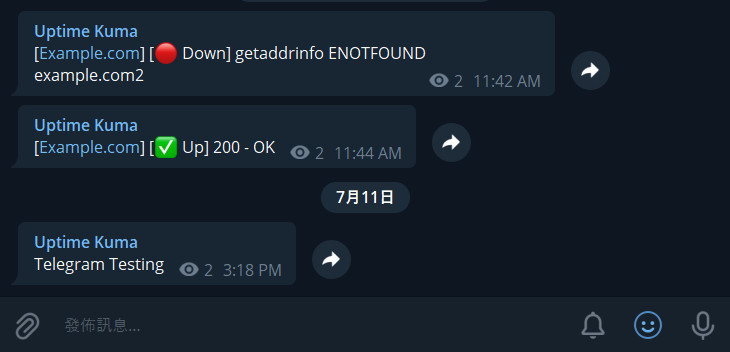
Yes, there is a live demo server hosted in Frankfurt, Germany that you can try without installing anything.Does it support status pages and notifications?Yes, it includes a public status page feature and notification integrations such as Telegram, as shown in its screenshots.
Yes, it includes a public status page feature and notification integrations such as Telegram, as shown in its screenshots.Can I run it behind a reverse proxy?Yes, the README points to an advanced installation guide for configuring it behind a reverse proxy and other options.
Yes, the README points to an advanced installation guide for configuring it behind a reverse proxy and other options.What are similar projects?gatus, dockge, Checkmate, upptime, OKPing-Network-Monitor, nezha, nicegui, labtether
gatus, dockge, Checkmate, upptime, OKPing-Network-Monitor, nezha, nicegui, labtetherWhich topics is it in?uptime-monitoring, monitor, socket-io, selfhosted, webapp, single-page-app, responsive, websocket, vue, dashboard, monitoring, server
uptime-monitoring, monitor, socket-io, selfhosted, webapp, single-page-app, responsive, websocket, vue, dashboard, monitoring, server