







Что это такое?
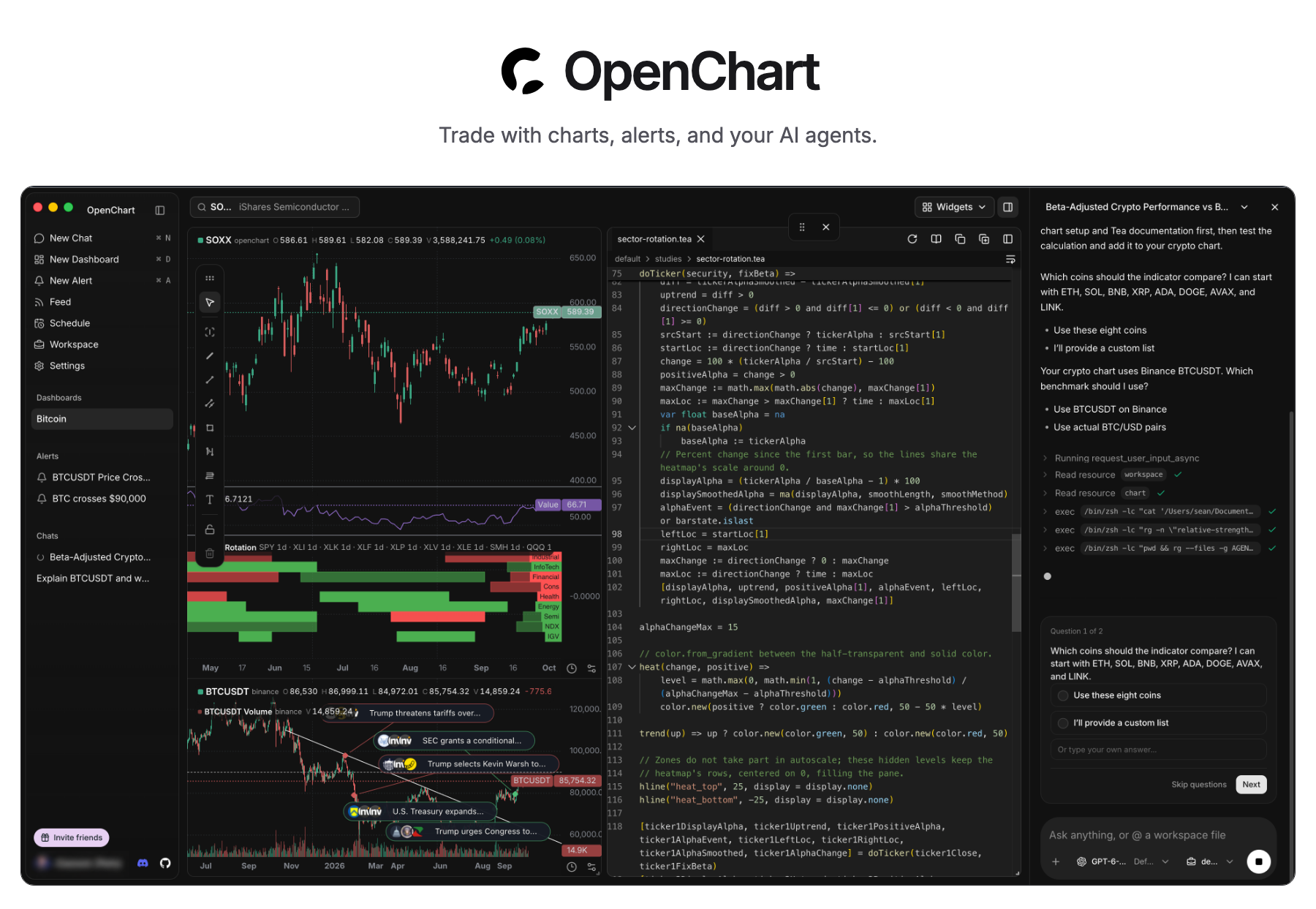
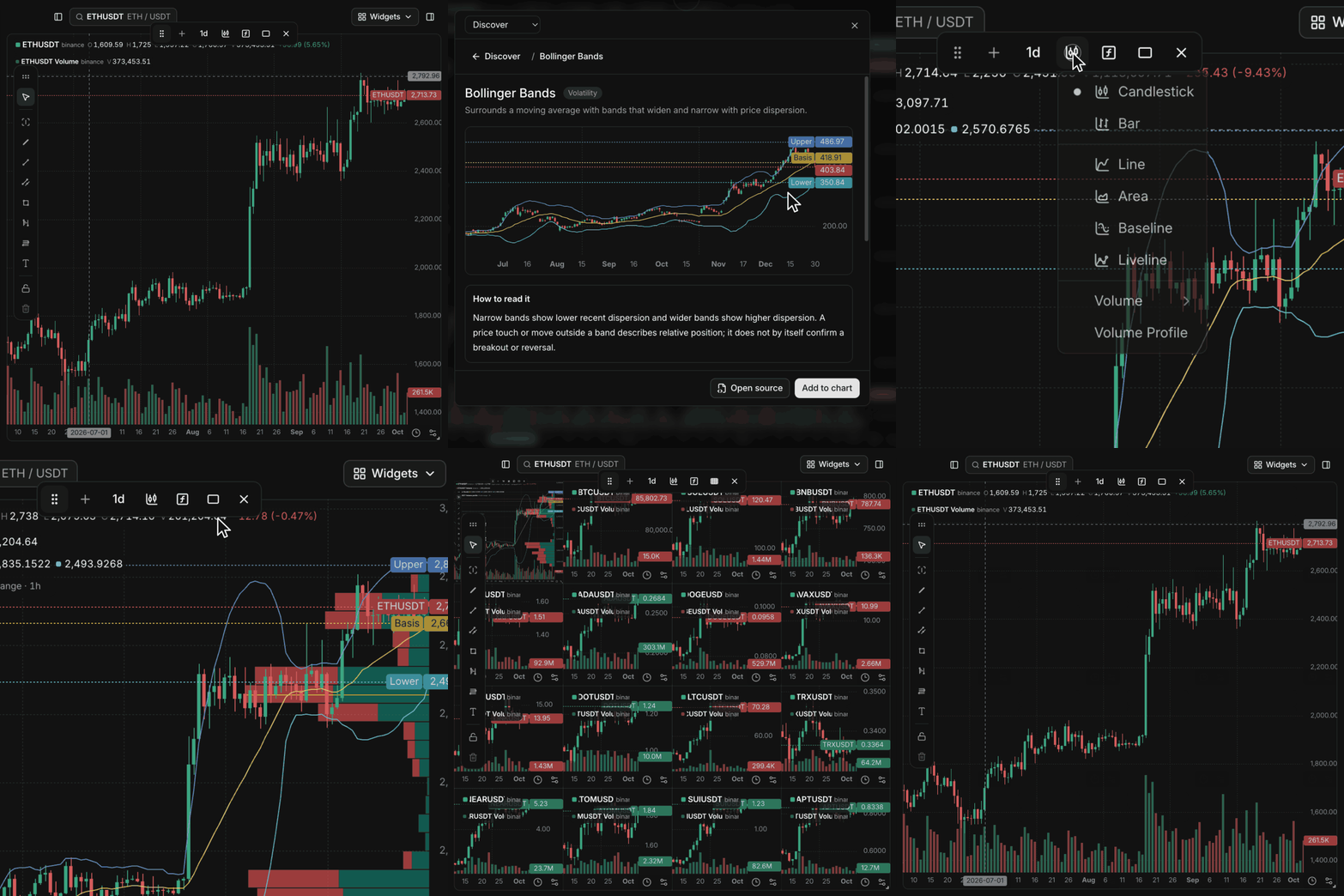
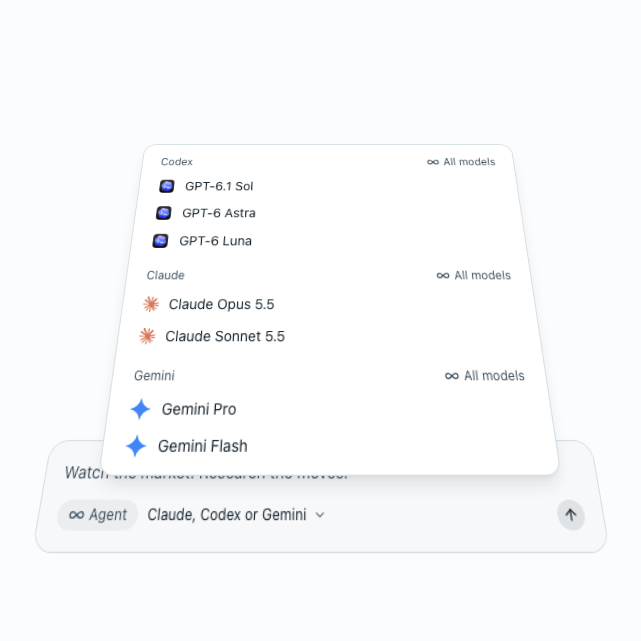
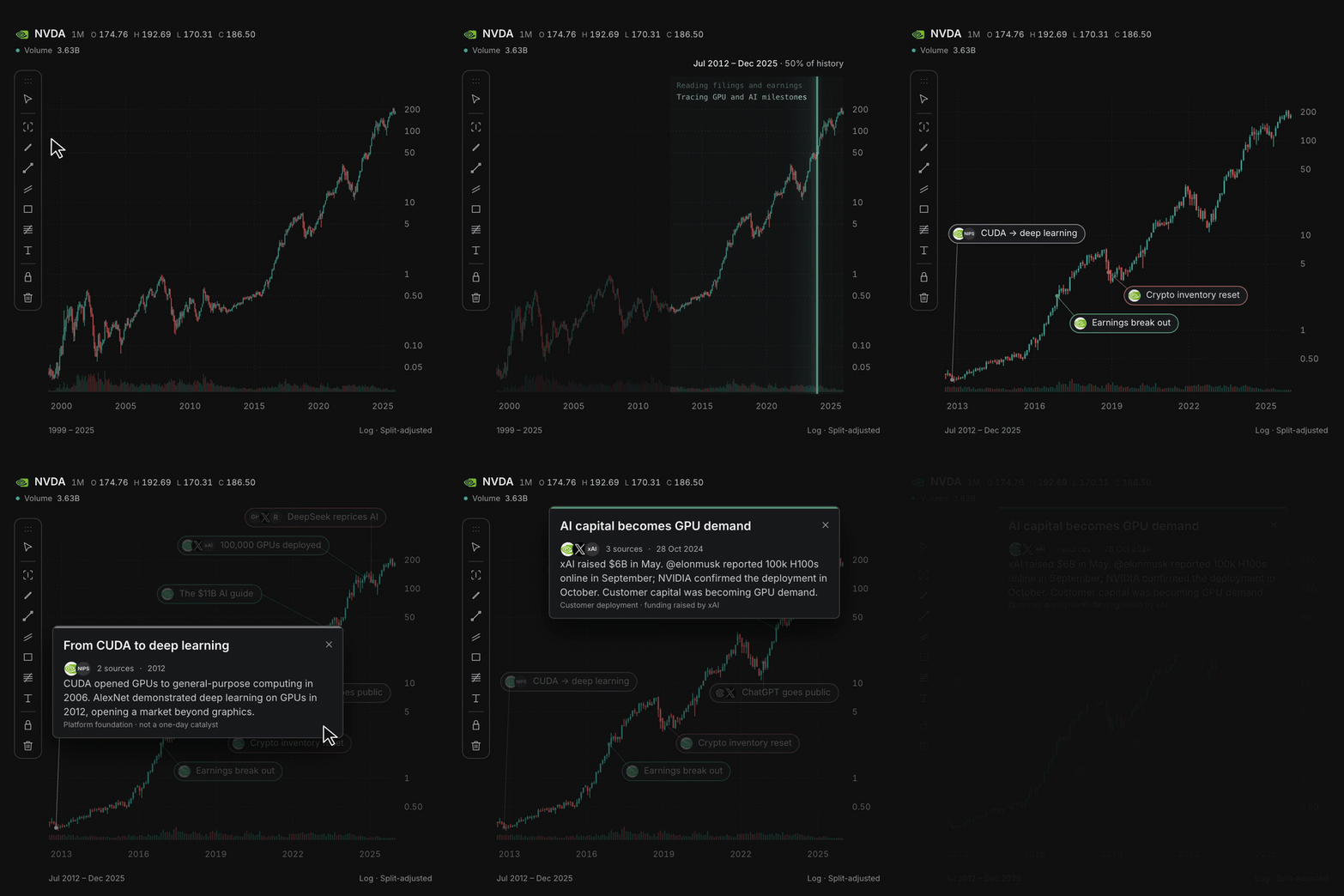
 OpenChart — это торговая рабочая среда с открытым исходным кодом, которая встраивает ИИ-агентов в графики, технический анализ, рыночные оповещения и исследование рынка. Она позволяет подключить ваши собственные модели Claude, Codex или Gemini для анализа рынков.
OpenChart — это торговая рабочая среда с открытым исходным кодом, которая встраивает ИИ-агентов в графики, технический анализ, рыночные оповещения и исследование рынка. Она позволяет подключить ваши собственные модели Claude, Codex или Gemini для анализа рынков.Это веб-приложение или десктопное?Это нативное десктопное приложение, которое распространяется в виде образа диска для macOS, а не веб-приложение и не расширение для браузера.
Это нативное десктопное приложение, которое распространяется в виде образа диска для macOS, а не веб-приложение и не расширение для браузера.Как его запустить?Скачайте сборку Desktop для macOS (Apple Silicon) и установите её из образа диска, либо запустите из исходников: установите Node.js 24, npm 11.11.1, Bun 1.4.2 и Just, а затем выполните команду 'just install'.
Скачайте сборку Desktop для macOS (Apple Silicon) и установите её из образа диска, либо запустите из исходников: установите Node.js 24, npm 11.11.1, Bun 1.4.2 и Just, а затем выполните команду 'just install'.Мне нужны свои аккаунты в ИИ-сервисах?Да, вы используете свои аккаунты Claude, Codex или Gemini для исследований, создания индикаторов и настройки оповещений. Расходы на ИИ оплачиваются по тарифу того провайдера агентов, которого вы выбрали.
Да, вы используете свои аккаунты Claude, Codex или Gemini для исследований, создания индикаторов и настройки оповещений. Расходы на ИИ оплачиваются по тарифу того провайдера агентов, которого вы выбрали.А на Windows или Linux он работает?В README описана только сборка Desktop для macOS на Apple Silicon; сборок для Windows или Linux не упоминается.
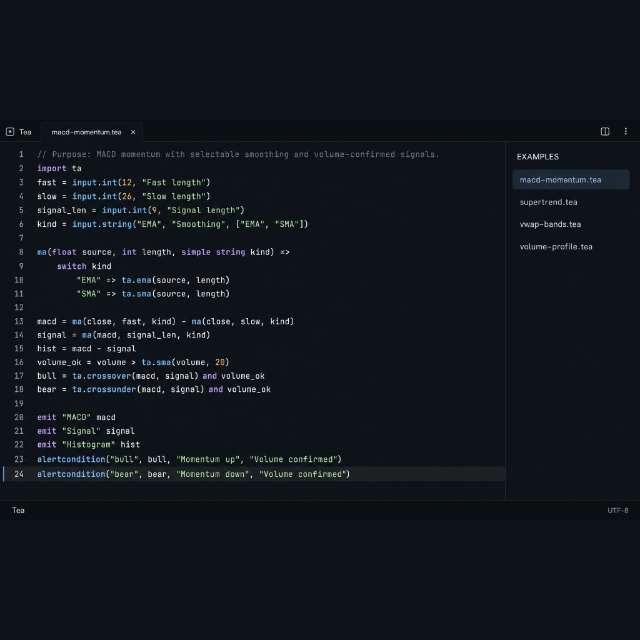
В README описана только сборка Desktop для macOS на Apple Silicon; сборок для Windows или Linux не упоминается.Что такое Tea?Tea — это собственный язык программирования, созданный командой OpenChart для написания рыночных индикаторов и условий оповещений. В нём есть функции, циклы, состояние и коллекции, а вдохновением послужил Pine Script от TradingView.
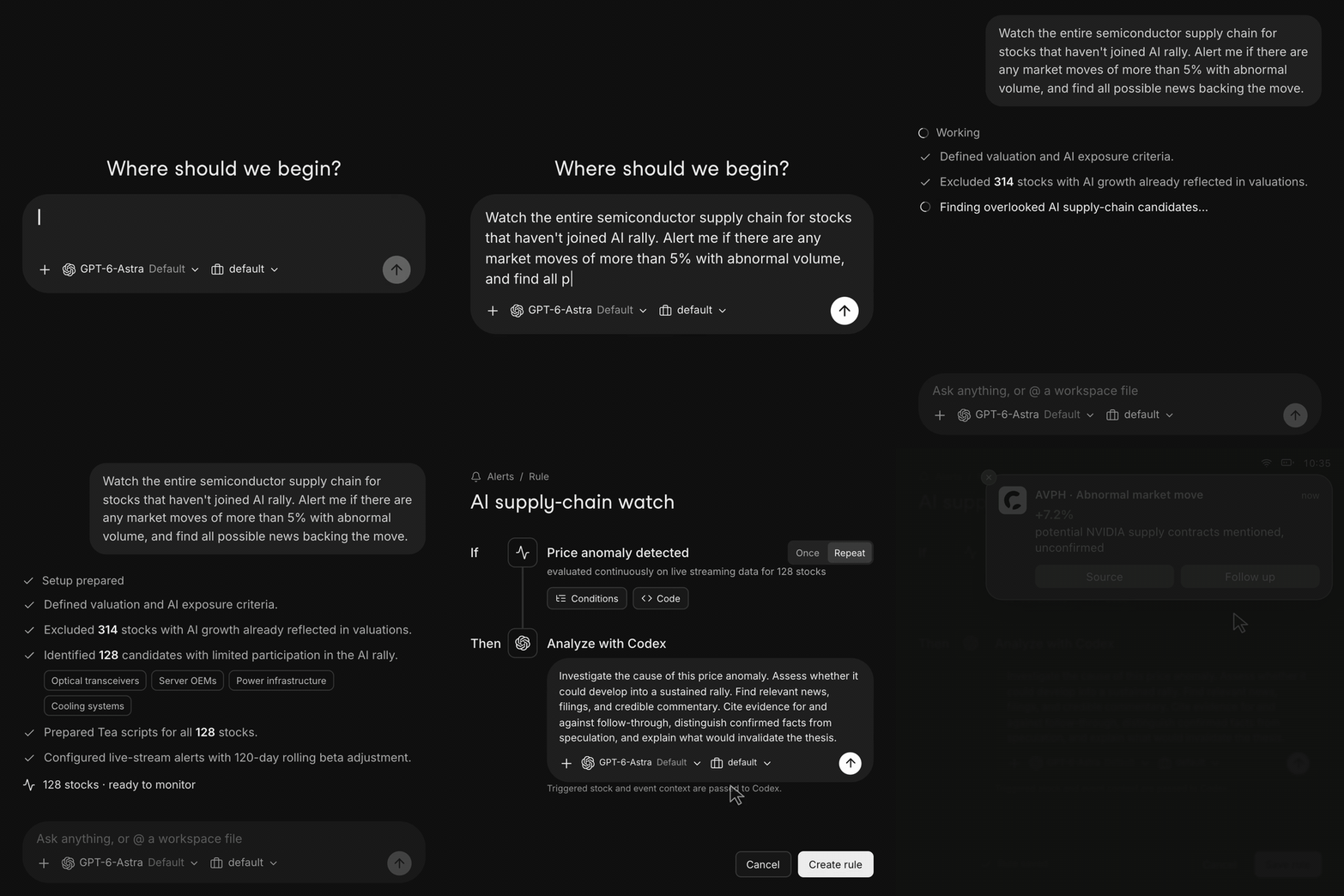
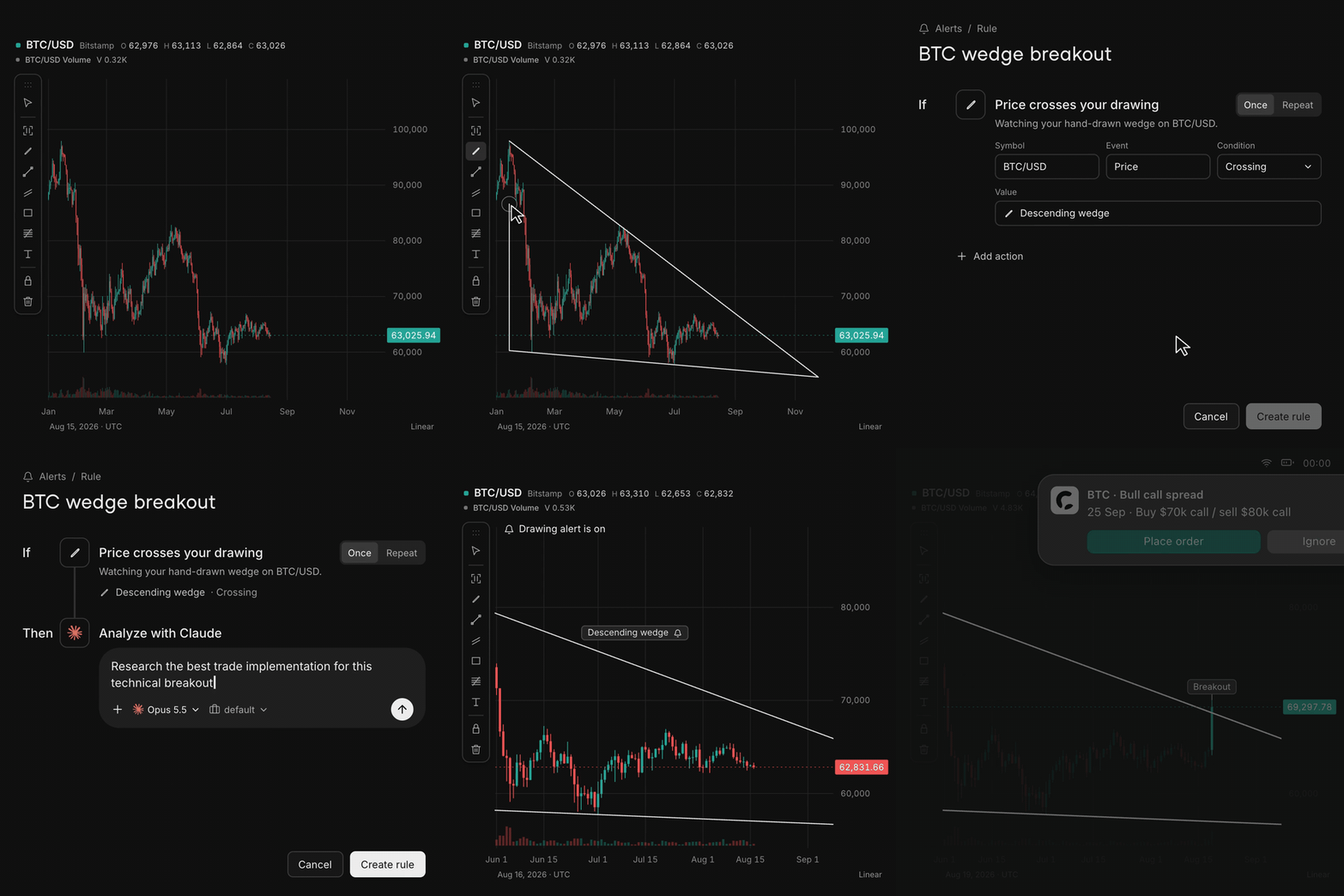
Tea — это собственный язык программирования, созданный командой OpenChart для написания рыночных индикаторов и условий оповещений. В нём есть функции, циклы, состояние и коллекции, а вдохновением послужил Pine Script от TradingView.Что произойдёт, если я нарисую линию на графике?Можно нарисовать линию или зону, и когда цена её пересечёт, OpenChart сможет отправить оповещение, по которому ваш агент автоматически исследует это движение.
Можно нарисовать линию или зону, и когда цена её пересечёт, OpenChart сможет отправить оповещение, по которому ваш агент автоматически исследует это движение.Почему команда сделала OpenChart, а не обычное платное приложение для графиков?Авторы прямо говорят, что OpenChart создан не для заработка на софте, а чтобы исследовать будущее, в котором люди и ИИ-агенты вместе управляют активами, — без программных лимитов на количество графиков и оповещений.
Авторы прямо говорят, что OpenChart создан не для заработка на софте, а чтобы исследовать будущее, в котором люди и ИИ-агенты вместе управляют активами, — без программных лимитов на количество графиков и оповещений.What are similar projects?TradingAgents, ALTA, Raven, OpenTrade-Agent, ruflo, brigade, TradingAgents-CN, trueforge
TradingAgents, ALTA, Raven, OpenTrade-Agent, ruflo, brigade, TradingAgents-CN, trueforgeWhich topics is it in?charting, alerting, quantitative-finance, trading, llm-agents, charts, programming-language, harness, finance, data-visualization, apple-silicon, real-time
charting, alerting, quantitative-finance, trading, llm-agents, charts, programming-language, harness, finance, data-visualization, apple-silicon, real-time