





What is this?
 Locust is an open source performance/load testing tool for HTTP and other protocols — you define your tests in regular Python code and run them from the command line or a web-based UI.
Locust is an open source performance/load testing tool for HTTP and other protocols — you define your tests in regular Python code and run them from the command line or a web-based UI.So do I click around a GUI or write code to use it?You write test scenarios in regular Python (loops, conditionals, calculations — normal constructs), then run them from the command line or through a web interface. Tests live as code, so your IDE and version control work as usual.
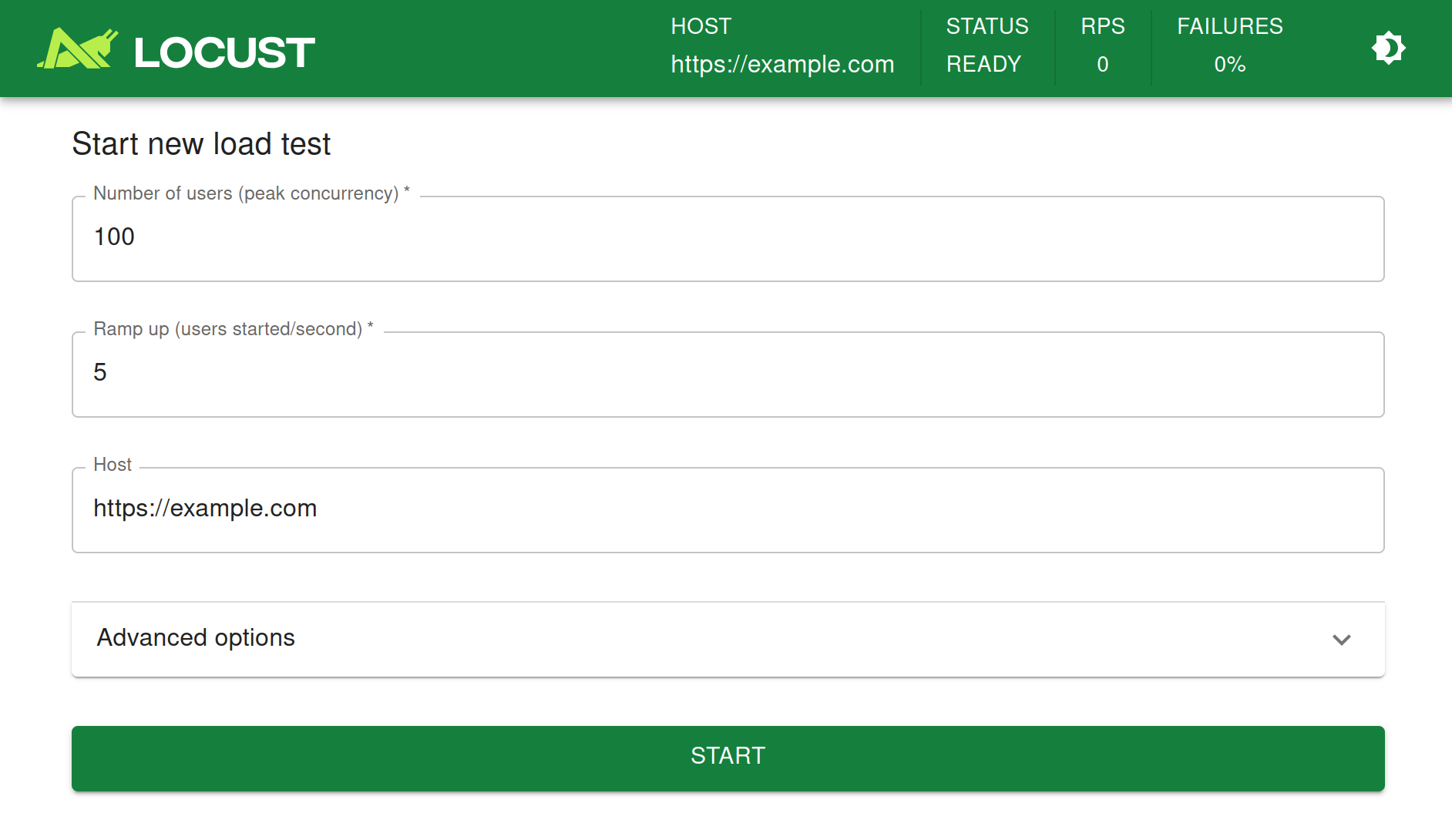
You write test scenarios in regular Python (loops, conditionals, calculations — normal constructs), then run them from the command line or through a web interface. Tests live as code, so your IDE and version control work as usual.How do I get my first test running?pip install locust, write a user scenario in a Python file, then run the locust command — it serves a web UI where you start and tune the swarm. The full walkthrough is at docs.locust.io.
pip install locust, write a user scenario in a Python file, then run the locust command — it serves a web UI where you start and tune the swarm. The full walkthrough is at docs.locust.io.What's the catch — is there anything it's not great at?Some other tools can push more requests per second on the same hardware — the trade-off is very low overhead per simulated user, ideal for highly concurrent workloads. The codebase is also intentionally small and doesn't solve everything out of the box.
Some other tools can push more requests per second on the same hardware — the trade-off is very low overhead per simulated user, ideal for highly concurrent workloads. The codebase is also intentionally small and doesn't solve everything out of the box.How does it simulate thousands of users at once?Each simulated user runs inside its own greenlet, a lightweight coroutine — so you write scenarios like normal blocking Python code instead of juggling callbacks.
Each simulated user runs inside its own greenlet, a lightweight coroutine — so you write scenarios like normal blocking Python code instead of juggling callbacks.Is there editor or IDE support for writing tests?Yes — Microsoft built a VS Code extension that uses Copilot to help you create and run Locust tests; Microsoft also contributes to and sponsors the project's maintenance.
Yes — Microsoft built a VS Code extension that uses Copilot to help you create and run Locust tests; Microsoft also contributes to and sponsors the project's maintenance.Can I run my tests on a managed cloud service?Azure Load Testing runs and scales Locust tests for you with no infrastructure to host, can combine results with resource metrics to pinpoint bottlenecks, and integrates with Azure DevOps and GitHub CI pipelines.
Azure Load Testing runs and scales Locust tests for you with no infrastructure to host, can combine results with resource metrics to pinpoint bottlenecks, and integrates with Azure DevOps and GitHub CI pipelines.Which topics is it in?load-testing, socket-io, benchmarking, concurrency, http, distributed-systems, testing, devops, performance, framework, tool, docker
load-testing, socket-io, benchmarking, concurrency, http, distributed-systems, testing, devops, performance, framework, tool, docker