
What is this?
 Epiq is a self-hosted, Git-backed issue tracker that stores all state as an immutable event log, letting you replay a project's workflow in real time or after the fact to see exactly what happened.
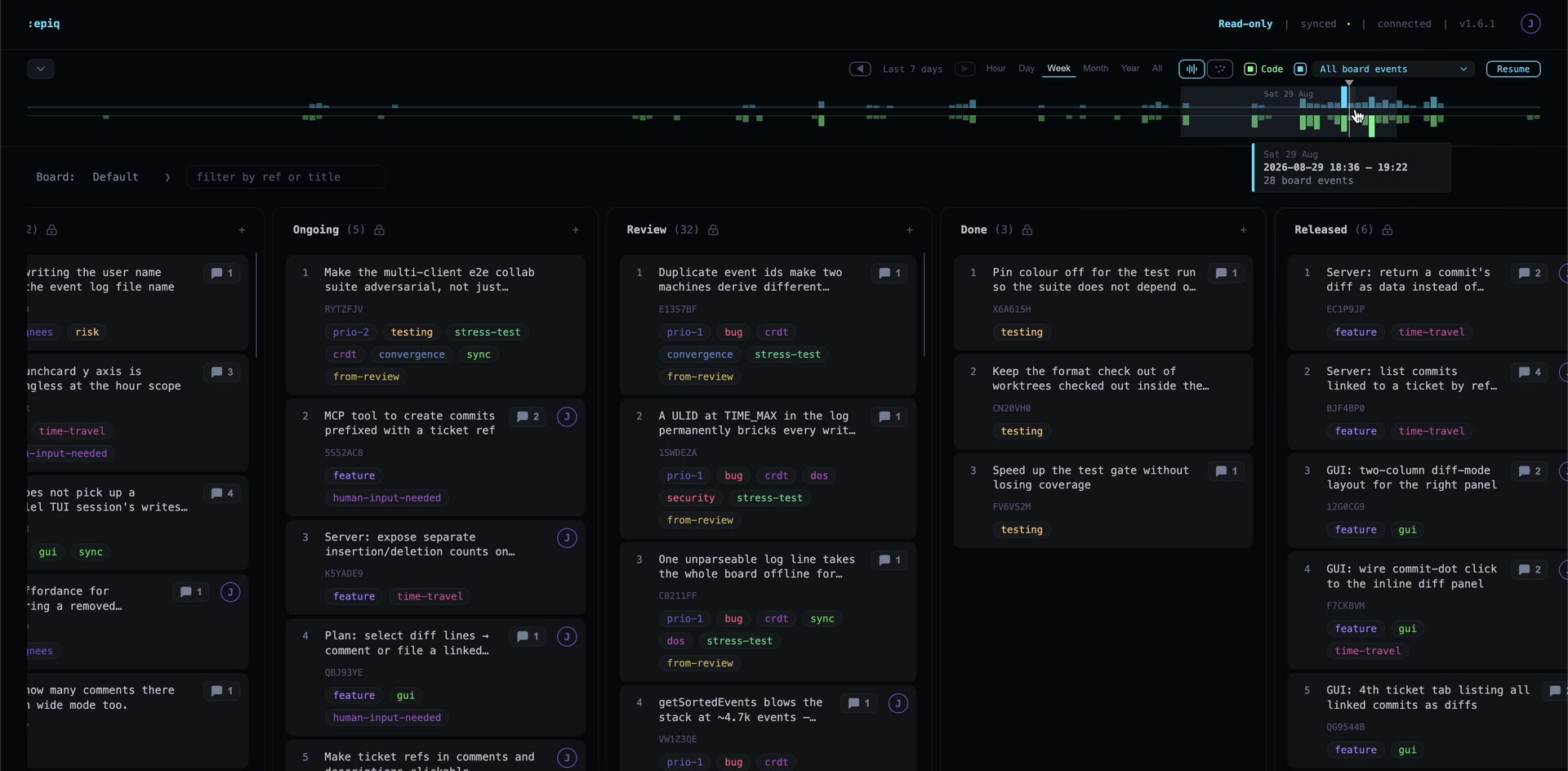
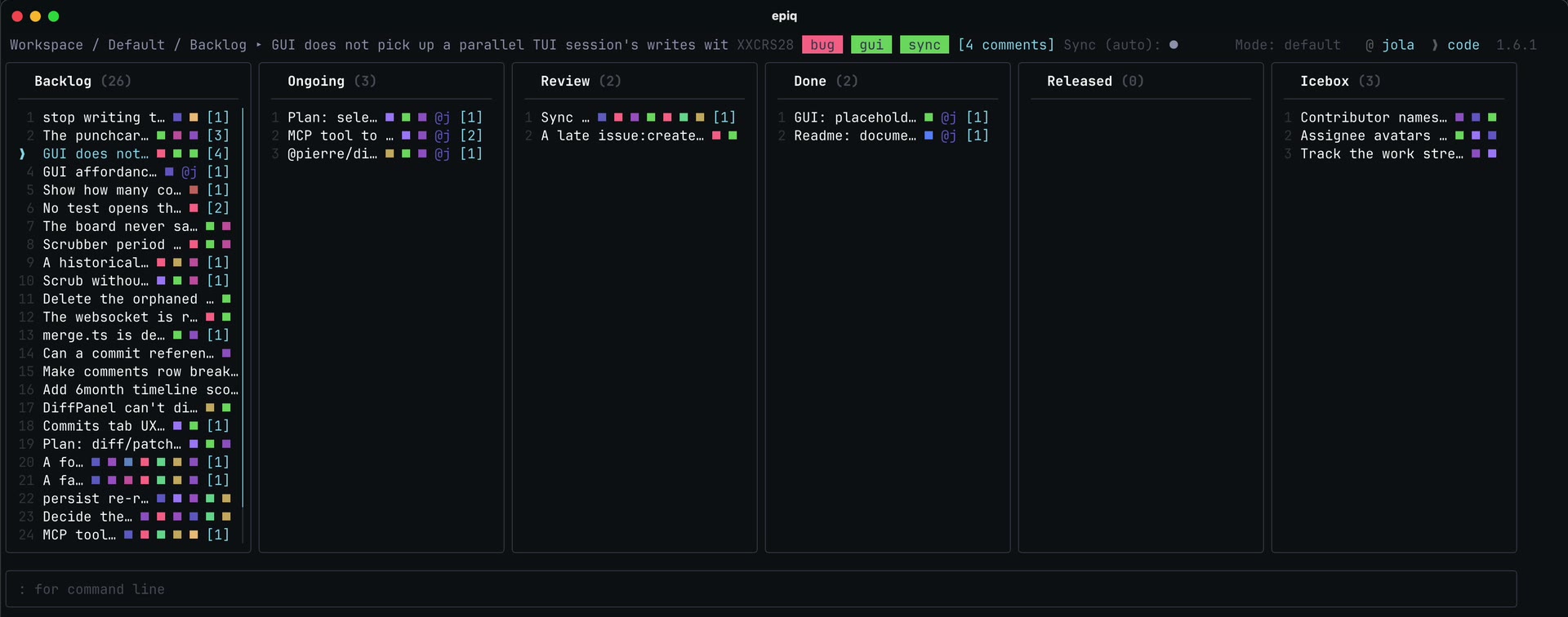
Epiq is a self-hosted, Git-backed issue tracker that stores all state as an immutable event log, letting you replay a project's workflow in real time or after the fact to see exactly what happened.Is this a CLI tool or does it have a GUI too?Both: Epiq started as a terminal (TUI) app but also ships a browser interface, and the two share the same Git-backed event engine, so you can work from either.
Both: Epiq started as a terminal (TUI) app but also ships a browser interface, and the two share the same Git-backed event engine, so you can work from either.How do I get it running?Install the epiq binary (quick-install script or npm), then from inside a Git repo just run epiq — the first run launches an interactive setup wizard that configures the project in about 30 seconds; you can also start the browser UI as a separate command.
Install the epiq binary (quick-install script or npm), then from inside a Git repo just run epiq — the first run launches an interactive setup wizard that configures the project in about 30 seconds; you can also start the browser UI as a separate command.Do I need an existing Git repo to use Epiq?Yes — Epiq is designed to run inside a Git repository and uses a dedicated Git branch and worktree as its source of truth; it's not meant to be used outside of a repo.
Yes — Epiq is designed to run inside a Git repository and uses a dedicated Git branch and worktree as its source of truth; it's not meant to be used outside of a repo.Any gotchas when setting up or syncing?Project init refuses to run in a repo with uncommitted files, and in sandboxed agent environments the default npx install can appear to hang because it re-resolves the package from the npm registry on every start — installing globally and pointing at the resolved binary avoids this.
Project init refuses to run in a repo with uncommitted files, and in sandboxed agent environments the default npx install can appear to hang because it re-resolves the package from the npm registry on every start — installing globally and pointing at the resolved binary avoids this.Can I use Epiq without an internet connection?Yes, Epiq is local-first and works fully offline, syncing to Git only when you explicitly or automatically run a sync and reconciling once connectivity returns.
Yes, Epiq is local-first and works fully offline, syncing to Git only when you explicitly or automatically run a sync and reconciling once connectivity returns.Does any of my data go through a cloud service?No — Epiq has no accounts or SaaS backend; all state lives locally and is versioned through your own Git repo.
No — Epiq has no accounts or SaaS backend; all state lives locally and is versioned through your own Git repo.What exactly does workflow replay let me do?Because every change is an append-only event, you can replay the board's history to see who moved what ticket and when, almost like rewinding a recording of the whole sprint.
Because every change is an append-only event, you can replay the board's history to see who moved what ticket and when, almost like rewinding a recording of the whole sprint.How does Epiq avoid merge conflicts when multiple agents edit the board at once?Each user or agent writes to their own event log file instead of a shared state file, events carry time-sortable ULIDs plus a reference to the prior event, and later events win on conflict — so Git merges are just combining independent files.
Each user or agent writes to their own event log file instead of a shared state file, events carry time-sortable ULIDs plus a reference to the prior event, and later events win on conflict — so Git merges are just combining independent files.Can several AI agents work on the same project without colliding?Yes — the MCP lets each agent assume a distinct identity at the start of a session, so its actions show up under its own name in the contributor list instead of overwriting the user's.
Yes — the MCP lets each agent assume a distinct identity at the start of a session, so its actions show up under its own name in the contributor list instead of overwriting the user's.How do commits link back to tickets?Prefix a commit subject with a ticket's ref (e.g. its ID) to link it; the commit then appears in that ticket's code-diff tab, and you can comment on specific lines or file a new ticket straight from a selection.
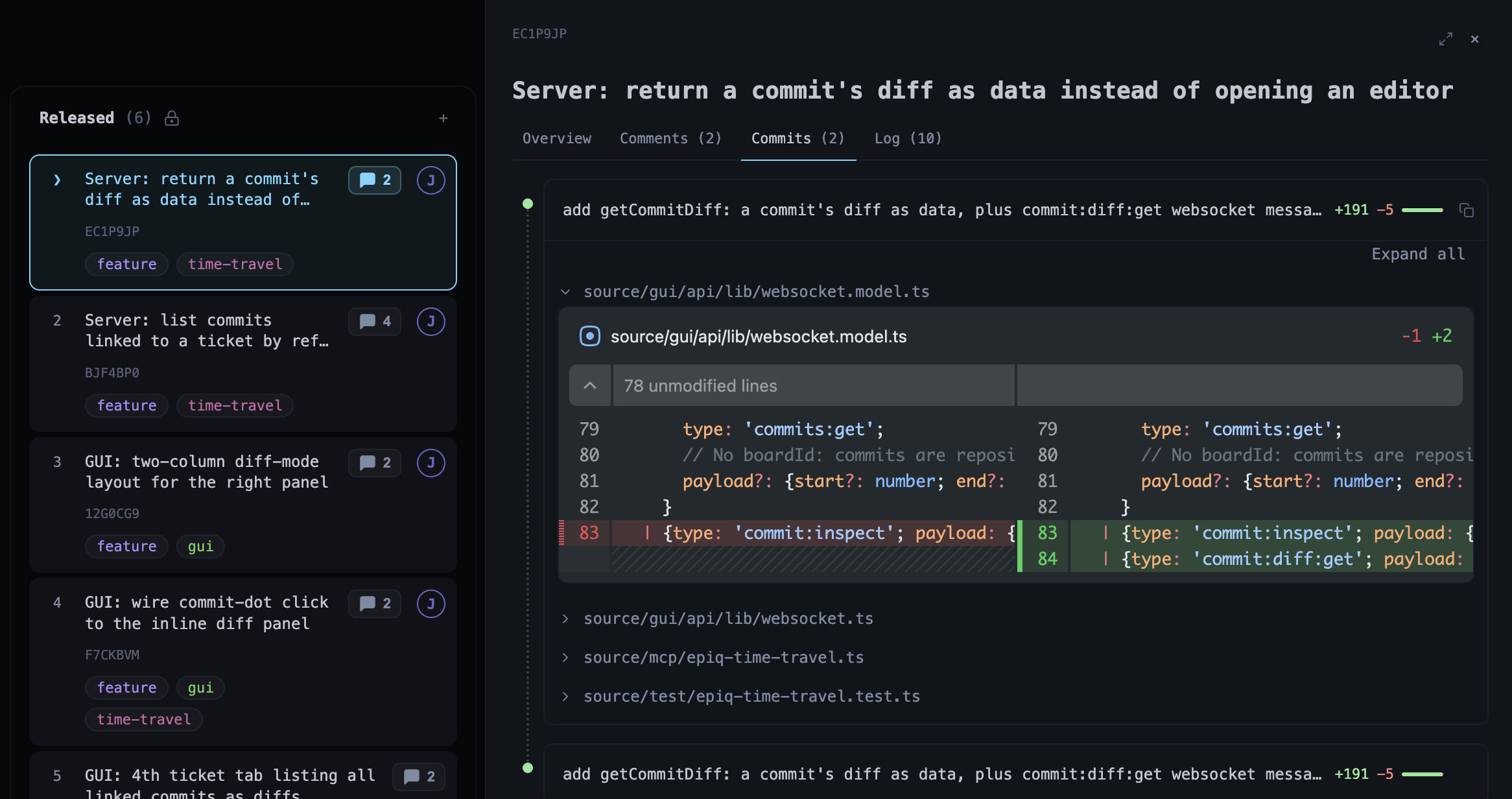
Prefix a commit subject with a ticket's ref (e.g. its ID) to link it; the commit then appears in that ticket's code-diff tab, and you can comment on specific lines or file a new ticket straight from a selection.What are similar projects?iCode, 1code, hyperfide, lean-ctx, headroom, super-productivity, bb-browser, oracle
iCode, 1code, hyperfide, lean-ctx, headroom, super-productivity, bb-browser, oracleWhich topics is it in?issue-tracker, task-manager, event-sourcing, kanban, project-management, version-control, offline-first, workflow, tui, model-context-protocol, distributed-systems, git
issue-tracker, task-manager, event-sourcing, kanban, project-management, version-control, offline-first, workflow, tui, model-context-protocol, distributed-systems, git