html-ppt — HTML PPT Studio
A world-class AgentSkill for producing professional HTML presentations in
36 themes, 15 full-deck templates, 31 page layouts,
47 animations (27 CSS + 20 canvas FX), and a true presenter mode
with pixel-perfect previews + speaker script + timer — all pure static
HTML/CSS/JS, no build step.
Author: lewis <[email protected]>
License: MIT
中文文档: README.zh-CN.md
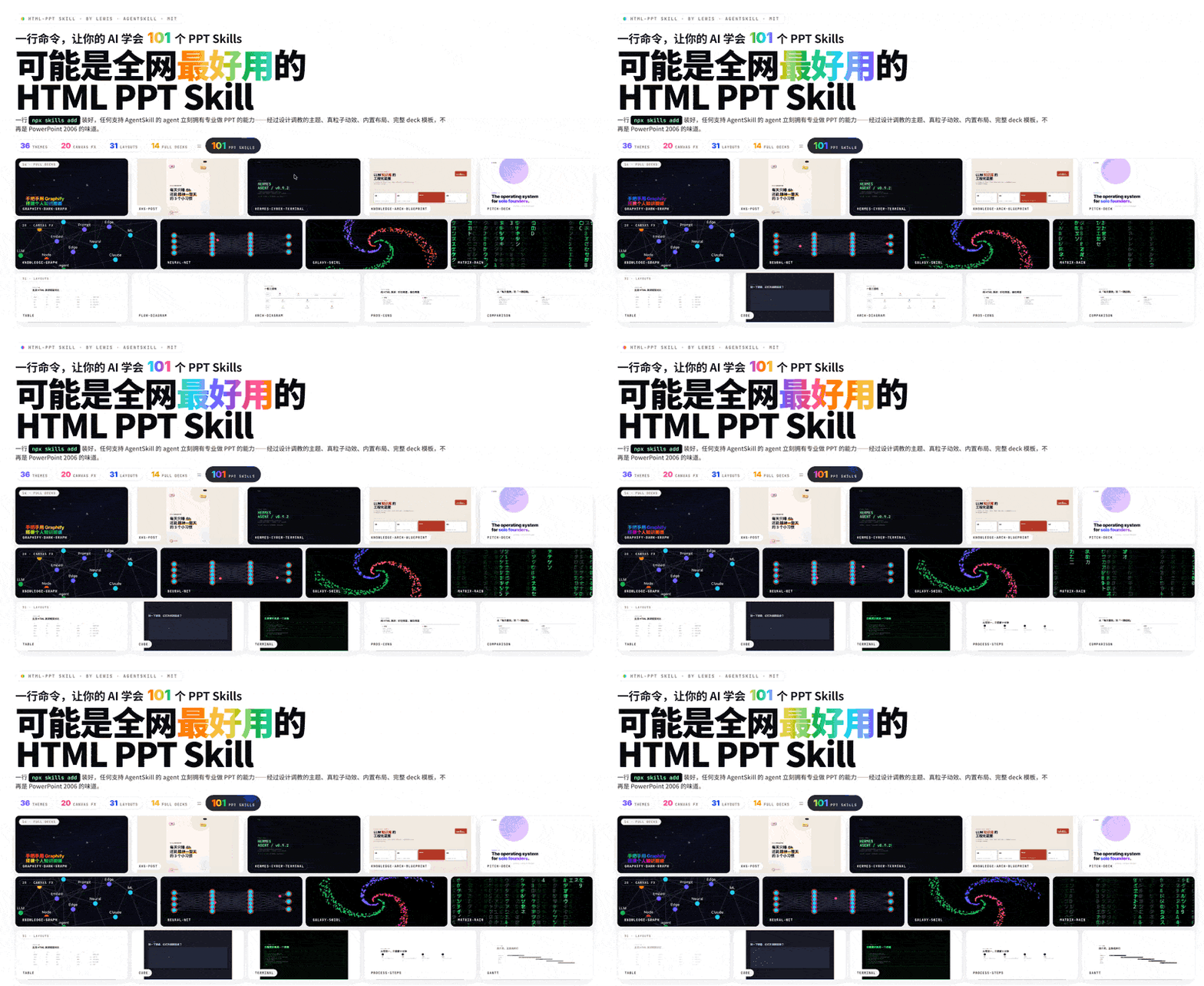
One command installs 36 themes × 20 canvas FX × 31 layouts × 15 full decks + presenter mode. Every preview above is a live iframe of a real template file rendering inside the deck — no screenshots, no mock-ups.
🎤 Presenter Mode (new!)
Press S on any deck to pop open a dedicated presenter window with four
draggable, resizable magnetic cards: current slide, next slide preview,
speaker script (逐字稿), and timer. Two windows stay in sync via
BroadcastChannel.
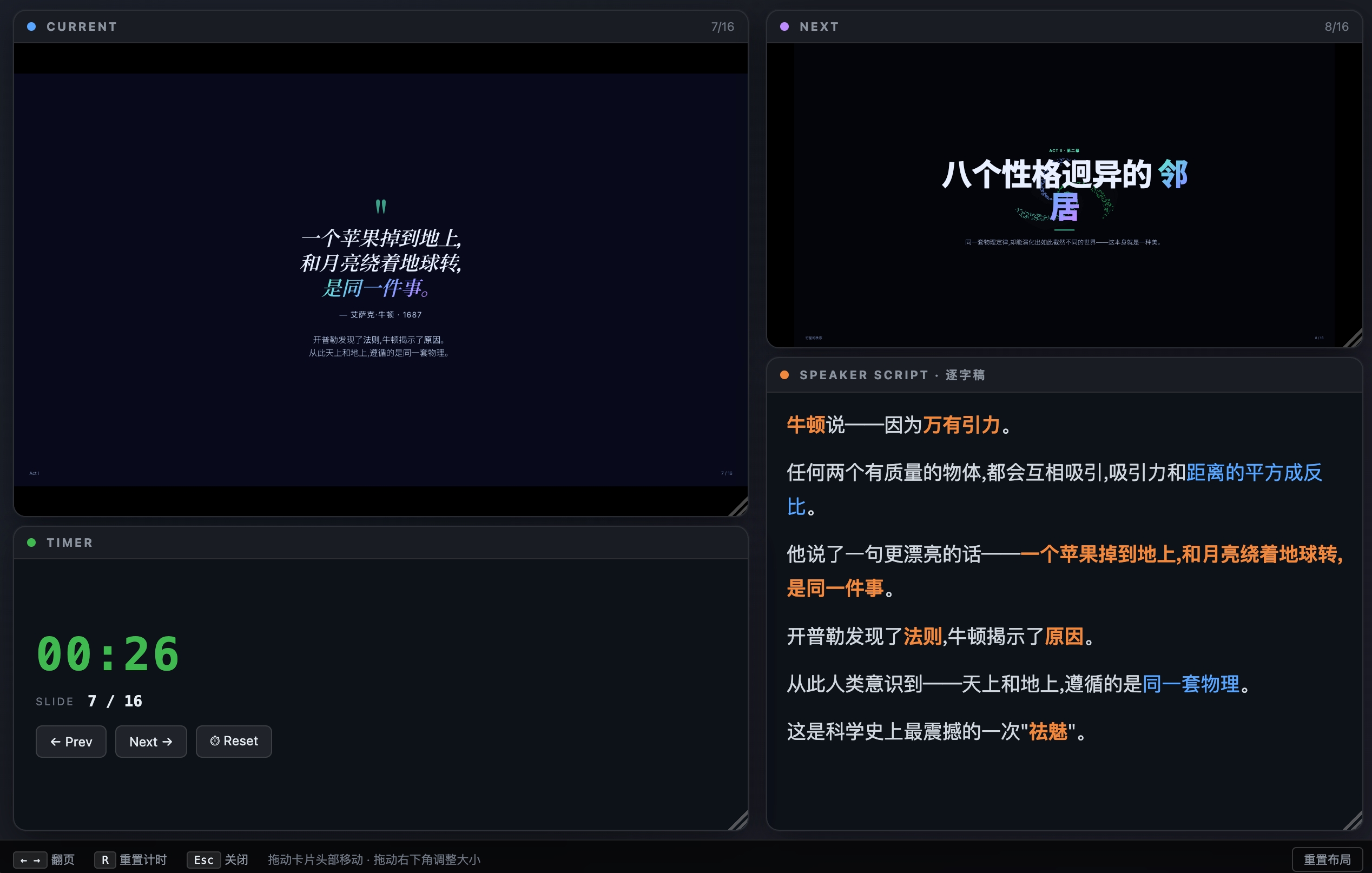
Why previews are pixel-perfect: each card is an <iframe> that loads the
same deck HTML with a ?preview=N query param. The runtime detects this and
renders only slide N with no chrome — so the preview uses the same CSS,
theme, fonts and viewport as the audience view. Colors and layout are
guaranteed identical.
Smooth (no-reload) navigation: on slide change, the presenter window
sends postMessage({type:'preview-goto', idx:N}) to each iframe. The iframe
just toggles .is-active between slides — no reload, no flicker.
Speaker script rules (3 golden):
- Prompt signals, not lines to read — bold the keywords, separate
transition sentences into their own paragraphs
- 150–300 words per slide — that's the ~2–3 min/page pace
- Write it like you speak — conversational, not written prose
See references/presenter-mode.md for the
full authoring guide, or copy the ready-made template at
templates/full-decks/presenter-mode-reveal/ which ships with full 150-300
word speaker scripts on every slide.
Install (one command)
npx skills add https://github.com/lewislulu/html-ppt-skill
That registers the skill with your agent runtime. After install, any agent
that supports AgentSkills can author presentations by asking things like:
"做一份 8 页的技术分享 slides,用 cyberpunk 主题"
"turn this outline into a pitch deck"
"做一个小红书图文,9 张,白底柔和风"
What's in the box
|
Count |
Where |
| 🎤 Presenter mode |
NEW |
S key / ?preview=N |
| 🎨 Themes |
36 |
assets/themes/*.css |
| 📑 Full-deck templates |
15 |
templates/full-decks/<name>/ |
| 🧩 Single-page layouts |
31 |
templates/single-page/*.html |
| ✨ CSS animations |
27 |
assets/animations/animations.css |
| 💥 Canvas FX animations |
20 |
assets/animations/fx/*.js |
| 🖼️ Showcase decks |
4 |
templates/*-showcase.html |
| 📸 Verification screenshots |
56 |
scripts/verify-output/ |
36 Themes
minimal-white, editorial-serif, soft-pastel, sharp-mono, arctic-cool,
sunset-warm, catppuccin-latte, catppuccin-mocha, dracula, tokyo-night,
nord, solarized-light, gruvbox-dark, rose-pine, neo-brutalism,
glassmorphism, bauhaus, swiss-grid, terminal-green, xiaohongshu-white,
rainbow-gradient, aurora, blueprint, memphis-pop, cyberpunk-neon,
y2k-chrome, retro-tv, japanese-minimal, vaporwave, midcentury,
corporate-clean, academic-paper, news-broadcast, pitch-deck-vc,
magazine-bold, engineering-whiteprint.
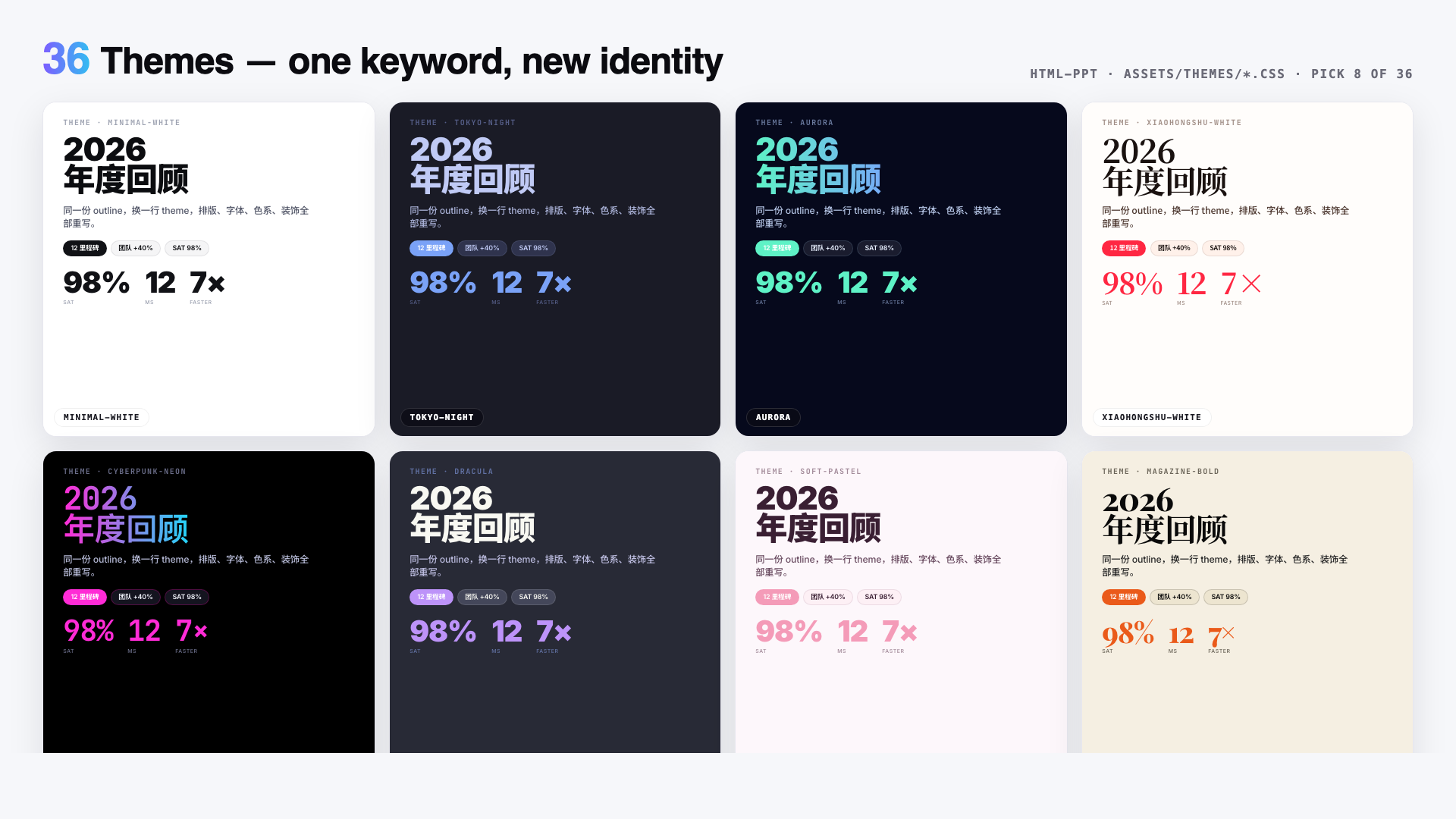
Each is a pure CSS-tokens file — swap one <link> to reskin the entire deck.
Browse them all in templates/theme-showcase.html (each slide rendered in an
isolated iframe so theme ≠ theme is visually guaranteed).
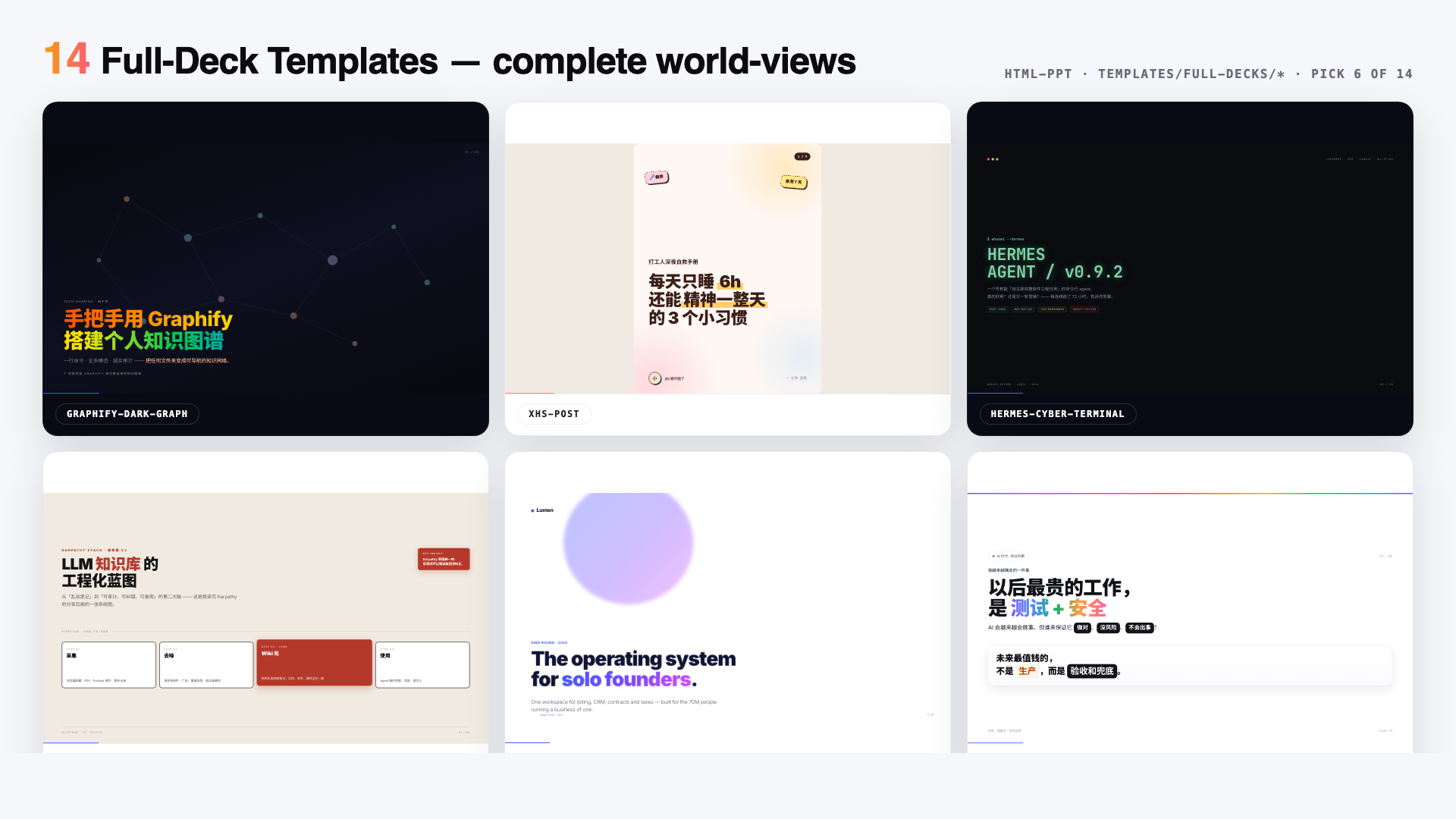
15 Full-deck templates
Eight extracted from real-world decks, seven generic scenario scaffolds:
Extracted looks
xhs-white-editorial — 小红书白底杂志风graphify-dark-graph — 暗底 + 力导向知识图谱knowledge-arch-blueprint — 蓝图 / 架构图风hermes-cyber-terminal — 终端 cyberpunkobsidian-claude-gradient — 紫色渐变卡testing-safety-alert — 红 / 琥珀警示风xhs-pastel-card — 柔和马卡龙图文dir-key-nav-minimal — 方向键极简
Scenario decks
pitch-deck, product-launch, tech-sharing, weekly-report,
xhs-post (9-slide 3:4), course-module,
presenter-mode-reveal 🎤 — complete talk template with full 150-300
word speaker scripts on every slide, designed around the S key presenter mode
Each is a self-contained folder with scoped .tpl-<name> CSS so multiple
decks can be previewed side-by-side without collisions. Browse the full
gallery in templates/full-decks-index.html.
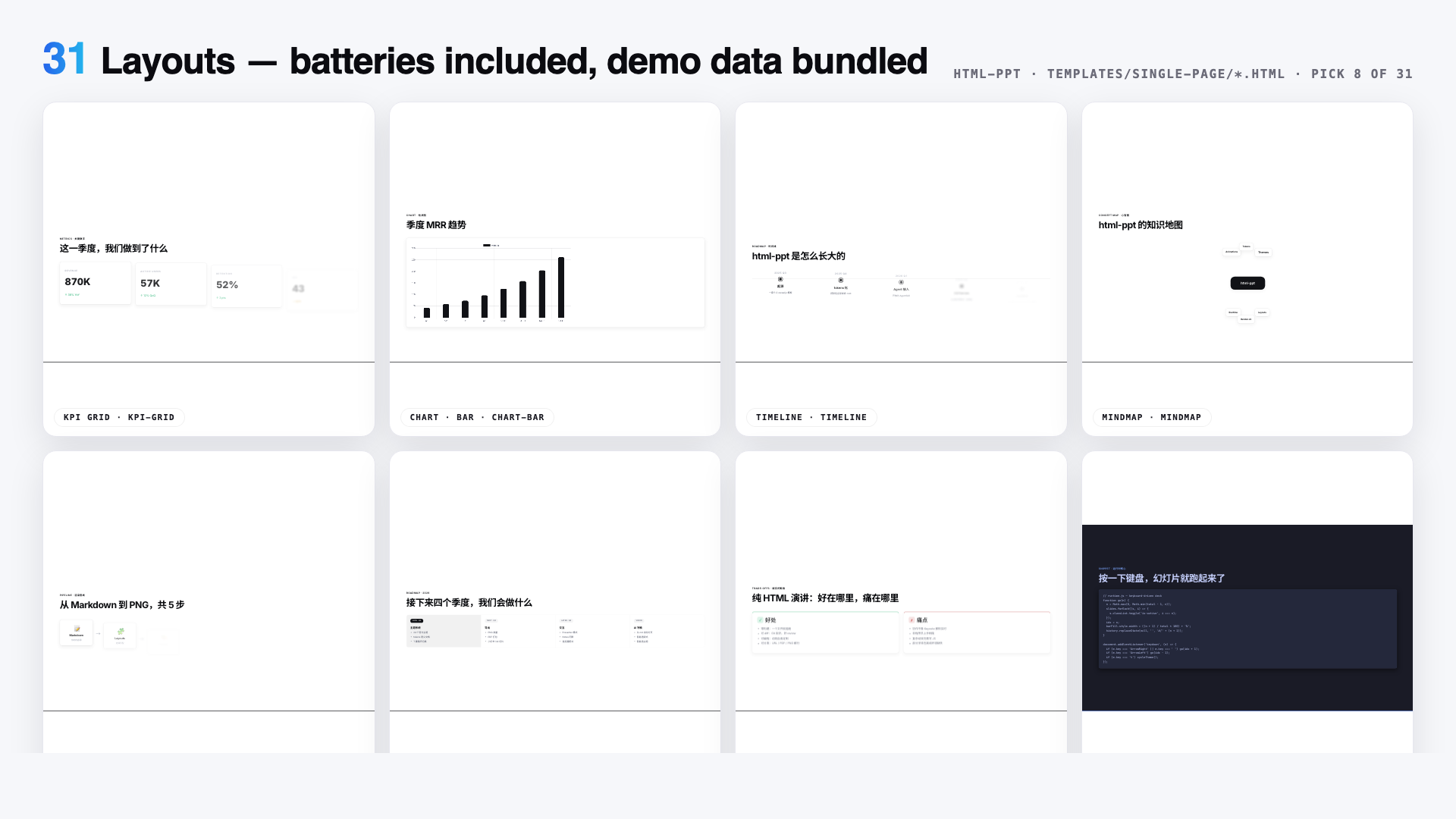
31 Single-page layouts
cover · toc · section-divider · bullets · two-column · three-column ·
big-quote · stat-highlight · kpi-grid · table · code · diff · terminal ·
flow-diagram · timeline · roadmap · mindmap · comparison · pros-cons ·
todo-checklist · gantt · image-hero · image-grid · chart-bar · chart-line ·
chart-pie · chart-radar · arch-diagram · process-steps · cta · thanks
Every layout ships with realistic demo data so you can drop it into a deck
and immediately see it render.
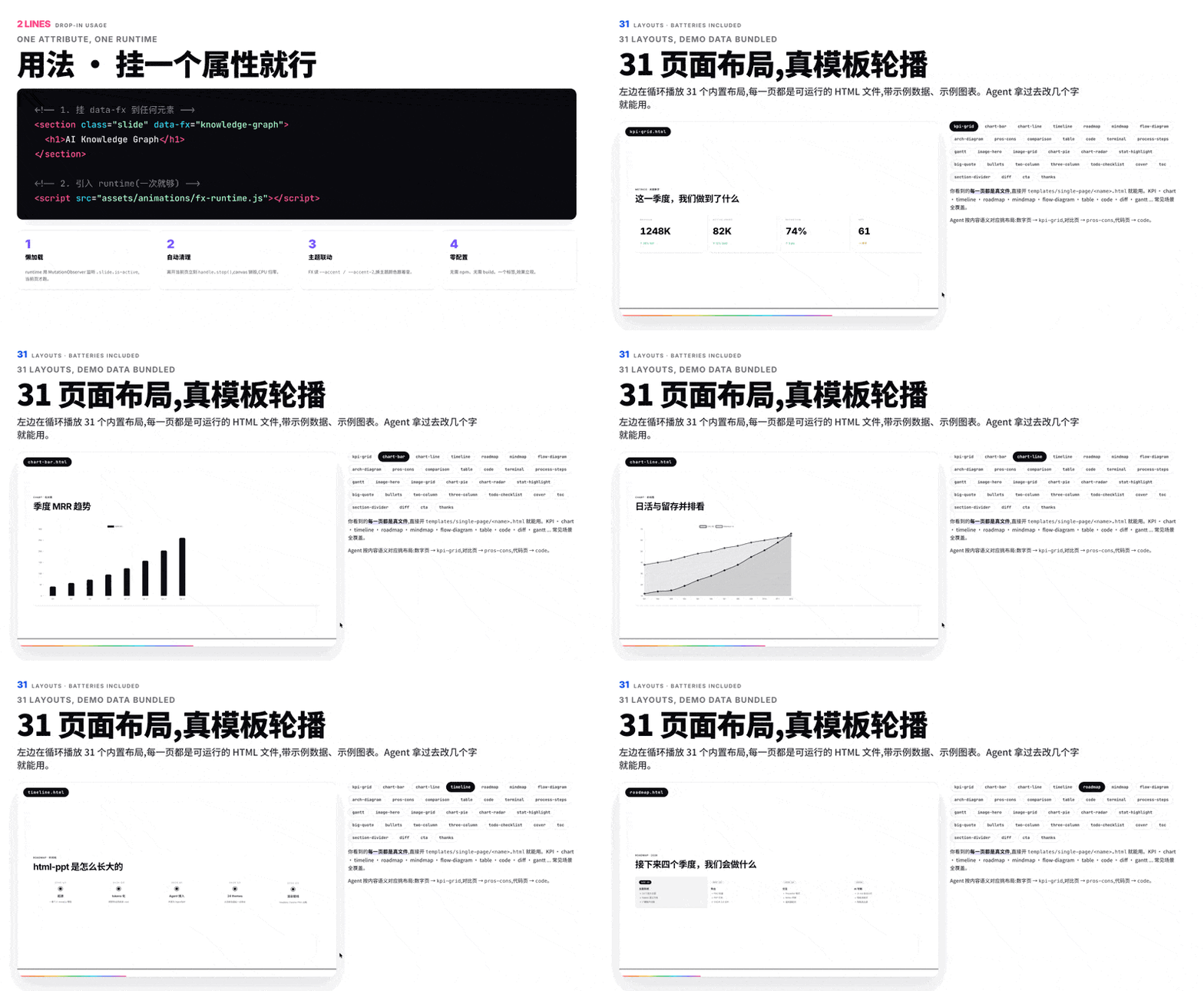
The big iframe is loading templates/single-page/<name>.html directly and cycling through all 31 layouts every 2.8 seconds.
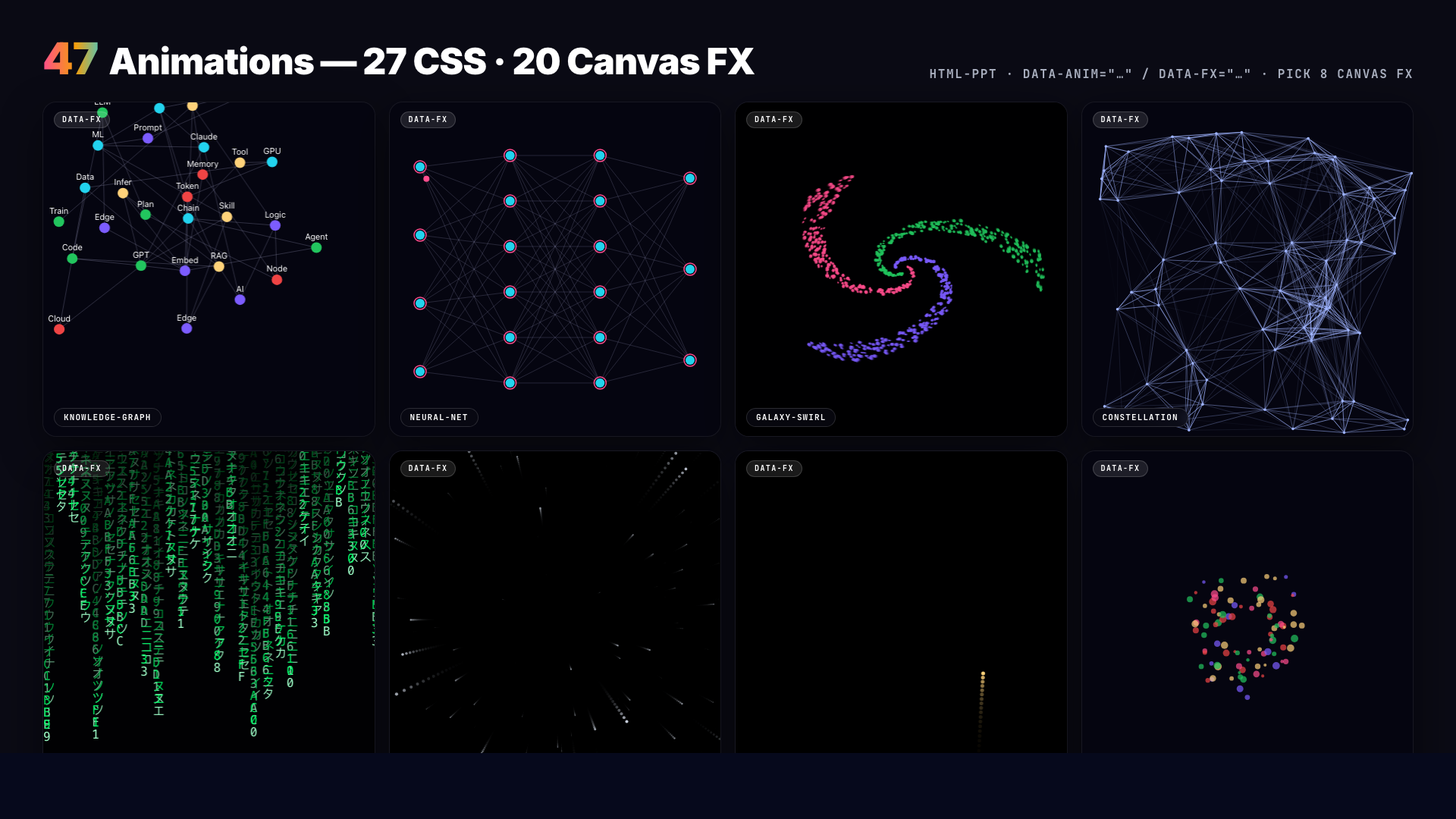
27 CSS animations + 20 Canvas FX
CSS (lightweight) — directional fades, rise-in, zoom-pop, blur-in,
glitch-in, typewriter, neon-glow, shimmer-sweep, gradient-flow,
stagger-list, counter-up, path-draw, morph-shape, parallax-tilt,
card-flip-3d, cube-rotate-3d, page-turn-3d, perspective-zoom,
marquee-scroll, kenburns, ripple-reveal, spotlight, …
Canvas FX (cinematic) — particle-burst, confetti-cannon, firework,
starfield, matrix-rain, knowledge-graph (force-directed physics),
neural-net (signal pulses), constellation, orbit-ring, galaxy-swirl,
word-cascade, letter-explode, chain-react, magnetic-field,
data-stream, gradient-blob, sparkle-trail, shockwave,
typewriter-multi, counter-explosion. Each is a real hand-rolled canvas
module auto-initialised on slide enter via fx-runtime.js.
Quick start (manual, after install or git clone)
# Scaffold a new deck from the base template
./scripts/new-deck.sh my-talk

# Browse everything
open templates/theme-showcase.html         # all 36 themes (iframe-isolated)
open templates/layout-showcase.html        # all 31 layouts
open templates/animation-showcase.html     # all 47 animations
open templates/full-decks-index.html       # all 14 full decks

# Render any template to PNG via headless Chrome
./scripts/render.sh templates/theme-showcase.html
./scripts/render.sh examples/my-talk/index.html 12
Keyboard cheat sheet
← → Space PgUp PgDn Home End   navigate
F                               fullscreen
S                               open presenter window (magnetic cards)
N                               quick notes drawer (bottom)
R                               reset timer (in presenter window)
O                               slide overview grid
T                               cycle themes (syncs to presenter)
A                               cycle a demo animation on current slide
#/N (URL)                       deep-link to slide N
?preview=N (URL)                preview-only mode (single slide, no chrome)
Project structure
html-ppt-skill/
├── SKILL.md                      agent-facing dispatcher
├── README.md                     this file
├── references/                   detailed catalogs
│   ├── themes.md                 36 themes with when-to-use
│   ├── layouts.md                31 layout types
│   ├── animations.md             27 CSS + 20 FX catalog
│   ├── full-decks.md             14 full-deck templates
│   └── authoring-guide.md        full workflow
├── assets/
│   ├── base.css                  shared tokens + primitives
│   ├── fonts.css                 webfont imports
│   ├── runtime.js                keyboard + presenter + overview
│   ├── themes/*.css              36 theme token files
│   └── animations/
│       ├── animations.css        27 named CSS animations
│       ├── fx-runtime.js         auto-init [data-fx] on slide enter
│       └── fx/*.js               20 canvas FX modules
├── templates/
│   ├── deck.html                 minimal starter
│   ├── theme-showcase.html       iframe-isolated theme tour
│   ├── layout-showcase.html      all 31 layouts
│   ├── animation-showcase.html   47 animation slides
│   ├── full-decks-index.html     14-deck gallery
│   ├── full-decks/<name>/        14 scoped multi-slide decks
│   └── single-page/*.html        31 layout files with demo data
├── scripts/
│   ├── new-deck.sh               scaffold
│   ├── render.sh                 headless Chrome → PNG
│   └── verify-output/            56 self-test screenshots
└── examples/demo-deck/           complete working deck
Philosophy
- Token-driven design system. All color, radius, shadow, font decisions
live in
assets/base.css + the current theme file. Change one variable,
the whole deck reflows tastefully.
- Iframe isolation for previews. Theme / layout / full-deck showcases all
use
<iframe> per slide so each preview is a real, independent render.
- Zero build. Pure static HTML/CSS/JS. CDN only for webfonts, highlight.js
and chart.js (optional).
- Senior-designer defaults. Opinionated type scale, spacing rhythm,
gradients and card treatments — no "Corporate PowerPoint 2006" vibes.
- Chinese + English first-class. Noto Sans SC / Noto Serif SC pre-imported.
License
MIT © 2026 lewis <[email protected]>.

 html-ppt(HTML PPT Studio)是一个 AgentSkill,让 AI 编程智能体生成专业的 HTML 演示文稿——包含 36 套主题、31 种页面版式、15 套整套模板和 47 种动画,还带演讲者模式——全部是纯静态 HTML/CSS/JS,没有任何构建步骤。