8.7K ·GitHub
Что это?
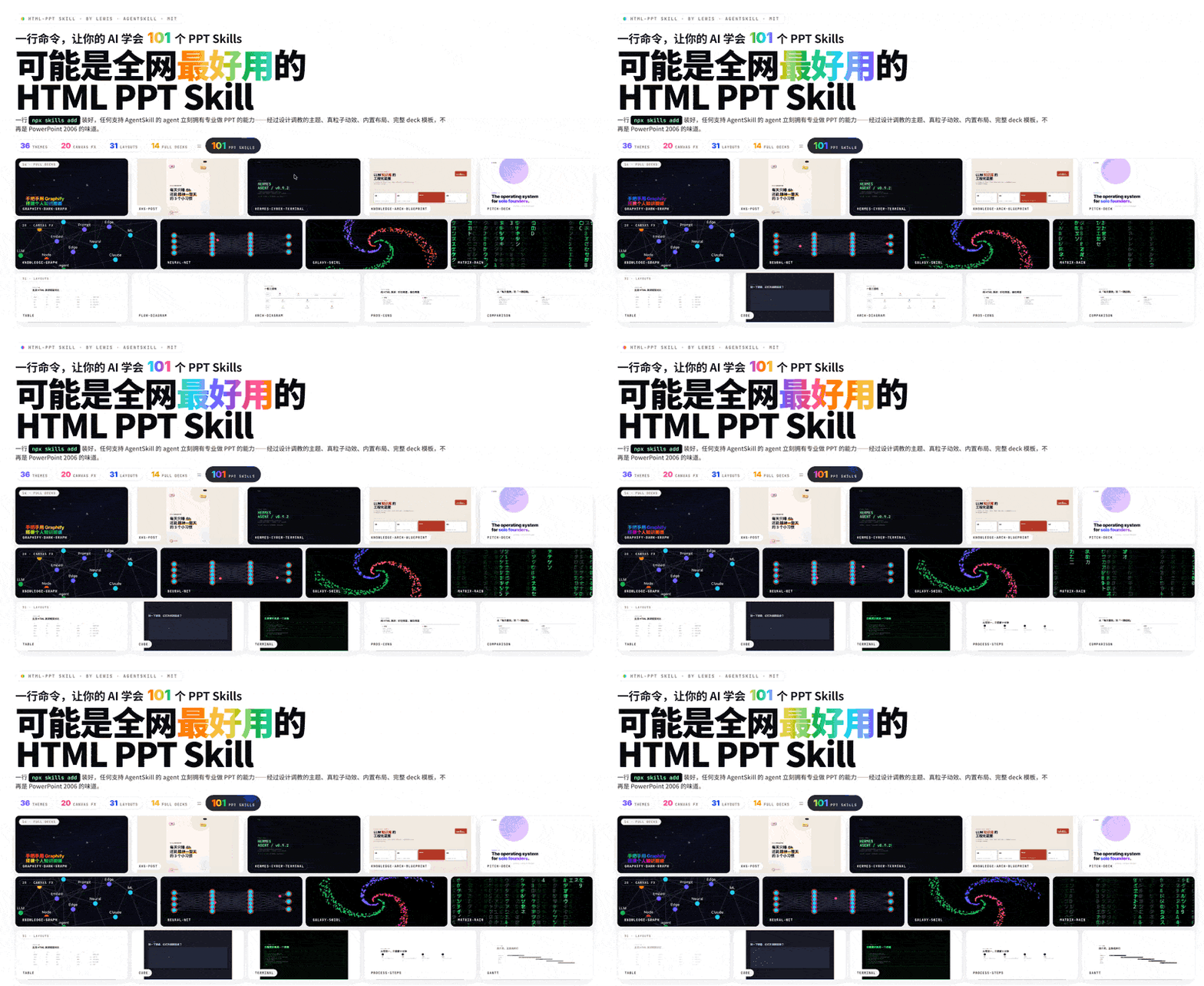
 html-ppt (HTML PPT Studio) — это AgentSkill, позволяющий AI-агентам для кодинга создавать профессиональные HTML-презентации — с 36 темами, 31 макетом страниц, 15 шаблонами целых презентаций и 47 анимациями, плюс режимом докладчика, — всё в виде чистого статического HTML/CSS/JS без этапа сборки.
html-ppt (HTML PPT Studio) — это AgentSkill, позволяющий AI-агентам для кодинга создавать профессиональные HTML-презентации — с 36 темами, 31 макетом страниц, 15 шаблонами целых презентаций и 47 анимациями, плюс режимом докладчика, — всё в виде чистого статического HTML/CSS/JS без этапа сборки.Это отдельное приложение или то, что я устанавливаю в своего AI-агента?Это пакет AgentSkill, а не отдельное приложение — после регистрации любой AI-кодинг-агент с поддержкой AgentSkills может создавать презентации по запросу, а результат — чистый статический HTML/CSS/JS с нулевым этапом сборки.
Это пакет AgentSkill, а не отдельное приложение — после регистрации любой AI-кодинг-агент с поддержкой AgentSkills может создавать презентации по запросу, а результат — чистый статический HTML/CSS/JS с нулевым этапом сборки.Как его настроить?Одна команда установки регистрирует скилл в среде выполнения вашего агента; после этого вы просто просите агента на естественном языке, например 'преврати этот план в питч-презентацию'.
Одна команда установки регистрирует скилл в среде выполнения вашего агента; после этого вы просто просите агента на естественном языке, например 'преврати этот план в питч-презентацию'.Нужен ли конкретный AI-агент, чтобы пользоваться этим?Нужна среда выполнения агента с поддержкой AgentSkills — после установки любой такой агент может создавать презентации по простому запросу вроде 'сделай 8-страничную презентацию для техшеринга в теме киберпанк'.
Нужна среда выполнения агента с поддержкой AgentSkills — после установки любой такой агент может создавать презентации по простому запросу вроде 'сделай 8-страничную презентацию для техшеринга в теме киберпанк'.Есть ли подвох в подходе без сборки?Это чистый статический HTML/CSS/JS без этапа сборки, но опциональные дополнения вроде webfonts, highlight.js и chart.js всё равно подтягиваются с CDN, так что этим функциям нужен доступ в интернет.
Это чистый статический HTML/CSS/JS без этапа сборки, но опциональные дополнения вроде webfonts, highlight.js и chart.js всё равно подтягиваются с CDN, так что этим функциям нужен доступ в интернет.Работает ли он на Windows, macOS и Linux?Да — поскольку каждая презентация и сам скилл представляют собой чистый статический HTML/CSS/JS, они работают везде, где работает браузер, без платформенно-специфичных зависимостей.
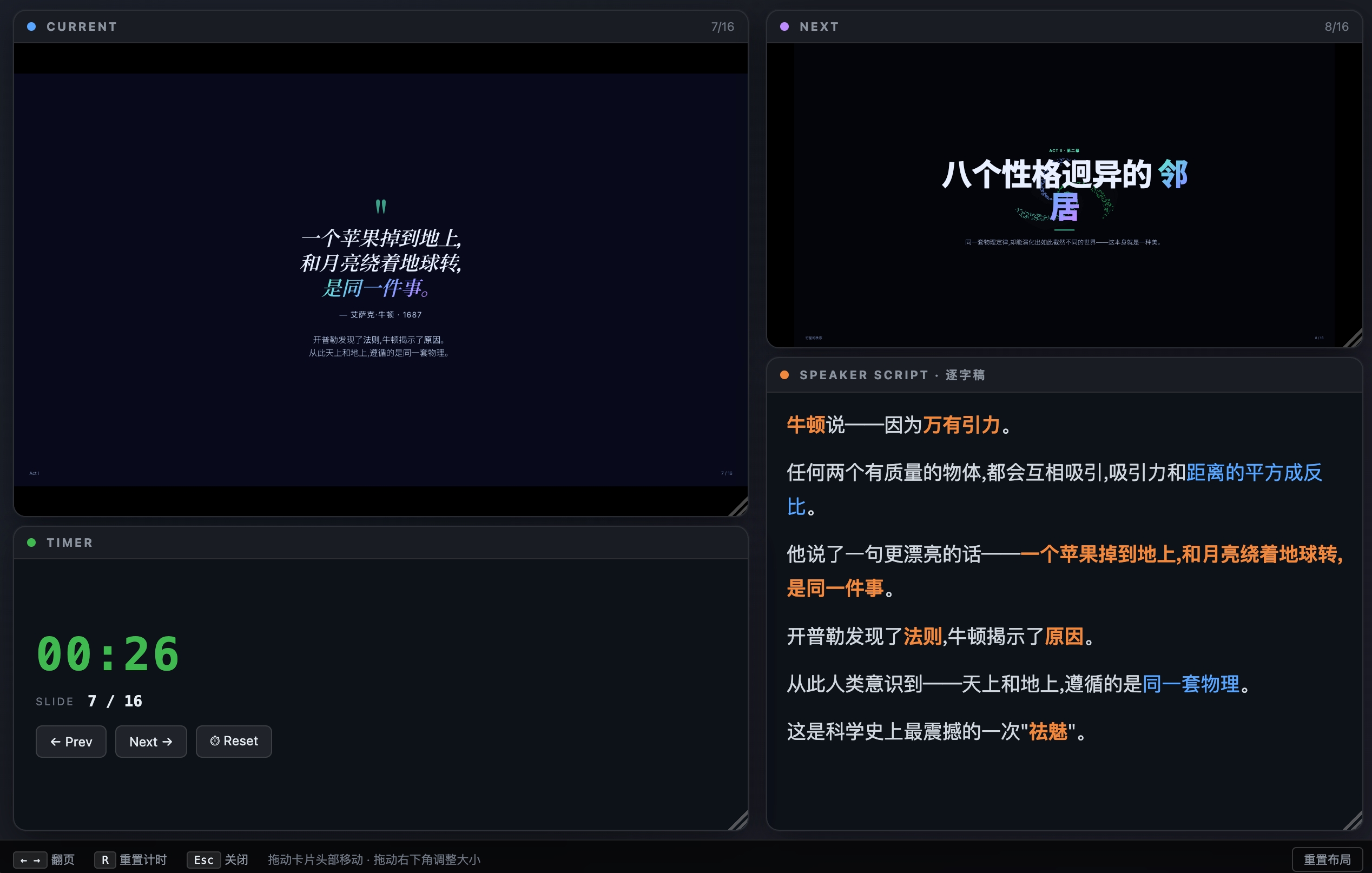
Да — поскольку каждая презентация и сам скилл представляют собой чистый статический HTML/CSS/JS, они работают везде, где работает браузер, без платформенно-специфичных зависимостей.Что такое режим докладчика?Нажатие S на любой презентации открывает синхронизированное окно докладчика с перетаскиваемыми карточками: текущий слайд, превью следующего слайда, сценарий выступления и таймер, синхронизируемые с зрительским видом через BroadcastChannel, так что навигация по слайдам никогда не вызывает перезагрузку или мерцание.
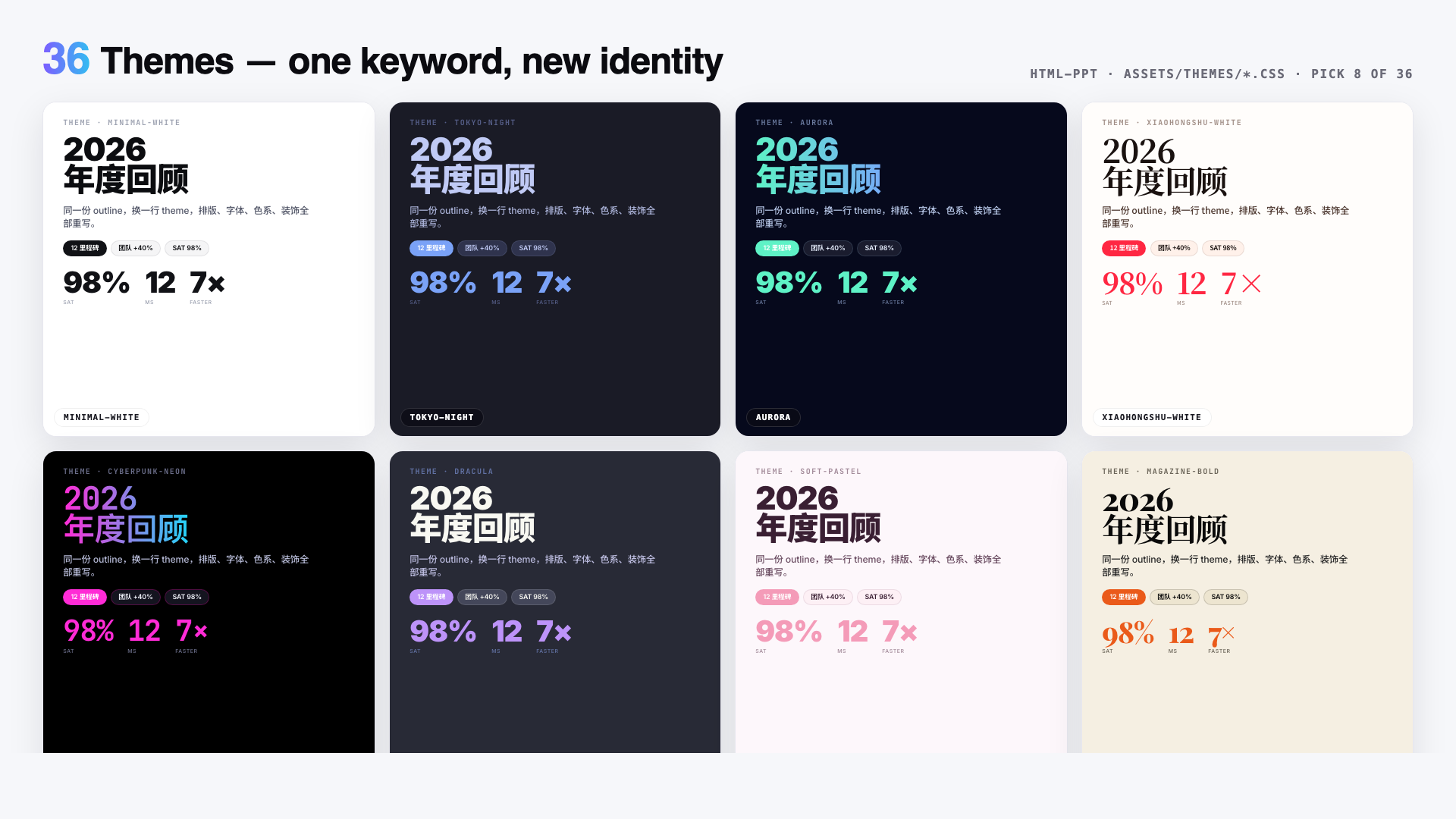
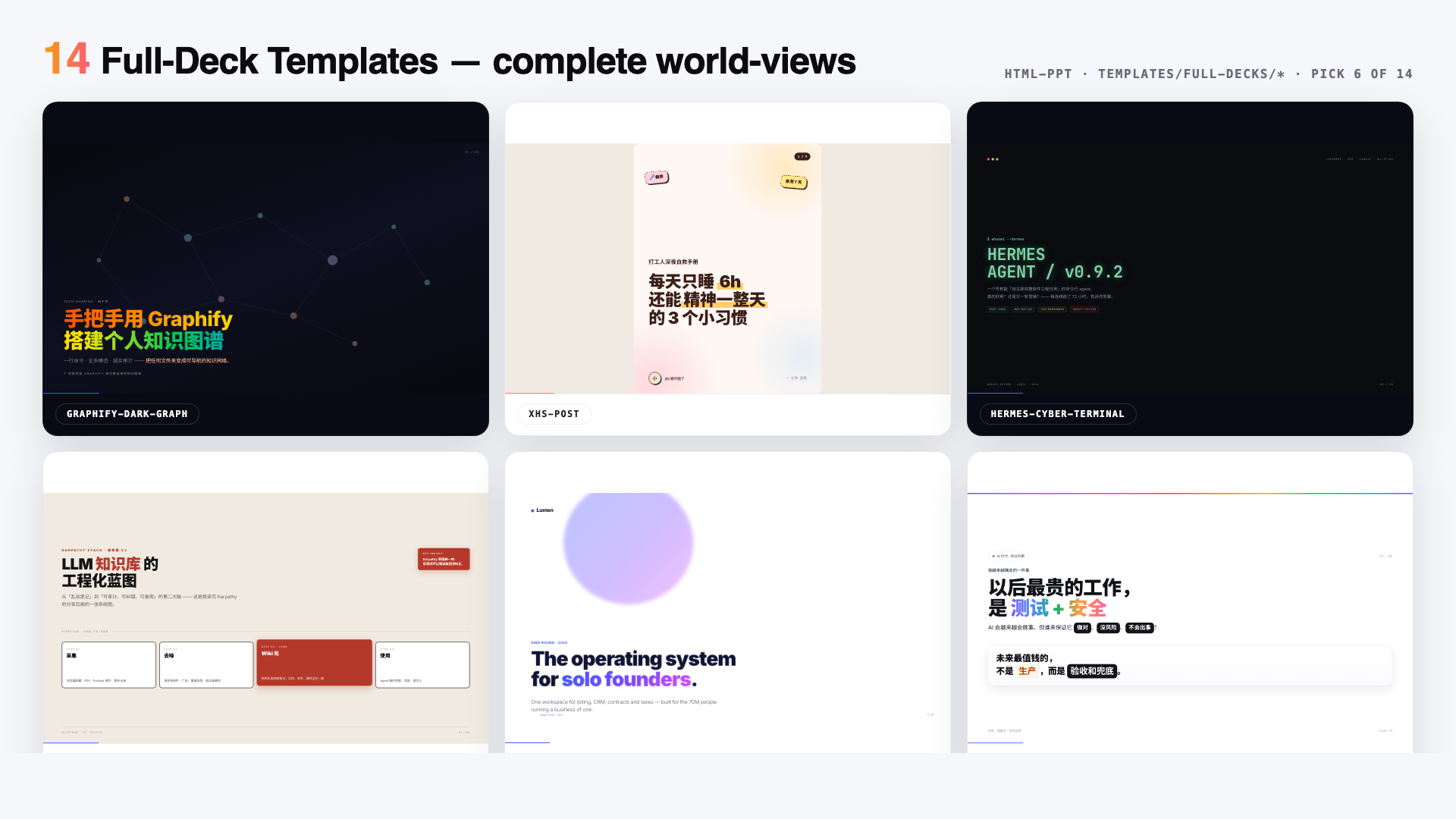
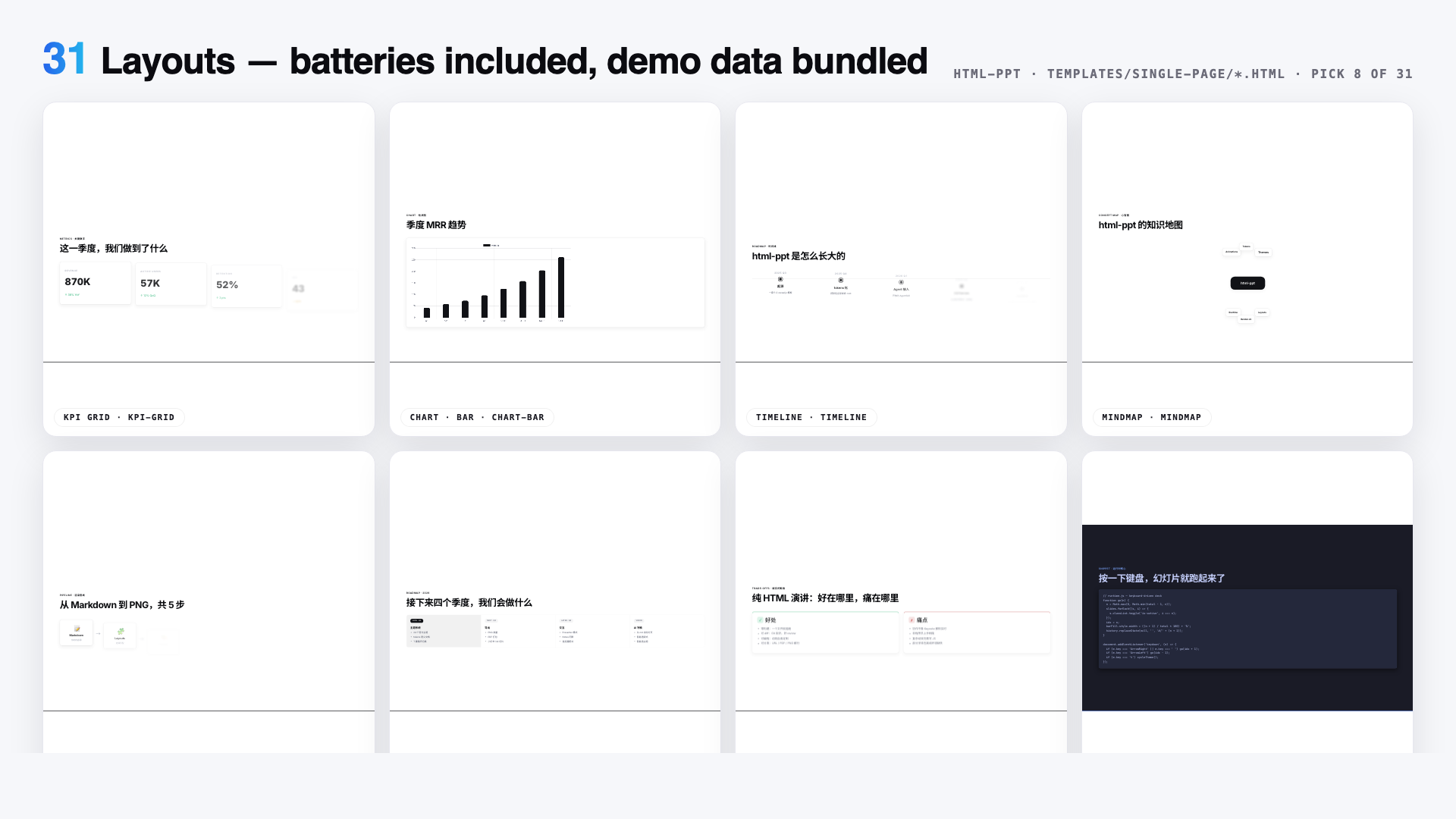
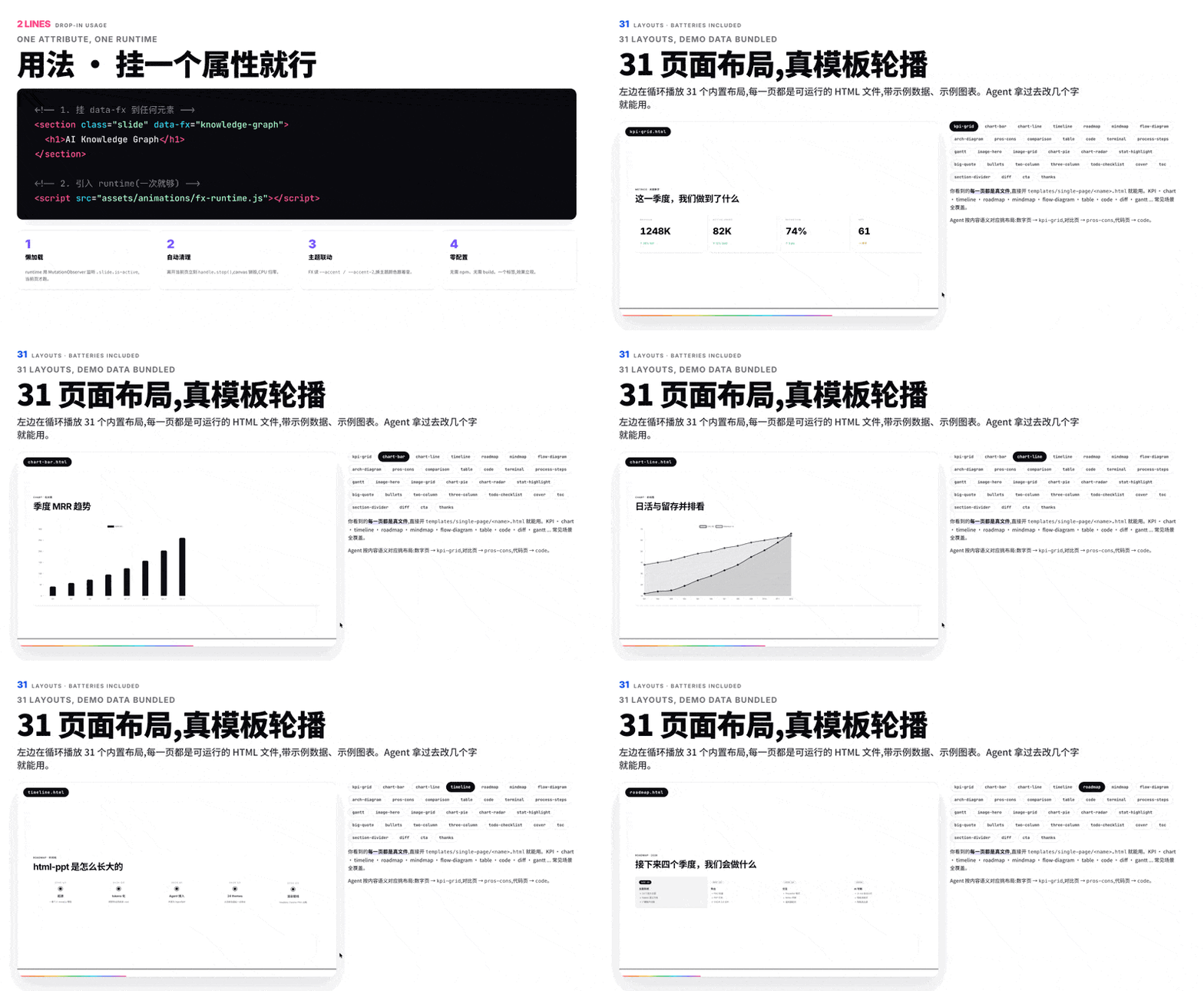
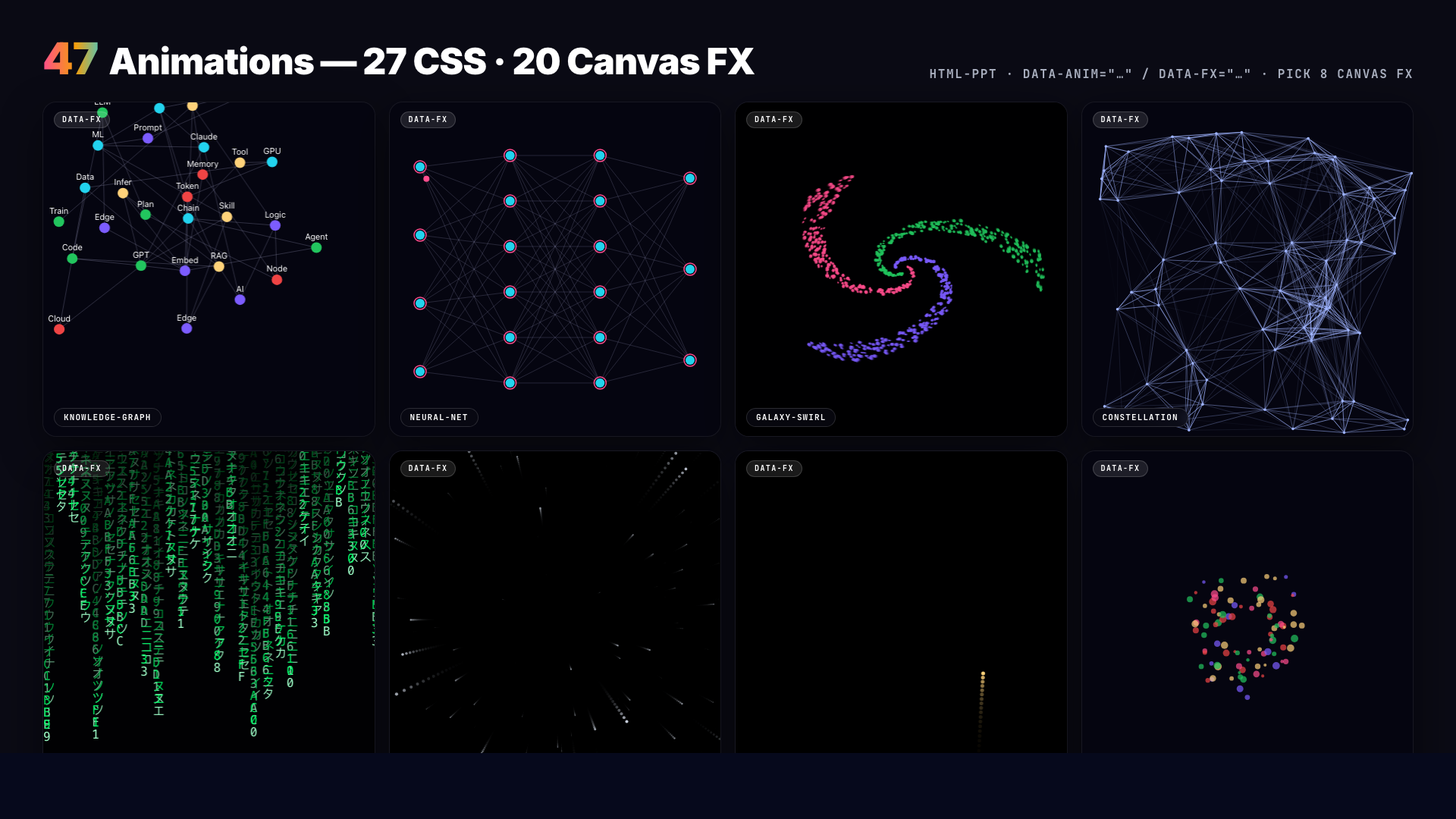
Нажатие S на любой презентации открывает синхронизированное окно докладчика с перетаскиваемыми карточками: текущий слайд, превью следующего слайда, сценарий выступления и таймер, синхронизируемые с зрительским видом через BroadcastChannel, так что навигация по слайдам никогда не вызывает перезагрузку или мерцание.Сколько тем и макетов в комплекте?В комплекте 36 тем на CSS-токенах, 31 одностраничный макет, 15 шаблонов целых презентаций и 47 анимаций (27 CSS + 20 canvas FX), так что презентацию можно полностью перестилизовать, просто заменив один файл темы.
В комплекте 36 тем на CSS-токенах, 31 одностраничный макет, 15 шаблонов целых презентаций и 47 анимаций (27 CSS + 20 canvas FX), так что презентацию можно полностью перестилизовать, просто заменив один файл темы.Поддерживает ли он китайский контент?Да — он построен с первоклассной поддержкой китайского и английского, с предзагрузкой шрифтов Noto Sans SC / Noto Serif SC и отдельным китайским README (README.zh-CN.md).
Да — он построен с первоклассной поддержкой китайского и английского, с предзагрузкой шрифтов Noto Sans SC / Noto Serif SC и отдельным китайским README (README.zh-CN.md).Чем уникальны превью презентаций?Каждое живое превью — в галереях тем, обзорах макетов и режиме докладчика — это настоящий изолированный iframe, загружающий реальный файл шаблона с query-параметром ?preview=N, а не скриншот, поэтому цвета и макет всегда в точности совпадают с тем, что видит аудитория.
Каждое живое превью — в галереях тем, обзорах макетов и режиме докладчика — это настоящий изолированный iframe, загружающий реальный файл шаблона с query-параметром ?preview=N, а не скриншот, поэтому цвета и макет всегда в точности совпадают с тем, что видит аудитория.What are similar projects?nodeppt, bolt-slides, dashi-ppt-skill, guizang-ppt-skill, Cowart, ppt-master, frontend-slides, banana-slides
nodeppt, bolt-slides, dashi-ppt-skill, guizang-ppt-skill, Cowart, ppt-master, frontend-slides, banana-slidesWhich topics is it in?css-animations, ppt, slides, static-site, presentation, zero-dependency, canvas, template, theme, skill, animation, css
css-animations, ppt, slides, static-site, presentation, zero-dependency, canvas, template, theme, skill, animation, css