 μPlot
μPlot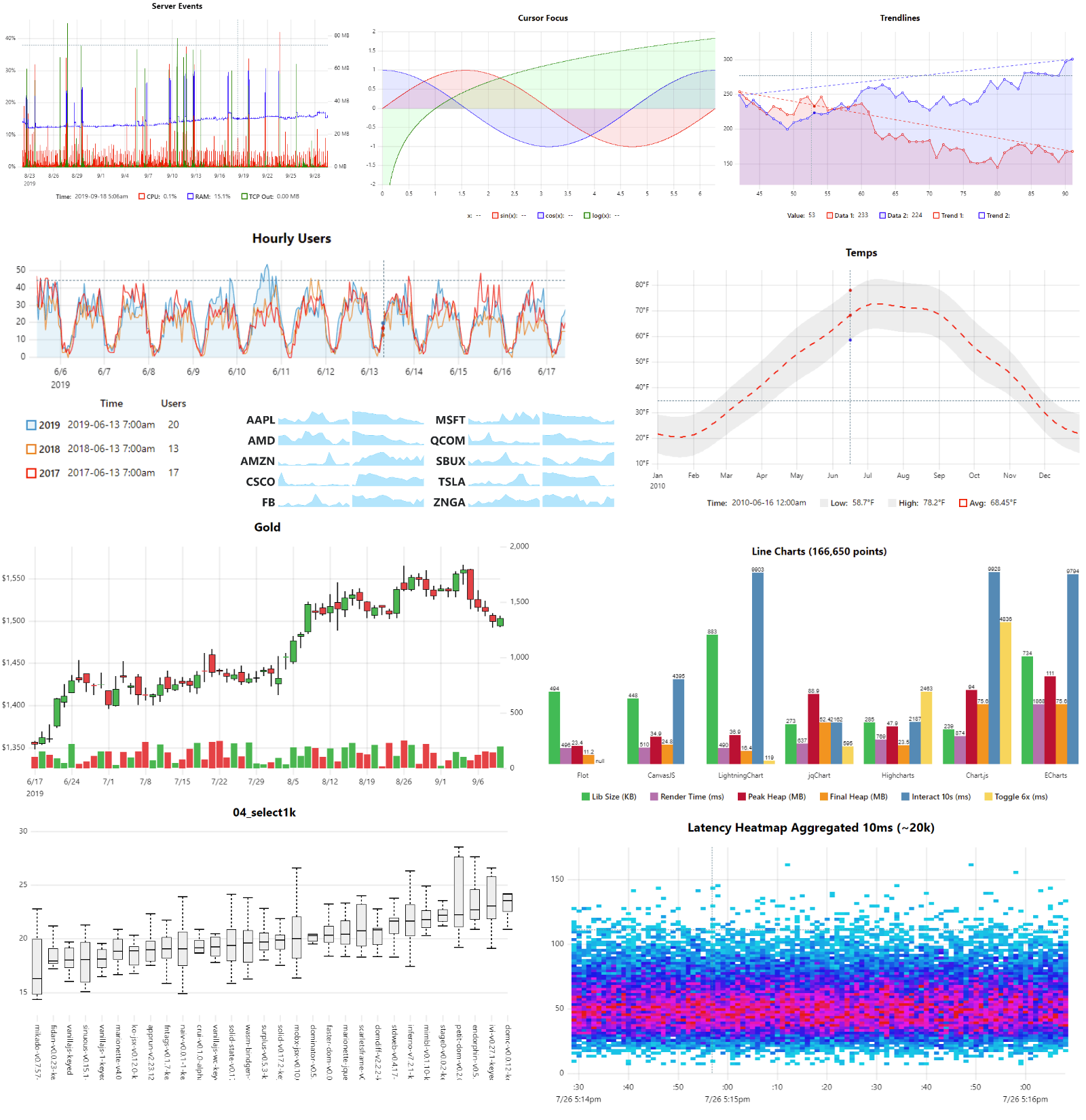
What is this?
 uPlot is a small (~50 KB min), fast, MIT-licensed JavaScript charting library for time series, line, area, OHLC and bar charts, drawn on Canvas 2D in the browser.
uPlot is a small (~50 KB min), fast, MIT-licensed JavaScript charting library for time series, line, area, OHLC and bar charts, drawn on Canvas 2D in the browser.Is this a library I add to my own web page, or a hosted chart service?It is a client-side library you add to a web page and drive through its API; everything renders on Canvas 2D in the browser and no server is involved.
It is a client-side library you add to a web page and drive through its API; everything renders on Canvas 2D in the browser and no server is involved.How do I add it to a project, and how good is the documentation?There is nothing to host or install beyond adding the library to a page. The docs are admittedly WIP: start with /docs/README.md for a conceptual overview, read the API comments in /dist/uPlot.d.ts, and learn from the runnable /demos.
There is nothing to host or install beyond adding the library to a page. The docs are admittedly WIP: start with /docs/README.md for a conceptual overview, read the API comments in /dist/uPlot.d.ts, and learn from the runnable /demos.Are there things it deliberately will not do?Yes, by design: no data parsing, aggregation or statistics (prepare data upstream), no transitions or animations, no stacked series, no axis-label collision avoidance, and drag panning only via zoom-wheel/zoom-touch plugins.
Yes, by design: no data parsing, aggregation or statistics (prepare data upstream), no transitions or animations, no stacked series, no axis-label collision avoidance, and drag panning only via zoom-wheel/zoom-touch plugins.Why did the author build uPlot instead of improving dygraphs?He had a stale pull request (#948) sitting on Dan Vanderkam's dygraphs, and that stale PR was the primary motivator for starting uPlot; dygraphs remains a cited inspiration.
He had a stale pull request (#948) sitting on Dan Vanderkam's dygraphs, and that stale PR was the primary motivator for starting uPlot; dygraphs remains a cited inspiration.Does uPlot use WebGL or WebGPU for its speed?No. It is pure Canvas 2D, which the author credits for its small size and fast startup; WebGL/WebGPU options like webgl-plot, TimeChart and ImPlot are suggested only if you outgrow Canvas for streaming.
No. It is pure Canvas 2D, which the author credits for its small size and fast startup; WebGL/WebGPU options like webgl-plot, TimeChart and ImPlot are suggested only if you outgrow Canvas for streaming.Can it draw smooth splines and stacked areas?Smooth spline interpolation exists as a pluggable path renderer, but the README strongly discourages it because it misrepresents your data, and stacked series will not be added at all.
Smooth spline interpolation exists as a pluggable path renderer, but the README strongly discourages it because it misrepresents your data, and stacked series will not be added at all.What are similar projects?apexcharts.js, Chart.js, bokeh, lightweight-charts, charts, d3, sigma.js, G2
apexcharts.js, Chart.js, bokeh, lightweight-charts, charts, d3, sigma.js, G2Which topics is it in?graphs, plotting, charting-library, chart, time-series, zero-dependency, graph, realtime, plugins, interactive, charts, canvas
graphs, plotting, charting-library, chart, time-series, zero-dependency, graph, realtime, plugins, interactive, charts, canvas