Что это такое?
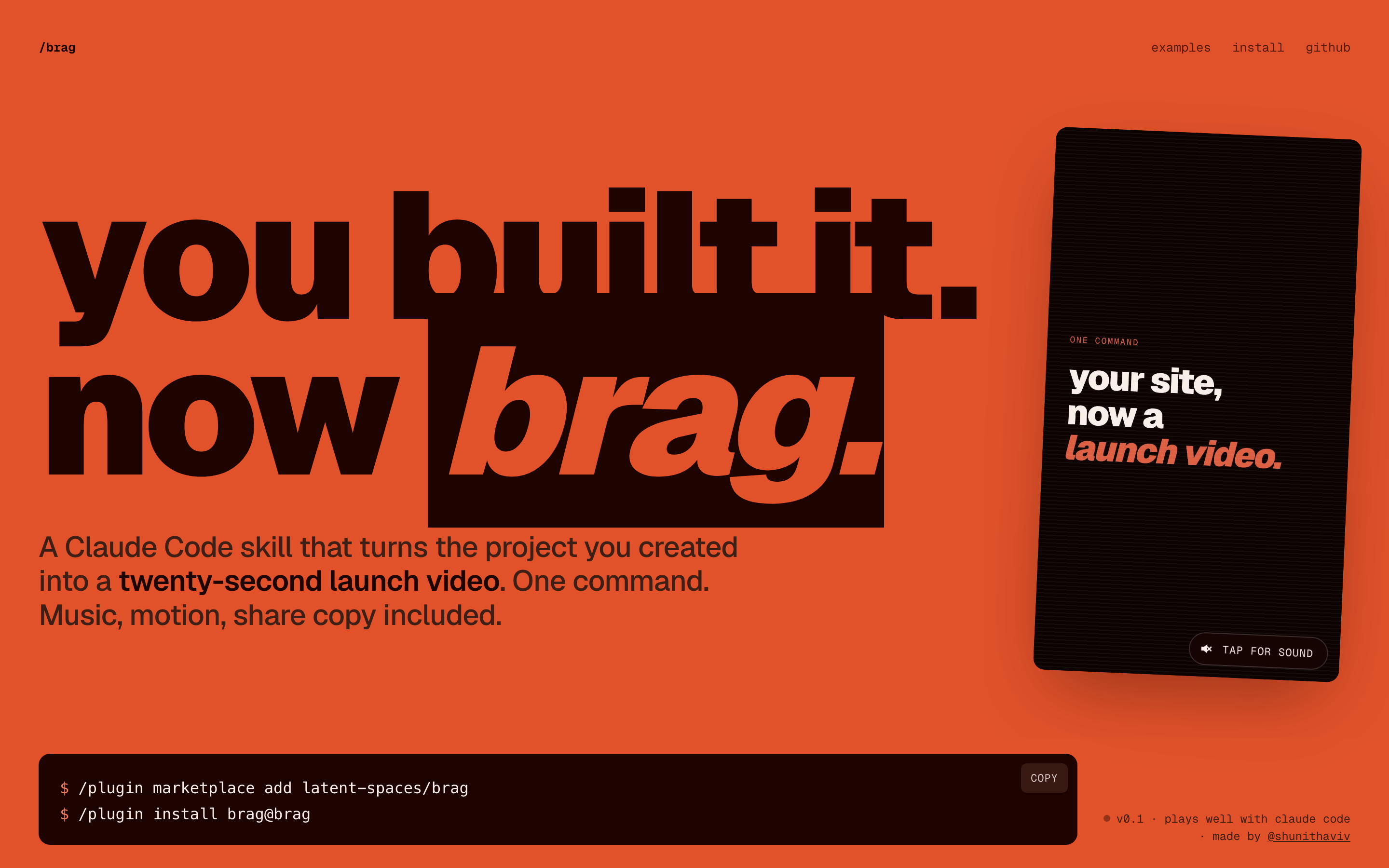
 /brag — это навык Claude Code, который превращает только что созданный проект в короткое видео-анонс для публикации, с музыкой, анимацией и текстом для отправки. Всё генерируется одной командой с помощью Hyperframes.
/brag — это навык Claude Code, который превращает только что созданный проект в короткое видео-анонс для публикации, с музыкой, анимацией и текстом для отправки. Всё генерируется одной командой с помощью Hyperframes.Это отдельное приложение или навык для моего агента для программирования?Это не отдельное приложение, а Agent Skill (плагин), который добавляет команду /brag в агенты для программирования, такие как Claude Code, Codex CLI, opencode, Gemini CLI, Cursor и Copilot.
Это не отдельное приложение, а Agent Skill (плагин), который добавляет команду /brag в агенты для программирования, такие как Claude Code, Codex CLI, opencode, Gemini CLI, Cursor и Copilot.Как установить и запустить /brag?Установите плагин /brag в Claude Code (или через skills CLI для других агентов), затем выполните /brag из любой папки проекта: агент составит бриф и вызовет Hyperframes, чтобы отрендерить итоговое видео.
Установите плагин /brag в Claude Code (или через skills CLI для других агентов), затем выполните /brag из любой папки проекта: агент составит бриф и вызовет Hyperframes, чтобы отрендерить итоговое видео.Что нужно установить перед запуском /brag?Агент с поддержкой Agent Skills (Claude Code, opencode, Codex CLI и др.), Node.js 22+, FFmpeg в PATH и CLI Hyperframes, доступный через npx hyperframes.
Агент с поддержкой Agent Skills (Claude Code, opencode, Codex CLI и др.), Node.js 22+, FFmpeg в PATH и CLI Hyperframes, доступный через npx hyperframes.Какие подводные камни при установке мне стоит знать?В Windows навык использует символические ссылки для путей обнаружения, поэтому нужно включить core.symlinks в Git и режим разработчика (Developer Mode) или права администратора. Если это не работает, придётся вручную скопировать папку навыка.
В Windows навык использует символические ссылки для путей обнаружения, поэтому нужно включить core.symlinks в Git и режим разработчика (Developer Mode) или права администратора. Если это не работает, придётся вручную скопировать папку навыка.Что такое /brag-slim и чем он отличается от /brag?/brag-slim — это облегчённая однофайловая версия навыка для Claude Opus 5.5, которая не использует Hyperframes и встроенные ресурсы, но сохраняет те же творческие правила. Claude Opus 5.5 использует её автоматически, если только вы не запустите /brag --full для классического сценария с Hyperframes.
/brag-slim — это облегчённая однофайловая версия навыка для Claude Opus 5.5, которая не использует Hyperframes и встроенные ресурсы, но сохраняет те же творческие правила. Claude Opus 5.5 использует её автоматически, если только вы не запустите /brag --full для классического сценария с Hyperframes.Что я получу после запуска /brag?Папку brag-output/, в которой лежат творческий план, бриф для композиции, текст для публикации и отрендеренное видео brag.mp4.
Папку brag-output/, в которой лежат творческий план, бриф для композиции, текст для публикации и отрендеренное видео brag.mp4.Озвучка включена по умолчанию?Нет, закадровый голос по умолчанию выключен, его нужно включить явно. Когда он включён, используется модель синтеза речи Kokoro через Hyperframes.
Нет, закадровый голос по умолчанию выключен, его нужно включить явно. Когда он включён, используется модель синтеза речи Kokoro через Hyperframes.Что входит в сам навык?В папке skills/brag/ находятся файл с инструкцией навыка, справочные документы, а также встроенная музыка и звуковые эффекты (от ende.app и Kenney), которыми озвучиваются созданные видео-анонсы.
В папке skills/brag/ находятся файл с инструкцией навыка, справочные документы, а также встроенная музыка и звуковые эффекты (от ende.app и Kenney), которыми озвучиваются созданные видео-анонсы.What are similar projects?guizang-product-video-skill, pstack-claude, herk-edit-kit, open-steps, eian-riso-broll, billion-context, superpowers-zh, newsjack
guizang-product-video-skill, pstack-claude, herk-edit-kit, open-steps, eian-riso-broll, billion-context, superpowers-zh, newsjackWhich topics is it in?hyperframes, copilot, antigravity, marketing, gemini-cli, music, tts, content-creation, opencode, claude-skills, ffmpeg, video-generation
hyperframes, copilot, antigravity, marketing, gemini-cli, music, tts, content-creation, opencode, claude-skills, ffmpeg, video-generation