[!NOTE]
Good news: s2arm.com is now the official S2Arm website. S2Arm is free and open source and never accepts donations; get S2Arm only from s2arm.com or this GitHub repository.
Your own Switch games, running natively on iPhone, iPad and Mac. Game code is rewritten to native ARM64 and runs directly on the device's processor, with graphics going straight to Metal. Your whole library lives in one app, and a few clicks in the Mac or Windows launcher take a game from import to play.
Platforms: iPhone / iPad (iOS / iPadOS 18 and later) · Mac (Apple silicon, macOS 15 and later) · Build on Mac or Windows · Android / HarmonyOS coming soon · License: Apache-2.0 · Bring your own games
The game's own ARM64 code is rewritten at build time and then runs directly on the processor in your iPhone, iPad or Mac. There is no CPU emulator in between. Graphics calls are translated straight to Metal, and system services come from a native host. That is where the speed, the low heat and the battery life come from. Evidence
One app, your whole library
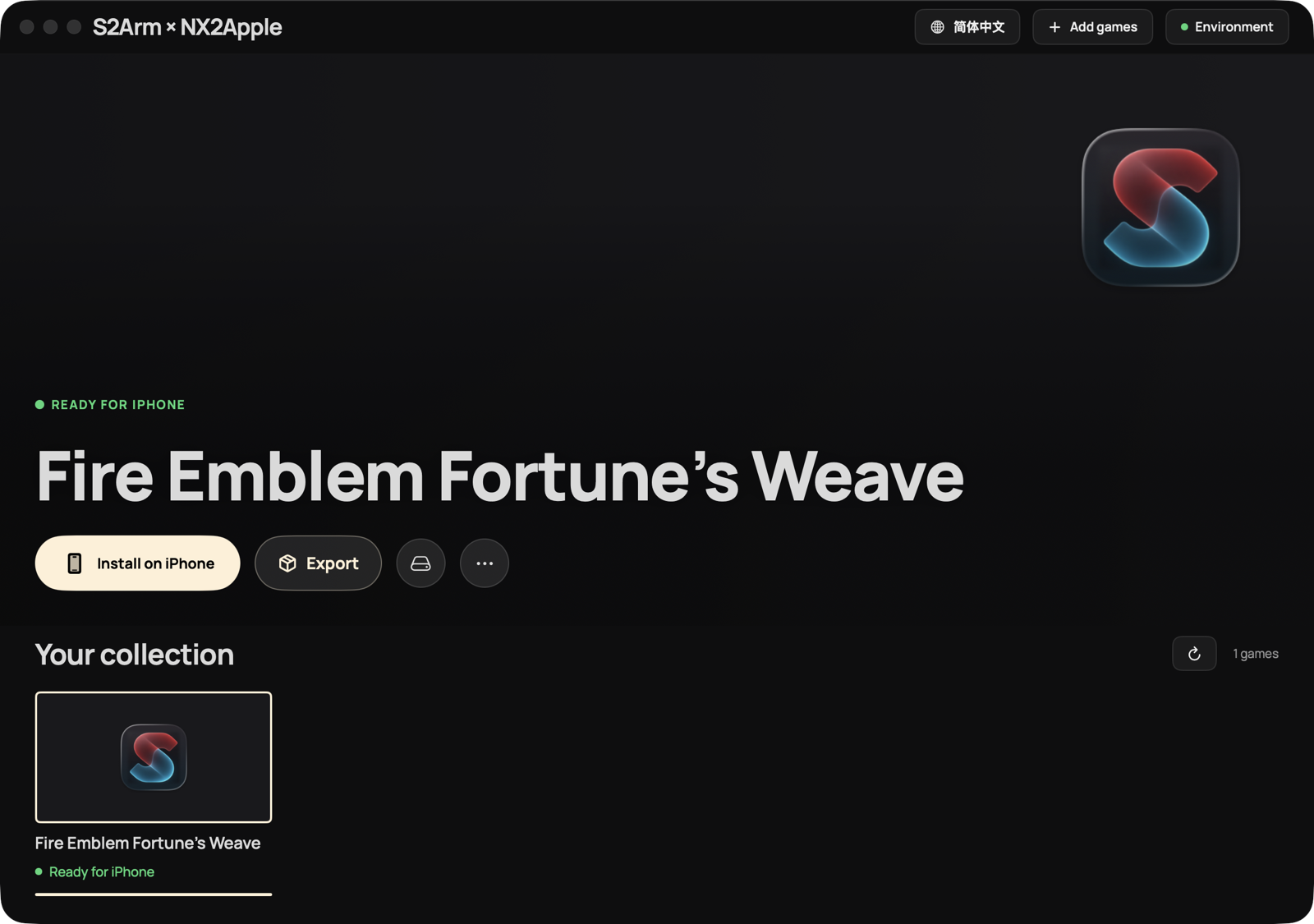
Every game you import goes into the same S2Arm app; open it and pick what to play. The whole library takes a single App slot on your developer account, so adding a game never means installing another app or spending another signing slot. Evidence
Graphical launchers, next to zero setup
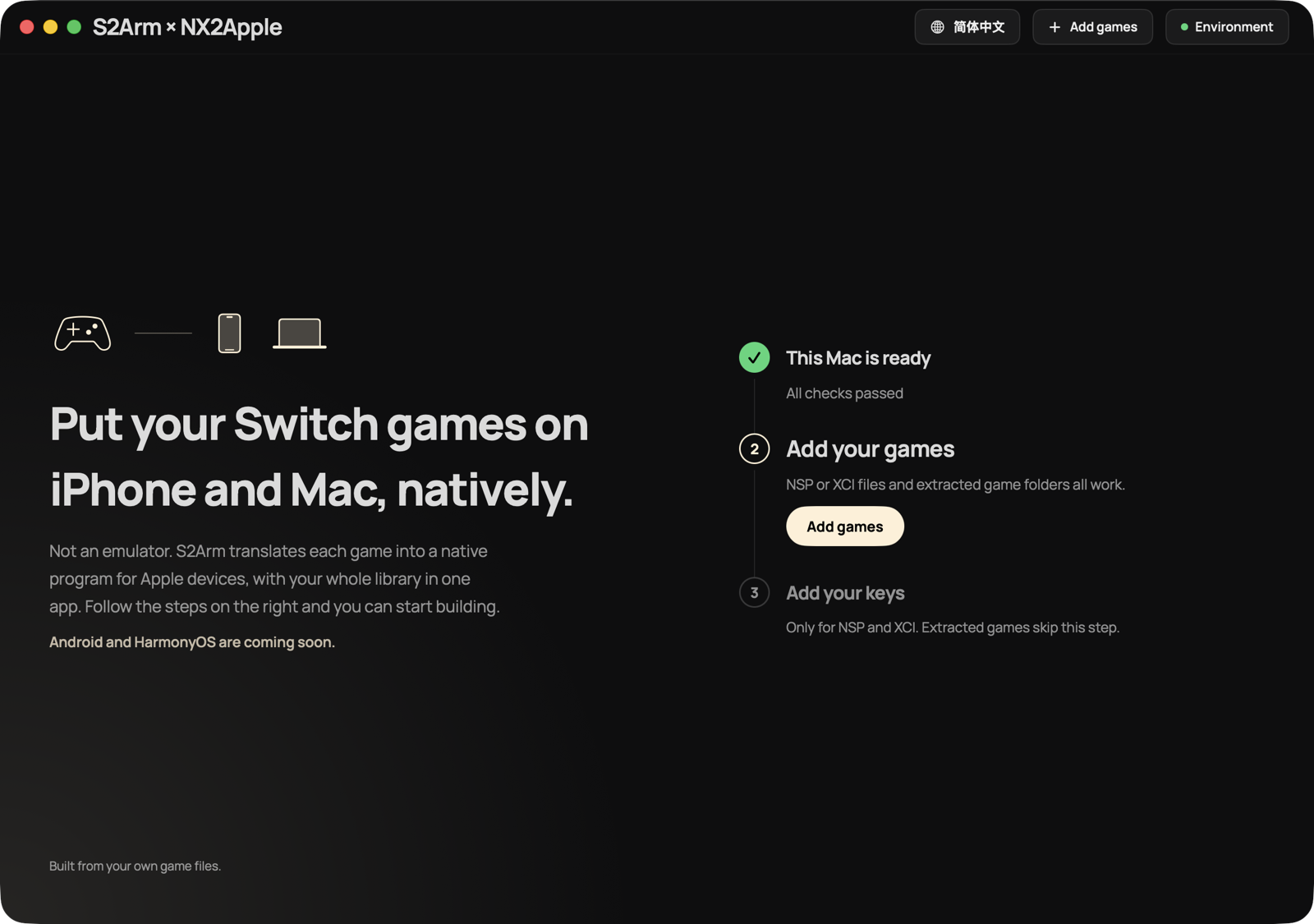
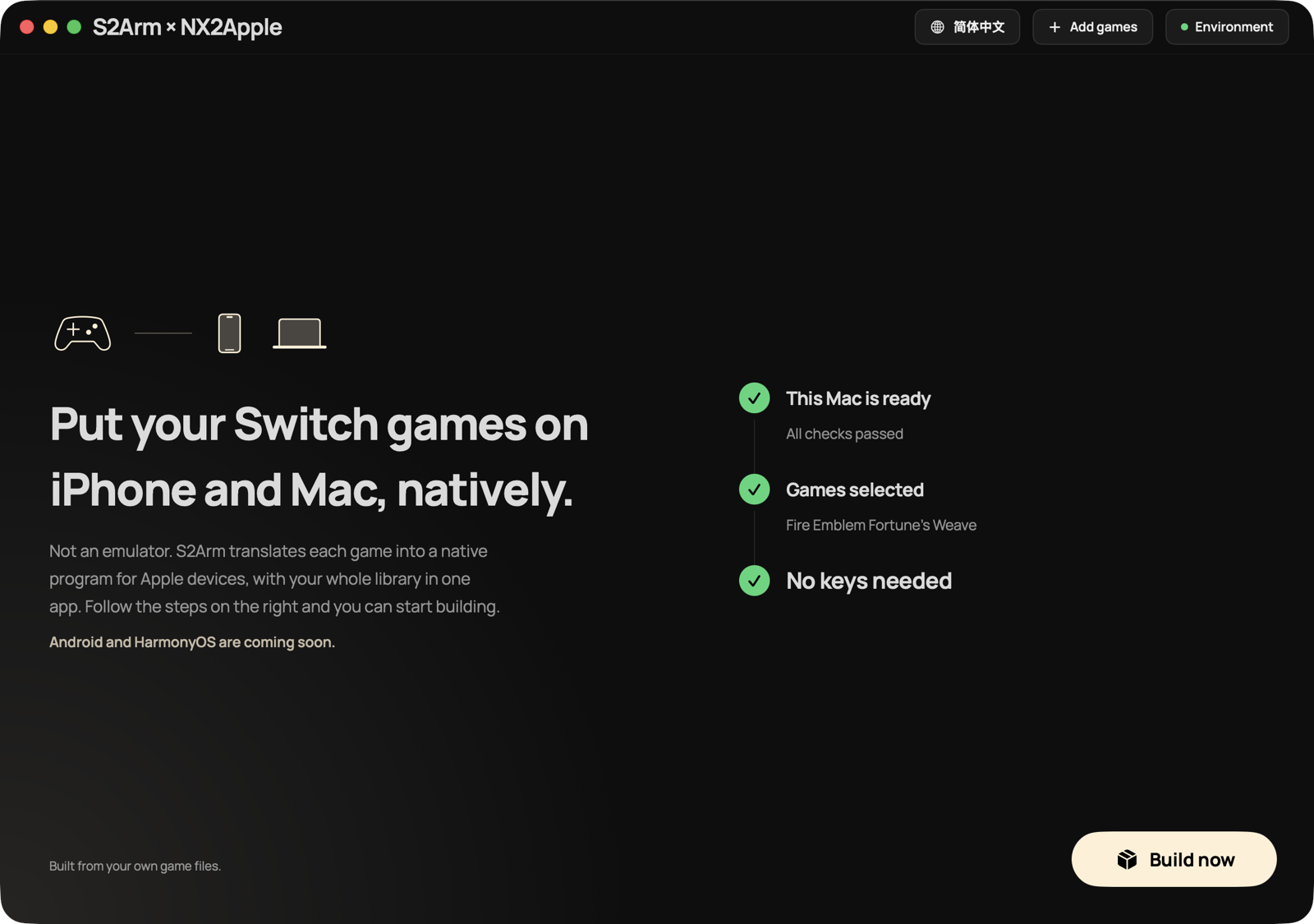
There is a graphical launcher for Mac and one for Windows. On first launch the welcome page boils everything down to three steps: get this computer ready, add your keys, add your games, with a single primary button at any moment. Everything else is either bundled or fetched in one click, and you never touch a command line.
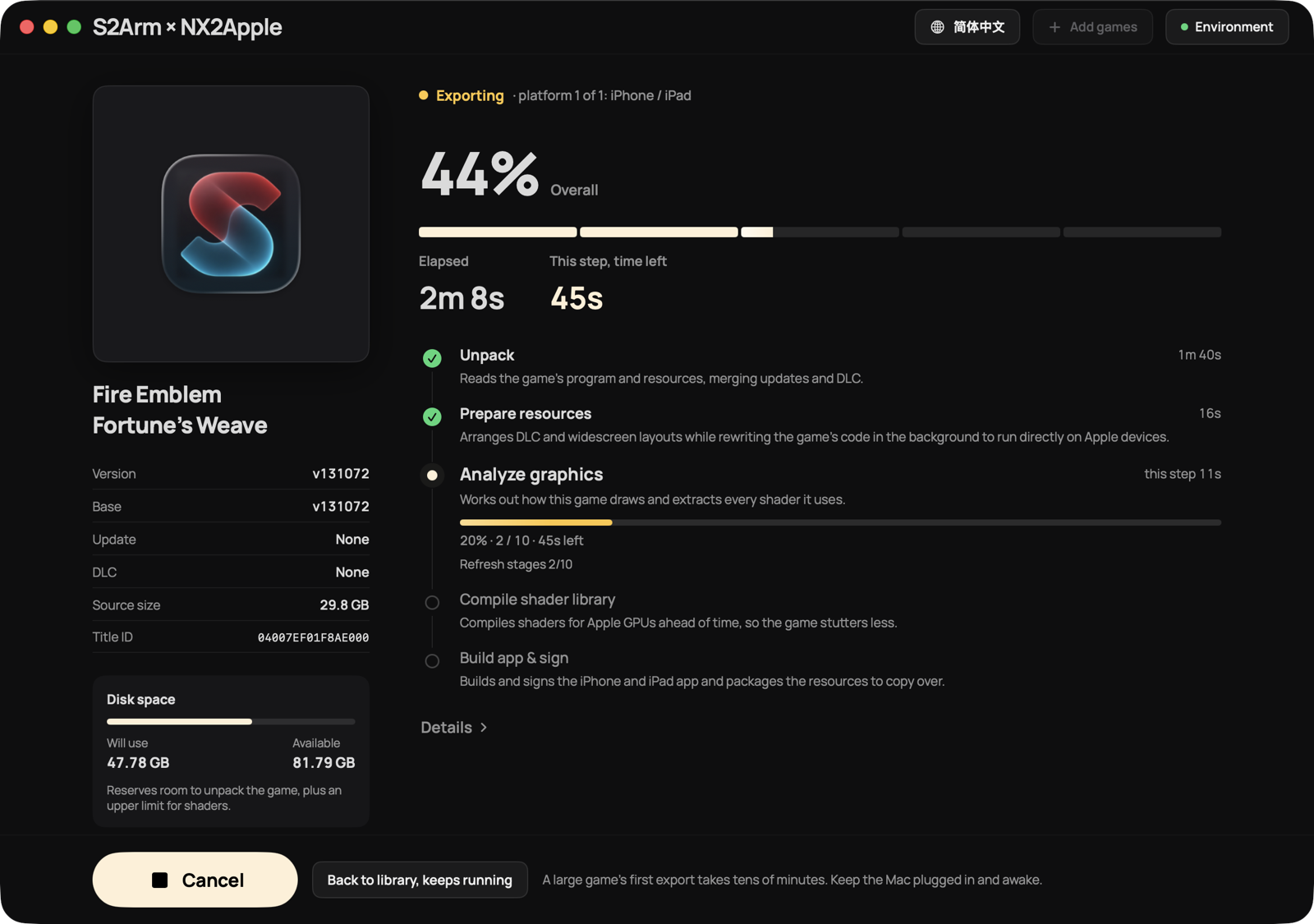
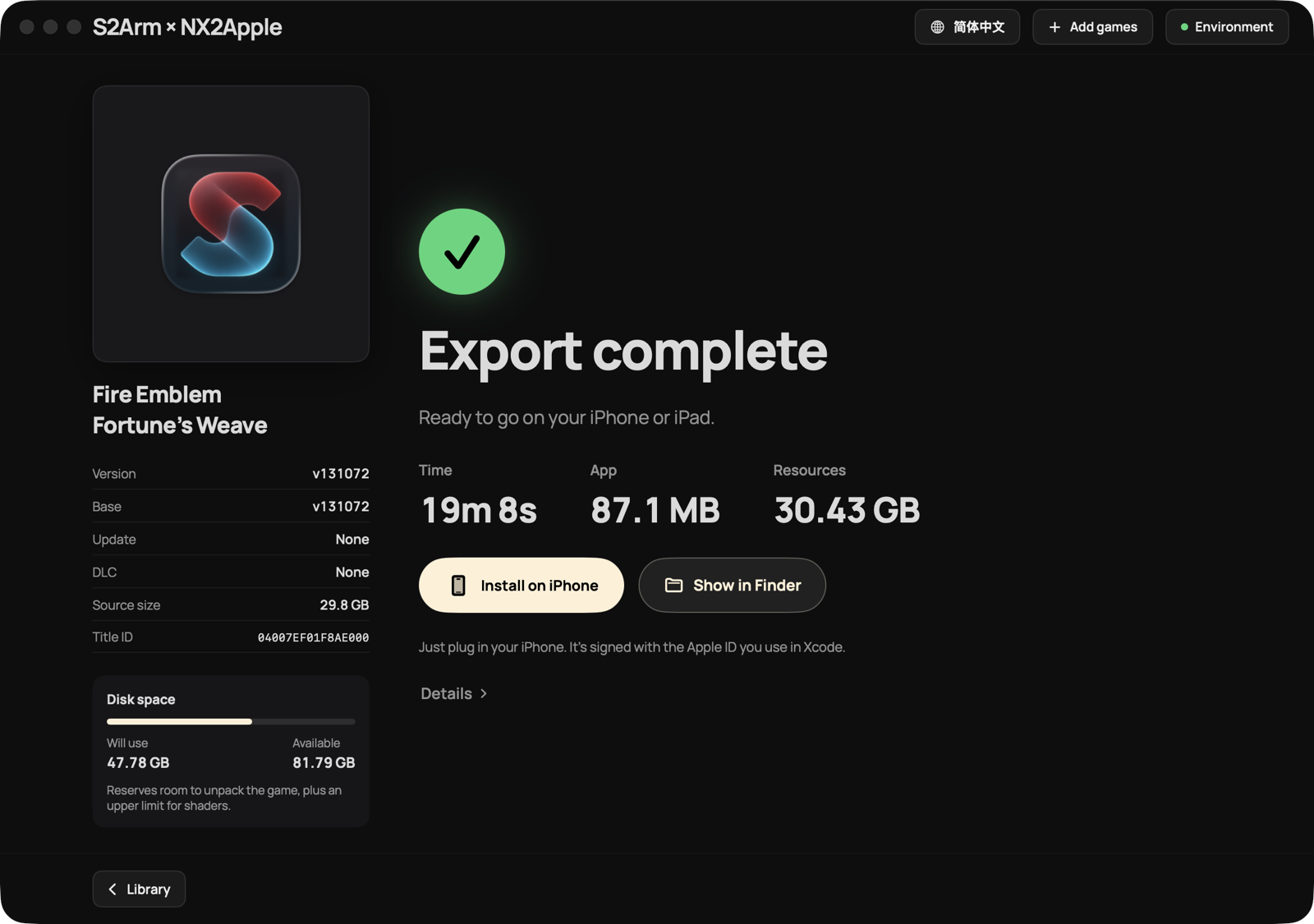
After you click Build, every stage shows its progress, elapsed and remaining time, and disk use. Several games can queue up and build one after another. Evidence
Let an AI drive
Both the Mac and Windows launchers expose a control interface, s2armctl. An AI assistant can import games, build, install, follow progress and read errors, and every step shows up in the launcher window. A companion self-check, self-fix and feedback toolkit lets the AI find a problem, apply the documented fix, and, when it cannot, package a diagnostic bundle for you to file. Watch an AI diagnose and fix a real problem end to end: Evidence
Have an AI do it for you
Send this to your AI assistant (it needs to be able to run commands on your computer):
It moves forward with a few commands, and you can watch every step in the launcher window:
/Applications/S2Arm.app/Contents/Resources/s2armctl start        # open and connect to the launcher
/Applications/S2Arm.app/Contents/Resources/s2armctl next         # what to do now, who does it, and why
/Applications/S2Arm.app/Contents/Resources/s2armctl diag export ~/Desktop/S2Arm-diagnostics.zip   # export a diagnostic bundle if it cannot fix a problem
Anything only you can do (system permission prompts, signing in with your Apple ID, tapping Trust on your phone), the AI stops and asks you to do. On Windows, use s2armctl.cmd in the launcher folder with the same commands. Windows builds iPhone / iPad packages only, so for problems inside a game export the diagnostic bundle on the phone: long-press the game screen with four fingers for 1.5 seconds and choose Export diagnostics.
Something wrong inside a game (graphics, frame rate, stutter, crashes)? Send your AI:
211 games surveyed with a 95% first-try build success rate. 4,700+ test runs on real iOS devices and 1,000+ on macOS. Evidence
Fast, smooth, and easy on the battery
On a 16 GB MacBook Air (M3), from importing a game to a finished iPhone build, completely cold:
Game
Game files
Shaders
Build time
A 23.5 GB action RPG
23.5 GB
1,222
6.4 min
A 12.0 GB life-sim game
12.0 GB
9,315
8.6 min
A 17.5 GB open-world game
17.5 GB
26,999
34 min
A Switch 2 game, measured on an iPhone 17 Pro Max: a full 60 fps while the phone is cool, 37–43 fps once sustained load has heated it up, at about 0.15 J per frame. Evidence
Platforms
Platform
Support
iPhone / iPad
iOS / iPadOS 18 and later; every game is chosen inside one app
Mac
Apple silicon, macOS 15 and later; builds locally and plays games right on the Mac
Windows
Graphical launcher that builds and installs games for iPhone / iPad
Some games have a deep port made specially by the community. S2Arm recognizes these games: on export it shows a page explaining the option, and you can switch to the downstream project's route (importing, packing and installing are still buttons in S2Arm, with the downstream project's implementation underneath) or keep the standard route. The registry is pack/downstream/schemes.json; the contract between the two is the downstream project's document.
Download the Mac or Windows launcher from the download page and open it. Building for iPhone on a Mac needs the free Xcode from the App Store, signed in with your Apple ID; the launcher walks you through it.
Import your own keys and games. Put the base game, updates and DLC in one folder and import them together.
Choose iPhone / iPad or this Mac, then click Build.
Follow the launcher to sign and install with your own Apple ID (the Windows launcher ships with the Impactor signing tool), open S2Arm, and pick a game from the library.
Back up your saves before updating the app. The release uses the new app identifier io.s2arm.*, which the system treats as a new app: saves from the beta builds do not carry over automatically.
Honest boundaries
S2Arm runs 64-bit (AArch64) games. Apple silicon cannot execute 32-bit ARM code, so 32-bit games are outside what S2Arm supports, as are games that need a 36-bit address space.
Virtual gamepad and gear menu: the in-game gear menu and in-place gamepad editing on iOS follow the MeloNX-style design that @neexuan brought in #134; S2Arm reimplemented it from scratch. Thanks to MeloNX for exploring this interaction on iOS.
Ryujinx (Ryujinx Team and Contributors, MIT): upstream for system services and shader translation; S2Arm's compatibility layer is built on it.
NX2Apple (LNPANDY, MIT): upstream of the launcher interface.
nxnative (seedds, MIT, Copyright (c) 2026 seedds): the original work behind the direct graphics layer that connects game graphics straight to Metal. That generous release is what made the direct path possible. Its fork kartnative (MIT) is where the placement-sparse tile sharing for large sparse textures comes from.
d2r-mobile (MIT): pioneered this technical path, bringing your own Switch game natively to iPhone, iPad, Mac, Android and HarmonyOS for the first time.
Impactor (Samara M, MIT) and apple-codesign (MPL-2.0): signing and installing from Windows.
LNPANDY and the original authors and contributors of the iOS library shell: the shell and its RomFS archive subsystem.
ns2pro-bridge (DanielZhangyc, MIT), MacNativeGames (MIT), LumaDock (MIT), deko3d (fincs, zlib), nvn.h (h1k421, MIT), bcdec (Sergii Kudlai, MIT / Unlicense), SPIRV-Cross and Vulkan-Headers (The Khronos Group), SMAA (Jorge Jimenez et al., MIT), the Mesa tessellator (Microsoft, MIT), Capstone, LZ4, .NET, libvpx, libopus, dav1d, and the Noto fonts.
S2Arm is open source under the Apache License 2.0. The project ships no games and no keys; obtain your own game files legally. S2Arm is not affiliated with or endorsed by Nintendo, and game titles and trademarks belong to their respective owners.
S2Arm (jhaizhou-ops/S2Arm)
Выберите тег — он появится здесь. Пока теги не выбраны, показаны все проекты каталога.
Ищем в базе…
Выберите тег — он появится здесь. Пока теги не выбраны, показаны все проекты каталога.
Что это такое?S2Arm позволяет запускать ваши игры для Switch нативно на iPhone, iPad и Mac. Код игры переписывается под ARM64 во время сборки, а графика выводится напрямую в Metal, поэтому между игрой и железом нет эмулятора процессора.
Это эмулятор?Нет. В README сказано, что это нативный порт, а не эмулятор: ARM64-код игры работает прямо на процессоре устройства, а системные службы предоставляет нативный хост.
Как это запустить?Скачайте лаунчер для Mac или Windows, импортируйте свои ключи и игры (основная игра, обновления и DLC в одной папке), выберите iPhone/iPad или этот Mac, затем нажмите Build и следуйте инструкциям лаунчера, чтобы подписать и установить приложение с помощью своего Apple ID.
Что нужно перед началом?Для сборки под iPhone на Mac нужен бесплатный Xcode из App Store, вход в который выполнен с вашим Apple ID. Требуется iOS или iPadOS 18+ либо macOS 15+ (на чипах Apple silicon). Игры и ключи нужно предоставить самостоятельно.
Работают ли все игры для Switch?Нет. Поддерживаются только 64-битные игры (AArch64); 32-битные игры и игры, которым нужно 36-битное адресное пространство, S2Arm не поддерживает.
Какие устройства и системы поддерживаются?iPhone и iPad с iOS/iPadOS 18 или новее, а также Mac с чипом Apple silicon под macOS 15 или новее. Windows работает только как лаунчер, который собирает и устанавливает приложение для iPhone/iPad. Android и HarmonyOS появятся позже.
Входят ли в проект игры или ключи?Нет. Проект не содержит ни игр, ни ключей, поэтому игровые файлы нужно получить законным путём самостоятельно.
Нужно ли знать командную строку?Нет. Лаунчеры графические, и, как сказано в README, работать с командной строкой не нужно. ИИ-ассистент тоже может управлять процессом через интерфейс управления s2armctl.
Сколько длится сборка?В README приведены примеры холодного старта на MacBook Air с 16 ГБ памяти (M3): 6,4 мин для экшн-RPG объёмом 23,5 ГБ, 8,6 мин для симулятора жизни объёмом 12,0 ГБ и 34 мин для игры с открытым миром объёмом 17,5 ГБ.
Как управляется вся моя библиотека?Все игры помещаются в одно приложение S2Arm, поэтому библиотека занимает один слот App в вашем аккаунте разработчика, а выбирать, во что играть, можно уже внутри приложения.
Достаточно ли это быстро для игр Switch 2?В README указано, что на iPhone 17 Pro Max, пока телефон остаётся холодным, игра идёт в полные 60 fps, а при длительной нагрузке, когда телефон нагревается, — 37–43 fps.

 S2Arm позволяет запускать ваши игры для Switch нативно на iPhone, iPad и Mac. Код игры переписывается под ARM64 во время сборки, а графика выводится напрямую в Metal, поэтому между игрой и железом нет эмулятора процессора.