
1.4K ·GitHub
Что это?
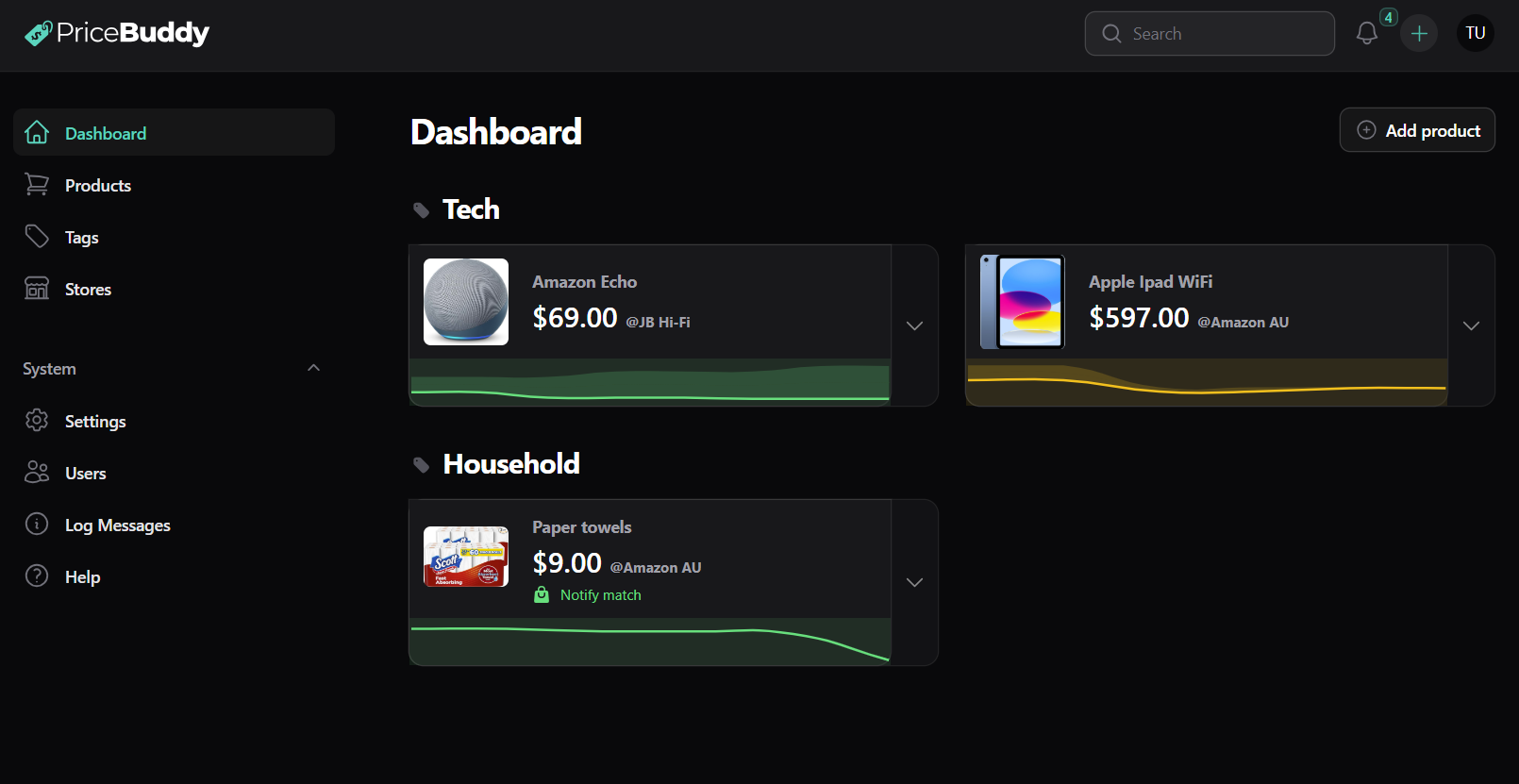
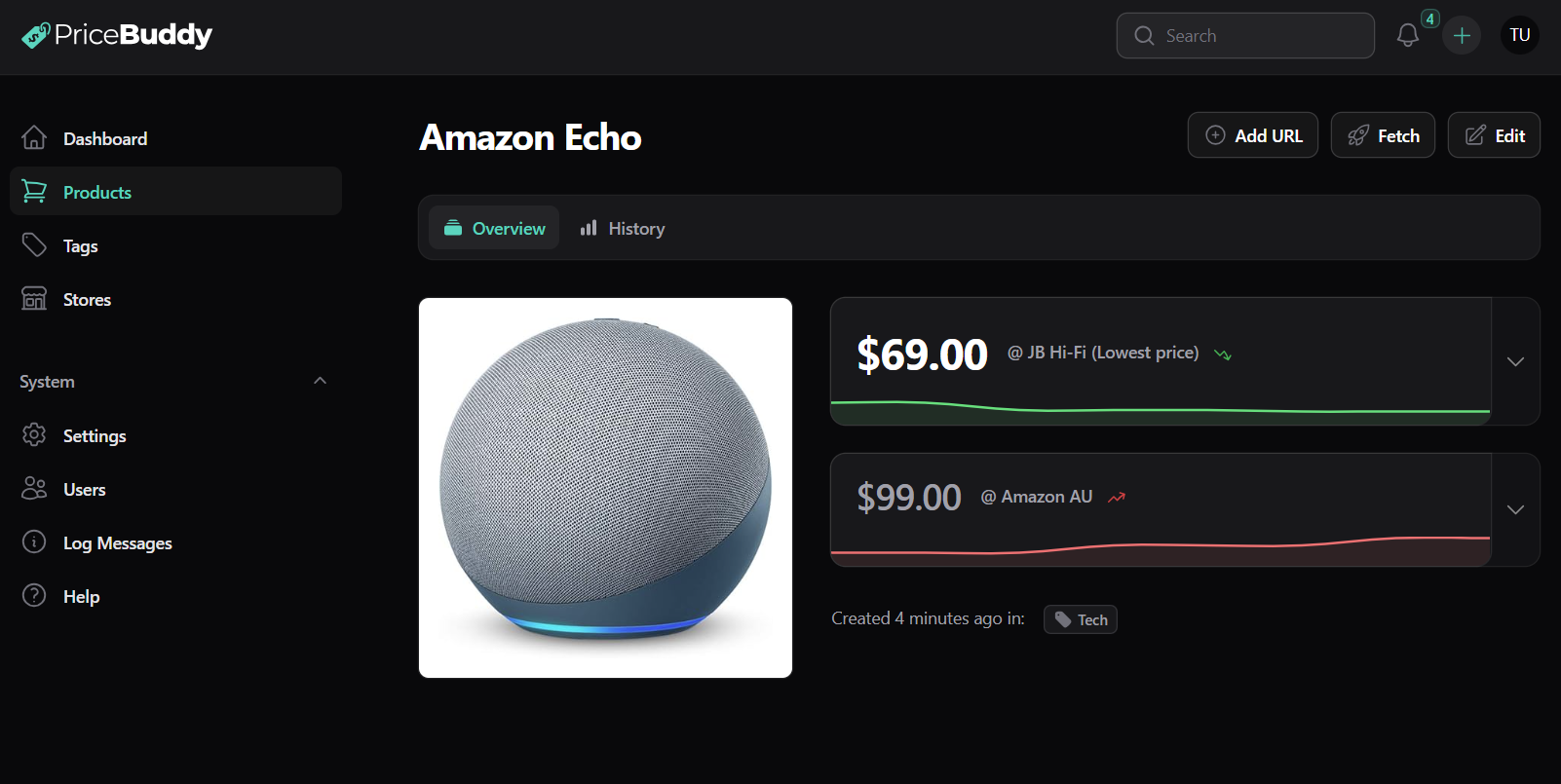
 PriceBuddy — разворачиваемый на своём сервере open-source трекер цен: он следит за страницами товаров в разных интернет-магазинах и уведомляет вас, когда цена падает или меняется наличие.
PriceBuddy — разворачиваемый на своём сервере open-source трекер цен: он следит за страницами товаров в разных интернет-магазинах и уведомляет вас, когда цена падает или меняется наличие.Это веб-приложение, расширение для браузера или и то и другое?Веб-приложение (на Laravel и Filament) — главная командная точка, с опциональным расширением для Chrome/Edge (Companion), чтобы отслеживать товары прямо со страницы, на которой вы находитесь, плюс REST API и CLI для скриптования.
Веб-приложение (на Laravel и Filament) — главная командная точка, с опциональным расширением для Chrome/Edge (Companion), чтобы отслеживать товары прямо со страницы, на которой вы находитесь, плюс REST API и CLI для скриптования.Как его запустить?Скачайте docker-compose.yml, адаптируйте его под своё окружение, затем запустите PriceBuddy через Docker; в образ уже включён планировщик, так что отдельный cron-контейнер не нужен.
Скачайте docker-compose.yml, адаптируйте его под своё окружение, затем запустите PriceBuddy через Docker; в образ уже включён планировщик, так что отдельный cron-контейнер не нужен.Нужно ли что-то, кроме Docker, чтобы его запустить?Нет, Docker — всё, что нужно для рекомендуемого пути установки; AI-провайдеры (OpenAI, Anthropic, Gemini, Ollama) и инстанс SearXNG — опциональные дополнения для дополнительных функций.
Нет, Docker — всё, что нужно для рекомендуемого пути установки; AI-провайдеры (OpenAI, Anthropic, Gemini, Ollama) и инстанс SearXNG — опциональные дополнения для дополнительных функций.Отслеживание цен всегда работает в любом магазине?Многие магазины работают из коробки, но на более хитрых сайтах может понадобиться настроить стратегию скрейпинга, а AI может дополнительно применяться для восстановления недостающих данных, когда страницу трудно скрейпить.
Многие магазины работают из коробки, но на более хитрых сайтах может понадобиться настроить стратегию скрейпинга, а AI может дополнительно применяться для восстановления недостающих данных, когда страницу трудно скрейпить.Кому это полезно?Всем, кто хочет отслеживать повседневные покупки, домашние списки желаний, хобби-снаряжение, компьютерные комплектующие, детские товары, подписки или объявления на маркетплейсах, вместо того чтобы вручную проверять цены.
Всем, кто хочет отслеживать повседневные покупки, домашние списки желаний, хобби-снаряжение, компьютерные комплектующие, детские товары, подписки или объявления на маркетплейсах, вместо того чтобы вручную проверять цены.На каких платформах это можно запустить?Работает везде, где работает Docker (свой сервер), плюс дополнительное расширение для Chrome/Edge.
Работает везде, где работает Docker (свой сервер), плюс дополнительное расширение для Chrome/Edge.Остаются ли данные моего списка отслеживания на моём сервере?Да, поскольку он разворачивается на своём сервере через Docker, ваш список отслеживания, история цен и настройки уведомлений остаются под вашим контролем.
Да, поскольку он разворачивается на своём сервере через Docker, ваш список отслеживания, история цен и настройки уведомлений остаются под вашим контролем.Какие каналы уведомлений он поддерживает?Приложение, email, Pushover, Gotify, Apprise, Telegram, Discord или ntfy.
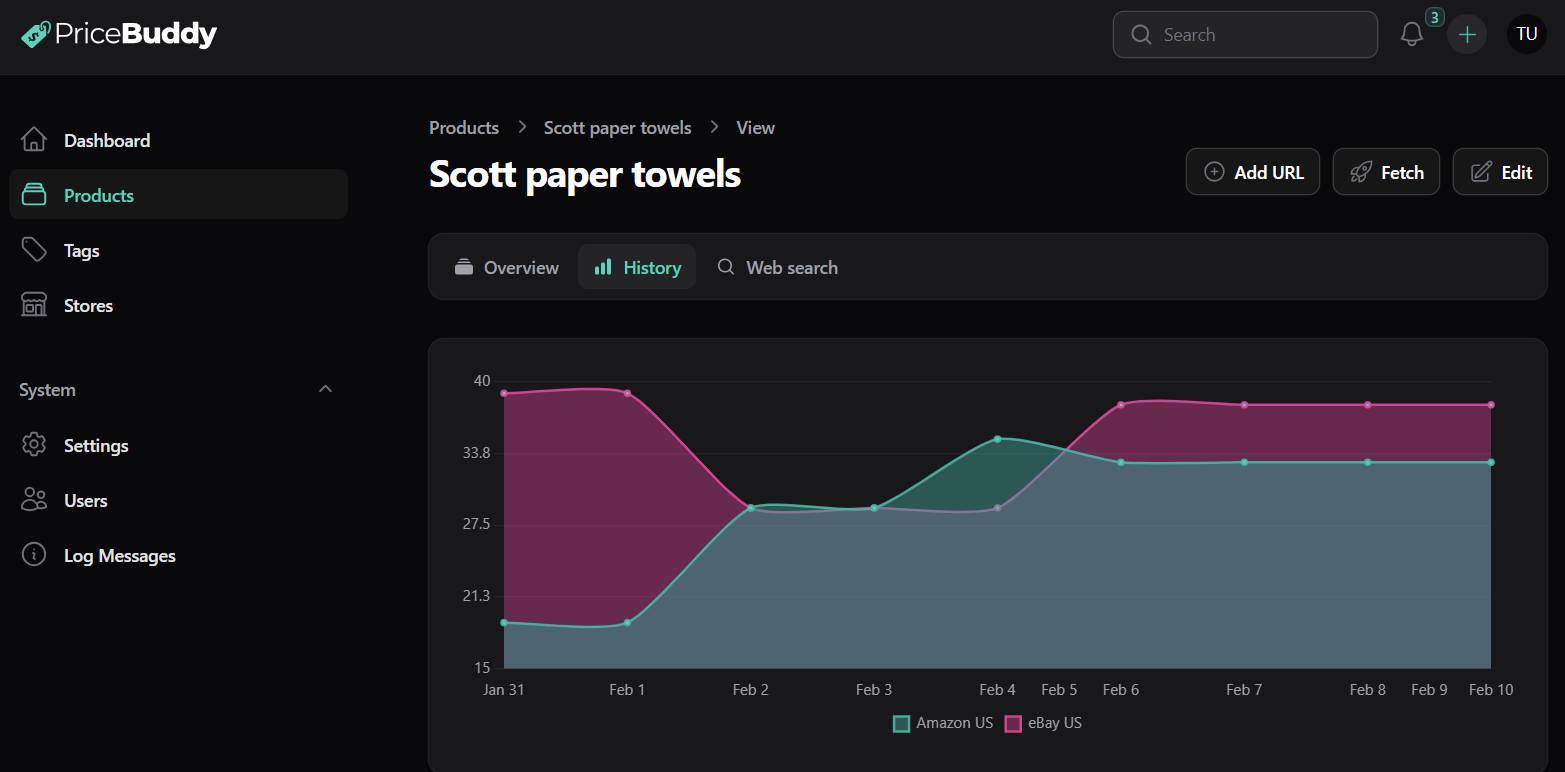
Приложение, email, Pushover, Gotify, Apprise, Telegram, Discord или ntfy.Может ли он сравнивать цены за единицу, например упаковка 10 штук против 3 штук?Да, PriceBuddy умеет считать цену за единицу, чтобы мультиупаковки разного размера можно было честно сравнивать.
Да, PriceBuddy умеет считать цену за единицу, чтобы мультиупаковки разного размера можно было честно сравнивать.Он отслеживает наличие товара, а не только цену?Да, он отслеживает статусы «в наличии», «предзаказ», «ожидается», «под заказ», «нет в наличии» и «снят с производства», ведь дешёвое предложение бесполезно, если товара нет.
Да, он отслеживает статусы «в наличии», «предзаказ», «ожидается», «под заказ», «нет в наличии» и «снят с производства», ведь дешёвое предложение бесполезно, если товара нет.Для чего нужен CLI PriceBuddy?Он даёт доступ из командной строки для людей и агентов: синхронизация локального зеркала, поиск товаров, просмотр истории цен, запуск отчётов о скидках и падениях, вызовы REST API и открытие PriceBuddy через MCP.
Он даёт доступ из командной строки для людей и агентов: синхронизация локального зеркала, поиск товаров, просмотр истории цен, запуск отчётов о скидках и падениях, вызовы REST API и открытие PriceBuddy через MCP.What are similar projects?TrendRadar, fredy, daily_stock_analysis, Pi.Alert, LangBot, canonry, unopim, evenfire
TrendRadar, fredy, daily_stock_analysis, Pi.Alert, LangBot, canonry, unopim, evenfireWhich topics is it in?laravel, notifications, discord, chrome-extension, telegram, browser-extension, php, dashboard, monitoring, rest-api, mcp-server, web-app
laravel, notifications, discord, chrome-extension, telegram, browser-extension, php, dashboard, monitoring, rest-api, mcp-server, web-app