






15.9K ·GitHub
Что это такое?
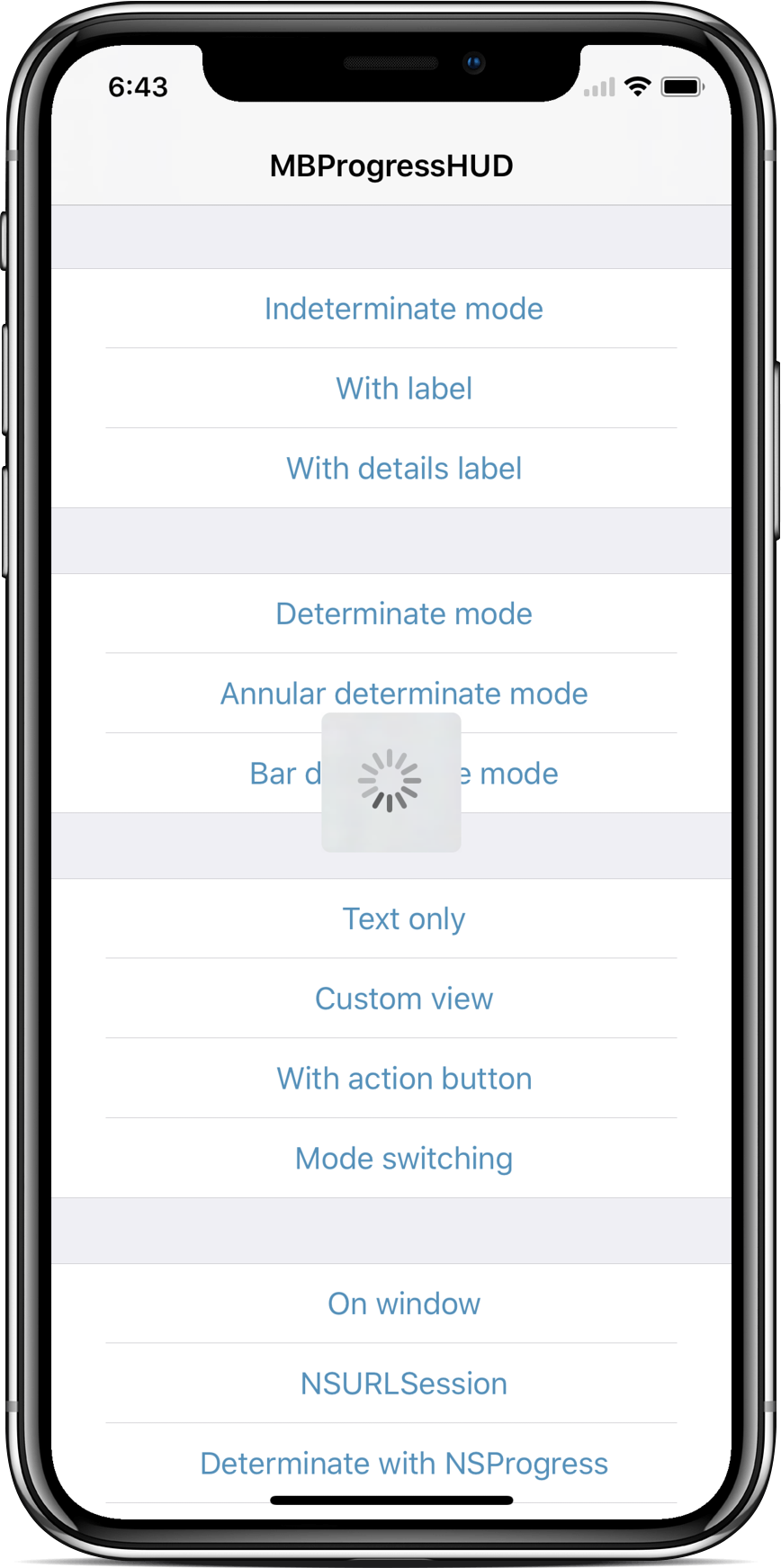
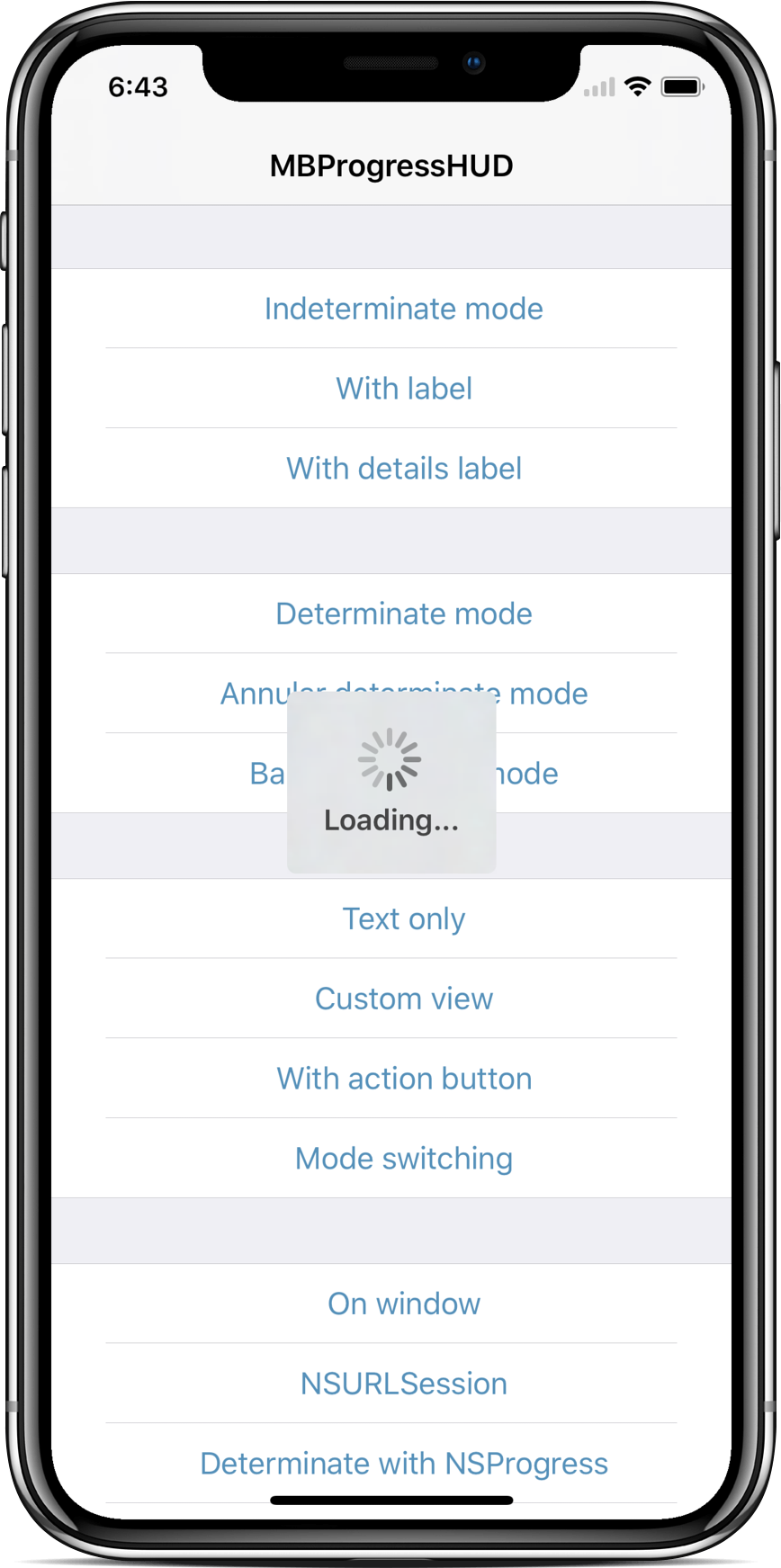
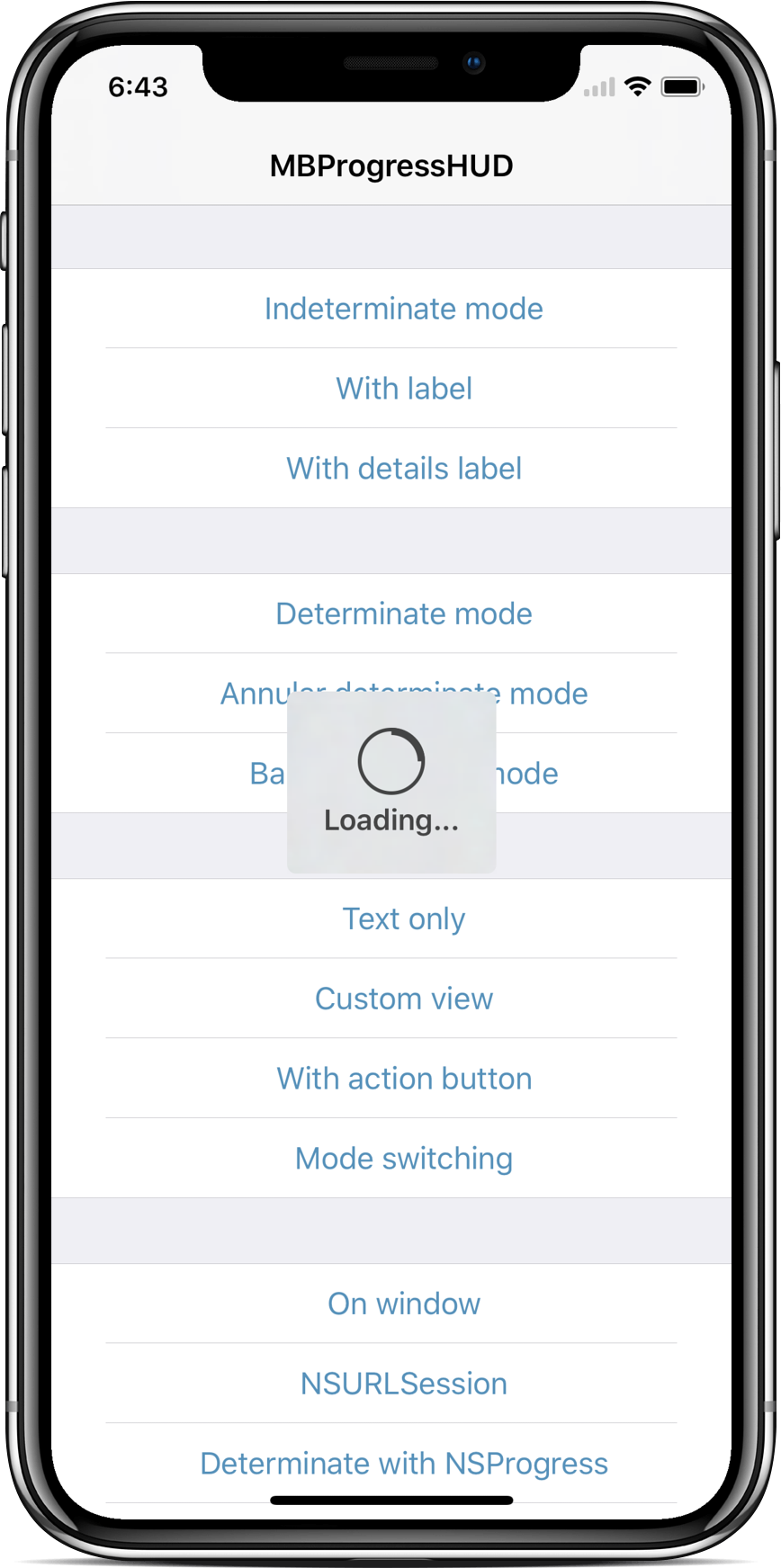
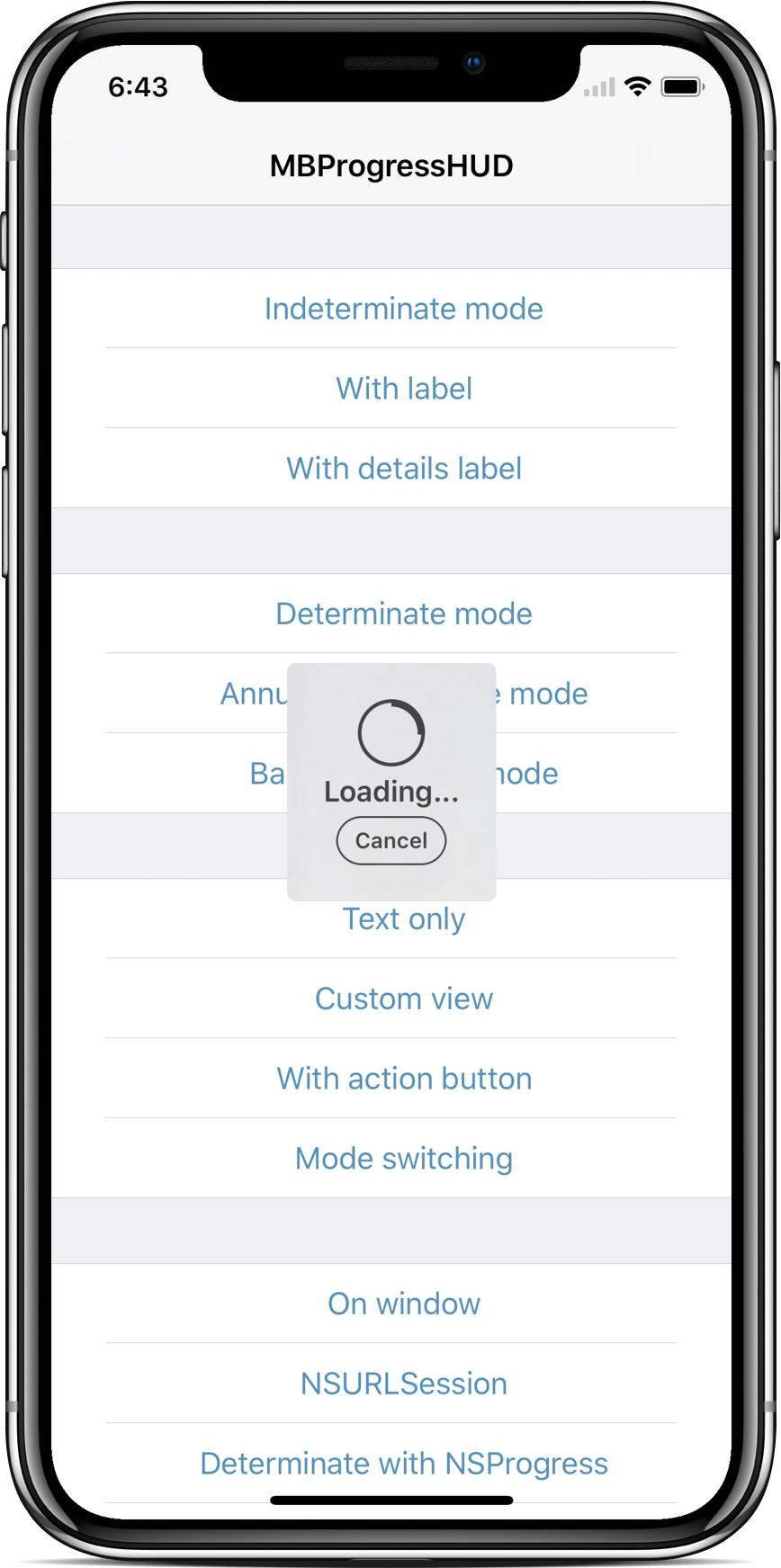
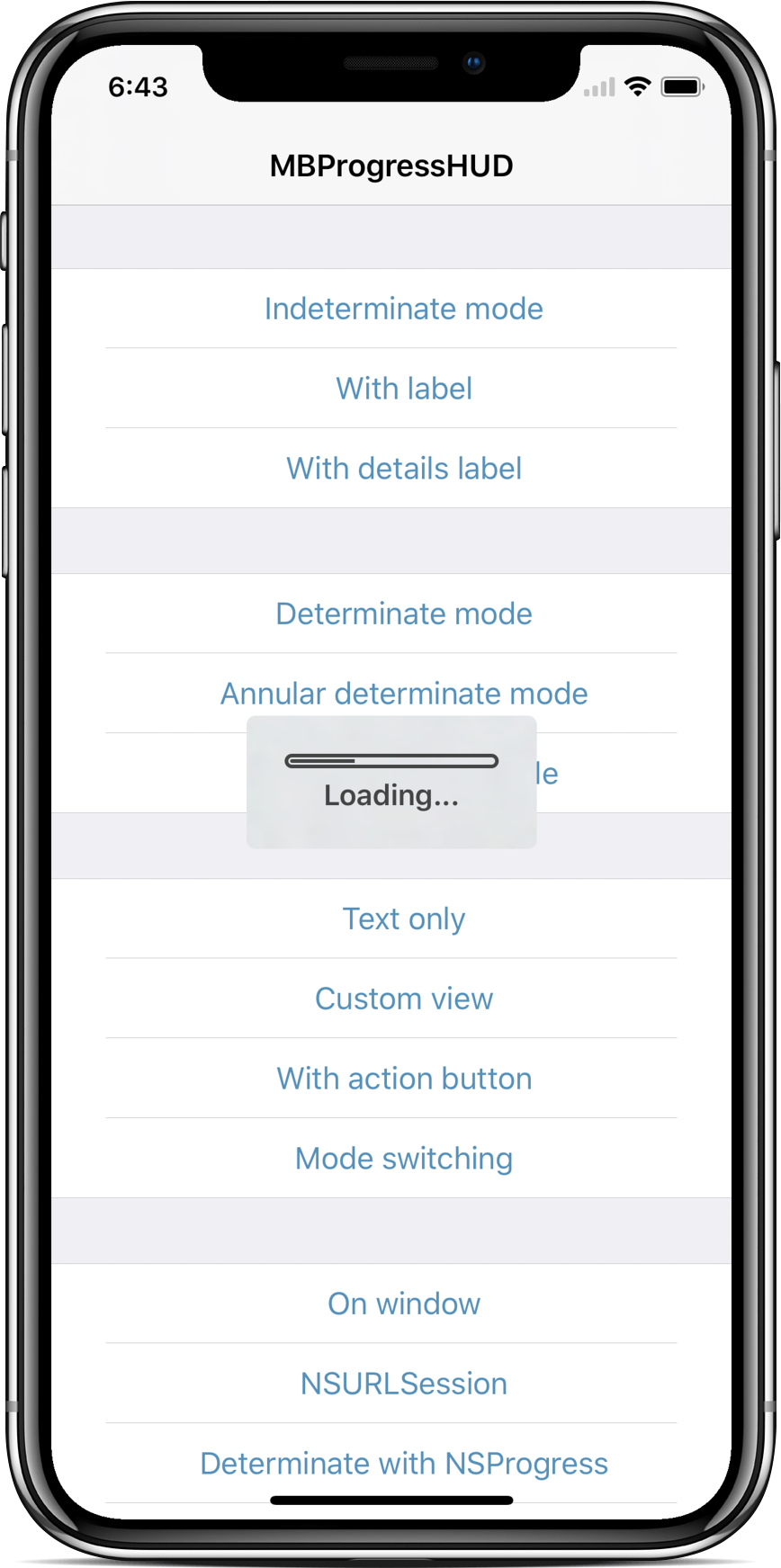
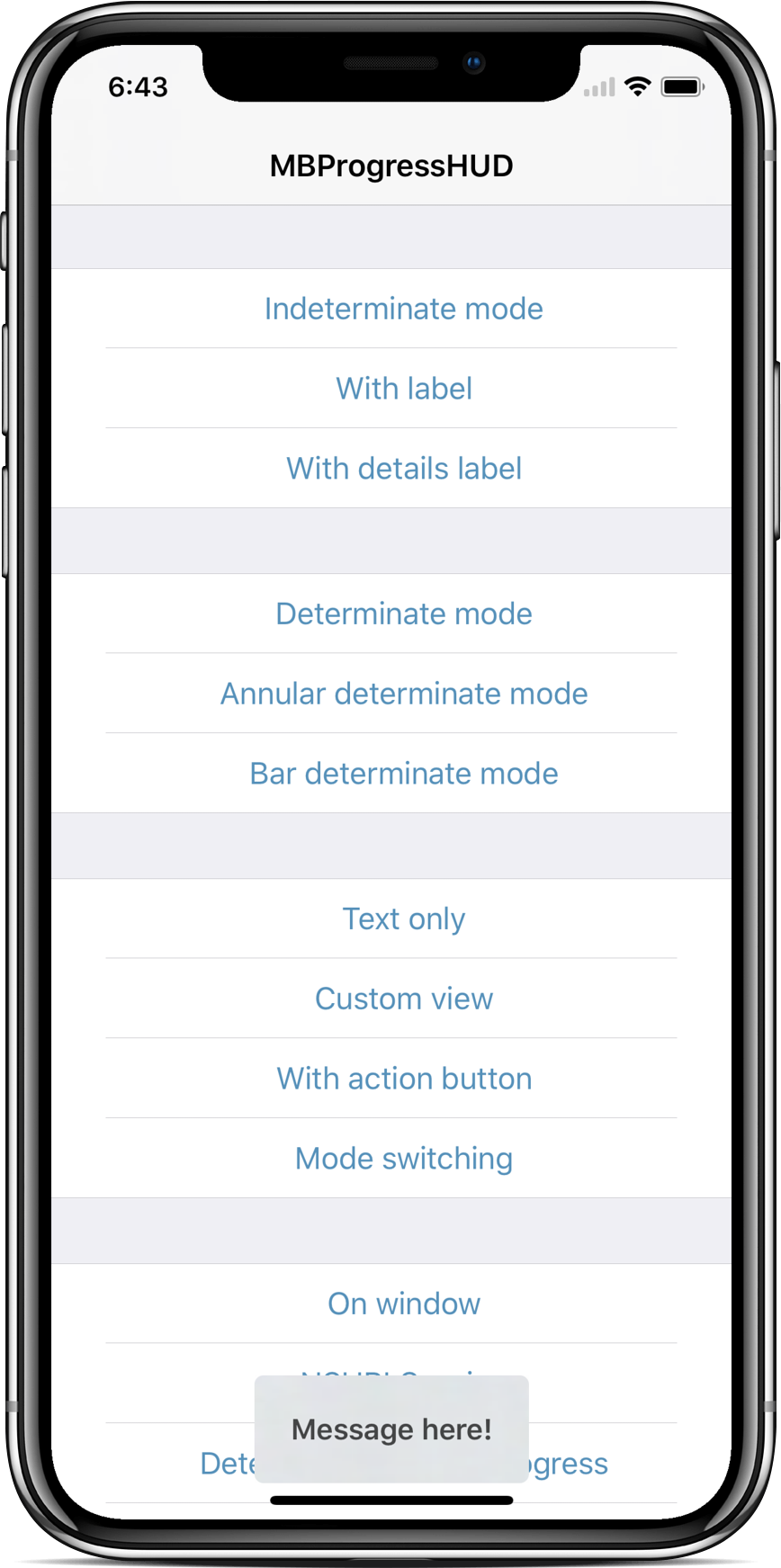
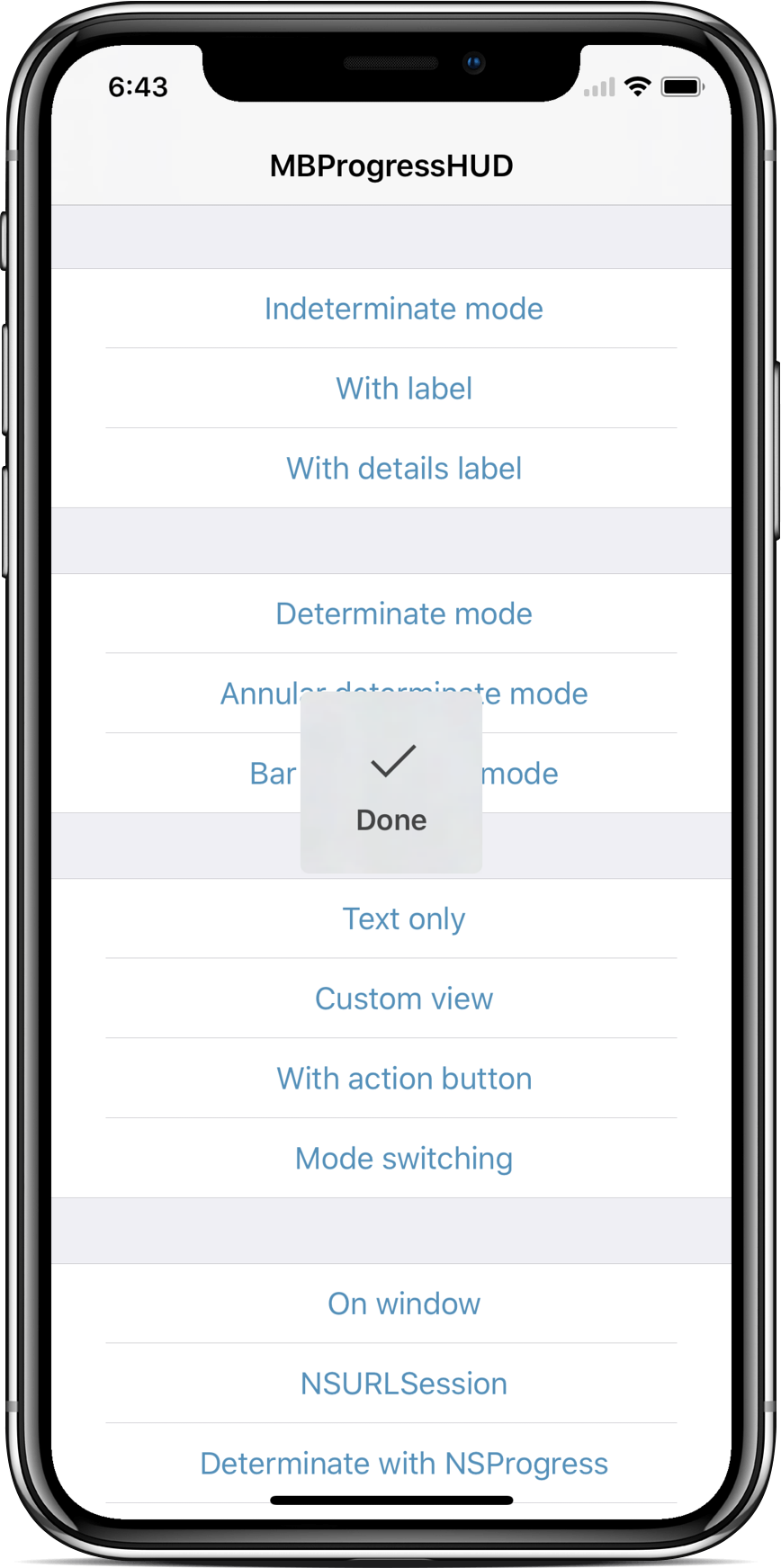
 MBProgressHUD — это класс для iOS, который встраивается в проект и показывает полупрозрачный HUD с индикатором и/или подписями поверх вашего интерфейса, пока работа выполняется в фоновом потоке.
MBProgressHUD — это класс для iOS, который встраивается в проект и показывает полупрозрачный HUD с индикатором и/или подписями поверх вашего интерфейса, пока работа выполняется в фоновом потоке.Это библиотека, которую я добавляю в код своего приложения, или что-то, что работает само по себе?Это библиотека — по сути один класс на Objective-C (MBProgressHUD.h/.m), который вы просто добавляете в iOS-проект. Работает на iOS 9.0+ и требует только системные фреймворки Apple, которые шаблоны Xcode уже подключают.
Это библиотека — по сути один класс на Objective-C (MBProgressHUD.h/.m), который вы просто добавляете в iOS-проект. Работает на iOS 9.0+ и требует только системные фреймворки Apple, которые шаблоны Xcode уже подключают.Как добавить её в свой проект?Рекомендуемый способ — CocoaPods: добавьте pod 'MBProgressHUD', '~> 1.2.0' в свой Podfile и выполните pod install. Также подходят Carthage, SwiftPM/Accio, простое перетаскивание двух файлов с исходным кодом в Xcode или подключение как статической библиотеки.
Рекомендуемый способ — CocoaPods: добавьте pod 'MBProgressHUD', '~> 1.2.0' в свой Podfile и выполните pod install. Также подходят Carthage, SwiftPM/Accio, простое перетаскивание двух файлов с исходным кодом в Xcode или подключение как статической библиотеки.Нужно ли сначала поставить какие-то сторонние зависимости?Нет — она зависит только от Foundation, UIKit и CoreGraphics, которые идут вместе с шаблонами Xcode. Понадобятся лишь актуальные инструменты разработчика: старые версии Xcode могут сработать, но совместимость с ними специально не поддерживается.
Нет — она зависит только от Foundation, UIKit и CoreGraphics, которые идут вместе с шаблонами Xcode. Понадобятся лишь актуальные инструменты разработчика: старые версии Xcode могут сработать, но совместимость с ними специально не поддерживается.Есть ли подводные камни при показе HUD?Не загружайте главный поток работой: настраивайте HUD на главном потоке, а долгую задачу переносите в фоновый поток. Кроме того, не добавляйте его в UITableView или UICollectionView — изменения их подпредставлений могут сломать показ HUD.
Не загружайте главный поток работой: настраивайте HUD на главном потоке, а долгую задачу переносите в фоновый поток. Кроме того, не добавляйте его в UITableView или UICollectionView — изменения их подпредставлений могут сломать показ HUD.MBProgressHUD собирает какие-нибудь данные пользователей?Нет, SDK не собирает никаких данных.
Нет, SDK не собирает никаких данных.Умеет ли показывать реальный прогресс, а не просто крутилку?Да — передайте ему объект NSProgress, и HUD будет сам обновляться по мере поступления через него сведений о прогрессе. Также можно использовать ссылку, которую возвращает showHUDAddedTo:animated:, чтобы настроить HUD.
Да — передайте ему объект NSProgress, и HUD будет сам обновляться по мере поступления через него сведений о прогрессе. Также можно использовать ссылку, которую возвращает showHUDAddedTo:animated:, чтобы настроить HUD.Чем это лучше встроенного индикатора прогресса в UIKit?Штатный UIProgressHUD в UIKit — приватный и недокументированный класс, так что поддерживаемого встроенного аналога просто нет. MBProgressHUD написан как поддерживаемая замена с несколькими дополнительными возможностями.
Штатный UIProgressHUD в UIKit — приватный и недокументированный класс, так что поддерживаемого встроенного аналога просто нет. MBProgressHUD написан как поддерживаемая замена с несколькими дополнительными возможностями.Где документация и примеры кода?Подробная документация по API находится прямо в файле заголовков (MBProgressHUD.h), а приложенный демо-проект показывает примеры, в том числе использование HUD с асинхронными операциями вроде NSURLConnection.
Подробная документация по API находится прямо в файле заголовков (MBProgressHUD.h), а приложенный демо-проект показывает примеры, в том числе использование HUD с асинхронными операциями вроде NSURLConnection.А можно использовать её из Swift?Да — это класс на Objective-C, который импортируется в Swift-проекты, а SwiftPM входит в число поддерживаемых пакетных менеджеров наряду с CocoaPods и Carthage.
Да — это класс на Objective-C, который импортируется в Swift-проекты, а SwiftPM входит в число поддерживаемых пакетных менеджеров наряду с CocoaPods и Carthage.What are similar projects?SVProgressHUD, FSCalendar, DZNEmptyDataSet, SkeletonView, pop, AFNetworking, Spring, chameleon
SVProgressHUD, FSCalendar, DZNEmptyDataSet, SkeletonView, pop, AFNetworking, Spring, chameleonWhich topics is it in?cocoa, swift-package-manager, objective-c, xcode, swift, ui-components, mobile, ui, ios, gui, library, mit
cocoa, swift-package-manager, objective-c, xcode, swift, ui-components, mobile, ui, ios, gui, library, mit