698 ·GitHub
这是什么?
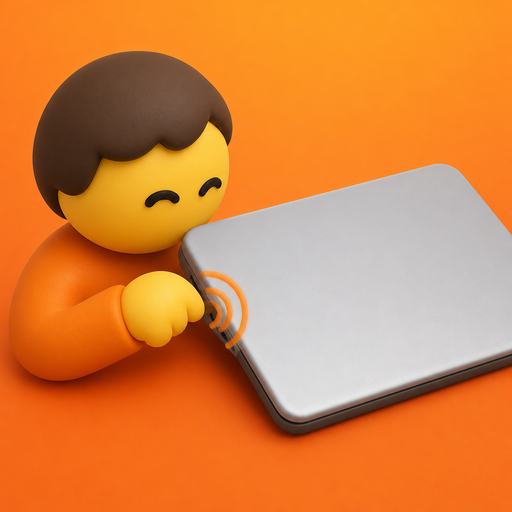
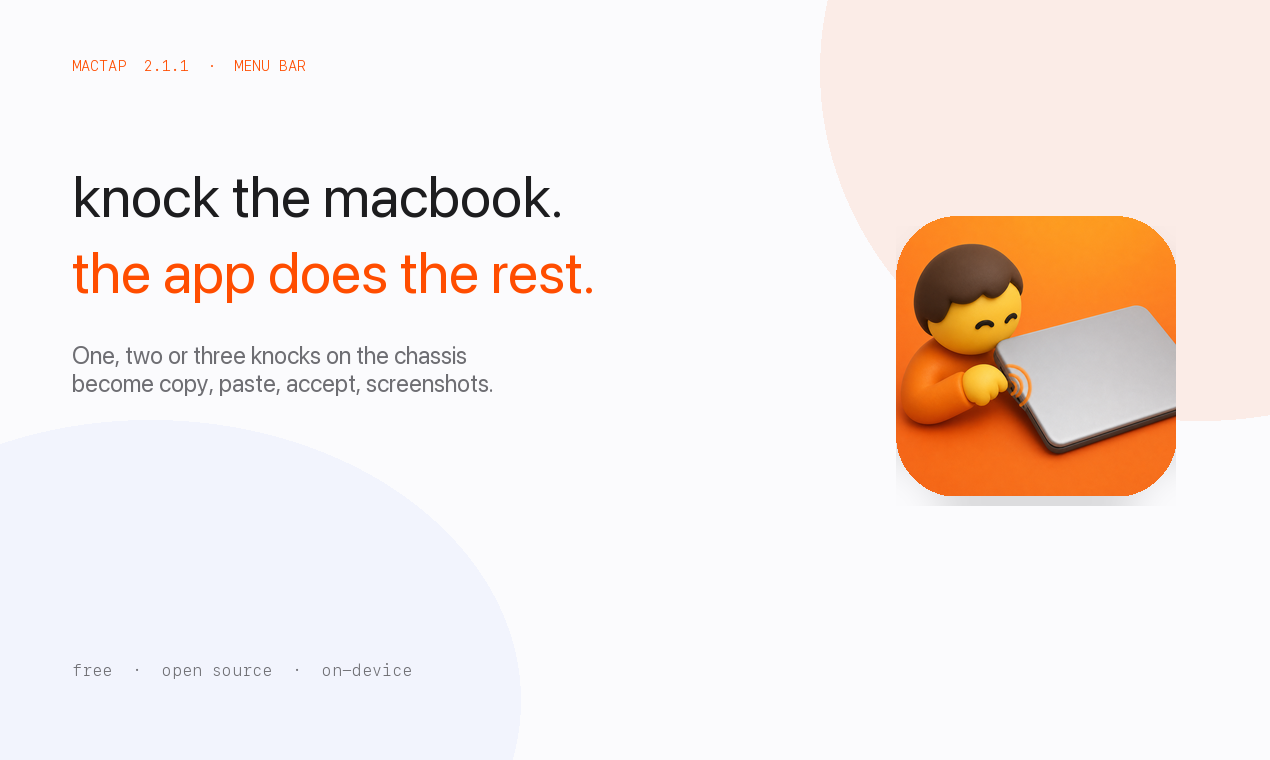
 MacTap 让你敲一敲 MacBook 的机身(或它底下的桌面)来触发拷贝、粘贴、Accept、截屏或媒体控制等快捷操作。
MacTap 让你敲一敲 MacBook 的机身(或它底下的桌面)来触发拷贝、粘贴、Accept、截屏或媒体控制等快捷操作。这是个后台应用,还是有窗口的?它是一个没有主窗口的 macOS 菜单栏应用;你通过菜单栏图标打开的 Settings 来配置布局、动作和灵敏度。
它是一个没有主窗口的 macOS 菜单栏应用;你通过菜单栏图标打开的 Settings 来配置布局、动作和灵敏度。我的 Mac 硬件支持吗?你需要 M2 或更新机型的 Mac,或 M1 Pro/Max/Ultra,并运行 macOS 14.6 或更高版本,因为运动传感器必须以 SPU HID 设备的形式暴露出来。
你需要 M2 或更新机型的 Mac,或 M1 Pro/Max/Ultra,并运行 macOS 14.6 或更高版本,因为运动传感器必须以 SPU HID 设备的形式暴露出来。敲击检测在所有 M1 MacBook 上都管用吗?不行——初代 M1 Air(MacBookAir10,1)和另外一些 M1 机型不会广播 MacTap 所读取的加速度计 HID 报告,而且这些设备也没有改绑方向键的备选方案。
不行——初代 M1 Air(MacBookAir10,1)和另外一些 M1 机型不会广播 MacTap 所读取的加速度计 HID 报告,而且这些设备也没有改绑方向键的备选方案。我需要授予什么特殊权限吗?需要——必须启用辅助功能(Accessibility),MacTap 才能发送映射的快捷键;检测敲击本身不需要这个权限。
需要——必须启用辅助功能(Accessibility),MacTap 才能发送映射的快捷键;检测敲击本身不需要这个权限。macOS 之外能用吗?不能,这是一个只支持 macOS 的菜单栏应用,依赖 Apple Silicon 的运动传感器。
不能,这是一个只支持 macOS 的菜单栏应用,依赖 Apple Silicon 的运动传感器。我的敲击数据都去哪儿了?敲击完全在设备本地分类,什么都不上传;手势映射只存在本地偏好设置里。
敲击完全在设备本地分类,什么都不上传;手势映射只存在本地偏好设置里。为什么签名过的 .dmg 有时会显示成未签名?Gatekeeper 检查的是 MacTap.app,不是 .dmg 外壳,所以对磁盘镜像本身运行 codesign --verify 可能报告未签名,即使构建本身没问题;如果哪个工具拦截了 dmg,就用 zip 安装。
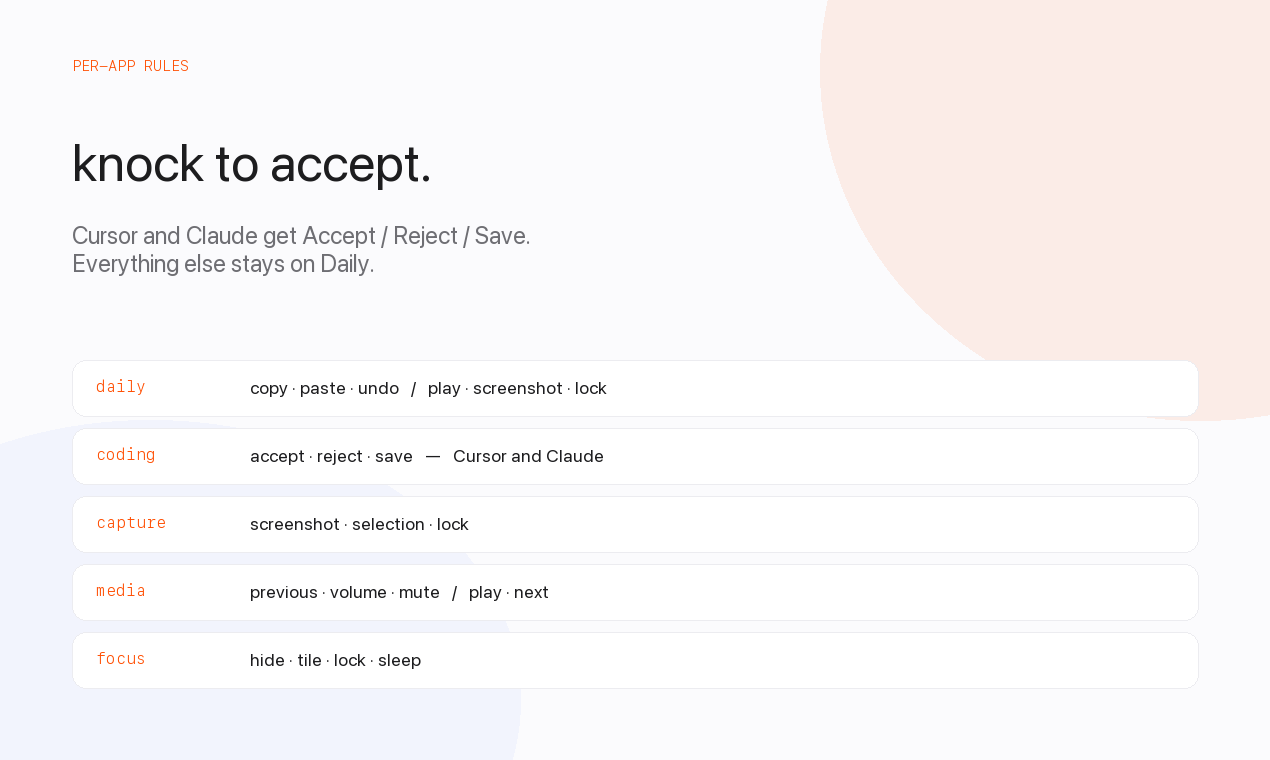
Gatekeeper 检查的是 MacTap.app,不是 .dmg 外壳,所以对磁盘镜像本身运行 codesign --verify 可能报告未签名,即使构建本身没问题;如果哪个工具拦截了 dmg,就用 zip 安装。不同的应用或屏幕区域能触发不同的动作吗?能——机身左右两边可以映射到不同的动作集合,还支持按应用覆盖,比如 Cursor 可以用 Accept/Reject/Save,其他应用保持 Daily 预设。
能——机身左右两边可以映射到不同的动作集合,还支持按应用覆盖,比如 Cursor 可以用 Accept/Reject/Save,其他应用保持 Daily 预设。MacTap 自带哪些内置预设?它自带 Daily、Coding、Capture、Media 和 Focus 预设,可以全局分配,也可以按边缘或按应用分配。
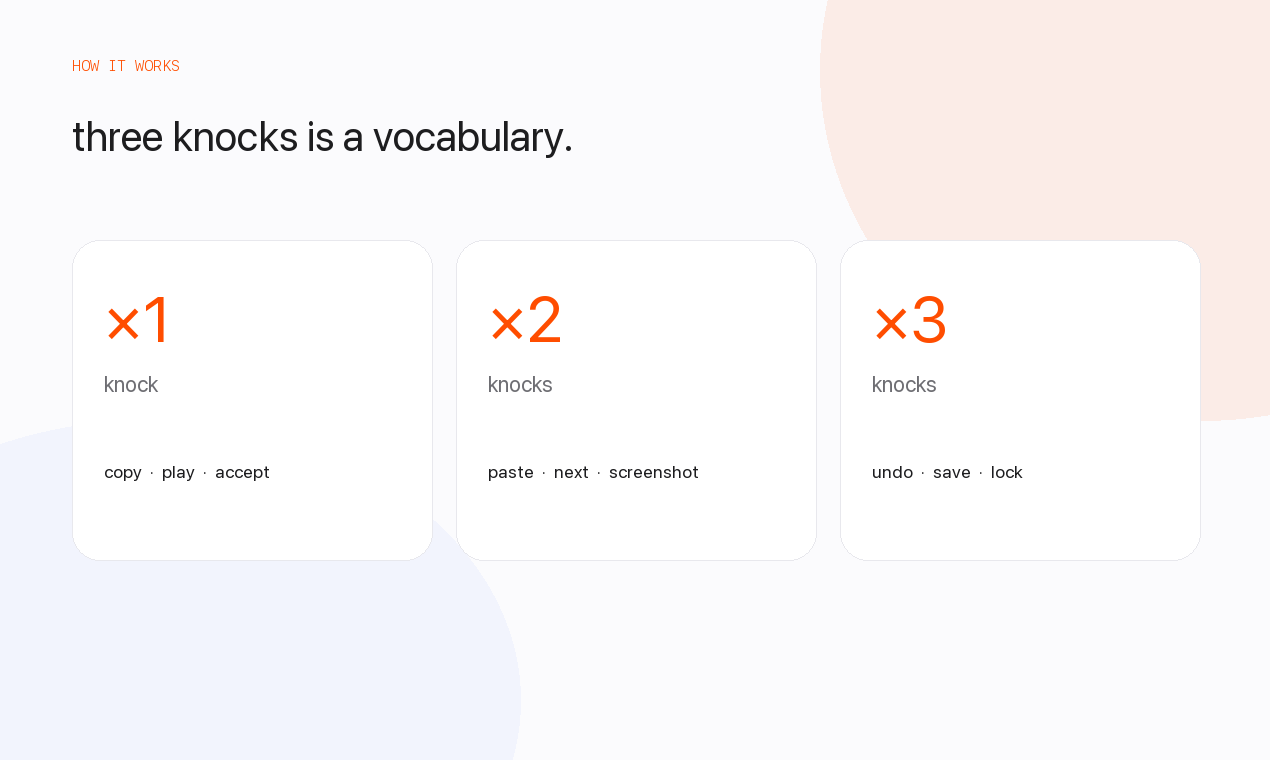
它自带 Daily、Coding、Capture、Media 和 Focus 预设,可以全局分配,也可以按边缘或按应用分配。它能识别几次敲击?MacTap 能区分一次、两次或三次敲击,每一种都可以映射到不同的快捷键。
MacTap 能区分一次、两次或三次敲击,每一种都可以映射到不同的快捷键。What are similar projects?kinesis, OpenYoink, Sapphire, rooms, BetterDisplay, Mouser, Thaw, boring.notch
kinesis, OpenYoink, Sapphire, rooms, BetterDisplay, Mouser, Thaw, boring.notchWhich topics is it in?gesture-control, sensors, menubar-app, menu-bar, privacy-first, accessibility, apple, macos-app, hardware, apple-silicon, swift, utility
gesture-control, sensors, menubar-app, menu-bar, privacy-first, accessibility, apple, macos-app, hardware, apple-silicon, swift, utility