691 ·GitHub
Что это?
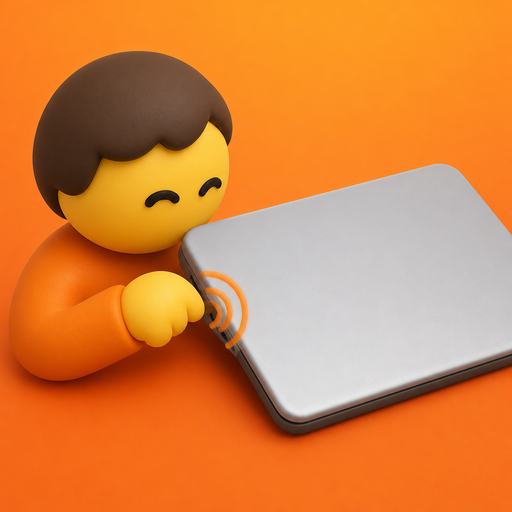
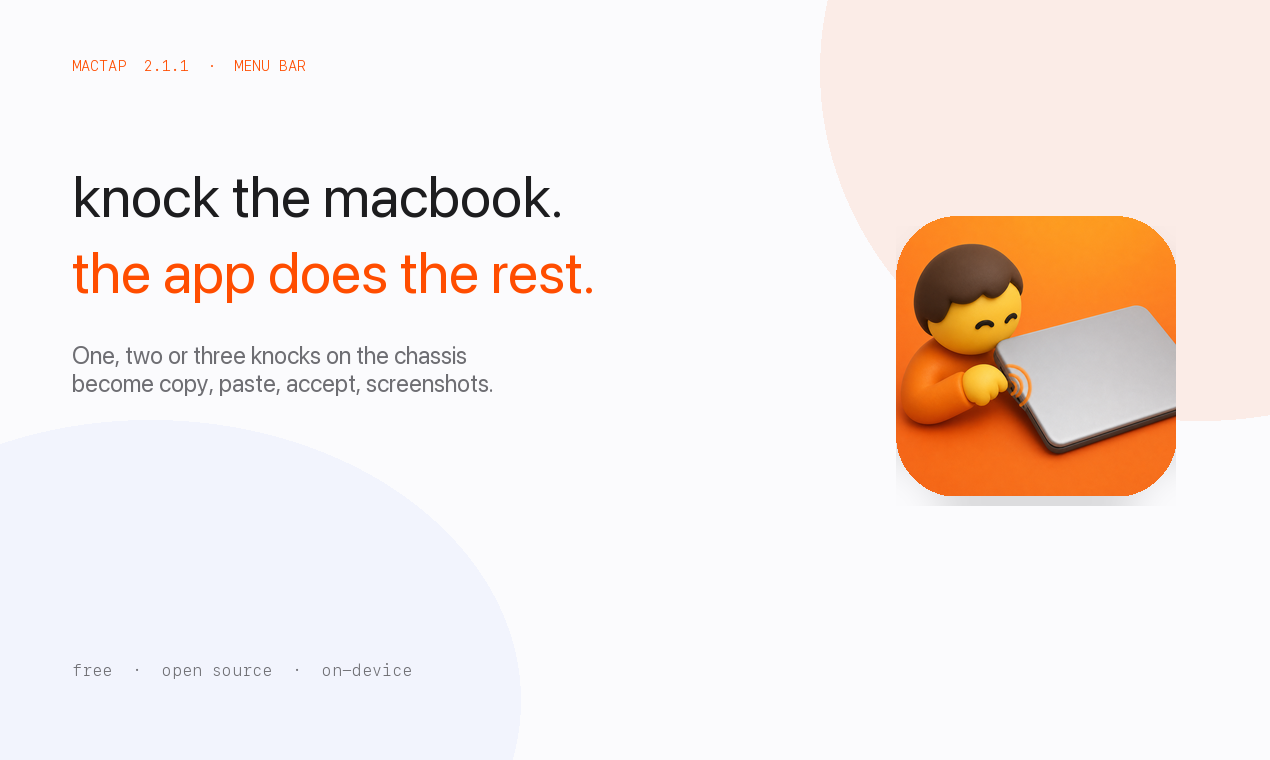
 MacTap позволяет постучать по корпусу MacBook (или по столу под ним), чтобы запустить шорткаты вроде копирования, вставки, Accept, скриншотов или управления медиа.
MacTap позволяет постучать по корпусу MacBook (или по столу под ним), чтобы запустить шорткаты вроде копирования, вставки, Accept, скриншотов или управления медиа.Это фоновое приложение или у него есть окно?Это приложение в строке меню macOS без главного окна; раскладки, действия и чувствительность настраиваются в Settings, открывающемся через значок в строке меню.
Это приложение в строке меню macOS без главного окна; раскладки, действия и чувствительность настраиваются в Settings, открывающемся через значок в строке меню.Поддерживает ли железо моего Mac это?Нужен Mac на M2 или новее, либо M1 Pro/Max/Ultra, с macOS 14.6 или выше, поскольку датчик движения должен быть доступен как HID-устройство SPU.
Нужен Mac на M2 или новее, либо M1 Pro/Max/Ultra, с macOS 14.6 или выше, поскольку датчик движения должен быть доступен как HID-устройство SPU.Будет ли детект стука работать на любом MacBook M1?Нет — оригинальный M1 Air (MacBookAir10,1) и некоторые другие модели M1 не отдают HID-отчёт акселерометра, который читает MacTap, и запасного варианта с перепривязкой стрелок для этих устройств нет.
Нет — оригинальный M1 Air (MacBookAir10,1) и некоторые другие модели M1 не отдают HID-отчёт акселерометра, который читает MacTap, и запасного варианта с перепривязкой стрелок для этих устройств нет.Нужно ли выдавать какое-то особое разрешение?Да — должен быть включён Accessibility, чтобы MacTap мог отправлять назначенные шорткаты; сам детект стука этого не требует.
Да — должен быть включён Accessibility, чтобы MacTap мог отправлять назначенные шорткаты; сам детект стука этого не требует.Доступно ли это вне macOS?Нет, это приложение только для macOS в строке меню, привязанное к датчикам движения Apple Silicon.
Нет, это приложение только для macOS в строке меню, привязанное к датчикам движения Apple Silicon.Куда уходят мои данные о стуках?Стуки распознаются полностью на устройстве, и ничего не выгружается; карты жестов хранятся только в локальных настройках.
Стуки распознаются полностью на устройстве, и ничего не выгружается; карты жестов хранятся только в локальных настройках.Почему подписанный .dmg иногда отображается как неподписанный?Gatekeeper проверяет MacTap.app, а не оболочку .dmg, поэтому codesign --verify на самом образе диска может показать «unsigned», даже если сборка в порядке; устанавливайте из zip, если какой-то инструмент блокирует dmg.
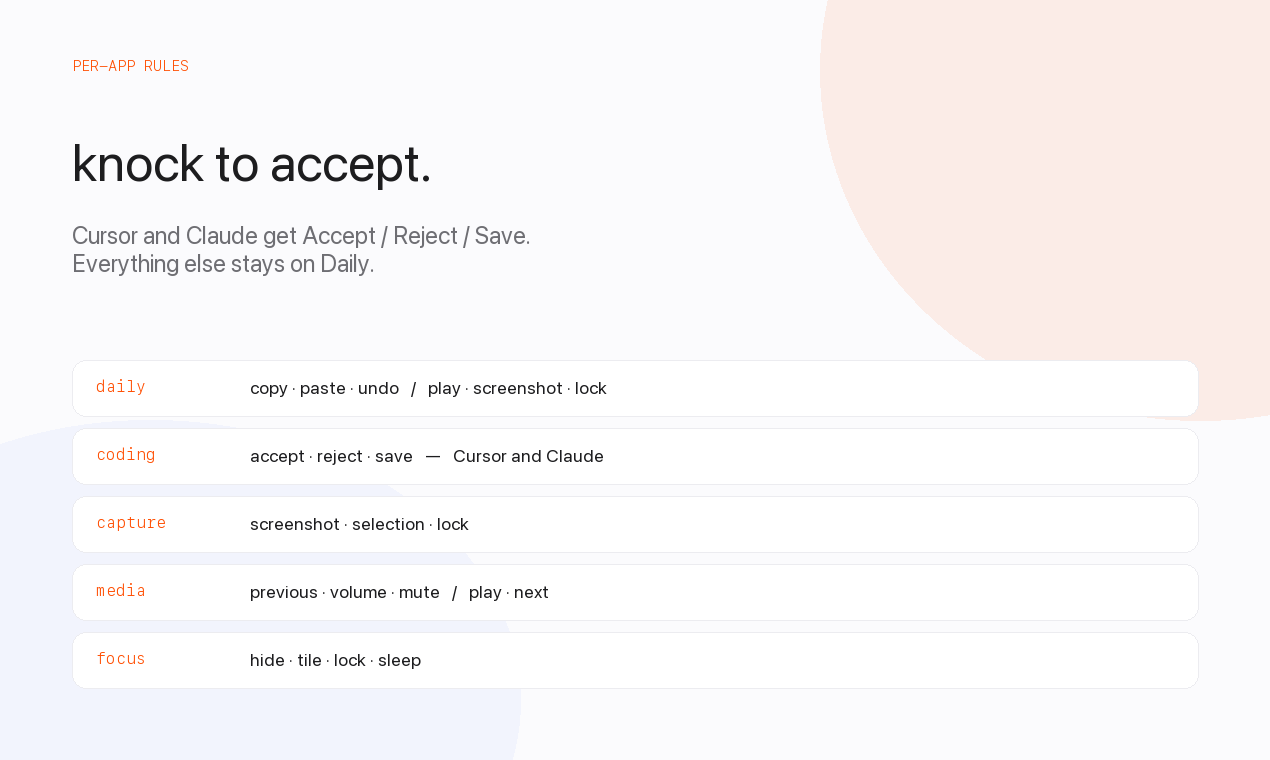
Gatekeeper проверяет MacTap.app, а не оболочку .dmg, поэтому codesign --verify на самом образе диска может показать «unsigned», даже если сборка в порядке; устанавливайте из zip, если какой-то инструмент блокирует dmg.Могут ли разные приложения или зоны экрана запускать разные действия?Да — левому и правому краю корпуса можно назначить разные наборы действий, есть переопределения по приложениям: например, Cursor может получить Accept/Reject/Save, а другие приложения останутся на пресете Daily.
Да — левому и правому краю корпуса можно назначить разные наборы действий, есть переопределения по приложениям: например, Cursor может получить Accept/Reject/Save, а другие приложения останутся на пресете Daily.Какие встроенные пресеты идут с MacTap?В комплекте пресеты Daily, Coding, Capture, Media и Focus, которые можно назначать глобально, по краю корпуса или по приложению.
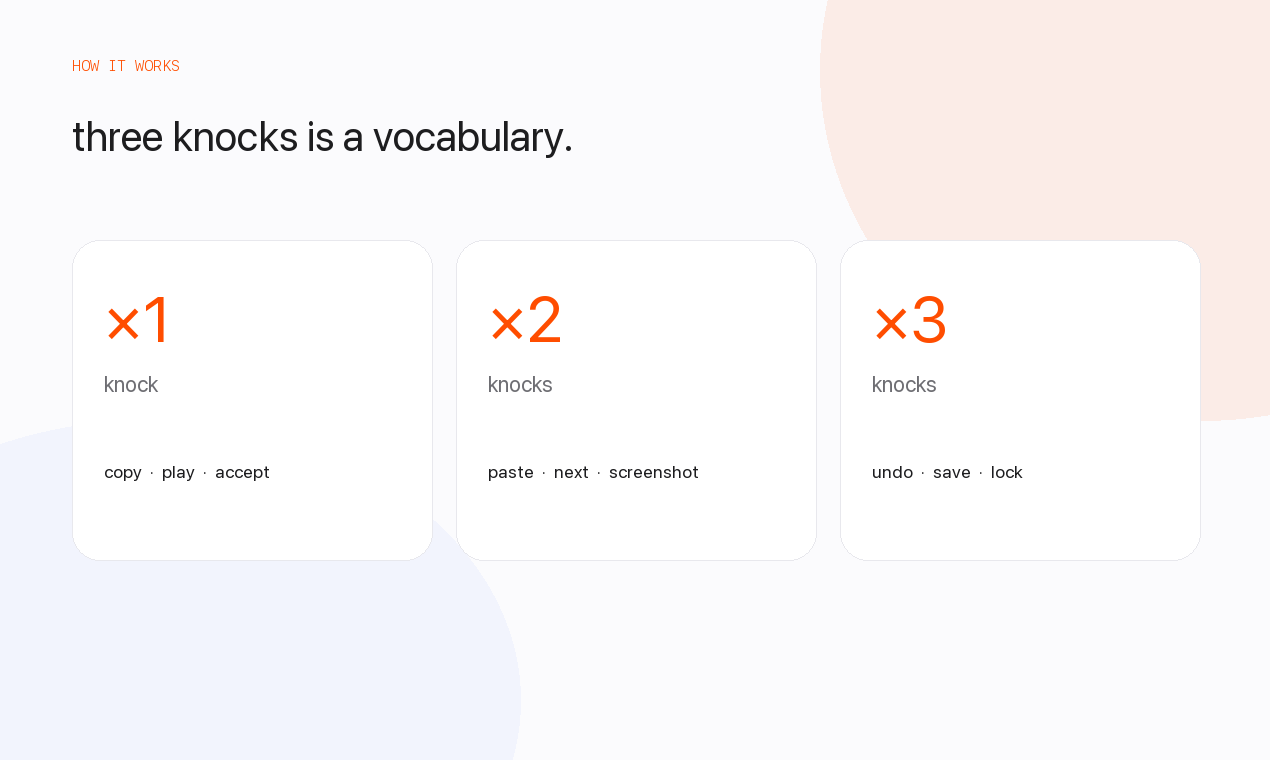
В комплекте пресеты Daily, Coding, Capture, Media и Focus, которые можно назначать глобально, по краю корпуса или по приложению.Сколько стуков он распознаёт?MacTap различает один, два или три стука, и каждому можно назначить свой шорткат.
MacTap различает один, два или три стука, и каждому можно назначить свой шорткат.What are similar projects?kinesis, OpenYoink, Sapphire, rooms, BetterDisplay, Mouser, Thaw, boring.notch
kinesis, OpenYoink, Sapphire, rooms, BetterDisplay, Mouser, Thaw, boring.notchWhich topics is it in?gesture-control, sensors, menubar-app, menu-bar, privacy-first, accessibility, apple, macos-app, hardware, apple-silicon, swift, utility
gesture-control, sensors, menubar-app, menu-bar, privacy-first, accessibility, apple, macos-app, hardware, apple-silicon, swift, utility