
What is this?
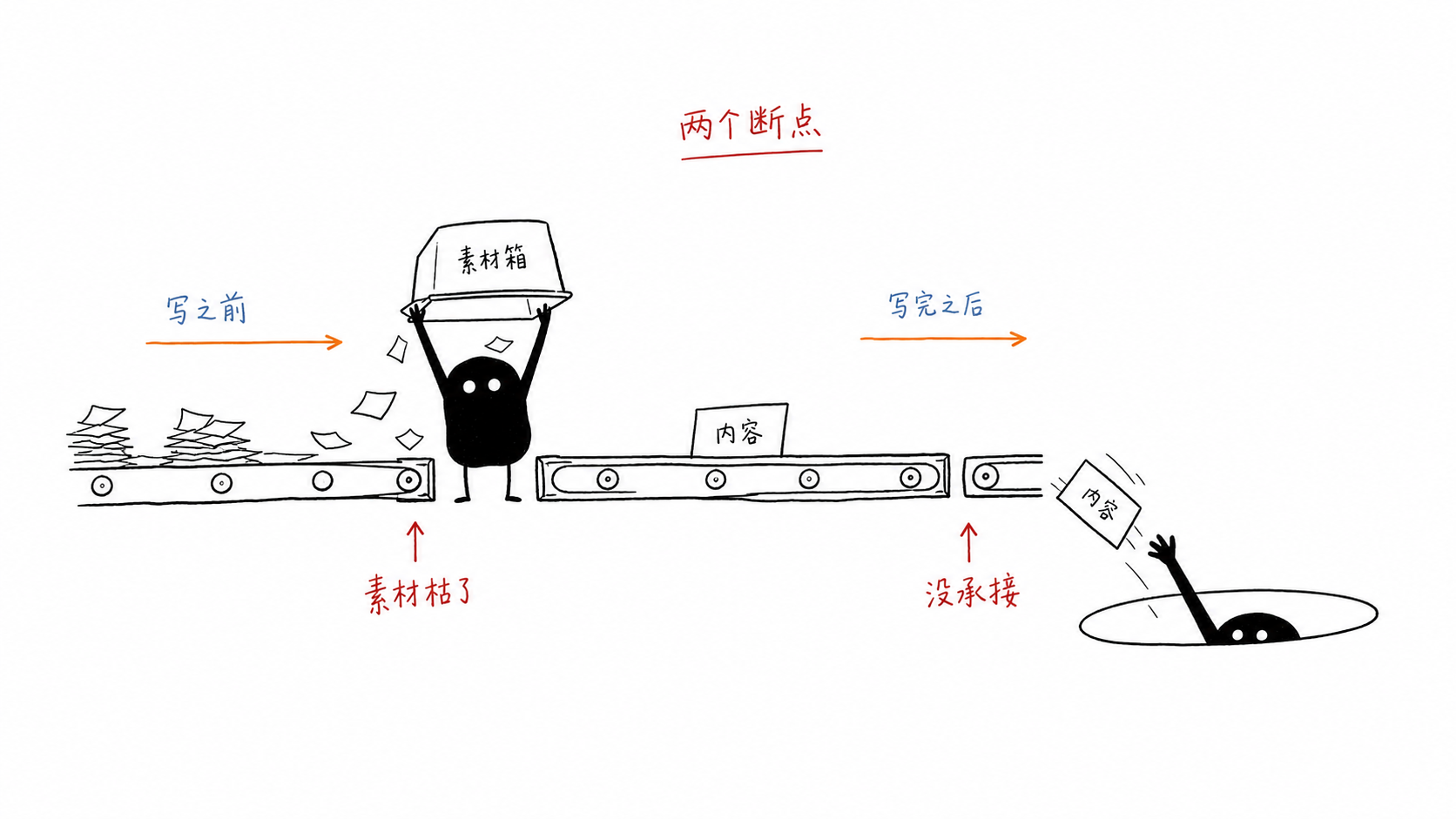
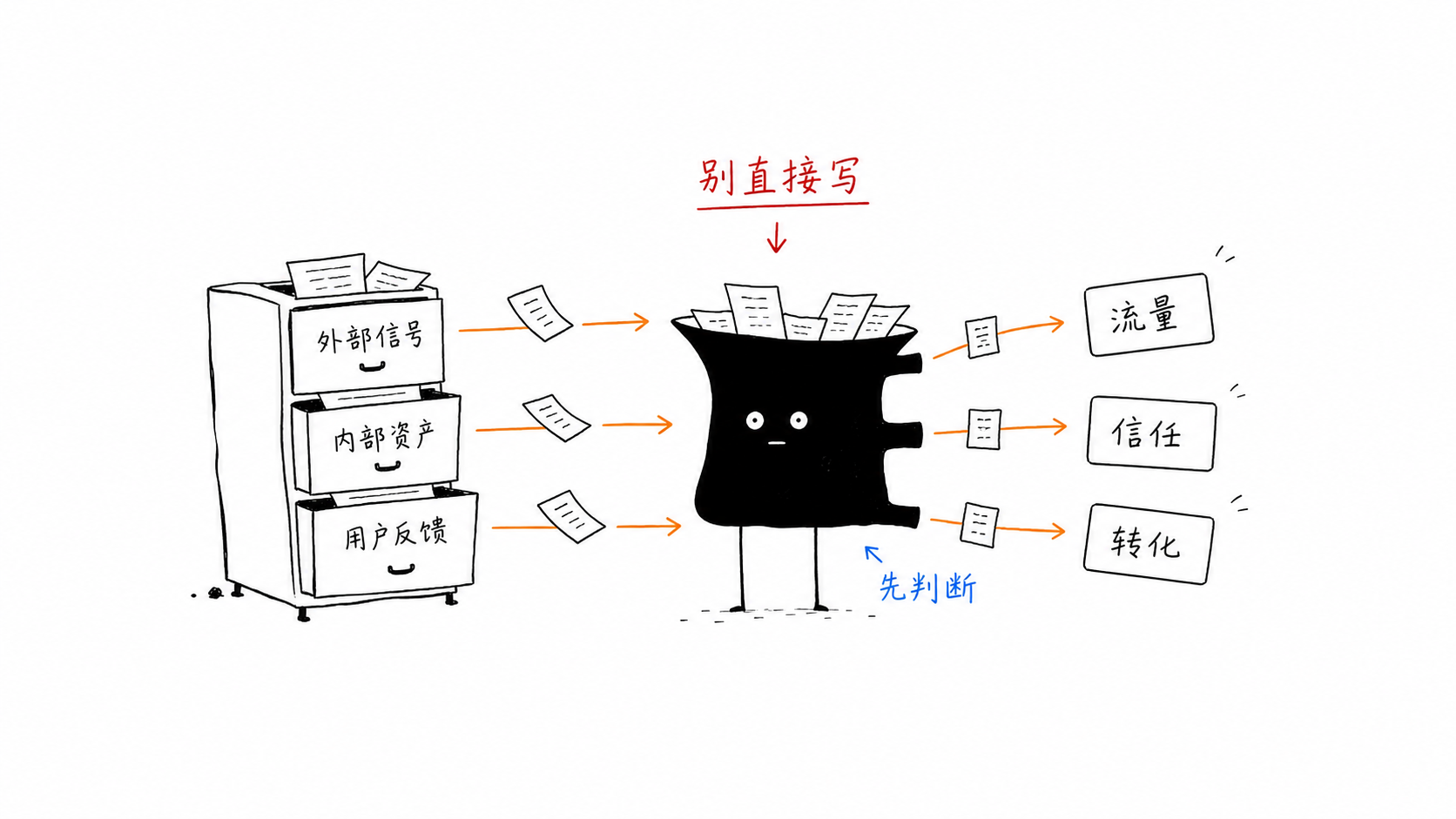
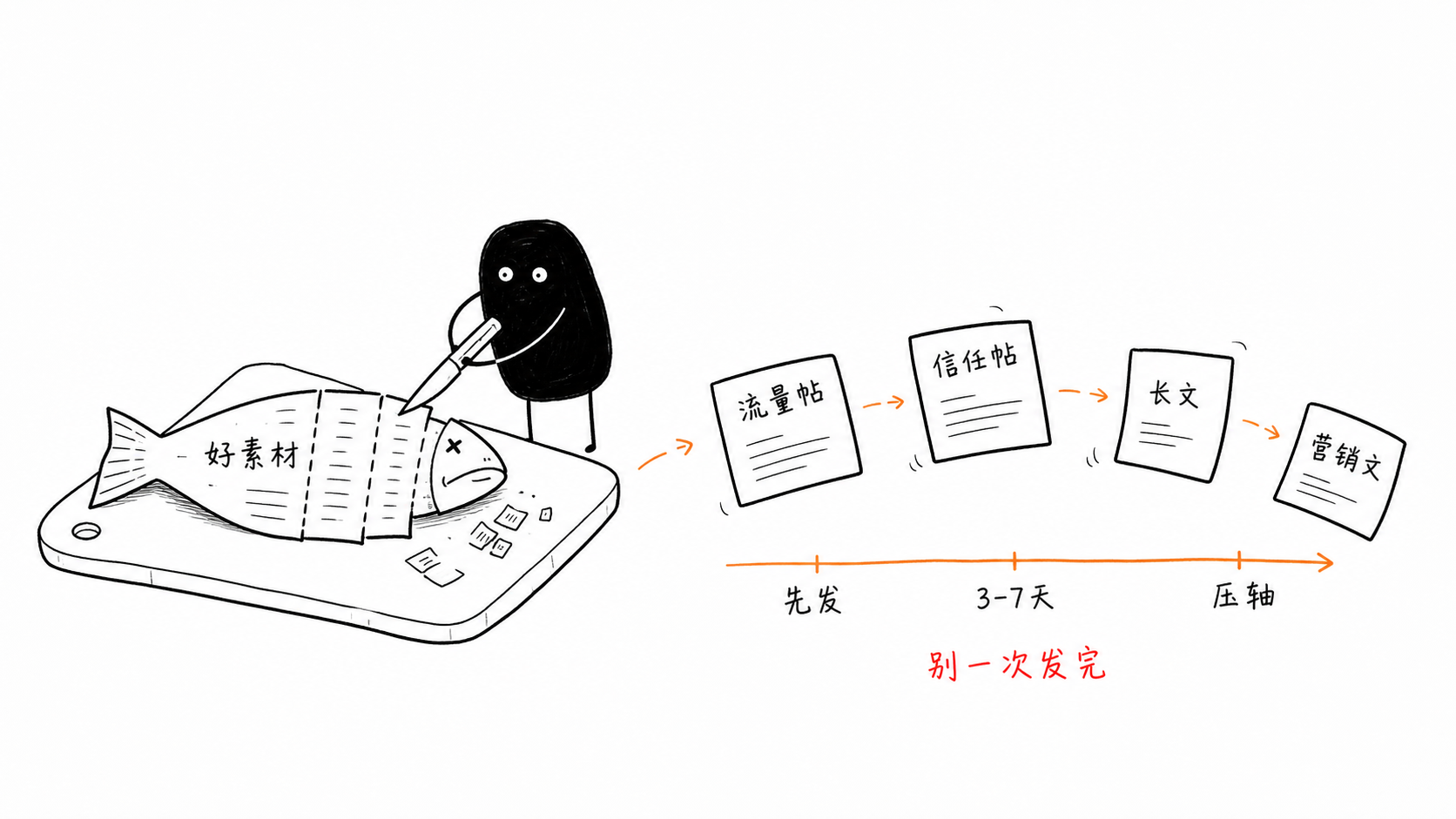
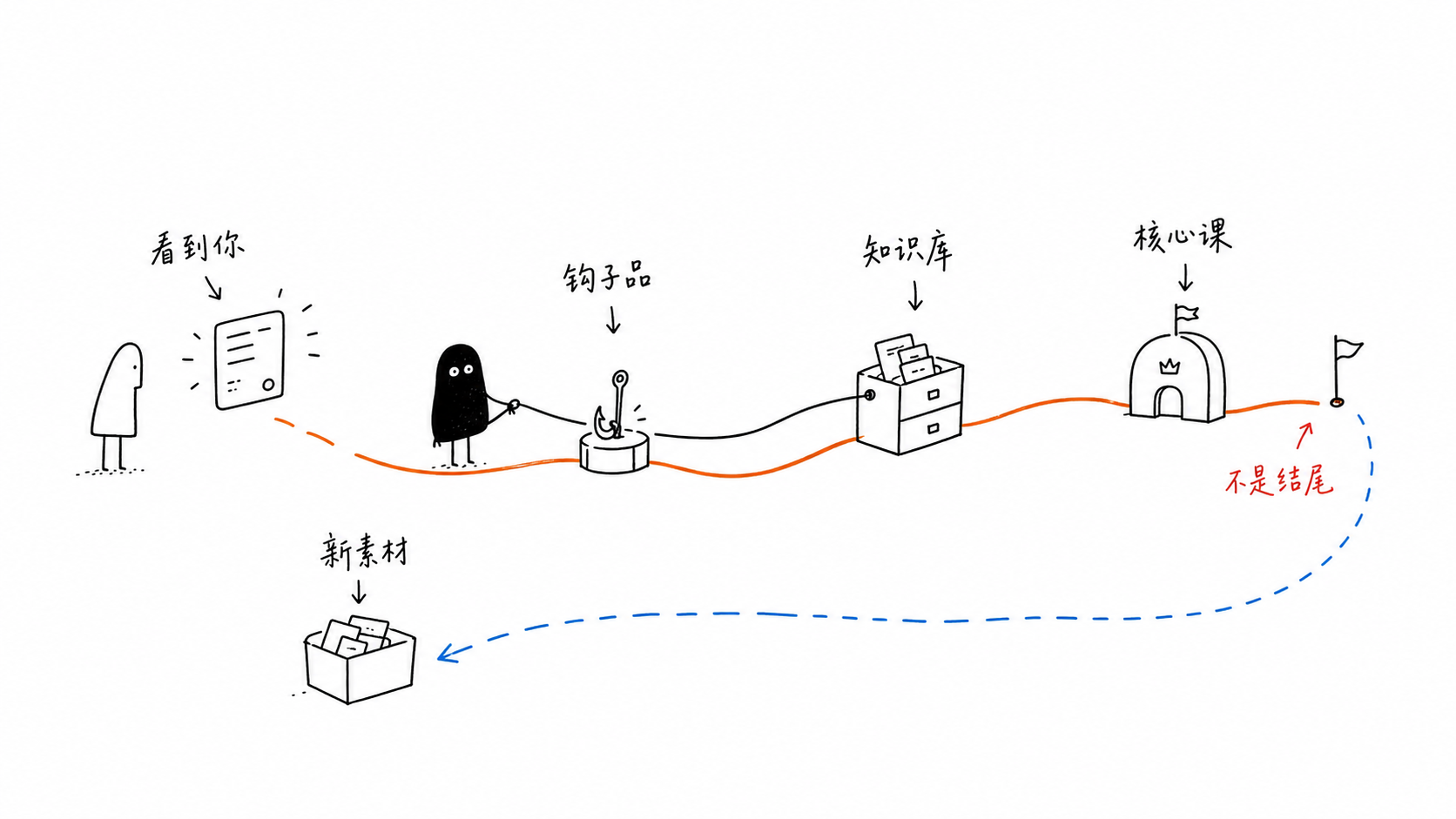
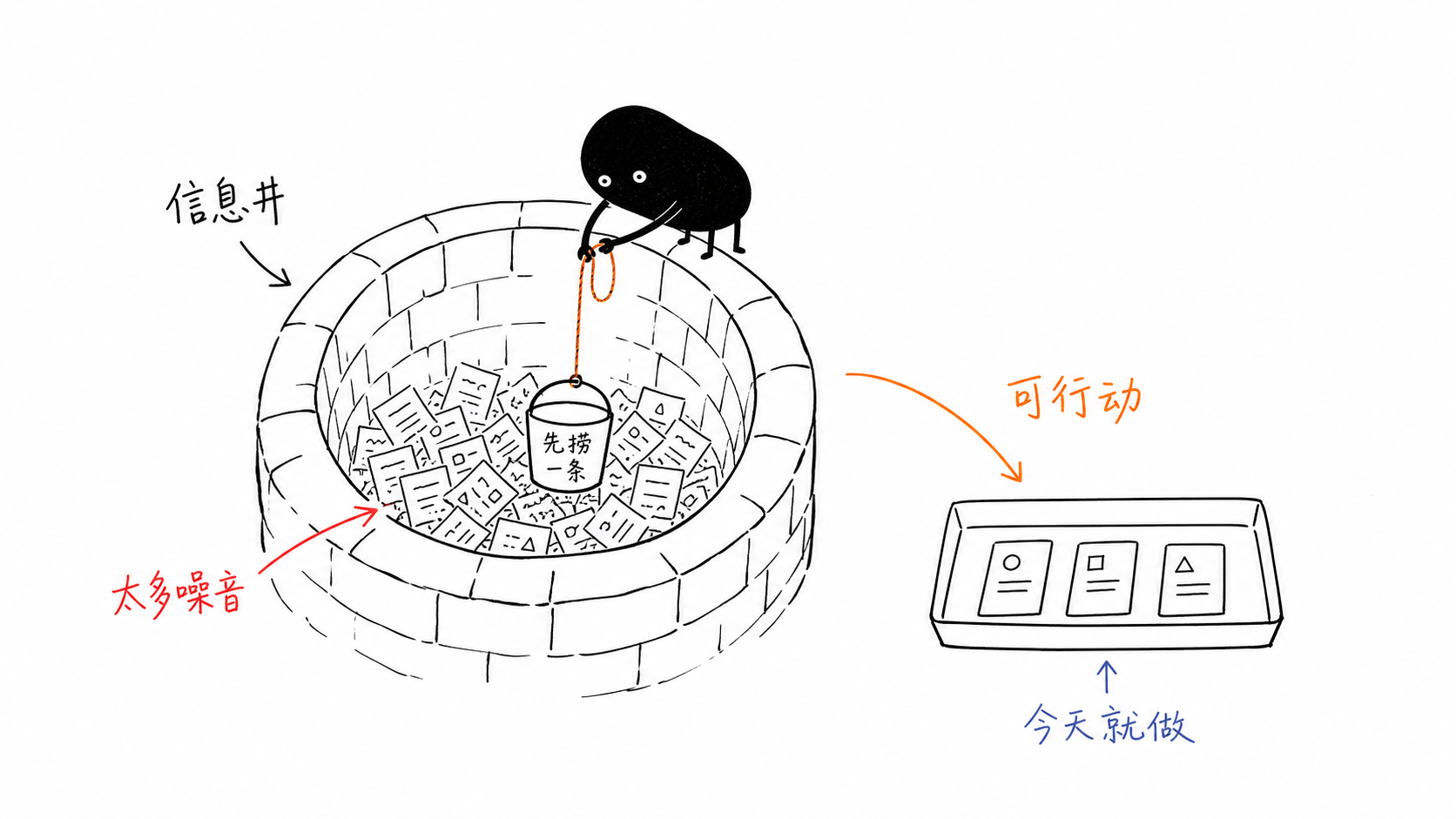
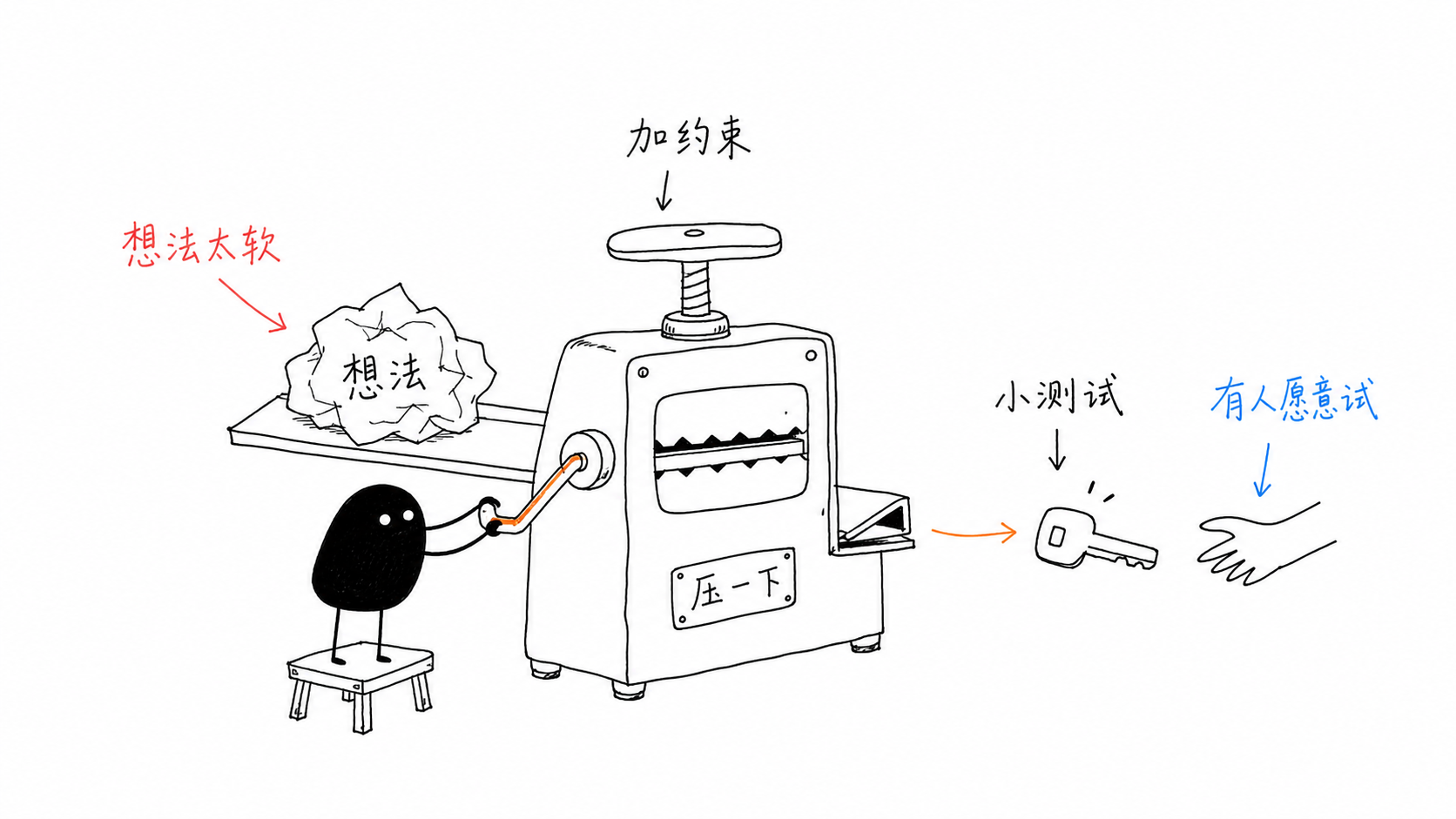
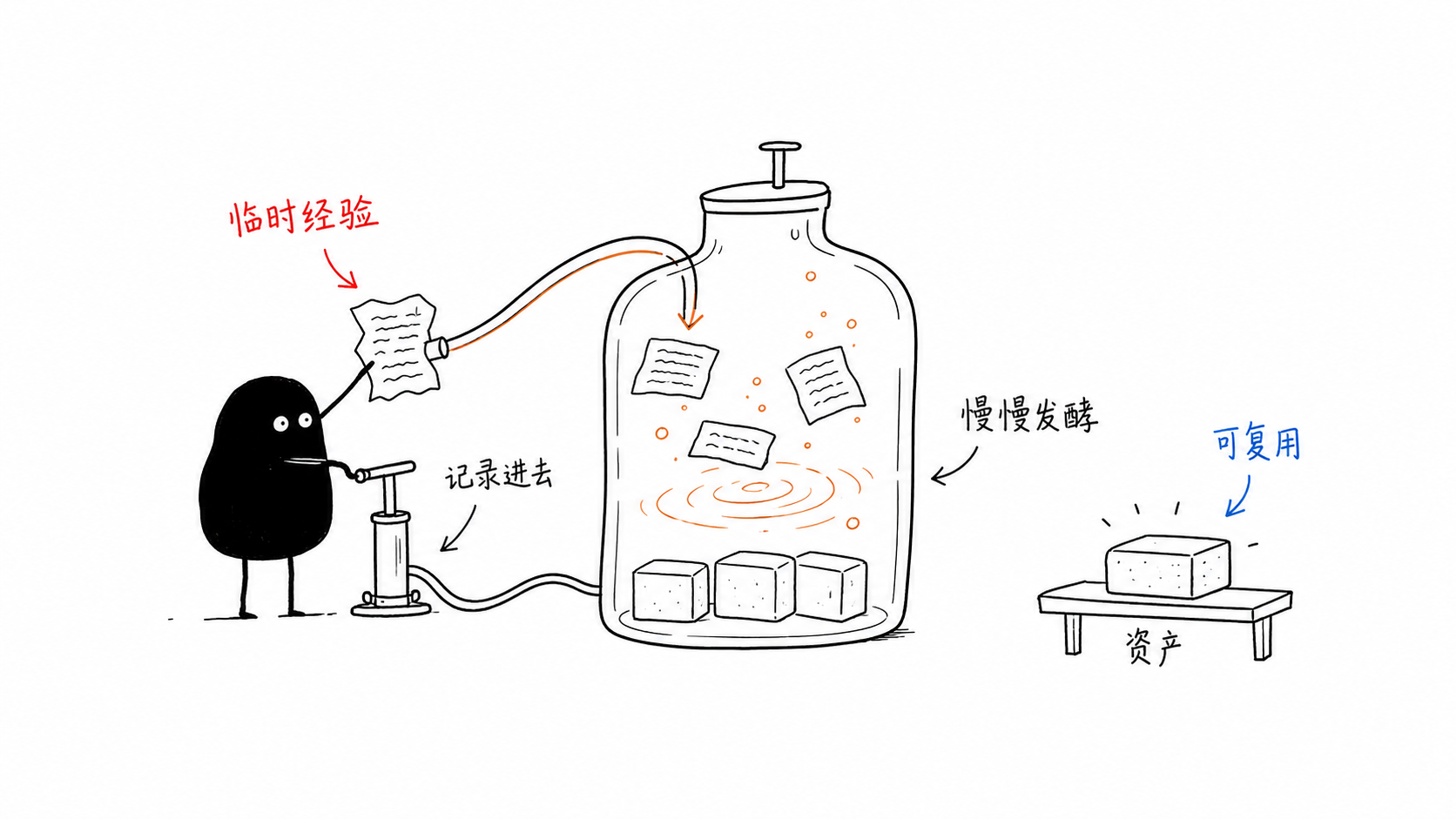
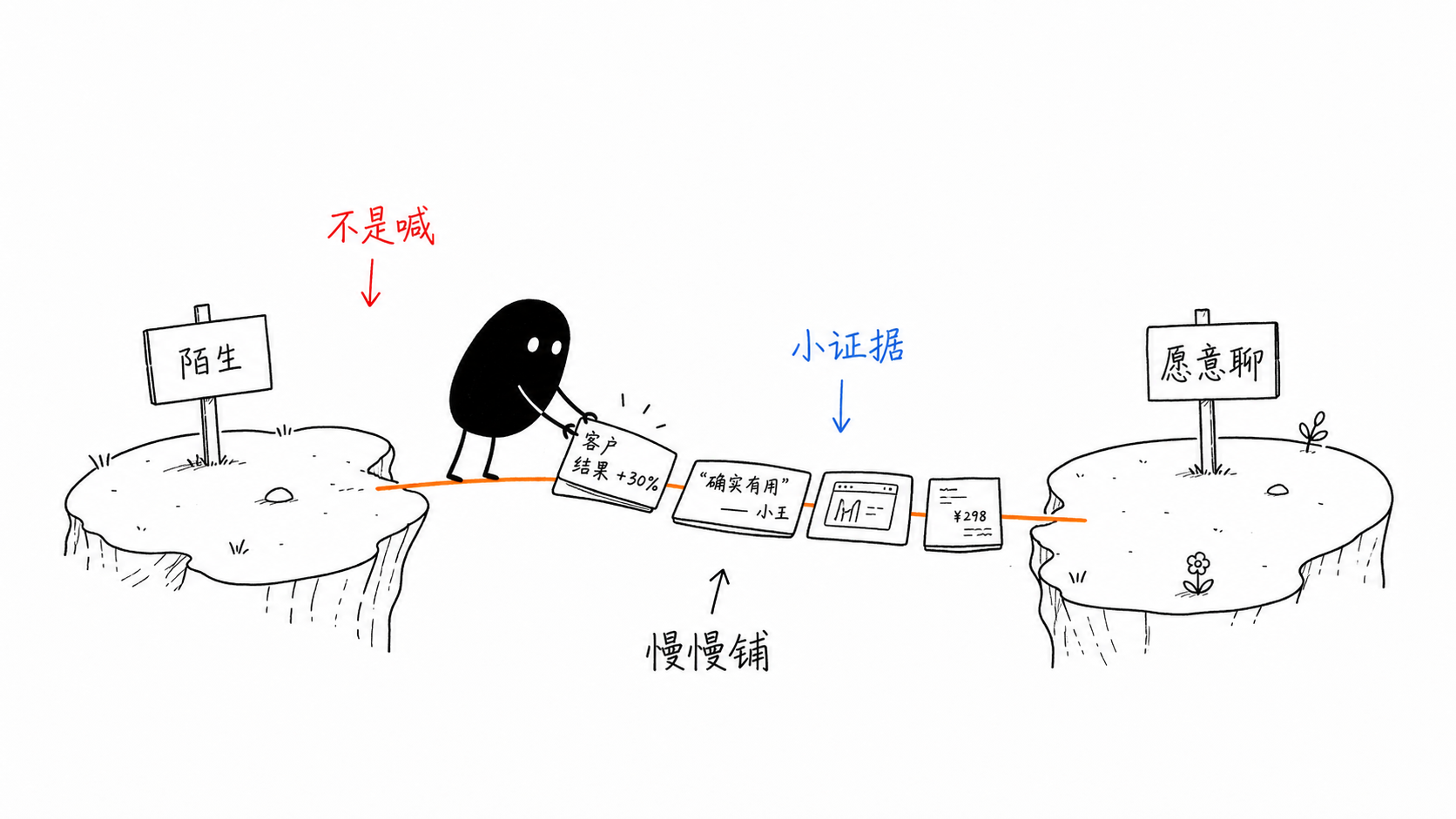
 A Codex Skill that guides an AI agent to generate body-text illustrations for Chinese articles, blog posts, and Notion docs, turning a judgment, process, or metaphor from the text into a 16:9 white-background hand-drawn image featuring the 'Xiaohei' character.
A Codex Skill that guides an AI agent to generate body-text illustrations for Chinese articles, blog posts, and Notion docs, turning a judgment, process, or metaphor from the text into a 16:9 white-background hand-drawn image featuring the 'Xiaohei' character.Is this a generic illustration prompt template, or something more structured?It is neither a generic illustration prompt nor a PPT-style infographic template; it is a structured skill that first extracts a cognitive anchor from the article and reinvents it as a specific low-tech visual metaphor.
It is neither a generic illustration prompt nor a PPT-style infographic template; it is a structured skill that first extracts a cognitive anchor from the article and reinvents it as a specific low-tech visual metaphor.How do I install and use this with Codex?Clone the repository, then copy the skill subdirectory into your Codex skills directory; once installed you invoke it directly from inside Codex.
Clone the repository, then copy the skill subdirectory into your Codex skills directory; once installed you invoke it directly from inside Codex.Do I need an image generation model to use this?Yes — the skill only plans a shot list and prompts; it calls an AI image model separately for each of the 4-8 illustrations it produces per article.
Yes — the skill only plans a shot list and prompts; it calls an AI image model separately for each of the 4-8 illustrations it produces per article.Does the generated Chinese text in the images always come out correct?No, the underlying image model can introduce typos, hallucinated labels, style drift, or extra titles, so every output needs manual review, and shorter Chinese captions are recommended for stability.
No, the underlying image model can introduce typos, hallucinated labels, style drift, or extra titles, so every output needs manual review, and shorter Chinese captions are recommended for stability.Who is this skill actually built for?It suits people writing Chinese knowledge or methodology content who want a distinctive, low-key hand-drawn illustration style; it is not meant for commercial illustration, brand key visuals, PPT infographics, or cute mascot/sticker styles.
It suits people writing Chinese knowledge or methodology content who want a distinctive, low-key hand-drawn illustration style; it is not meant for commercial illustration, brand key visuals, PPT infographics, or cute mascot/sticker styles.What role does the Xiaohei character play in each image?Xiaohei must be actively performing the core action of the illustration — if removing the character would leave the image's meaning unchanged, the skill considers it too decorative and wrong.
Xiaohei must be actively performing the core action of the illustration — if removing the character would leave the image's meaning unchanged, the skill considers it too decorative and wrong.What file formats does it refuse to output?It deliberately avoids PPTX, PDF, Keynote, SVG, HTML, and Canvas-editable formats; it only ever produces final flattened PNG images saved into a workspace assets folder.
It deliberately avoids PPTX, PDF, Keynote, SVG, HTML, and Canvas-editable formats; it only ever produces final flattened PNG images saved into a workspace assets folder.How many images does it generate per article?Typically 4 to 8 illustrations per article, each covering one distinct cognitive anchor such as a judgment, process, state, or metaphor, defined through a shot list before any image is generated.
Typically 4 to 8 illustrations per article, each covering one distinct cognitive anchor such as a judgment, process, state, or metaphor, defined through a shot list before any image is generated.What is the default visual style it enforces?Pure white background with no paper texture or gradients, thin slightly shaky black line art, large negative space with the subject covering only 40-60% of the frame, and sparse red, orange, or blue Chinese handwritten annotations.
Pure white background with no paper texture or gradients, thin slightly shaky black line art, large negative space with the subject covering only 40-60% of the frame, and sparse red, orange, or blue Chinese handwritten annotations.What are similar projects?gathered-scenes-zine-skill, handraw-style, photo-abstract-editorial, kid-papercraft, muyang-illustration-skills, reference-video-director, travel-memory-sticker-card, ip-as-logo-skill
gathered-scenes-zine-skill, handraw-style, photo-abstract-editorial, kid-papercraft, muyang-illustration-skills, reference-video-director, travel-memory-sticker-card, ip-as-logo-skillWhich topics is it in?illustration, aigc, ai-art, art, prompt, codex-skill, chinese-language, ai-tools, content-creation, agent-skill, image-generation, design
illustration, aigc, ai-art, art, prompt, codex-skill, chinese-language, ai-tools, content-creation, agent-skill, image-generation, design