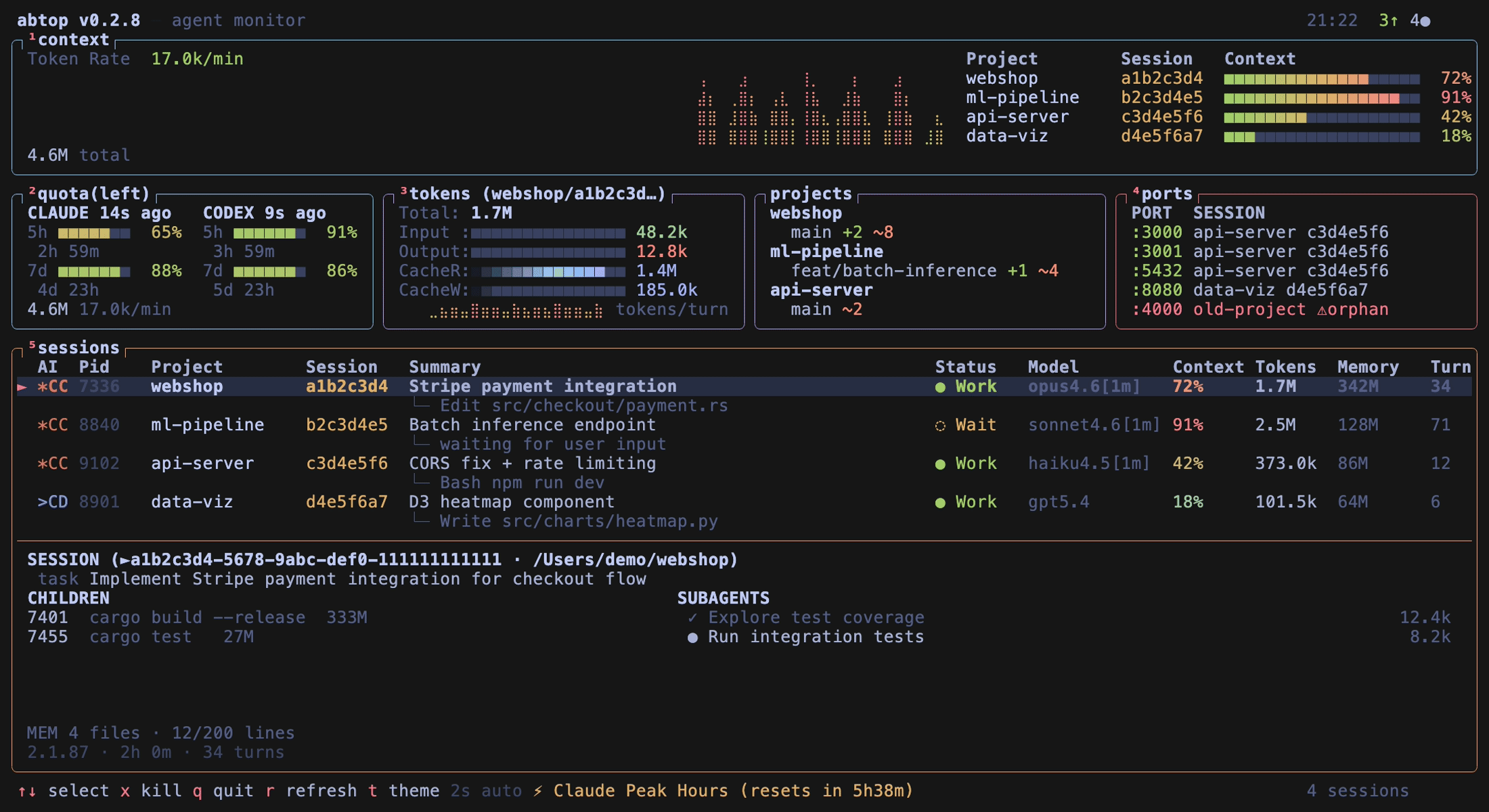
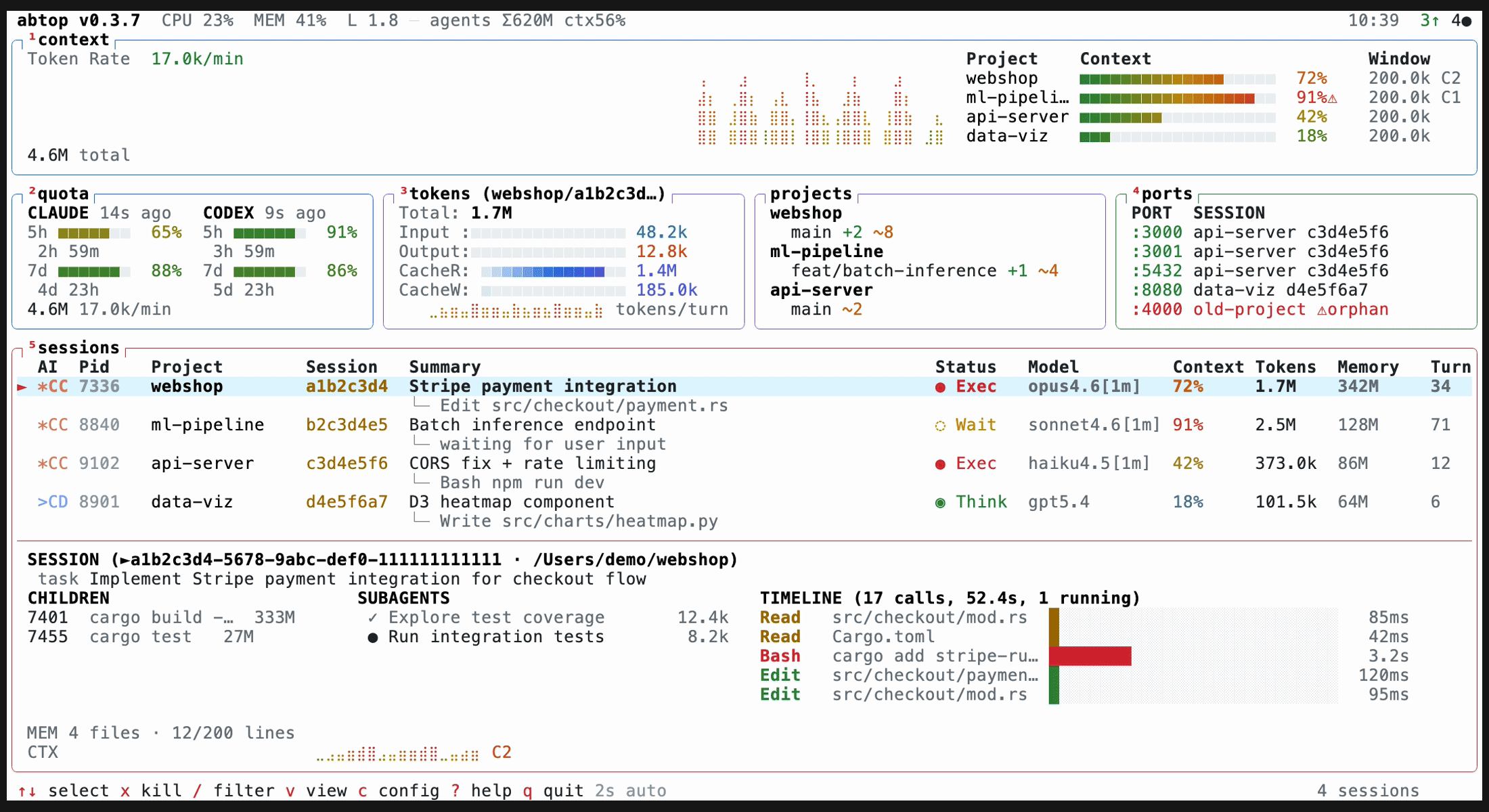
Что это?
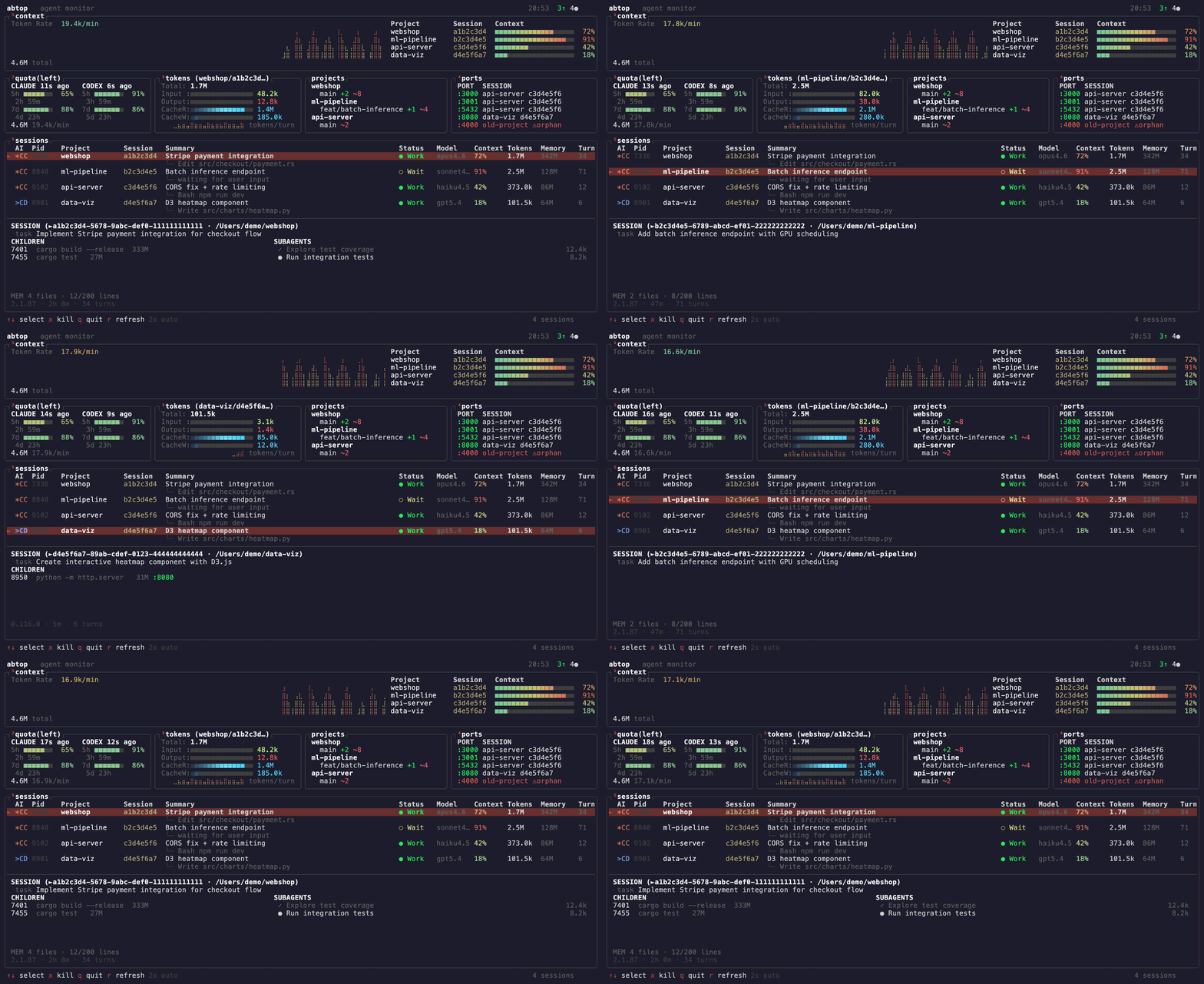
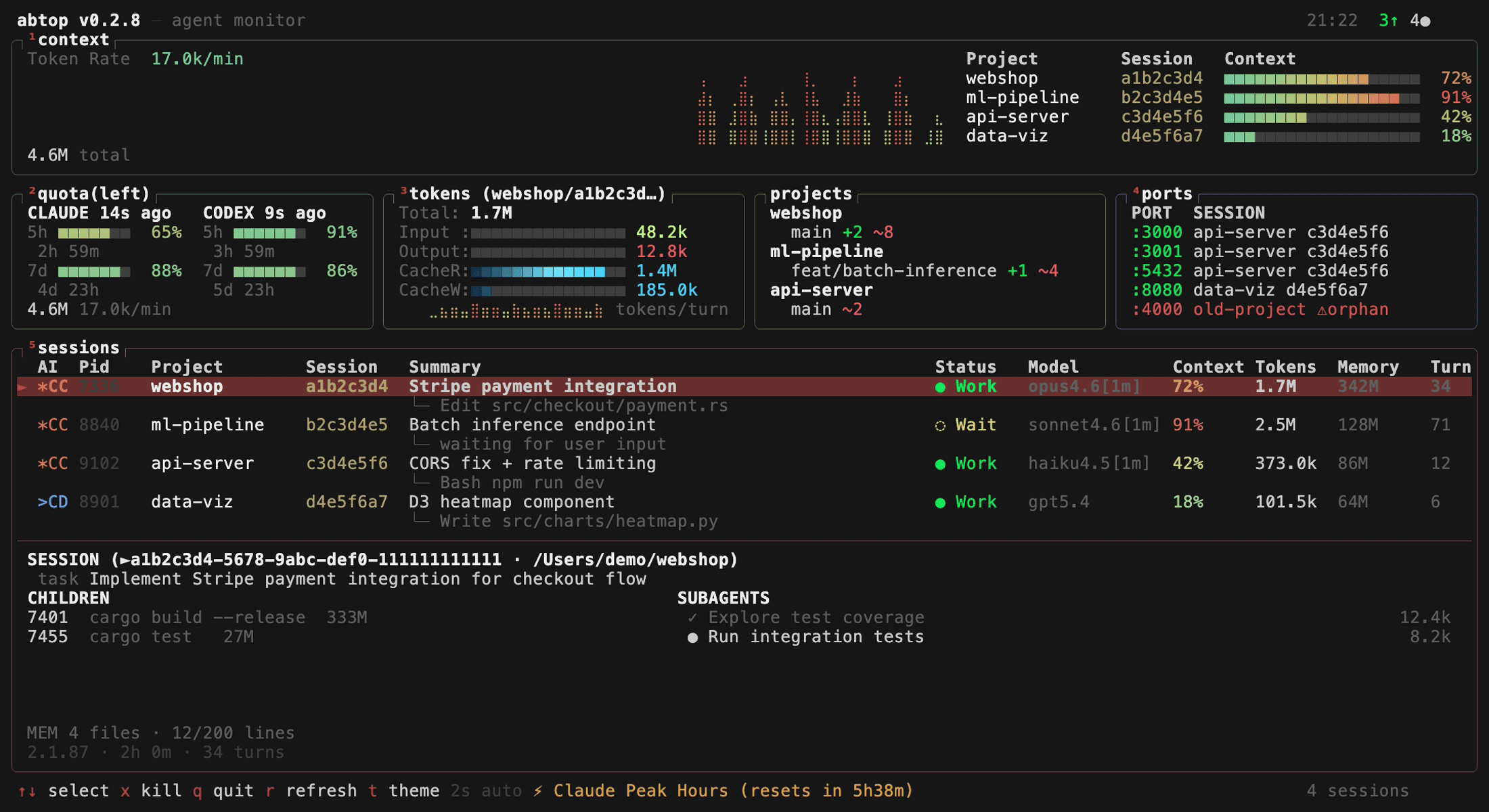
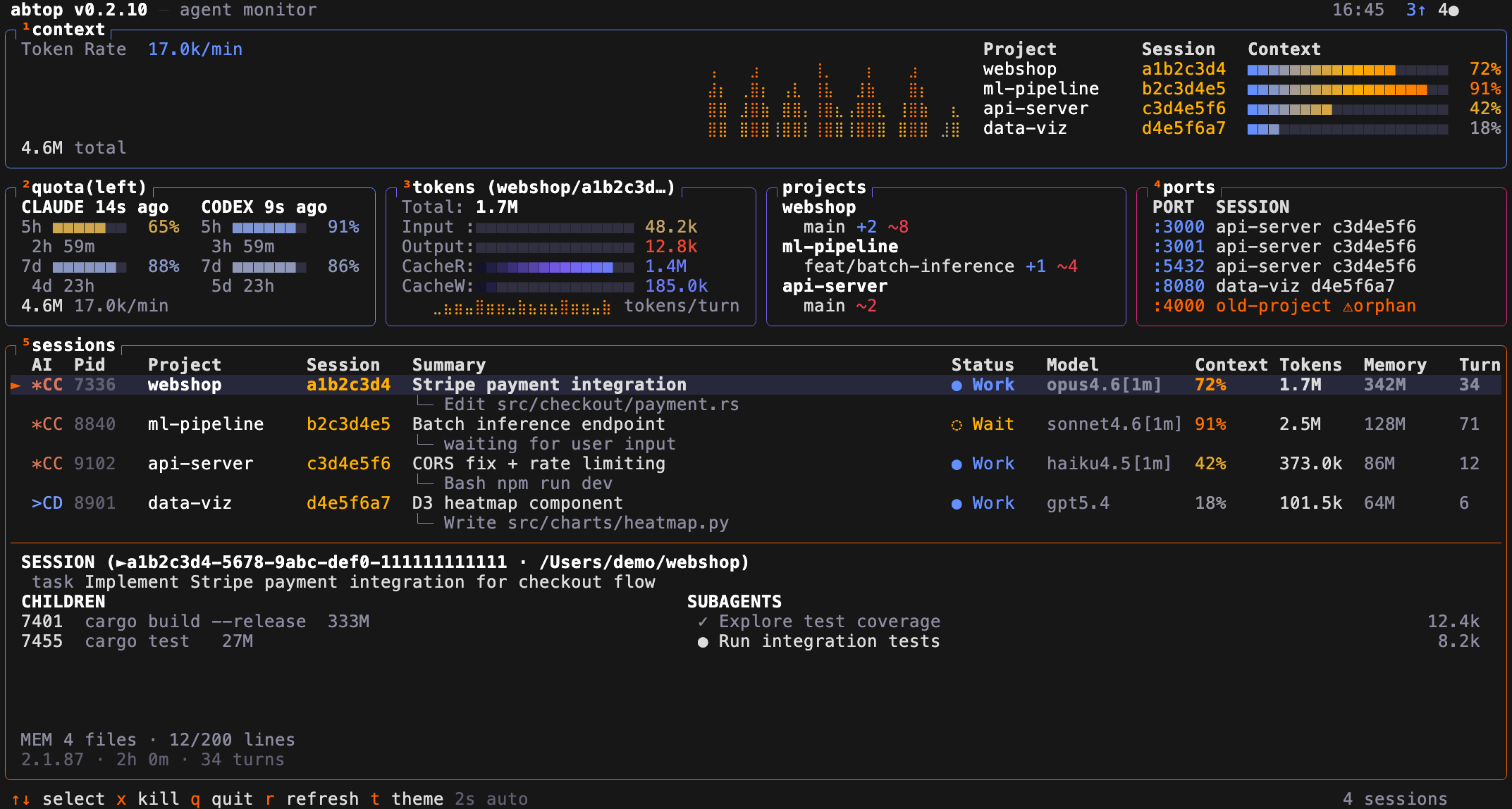
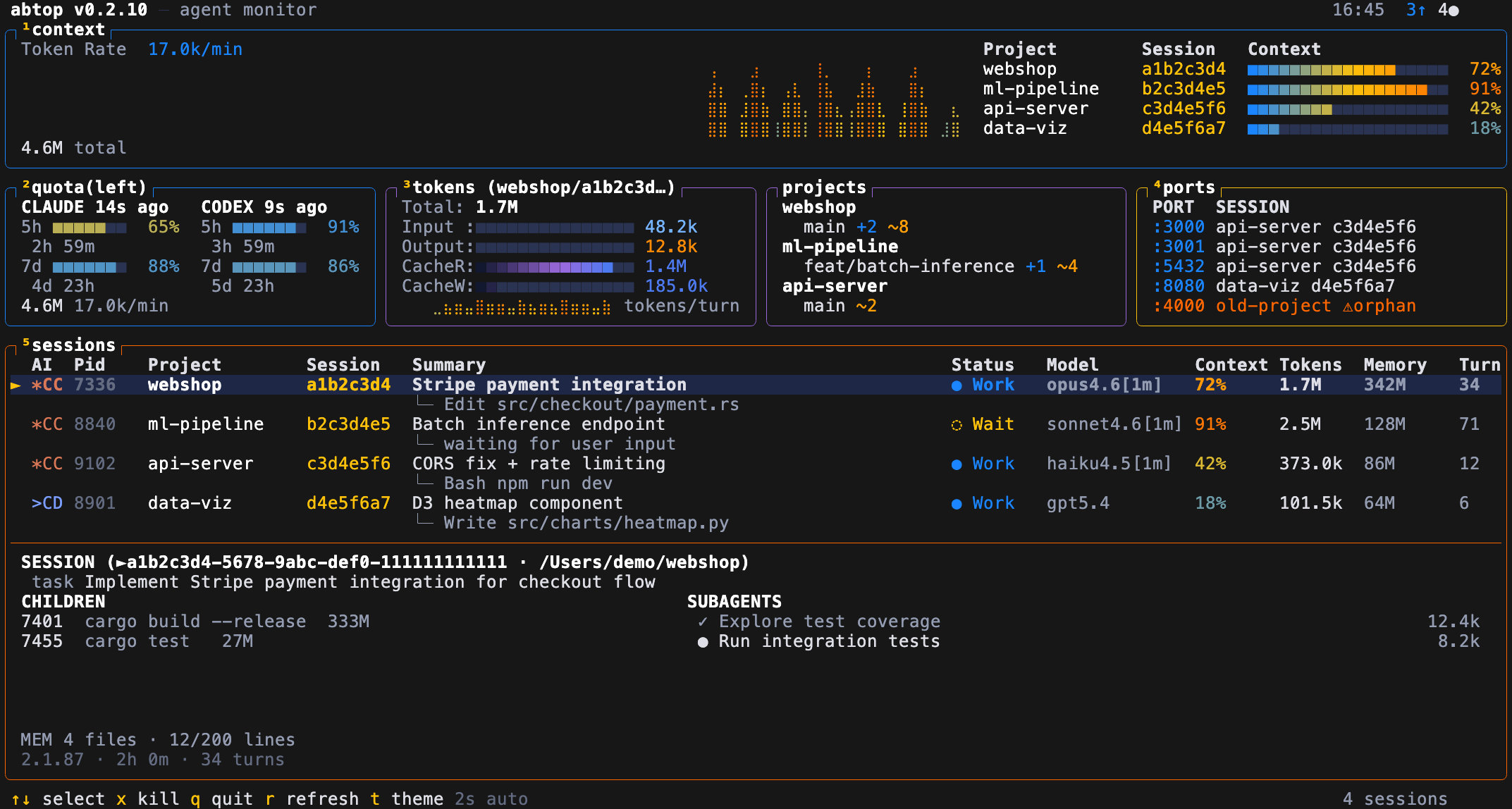
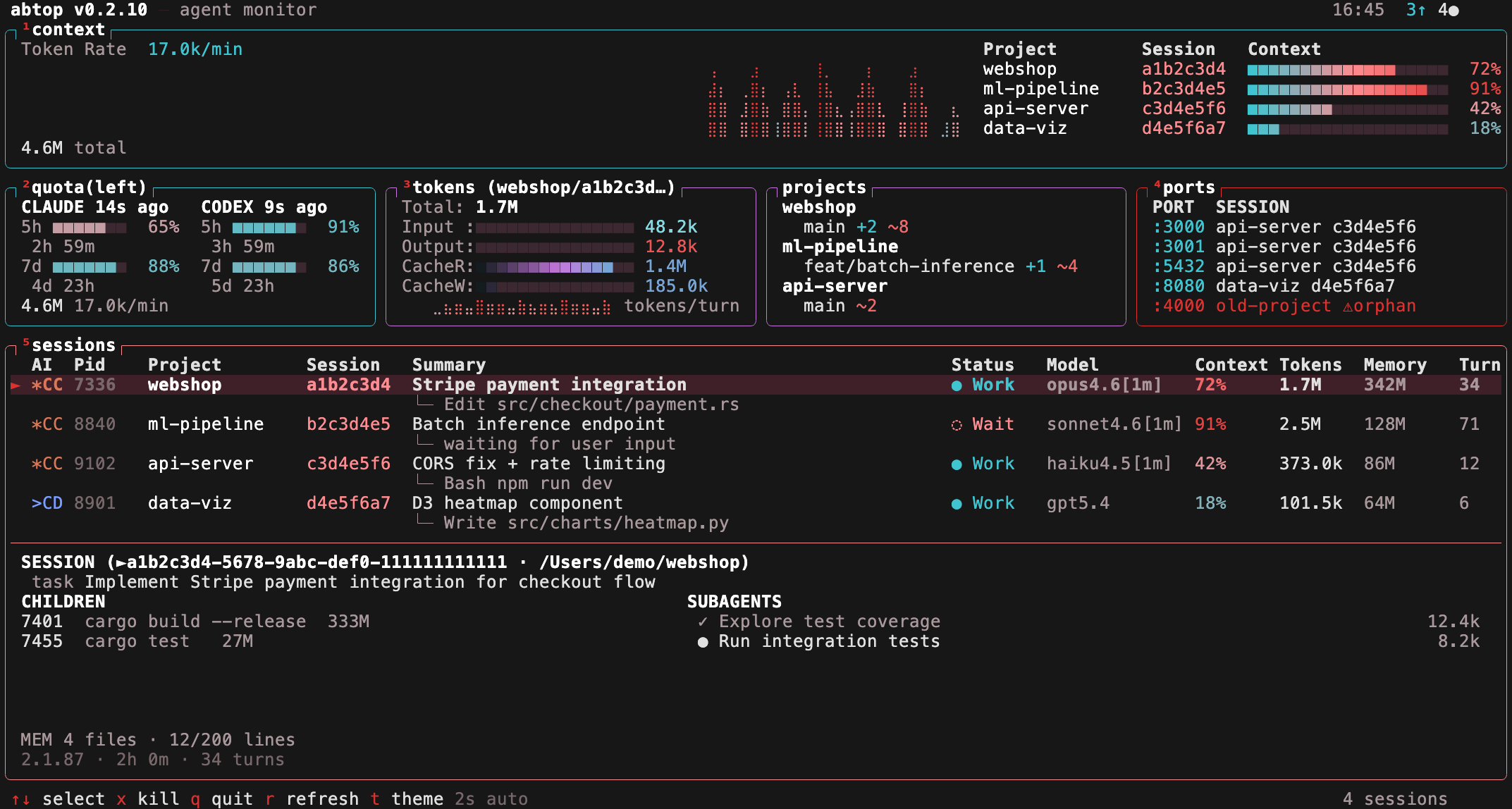
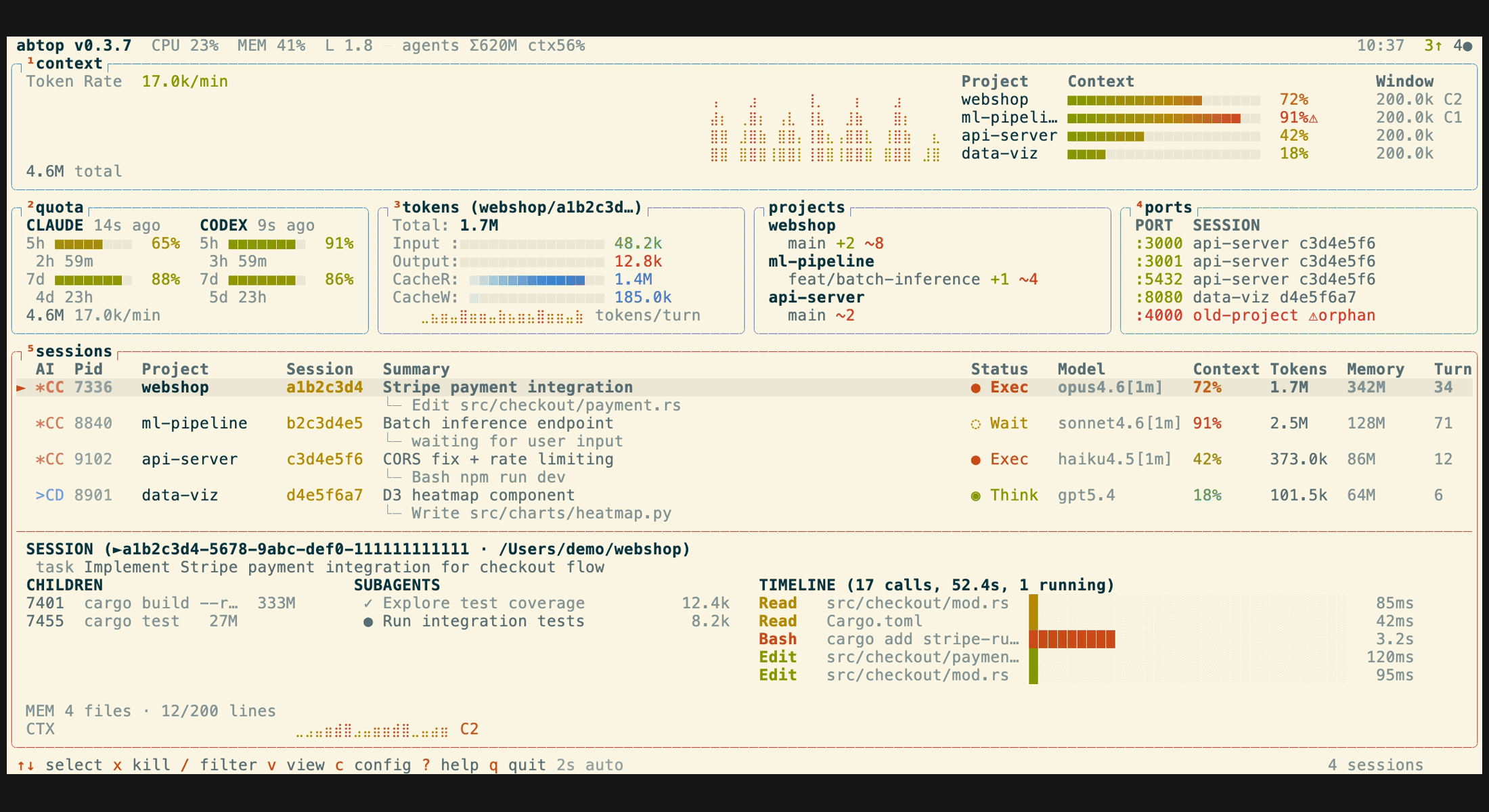
 abtop — это терминальная панель мониторинга (в духе btop/htop) для сессий AI-агентов для кодинга — Claude Code, Codex CLI и OpenCode, — которая в реальном времени показывает расход токенов, заполненность контекстного окна, лимиты, дочерние процессы и открытые порты.
abtop — это терминальная панель мониторинга (в духе btop/htop) для сессий AI-агентов для кодинга — Claude Code, Codex CLI и OpenCode, — которая в реальном времени показывает расход токенов, заполненность контекстного окна, лимиты, дочерние процессы и открытые порты.Это панель мониторинга или сам кодинг-агент?Это терминальный монитор в режиме только чтения, а не сам агент. Он находит запущенные сессии Claude Code, Codex CLI и OpenCode по локальным процессам и файлам и показывает их все на одном экране.
Это терминальный монитор в режиме только чтения, а не сам агент. Он находит запущенные сессии Claude Code, Codex CLI и OpenCode по локальным процессам и файлам и показывает их все на одном экране.Как его установить и запустить?Установите командой 'cargo install abtop' из любого терминала с Git в PATH или скачайте готовые бинарники со страницы GitHub Releases для macOS, Linux и Windows.
Установите командой 'cargo install abtop' из любого терминала с Git в PATH или скачайте готовые бинарники со страницы GitHub Releases для macOS, Linux и Windows.Нужен ли API-ключ или какие-то дополнительные инструменты?API-ключи и аутентификация не требуются. Для мониторинга сессий OpenCode нужен установленный CLI sqlite3 (в Windows — через 'winget install SQLite.SQLite'); без него abtop просто выведет предупреждение.
API-ключи и аутентификация не требуются. Для мониторинга сессий OpenCode нужен установленный CLI sqlite3 (в Windows — через 'winget install SQLite.SQLite'); без него abtop просто выведет предупреждение.Он отслеживает одно и то же для всех агентов?Нет, набор функций отличается для разных агентов: процент заполненности контекстного окна, текущая задача и лимиты показываются для Claude Code и Codex CLI, но не для OpenCode, а дерево субагентов и статус памяти работают только с Claude Code.
Нет, набор функций отличается для разных агентов: процент заполненности контекстного окна, текущая задача и лимиты показываются для Claude Code и Codex CLI, но не для OpenCode, а дерево субагентов и статус памяти работают только с Claude Code.Для запуска на Windows нужен WSL?Нет, abtop нативно поддерживает Windows: sysinfo используется для метрик процессов и хоста, а netstat -ano — для прослушиваемых портов; просто в Windows LOAD всегда равен 0, поскольку метрики load average там нет.
Нет, abtop нативно поддерживает Windows: sysinfo используется для метрик процессов и хоста, а netstat -ano — для прослушиваемых портов; просто в Windows LOAD всегда равен 0, поскольку метрики load average там нет.Видит ли abtop мои промпты и отправляет ли что-то в сеть?Он читает только локальные файлы и метаданные процессов/открытых файлов; содержимое файлов и текст промптов никогда не показывается — только имена инструментов и пути к файлам. Единственный косвенный сетевой вызов происходит при генерации сводок по сессиям через 'claude --print'.
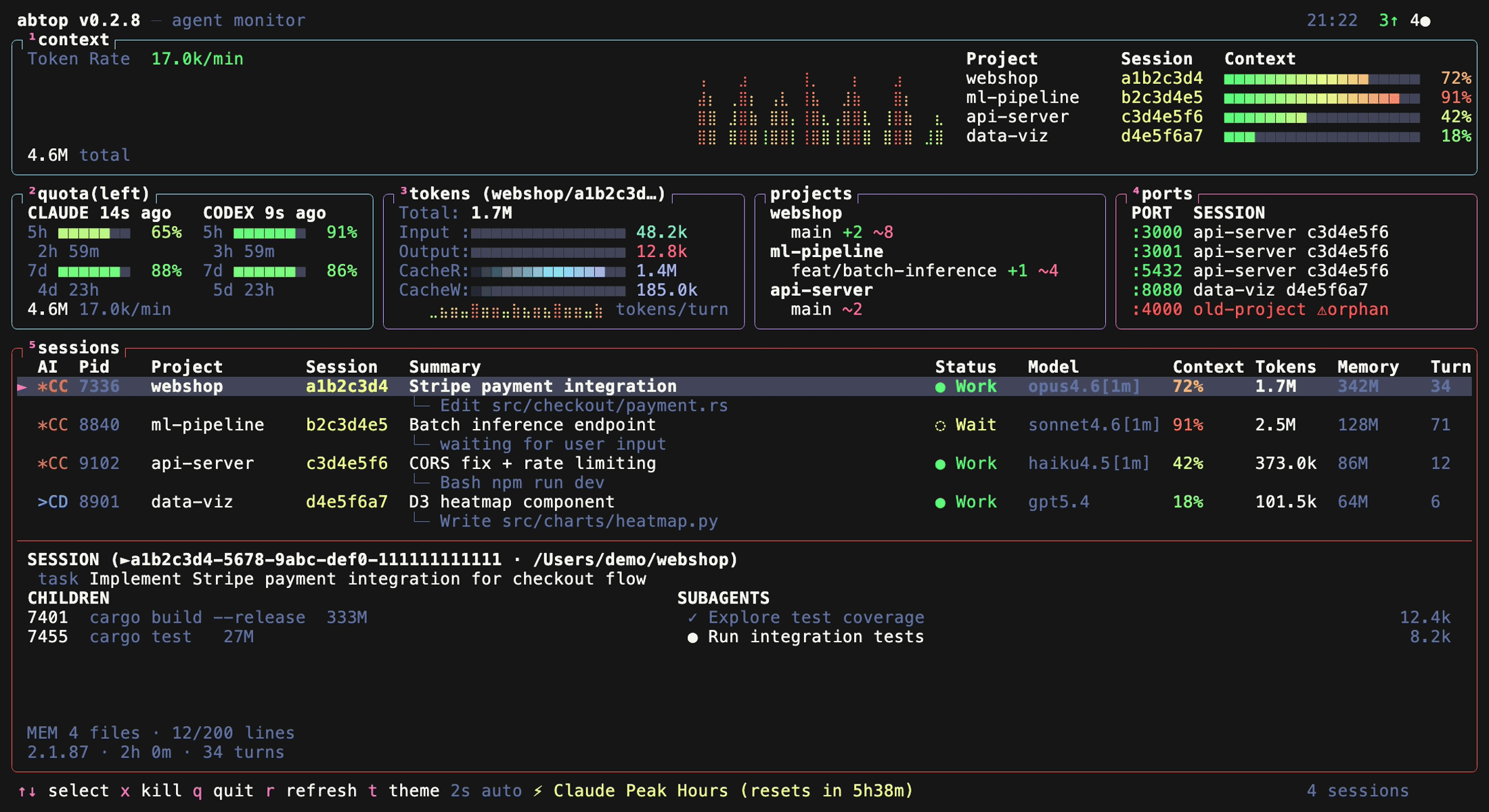
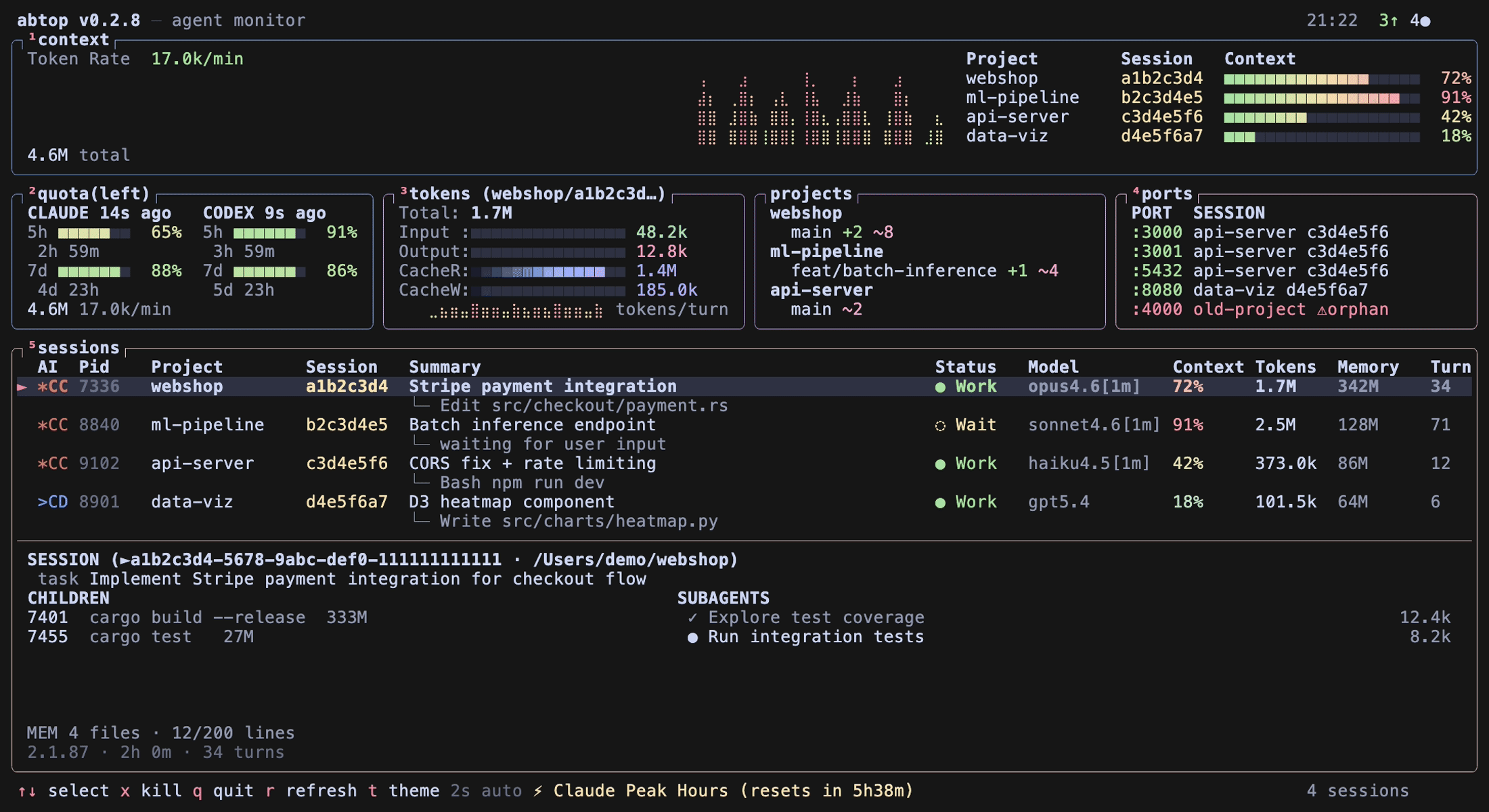
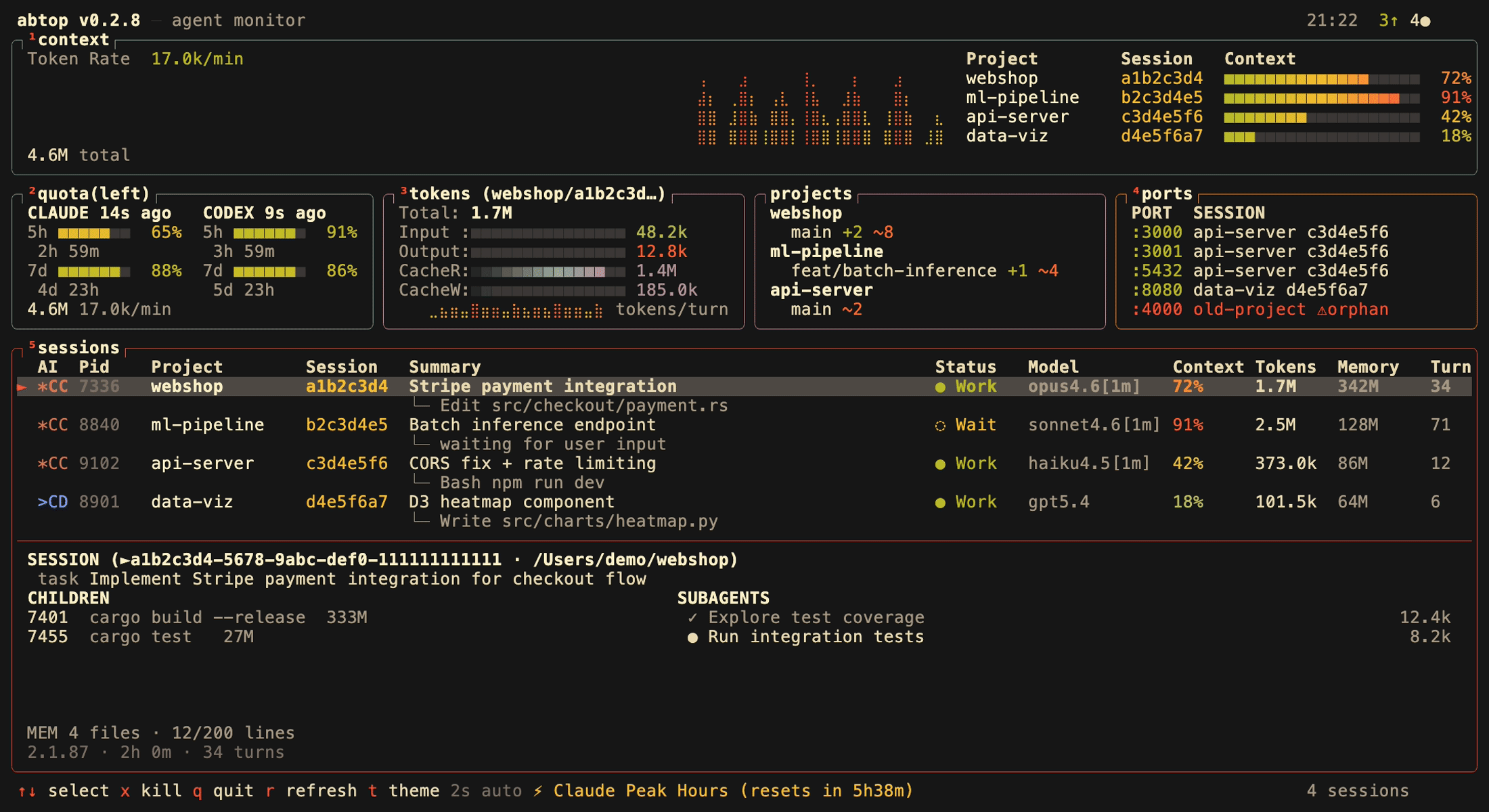
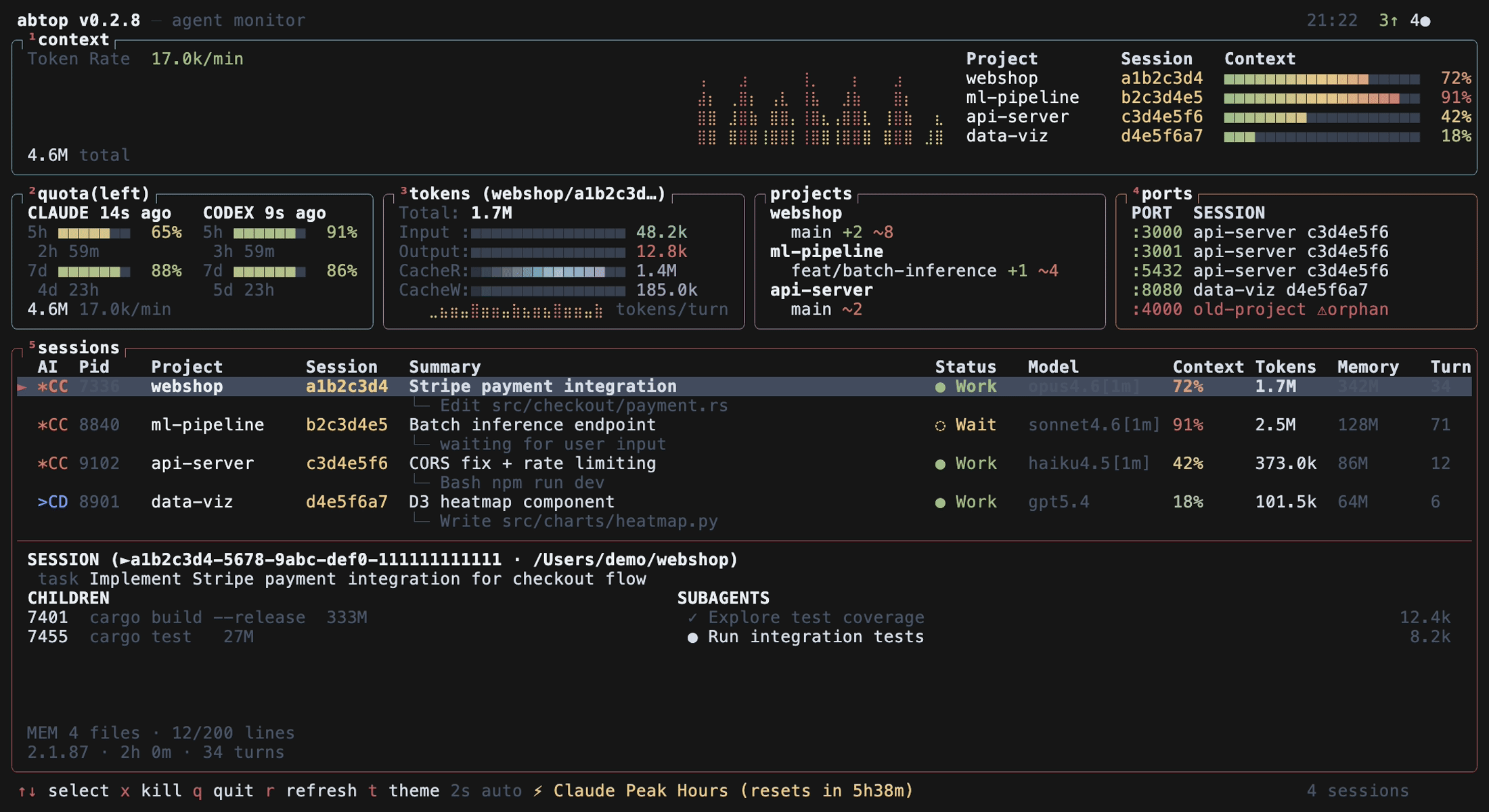
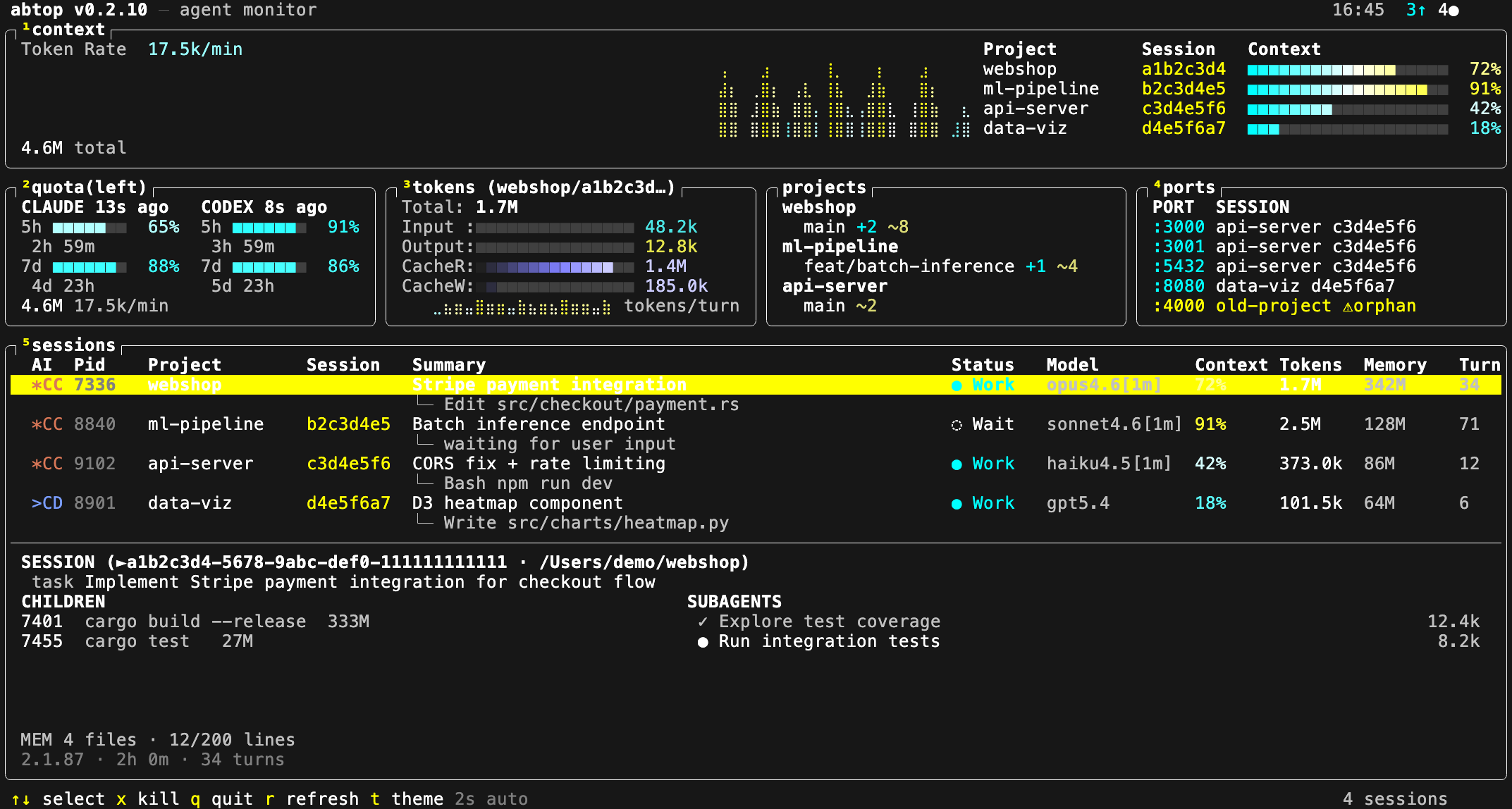
Он читает только локальные файлы и метаданные процессов/открытых файлов; содержимое файлов и текст промптов никогда не показывается — только имена инструментов и пути к файлам. Единственный косвенный сетевой вызов происходит при генерации сводок по сессиям через 'claude --print'.Какие темы есть в abtop?12 встроенных тем, включая dracula, catppuccin, tokyo-night, gruvbox, nord, четыре варианта для дальтоников и две светлые; переключайте клавишей 't' или запускайте с --theme.
12 встроенных тем, включая dracula, catppuccin, tokyo-night, gruvbox, nord, четыре варианта для дальтоников и две светлые; переключайте клавишей 't' или запускайте с --theme.Можно ли из abtop сразу перейти в терминал агента?Да, нажатие Enter переключает фокус на терминал, где запущена выбранная сессия; поддерживаются cmux, tmux и iTerm2 на macOS.
Да, нажатие Enter переключает фокус на терминал, где запущена выбранная сессия; поддерживаются cmux, tmux и iTerm2 на macOS.Можно ли строить свои инструменты поверх данных abtop?Да, abtop — это еще и библиотека (crate): можно создать App, обновлять его, не расходуя квоту Claude, через App::ticknosummaries(), и экспортировать JSON-снимок через App::tosnapshot(); abtop-web-ui — эталонная веб-панель, построенная именно так.
Да, abtop — это еще и библиотека (crate): можно создать App, обновлять его, не расходуя квоту Claude, через App::ticknosummaries(), и экспортировать JSON-снимок через App::tosnapshot(); abtop-web-ui — эталонная веб-панель, построенная именно так.Можно ли убить зависшие сессии или оставшиеся порты прямо из интерфейса?Да, нажмите 'x', чтобы убить выбранную сессию, или 'X', чтобы убить все обнаруженные им висящие порты.
Да, нажмите 'x', чтобы убить выбранную сессию, или 'X', чтобы убить все обнаруженные им висящие порты.