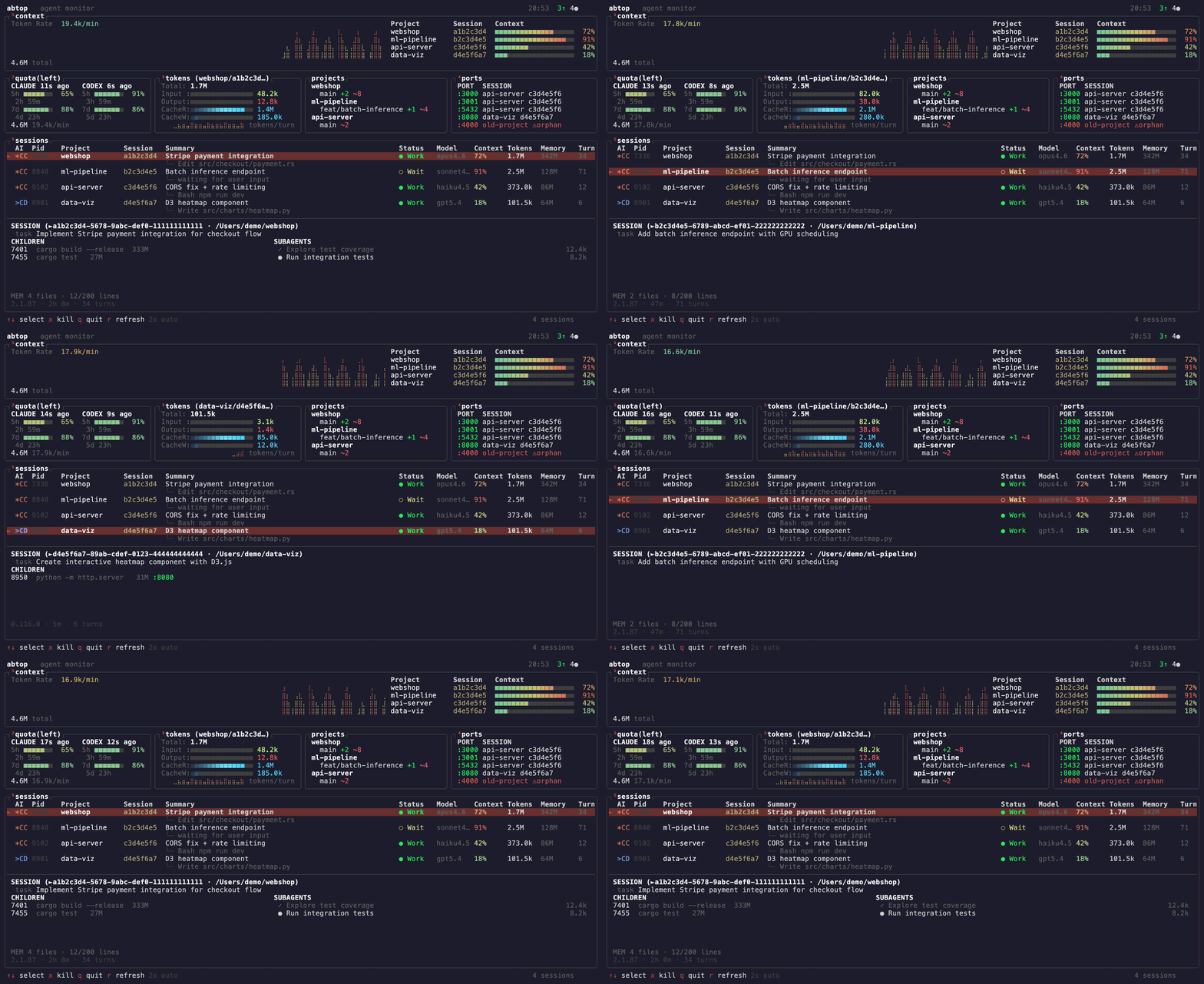
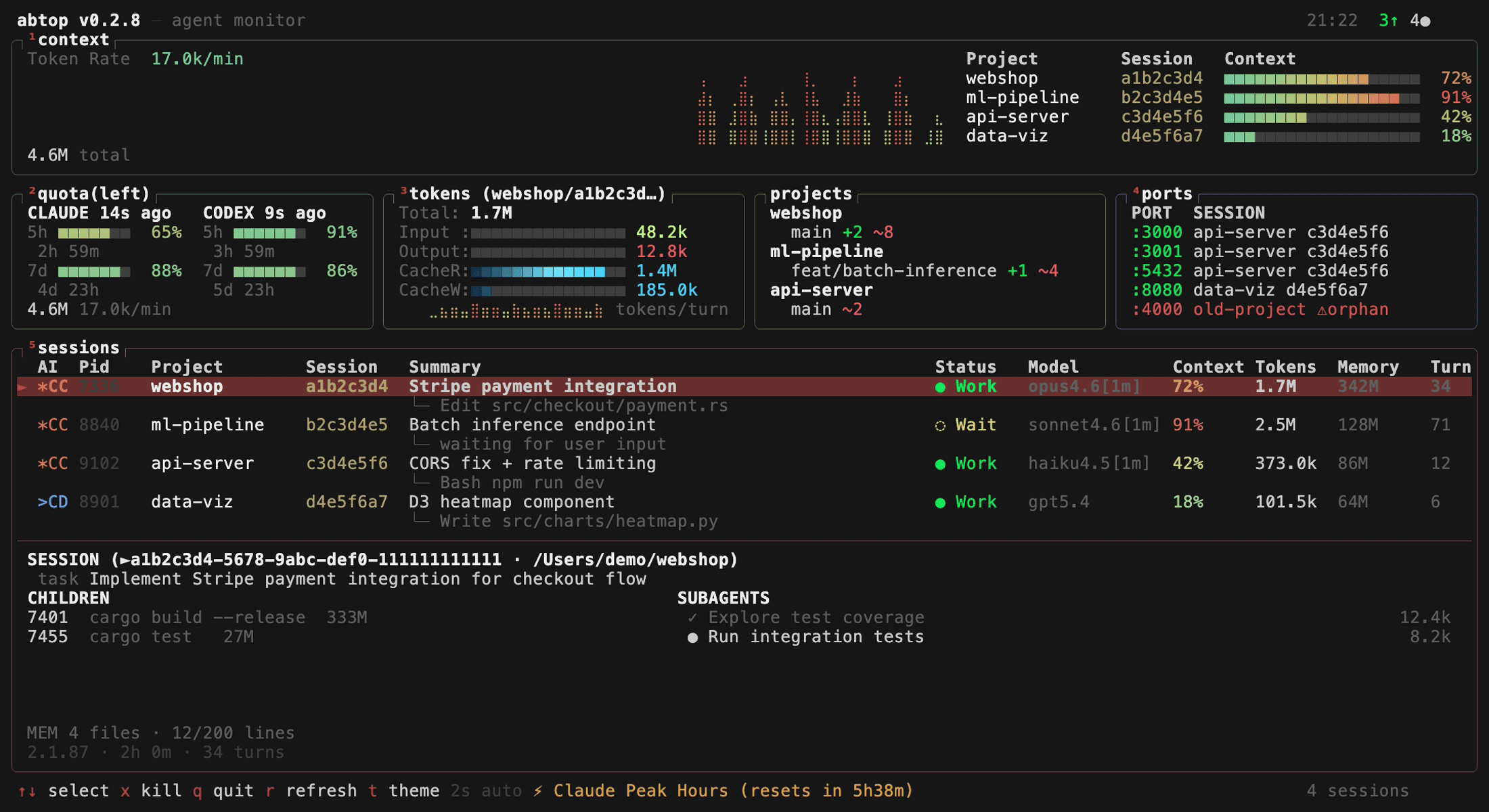
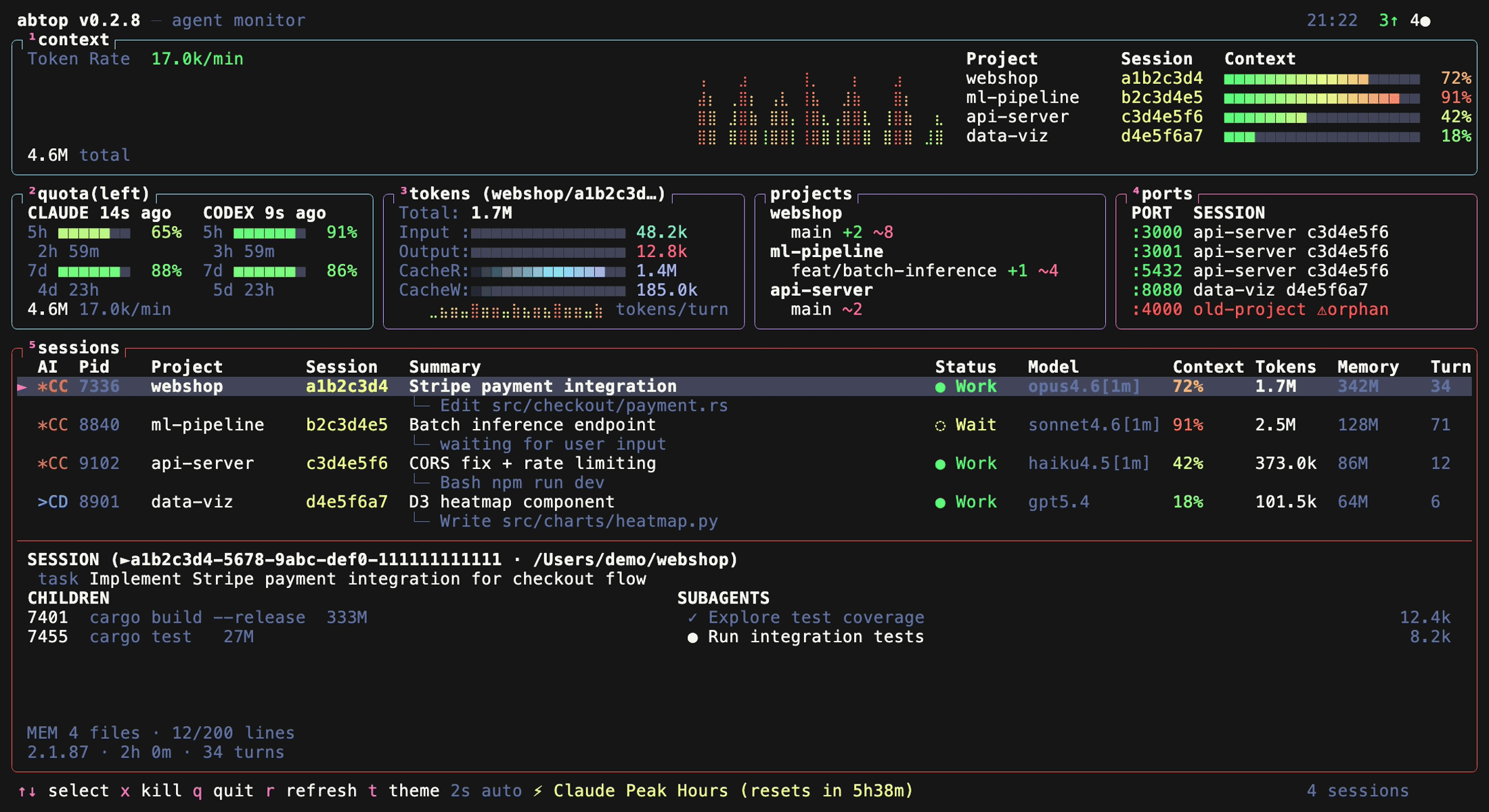
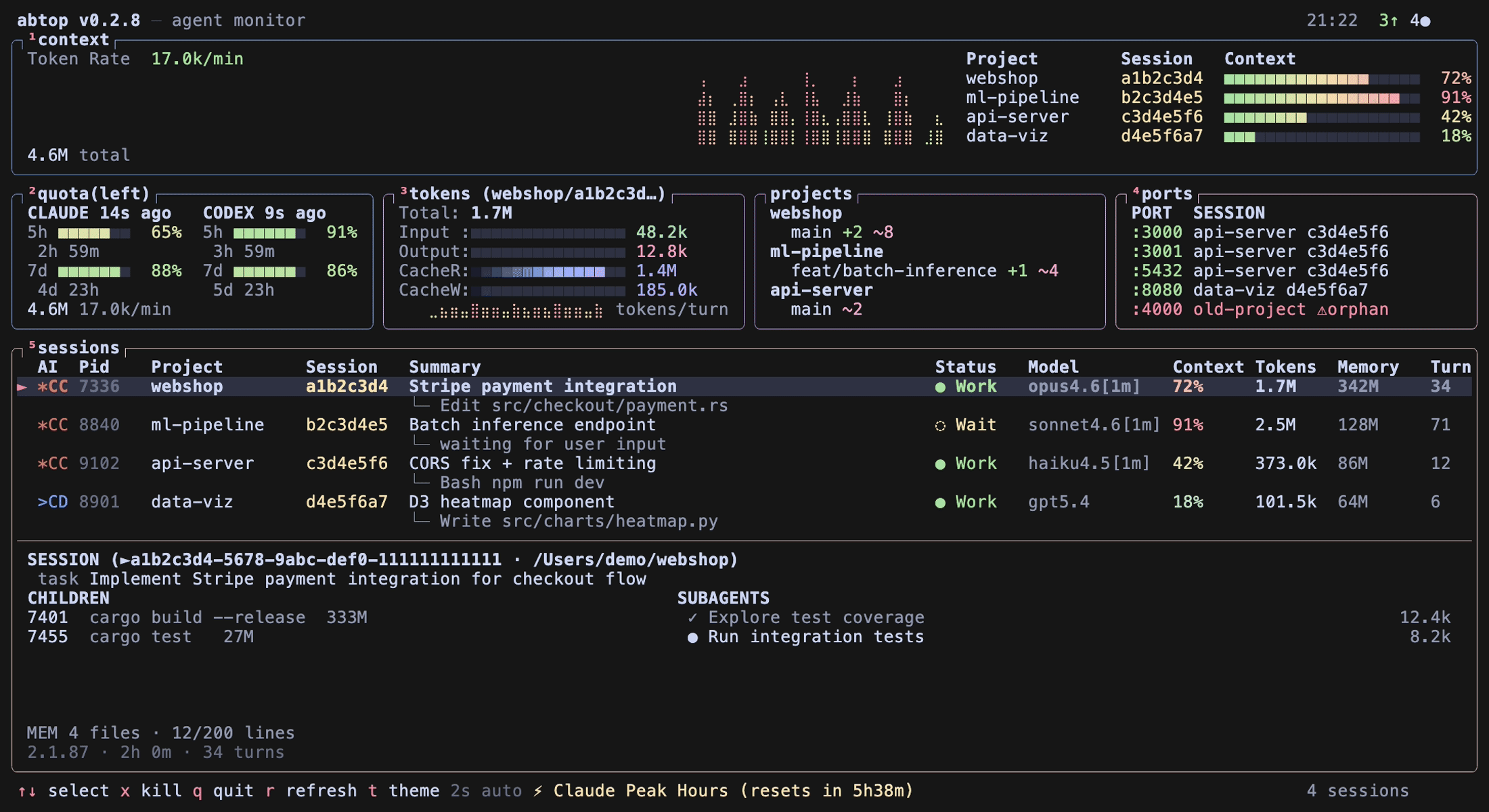
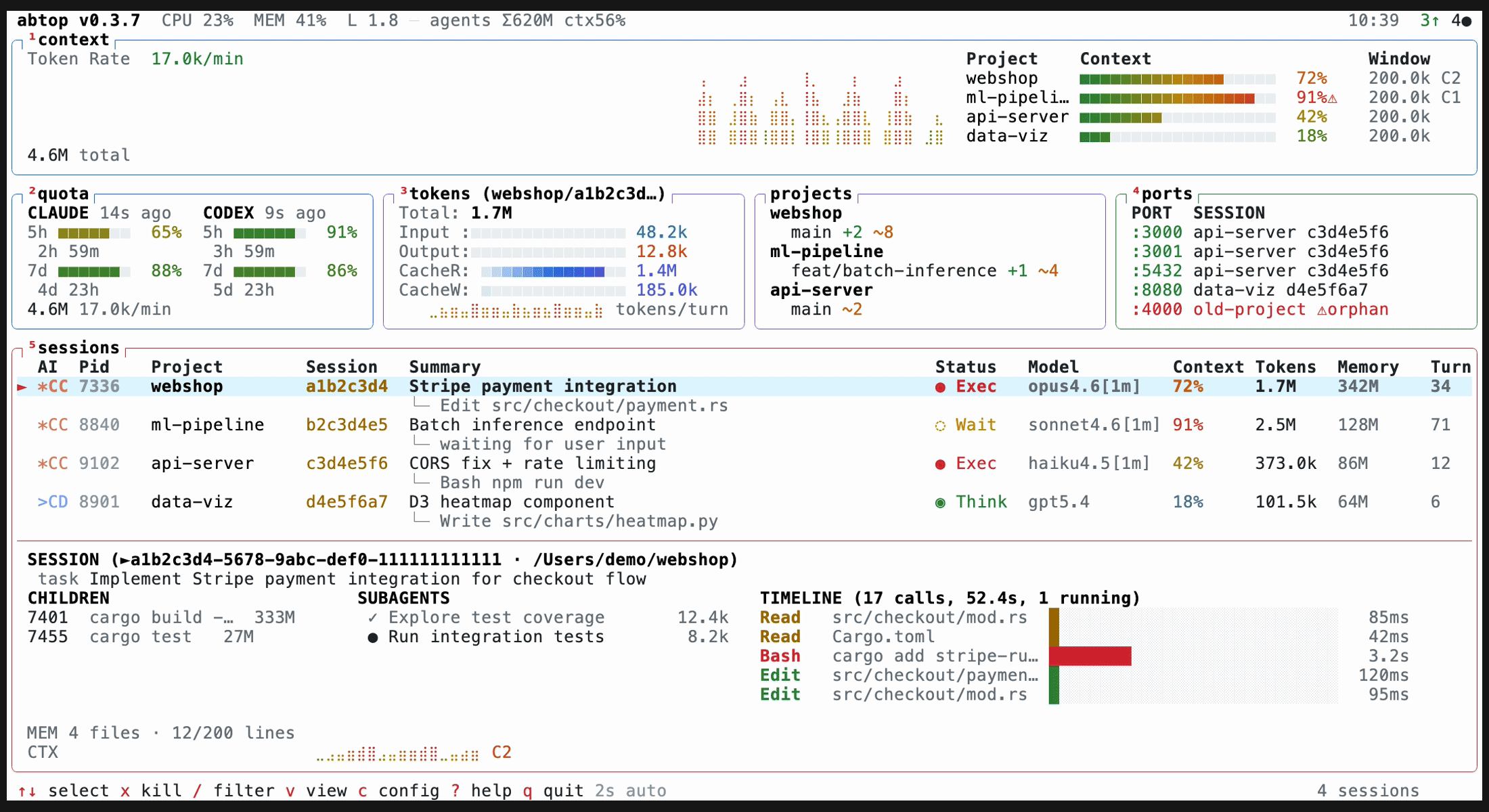
What is this?
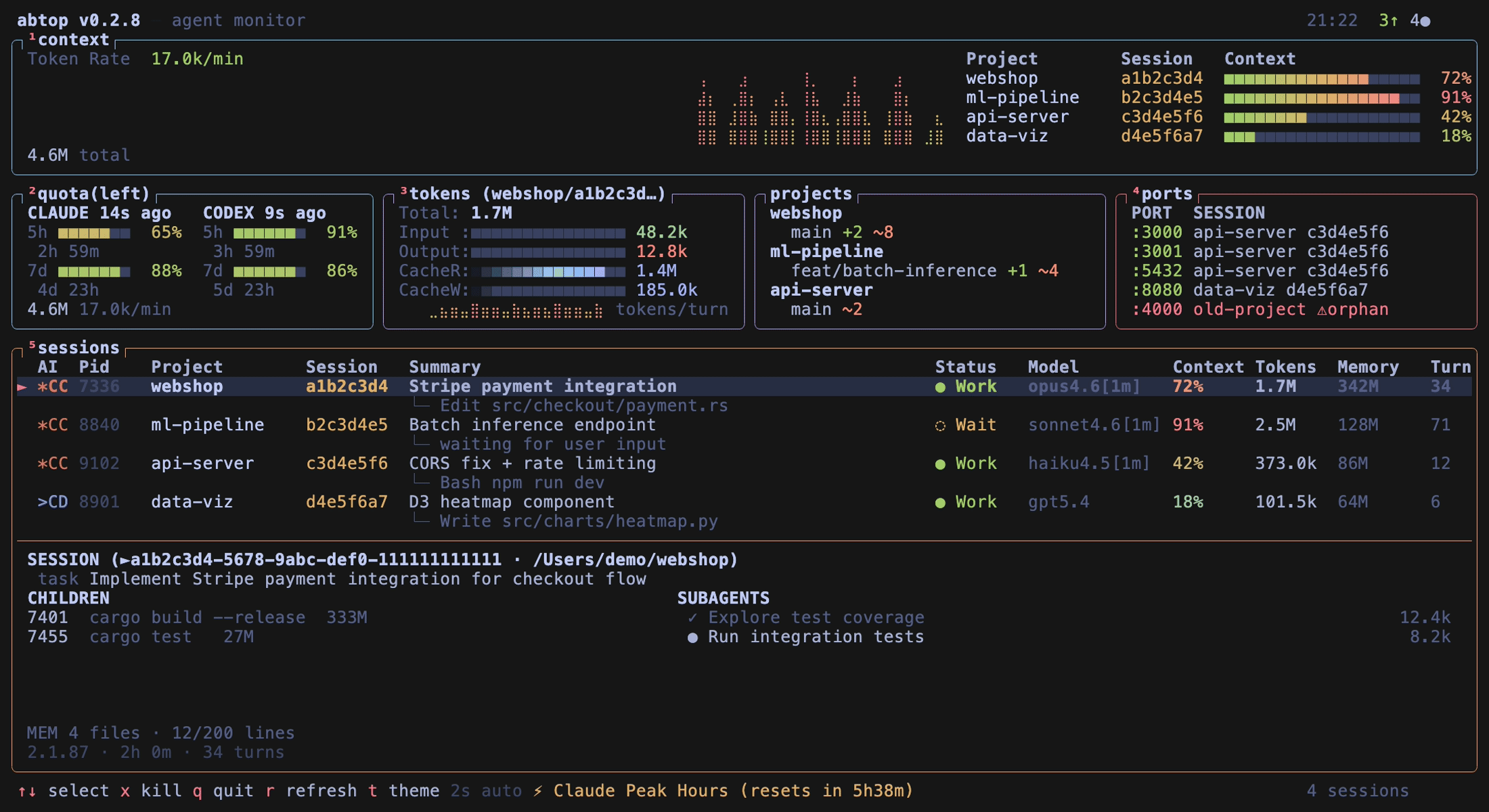
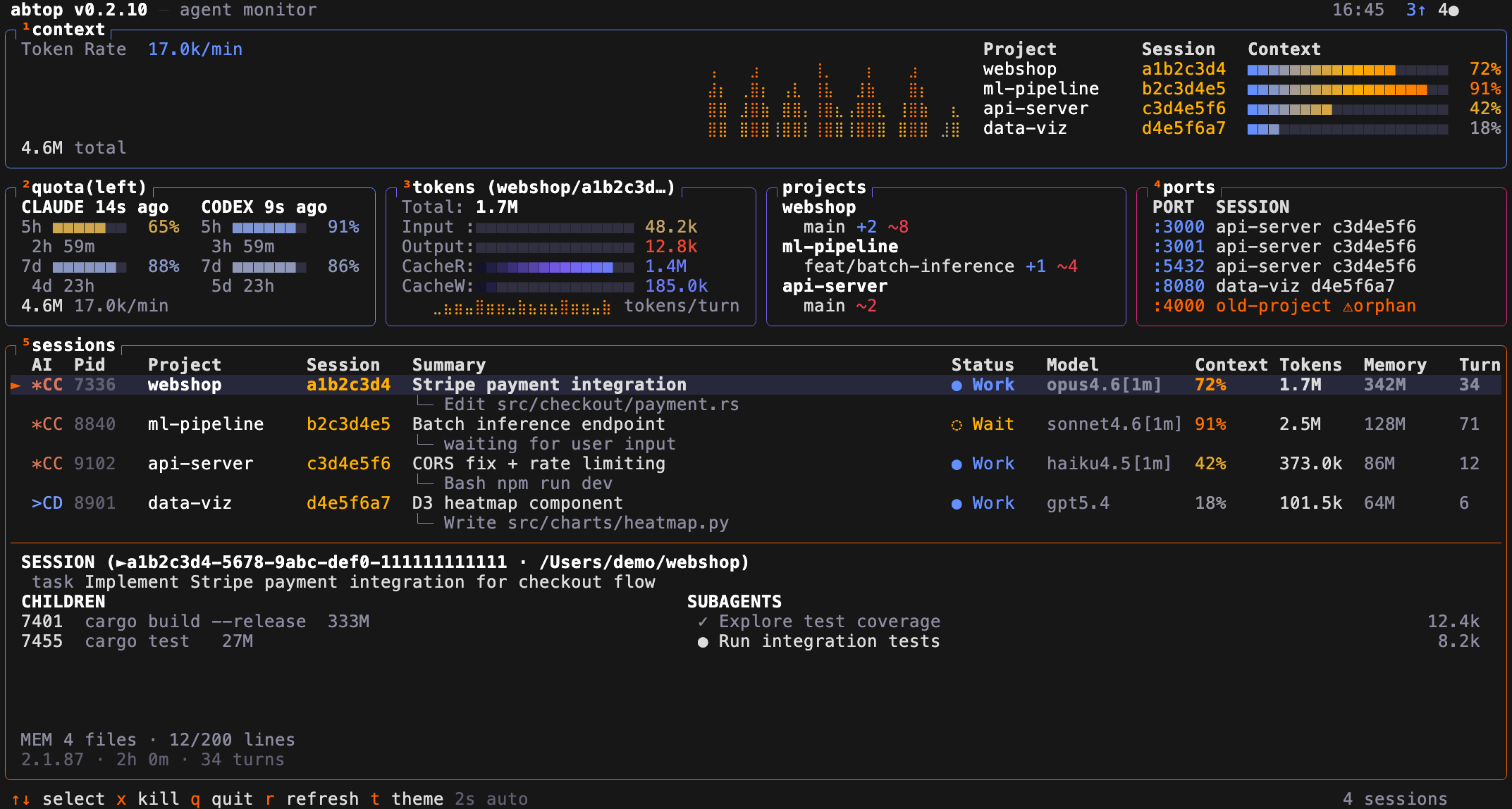
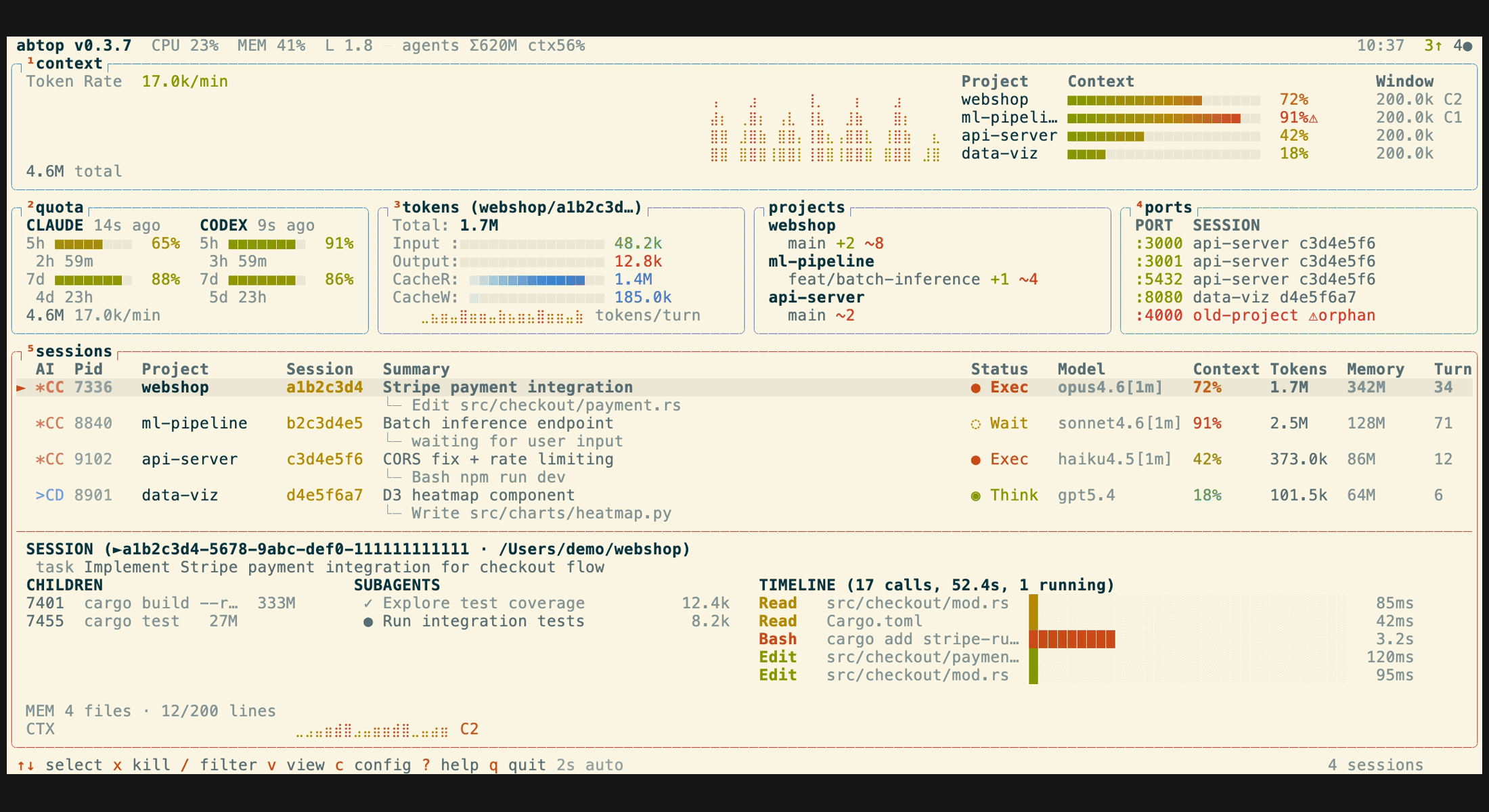
 abtop is a terminal dashboard (like btop/htop) that monitors AI coding agent sessions - Claude Code, Codex CLI, and OpenCode - showing token usage, context window percentage, rate limits, child processes, and open ports in real-time.
abtop is a terminal dashboard (like btop/htop) that monitors AI coding agent sessions - Claude Code, Codex CLI, and OpenCode - showing token usage, context window percentage, rate limits, child processes, and open ports in real-time.Is this a monitoring dashboard or a coding agent itself?It is a read-only terminal UI monitor, not an agent itself. It discovers running Claude Code, Codex CLI, and OpenCode sessions from local process and file state and shows them all in one screen.
It is a read-only terminal UI monitor, not an agent itself. It discovers running Claude Code, Codex CLI, and OpenCode sessions from local process and file state and shows them all in one screen.How do I install and run it?Install with 'cargo install abtop' from any terminal with Git in PATH, or download pre-built binaries from the GitHub Releases page for macOS, Linux, and Windows.
Install with 'cargo install abtop' from any terminal with Git in PATH, or download pre-built binaries from the GitHub Releases page for macOS, Linux, and Windows.Do I need an API key or any extra tool to use it?No API keys or auth are required. To monitor OpenCode sessions you need the sqlite3 CLI installed (on Windows via 'winget install SQLite.SQLite'); without it abtop just prints a warning.
No API keys or auth are required. To monitor OpenCode sessions you need the sqlite3 CLI installed (on Windows via 'winget install SQLite.SQLite'); without it abtop just prints a warning.Does it track the same things for every agent?No, feature coverage differs per agent: context window percentage, current task, and rate limits are shown for Claude Code and Codex CLI but not OpenCode, and the subagent tree view and memory status only work for Claude Code.
No, feature coverage differs per agent: context window percentage, current task, and rate limits are shown for Claude Code and Codex CLI but not OpenCode, and the subagent tree view and memory status only work for Claude Code.Does it need WSL to run on Windows?No, abtop has native Windows support using sysinfo for process and host metrics and netstat -ano for listening ports; Windows just always reports LOAD as 0 since there is no load average.
No, abtop has native Windows support using sysinfo for process and host metrics and netstat -ano for listening ports; Windows just always reports LOAD as 0 since there is no load average.Does abtop see my prompts or send anything over the network?It only reads local files and process/open-file metadata; file contents and prompt text are never displayed, only tool names and file paths. The one indirect network call happens when it generates session summaries via 'claude --print'.
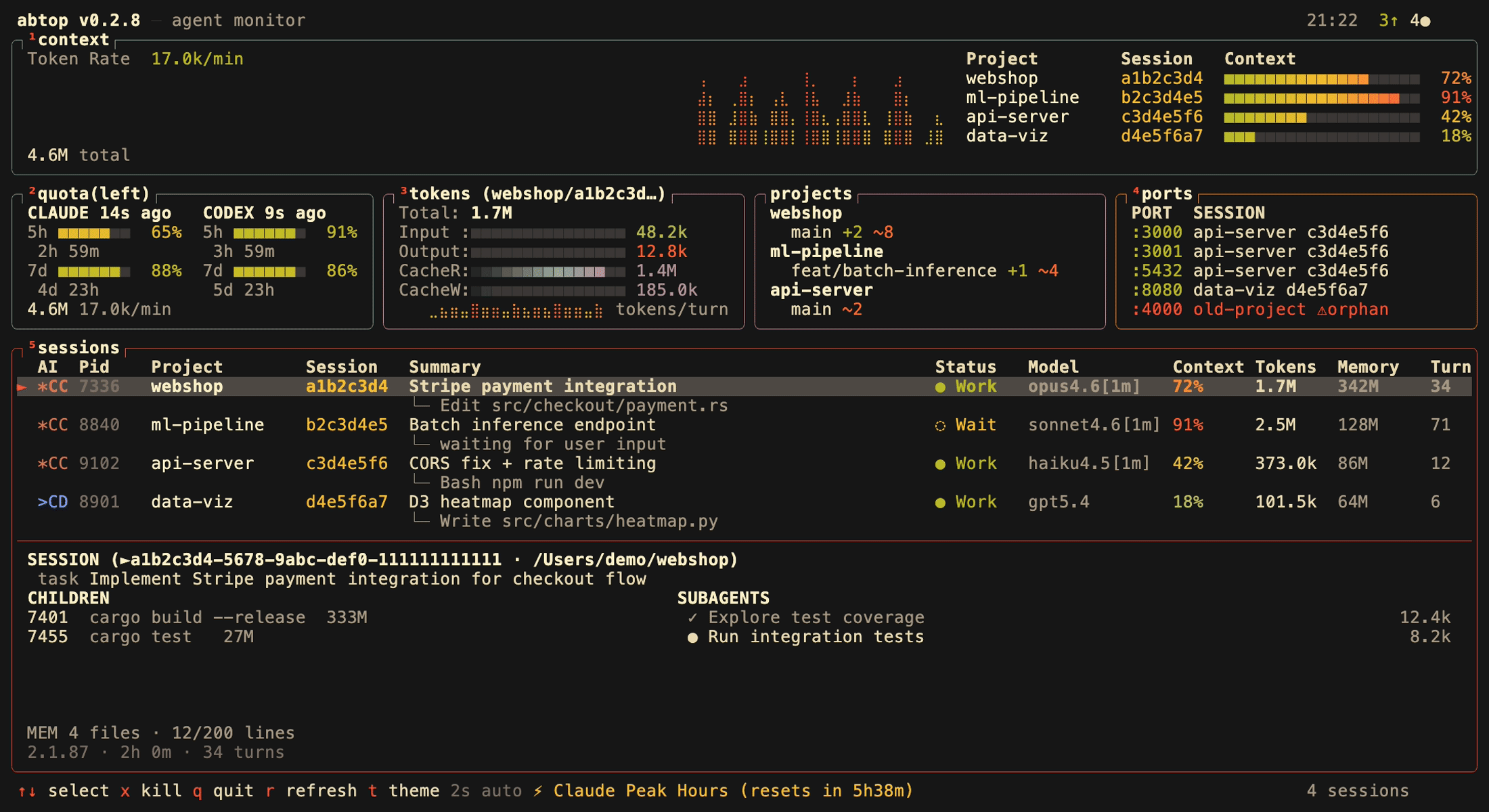
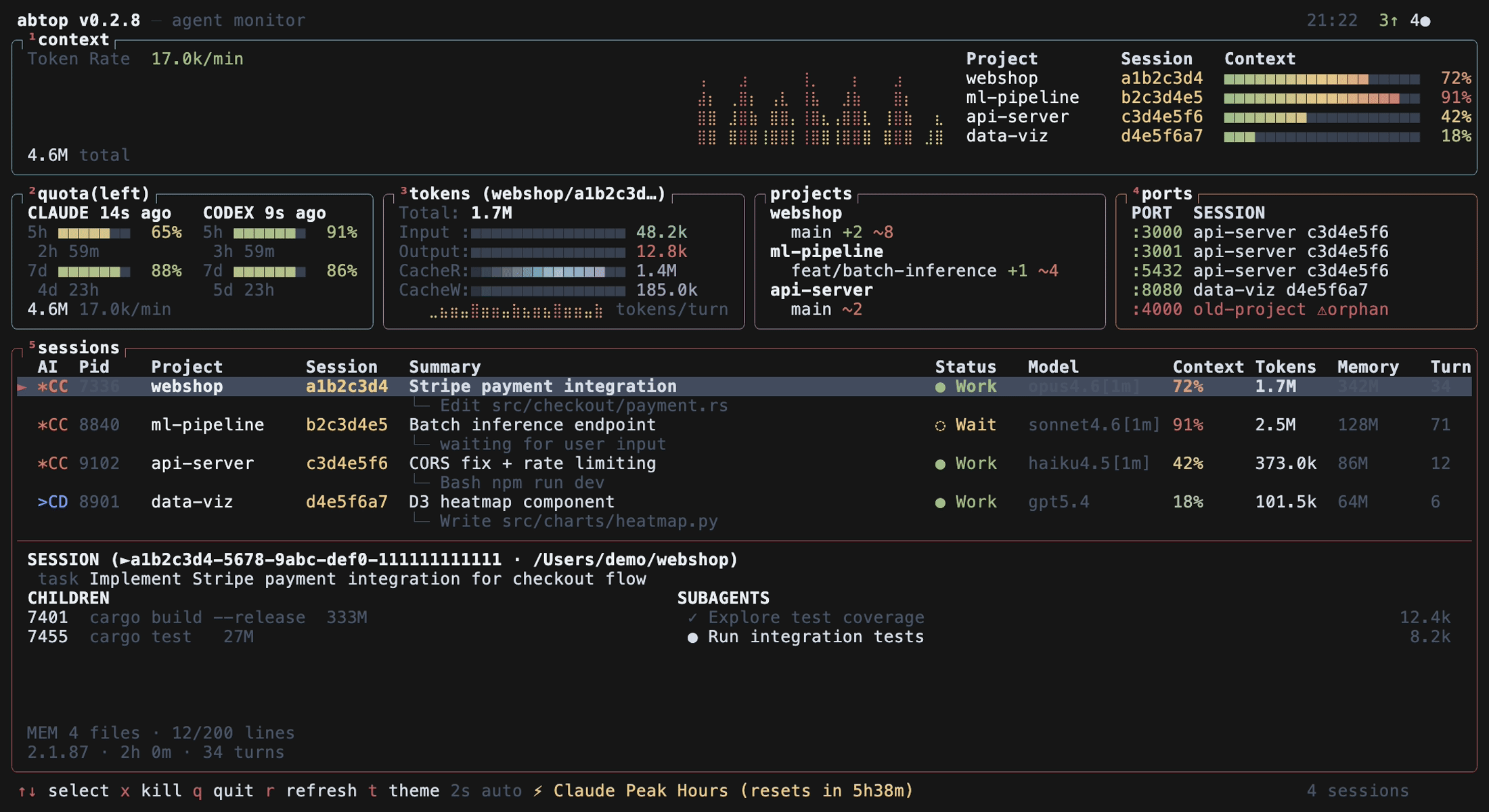
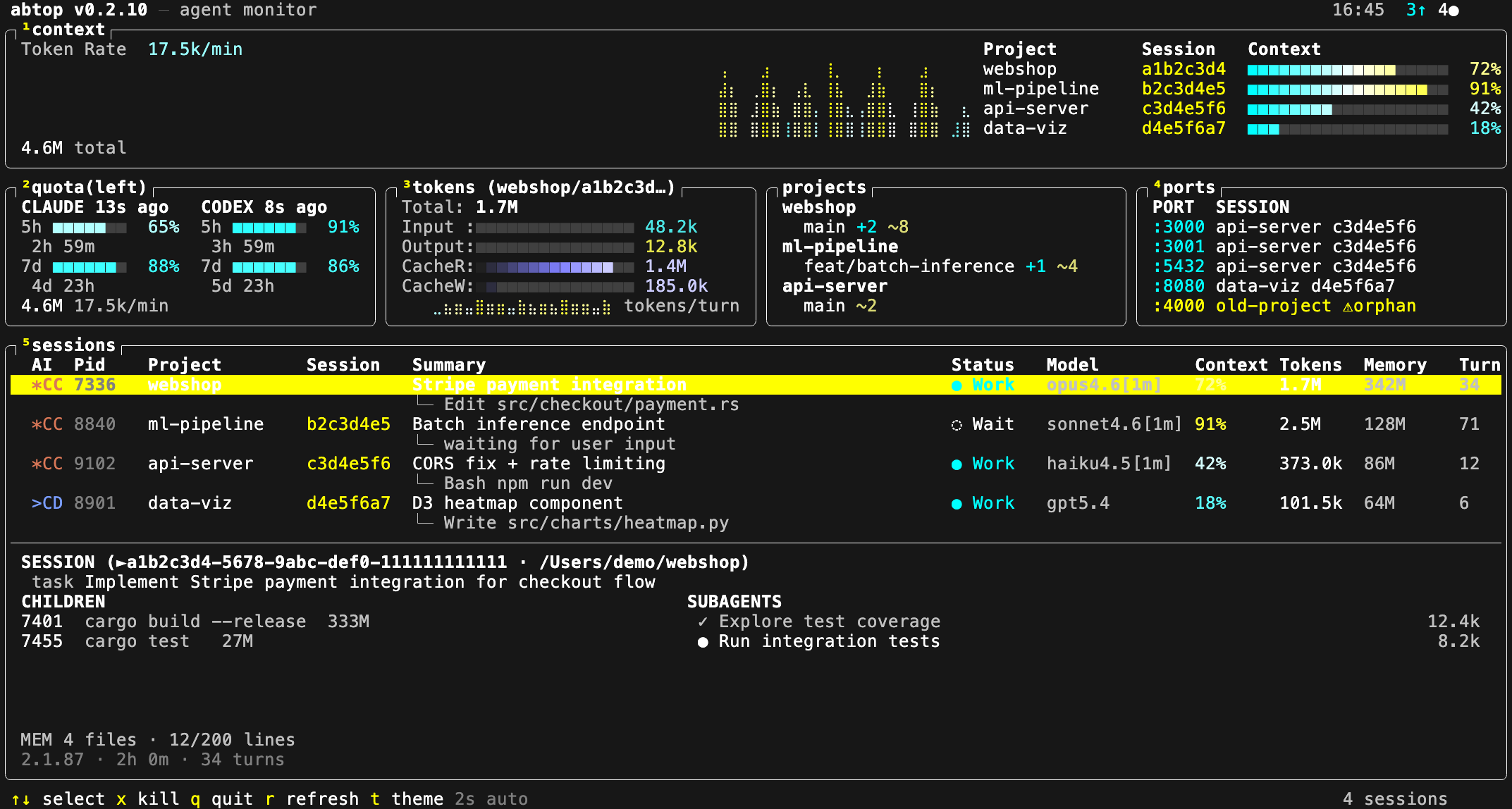
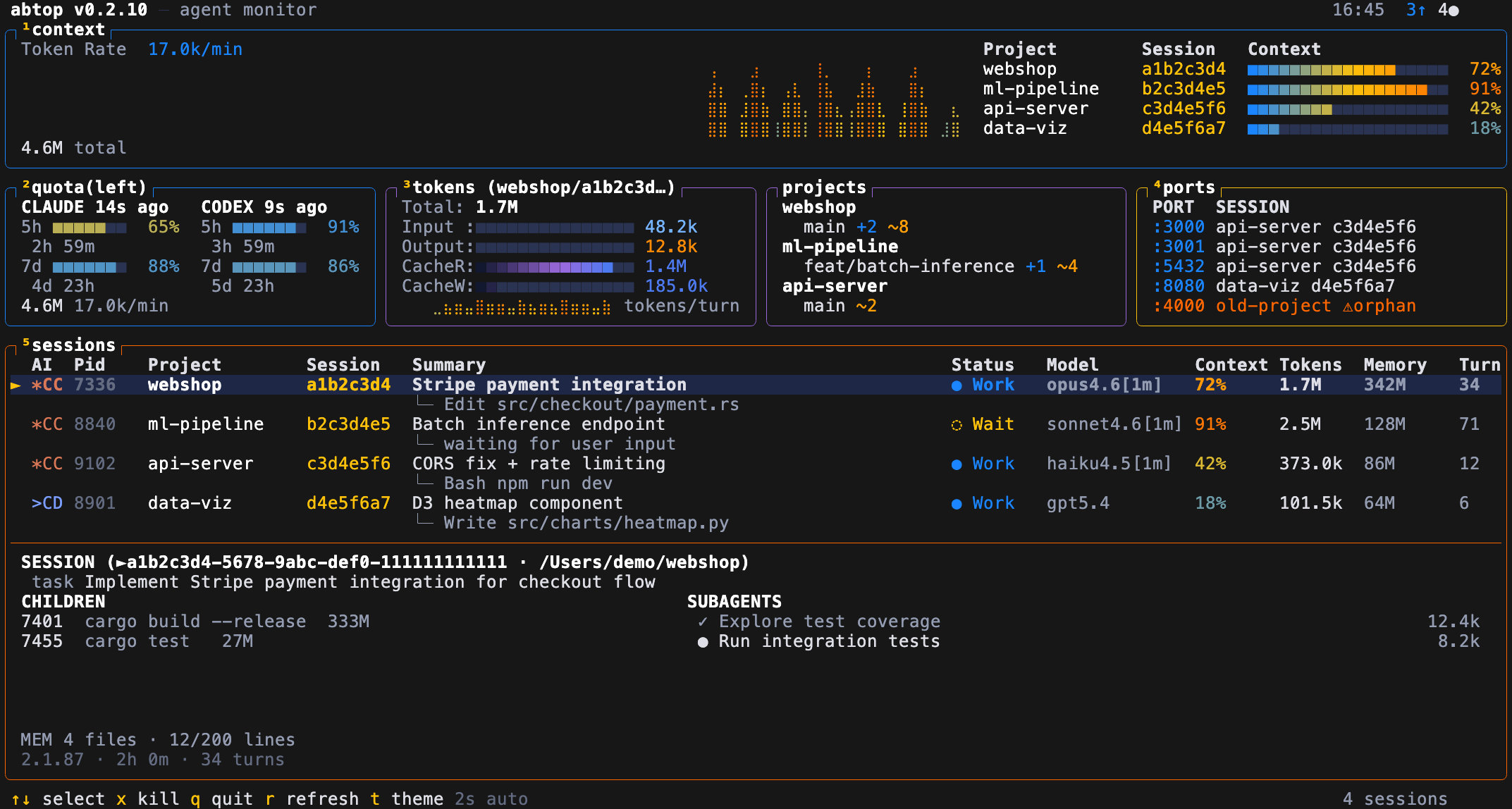
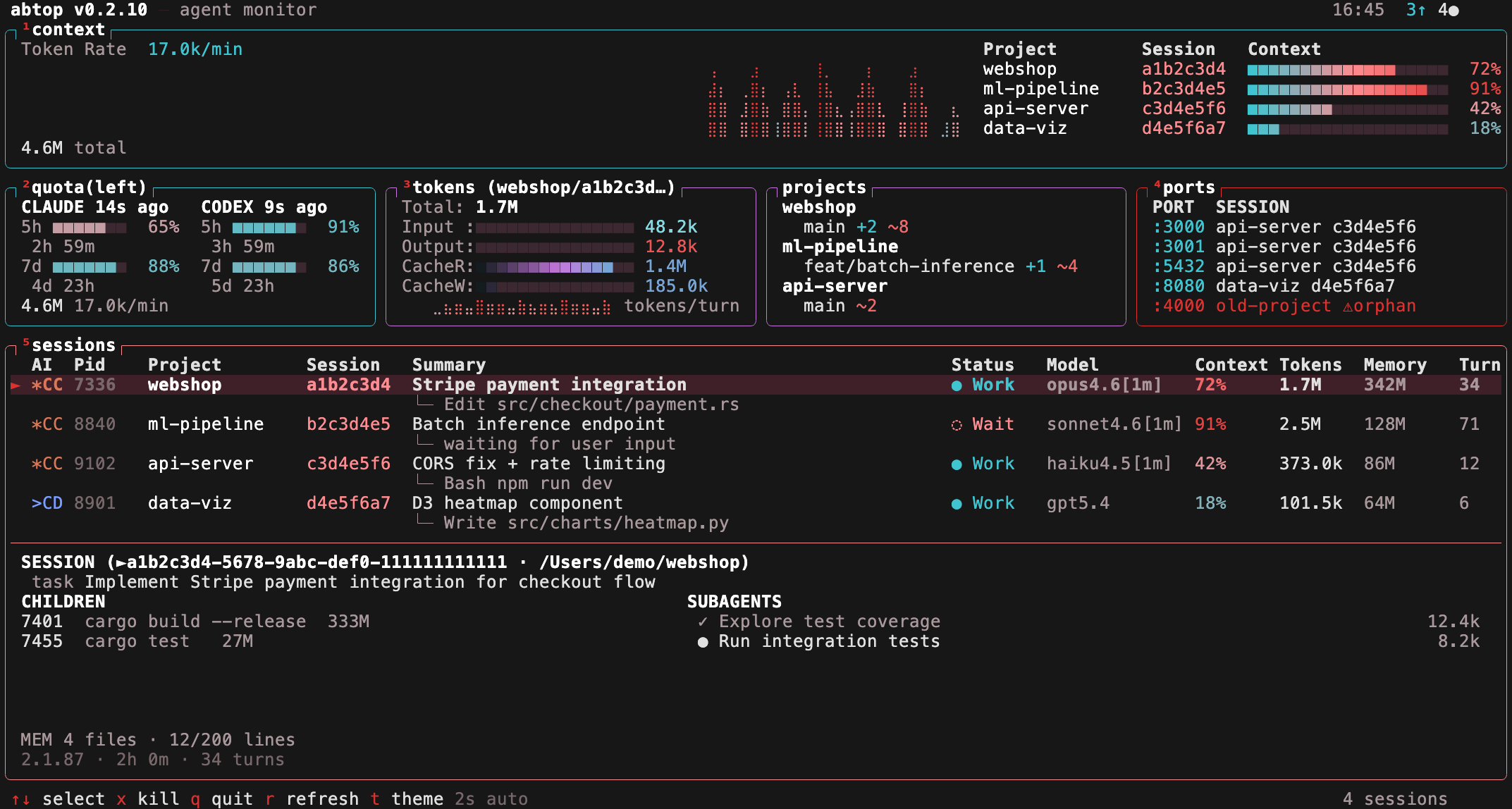
It only reads local files and process/open-file metadata; file contents and prompt text are never displayed, only tool names and file paths. The one indirect network call happens when it generates session summaries via 'claude --print'.What themes does abtop offer?12 built-in themes including dracula, catppuccin, tokyo-night, gruvbox, nord, four colorblind-friendly variants, and two light themes; press 't' to cycle or launch with --theme.
12 built-in themes including dracula, catppuccin, tokyo-night, gruvbox, nord, four colorblind-friendly variants, and two light themes; press 't' to cycle or launch with --theme.Can I jump straight into the agent's terminal from abtop?Yes, pressing Enter focuses the terminal running the selected session, and it supports cmux, tmux, and iTerm2 on macOS.
Yes, pressing Enter focuses the terminal running the selected session, and it supports cmux, tmux, and iTerm2 on macOS.Can I build my own tools on top of abtop's data?Yes, abtop is also a library crate - you can build an App, refresh it without touching your Claude quota via App::ticknosummaries(), and export a JSON snapshot with App::tosnapshot(); abtop-web-ui is a reference web dashboard built this way.
Yes, abtop is also a library crate - you can build an App, refresh it without touching your Claude quota via App::ticknosummaries(), and export a JSON snapshot with App::tosnapshot(); abtop-web-ui is a reference web dashboard built this way.Can I kill stuck sessions or leftover ports from the UI?Yes, press 'x' to kill the selected session or 'X' to kill all orphan ports it detects.
Yes, press 'x' to kill the selected session or 'X' to kill all orphan ports it detects.