Jot
Gemini 3.5 Transcribe Demo. Hold a key. Speak. It types.
Smart dictation for macOS that puts polished text wherever your cursor is.
Created by Ammaar Reshi · Apache 2.0 licensed
This is not an officially supported Google product.
What it is
Hold fn, say the thing, let go. A moment later your words are in the app you
were already using — punctuated, filler words removed, cleaned up. No window to switch
to, no transcript to copy, no account to make.

It is deliberately small: a menu bar icon, a pill at the bottom of your screen
while you talk, and a History window that proves nothing was ever lost.
The three gestures
| Gesture |
What happens |
Hold fn |
Records while held. Release and the text lands at your cursor. |
fn + tap Space |
Hands-free: keeps recording after you let go. Tap fn to finish. |
Esc |
Cancels. Anything over 10 seconds is still kept in History. |
The key is rebindable in Settings → General if fn is spoken for.
What makes it different
It follows a change of mind. Say "let's meet at 1pm — actually, no, make it
2pm" and Jot writes "Let's meet at 2pm." That is the whole pitch, and
onboarding makes you do it once so you believe it.
It never loses your words. Audio goes to disk from the first millisecond, so
a crash, a kill -9, or a flat battery costs you nothing — the recording is
recovered on next launch. Offline, dictations queue and land when you reconnect.
Every failure is retryable from History. Release the key mid-word and it keeps
listening until you actually stop.
It is private by architecture. Your voice goes from your Mac straight to the
Gemini API with your key. No middleman server, no account, no analytics, no
screenshots, no keystroke logging — one network host, and you can read every
line of the code that talks to it. See PRIVACY.md.
Your jargon, spelled right. Names and product terms go in the Dictionary and
ride along with the audio, so the model hears "Kubernetes" instead of guessing
"cooper netties" — corrected at the source, not patched afterwards. Tone matching for
email vs. chat vs. code is available too, in Settings → Dictation.
Install
- Download the latest
Jot-x.y.z.dmg from Releases.
- Drag Jot into Applications and launch it from there — apps run from a
mounted disk image are sandboxed by macOS and the permissions you grant will
not stick.
Setup takes about two minutes and the app walks you through it:
- Paste a Gemini API key — get one at
Google AI Studio. It is stored in your
macOS Keychain and only ever sent to Google.
- Allow the microphone — say hello and it advances by itself.
- Allow Accessibility — macOS requires this for any app that types into
another app.
- Hold
fn and talk.
Cost: you pay Google for what you dictate at
Gemini API pricing; a free tier exists and a
typical dictation is a few seconds of audio. Jot itself is free and has no
account.
Model: Jot runs on Gemini's specialist transcription model,
gemini-3.5-transcribe. Your key needs access to it; setup tells you up front if
it does not, instead of failing on your first dictation.
How it works
fn down ─▶ capture (CAF on disk from t=0) ─▶ fn up ─▶ FLAC ─▶ Gemini transcribe
                                                                    │
   cursor ◀─ insert (AX → paste → clipboard) ◀─ [validate ◀─ tone pass] ─┘
                                              (optional, off by default)
                                                    │
                                              History (SQLite)
A few decisions worth knowing about, because they are what make it feel solid:
- The capture graph is pre-warmed while idle, so a key press only pays
engine.start() — 20-40ms instead of 75-150ms. Preparing is not recording: no
audio flows and no mic indicator appears until you actually hold the key.
- The mic drains one buffer past the stop, because the audio tap only
delivers whole ~100ms chunks and tearing down immediately threw away the tail
of your last word.
- Insertion is a ladder: Accessibility API first (no clipboard involved), then
a guarded paste that restores your clipboard, then a "copied — press ⌘V" chip.
It never blind-pastes into an app that stole focus mid-flight.
- A validation gate guards the optional tone pass, catching the classic failure where the model answers
your audio instead of transcribing it, and falls back to the raw transcript.
- The paths that can lose words are tested.
JotCore is a headless Swift
package holding the state machine, hotkey grammar, audio, transcription,
formatting, insertion and history — so the failure modes above are exercised
without launching the app.
The full design specs — including the failure matrix the reliability work is
built from — are in docs/design/.
Development
Requires macOS 14+, Xcode 16+, and xcodegen.
The .xcodeproj is generated, not checked in.
brew install xcodegen
./scripts/build.sh          # xcodegen generate + xcodebuild
./scripts/test.sh           # swift test on JotCore
open Jot.xcodeproj          # or work in Xcode
Debug builds sign ad-hoc, so a clean clone needs no Apple account, certificate,
or team membership — ./scripts/build.sh works as-is. To build under your own
team instead: ./scripts/build.sh DEVELOPMENT_TEAM=XXXXXXXXXX. Only release
builds (scripts/release.sh) need a real Developer ID.
App/            menu bar item, HUD pill, windows, design tokens, icon + sounds
JotCore/        all engine logic, headless and testable
  HotkeyEngine/     CGEventTap + the pure hold/lock/cancel grammar
  AudioEngine/      crash-safe CAF capture, device changes, prewarming
  TranscriptionClient/  Gemini calls, timeouts, retries, FLAC
  FormattingPipeline/   cleanup prompt, validation gate, dictionary rules
  InsertionEngine/      the AX → paste → clipboard ladder
  HistoryStore/         GRDB index, recovery, retry queue, retention
scripts/        build, test, icon, DMG, release
docs/           privacy, releasing, design specs, research
Useful while hacking:
# every surface is reachable headlessly
open "jot://settings/about"      # or /general /dictation /privacy /advanced
open "jot://history"  "jot://dictionary"  "jot://onboarding/5"

# watch it work
log show --last 5m --info --predicate 'subsystem == "com.ammaar.jot"'
Transcript text is logged as private and never appears in those logs.
Releasing
./scripts/release.sh archives, signs with Developer ID, notarizes, staples,
and builds the installer DMG. It refuses to produce a shareable DMG that is not
notarized. See docs/RELEASING.md for the certificate setup.
License
Apache License 2.0 — see LICENSE. Bundled fonts (Google Sans Flex,
Google Sans Code) are SIL OFL 1.1. The earcons are original works covered by the
same Apache 2.0 license. Details in
THIRD_PARTY_NOTICES.md.
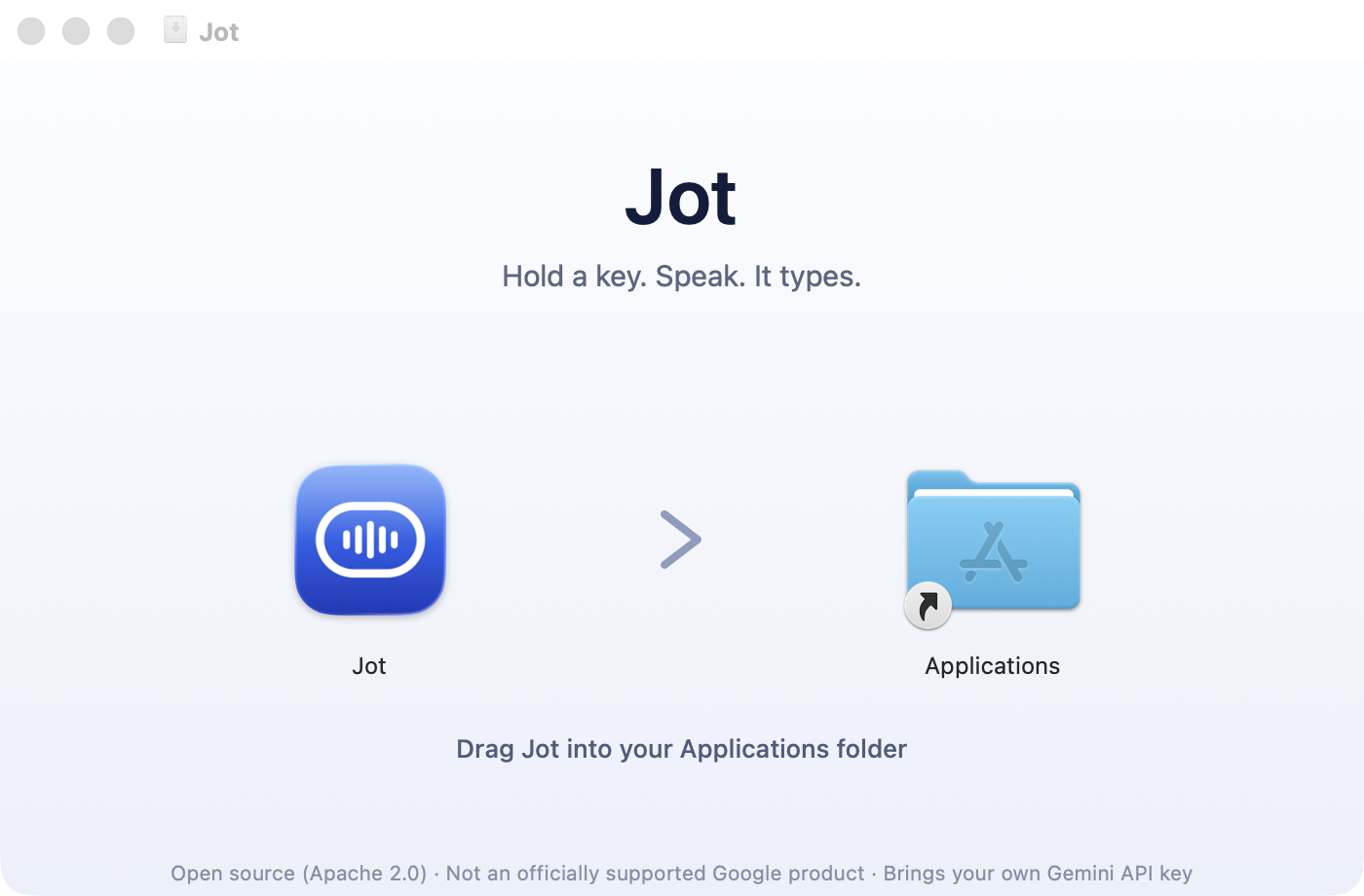

 Jot 是一款 macOS 应用,能把你说的话直接变成光标所在处的整洁带标点文本——按住快捷键、开口说话,它就会用 Google 的 Gemini 转录模型把结果打出来。