Что это?
 Jot — приложение для macOS, которое превращает вашу речь в чистый текст с пунктуацией прямо там, где стоит курсор: удерживайте хоткей, говорите, и оно набирает результат с помощью модели транскрибации Gemini от Google.
Jot — приложение для macOS, которое превращает вашу речь в чистый текст с пунктуацией прямо там, где стоит курсор: удерживайте хоткей, говорите, и оно набирает результат с помощью модели транскрибации Gemini от Google.Это отдельное приложение или библиотека, которую я встроил бы в свой проект?Jot — отдельное приложение для macOS с иконкой в строке меню и маленькой «пилюлей» записи; SDK встраивать не нужно — просто скачайте, установите и удерживайте клавишу, чтобы диктовать.
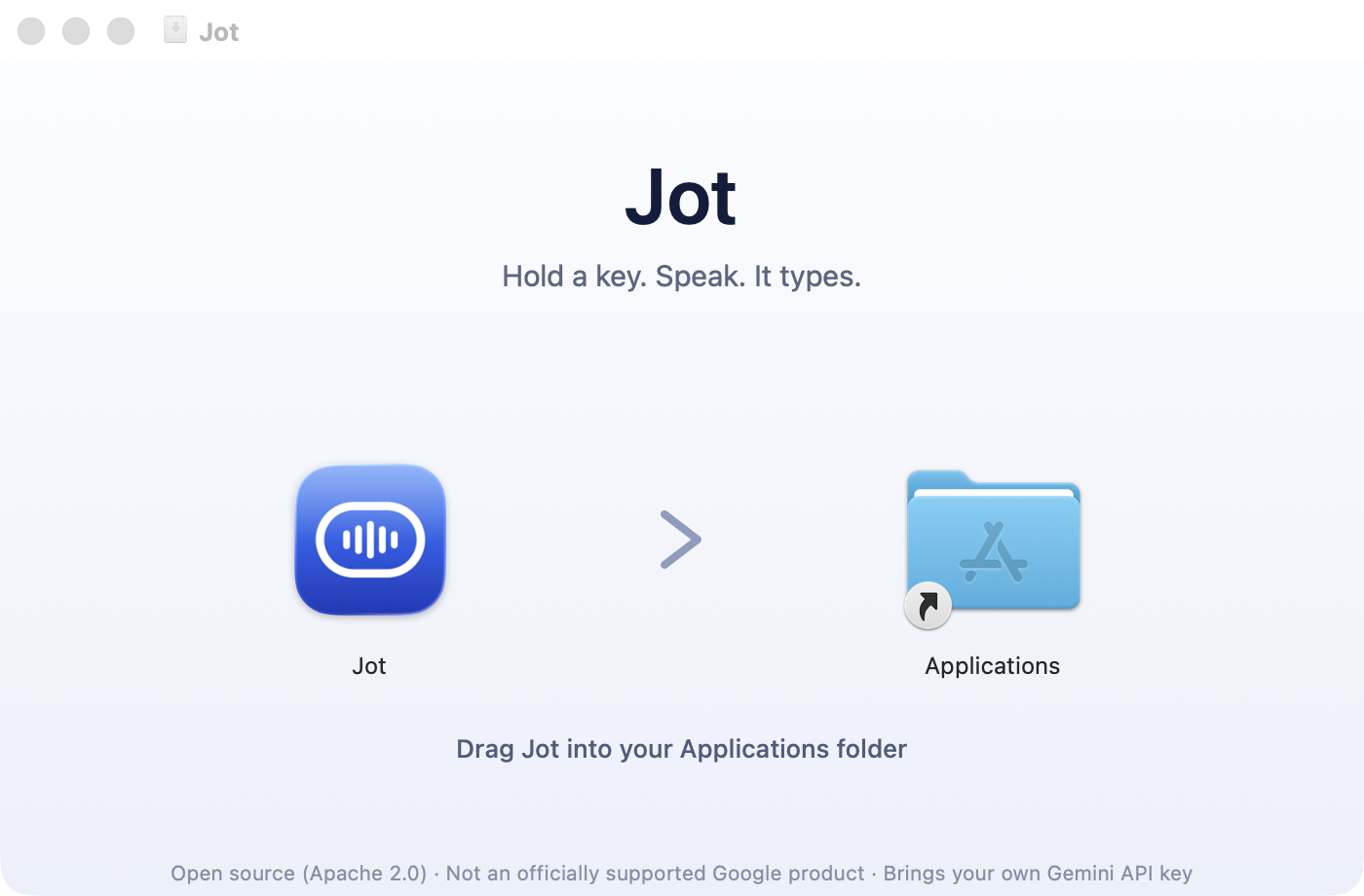
Jot — отдельное приложение для macOS с иконкой в строке меню и маленькой «пилюлей» записи; SDK встраивать не нужно — просто скачайте, установите и удерживайте клавишу, чтобы диктовать.Как установить и настроить?Скачайте Jot-x.y.z.dmg со страницы Releases, перетащите Jot в Applications (запуск прямо из смонтированного образа ломает права доступа), затем вставьте API-ключ Gemini, разрешите доступ к микрофону и к Accessibility — вся настройка занимает около двух минут.
Скачайте Jot-x.y.z.dmg со страницы Releases, перетащите Jot в Applications (запуск прямо из смонтированного образа ломает права доступа), затем вставьте API-ключ Gemini, разрешите доступ к микрофону и к Accessibility — вся настройка занимает около двух минут.Нужен ли свой API-ключ Gemini?Да — при настройке вы вставляете API-ключ Gemini из Google AI Studio, причём ключу нужен доступ именно к модели gemini-3.5-transcribe; Jot проверяет это заранее, вместо того чтобы падать на вашей первой диктовке.
Да — при настройке вы вставляете API-ключ Gemini из Google AI Studio, причём ключу нужен доступ именно к модели gemini-3.5-transcribe; Jot проверяет это заранее, вместо того чтобы падать на вашей первой диктовке.Работает ли он без подключения к интернету?Не для живой транскрибации — ваш голос отправляется в Gemini API по сети. Если вы офлайн, диктовки встают в очередь и отправятся после переподключения, а всё неудавшееся можно повторить из History.
Не для живой транскрибации — ваш голос отправляется в Gemini API по сети. Если вы офлайн, диктовки встают в очередь и отправятся после переподключения, а всё неудавшееся можно повторить из History.Куда на самом деле уходят мои голосовые данные?Напрямую с вашего Mac в Gemini API с вашим собственным ключом — ни посредника-сервера, ни аккаунта, ни аналитики, ни логирования нажатий клавиш, а код, который общается с API, можно прочитать.
Напрямую с вашего Mac в Gemini API с вашим собственным ключом — ни посредника-сервера, ни аккаунта, ни аналитики, ни логирования нажатий клавиш, а код, который общается с API, можно прочитать.Как он обрабатывает поправки вроде «хотя нет, давай в 14:00»?Jot отслеживает смену решения во время диктовки: фраза «давай встретимся в 13:00 — хотя нет, давай в 14:00» даёт итоговый исправленный текст «Let's meet at 2pm», и онбординг однажды это демонстрирует, чтобы вы ему доверяли.
Jot отслеживает смену решения во время диктовки: фраза «давай встретимся в 13:00 — хотя нет, давай в 14:00» даёт итоговый исправленный текст «Let's meet at 2pm», и онбординг однажды это демонстрирует, чтобы вы ему доверяли.Что будет, если приложение упадёт посреди записи?Аудио пишется на диск с первой миллисекунды записи, так что падение, kill -9 или севшая батарея ничего не потеряют — запись автоматически восстановится при следующем запуске.
Аудио пишется на диск с первой миллисекунды записи, так что падение, kill -9 или севшая батарея ничего не потеряют — запись автоматически восстановится при следующем запуске.Как он не коверкает технический жаргон и имена?Вы добавляете термины в словарь Dictionary в настройках, и эти записи отправляются вместе с аудио, чтобы модель слышала правильное написание (например, «Kubernetes»), а не угадывала фонетически.
Вы добавляете термины в словарь Dictionary в настройках, и эти записи отправляются вместе с аудио, чтобы модель слышала правильное написание (например, «Kubernetes»), а не угадывала фонетически.What are similar projects?parrot, lipflow, better-voice, no-tipe-releases, nomily-app, pi-voice, vosk-api, openwhispr
parrot, lipflow, better-voice, no-tipe-releases, nomily-app, pi-voice, vosk-api, openwhisprWhich topics is it in?voice-recognition, asr, transcription, voice, menu-bar, speech-to-text, speech-recognition, privacy-first, google, macos-app, audio, swift
voice-recognition, asr, transcription, voice, menu-bar, speech-to-text, speech-recognition, privacy-first, google, macos-app, audio, swift