What is this?
 Jot is a macOS app that turns your voice into clean, punctuated text right where your cursor is - hold a hotkey, speak, and it types the result using Google's Gemini transcription model.
Jot is a macOS app that turns your voice into clean, punctuated text right where your cursor is - hold a hotkey, speak, and it types the result using Google's Gemini transcription model.Is this a standalone app or a library I'd integrate into my own project?Jot is a standalone macOS app with a menu bar icon and a small recording pill; there's no SDK to integrate, you just download, install, and hold a key to dictate.
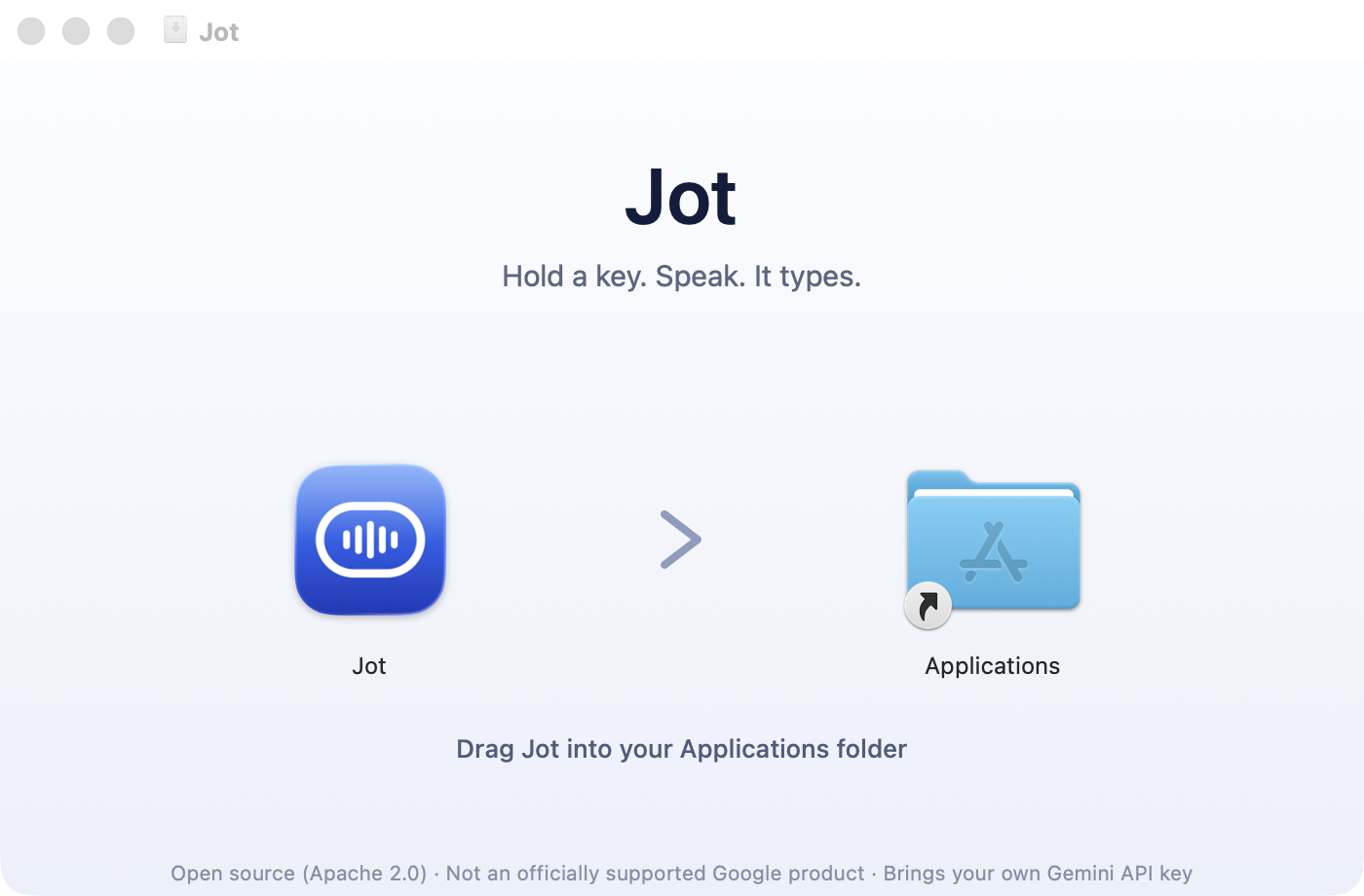
Jot is a standalone macOS app with a menu bar icon and a small recording pill; there's no SDK to integrate, you just download, install, and hold a key to dictate.How do I install and set it up?Download the Jot-x.y.z.dmg from the Releases page, drag Jot into Applications (running it straight from the mounted disk image breaks permissions), then paste in a Gemini API key, allow microphone access, and allow Accessibility - the whole setup takes about two minutes.
Download the Jot-x.y.z.dmg from the Releases page, drag Jot into Applications (running it straight from the mounted disk image breaks permissions), then paste in a Gemini API key, allow microphone access, and allow Accessibility - the whole setup takes about two minutes.Do I need my own Gemini API key?Yes - you paste a Gemini API key from Google AI Studio during setup, and your key needs access to the gemini-3.5-transcribe model specifically; Jot checks this upfront instead of failing on your first dictation.
Yes - you paste a Gemini API key from Google AI Studio during setup, and your key needs access to the gemini-3.5-transcribe model specifically; Jot checks this upfront instead of failing on your first dictation.Does it work without an internet connection?Not for live transcription - your voice is sent to the Gemini API over the network. If you're offline, dictations are queued and sent once you reconnect, and anything that fails can be retried from History.
Not for live transcription - your voice is sent to the Gemini API over the network. If you're offline, dictations are queued and sent once you reconnect, and anything that fails can be retried from History.Where does my voice data actually go?Straight from your Mac to the Gemini API using your own key - there's no middleman server, account, analytics, or keystroke logging, and the code that talks to the API is readable.
Straight from your Mac to the Gemini API using your own key - there's no middleman server, account, analytics, or keystroke logging, and the code that talks to the API is readable.How does it handle corrections like 'actually, no, make it 2pm'?Jot follows a change of mind during dictation - saying 'let's meet at 1pm — actually, no, make it 2pm' produces the final corrected text 'Let's meet at 2pm', and onboarding demonstrates this once so you trust it.
Jot follows a change of mind during dictation - saying 'let's meet at 1pm — actually, no, make it 2pm' produces the final corrected text 'Let's meet at 2pm', and onboarding demonstrates this once so you trust it.What happens if the app crashes mid-recording?Audio is written to disk from the first millisecond of recording, so a crash, kill -9, or dead battery doesn't lose anything - the recording is recovered automatically on next launch.
Audio is written to disk from the first millisecond of recording, so a crash, kill -9, or dead battery doesn't lose anything - the recording is recovered automatically on next launch.How does it avoid mangling technical jargon and names?You add terms to a Dictionary in Settings, and those entries ride along with the audio so the model hears the correct spelling (like 'Kubernetes') instead of guessing phonetically.
You add terms to a Dictionary in Settings, and those entries ride along with the audio so the model hears the correct spelling (like 'Kubernetes') instead of guessing phonetically.What are similar projects?parrot, lipflow, better-voice, no-tipe-releases, nomily-app, pi-voice, vosk-api, openwhispr
parrot, lipflow, better-voice, no-tipe-releases, nomily-app, pi-voice, vosk-api, openwhisprWhich topics is it in?voice-recognition, asr, transcription, voice, menu-bar, speech-to-text, speech-recognition, privacy-first, google, macos-app, audio, swift
voice-recognition, asr, transcription, voice, menu-bar, speech-to-text, speech-recognition, privacy-first, google, macos-app, audio, swift