




Что это такое?
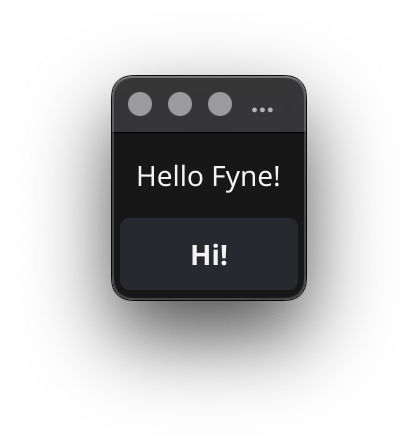
 Fyne — это простой в использовании набор инструментов для создания пользовательских интерфейсов и API для приложений, написанный на Go и вдохновлённый Material Design. Он создан для того, чтобы из одного кода собирать приложения, работающие на настольных компьютерах и мобильных устройствах.
Fyne — это простой в использовании набор инструментов для создания пользовательских интерфейсов и API для приложений, написанный на Go и вдохновлённый Material Design. Он создан для того, чтобы из одного кода собирать приложения, работающие на настольных компьютерах и мобильных устройствах.Так это библиотека, которую я подключаю в свой код, или фреймворк, на котором целиком работает моё приложение?И то и другое: вы подключаете fyne.io/fyne/v2 и пишете приложение, используя его виджеты и API для приложений, а отдельная утилита командной строки fyne отвечает за сборку, установку и публикацию приложения.
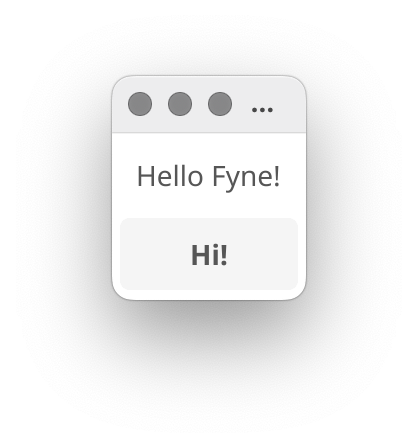
И то и другое: вы подключаете fyne.io/fyne/v2 и пишете приложение, используя его виджеты и API для приложений, а отдельная утилита командной строки fyne отвечает за сборку, установку и публикацию приложения.Как запустить первое приложение?Выполните 'go get fyne.io/fyne/v2@latest', добавьте упоминание fyne в файл исходного кода .go, затем выполните 'go mod tidy'. После этого 'go run main.go' соберёт и запустит ваше приложение.
Выполните 'go get fyne.io/fyne/v2@latest', добавьте упоминание fyne в файл исходного кода .go, затем выполните 'go mod tidy'. После этого 'go run main.go' соберёт и запустит ваше приложение.Что должно быть установлено заранее?Go 1.22 или новее, компилятор C и инструменты разработки вашей системы. Чтобы писать код, подойдёт любая IDE или текстовый редактор с поддержкой Go.
Go 1.22 или новее, компилятор C и инструменты разработки вашей системы. Чтобы писать код, подойдёт любая IDE или текстовый редактор с поддержкой Go.Есть ли подводные камни, о которых стоит знать заранее?Два. Во-первых, начиная с Go 1.18, команда 'go get' только скачивает модуль, поэтому нужно сослаться на fyne в коде до того, как 'go mod tidy' подтянет зависимости. Во-вторых, первая сборка на Windows может занять до 10 минут.
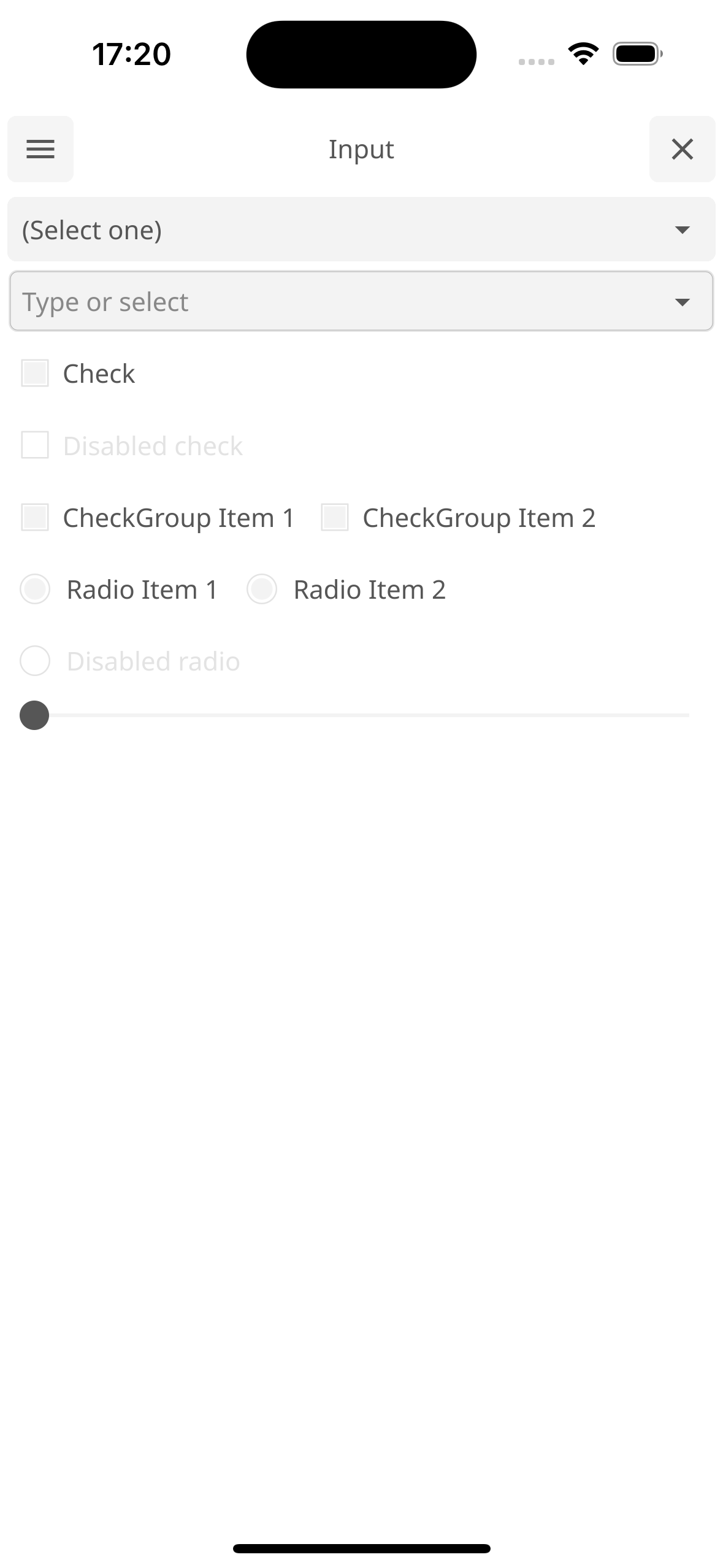
Два. Во-первых, начиная с Go 1.18, команда 'go get' только скачивает модуль, поэтому нужно сослаться на fyne в коде до того, как 'go mod tidy' подтянет зависимости. Во-вторых, первая сборка на Windows может занять до 10 минут.Один код действительно подходит и для настольных систем, и для мобильных?Да, именно на это и рассчитан проект. Под мобильные платформы приложение собирается утилитой fyne: 'fyne package -os android' — для устройств или эмуляторов, '-os ios' — для реального iPhone, '-os iossimulator' — для симулятора iOS.
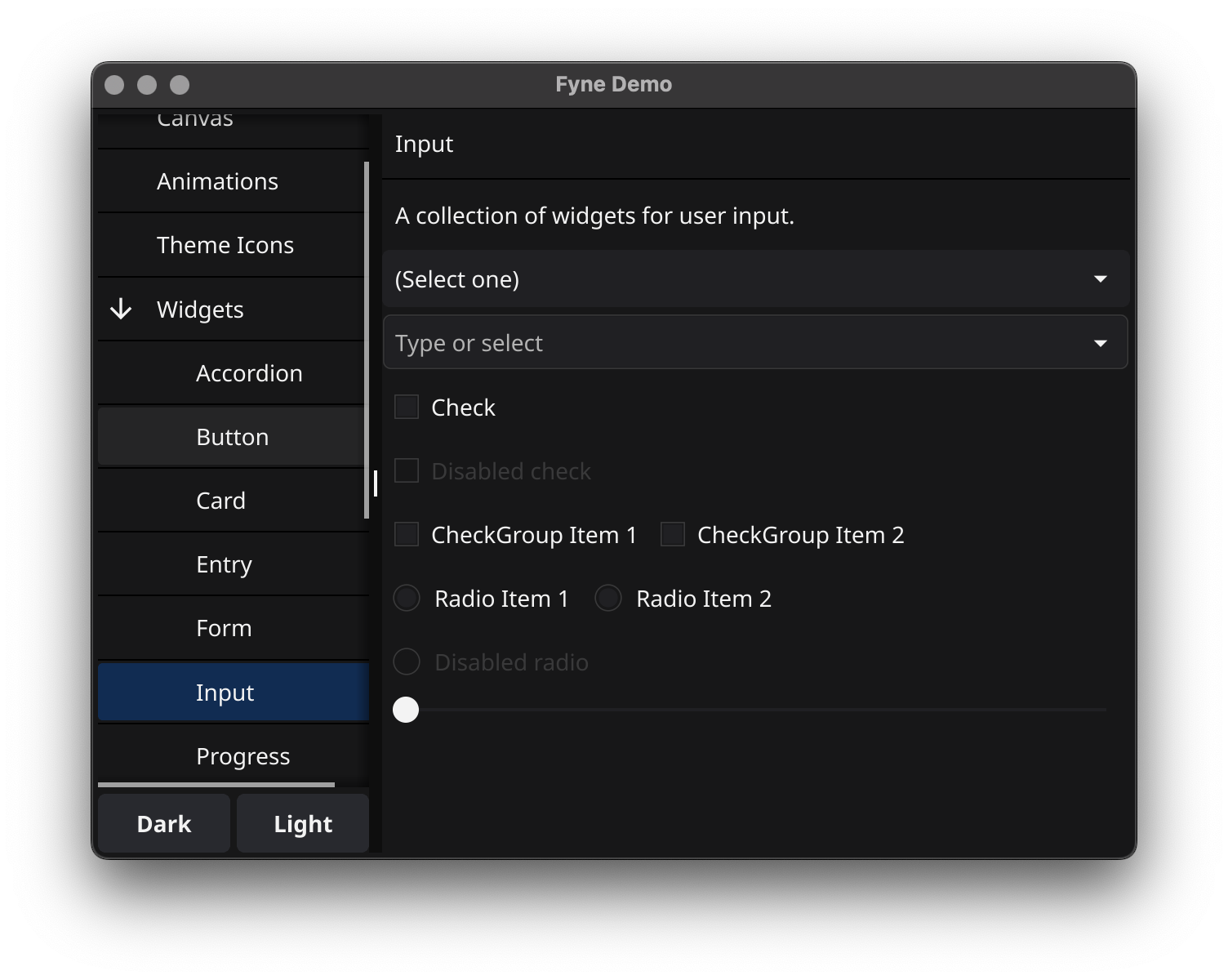
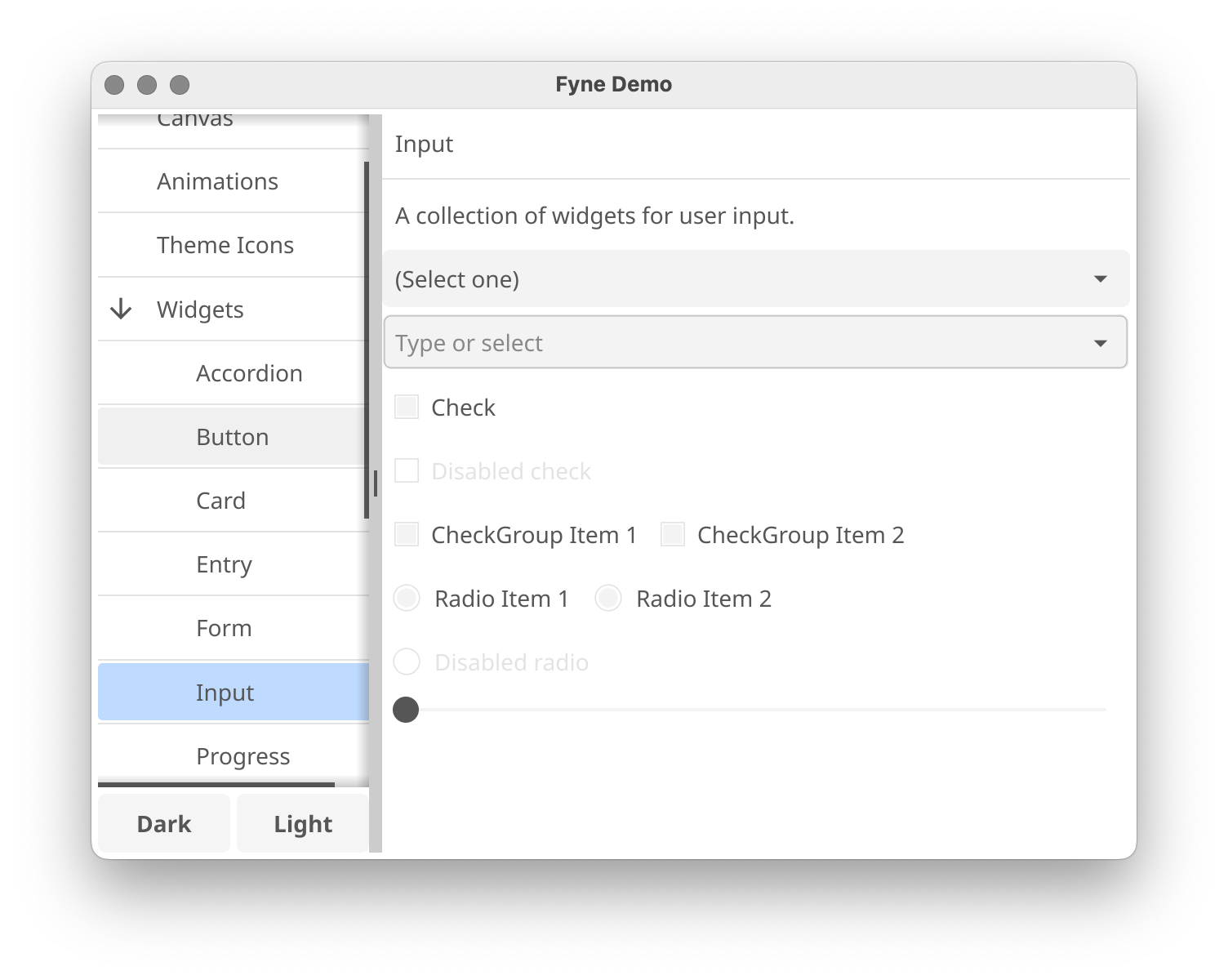
Да, именно на это и рассчитан проект. Под мобильные платформы приложение собирается утилитой fyne: 'fyne package -os android' — для устройств или эмуляторов, '-os ios' — для реального iPhone, '-os iossimulator' — для симулятора iOS.А можно что-нибудь запустить и посмотреть Fyne в действии, не начиная писать код?Да: выполните 'go install fyne.io/demo@latest', затем запустите 'demo'. Откроется витрина виджетов с возможностями набора инструментов, в тёмной и светлой темах.
Да: выполните 'go install fyne.io/demo@latest', затем запустите 'demo'. Откроется витрина виджетов с возможностями набора инструментов, в тёмной и светлой темах.Тем, кто будет запускать моё приложение, придётся что-то доустанавливать?Нет. Все приложения на Fyne работают без заранее установленных библиотек — проект называет это одной из причин, по которым его приложения так легко переносятся.
Нет. Все приложения на Fyne работают без заранее установленных библиотек — проект называет это одной из причин, по которым его приложения так легко переносятся.Могу ли я настроить внешний вид своих приложений?Приложения из коробки идут с тёмной и светлой темами, а необязательное приложение fynesettings даёт графический интерфейс для управления глобальными настройками Fyne, например темой и масштабированием.
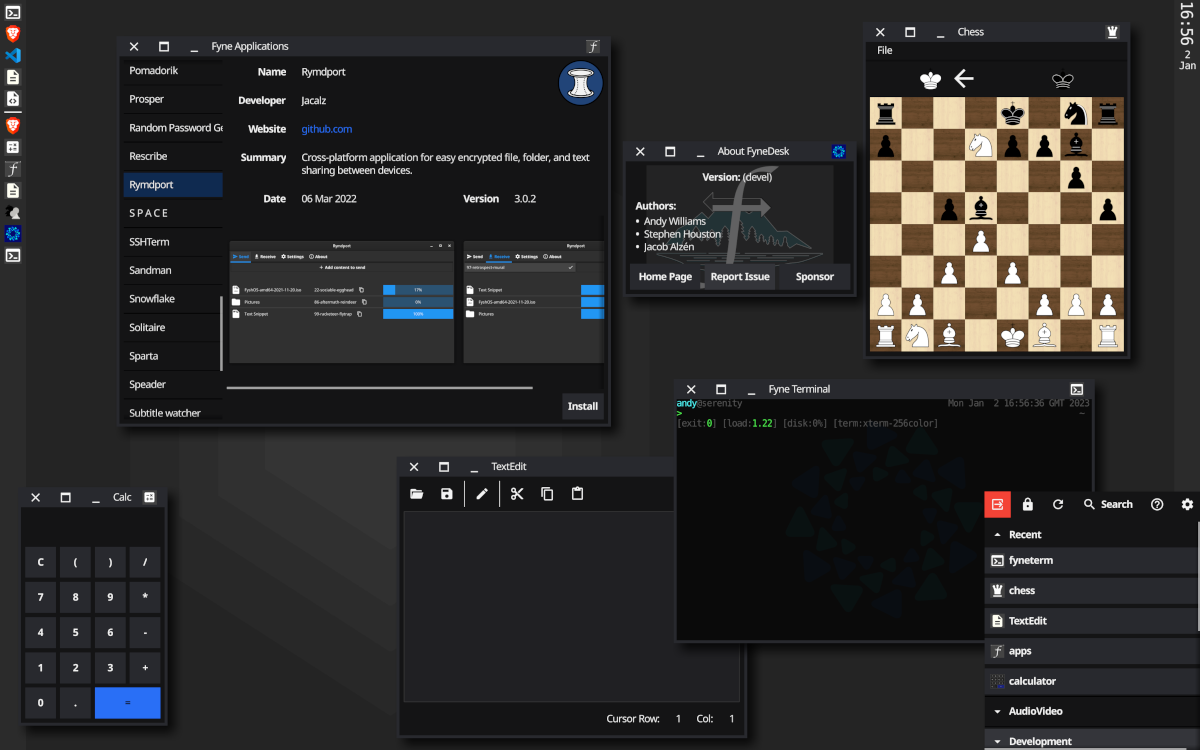
Приложения из коробки идут с тёмной и светлой темами, а необязательное приложение fynesettings даёт графический интерфейс для управления глобальными настройками Fyne, например темой и масштабированием.Используется ли Fyne для чего-то крупнее обычных приложений?Да: FyneDesk превращает машину под Linux или BSD в полноценную графическую среду на базе Fyne, а есть ещё приложение-установщик с графическим интерфейсом для просмотра коллекции приложений Fyne.
Да: FyneDesk превращает машину под Linux или BSD в полноценную графическую среду на базе Fyne, а есть ещё приложение-установщик с графическим интерфейсом для просмотра коллекции приложений Fyne.Which topics is it in?gui-framework, widgets, toolkit, material-design, themes, theme, golang, beginner-friendly, hacktoberfest, mobile, desktop, ios
gui-framework, widgets, toolkit, material-design, themes, theme, golang, beginner-friendly, hacktoberfest, mobile, desktop, ios