



awesome-gpt-image-2 README

The project's README from github.com/freestylefly/awesome-gpt-image-2. As one markdown file: README.md.

GPT-Image2 Prompt System

Prompt as Code | GPT-Image2 Industrial Prompt Engine & Template Library, 500+ Reverse-Engineered Cases, 20+ Industrial Templates

Stars Forks Cases Original Sponsor

freestylefly/awesome-gpt-image-2 | Trendshift

English | 简体中文 | 日本語

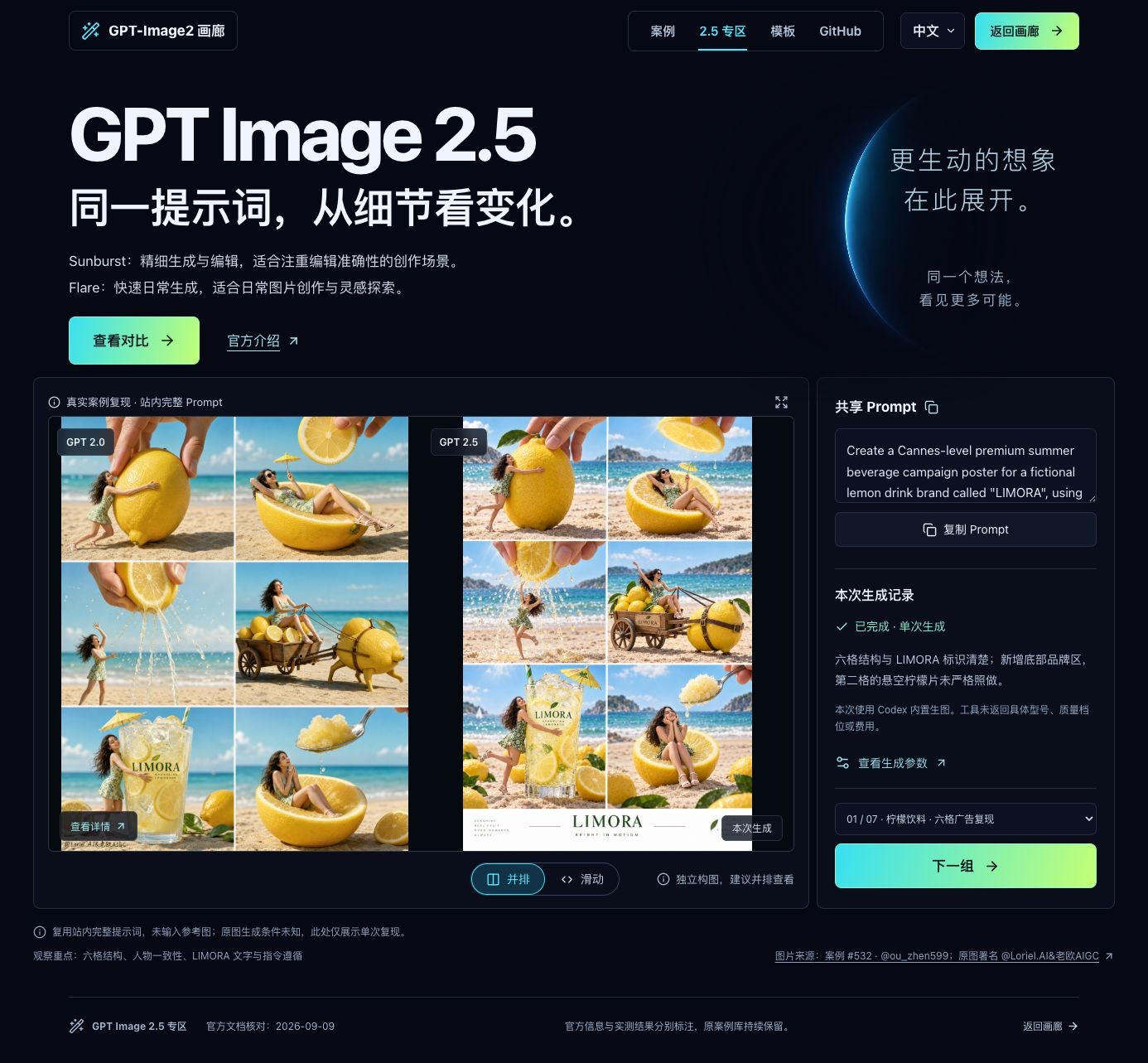
GPT Image 2.5 Spotlight

Explore the 2.5 spotlight: learn about Sunburst and Flare, then explore a shared-prompt comparison with a draggable divider, side-by-side view, image enlargement, and generation settings.

The spotlight runs independently. Existing GPT-Image2 cases, templates, Skill, and generation tools remain available. This update does not add live 2.5 image generation.

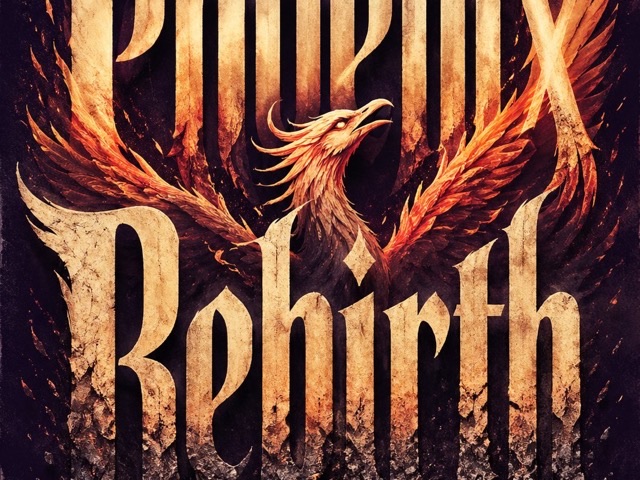
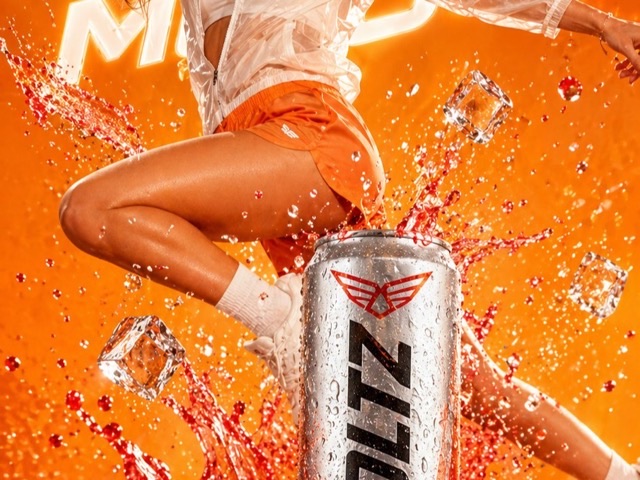
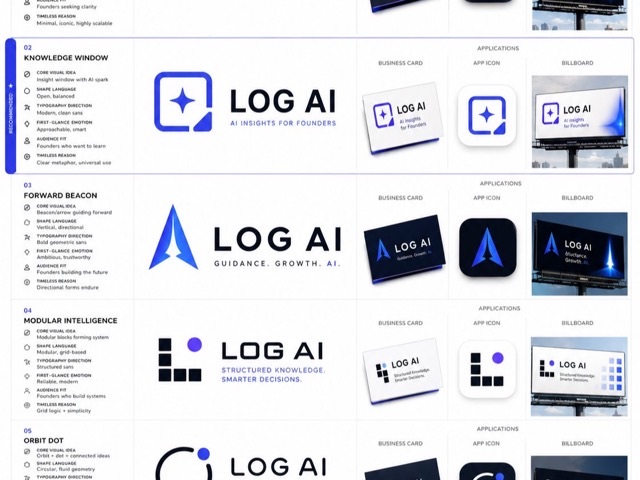
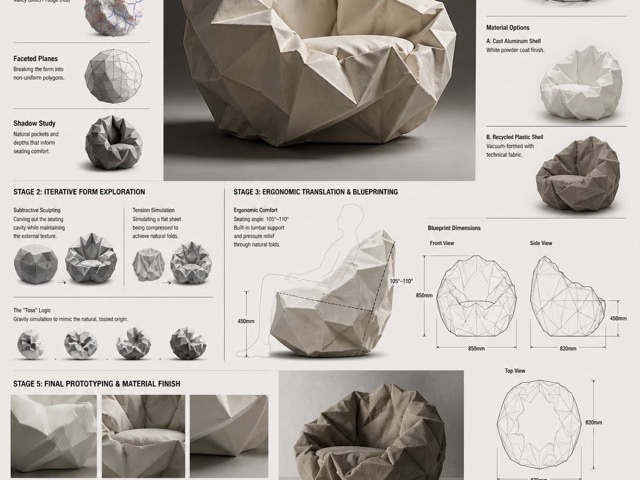
GPT Image 2.5 spotlight preview — case 532 recreation

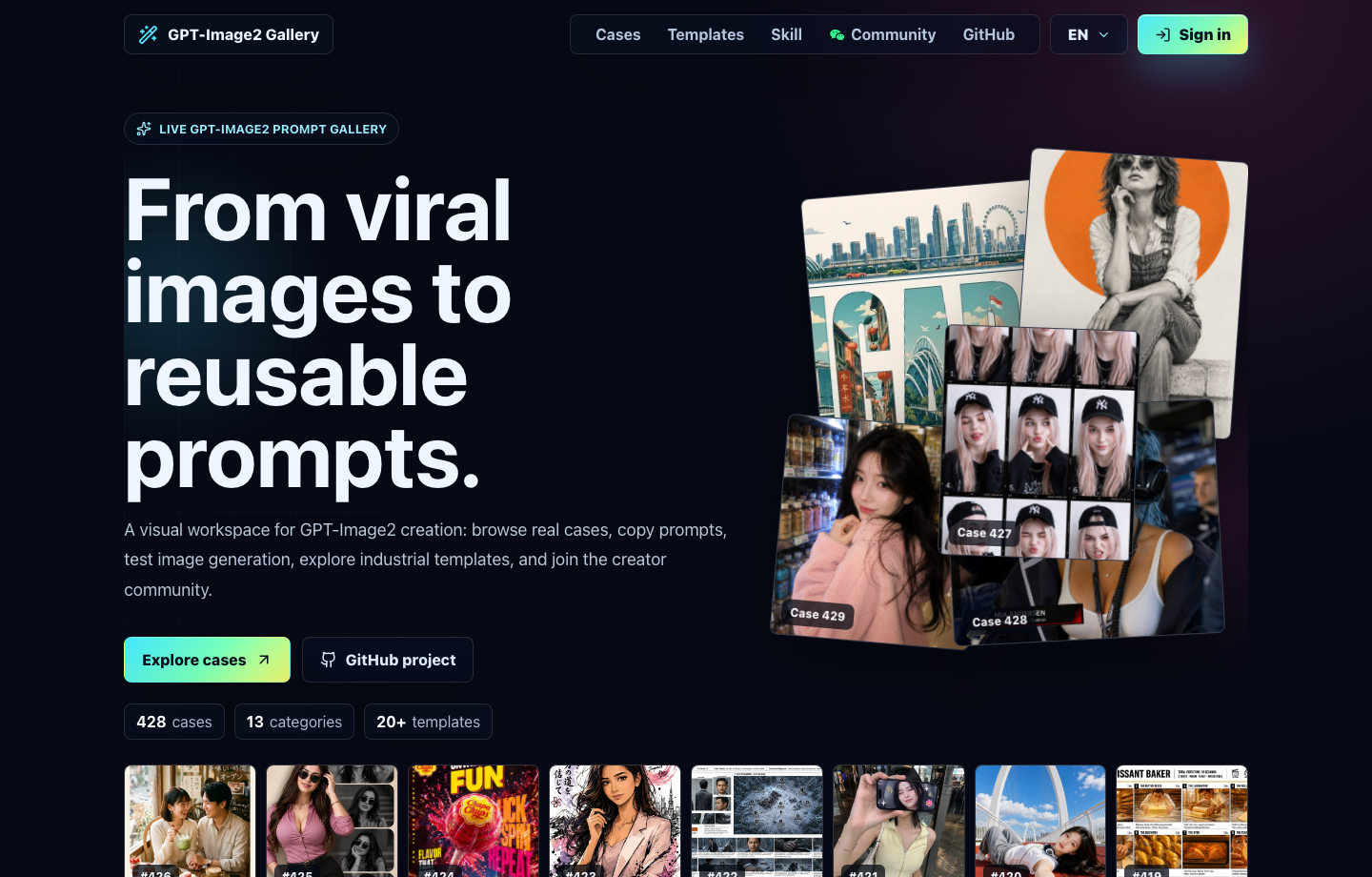
🌐 Visual Website

Use the live site at gpt-image2.canghe.ai to browse the gallery as a product experience: open large previews, copy full prompts, filter by style or scenario, test generation after Google sign-in, and jump back to the source case on GitHub.

GPT-Image2 Gallery website preview

Community 交流群

Join the GPT-Image2 discussion group to exchange prompts, workflows, and creative ideas with other users. Visit the community page to join.

Follow the WeChat official account 苍何 or scan the QR code below to receive project updates, new cases, and practical tutorials.

苍何 WeChat official account QR code and search card

❤️ Sponsors

Want to appear here? Support the project through GitHub Sponsors, or search 苍何 on WeChat and send your product name plus a short sponsorship note.

Sponsor Description
APIMart Thanks to APIMart for sponsoring this project! APIMart is a low-cost API platform for AI image & video generation — GPT-Image-2 from $0.006/image, 160+ images per dollar. One async API covers both image and video: submit a task, get an ID, fetch results via polling or callback. Batch tens of thousands of images without timeouts, switch models without changing code. Pay-as-you-go with no monthly fee — sign up here to get started.
hiapi Thanks to hiapi for sponsoring this project! hiapi is an AI image & video generation API platform — GPT-Image-2 (text-to-image, image edit, 1K–4K) alongside video models like Seedance, Kling and Wan, all through one unified async API: submit a task, get a task_id, fetch results by polling or callback, batch without timeouts, switch models without code changes. Every result is stored on hiapi's own CDN with persistent storage, so your image/video URLs stay available long-term and can be fetched anytime — no rushing to download and back them up yourself. Native Remote MCP and Agent Skills plug straight into Claude Code & Cursor. Chinese UI & docs, WeChat Pay, pay-as-you-go with no monthly fee — new users get $1 free credit (~50 images). Sign up here.
PackyCode Thanks to PackyCode for sponsoring this project! PackyCode is a stable, high-performance API relay provider for Claude Code, Codex, Gemini, and more. Automatic failover, smart routing, and unlimited concurrency help turn AI coding into a reliable productivity tool. Register here to get started.
PPToken Project sponsor. PPToken provides API relay and key distribution for ChatGPT, Claude, Gemini, and other mainstream AI models, with low-latency access, high availability, pay-as-you-go billing, and flexible subscription plans.

⚡️ Project Vision

After GPT-Image2 became widely available, AI image generation moved from "can it make an image?" to "can it make stable, controllable, reusable images?" This project turns scattered community examples into Prompt-as-Code assets that are easier for agents and automation workflows to reuse.

The core goal is simple: compress prose-style prompts into structured protocols. When you need batch generation, template systems, or production workflows, this structure is more valuable than a pile of isolated examples.

🗂️ Category Overview

Start with the case album to find a visual direction, then open the prompt template categories to turn that direction into reusable structure.

🖼️ Case Album

🧩 UI & Interfaces
73 cases

UI and interfaces
Apps, websites, dashboards, social screenshots, and product interfaces.
View Cases

📊 Charts & Infographics
53 cases

Charts and infographics
Infographics, knowledge maps, technical explainers, and structured diagrams.
View Cases

📰 Posters & Typography
90 cases

Posters and typography
Event posters, covers, type-driven visuals, and strong layout compositions.
View Cases

🛍️ Products & E-commerce
42 cases

Products and e-commerce
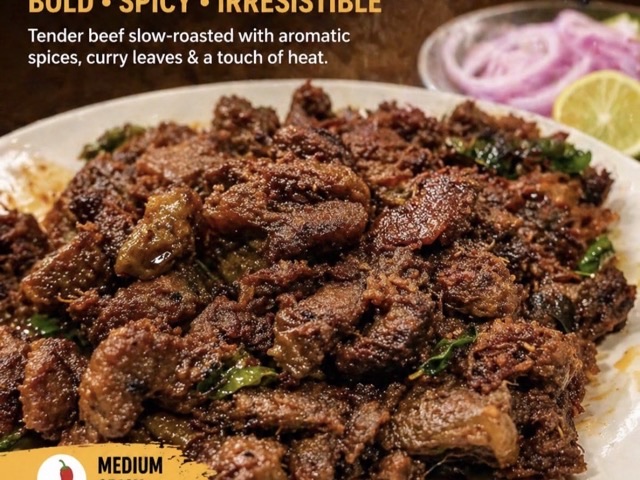
Product shots, detail pages, packaging, selling points, and ads.
View Cases

🏷️ Brand & Logos
27 cases

Brand and logos
Logos, identity systems, brand touchpoints, and campaign visuals.
View Cases

🏛️ Architecture & Spaces
12 cases

Architecture and spaces
Architecture renders, interiors, city maps, and spatial concepts.
View Cases

📷 Photography & Realism
78 cases

Photography and realism
Portraits, phone photography, film texture, and commercial photography.
View Cases

🎨 Illustration & Art
59 cases

Illustration and art
Illustration, art styles, material experiments, and decorative images.
View Cases

🧍 Characters & People
31 cases

Characters and people
Character design, pose references, cards, and 3D toys.
View Cases

🎬 Scenes & Storytelling
21 cases

Scenes and storytelling
Storyboards, narrative scenes, livestream frames, and worldbuilding.
View Cases

🏮 History & Classical Chinese Themes
16 cases

History and classical Chinese themes
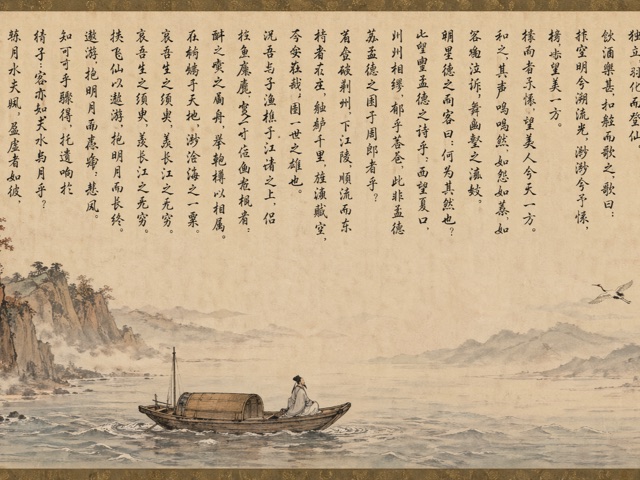
Classical scrolls, historical figures, traditional themes, and poetry visuals.
View Cases

📚 Documents & Publishing
11 cases

Documents and publishing
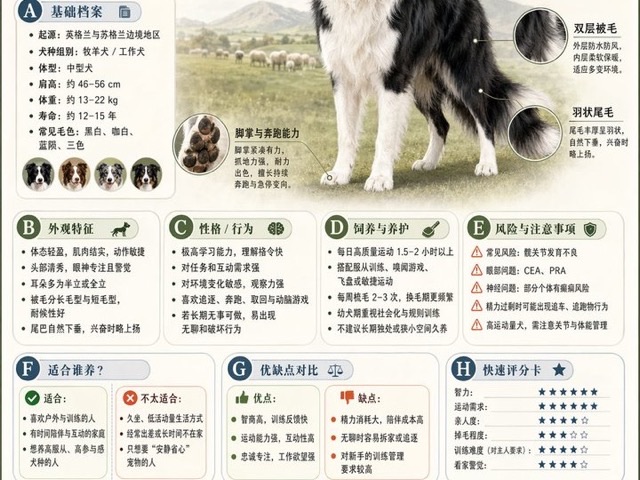
White papers, manuals, encyclopedic plates, and publishing layouts.
View Cases

🧪 Other Use Cases
28 cases

Other use cases
Creative experiments, special tasks, mixed workflows, and practical cases.
View Cases

🖼️ Full Gallery

Full gallery
Browse all 544 cases by gallery part and category.
Open Gallery

⭐ Latest Additions

Latest additions
The newest community cases and workflows collected in the repo.
View Latest

🧩 Prompt Template Categories

The prompt body remains in the original template document for now. This homepage only adds an English navigation layer.

Template Page 1 / 4: Design & Information
Category Template Entry Core Capability
🧩 UI & Interfaces View Prompts Components, page hierarchy, screenshot texture
📊 Charts & Infographics View Prompts Modules, arrows, data structure, readability
📰 Posters & Typography View Prompts Layout, headline systems, people, visual impact
Template Page 2 / 4: Commerce & Space
Category Template Entry Core Capability
🛍️ Products & E-commerce View Prompts Product selling points, packaging, detail-page structure
🏷️ Brand & Logos View Prompts Logos, identity, brand touchpoint systems
🏛️ Architecture & Spaces View Prompts Perspective, materials, indoor and outdoor lighting
Template Page 3 / 4: Imaging & Characters
Category Template Entry Core Capability
📷 Photography & Realism View Prompts Lenses, lighting, realistic textures
🎨 Illustration & Art View Prompts Brushwork, materials, art styles
🧍 Characters & People View Prompts Character design, pose sheets, consistency
Template Page 4 / 4: Narrative & Extensions
Category Template Entry Core Capability
🎬 Scenes & Storytelling View Prompts Storyboards, worldbuilding, emotional pacing
🏮 History & Classical Chinese Themes View Prompts Dynasties, clothing, scroll-style narrative
📚 Documents & Publishing View Prompts Page systems, tables of contents, layout rules
🧪 Other Use Cases View Prompts Mixed tasks, experimental workflows, special outputs

🤖 Agent Skill

This repository includes an agent skill for choosing GPT-Image2 styles, templates, categories, and scene tags from the same data used by the website.

Package links: npm / GitHub Packages

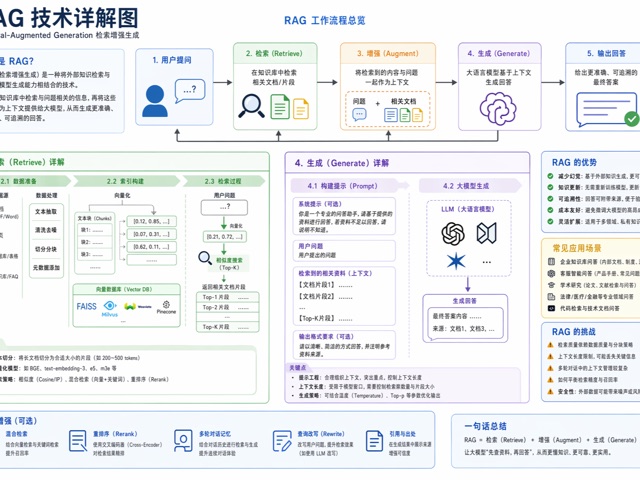
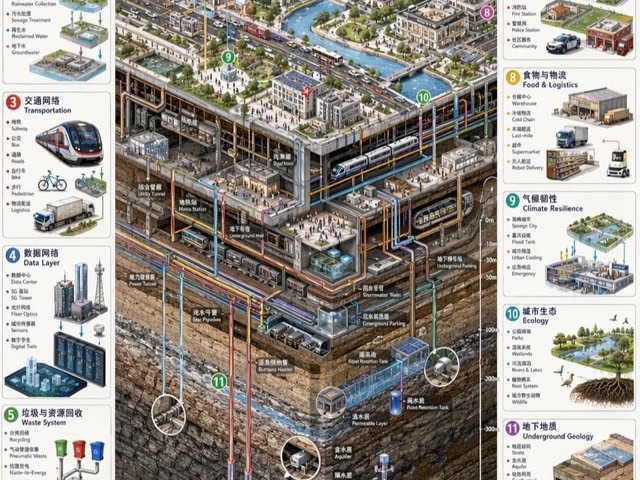
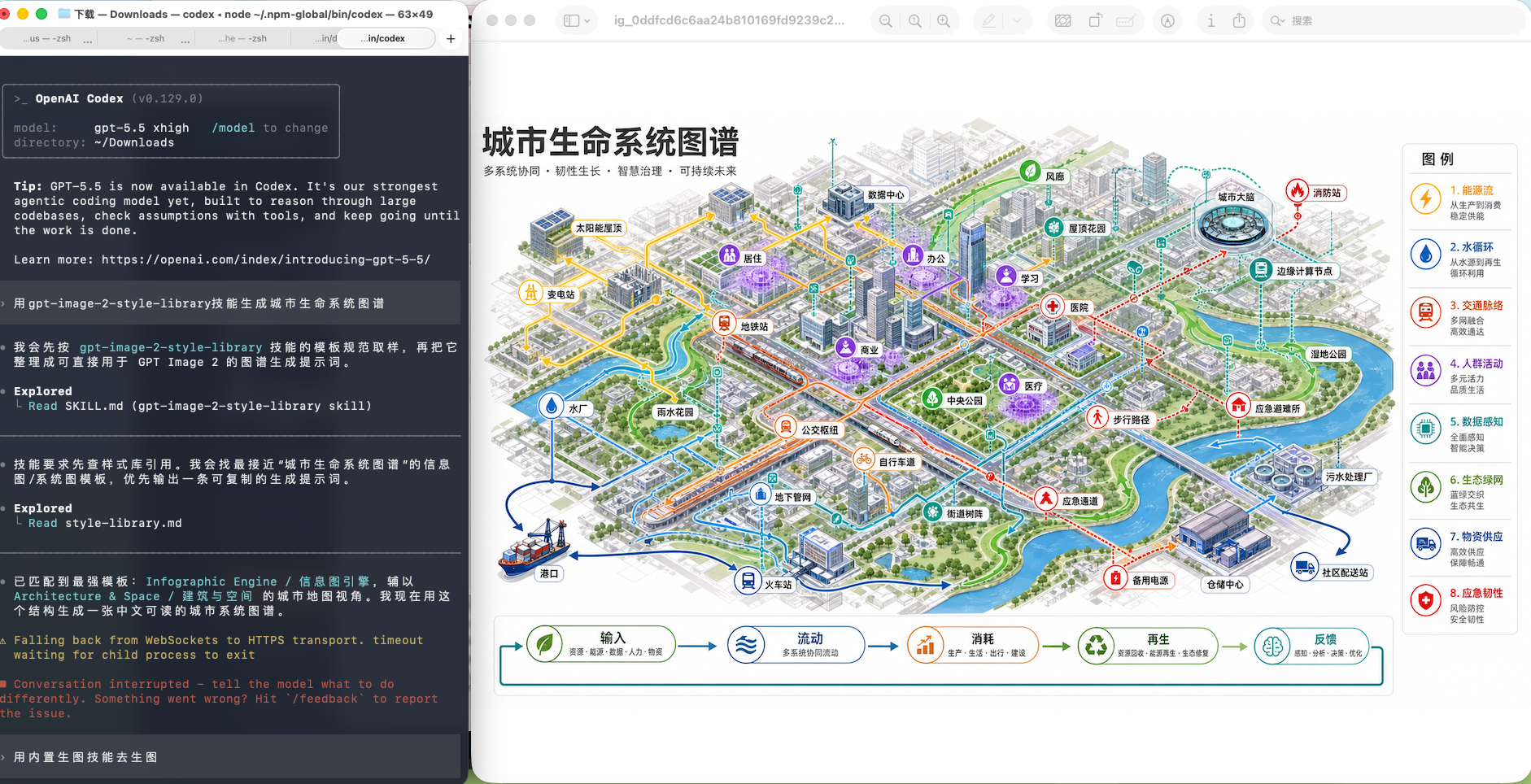
City life system map generated with the GPT-Image2 style library skill

Example output from a city-life-system-map request using the style library skill.

Quick Install for Agent Skills

Recommended for Claude Code, Codex, Cursor, and other tools supported by skills:

npx skills add freestylefly/awesome-gpt-image-2 --skill gpt-image-2-style-library --agent claude-code codex --global --yes --copy

Install to every supported local agent:

npx skills add freestylefly/awesome-gpt-image-2 --global --all --copy

Claude Code Plugin Marketplace

Run these commands inside Claude Code:

/plugin marketplace add freestylefly/awesome-gpt-image-2
/plugin install gpt-image-2-style-library@awesome-gpt-image-2

npm CLI

If you prefer npm, install the CLI and then sync the skill into local agent folders:

npm install -g gpt-image-2-style-library
gpt-image-2-style-library install all

You can also run it without a global install:

npx gpt-image-2-style-library install all

Install from GitHub Packages:

npm login --scope=@freestylefly --registry=https://npm.pkg.github.com
npm install -g @freestylefly/gpt-image-2-style-library --registry=https://npm.pkg.github.com
gpt-image-2-style-library install all

install all writes the skill to the common local folders used by Codex and Claude Code, including ~/.codex/skills, ~/.claude/skills, and ~/.agents/skills. Restart the agent session after installing.

Use it with a request like:

Use gpt-image-2-style-library to create an infographic prompt about Codex.

For local source development:

npm run generate:style-skill
npm run install:skill

The skill source lives a

awesome-gpt-image-2 (freestylefly/awesome-gpt-image-2)

Searching Database…

What is this?A curated library for OpenAI's GPT Image 2 model: 544 reverse-engineered prompt cases, 20+ industrial prompt templates and a reusable agent skill, presented as a browsable gallery website.
Is it a website I browse, or something I install?Both: the live site gpt-image2.canghe.ai gives large previews, style and scenario filters and full copyable prompts, while developers can additionally install the GPT-Image2 Style Library skill into coding agents.
How do I install the agent skill?Via the Claude Code plugin marketplace, or with npm: install the CLI and run 'install all', which writes the skill into ~/.claude/skills, ~/.codex/skills and ~/.agents/skills. Restart your agent session afterwards.
Which coding agents can use the skill?It is recommended for Claude Code, Codex, Cursor and other tools that support skills; one installer syncs the skill into each agent's local skills folder.
Does the project generate images itself, or do I need my own access to GPT Image?It is a prompt library, not a generator: you copy prompts into any GPT-Image2-capable tool. The site offers built-in test generation after Google sign-in, and the 2.5 Spotlight adds no live 2.5 generation.
Can I freely reuse the prompts and templates?Yes — the repository is MIT licensed, so cases, templates and the skill can be used and adapted freely, including in commercial work.
How is the collection organized?A case album with 13 categories — Posters & Typography (90), Photography & Realism (78), UI & Interfaces (73), Illustration & Art (59), Charts & Infographics (53) and more — plus template pages mapping each category to its core capability. The full gallery holds 544 cases in two parts.
What does 'Prompt as Code' actually mean?Compressing prose-style prompts into structured protocols: subjects, lighting, materials and layout split into composable parts, giving agents and scripts structured control over layout, copy and information hierarchy for batch generation and template systems.
What does the agent skill actually do?It helps your agent pick the right GPT-Image2 style, template, category and scene tags for a request, drawing on the same data that powers the website's gallery.
Can I recreate the exact images from the gallery?Not reliably: original generation conditions and exact tool model IDs remain unverified, and demonstration examples are labeled separately. The 2.5 Spotlight recreations do reuse each case's full original prompt for one new built-in generation.
Size
231 MB
Stars
34.6K
Updated
CommitOct 14
Age
5mo
Commits · 90 Days
