





What is this?
 Pangolin is an open-source SASE (Secure Access Service Edge) platform built on WireGuard that unifies a zero-trust VPN, reverse proxy, privileged access management, and an identity-aware AI gateway under one identity and policy model.
Pangolin is an open-source SASE (Secure Access Service Edge) platform built on WireGuard that unifies a zero-trust VPN, reverse proxy, privileged access management, and an identity-aware AI gateway under one identity and policy model.Is this just a VPN client, or something bigger?It is a full networking-and-security platform, not a single-purpose VPN: it combines a zero-trust VPN, browser-based reverse proxy, RBAC, PAM, and an AI gateway into one self-hosted system.
It is a full networking-and-security platform, not a single-purpose VPN: it combines a zero-trust VPN, browser-based reverse proxy, RBAC, PAM, and an AI gateway into one self-hosted system.How do I get Pangolin running?Self-host the free Community Edition using the quick install guide, use the one-click DigitalOcean marketplace installer, or sign up for the fully managed Pangolin Cloud instead of running your own infrastructure.
Self-host the free Community Edition using the quick install guide, use the one-click DigitalOcean marketplace installer, or sign up for the fully managed Pangolin Cloud instead of running your own infrastructure.Do I need my own server, or can I skip infrastructure entirely?Self-hosting the Community or Enterprise Edition requires your own server (Docker-based), while Pangolin Cloud needs no infrastructure at all.
Self-hosting the Community or Enterprise Edition requires your own server (Docker-based), while Pangolin Cloud needs no infrastructure at all.Are all features free, or is something paywalled?The Community Edition is free and AGPL-3 licensed, but the Enterprise Edition's advanced features require the commercial license and are only free for personal use or businesses under $100K revenue.
The Community Edition is free and AGPL-3 licensed, but the Enterprise Edition's advanced features require the commercial license and are only free for personal use or businesses under $100K revenue.Which platforms can run the Pangolin client?Dedicated desktop and mobile clients are available for Mac, Windows, Linux, iOS, and Android.
Dedicated desktop and mobile clients are available for Mac, Windows, Linux, iOS, and Android.Can I see how my traffic and access decisions are handled?Yes, the code is fully open and auditable, so you can inspect exactly how traffic is routed and how access decisions are made instead of trusting a closed cloud control plane.
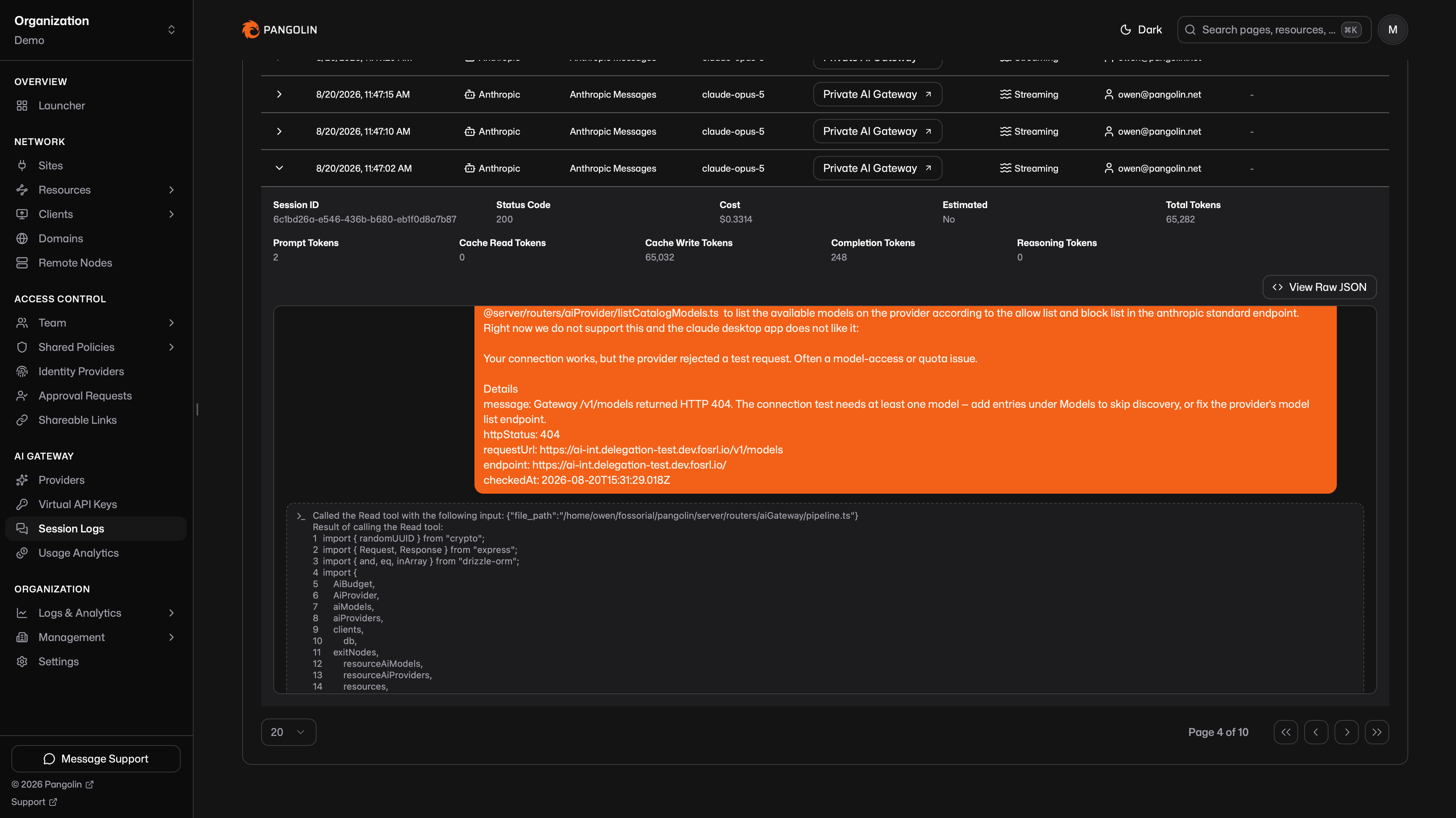
Yes, the code is fully open and auditable, so you can inspect exactly how traffic is routed and how access decisions are made instead of trusting a closed cloud control plane.What does the AI gateway feature actually do?It is an identity-aware proxy that lets AI clients and coding agents like Claude Code, Codex, and OpenCode call a single Pangolin URL to reach both cloud models (OpenAI, Anthropic, Gemini) and self-hosted models (Ollama, vLLM, Mistral), with budgets, keyless client auth, and usage analytics.
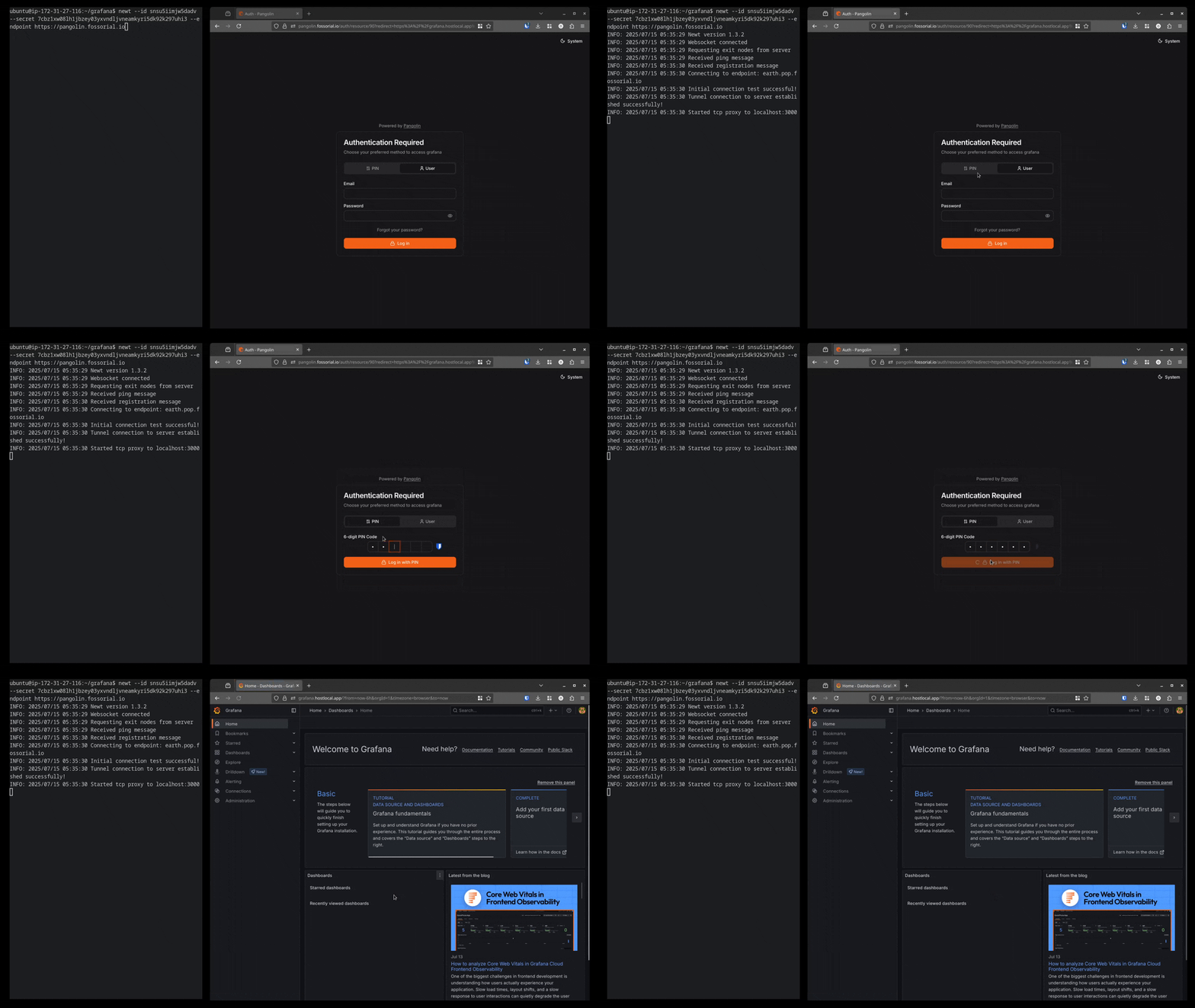
It is an identity-aware proxy that lets AI clients and coding agents like Claude Code, Codex, and OpenCode call a single Pangolin URL to reach both cloud models (OpenAI, Anthropic, Gemini) and self-hosted models (Ollama, vLLM, Mistral), with budgets, keyless client auth, and usage analytics.Can users reach private apps without installing a VPN client?Yes, the browser-based reverse proxy lets users open HTTPS apps, VNC, RDP, and SSH sessions directly in a browser with single sign-on, no client install required.
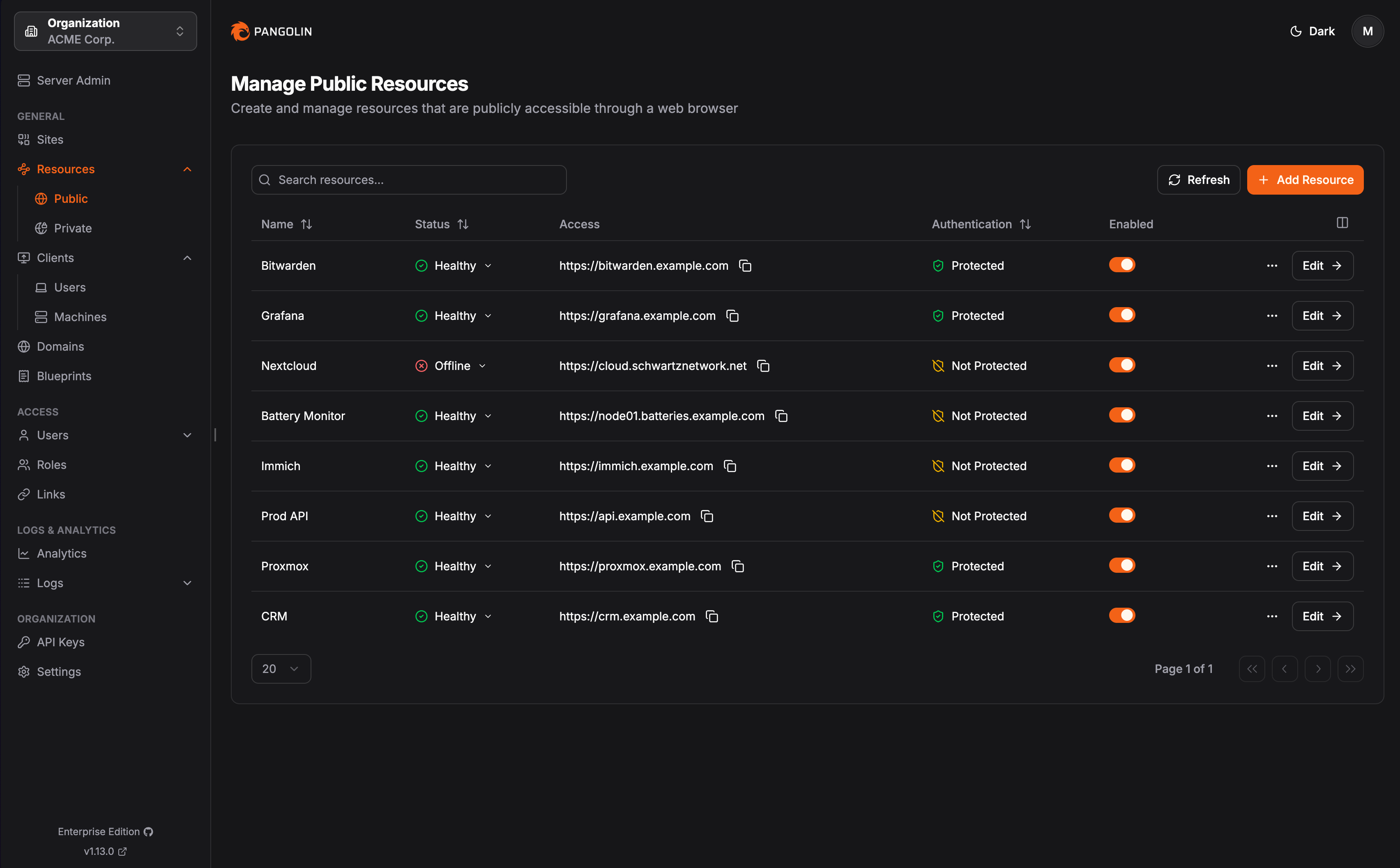
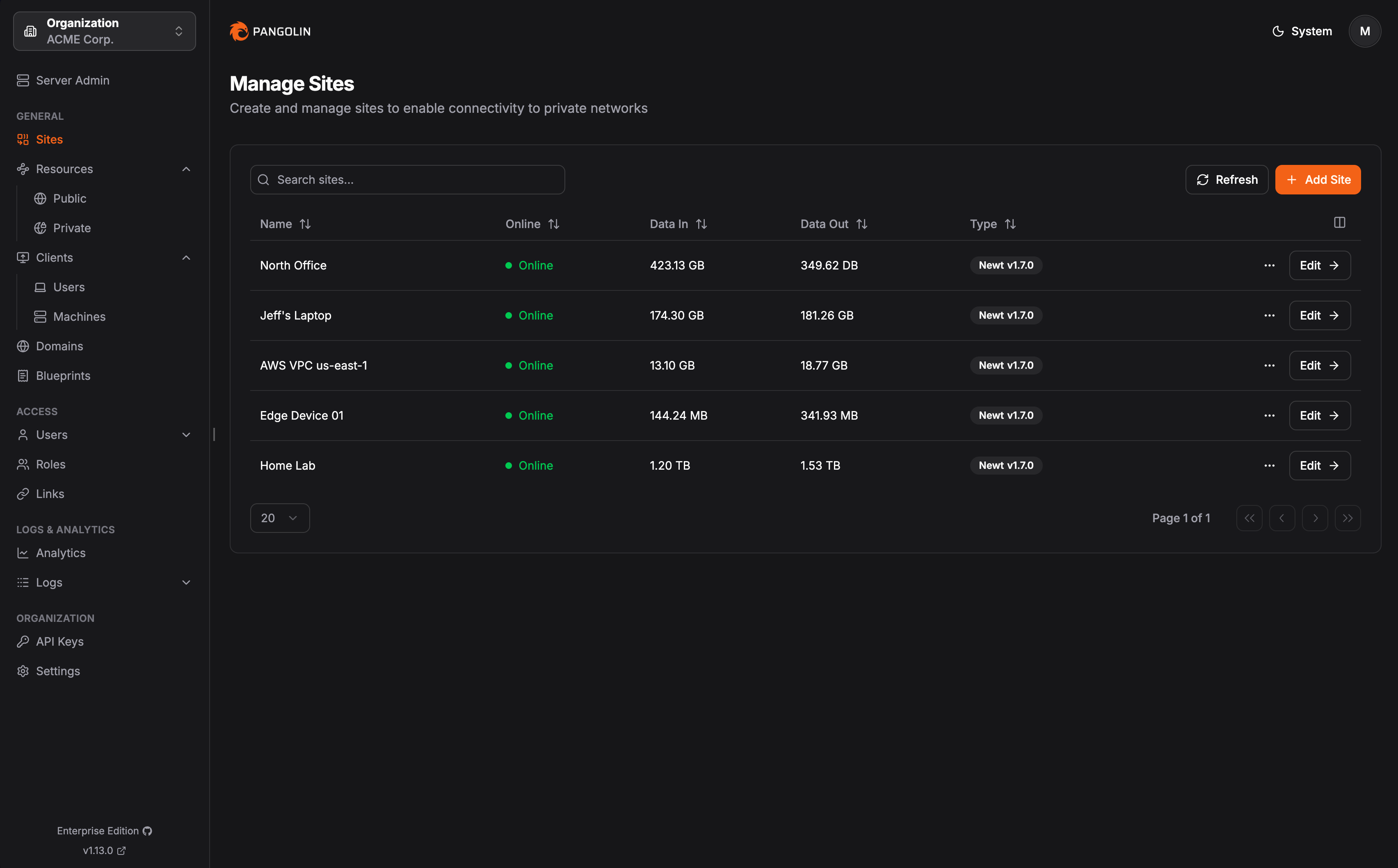
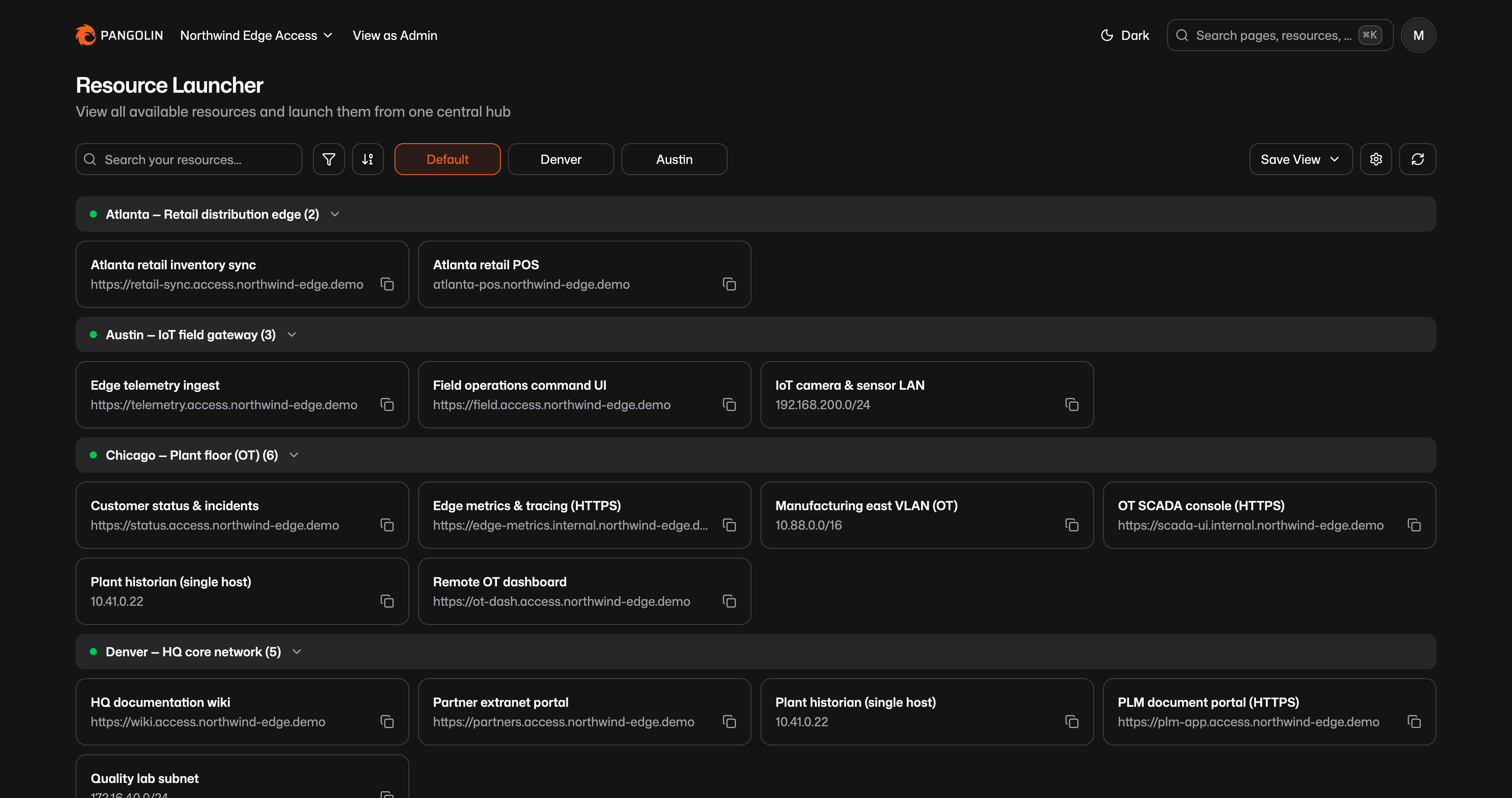
Yes, the browser-based reverse proxy lets users open HTTPS apps, VNC, RDP, and SSH sessions directly in a browser with single sign-on, no client install required.How does Pangolin reach devices behind restrictive firewalls?Site connectors establish outbound WireGuard tunnels with intelligent NAT traversal, so networks behind firewalls are reachable without open ports or a public IP.
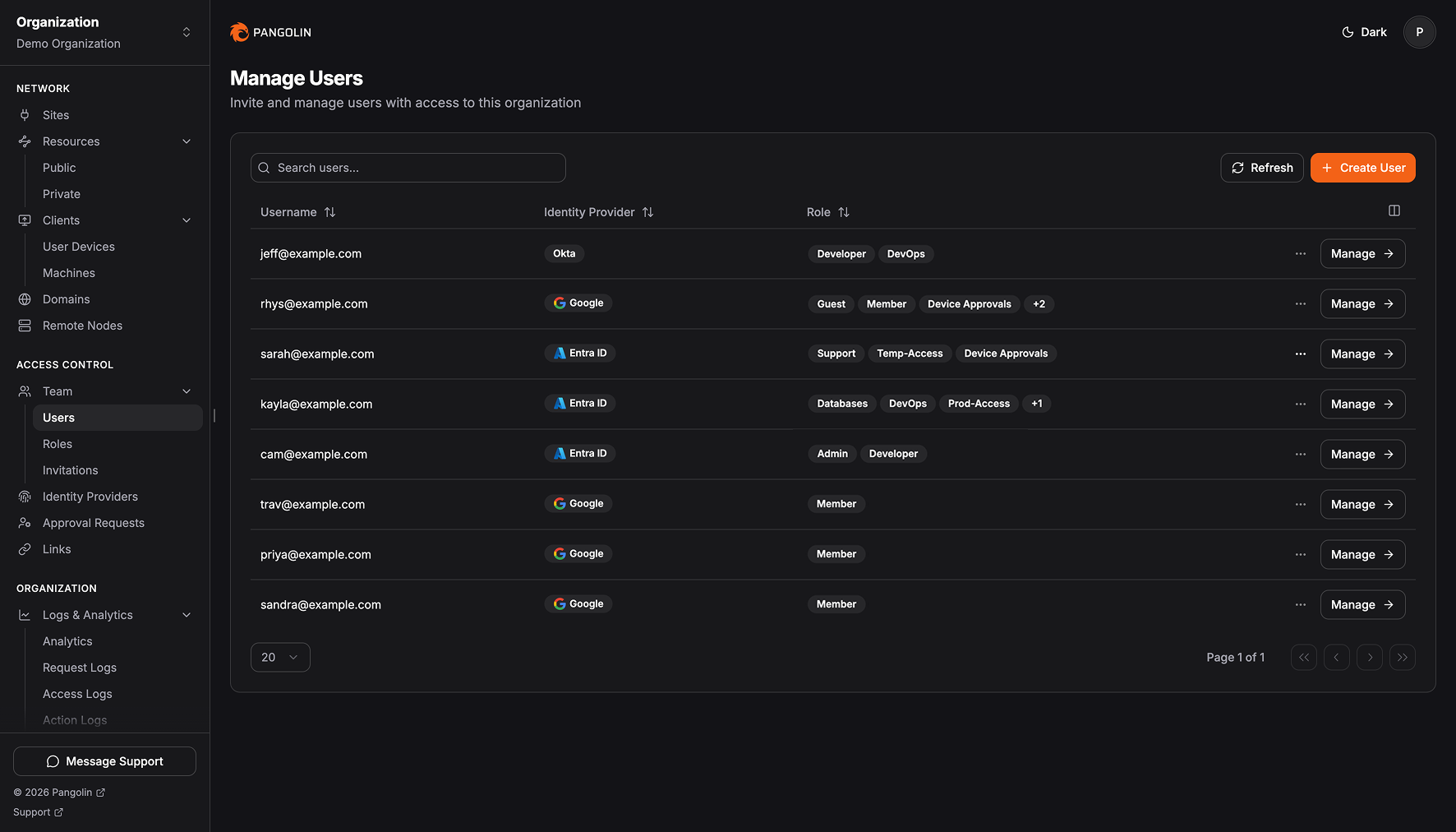
Site connectors establish outbound WireGuard tunnels with intelligent NAT traversal, so networks behind firewalls are reachable without open ports or a public IP.How granular is access control?Access is granted per resource rather than per network, using RBAC and identity provider integration, so users only reach the specific apps and routes you define instead of the whole network.
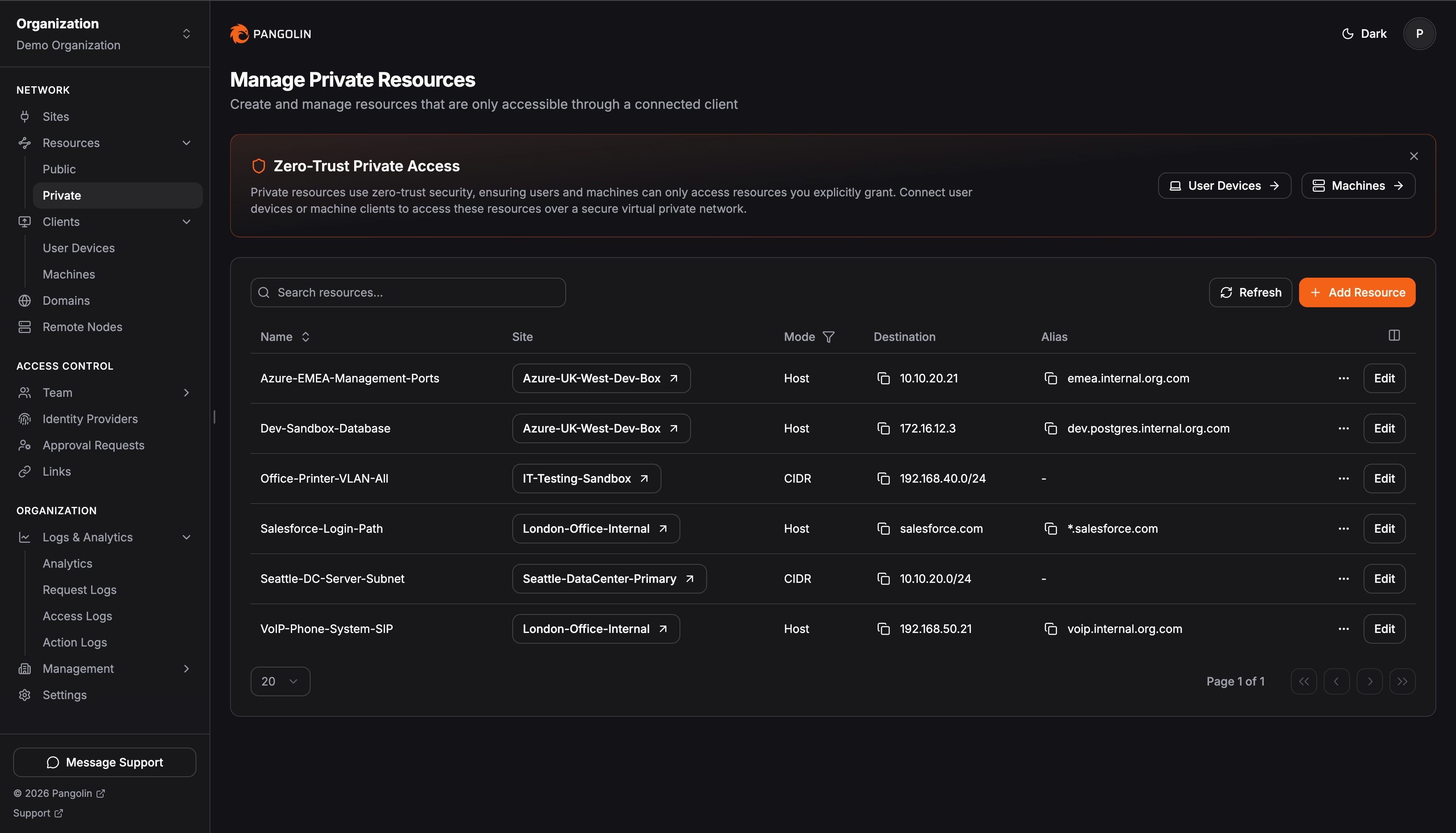
Access is granted per resource rather than per network, using RBAC and identity provider integration, so users only reach the specific apps and routes you define instead of the whole network.What are similar projects?netbird, casdoor, authentik, bifrost, cloudflared, jumpserver, infisical, os
netbird, casdoor, authentik, bifrost, cloudflared, jumpserver, infisical, osWhich topics is it in?pam, wireguard-vpn, nat-traversal, zero-trust, gateway, ai-gateway, wireguard, oidc, remote-access, sso, rbac, reverse-proxy
pam, wireguard-vpn, nat-traversal, zero-trust, gateway, ai-gateway, wireguard, oidc, remote-access, sso, rbac, reverse-proxy