Flectar Mail is a lightweight, native home for your email, calendars, and
contacts. It is engineered to open instantly, stay responsive, and use a
fraction of the memory of a typical web-based mail client.
Why Flectar Mail?
Fast from the first click. A native interface and local-first data path
get you to your inbox without waiting on a browser runtime.
As little as 20 MB of RAM. Flectar Mail is deliberately designed to keep
memory use low, even with a full-featured inbox at your fingertips.
Everything in one place. Move between mail, calendars, and contacts
without stitching together separate apps.
Offline by design. Your mailbox and calendar are stored locally, so your
synced data remains useful without a connection.
Works with your accounts. Connect Gmail, Outlook and Microsoft 365, or
standards-based IMAP/SMTP, JMAP, and CalDAV services.
Privacy-conscious defaults. Remote images are blocked until you allow
them, helping prevent tracking pixels from reporting when you read a message.
Security by architecture. Email content is never opened in a WebView.
Flectar Mail renders HTML and CSS through its own Rust-native pipeline, does
not execute email scripts, and blocks remote images by default. This avoids
the embedded-browser attack surface by design.
An experimental Rust renderer. Building an email renderer without a
browser engine is new territory. Rendering issues are expected, especially
in complex messages, while compatibility continues to improve.
Made for every screen. Spacious and minimal desktop layouts share the
same experience as the touch-friendly compact interface.
Native and open source. Built from the ground up with Rust. It is not a
browser wrapped in a window, and it is released under the AGPLv3.
Experimental HTML rendering
[!WARNING]
HTML email rendering is currently the most experimental part of Flectar Mail.
Some messages, especially those with complex or unusual markup and CSS, may
not render correctly yet.
To keep the client fully native and memory usage around 20 MB, Flectar Mail
renders email HTML with Blitz, a Rust
HTML/CSS renderer from the Dioxus team, instead of embedding a browser or
WebView.
As far as we know, Flectar Mail is one of the first projects using Blitz for
arbitrary, real-world email HTML. Email markup contains plenty of unusual HTML
and CSS, so this pushes the renderer into demanding territory. We currently
carry several patches on top of Blitz and hope to upstream as much of that work
as possible over time.
If you find an email that renders incorrectly, please
report it. This approach is still
experimental, but it is also a major reason Flectar Mail can remain so
lightweight compared with WebView-based clients built with frameworks such as
Tauri or Wails.
Make it yours
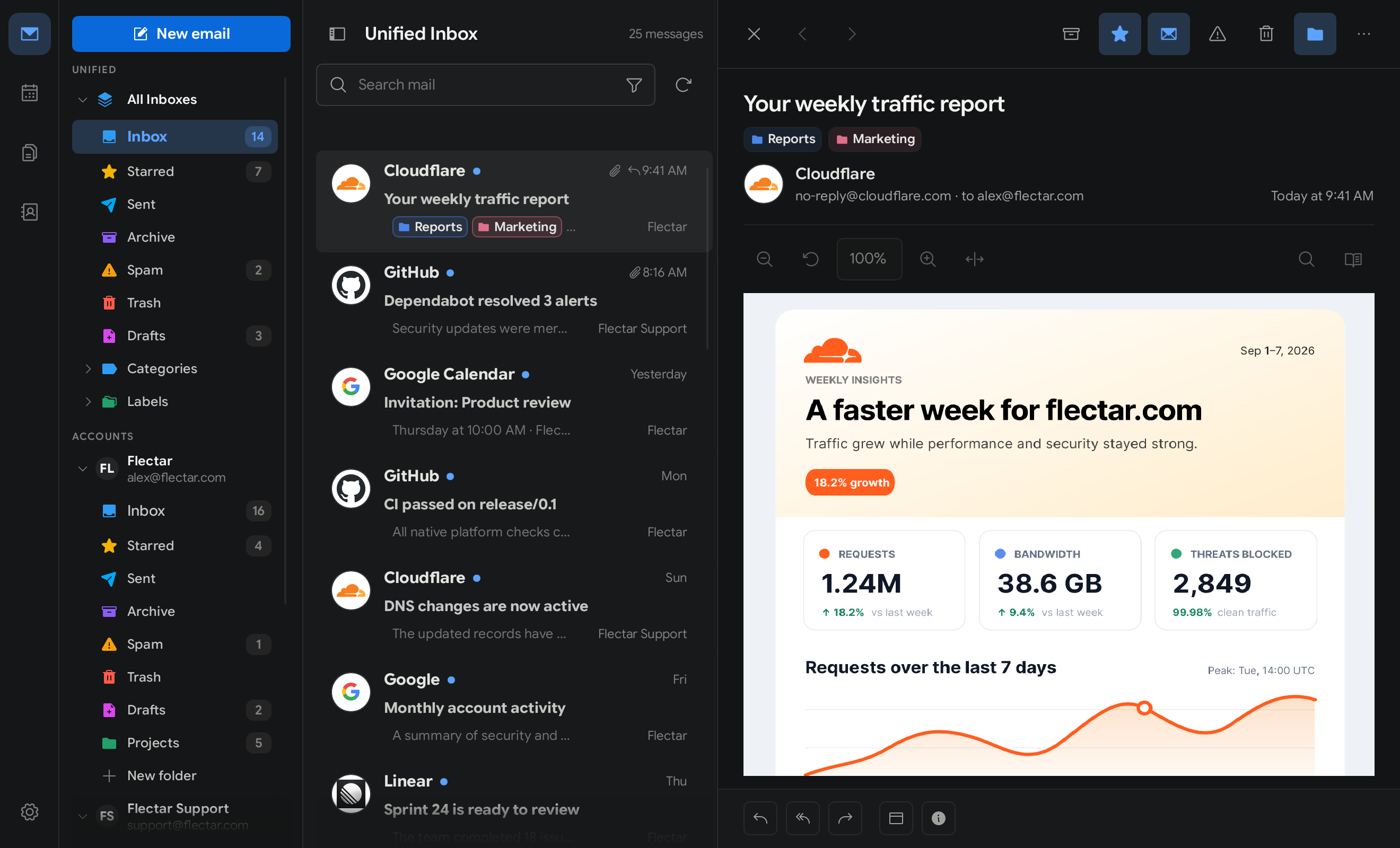
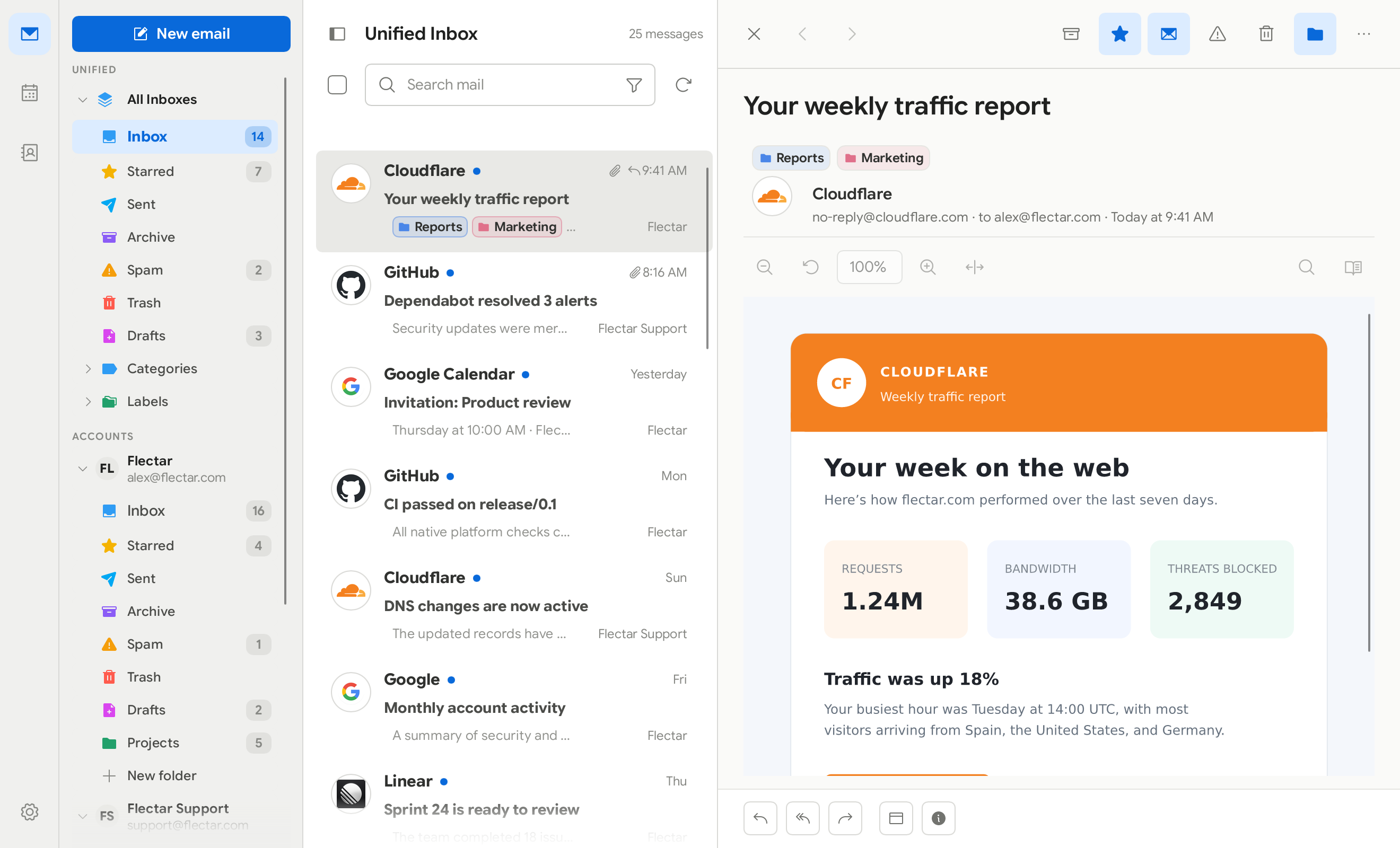
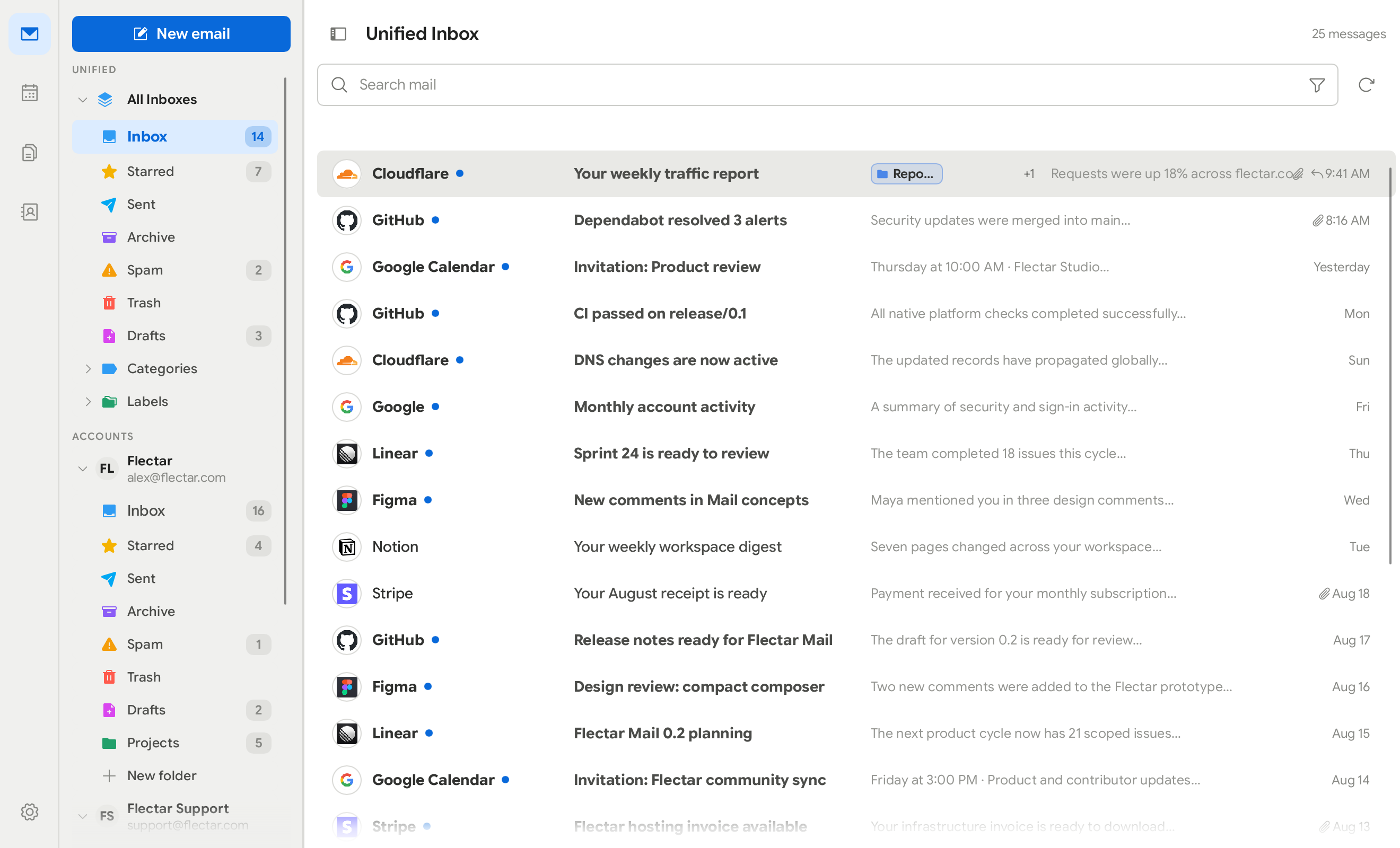
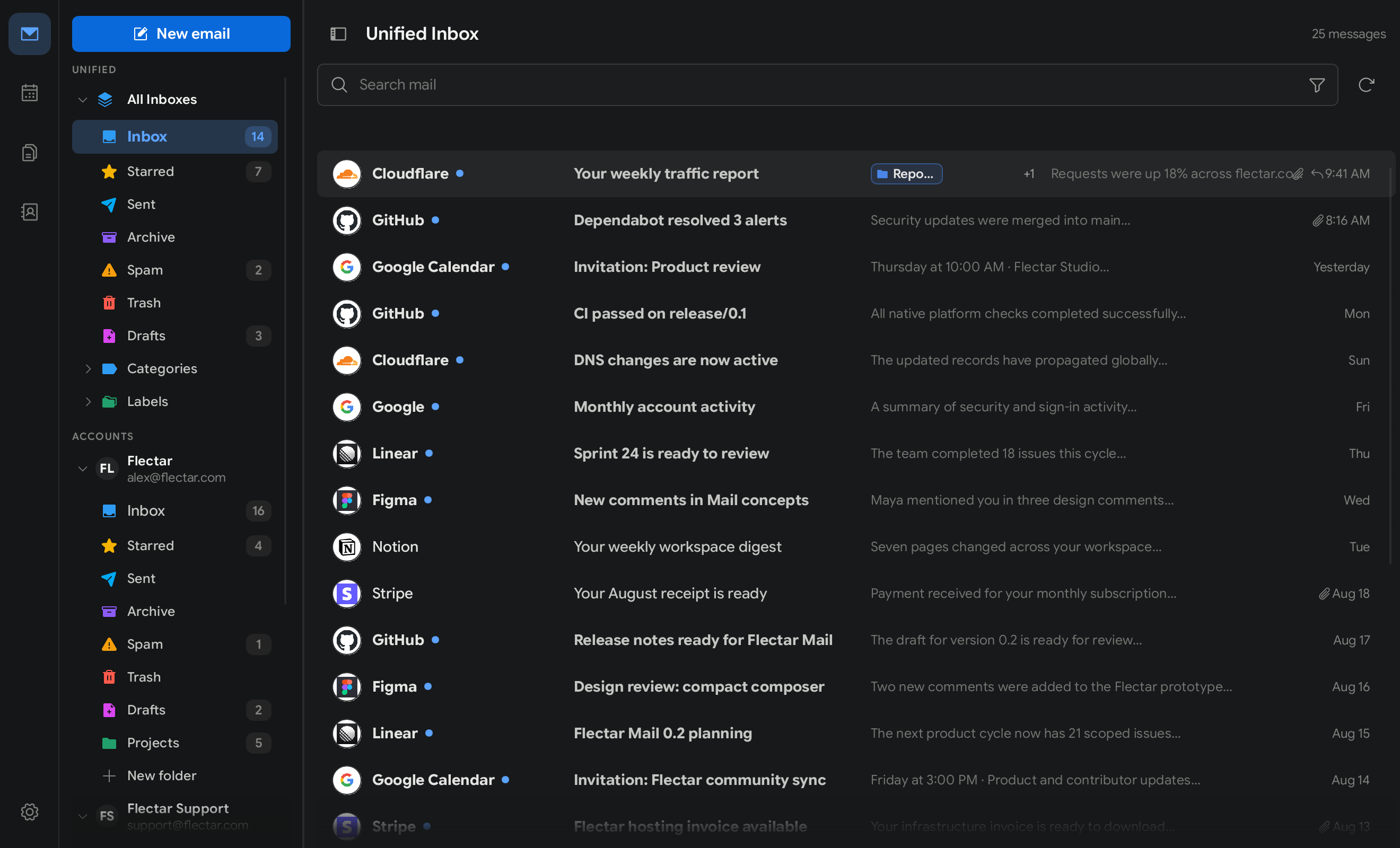
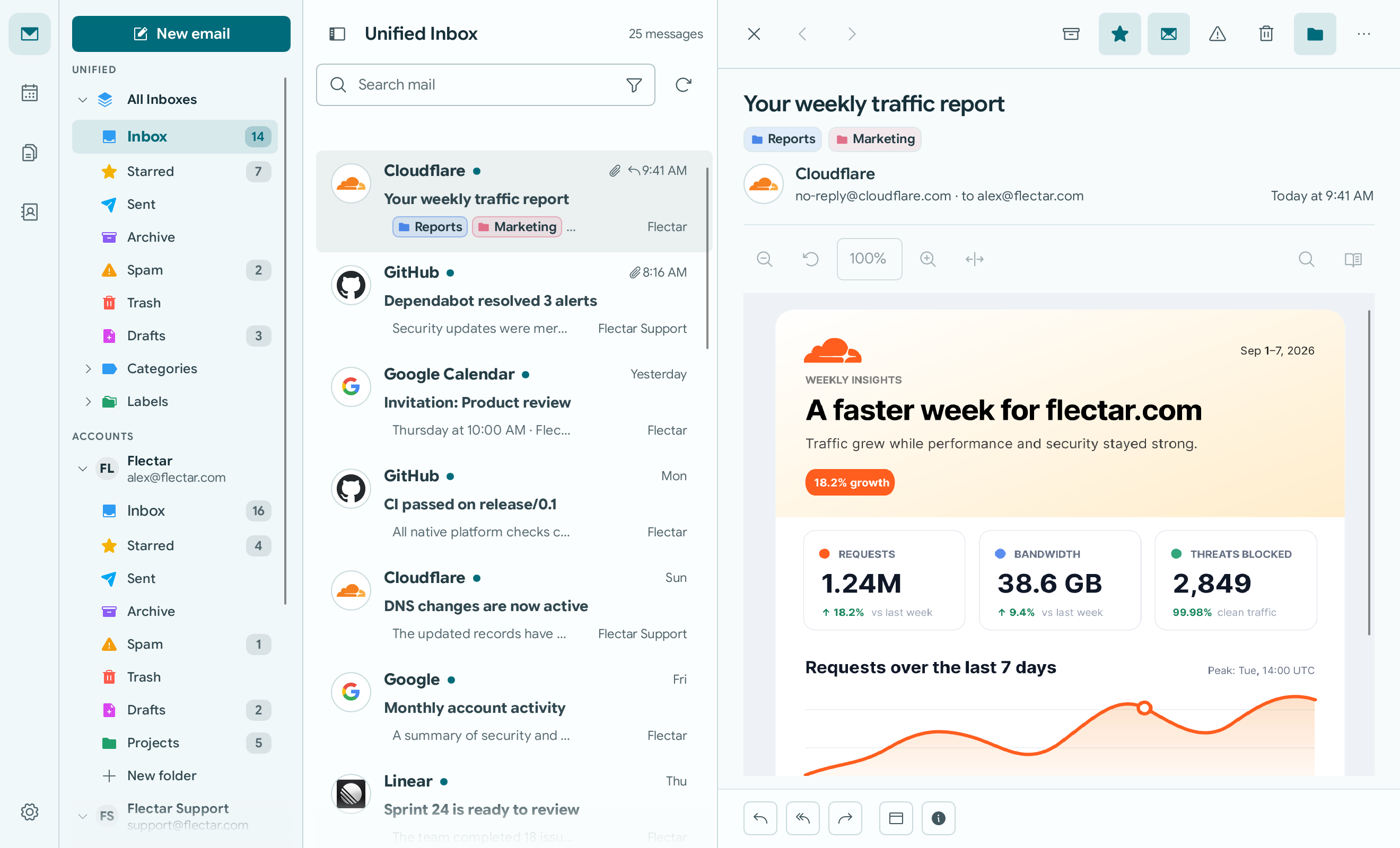
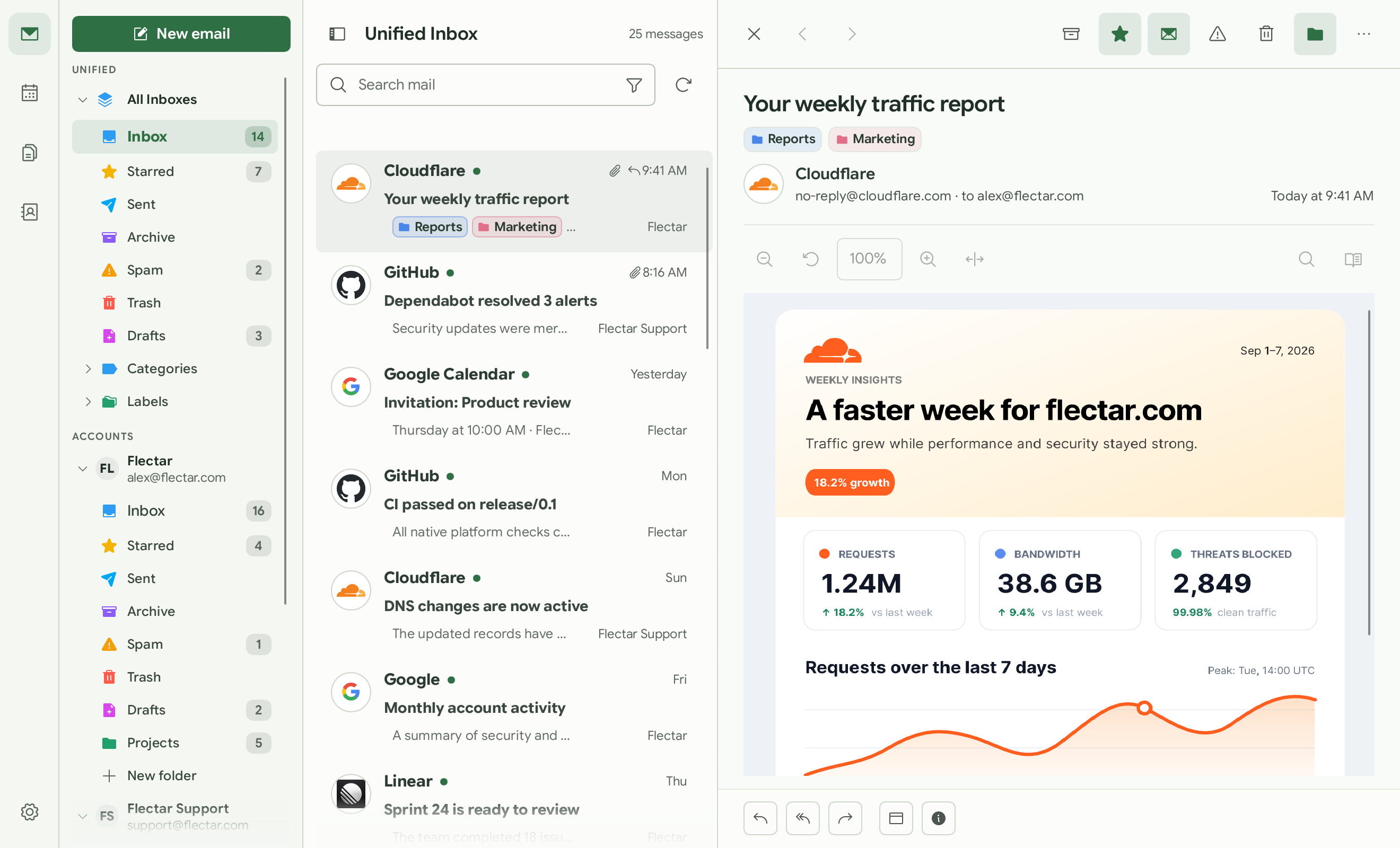
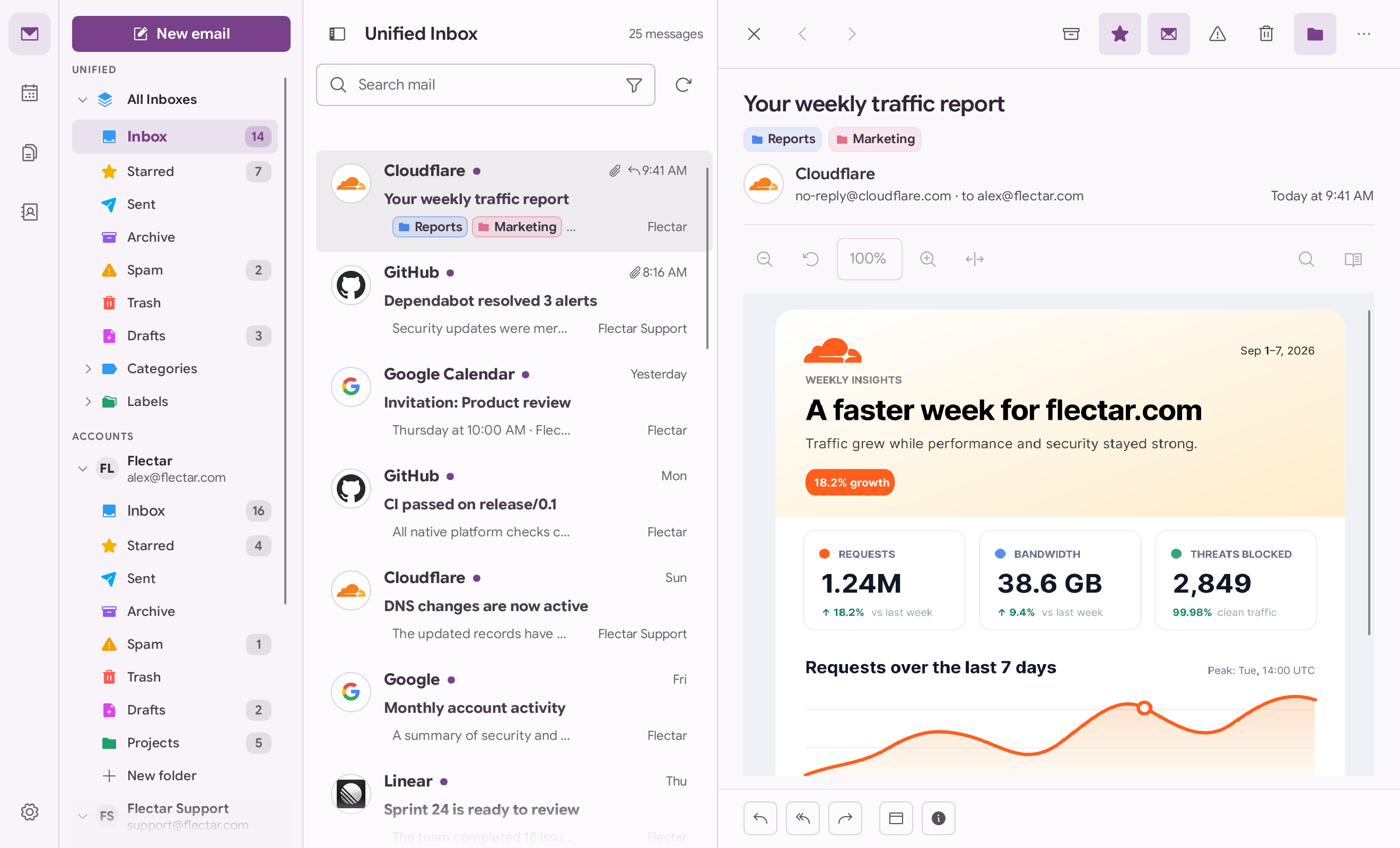
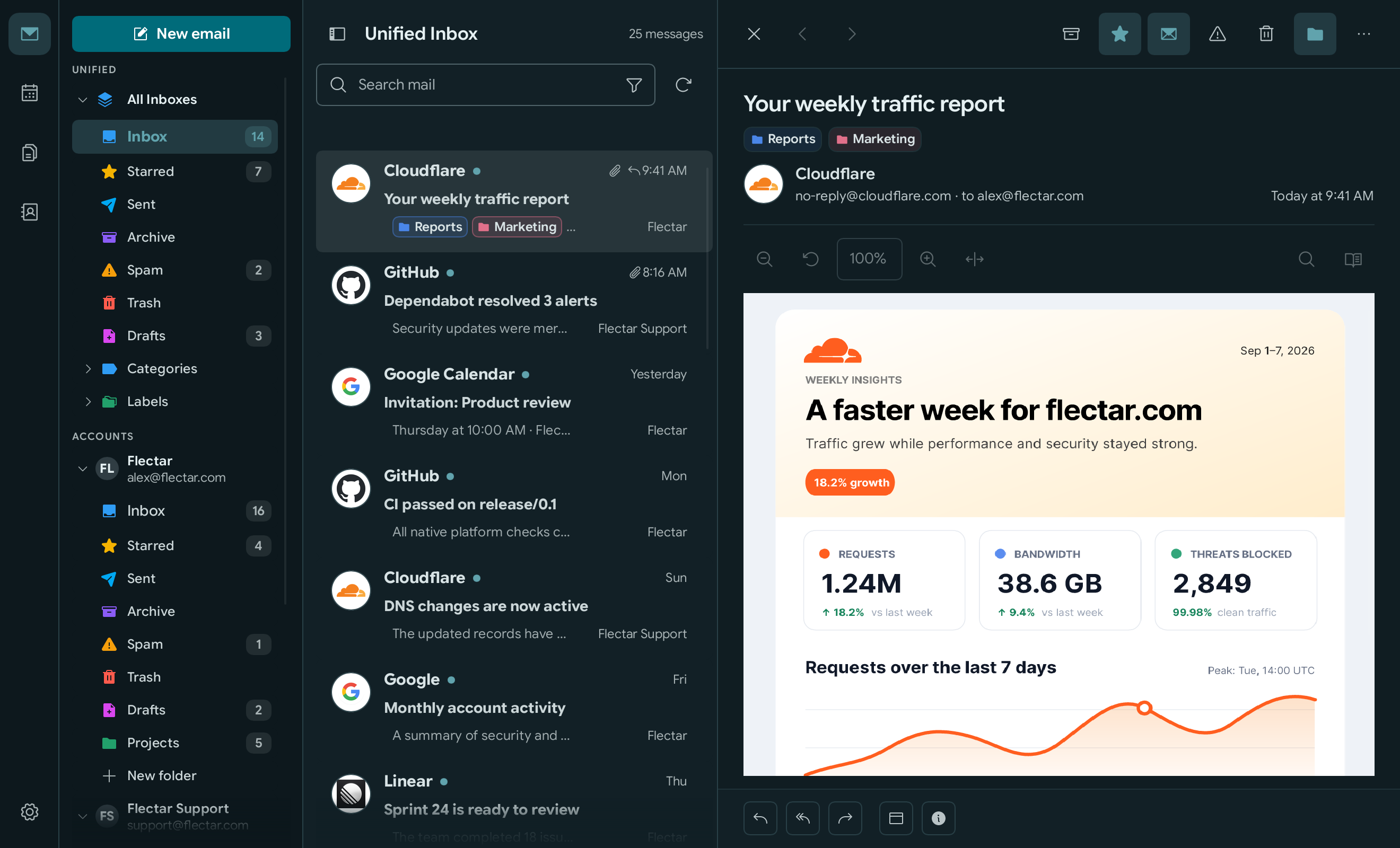
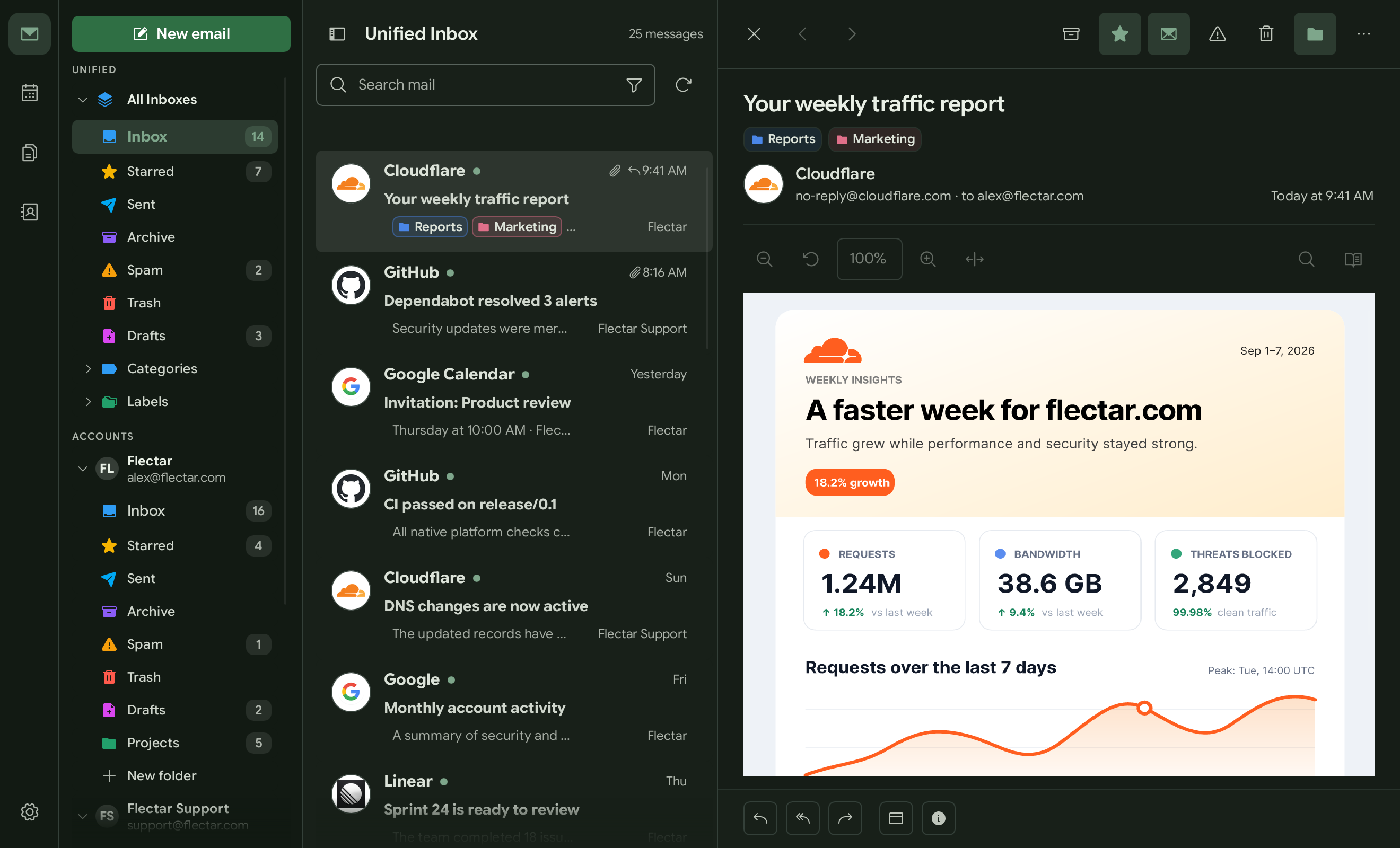
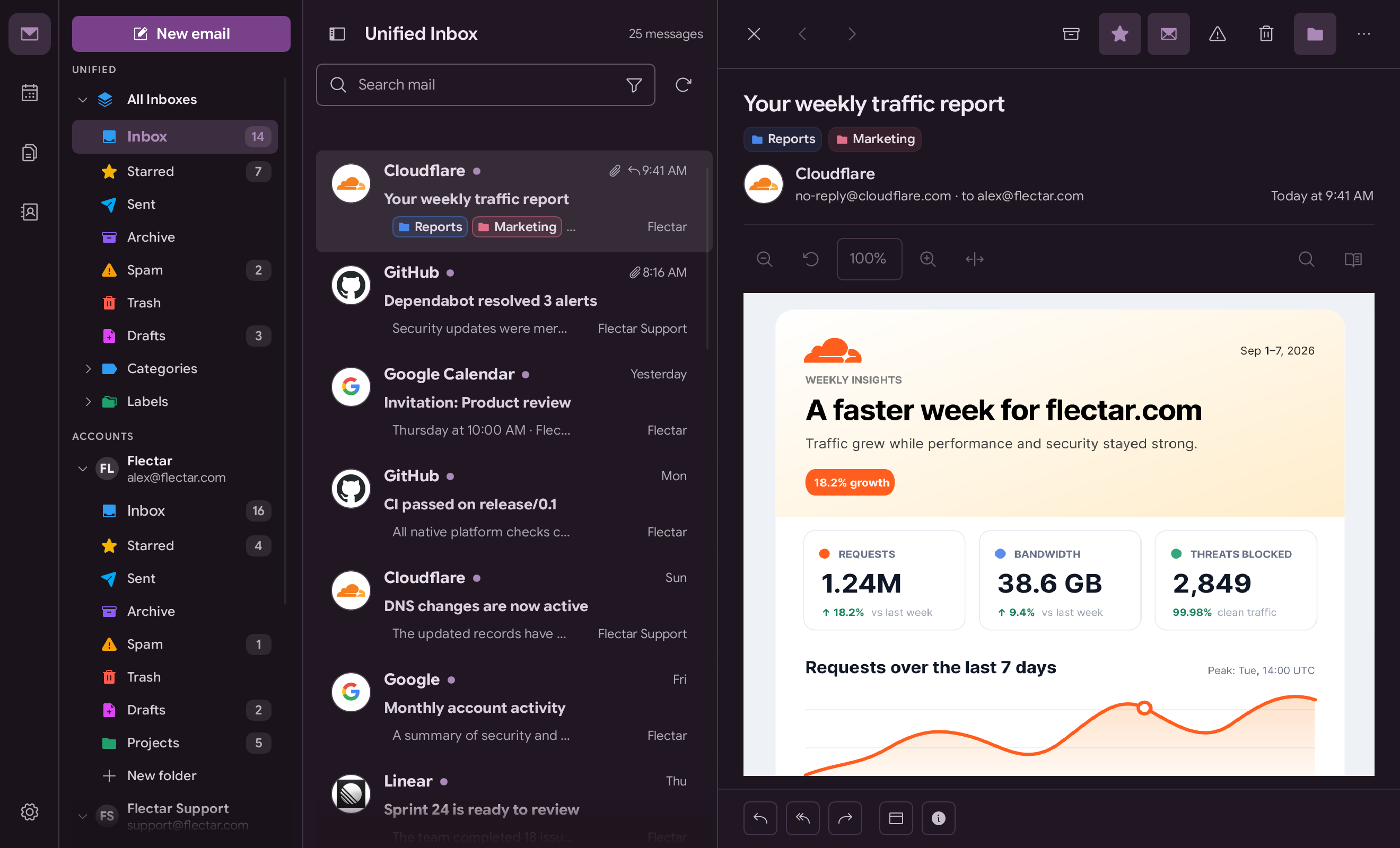
Choose the workspace that fits the way you handle email. Keep the detailed
three-pane layout, switch to a streamlined minimal view, choose a light or dark
theme, select a built-in color palette or create a custom one, and show or hide
sender avatars.
The full workspace keeps your folders, message list, and selected email visible
together. The minimal layout reduces visual noise and gives each part of your
inbox more room when you need it.
Light
Full workspace
Minimal workspace
Dark
Full workspace
Minimal workspace
Color palettes
Teal
Green
Purple
Custom
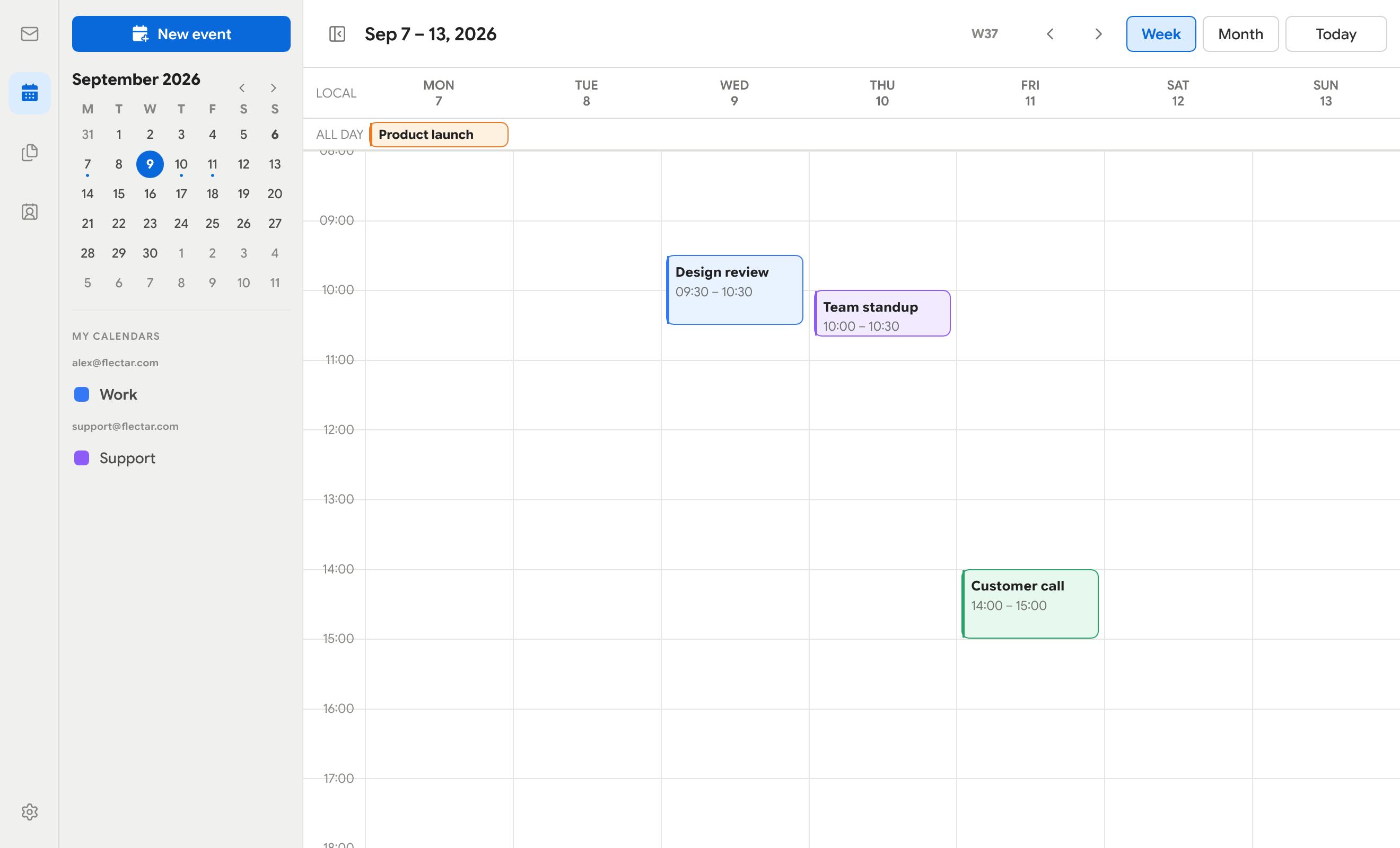
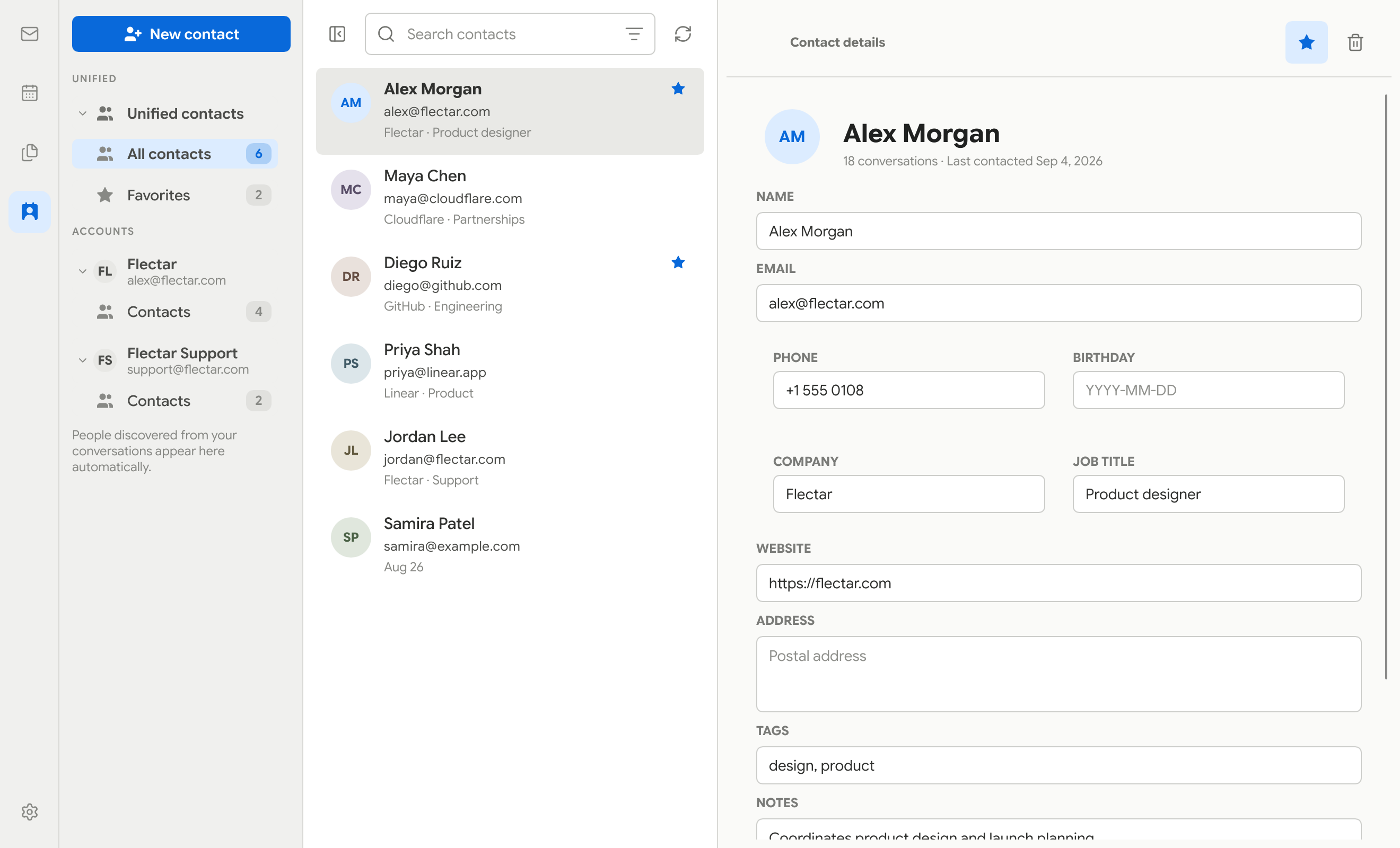
Calendar, contacts, and files
Calendar
Contacts
Files (WebDAV/JMAP)
Coming soon
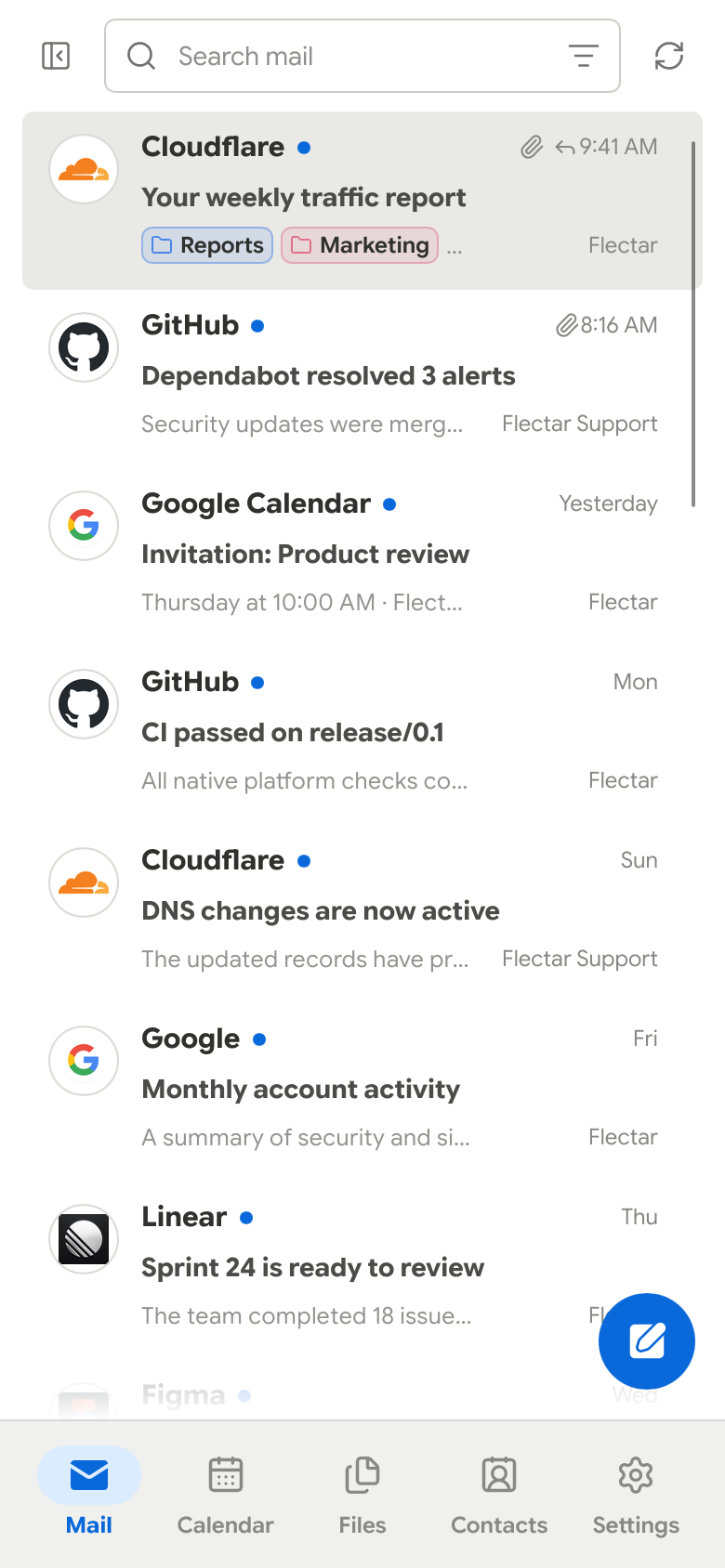
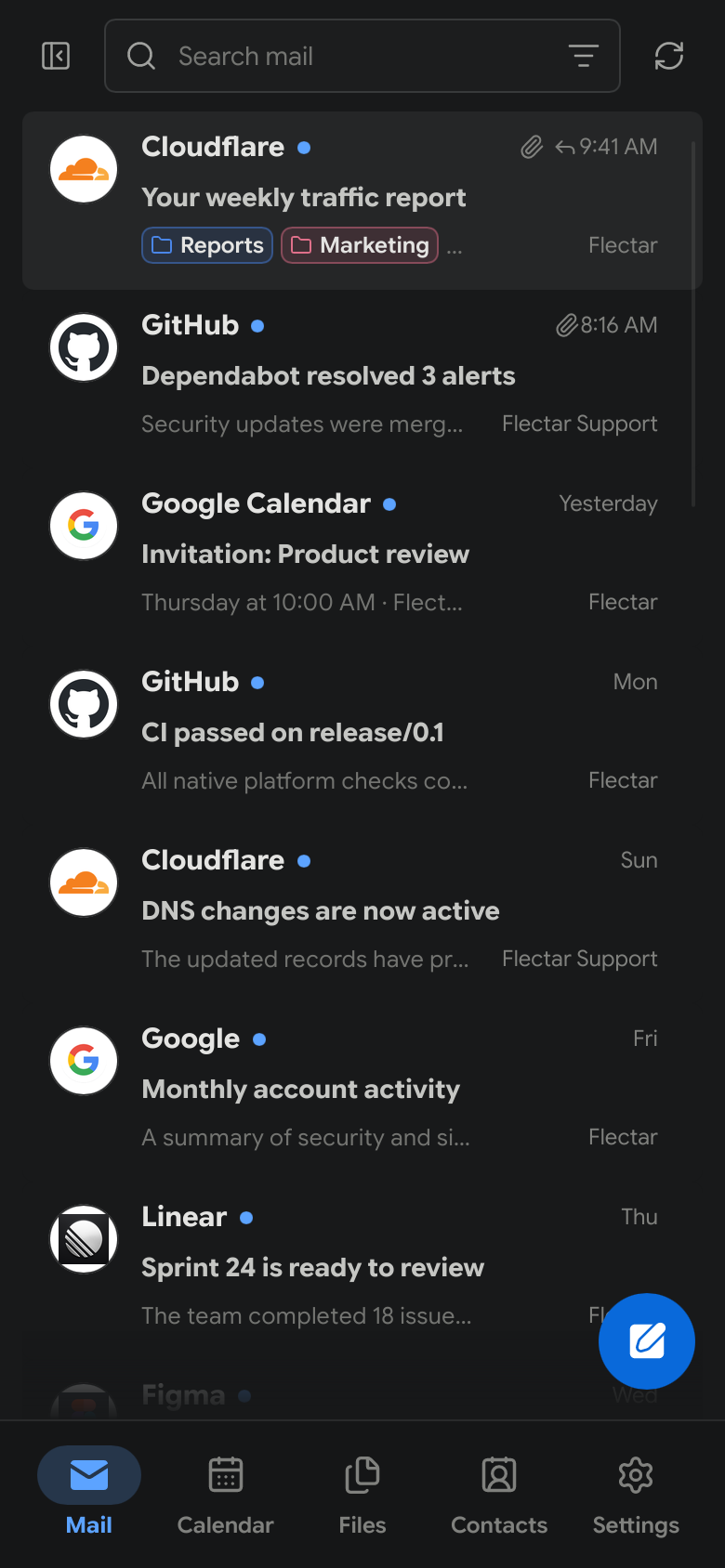
Made for smaller screens
The compact interface keeps the important actions within reach while giving
messages, events, and contacts the full screen when they need it.
Light
Dark
Get Flectar Mail
Flectar Mail is currently in development and is not yet stable.
[!NOTE]
We are waiting for Google and Microsoft to complete OAuth app verification
before the first stable release with Gmail, Outlook, and Microsoft 365 OAuth
configured by default. Earlier GitHub prereleases are intended for testers
using their own OAuth registrations or IMAP/JMAP accounts.
Builds without OAuth app keys keep Gmail and Outlook sign-in disabled. Use the
Sign-in settings cog on the welcome screen to save your own Google or
Microsoft app registration, or connect an IMAP/JMAP account. Custom keys are
shared with Settings and take precedence over bundled keys; clearing a custom
client ID restores the defaults when available. Each provider enables separately
once its configuration is saved.
When preview builds are published, download them from
GitHub Releases and look for the
Pre-release badge:
Linux x64: AppImage or Debian/Ubuntu .deb package
Windows x64: Setup .exe or portable ZIP
macOS Apple silicon (macOS 14+): DMG or application ZIP
Android arm64 (Android 8.0+): Experimental test APK in prereleases
Windows previews are unsigned; macOS previews are ad-hoc signed and not
notarized, so operating-system security prompts are expected. Install updates
manually.
Android APK updates require the same signing key; builds without a persistent
test key may require uninstalling the previous app, which deletes local app data.
You can also build Flectar Mail from source with the
Rust toolchain:
连接 Gmail 或 Outlook 需要我自己注册的 Google 或 Microsoft 应用凭据吗?就目前的预发布版而言,是的:构建不附带 OAuth 密钥,所以 Gmail/Outlook 登录保持禁用,除非你注册自己的 Google 或 Microsoft 应用并在设置中添加密钥,或者改用 IMAP/JMAP 账户连接。
HTML 邮件渲染总是正常吗?不总是——HTML 渲染是应用中最具实验性的部分,因为它使用 Blitz Rust 渲染器而非浏览器引擎,复杂或罕见的邮件标记可能显示不正确。


 Flectar Mail 是一个原生开源电子邮件客户端,也支持日历和联系人,用 Rust 构建以追求速度和低内存占用,而不是套着浏览器外壳的网页应用。