
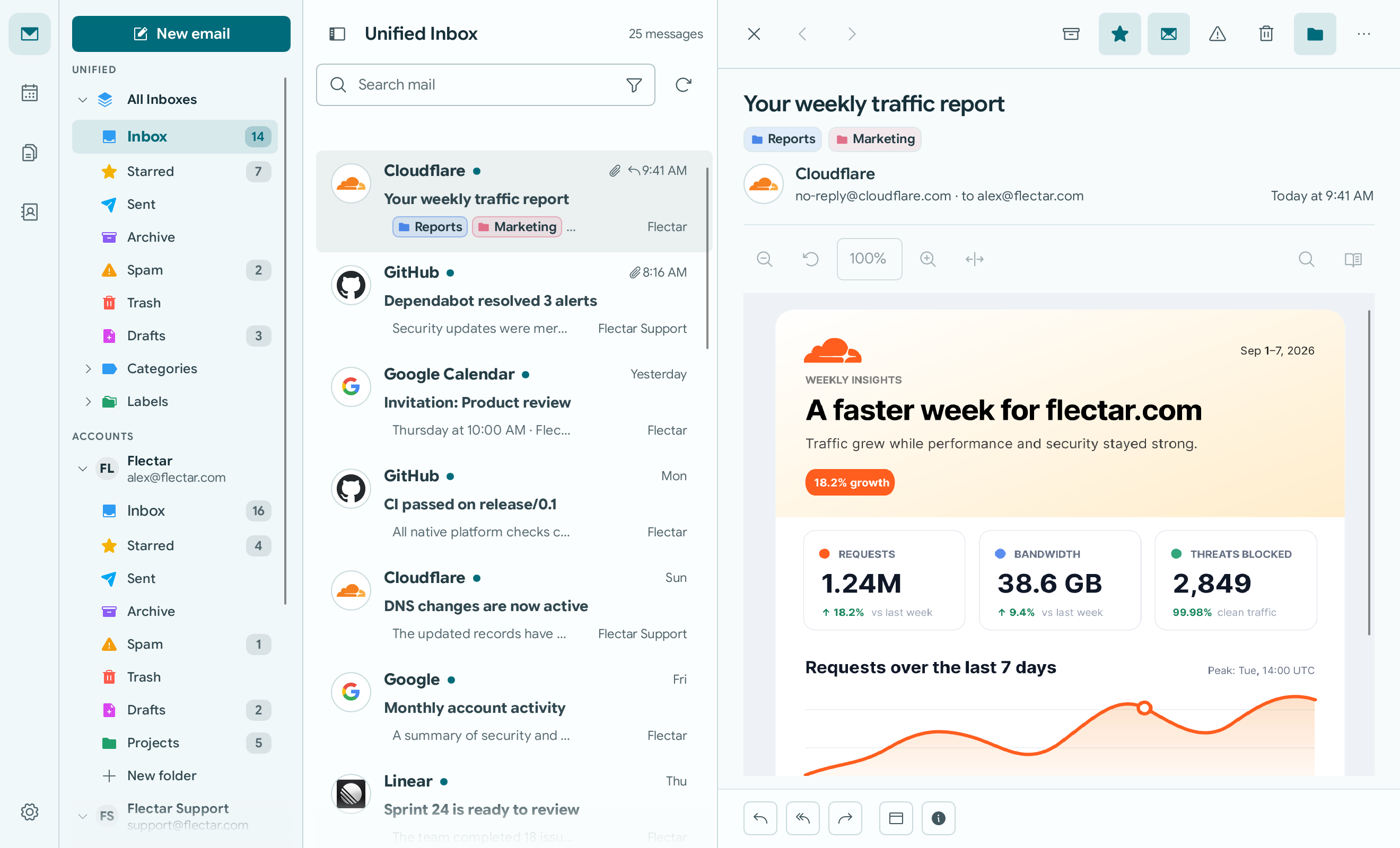
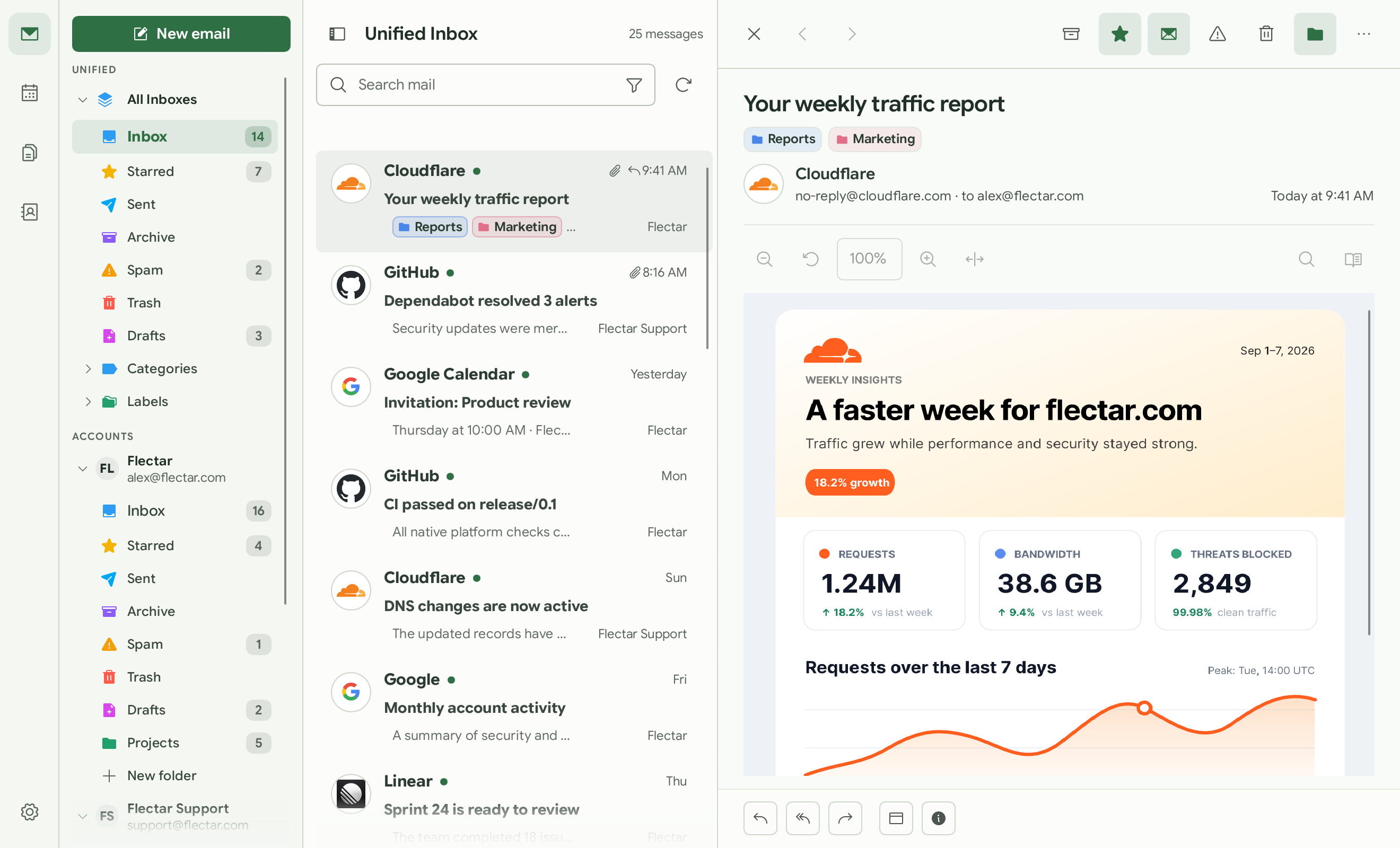
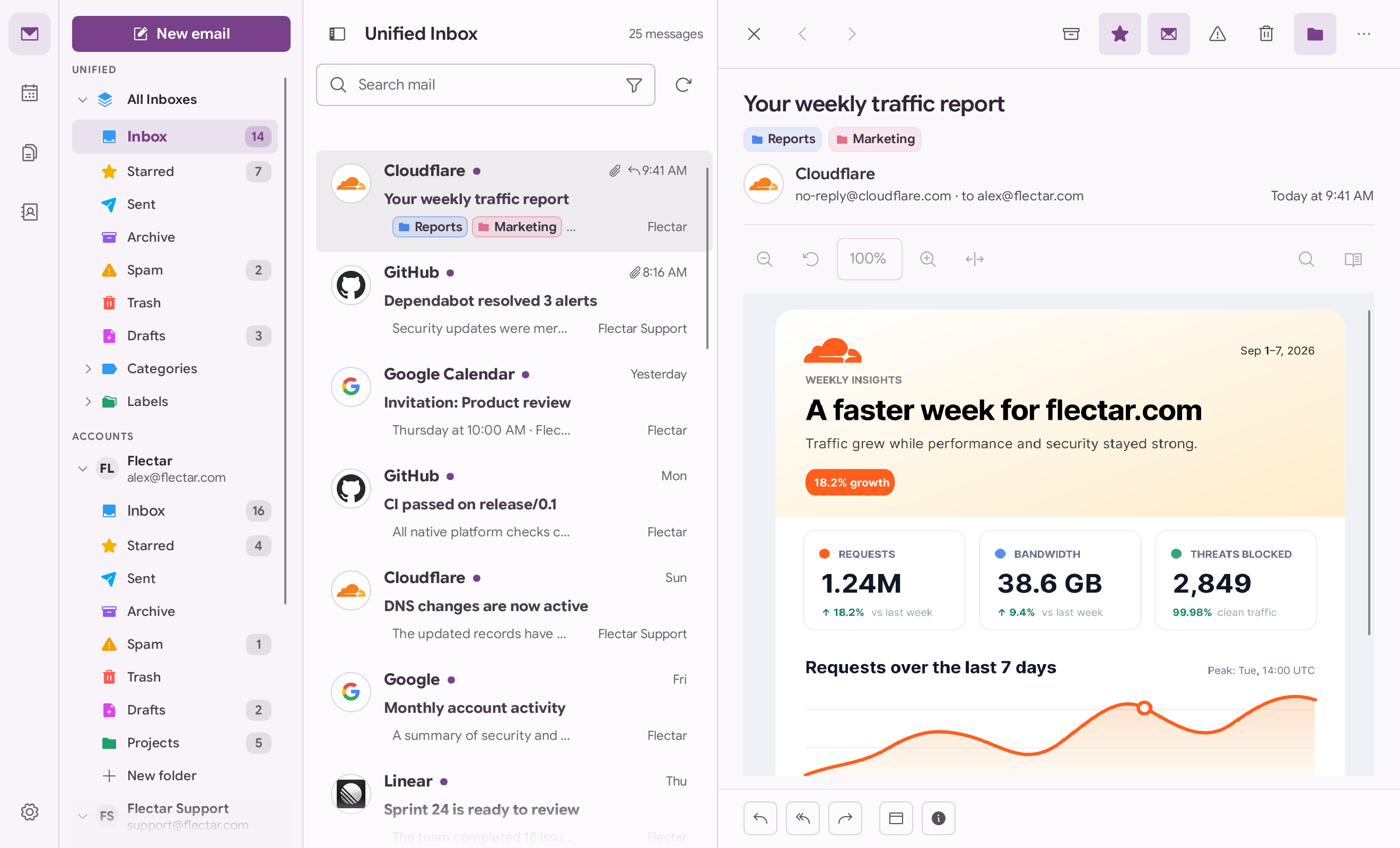
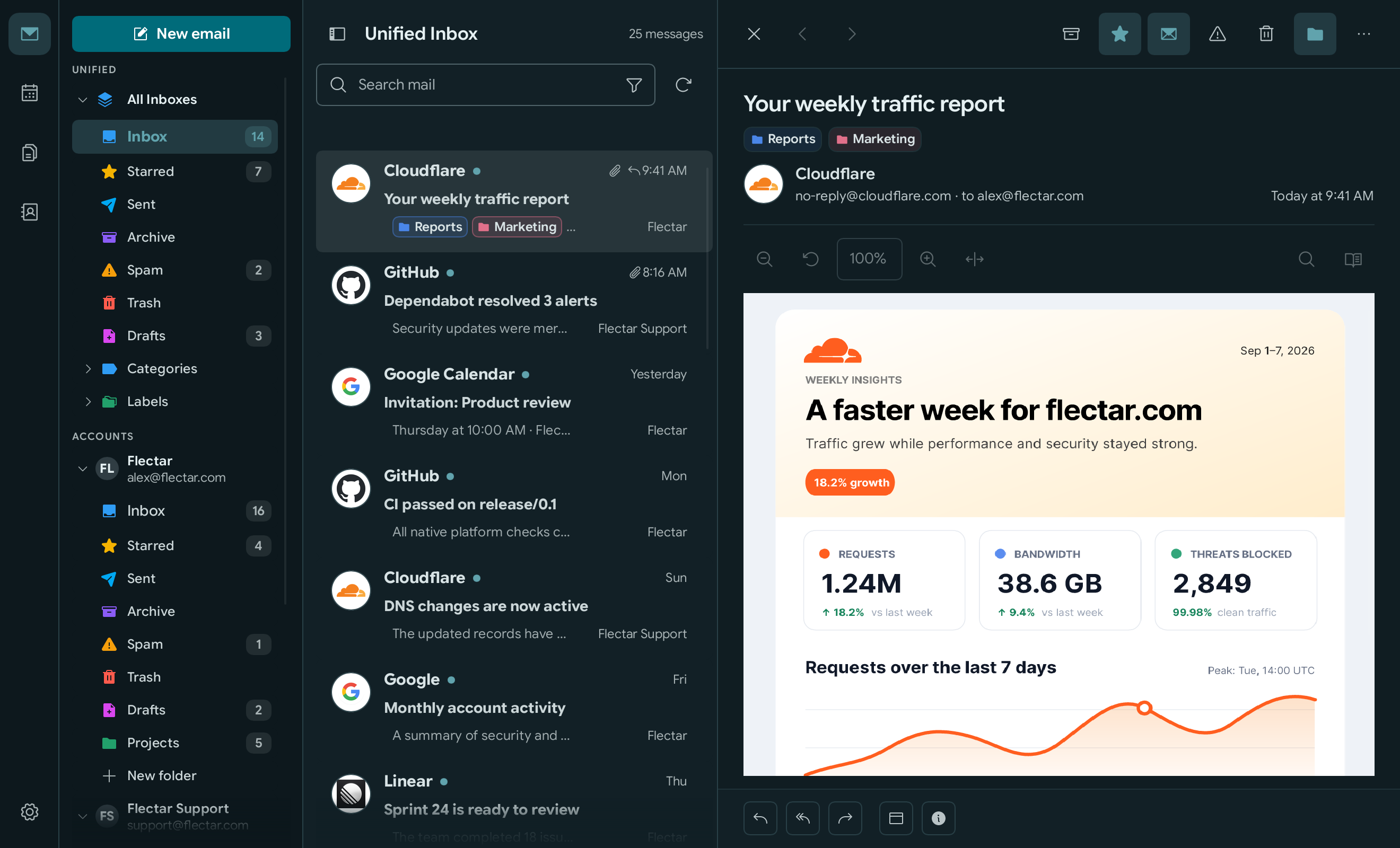
Что это?
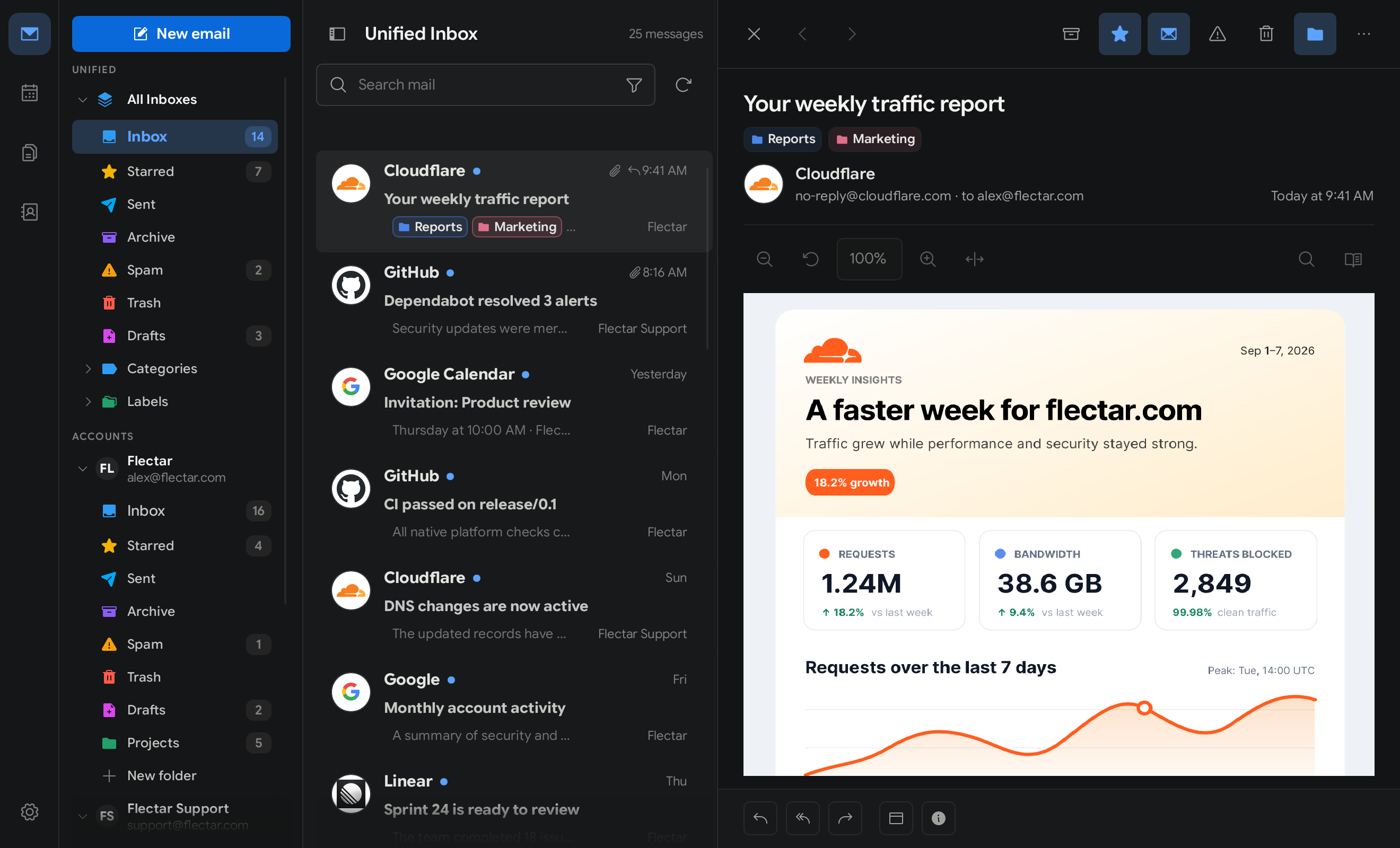
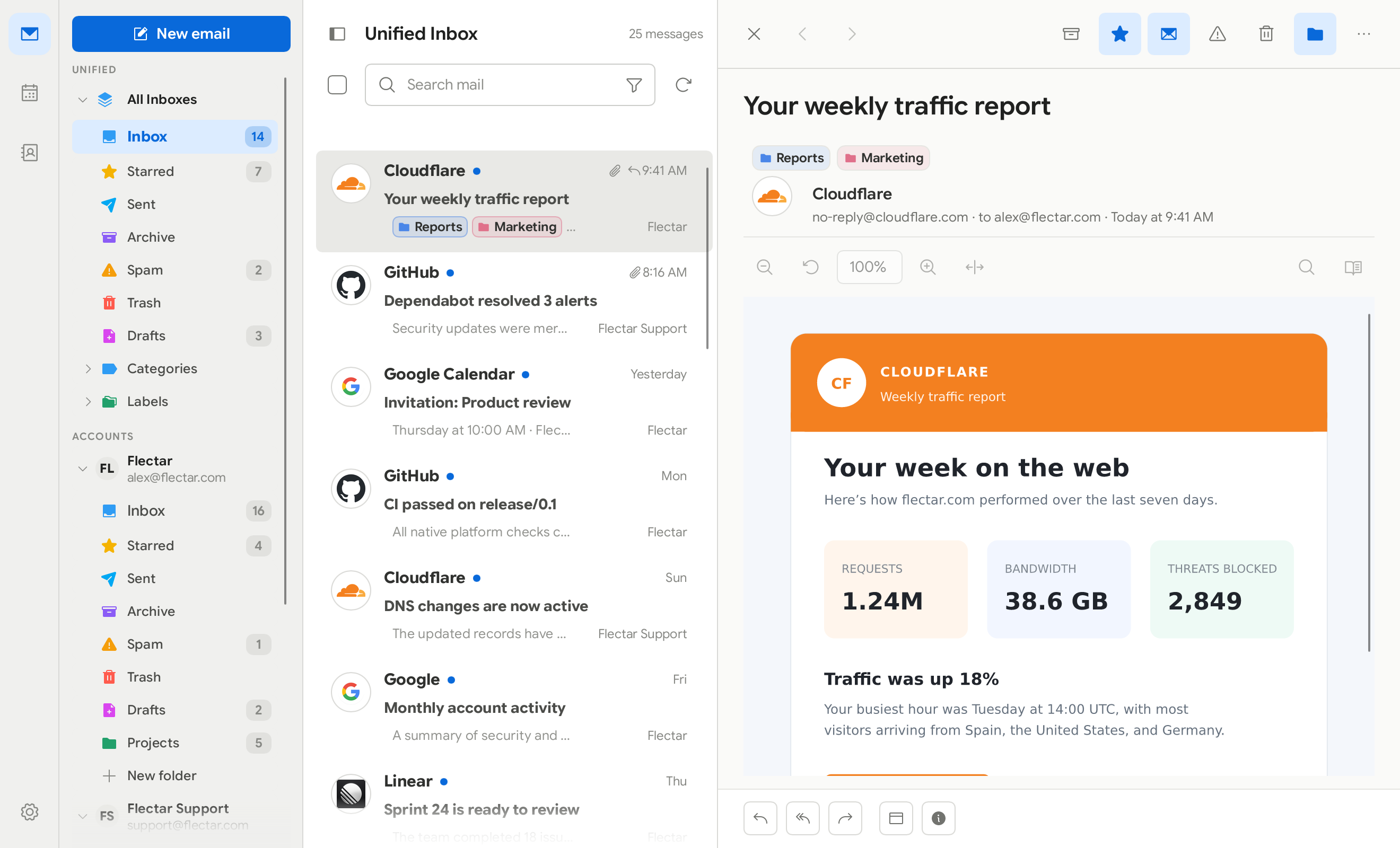
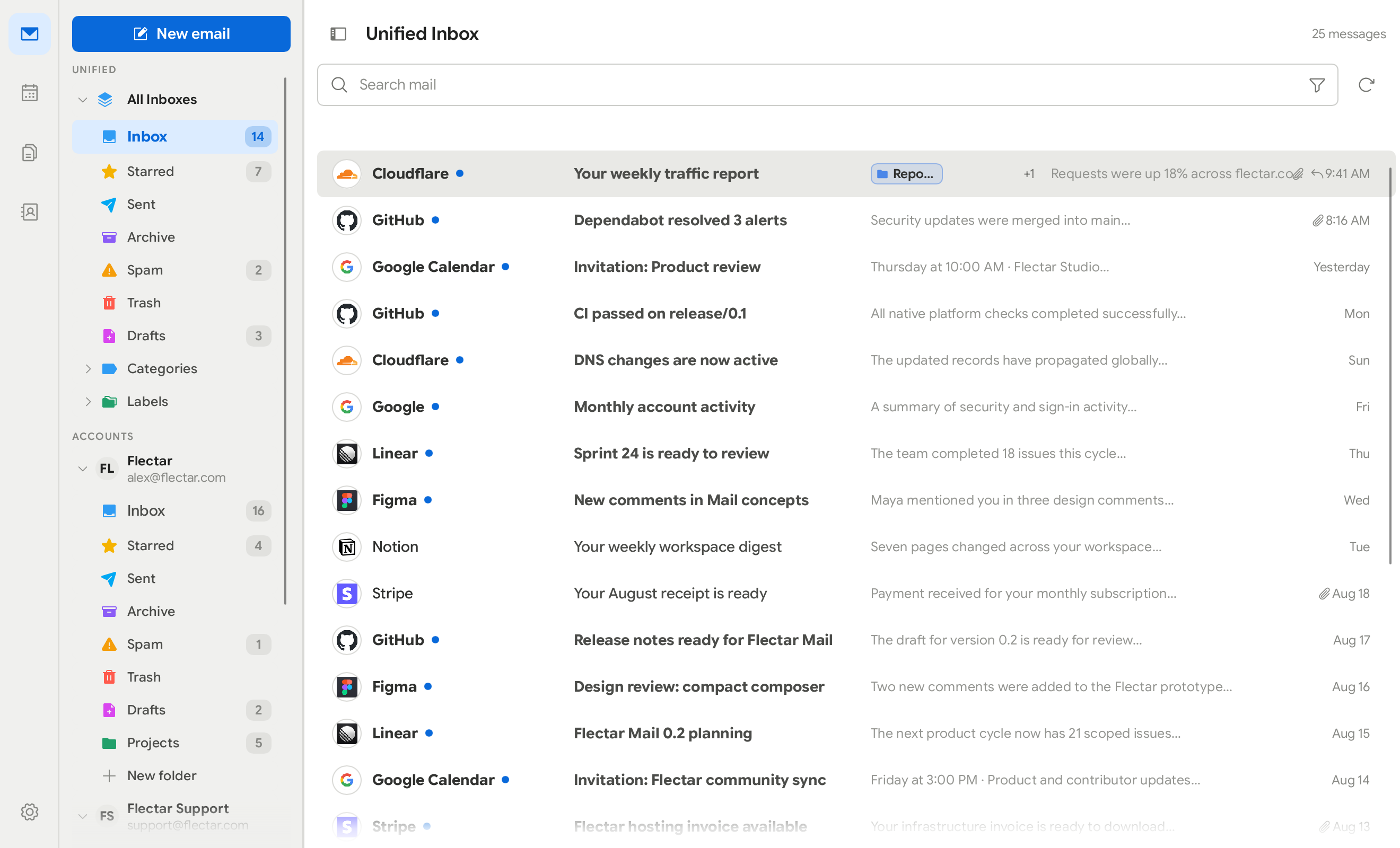
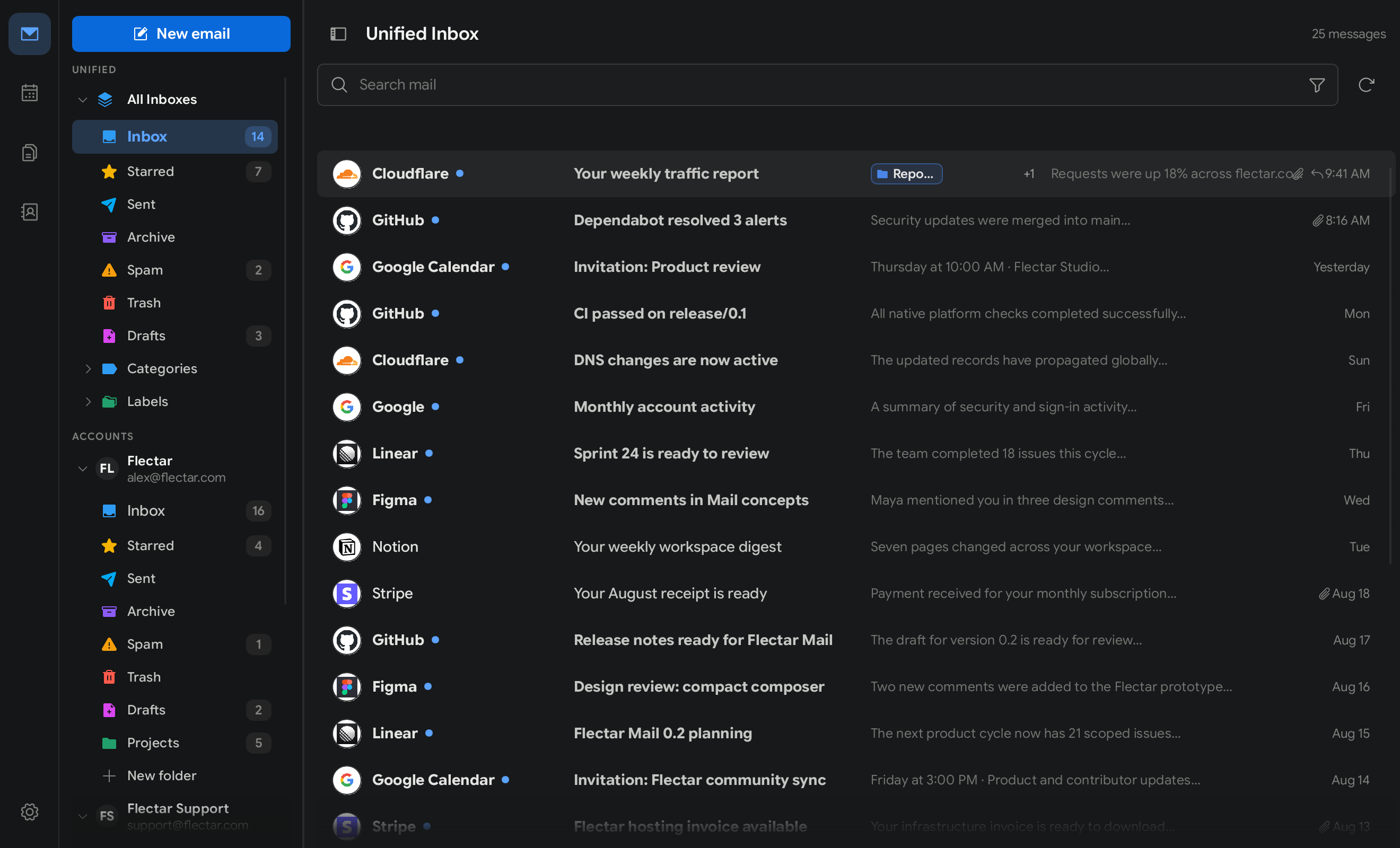
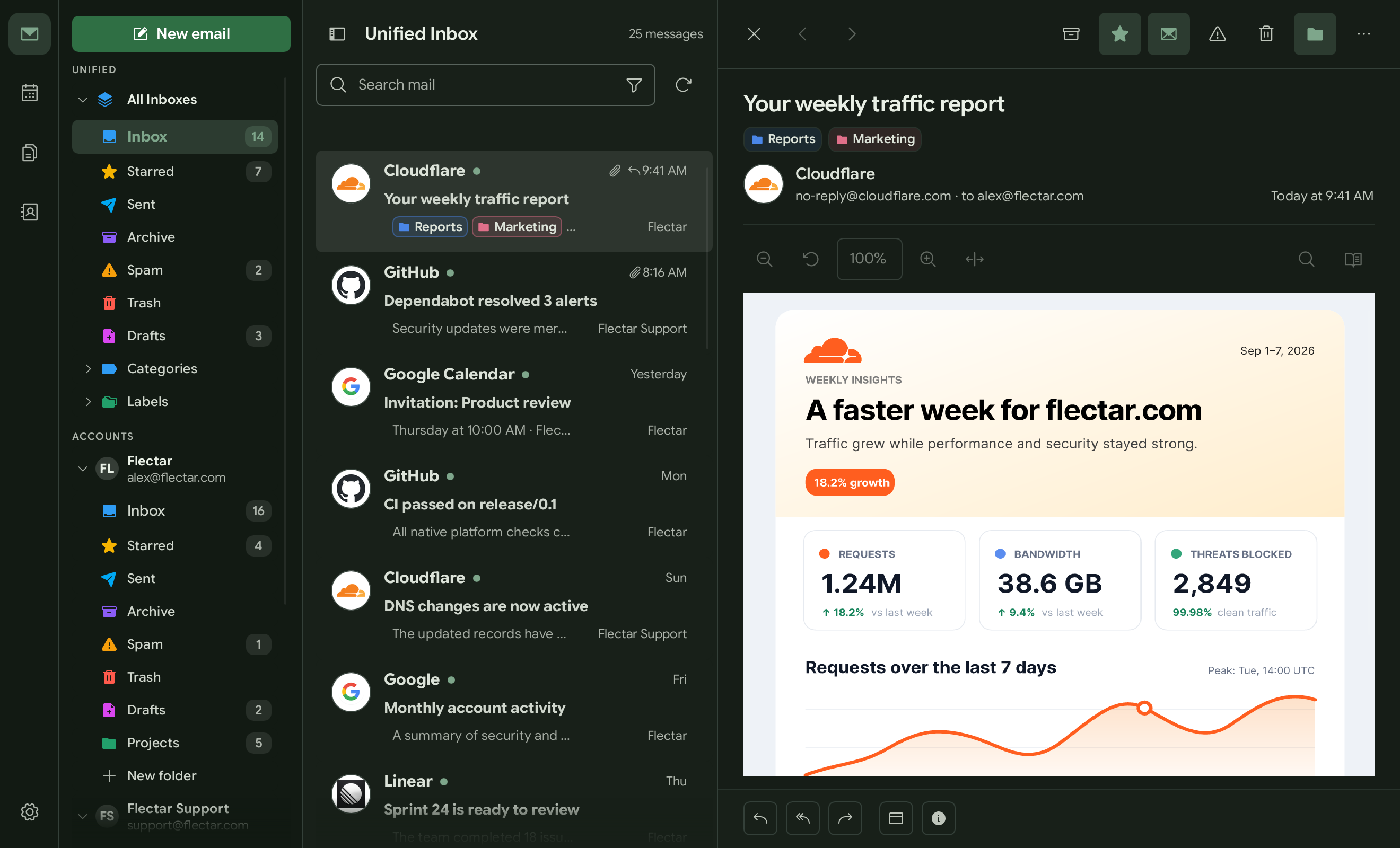
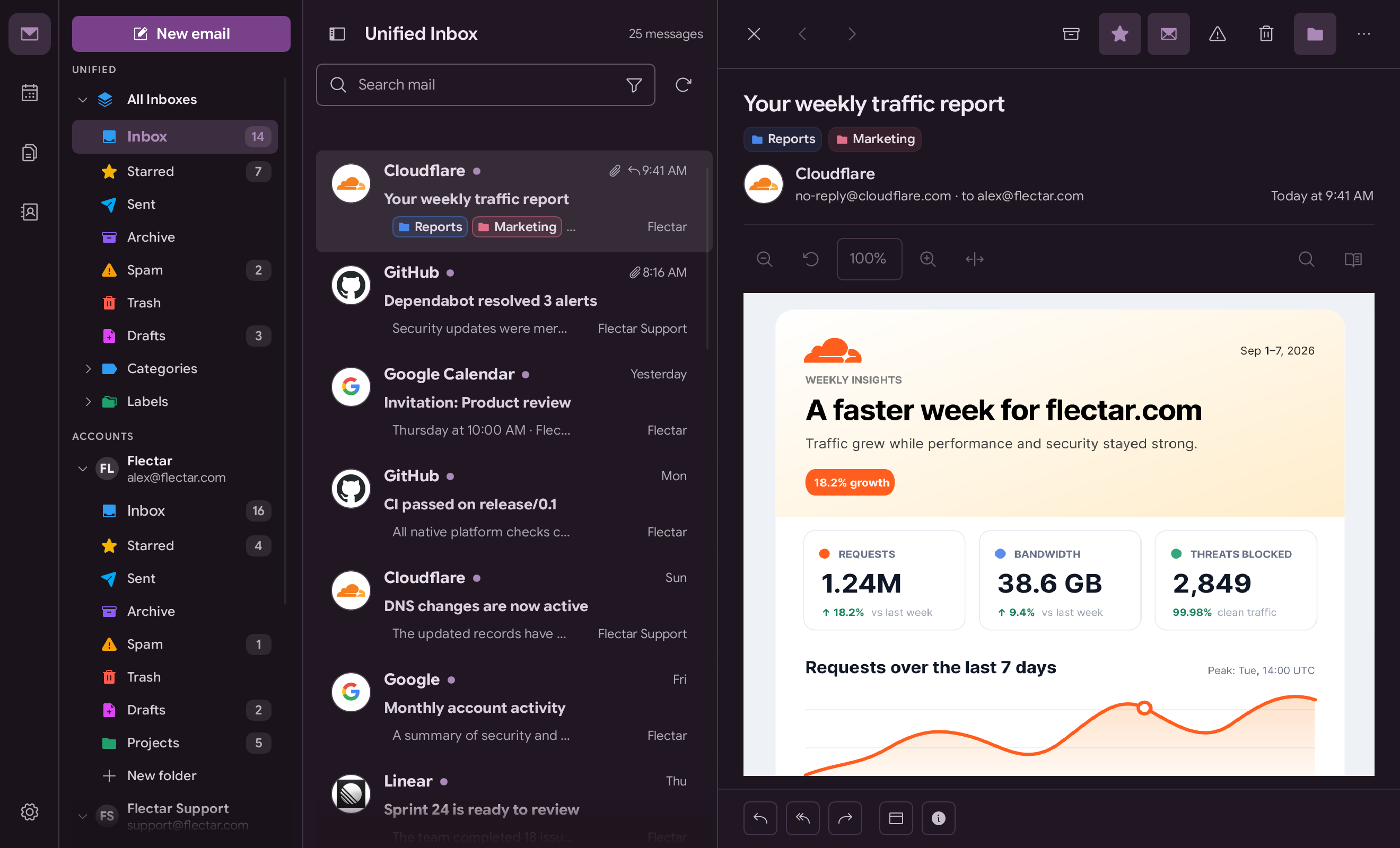
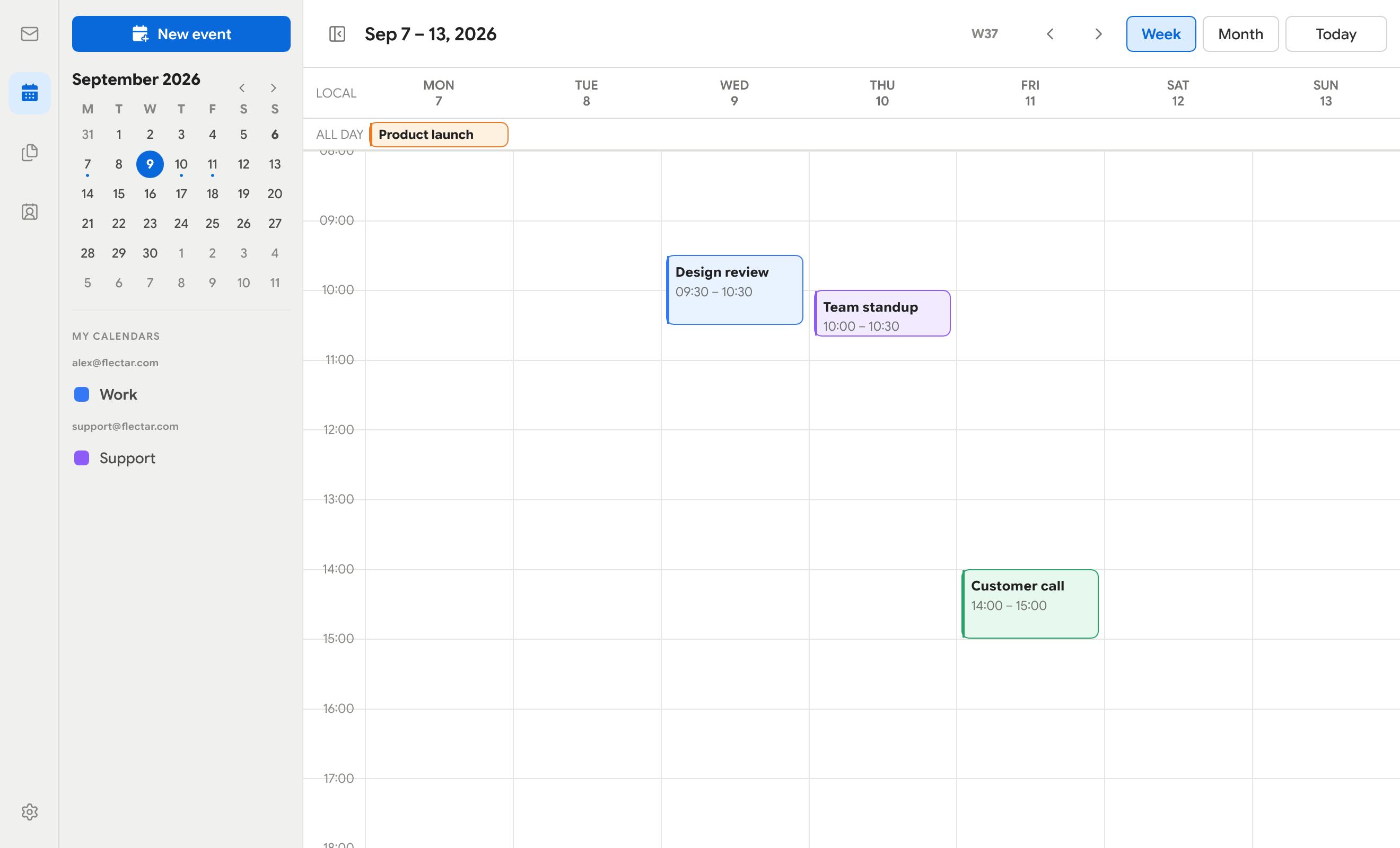
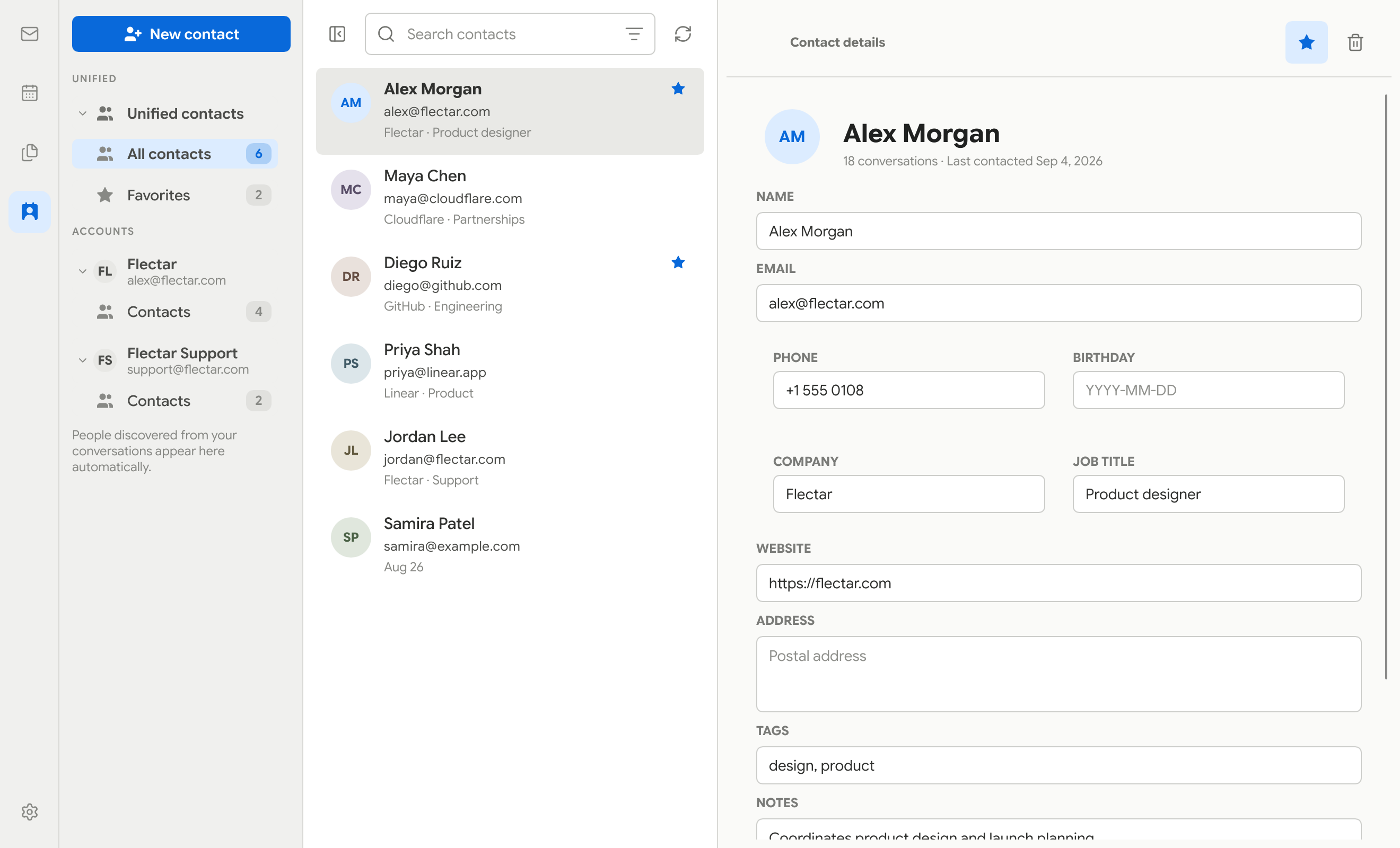
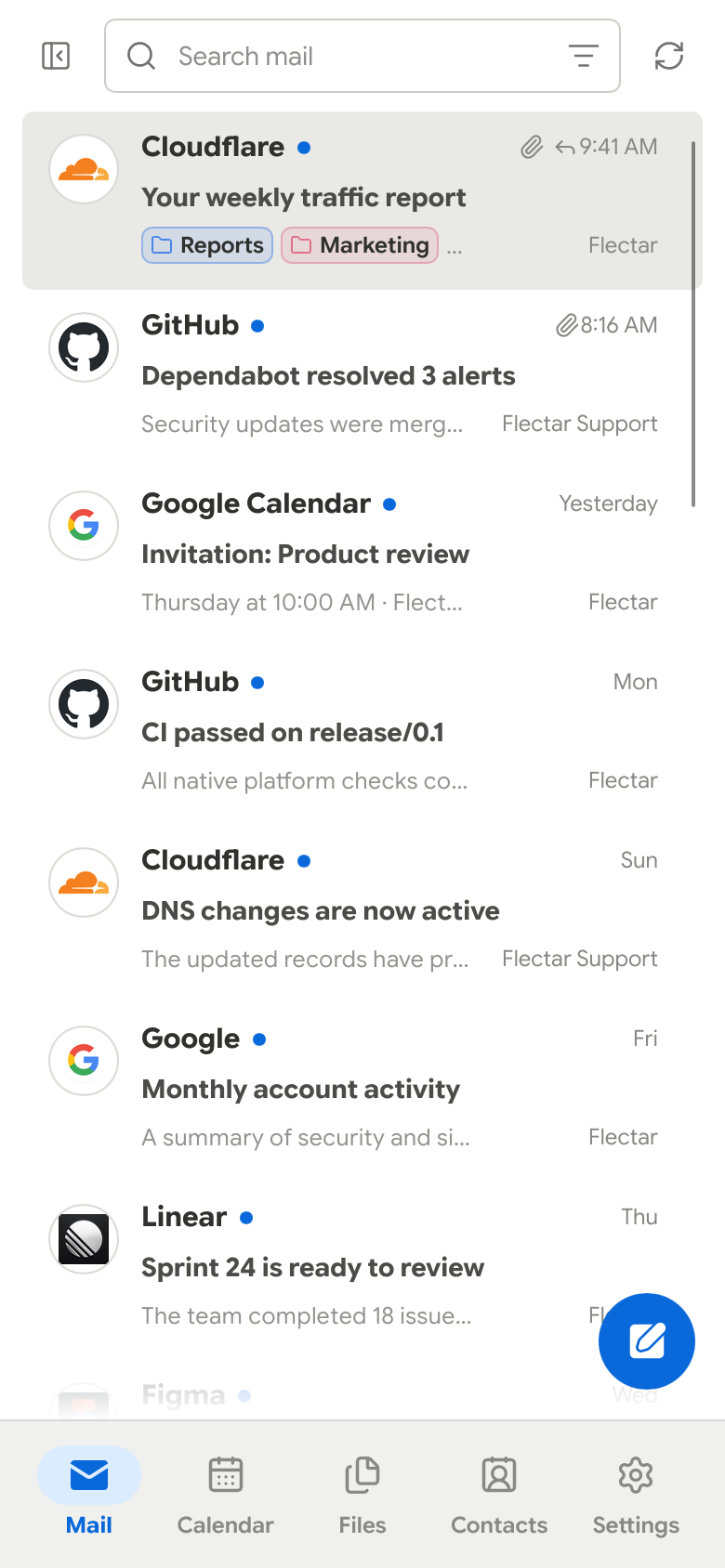
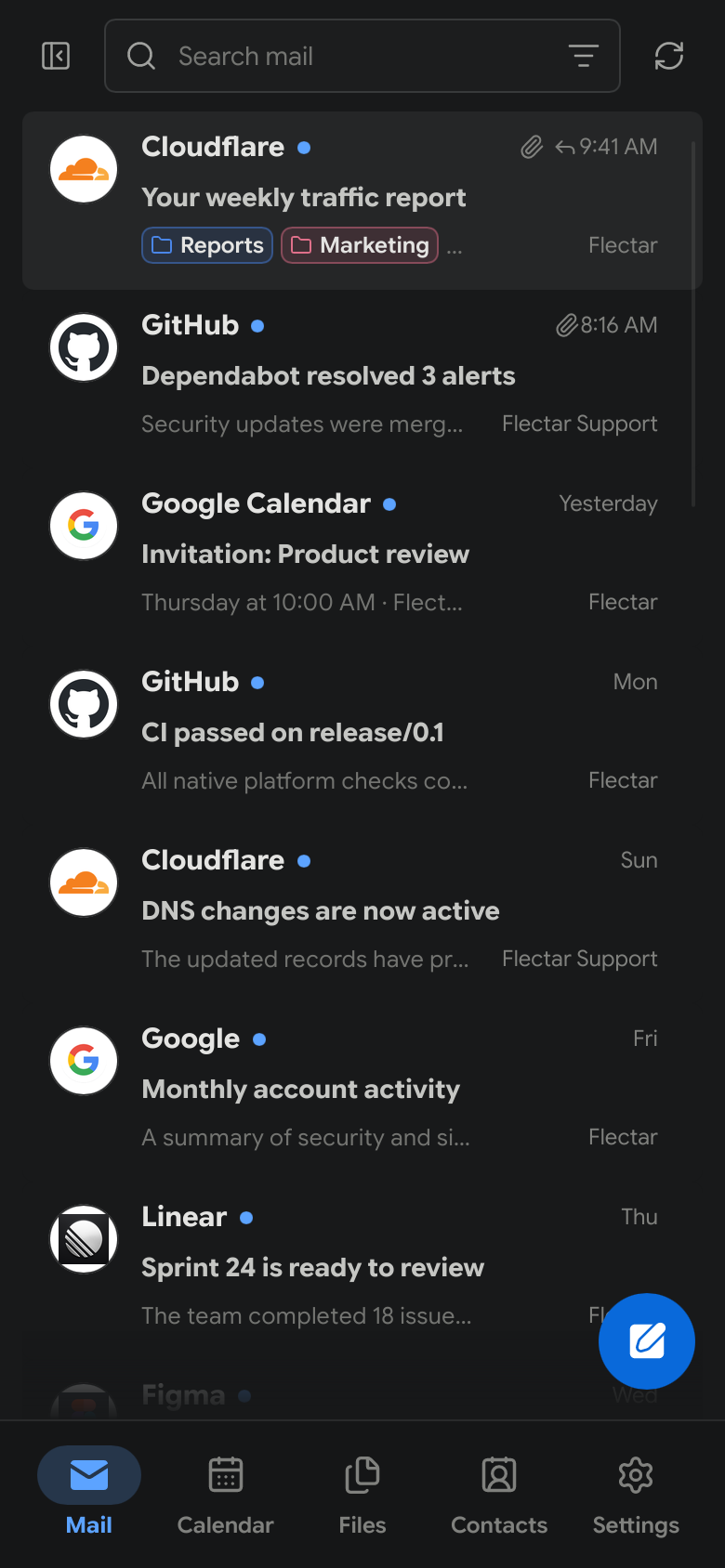
 Flectar Mail — нативный open-source почтовый клиент, работающий также с календарями и контактами, написанный на Rust ради скорости и низкого потребления памяти, а не веб-приложение в оболочке браузера.
Flectar Mail — нативный open-source почтовый клиент, работающий также с календарями и контактами, написанный на Rust ради скорости и низкого потребления памяти, а не веб-приложение в оболочке браузера.Это браузерный клиент или настоящее нативное приложение?Это полностью нативное настольное и мобильное приложение без встроенного браузера: оно использует UI-тулкит Slint и отрисовывает HTML писем собственным Rust-рендерером, а не WebView.
Это полностью нативное настольное и мобильное приложение без встроенного браузера: оно использует UI-тулкит Slint и отрисовывает HTML писем собственным Rust-рендерером, а не WebView.Как его запустить?Скачайте prerelease с GitHub Releases для своей платформы (AppImage/.deb для Linux, .exe/портативный ZIP для Windows, DMG/ZIP для macOS или экспериментальный APK для Android) или соберите сами из исходников тулчейном Rust.
Скачайте prerelease с GitHub Releases для своей платформы (AppImage/.deb для Linux, .exe/портативный ZIP для Windows, DMG/ZIP для macOS или экспериментальный APK для Android) или соберите сами из исходников тулчейном Rust.Нужны ли собственные учётные данные приложения Google или Microsoft для подключения Gmail или Outlook?Пока да, для prerelease: сборки не содержат OAuth-ключей, поэтому вход Gmail/Outlook остаётся выключенным, пока вы не зарегистрируете собственное приложение Google или Microsoft и не добавите ключи в настройках — либо просто подключите аккаунт по IMAP/JMAP.
Пока да, для prerelease: сборки не содержат OAuth-ключей, поэтому вход Gmail/Outlook остаётся выключенным, пока вы не зарегистрируете собственное приложение Google или Microsoft и не добавите ключи в настройках — либо просто подключите аккаунт по IMAP/JMAP.Отрисовка HTML-писем всегда работает корректно?Нет — отрисовка HTML самая экспериментальная часть приложения, поскольку используется Rust-рендерер Blitz вместо браузерного движка, поэтому сложная или необычная разметка писем может отображаться неправильно.
Нет — отрисовка HTML самая экспериментальная часть приложения, поскольку используется Rust-рендерер Blitz вместо браузерного движка, поэтому сложная или необычная разметка писем может отображаться неправильно.Какие платформы реально поддерживаются сейчас?Linux x64, Windows x64, macOS на Apple silicon (14+) и экспериментальный Android arm64 APK (8.0+); сборка под iOS тоже упомянута как целевая платформа.
Linux x64, Windows x64, macOS на Apple silicon (14+) и экспериментальный Android arm64 APK (8.0+); сборка под iOS тоже упомянута как целевая платформа.Защищает ли оно от трекинг-пикселей и подобных методов отслеживания в письмах?Да: удалённые изображения в письмах по умолчанию блокируются, пока вы явно их не разрешите, поэтому трекинг-пиксели не срабатывают при открытии письма.
Да: удалённые изображения в письмах по умолчанию блокируются, пока вы явно их не разрешите, поэтому трекинг-пиксели не срабатывают при открытии письма.Есть ли бесплатная/комьюнити-версия в противовес платной?Разделения нет — существует только одна версия Flectar Mail, выпускаемая под GNU Affero General Public License v3.
Разделения нет — существует только одна версия Flectar Mail, выпускаемая под GNU Affero General Public License v3.Почему для отрисовки писем не используется WebView?Отрисовка HTML через браузерный движок или WebView открывает большую поверхность атаки и добавляет накладные расходы по памяти; вместо этого Flectar Mail использует Blitz, Rust-рендерер, чтобы оставаться лёгким и не исполнять скрипты из писем.
Отрисовка HTML через браузерный движок или WebView открывает большую поверхность атаки и добавляет накладные расходы по памяти; вместо этого Flectar Mail использует Blitz, Rust-рендерер, чтобы оставаться лёгким и не исполнять скрипты из писем.Сколько RAM он реально потребляет?Приложение рассчитано на работу при 20–100 МБ RAM — намного меньше, чем типичные клиенты на WebView или обёрнутые в браузер.
Приложение рассчитано на работу при 20–100 МБ RAM — намного меньше, чем типичные клиенты на WebView или обёрнутые в браузер.Можно ли использовать свой аккаунт Gmail/Outlook до стабильного релиза?Да, но поскольку встроенные OAuth-ключи ещё не включены, нужно зарегистрировать собственное OAuth-приложение Google или Microsoft и ввести эти данные в настройках либо подключиться через IMAP/JMAP/CalDAV.
Да, но поскольку встроенные OAuth-ключи ещё не включены, нужно зарегистрировать собственное OAuth-приложение Google или Microsoft и ввести эти данные в настройках либо подключиться через IMAP/JMAP/CalDAV.Что будет, если я потеряю свой тестовый ключ подписи для Android?Будущие обновления APK требуют того же ключа подписи, что и предыдущая установка; без постоянного тестового ключа, возможно, придётся сначала удалить старое приложение, а это сотрёт его локальные данные.
Будущие обновления APK требуют того же ключа подписи, что и предыдущая установка; без постоянного тестового ключа, возможно, придётся сначала удалить старое приложение, а это сотрёт его локальные данные.What are similar projects?odysseus, penguin-mail, stalwart, omamail, mailcow-dockerized, mailinabox, PakePlus-Win7, localsend
odysseus, penguin-mail, stalwart, omamail, mailcow-dockerized, mailinabox, PakePlus-Win7, localsend