
What is this?
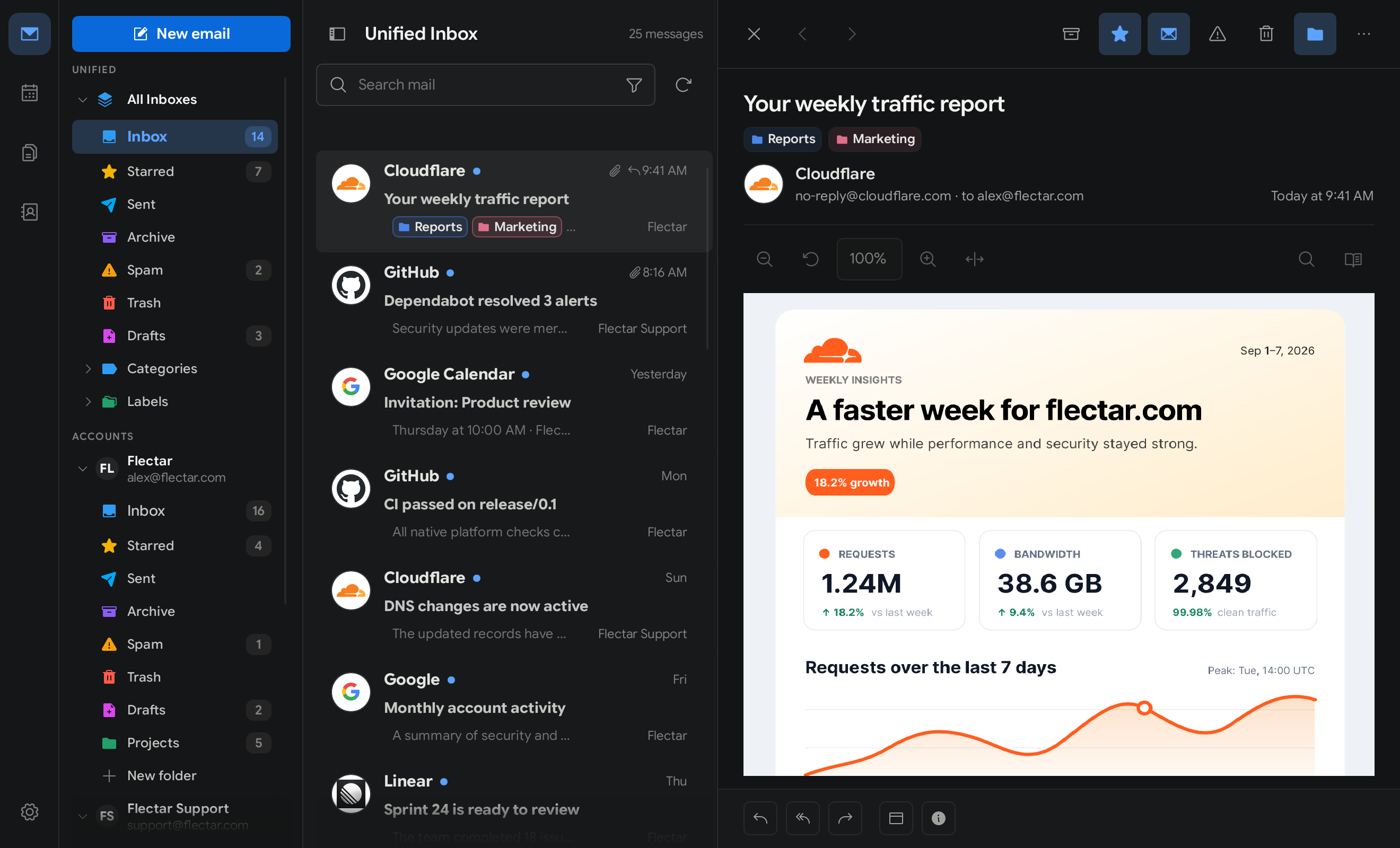
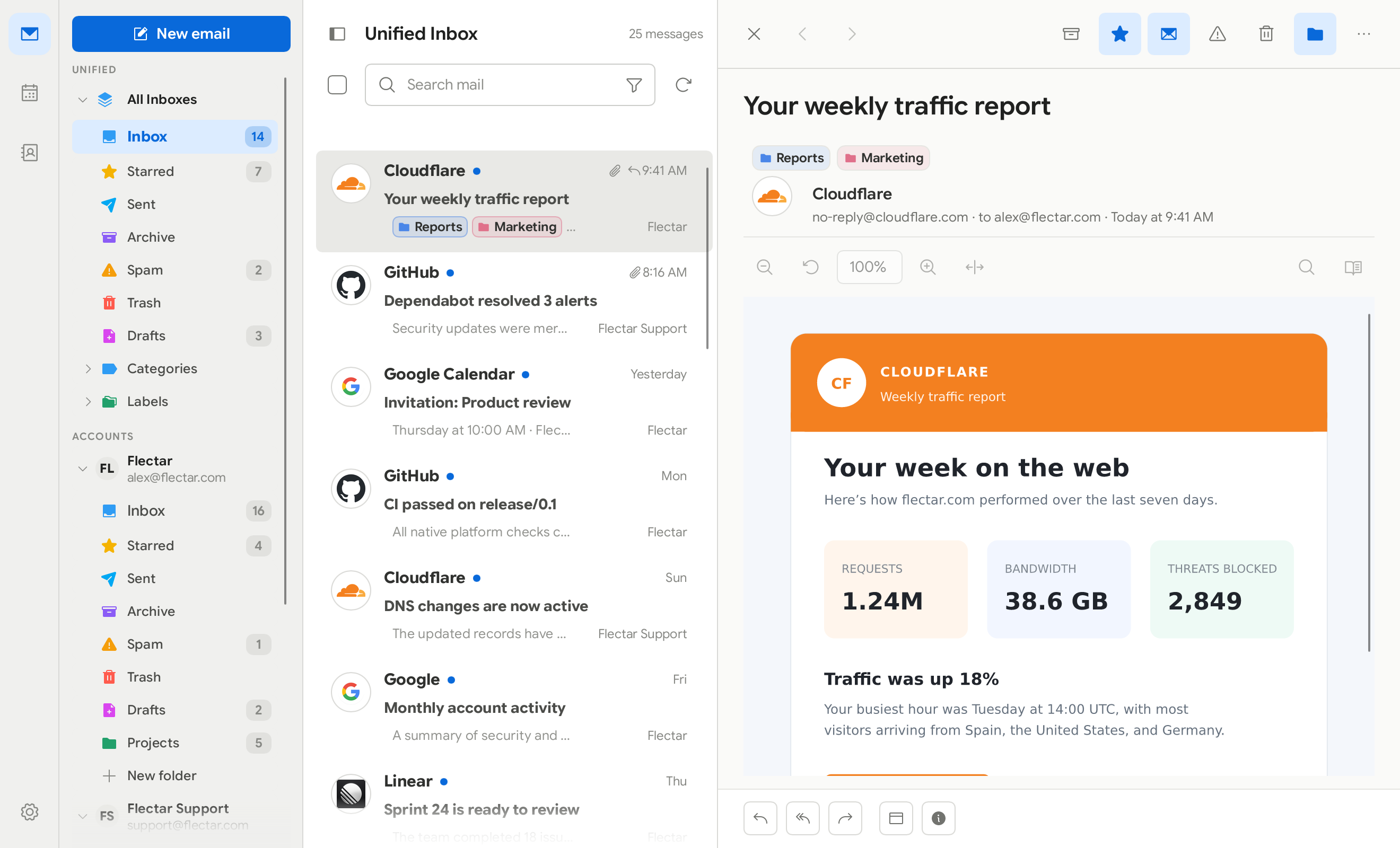
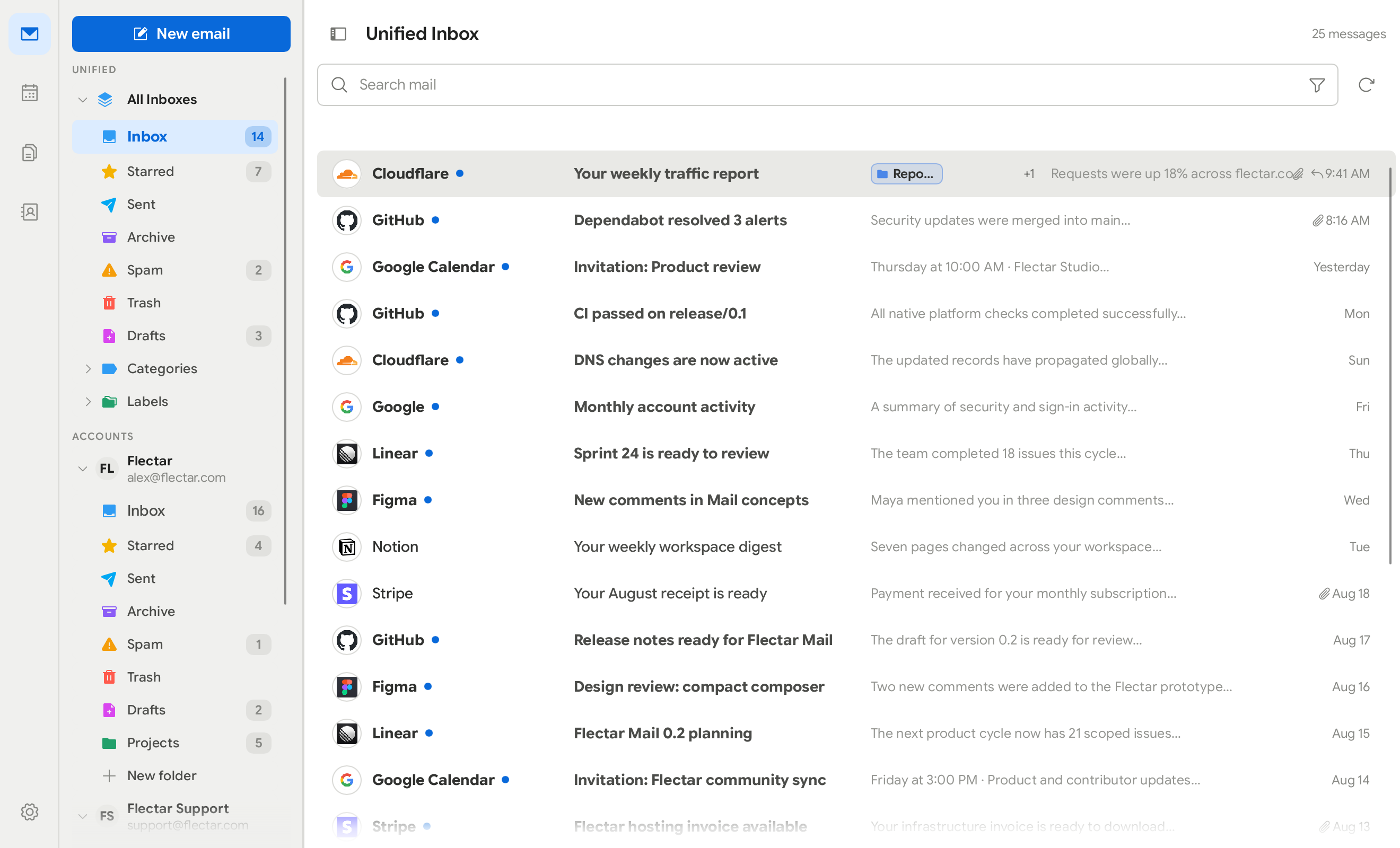
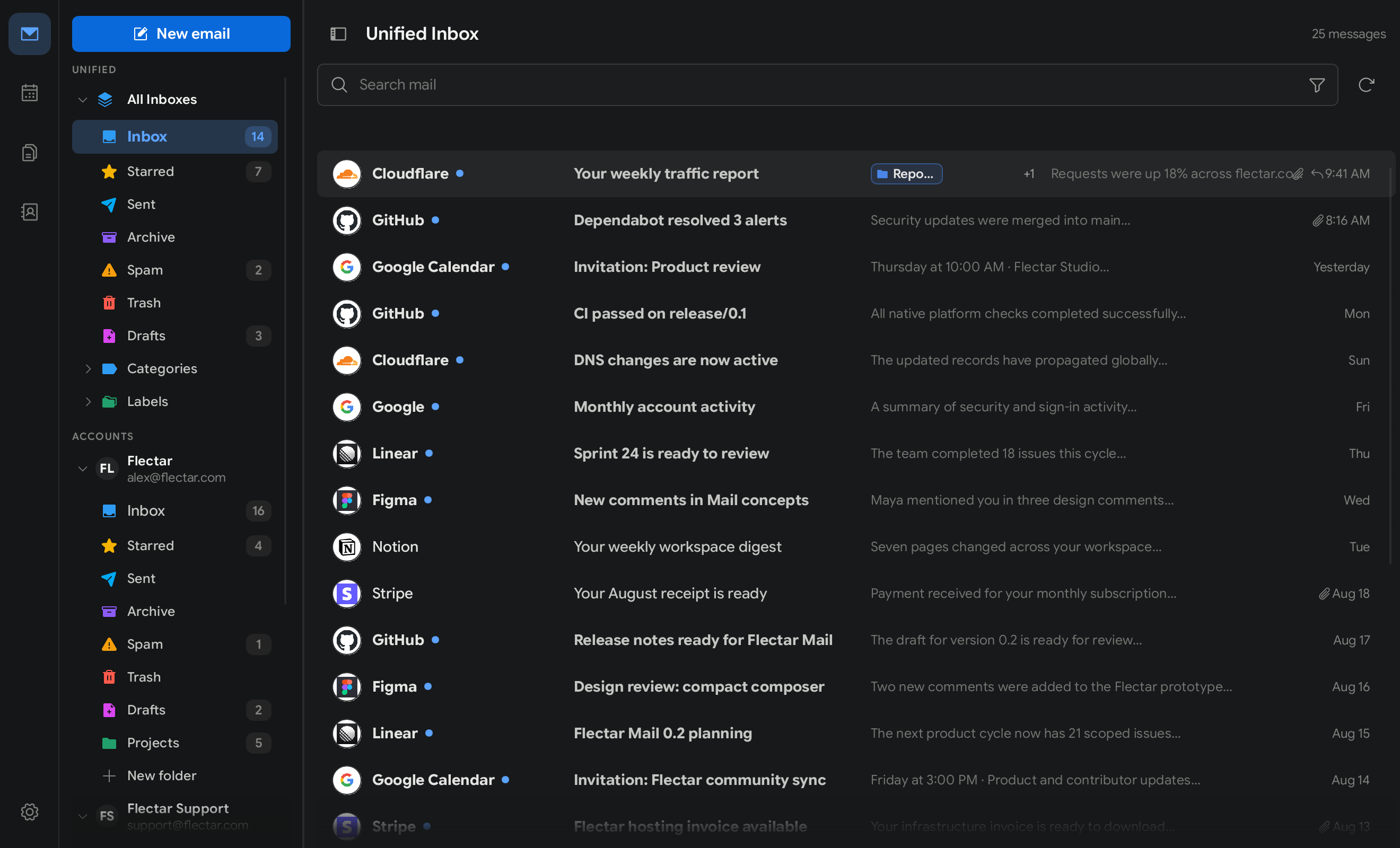
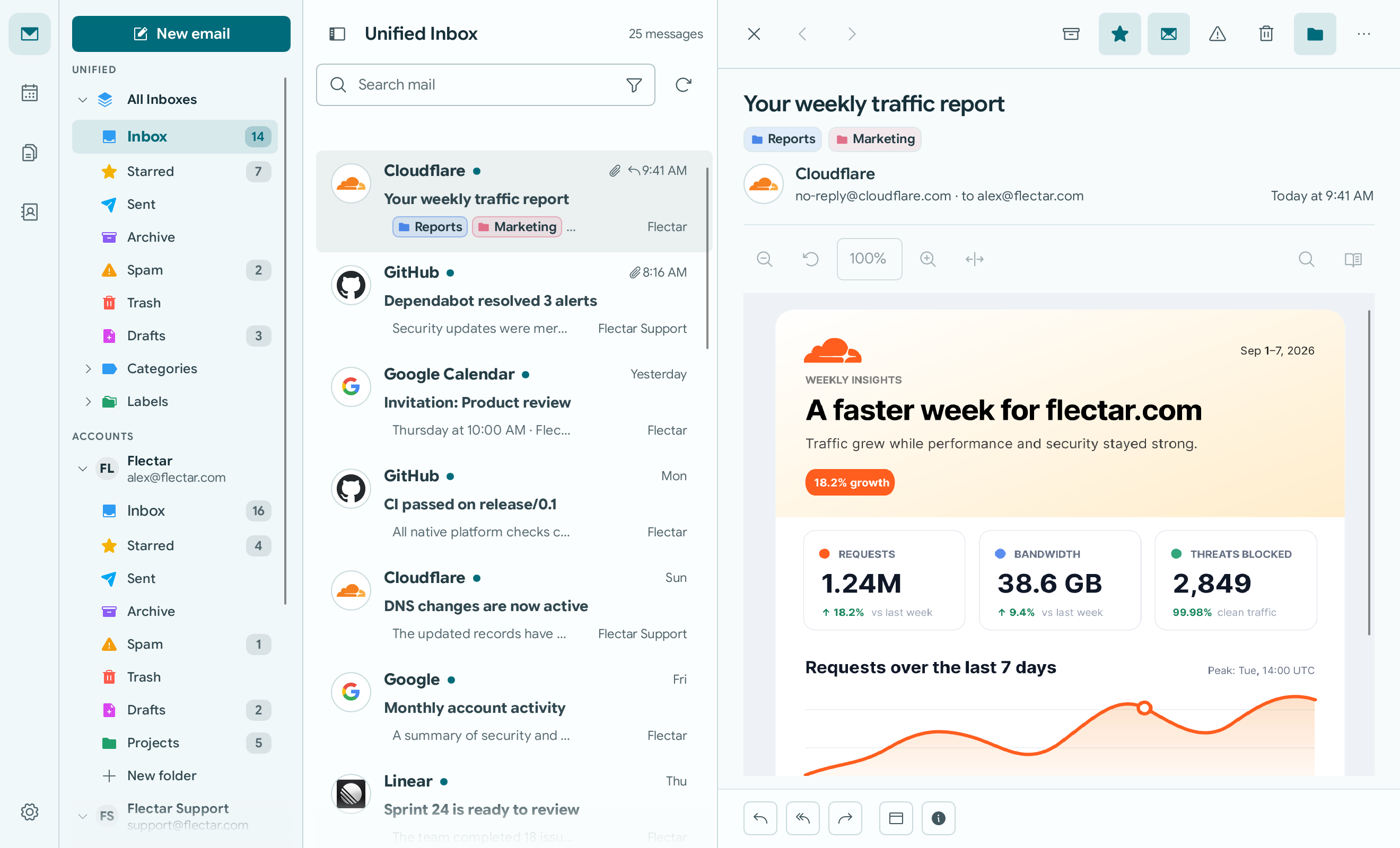
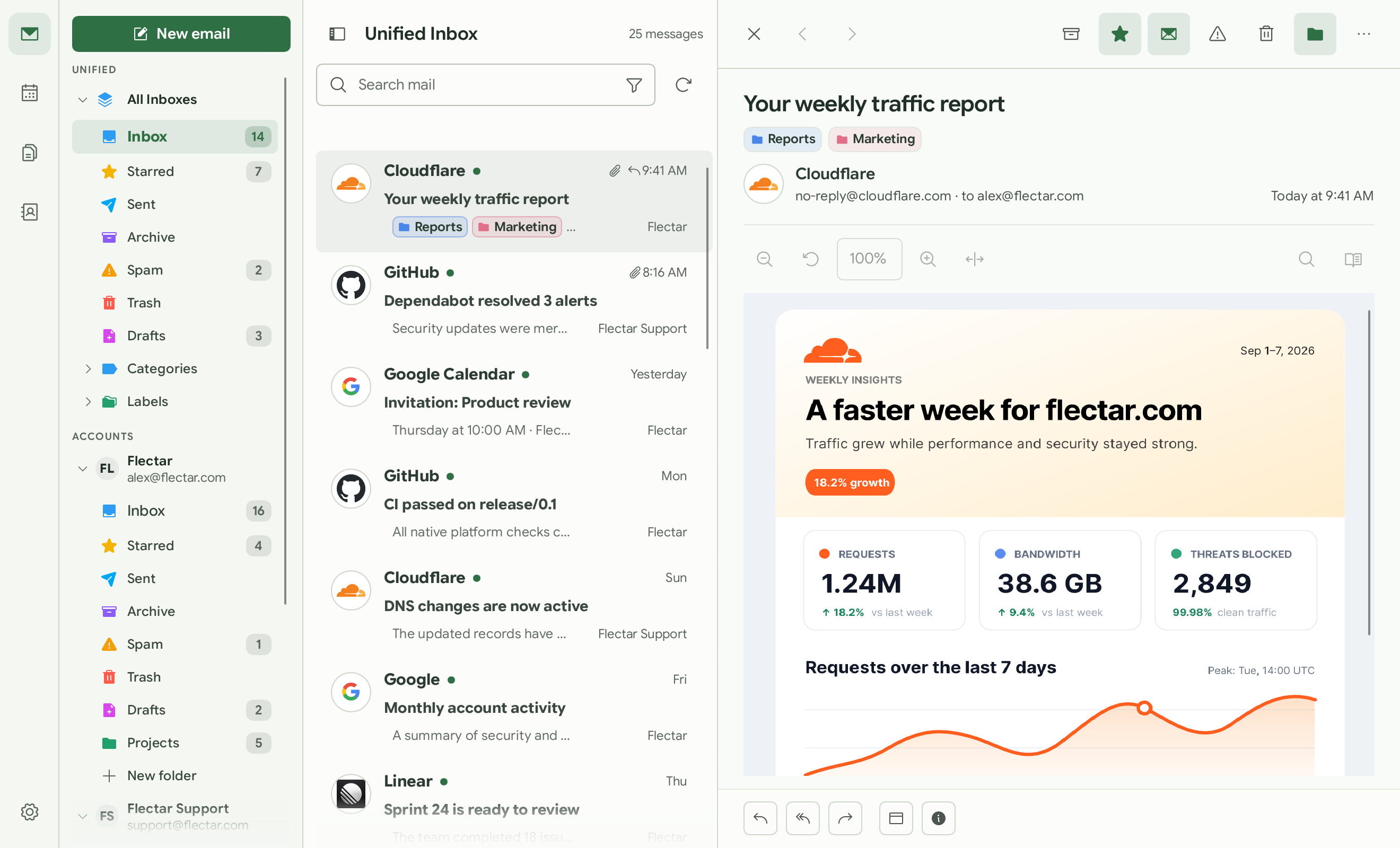
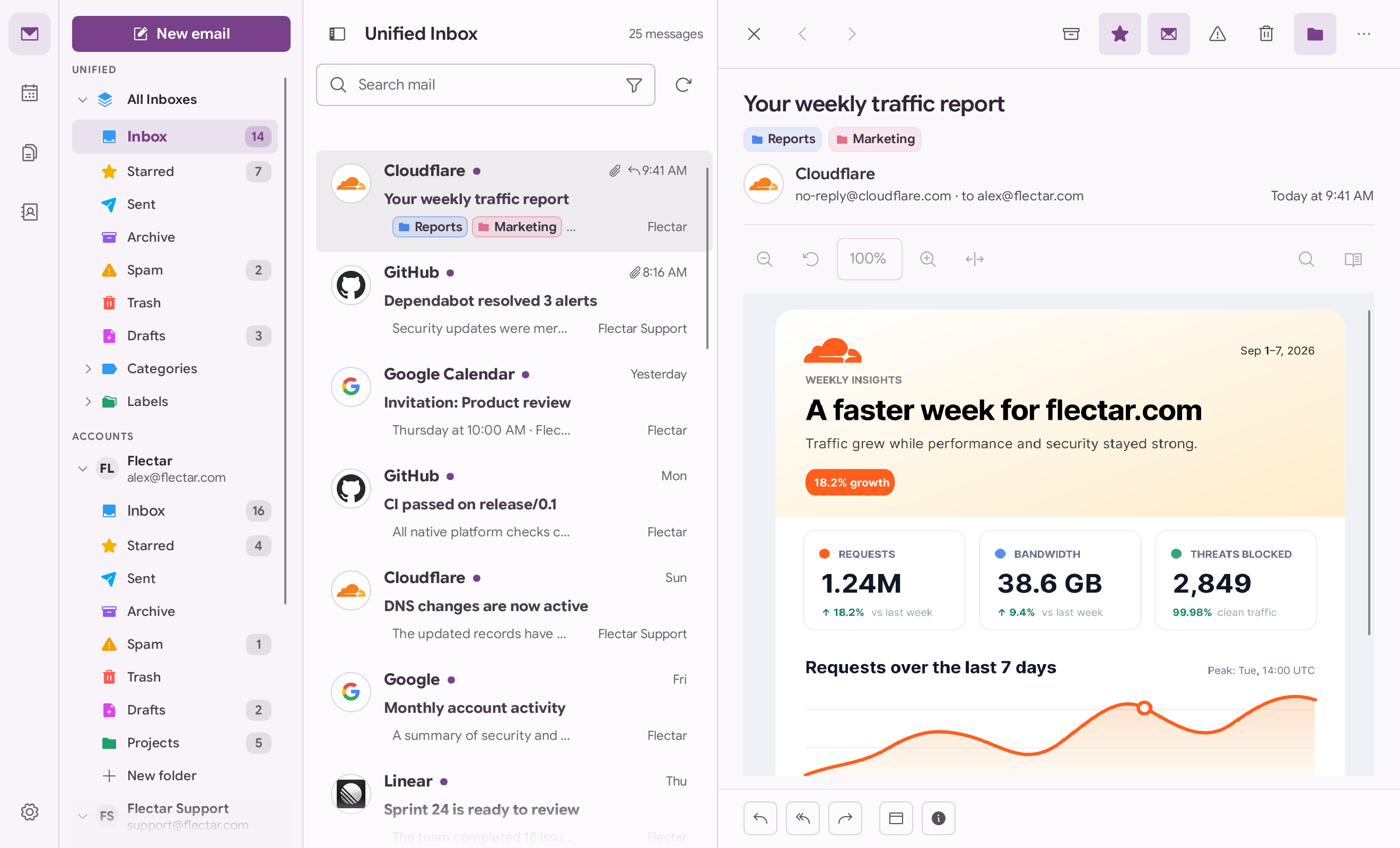
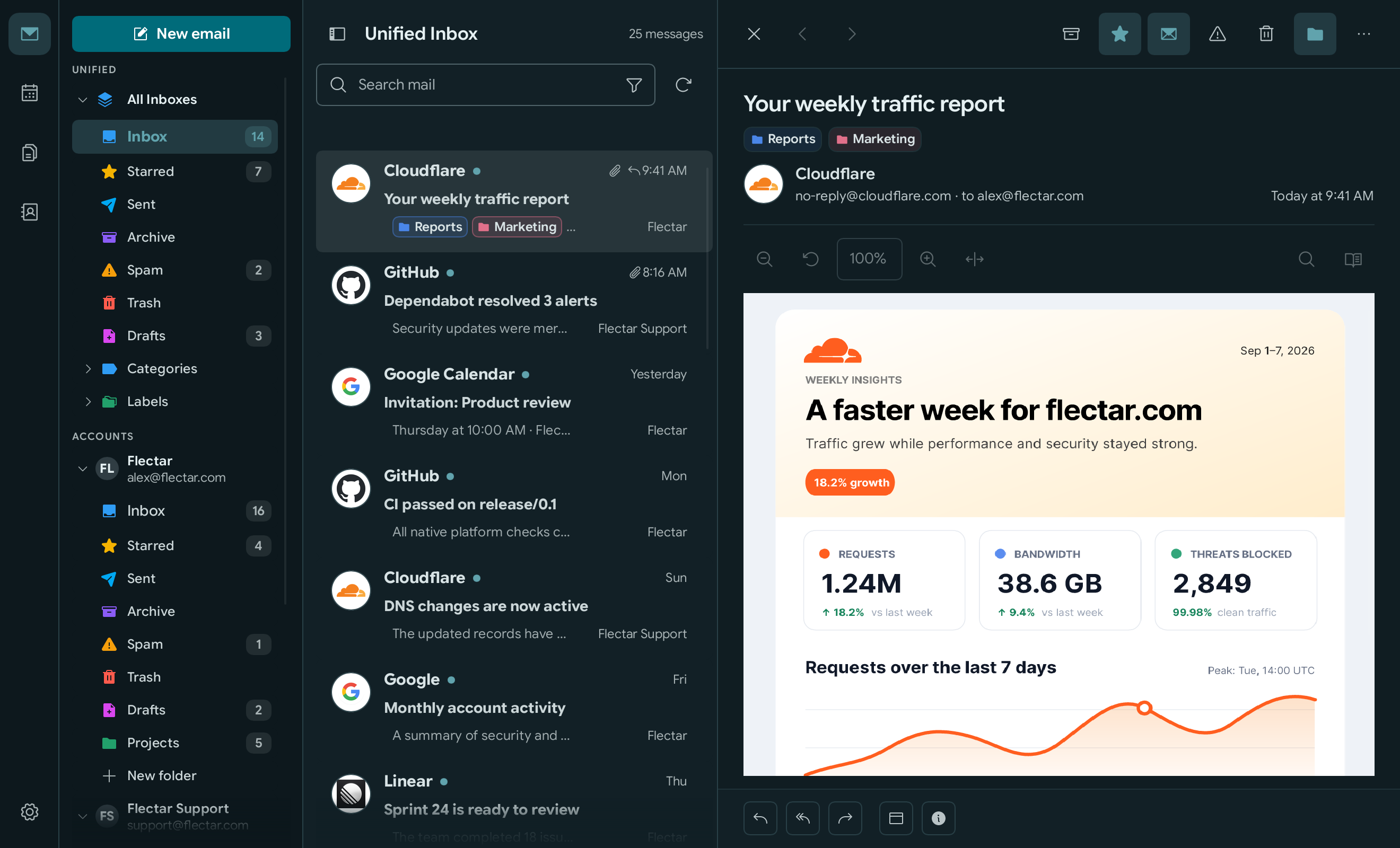
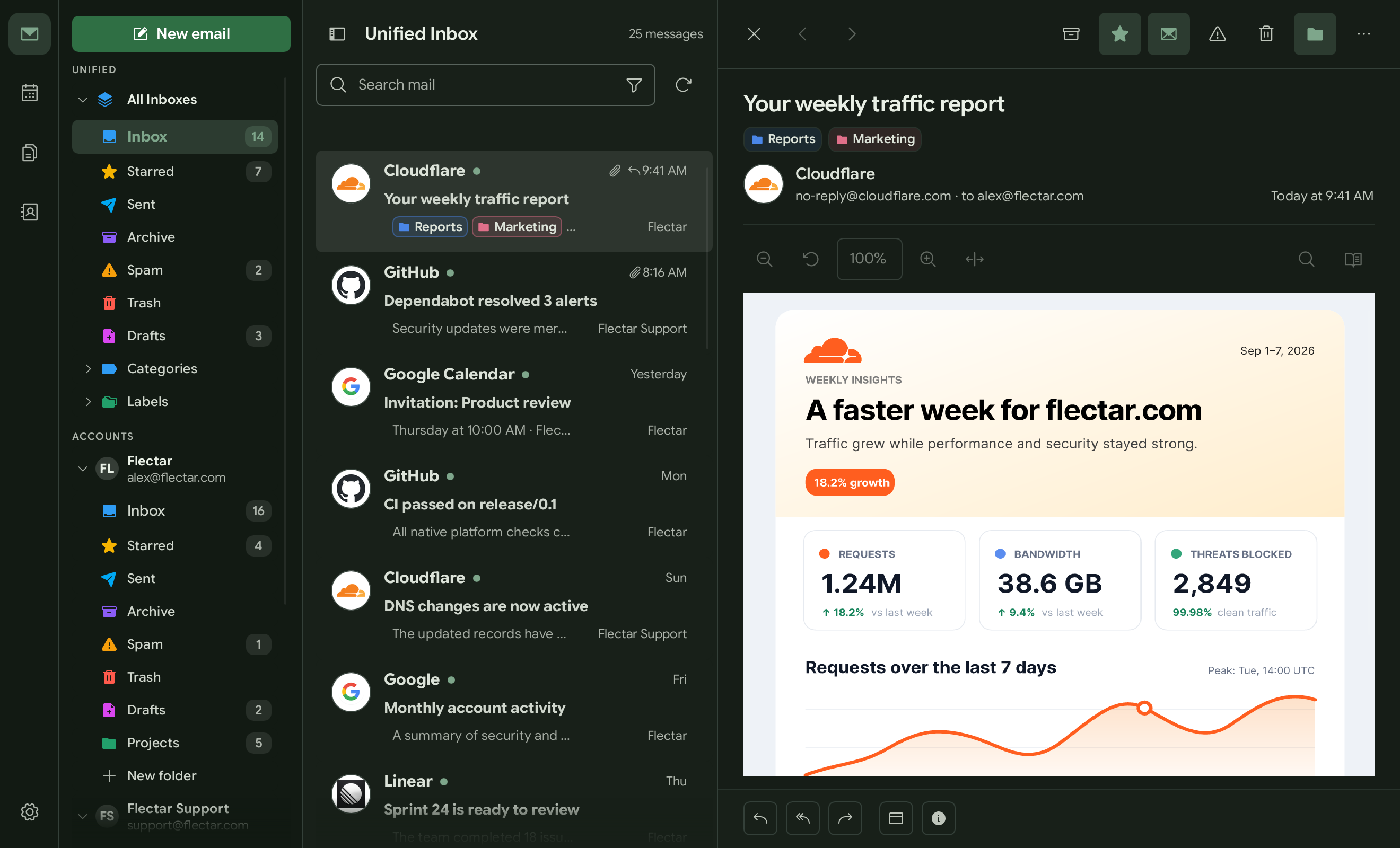
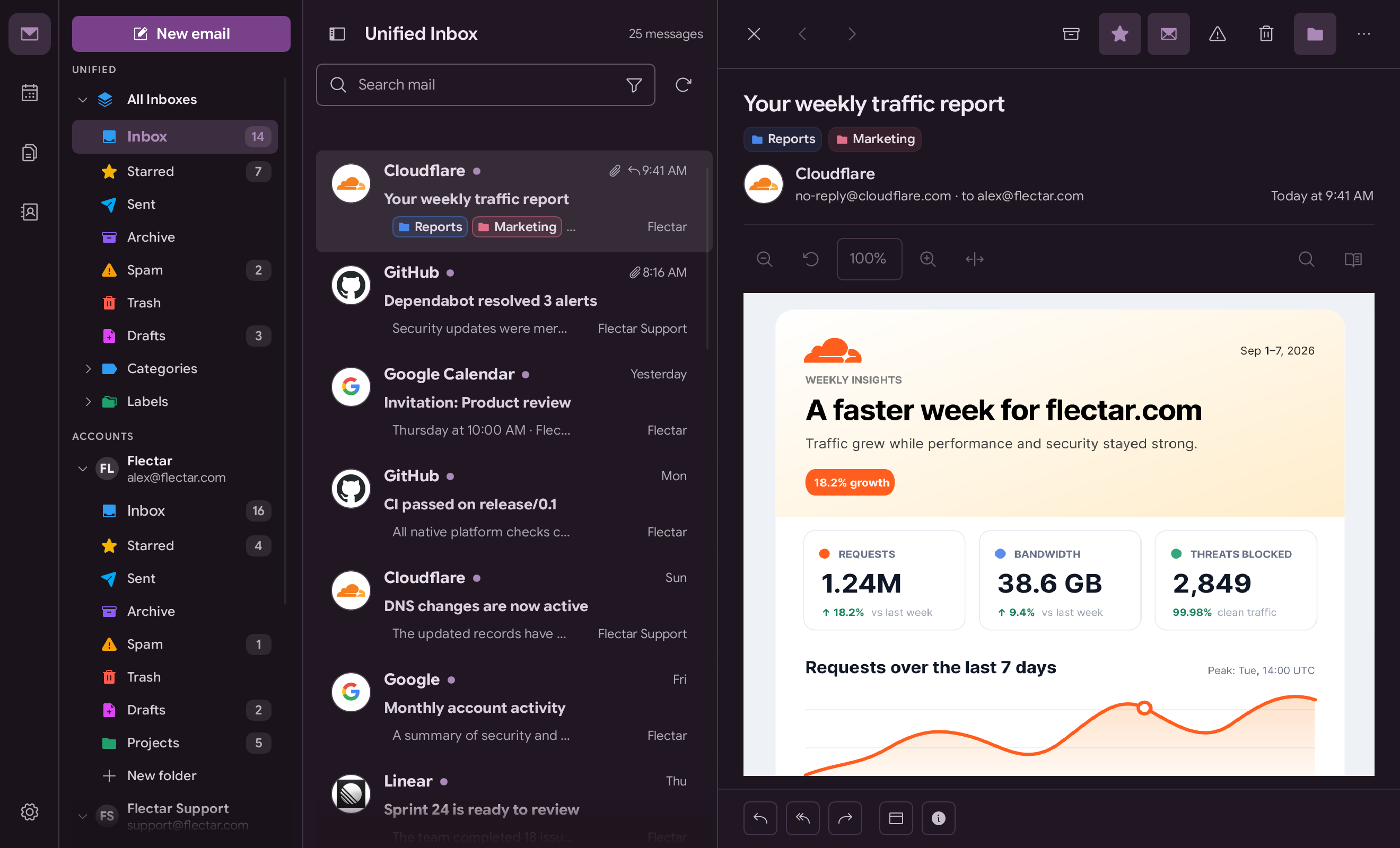
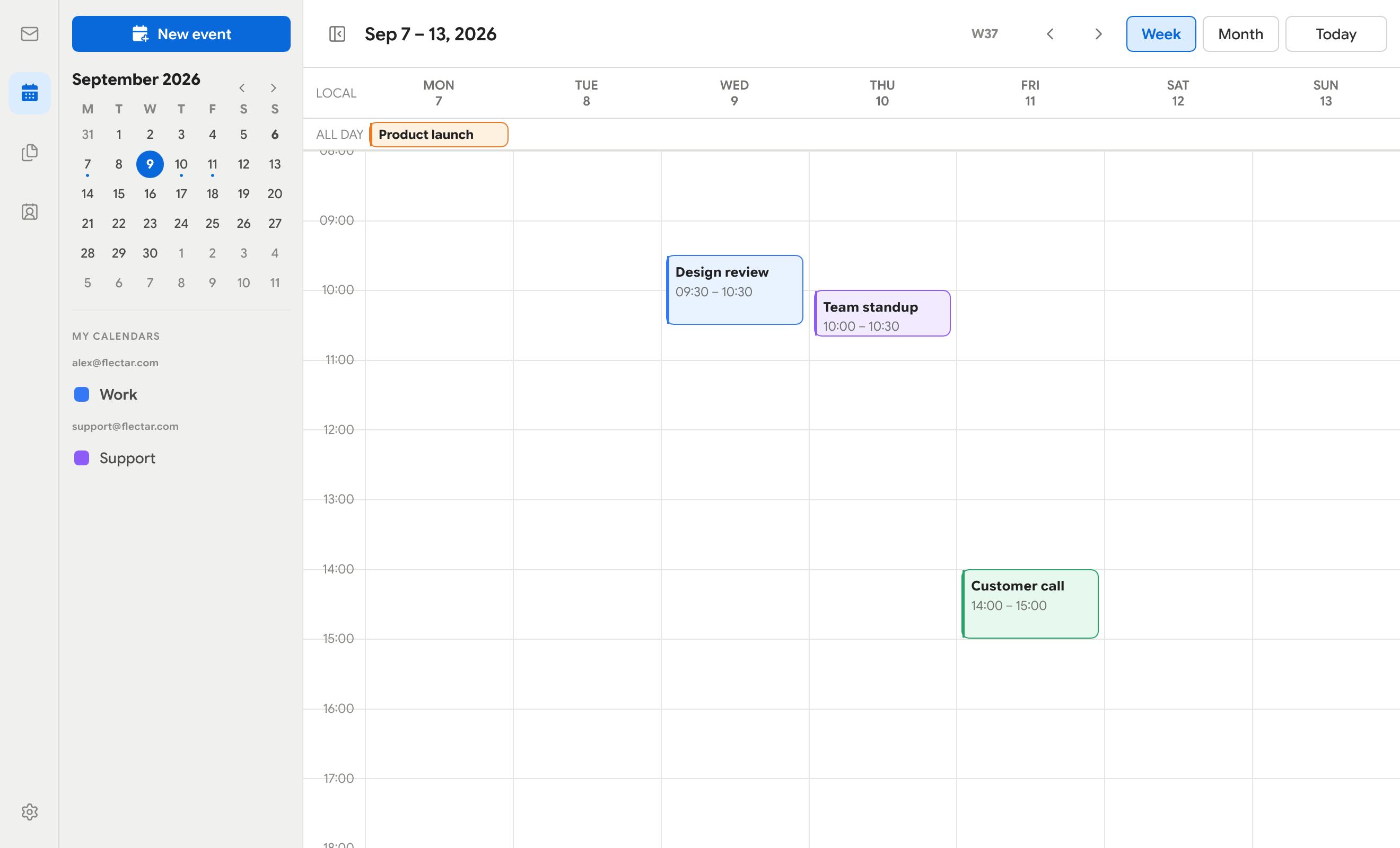
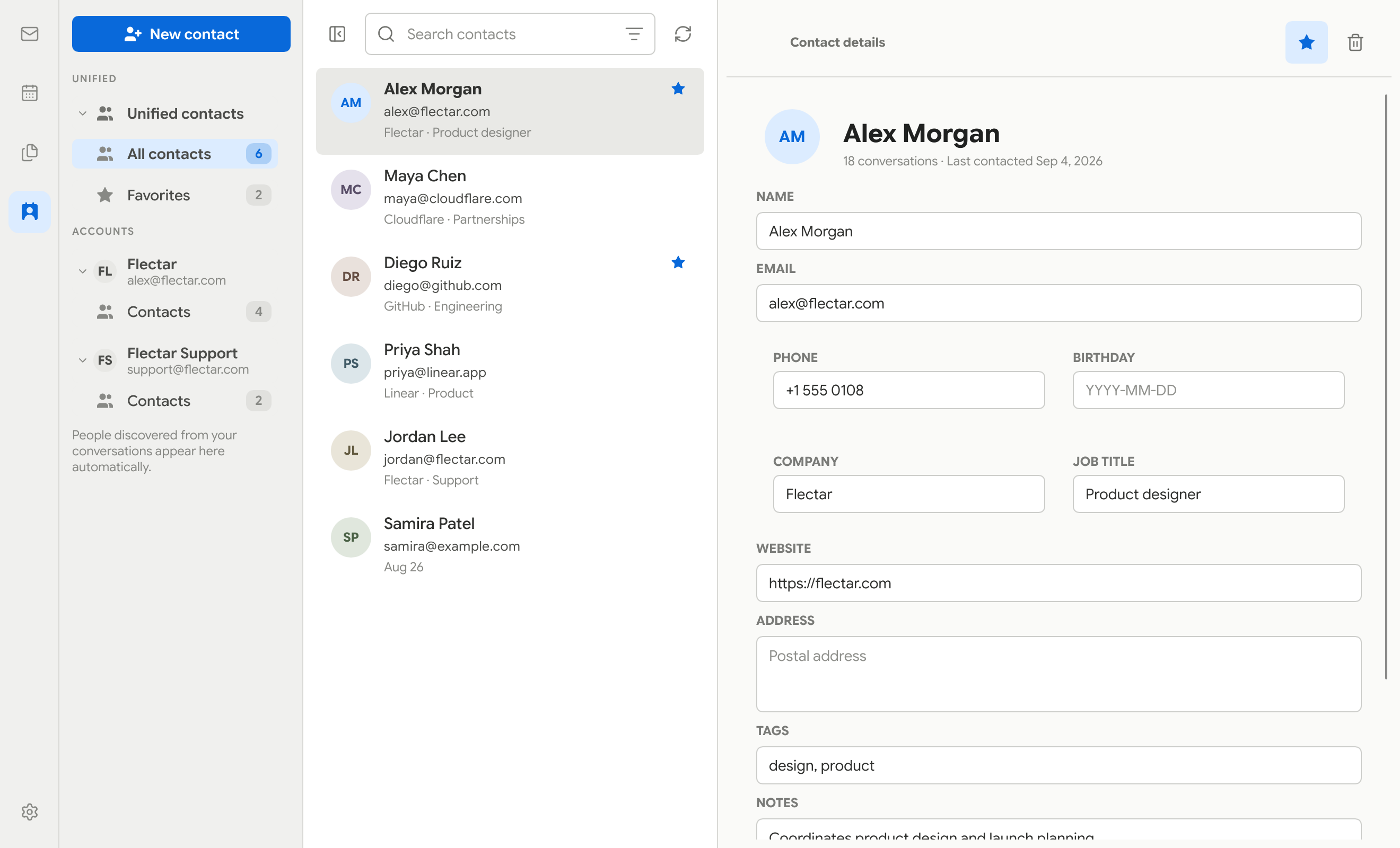
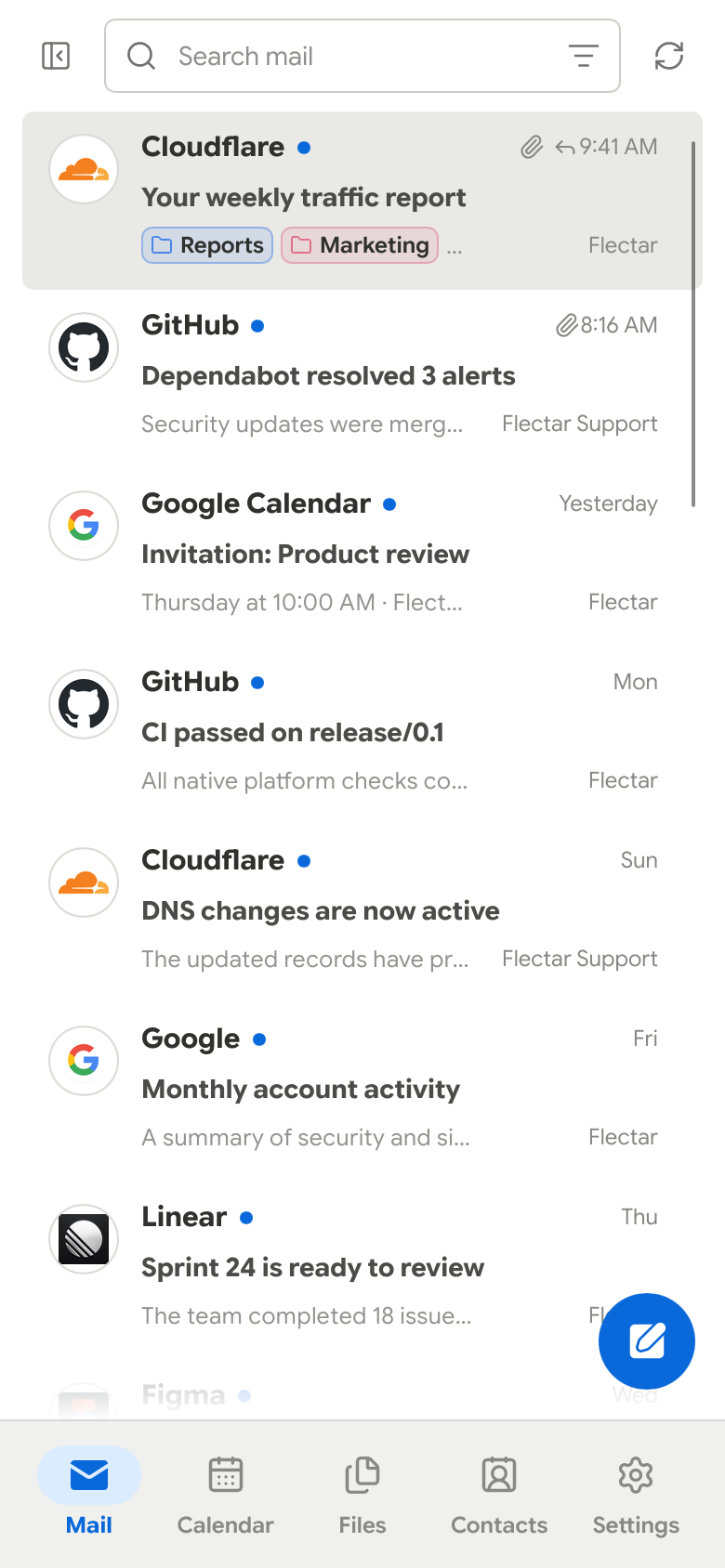
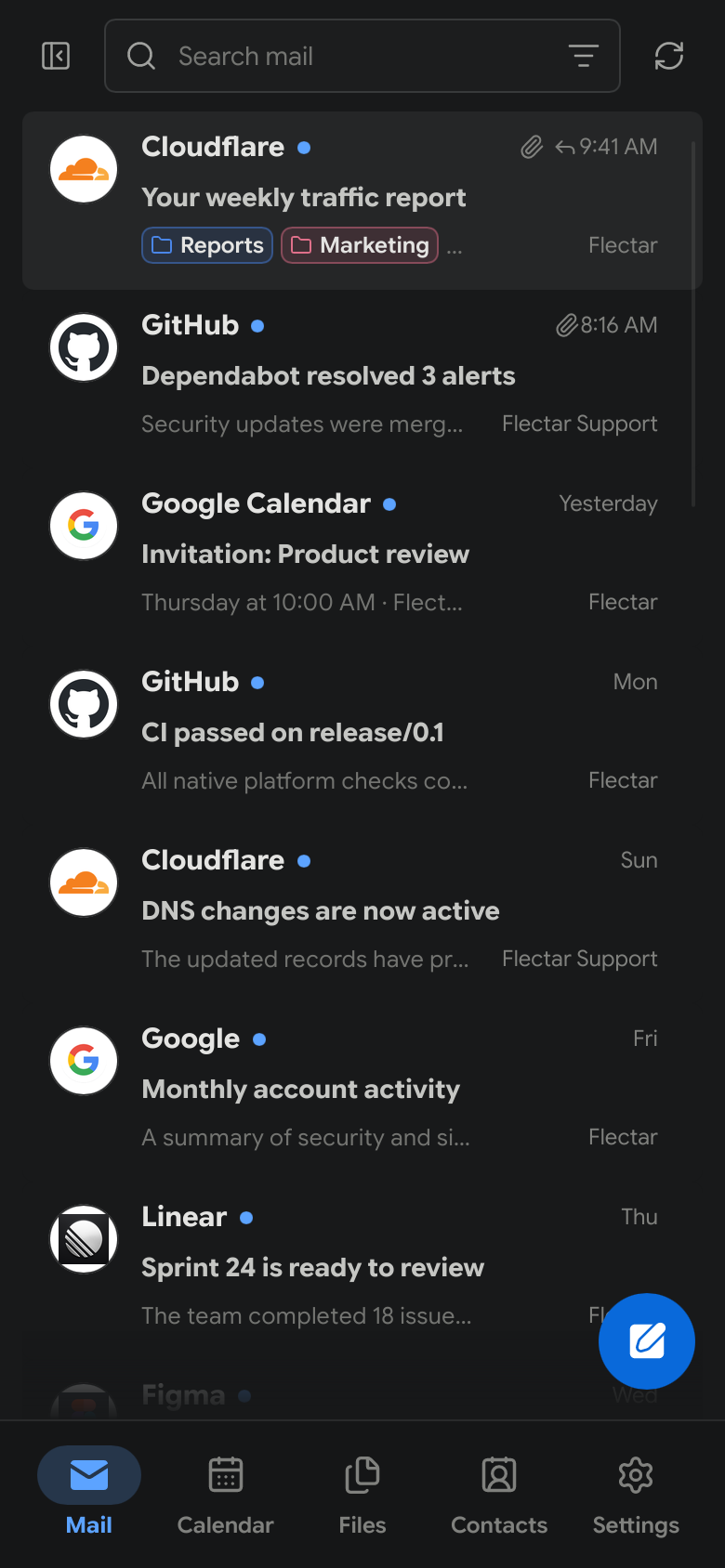
 Flectar Mail is a native, open-source email client that also handles calendars and contacts, built in Rust for speed and low memory use instead of being a web app wrapped in a browser shell.
Flectar Mail is a native, open-source email client that also handles calendars and contacts, built in Rust for speed and low memory use instead of being a web app wrapped in a browser shell.Is this a browser-based client or a real native app?It is a fully native desktop and mobile app with no embedded browser: it uses the Slint UI toolkit and renders email HTML through its own Rust renderer rather than a WebView.
It is a fully native desktop and mobile app with no embedded browser: it uses the Slint UI toolkit and renders email HTML through its own Rust renderer rather than a WebView.How do I get it running?Download a prerelease from GitHub Releases for your platform (Linux AppImage/.deb, Windows .exe/portable ZIP, macOS DMG/ZIP, or an experimental Android APK), or build it yourself from source with the Rust toolchain.
Download a prerelease from GitHub Releases for your platform (Linux AppImage/.deb, Windows .exe/portable ZIP, macOS DMG/ZIP, or an experimental Android APK), or build it yourself from source with the Rust toolchain.Do I need my own Google or Microsoft app credentials to connect Gmail or Outlook?Right now, yes for prereleases: builds don't ship with OAuth keys, so Gmail/Outlook sign-in stays disabled unless you register your own Google or Microsoft app and add the keys in Settings, or you just connect an IMAP/JMAP account instead.
Right now, yes for prereleases: builds don't ship with OAuth keys, so Gmail/Outlook sign-in stays disabled unless you register your own Google or Microsoft app and add the keys in Settings, or you just connect an IMAP/JMAP account instead.Does HTML email rendering always work correctly?No — HTML rendering is the most experimental part of the app since it uses the Blitz Rust renderer instead of a browser engine, so complex or unusual email markup may display incorrectly.
No — HTML rendering is the most experimental part of the app since it uses the Blitz Rust renderer instead of a browser engine, so complex or unusual email markup may display incorrectly.Which platforms are actually supported right now?Linux x64, Windows x64, macOS on Apple silicon (14+), and an experimental Android arm64 APK (8.0+); an iOS build is mentioned as a target platform too.
Linux x64, Windows x64, macOS on Apple silicon (14+), and an experimental Android arm64 APK (8.0+); an iOS build is mentioned as a target platform too.Does it protect me from tracking pixels and similar email tracking?Yes, remote images in emails are blocked by default until you explicitly allow them, which stops tracking pixels from firing when you open a message.
Yes, remote images in emails are blocked by default until you explicitly allow them, which stops tracking pixels from firing when you open a message.Is there a free/community edition versus a paid one?No split — there is only one edition of Flectar Mail, released under the GNU Affero General Public License v3.
No split — there is only one edition of Flectar Mail, released under the GNU Affero General Public License v3.Why avoid a WebView for rendering emails?Rendering HTML through a browser engine or WebView opens a large attack surface and adds memory overhead; Flectar Mail instead uses Blitz, a Rust-native renderer, to stay lightweight and avoid executing email scripts.
Rendering HTML through a browser engine or WebView opens a large attack surface and adds memory overhead; Flectar Mail instead uses Blitz, a Rust-native renderer, to stay lightweight and avoid executing email scripts.How much RAM does it actually use?The app is designed to run on as little as 20-100 MB of RAM, far less than typical WebView-based or browser-wrapped mail clients.
The app is designed to run on as little as 20-100 MB of RAM, far less than typical WebView-based or browser-wrapped mail clients.Can I use my own Gmail/Outlook account before stable release?Yes, but since bundled OAuth keys aren't enabled yet, you need to register your own Google or Microsoft OAuth app and enter those credentials in Settings, or connect via IMAP/JMAP/CalDAV instead.
Yes, but since bundled OAuth keys aren't enabled yet, you need to register your own Google or Microsoft OAuth app and enter those credentials in Settings, or connect via IMAP/JMAP/CalDAV instead.What happens if I lose my Android test signing key?Future APK updates require the same signing key used for the previous install; without a persistent test key, you may have to uninstall the old app first, which deletes its local data.
Future APK updates require the same signing key used for the previous install; without a persistent test key, you may have to uninstall the old app first, which deletes its local data.What are similar projects?odysseus, penguin-mail, stalwart, omamail, mailcow-dockerized, mailinabox, PakePlus-Win7, localsend
odysseus, penguin-mail, stalwart, omamail, mailcow-dockerized, mailinabox, PakePlus-Win7, localsend