
clicky README

The project's README from github.com/farzaa/clicky. As one markdown file: README.md.

Update: April 27, 2026.

Hi there! I'm Farza, the guy that made Clicky.

The existing codebase remains open source. Tinker with it, make it yours, start a company out of it, do whatever you want I don't mind. But, for all the new stuff I'm hacking on, gonna keep it private. To get the latest Clicky, you can go here.

I also tweeted about this here.

Go crazy with this repo!! It's an MIT license.

Hi, this is Clicky.

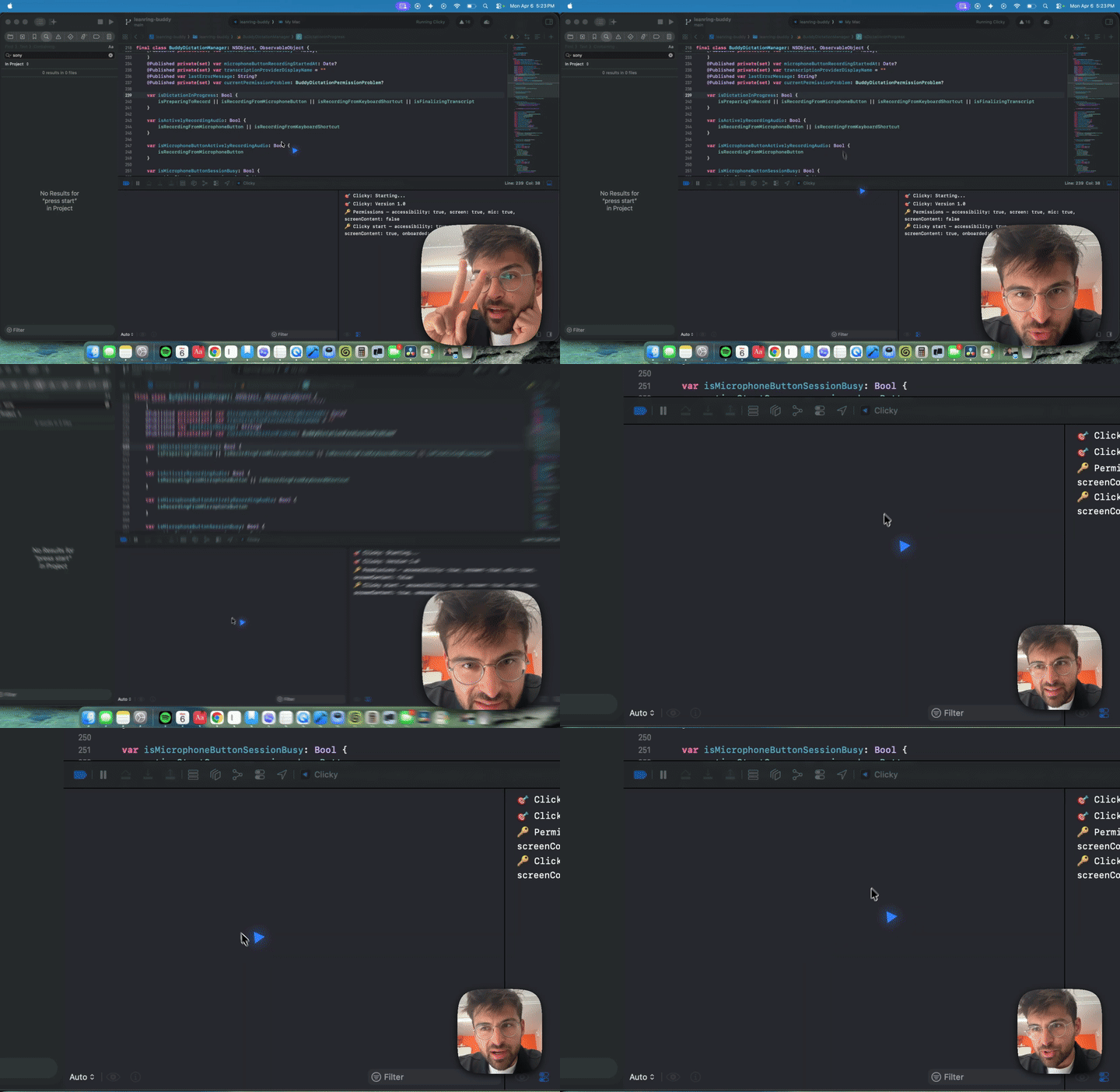
It's an AI teacher that lives as a buddy next to your cursor. It can see your screen, talk to you, and even point at stuff. Kinda like having a real teacher next to you.

Download it here for free.

Here's the original tweet that kinda blew up for a demo for more context.

Clicky — an ai buddy that lives on your mac

This is the open-source version of Clicky for those that want to hack on it, build their own features, or just see how it works under the hood.

Get started with Claude Code

The fastest way to get this running is with Claude Code.

Once you get Claude running, paste this:

Hi Claude.

Clone https://github.com/farzaa/clicky.git into my current directory.

Then read the CLAUDE.md. I want to get Clicky running locally on my Mac.

Help me set up everything — the Cloudflare Worker with my own API keys, the proxy URLs, and getting it building in Xcode. Walk me through it.

That's it. It'll clone the repo, read the docs, and walk you through the whole setup. Once you're running you can just keep talking to it — build features, fix bugs, whatever. Go crazy.

Manual setup

If you want to do it yourself, here's the deal.

Prerequisites

1. Set up the Cloudflare Worker

The Worker is a tiny proxy that holds your API keys. The app talks to the Worker, the Worker talks to the APIs. This way your keys never ship in the app binary.

cd worker
npm install

Now add your secrets. Wrangler will prompt you to paste each one:

npx wrangler secret put ANTHROPIC_API_KEY
npx wrangler secret put ASSEMBLYAI_API_KEY
npx wrangler secret put ELEVENLABS_API_KEY

For the ElevenLabs voice ID, open wrangler.toml and set it there (it's not sensitive):

[vars]
ELEVENLABS_VOICE_ID = "your-voice-id-here"

Deploy it:

npx wrangler deploy

It'll give you a URL like https://your-worker-name.your-subdomain.workers.dev. Copy that.

2. Run the Worker locally (for development)

If you want to test changes to the Worker without deploying:

cd worker
npx wrangler dev

This starts a local server (usually http://localhost:8787) that behaves exactly like the deployed Worker. You'll need to create a .dev.vars file in the worker/ directory with your keys:

ANTHROPIC_API_KEY=sk-ant-...
ASSEMBLYAI_API_KEY=...
ELEVENLABS_API_KEY=...
ELEVENLABS_VOICE_ID=...

Then update the proxy URLs in the Swift code to point to http://localhost:8787 instead of the deployed Worker URL while developing. Grep for clicky-proxy to find them all.

3. Update the proxy URLs in the app

The app has the Worker URL hardcoded in a few places. Search for your-worker-name.your-subdomain.workers.dev and replace it with your Worker URL:

grep -r "clicky-proxy" leanring-buddy/

You'll find it in:

4. Open in Xcode and run

open leanring-buddy.xcodeproj

In Xcode:

  1. Select the leanring-buddy scheme (yes, the typo is intentional, long story)
  2. Set your signing team under Signing & Capabilities
  3. Hit Cmd + R to build and run

The app will appear in your menu bar (not the dock). Click the icon to open the panel, grant the permissions it asks for, and you're good.

Permissions the app needs

Architecture

If you want the full technical breakdown, read CLAUDE.md. But here's the short version:

Menu bar app (no dock icon) with two NSPanel windows — one for the control panel dropdown, one for the full-screen transparent cursor overlay. Push-to-talk streams audio over a websocket to AssemblyAI, sends the transcript + screenshot to Claude via streaming SSE, and plays the response through ElevenLabs TTS. Claude can embed [POINT:x,y:label:screenN] tags in its responses to make the cursor fly to specific UI elements across multiple monitors. All three APIs are proxied through a Cloudflare Worker.

Project structure

leanring-buddy/          # Swift source (yes, the typo stays)
  CompanionManager.swift    # Central state machine
  CompanionPanelView.swift  # Menu bar panel UI
  ClaudeAPI.swift           # Claude streaming client
  ElevenLabsTTSClient.swift # Text-to-speech playback
  OverlayWindow.swift       # Blue cursor overlay
  AssemblyAI*.swift         # Real-time transcription
  BuddyDictation*.swift     # Push-to-talk pipeline
worker/                  # Cloudflare Worker proxy
  src/index.ts              # Three routes: /chat, /tts, /transcribe-token
CLAUDE.md                # Full architecture doc (agents read this)

Contributing

PRs welcome. If you're using Claude Code, it already knows the codebase — just tell it what you want to build and point it at CLAUDE.md.

Got feedback? DM me on X @farzatv.

clicky (farzaa/clicky)

Searching Database…

7.7K ·GitHub
这是什么东西?Clicky 是一个住在你光标旁边的 AI 老师:它能看到你的屏幕、和你对话,甚至能指向屏幕上的东西,就像有一位真正的老师坐在你身边。
这是 Clicky 应用本身,还是它背后的源代码?它是一个用 Swift 编写的 macOS 原生菜单栏应用。这个仓库是它的开源版本,供大家动手改造;打磨好的最新版 Clicky 是另一个免费下载,作者把后续新开发保留在私有仓库里。
怎么把它跑起来?最快的方法:把仓库的提示词粘贴到 Claude Code 里——它会克隆仓库、阅读文档并带你完成配置。手动方式:先部署 Cloudflare Worker,更新 Swift 代码里的代理 URL,然后用 Xcode 打开项目,设置你的签名团队,再按 Cmd+R 运行。
在开始构建之前,我需要装好哪些东西?macOS 14.2+、Xcode 15+、Node.js 18+,以及一个 Cloudflare 账号(免费套餐就够用)。你还需要 Anthropic、AssemblyAI 和 ElevenLabs 的 API 密钥。
为什么它要申请这么多权限?它要申请四项权限:麦克风用于按键说话的录音,辅助功能用于全局 Control+Option 快捷键,屏幕录制用于快捷键截图,屏幕内容用于访问 ScreenCaptureKit。没有这些权限,它“边看边讲”的核心功能就无法运行。
它能在 Windows 上运行吗,还是只能在 Mac 上用?只能用在 Mac 上。它是一个在 Xcode 里构建的 Swift 应用,并且依赖 macOS 14.2+ 的 ScreenCaptureKit,所以没有 Windows 或 Linux 版本。
我的 API 密钥和屏幕数据都发到哪里去了?你的 API 密钥保存在 Cloudflare Worker 代理里,而不是应用内:应用只和 Worker 通信,Worker 再去调用各个 API。不过在使用过程中,语音音频、转写文本和截图仍会发送给 AssemblyAI、Claude 和 ElevenLabs。
我能把自己的项目里复用这些代码吗?可以——它采用 MIT 许可证,你可以随意修改、据为己有,甚至拿它开一家公司。
它指向屏幕上东西的功能到底是怎么实现的?Claude 可以在回复中嵌入 [POINT:x,y:label:screenN] 标签,这些标签会让你的光标飞到多台显示器上指定的界面元素。
按住按键说话的键时会发生什么?你的音频会通过 websocket 流式发送到 AssemblyAI 进行转写;转写文本加上一张截图,再通过流式 SSE 发给 Claude,回复则通过 ElevenLabs TTS 播放出来。
应用跑起来之后,我在哪里能找到它?它在菜单栏里,而不是程序坞里。它使用了两个 NSPanel 窗口:一个是控制面板下拉窗口,另一个是全屏的透明光标覆盖层。
Creator
farzaa
Size
10.8 MB
Stars
7.7K
Updated
CommitApr 27
Age
6mo
Commits · 90 Days