Что это такое?
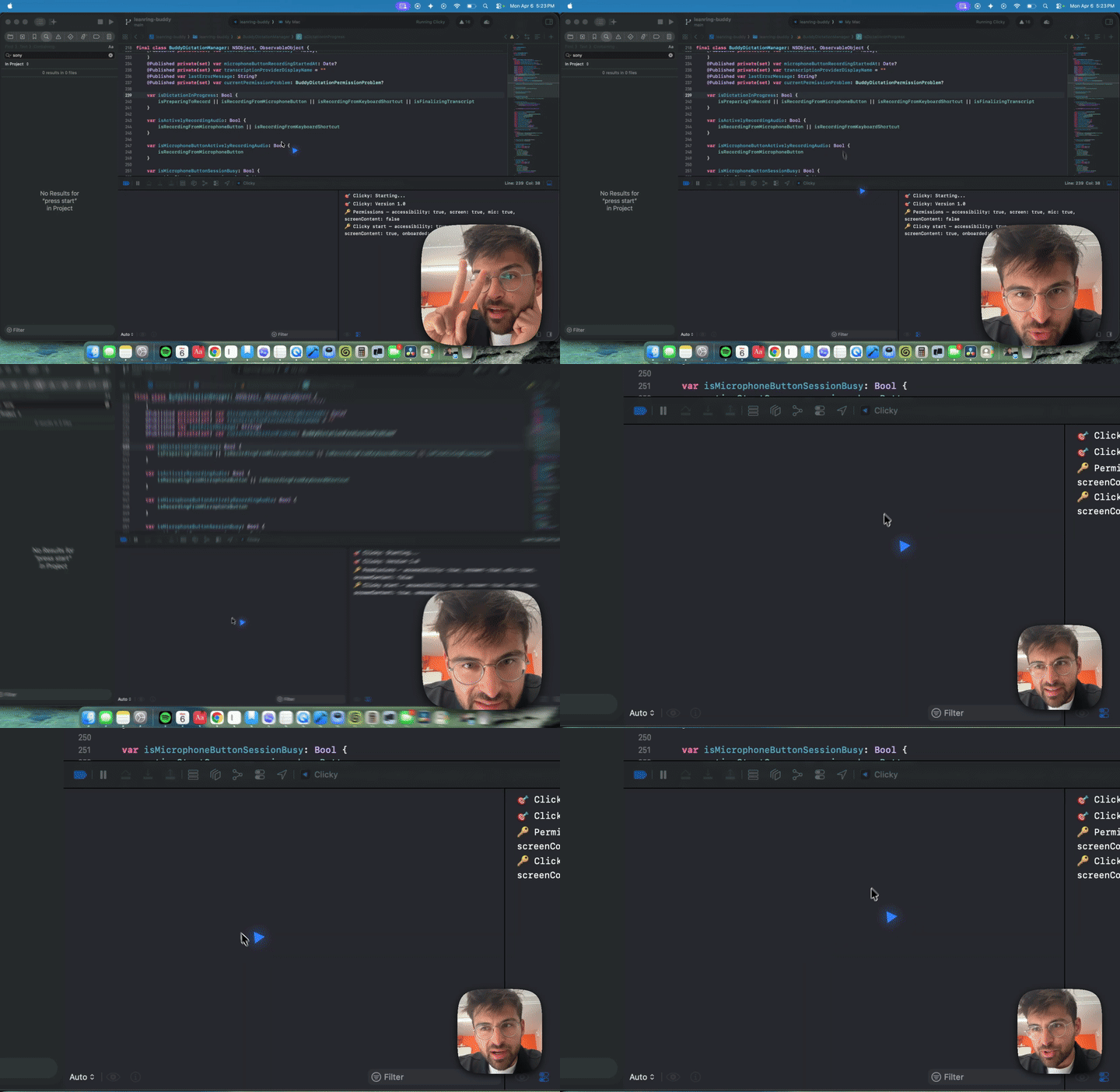
 Clicky — это AI-учитель, который живёт рядом с вашим курсором: он видит ваш экран, разговаривает с вами и даже может указывать на элементы на экране — как настоящий учитель, сидящий рядом с вами.
Clicky — это AI-учитель, который живёт рядом с вашим курсором: он видит ваш экран, разговаривает с вами и даже может указывать на элементы на экране — как настоящий учитель, сидящий рядом с вами.Это само приложение Clicky или его исходный код?Это нативное приложение для строки меню macOS, написанное на Swift. Этот репозиторий — open-source-версия, чтобы можно было дорабатывать её самостоятельно; отполированная свежая версия Clicky распространяется отдельной бесплатной загрузкой, а новую разработку автор ведёт в закрытом виде.
Это нативное приложение для строки меню macOS, написанное на Swift. Этот репозиторий — open-source-версия, чтобы можно было дорабатывать её самостоятельно; отполированная свежая версия Clicky распространяется отдельной бесплатной загрузкой, а новую разработку автор ведёт в закрытом виде.Как его запустить?Самый быстрый способ: вставьте промпт из репозитория в Claude Code — он склонирует репозиторий, прочитает документацию и проведёт вас через настройку. Вручную: разверните Cloudflare Worker, обновите URL прокси в Swift-коде, затем откройте проект в Xcode, укажите свою команду подписи и нажмите Cmd+R.
Самый быстрый способ: вставьте промпт из репозитория в Claude Code — он склонирует репозиторий, прочитает документацию и проведёт вас через настройку. Вручную: разверните Cloudflare Worker, обновите URL прокси в Swift-коде, затем откройте проект в Xcode, укажите свою команду подписи и нажмите Cmd+R.Что должно быть установлено, чтобы собрать проект?macOS 14.2+, Xcode 15+, Node.js 18+ и аккаунт Cloudflare (бесплатного тарифа хватит). Также понадобятся API-ключи для Anthropic, AssemblyAI и ElevenLabs.
macOS 14.2+, Xcode 15+, Node.js 18+ и аккаунт Cloudflare (бесплатного тарифа хватит). Также понадобятся API-ключи для Anthropic, AssemblyAI и ElevenLabs.Зачем ему все эти разрешения?Он запрашивает четыре: микрофон — для захвата звука при нажатой кнопке разговора, универсальный доступ — для глобального сочетания Control+Option, запись экрана — для скриншотов по горячей клавише, и содержимое экрана — для доступа к ScreenCaptureKit. Без них основной цикл «вижу и говорю» работать не может.
Он запрашивает четыре: микрофон — для захвата звука при нажатой кнопке разговора, универсальный доступ — для глобального сочетания Control+Option, запись экрана — для скриншотов по горячей клавише, и содержимое экрана — для доступа к ScreenCaptureKit. Без них основной цикл «вижу и говорю» работать не может.Он работает на Windows или только на Mac?Только Mac. Это Swift-приложение, собираемое в Xcode, и для ScreenCaptureKit требуется macOS 14.2+, так что версий для Windows или Linux нет.
Только Mac. Это Swift-приложение, собираемое в Xcode, и для ScreenCaptureKit требуется macOS 14.2+, так что версий для Windows или Linux нет.Куда попадают мои API-ключи и данные с экрана?Ваши API-ключи хранятся в прокси на Cloudflare Worker, а не в приложении: приложение обращается к Worker, а Worker — к API. Аудио, расшифровки и скриншоты всё равно уходят в AssemblyAI, Claude и ElevenLabs во время работы.
Ваши API-ключи хранятся в прокси на Cloudflare Worker, а не в приложении: приложение обращается к Worker, а Worker — к API. Аудио, расшифровки и скриншоты всё равно уходят в AssemblyAI, Claude и ElevenLabs во время работы.Могу ли я использовать код в своём проекте?Да — лицензия MIT, так что вы можете переделывать его под себя или даже построить на нём компанию.
Да — лицензия MIT, так что вы можете переделывать его под себя или даже построить на нём компанию.Как именно работает указывание на объекты на экране?Claude может вставлять в свои ответы теги вида [POINT:x,y:label:screenN], которые заставляют курсор переместиться к нужным элементам интерфейса на нескольких мониторах.
Claude может вставлять в свои ответы теги вида [POINT:x,y:label:screenN], которые заставляют курсор переместиться к нужным элементам интерфейса на нескольких мониторах.Что происходит, когда я удерживаю клавишу push-to-talk?Ваш звук по websocket передаётся в AssemblyAI для расшифровки; затем расшифровка вместе со скриншотом отправляется в Claude через потоковый SSE, а ответ воспроизводится через ElevenLabs TTS.
Ваш звук по websocket передаётся в AssemblyAI для расшифровки; затем расшифровка вместе со скриншотом отправляется в Claude через потоковый SSE, а ответ воспроизводится через ElevenLabs TTS.Где появляется приложение после запуска?В строке меню, а не в доке. Оно использует два окна NSPanel: выпадающую панель управления и полноэкранный прозрачный оверлей поверх курсора.
В строке меню, а не в доке. Оно использует два окна NSPanel: выпадающую панель управления и полноэкранный прозрачный оверлей поверх курсора.What are similar projects?BetterDisplay, tendedero, bluey-by-riley, lipflow, rooms, jarvis, macos-sysdata, textream
BetterDisplay, tendedero, bluey-by-riley, lipflow, rooms, jarvis, macos-sysdata, textreamWhich topics is it in?menubar, voice-assistant, screenshot, computer-use, menu-bar, xcode, speech-recognition, tts, cloudflare, macos-app, websocket, streaming
menubar, voice-assistant, screenshot, computer-use, menu-bar, xcode, speech-recognition, tts, cloudflare, macos-app, websocket, streaming