


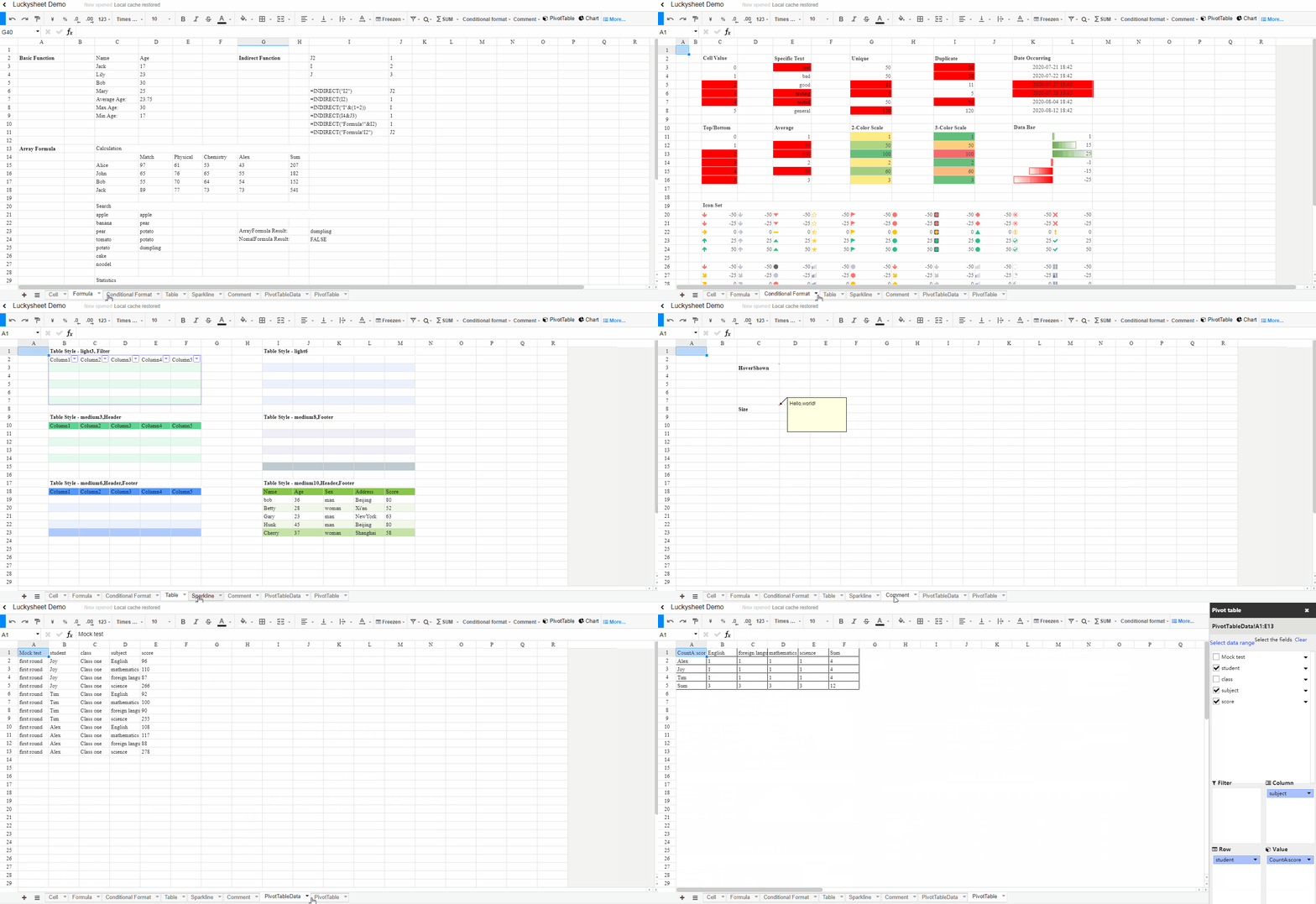


What is this?
 Luckysheet is a completely open source online spreadsheet like Excel — a powerful, configurable Excel-style grid with formulas, charts and pivot tables that runs in the browser.
Luckysheet is a completely open source online spreadsheet like Excel — a powerful, configurable Excel-style grid with formulas, charts and pivot tables that runs in the browser.Is it a hosted service like Google Sheets, or a piece I add to my own app?A JavaScript library: you load its files in a web page, point it at a container element, and it renders the spreadsheet there. For self-hosted collaboration there is a separate Java Luckysheet Server with a Docker starter in the ecosystem.
A JavaScript library: you load its files in a web page, point it at a container element, and it renders the spreadsheet there. For self-hosted collaboration there is a separate Java Luckysheet Server with a Docker starter in the ecosystem.How do I add it to a page?Three steps from the README: introduce the dependencies through a CDN, specify a table container element, then create the table pointing at it. The online demo lets you try the result before writing anything.
Three steps from the README: introduce the dependencies through a CDN, specify a table container element, then create the table pointing at it. The online demo lets you try the result before writing anything.What do I need installed to run it?End users only need a browser — the library is client-side JavaScript pulled from a CDN. Working on Luckysheet itself requires Node.js 6 or newer with gulp-based dev and build scripts.
End users only need a browser — the library is client-side JavaScript pulled from a CDN. Working on Luckysheet itself requires Node.js 6 or newer with gulp-based dev and build scripts.Is it still actively maintained?No — the project is archived and the README says plainly it is no longer maintained. For production it points to the upgraded successor Univer, which fixes large-data loading, chart styles, pivot tables and formula calculation, and adds import, export, printing and collaboration.
No — the project is archived and the README says plainly it is no longer maintained. For production it points to the upgraded successor Univer, which fixes large-data loading, chart styles, pivot tables and formula calculation, and adds import, export, printing and collaboration.What can it actually do inside the sheet?Most of the Excel basics: styling and conditional formatting, merged cells, find and replace, freeze, undo and redo, filtering and sorting, plus built-in, remote and custom formulas. Enhanced functions add pivot tables, charts, comments, cooperative editing, pictures, matrix calculations and screenshots.
Most of the Excel basics: styling and conditional formatting, merged cells, find and replace, freeze, undo and redo, filtering and sorting, plus built-in, remote and custom formulas. Enhanced functions add pivot tables, charts, comments, cooperative editing, pictures, matrix calculations and screenshots.Does it support real-time collaboration?Yes, cooperative editing is listed among its enhanced functions and there is an online cooperative editing demo. For self-hosting, the ecosystem includes a Java-based Luckysheet Server and a LuckysheetServer Docker deployment starter template.
Yes, cooperative editing is listed among its enhanced functions and there is an online cooperative editing demo. For self-hosting, the ecosystem includes a Java-based Luckysheet Server and a LuckysheetServer Docker deployment starter template.Can it import and export Excel files?Excel import and export are listed among the enhanced functions, but the README now says to use Univer for advanced features like import, export and printing. For xlsx support alongside Luckysheet, the ecosystem offers the Luckyexcel project, bundled in the Vue, Vue3 and React wrappers.
Excel import and export are listed among the enhanced functions, but the README now says to use Univer for advanced features like import, export and printing. For xlsx support alongside Luckysheet, the ecosystem offers the Luckyexcel project, bundled in the Vue, Vue3 and React wrappers.Does it work with React or Vue?Yes — the README's ecosystem section lists wrappers for Vue (CLI 3), Vue 3 with Vite and React, plus Luckyexcel in Node under koa2. There is also a Java backend server and a Docker starter template for deploying it.
Yes — the README's ecosystem section lists wrappers for Vue (CLI 3), Vue 3 with Vite and React, plus Luckyexcel in Node under koa2. There is also a Java backend server and a Docker starter template for deploying it.What are similar projects?univer, excelize, dsh-univer-office, x-spreadsheet, PHPExcel, Chart.js, uPlot, apexcharts.js
univer, excelize, dsh-univer-office, x-spreadsheet, PHPExcel, Chart.js, uPlot, apexcharts.jsWhich topics is it in?spreadsheet, chart, xlsx, office, excel, charts, canvas, collaboration, data-visualization, vue, deprecated, react
spreadsheet, chart, xlsx, office, excel, charts, canvas, collaboration, data-visualization, vue, deprecated, react