


dracula-theme README

The project's README from github.com/dracula/dracula-theme. As one markdown file: README.md.

Dracula Theme

Dracula

The most famous theme ever created, available for Visual Studio Code, iTerm, Vim, Sublime Text, JetBrains, Terminal.app, Windows Terminal, Hyper, Alfred, Slack, Xcode, Emacs, Zsh, and 400+ more applications.

Install

Find installation instructions for your application at draculatheme.com, where you can search for your app or browse the full list of themes.

Color Palette (OSS)

Dracula

Palette Hex RGB HSL Swatch
Background #282a36 40 42 54 231° 15% 18% #282a36
Current Line #44475a 68 71 90 232° 14% 31% #44475a
Selection #44475a 68 71 90 232° 14% 31% #44475a
Foreground #f8f8f2 248 248 242 60° 30% 96% #f8f8f2
Comment #6272a4 98 114 164 225° 27% 51% #6272a4
Cyan #8be9fd 139 233 253 191° 97% 77% #8be9fd
Green #50fa7b 80 250 123 135° 94% 65% #50fa7b
Orange #ffb86c 255 184 108 31° 100% 71% #ffb86c
Pink #ff79c6 255 121 198 326° 100% 74% #ff79c6
Purple #bd93f9 189 147 249 265° 89% 78% #bd93f9
Red #ff5555 255 85 85 0° 100% 67% #ff5555
Yellow #f1fa8c 241 250 140 65° 92% 76% #f1fa8c

Alucard

Palette Hex RGB HSL Swatch
Background #fffbeb 255 251 235 48° 100% 96% #fffbeb
Current Line #6c664b 108 102 75 49° 18% 36% #6c664b
Selection #cfcfde 207 207 222 240° 18% 84% #cfcfde
Foreground #1f1f1f 31 31 31 0° 0% 12% #1f1f1f
Comment #6c664b 108 102 75 49° 18% 36% #6c664b
Cyan #036a96 3 106 150 198° 96% 30% #036a96
Green #14710a 20 113 10 114° 84% 24% #14710a
Orange #a34d14 163 77 20 24° 78% 36% #a34d14
Pink #a3144d 163 20 77 336° 78% 36% #a3144d
Purple #644ac9 100 74 201 252° 54% 54% #644ac9
Red #cb3a2a 203 58 42 6° 66% 48% #cb3a2a
Yellow #846e15 132 110 21 48° 73% 30% #846e15

For more details on how these colors map to code symbols, see the Dracula Specification.

Contribute

Dracula Theme is an open-source project driven by and for the community. Most of the themes for the 400+ supported applications are community contributions.

We want to support all available applications, but we don't have the capacity to do it all ourselves. That's why your contributions are essential.

How to submit a new theme

  1. Create a repository using this template.

    • Clone it or click "Use this template" on GitHub.
  2. Build your theme using the Color Palette above.

    • Follow the template structure and add your theme files.
  3. Submit an issue with a link to your repository.

    • Once accepted, we'll move it to the Dracula organization and give you maintainer access.

For detailed guidelines and specifications, visit our Contribute page.

FAQ

"Are you going to support editor X?"

We'd love to! Since you're already using that editor, you're probably more familiar with it than we are. Give it a try and submit your theme!

Accessibility W3C

Foreground and background colors maintain a 4.5:1 contrast ratio, complying with WCAG 2.1 Level AA.

Team

Dracula was created by Zeno Rocha and is maintained with the help of many contributors. Lucas de França joined as co-maintainer in April 2022. Each theme has its maintainer listed in its repository's README.

Zeno Rocha Lucas de França

Organization

As Dracula grew to support 400+ applications, we moved from a single repository to a GitHub organization. Each theme now has its own repository, which makes it easier to:

Browse all themes in the Dracula organization.

Community

Dracula PRO

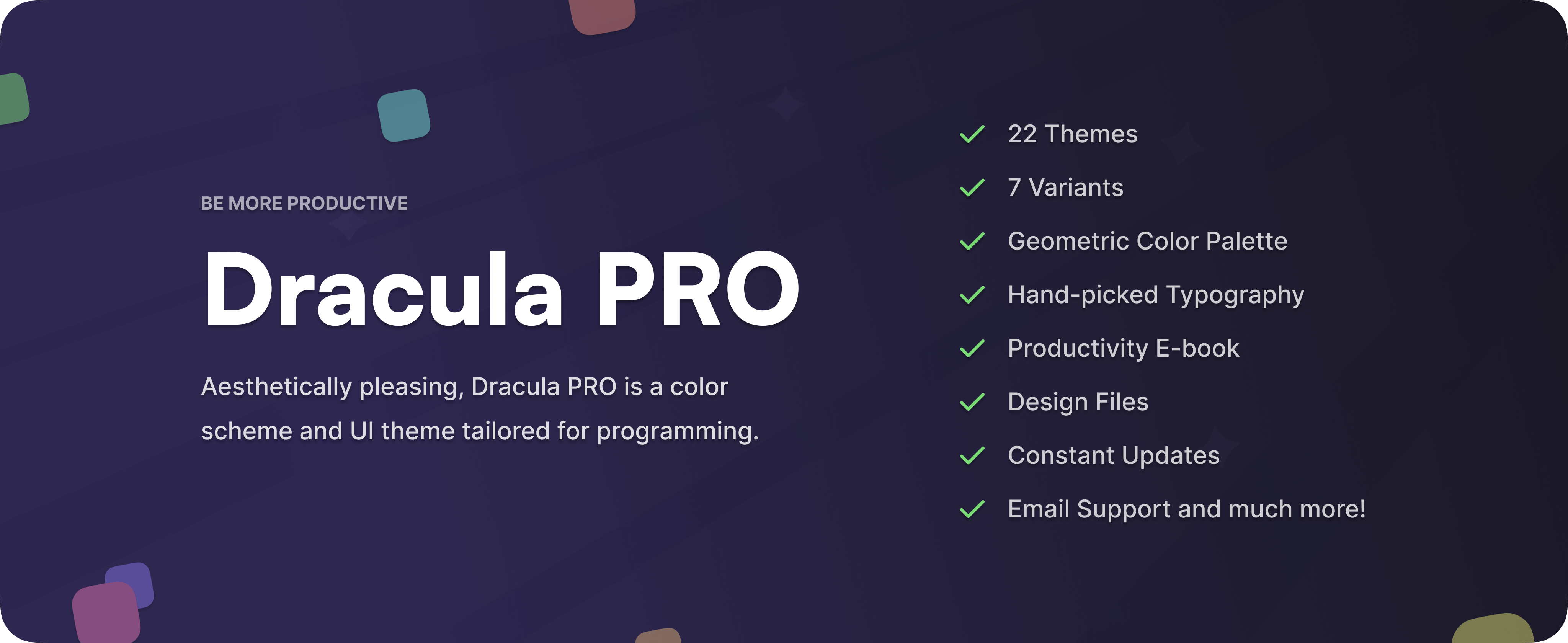
Dracula PRO is a premium color scheme and UI theme designed for programming. It includes additional variants and features for terminal emulators, code editors, and syntax highlighters.

Dracula PRO

Credits

Special thanks to the creators who inspired the creation of Dracula:

Changelog

The changelog is available on the Releases page in each theme's repository.

License

MIT License © Dracula Theme

dracula-theme (dracula/dracula-theme)

Searching Database…

这是什么?Dracula 是最受欢迎的深色配色主题之一,基于一套统一的配色方案,已移植到 Visual Studio Code、iTerm、Vim、Sublime Text、JetBrains IDEs、Terminal.app、Windows Terminal、Hyper、Alfred、Slack、Xcode、Emacs、Zsh 以及 400 多个其他应用中。
这是一个主题文件,还是多个独立主题的集合?这是一套共享的配色方案(Dracula,另有名为 Alucard 的浅色变体),并为每个受支持的应用分别重新实现;每个应用都在 Dracula GitHub 组织下拥有自己的代码仓库。
我该如何为自己的编辑器或终端安装它?前往 draculatheme.com,搜索你使用的具体应用,然后按照其中列出的安装说明操作;每个应用的主题仓库也会记录其自身的包管理器安装或手动安装步骤。
每个应用的主题都同样完善吗?各应用的覆盖范围和质量并不一致,因为 400 多个主题大多是社区贡献的,由志愿者维护,而非核心团队负责。
Alucard 是什么?Alucard 是 Dracula 配色方案的浅色模式版本,使用相同的颜色角色(背景、前景、注释、青色、绿色等),但采用浅色值而非深色值。
Dracula PRO 是什么?Dracula PRO 是一款面向编程的独立高级付费配色方案和界面主题,在免费开源主题的基础上,为终端、编辑器和语法高亮工具增加了额外的变体和功能。
我该如何为还未支持的应用添加 Dracula 支持?基于官方模板创建一个仓库,使用已发布的配色方案构建主题,然后提交一个链接到你仓库的 issue;一旦被接受,该仓库会被转入 Dracula 组织,而你将成为其维护者。
这个主题对低视力用户是否友好?是的,前景色和背景色的设计可保持 4.5:1 的对比度,符合 WCAG 2.1 Level AA 指南。
Creator
dracula
Size
9.2 MB
Stars
23.6K
Age
12y
Commits · 90 Days