


Что это?
 Text-to-Lottie — это фреймворк с открытым исходным кодом, который позволяет создавать готовые для продакшена анимации Lottie. Вы описываете нужную анимацию обычным языком в Claude Code, Codex или любом другом кодинговом агенте, который поддерживает навыки.
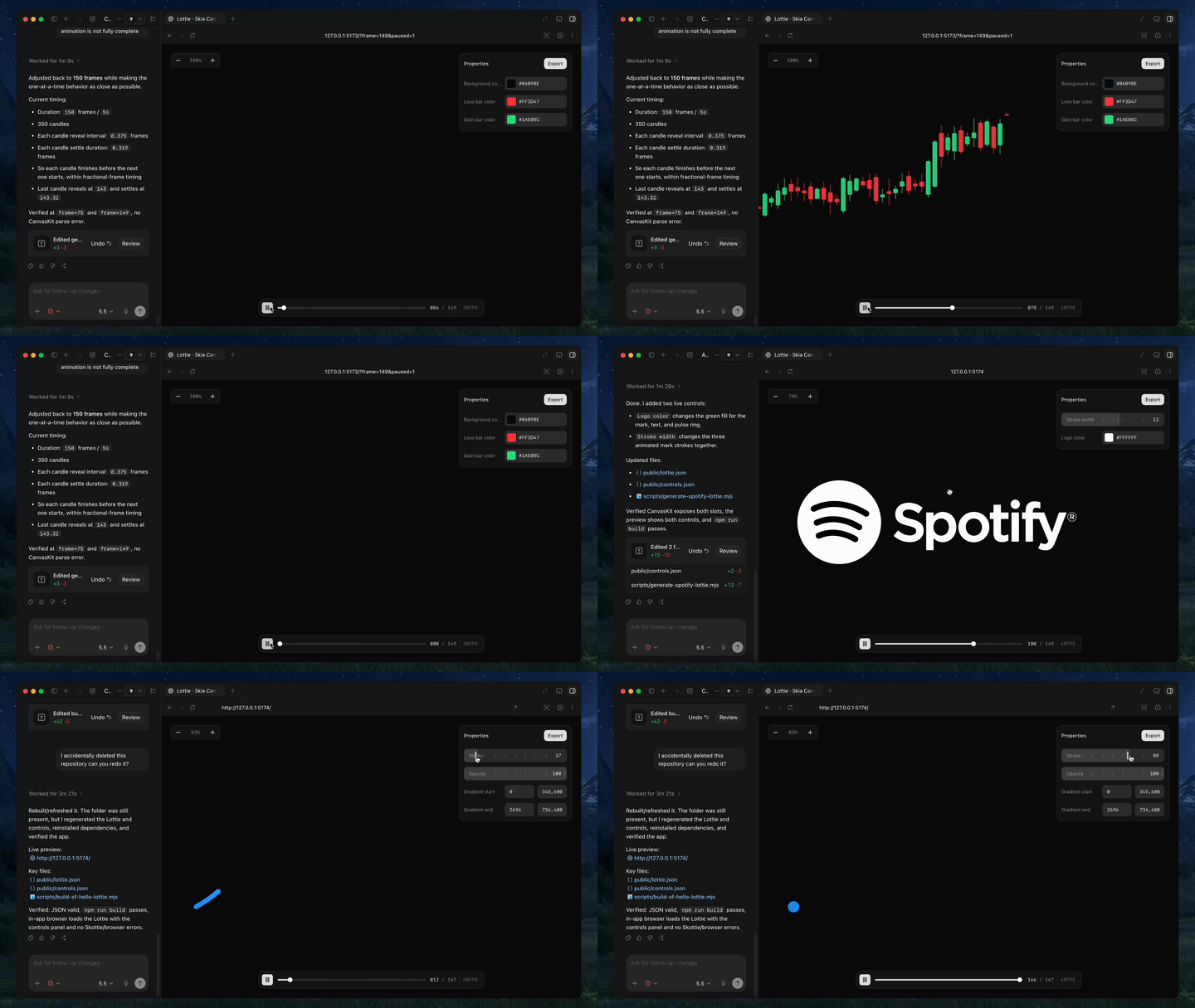
Text-to-Lottie — это фреймворк с открытым исходным кодом, который позволяет создавать готовые для продакшена анимации Lottie. Вы описываете нужную анимацию обычным языком в Claude Code, Codex или любом другом кодинговом агенте, который поддерживает навыки.Это плагин для моего кодингового агента или полноценное приложение для анимации?Это навык для агента и небольшое рабочее пространство с плеером. Навык учит кодингового агента создавать JSON-файлы Lottie, а входящий в комплект плеер в реальном времени показывает сцены, которые агент генерирует в public/projects/.
Это навык для агента и небольшое рабочее пространство с плеером. Навык учит кодингового агента создавать JSON-файлы Lottie, а входящий в комплект плеер в реальном времени показывает сцены, которые агент генерирует в public/projects/.Какие кодинговые агенты поддерживаются?Прямо упомянуты Claude Code и Codex, но навык работает с любым кодинговым агентом, который поддерживает формат навыков. Это его единственное реальное требование.
Прямо упомянуты Claude Code и Codex, но навык работает с любым кодинговым агентом, который поддерживает формат навыков. Это его единственное реальное требование.Могу ли я полностью управлять анимацией сразу после установки?По умолчанию нет. Сгенерированные анимации обычно предоставляют только управление цветом фона, поэтому, чтобы менять любое другое свойство, нужно прямо попросить агента добавить для него элементы управления.
По умолчанию нет. Сгенерированные анимации обычно предоставляют только управление цветом фона, поэтому, чтобы менять любое другое свойство, нужно прямо попросить агента добавить для него элементы управления.Где можно использовать сгенерированные файлы Lottie?Результат — стандартный JSON Lottie. Его можно напрямую использовать в вебе на обычном HTML, в React Native через модуль Skottie, нативно в iOS на Swift и Android на Kotlin, во Flutter или заново импортировать в After Effects для дальнейшей правки.
Результат — стандартный JSON Lottie. Его можно напрямую использовать в вебе на обычном HTML, в React Native через модуль Skottie, нативно в iOS на Swift и Android на Kotlin, во Flutter или заново импортировать в After Effects для дальнейшей правки.Как получить более качественный результат от агента?Опирайтесь в запросах на реальные SVG, скриншоты или данные, используйте терминологию моушн-дизайна, например ease-in/ease-out, мыслите категориями камеры, такими как наезды, панорамы и зумы, и явно указывайте FPS и длительность.
Опирайтесь в запросах на реальные SVG, скриншоты или данные, используйте терминологию моушн-дизайна, например ease-in/ease-out, мыслите категориями камеры, такими как наезды, панорамы и зумы, и явно указывайте FPS и длительность.Можно ли редактировать сгенерированную анимацию в After Effects?Да, сгенерированные JSON-файлы Lottie можно напрямую импортировать в After Effects для дальнейшей доработки.
Да, сгенерированные JSON-файлы Lottie можно напрямую импортировать в After Effects для дальнейшей доработки.Нужно ли что-то дополнительно для воспроизведения результата в React Native?Для воспроизведения там используется модуль Skottie из React Native Skia. Он отрисовывает Lottie на iOS, Android и в вебе и позволяет настраивать свойства, ресурсы и типографику во время выполнения.
Для воспроизведения там используется модуль Skottie из React Native Skia. Он отрисовывает Lottie на iOS, Android и в вебе и позволяет настраивать свойства, ресурсы и типографику во время выполнения.What are similar projects?guizang-product-video-skill, lottie-web, herk-edit-kit, skills, livecanvas, onetake, skills, hairline
guizang-product-video-skill, lottie-web, herk-edit-kit, skills, livecanvas, onetake, skills, hairlineWhich topics is it in?svg-animation, motion-design, shadcn, motion-graphics, flutter, react-native, agent-skill, svg, tailwindcss, vite, wasm, design
svg-animation, motion-design, shadcn, motion-graphics, flutter, react-native, agent-skill, svg, tailwindcss, vite, wasm, design