



What is this?
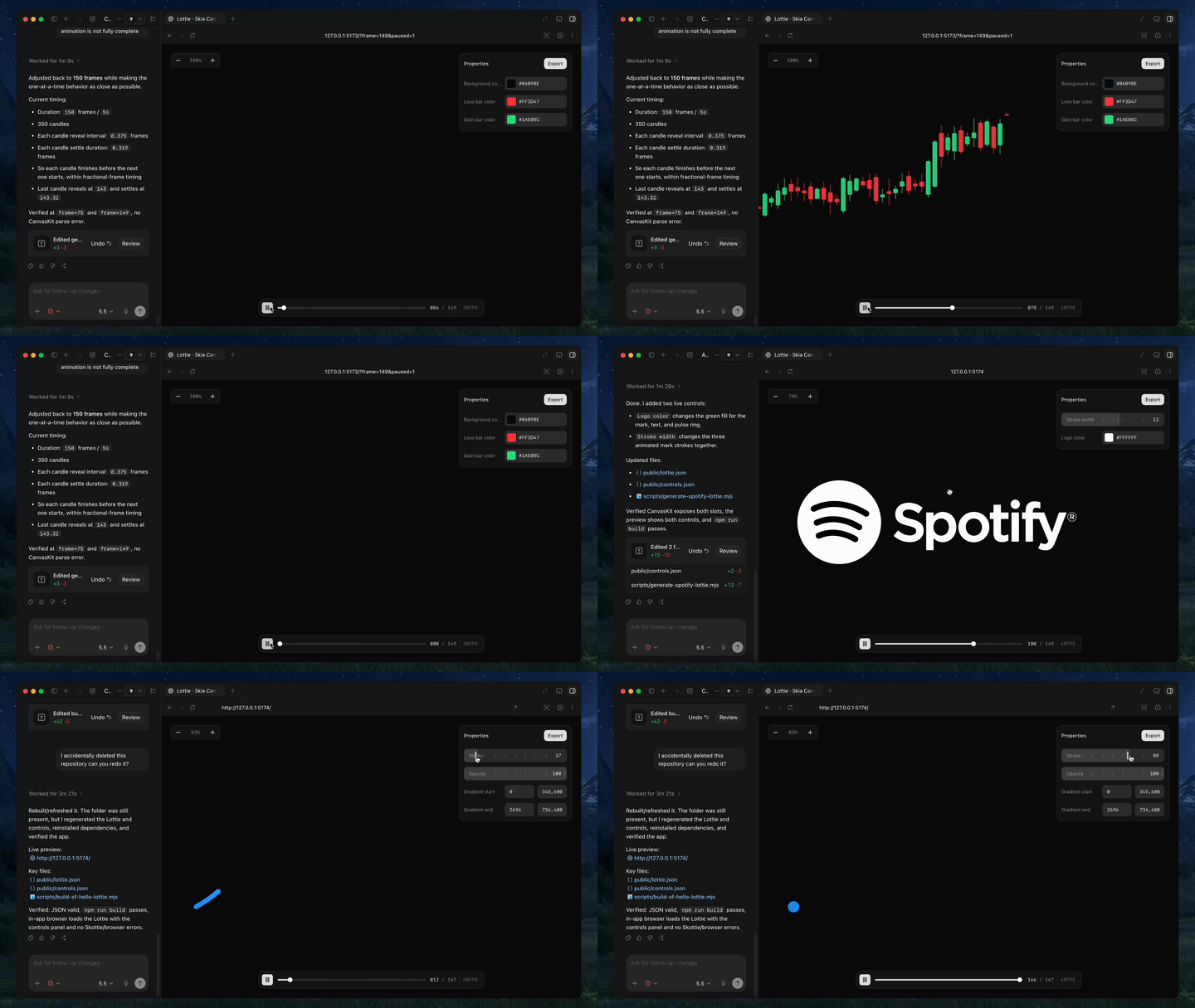
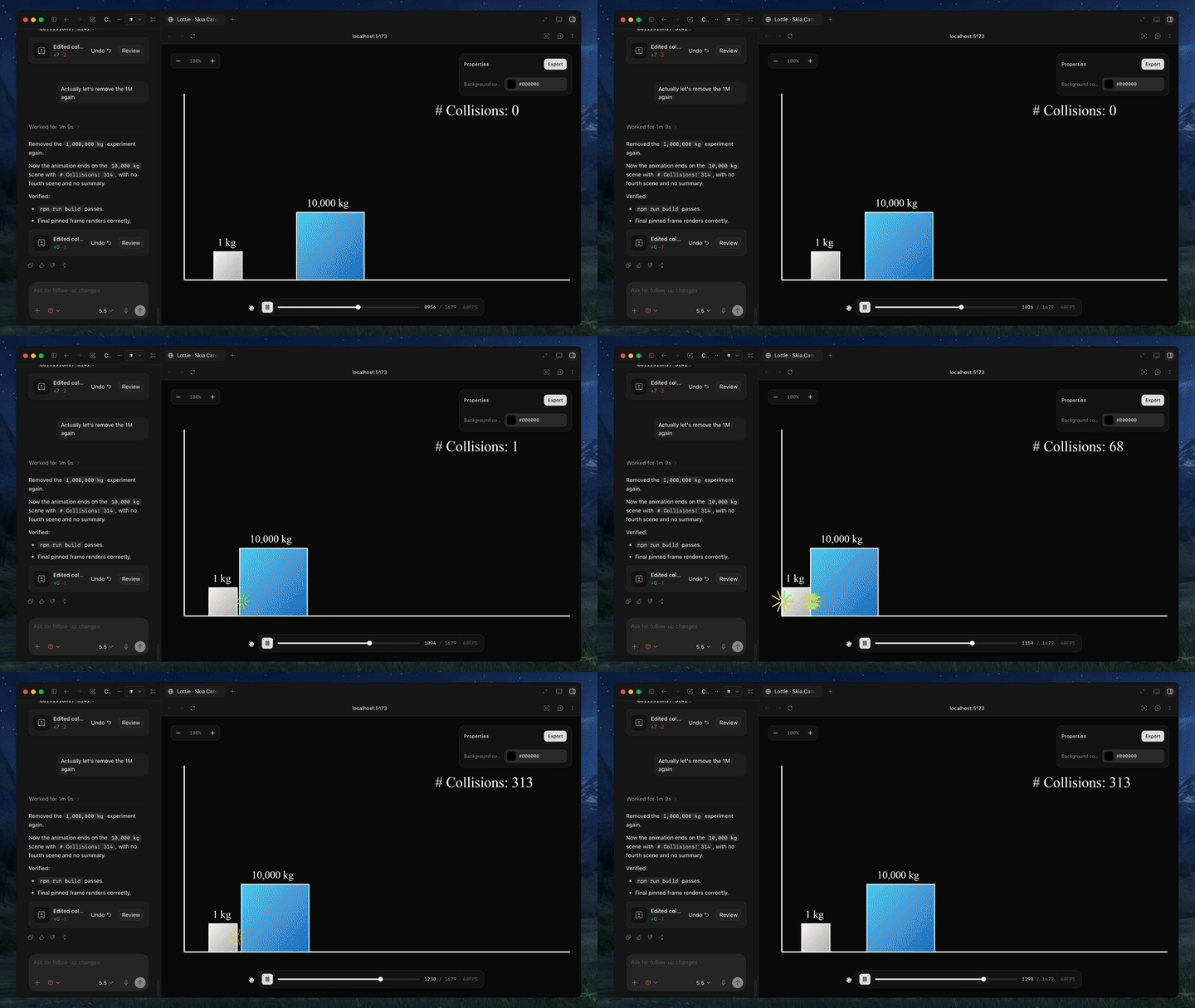
 Text-to-Lottie is an open-source framework that lets you generate production-ready Lottie animations by describing them in plain language to Claude Code, Codex, or any coding agent that supports skills.
Text-to-Lottie is an open-source framework that lets you generate production-ready Lottie animations by describing them in plain language to Claude Code, Codex, or any coding agent that supports skills.Is this a plugin for my coding agent, or a full animation app?It is an agent skill plus a small player workspace: the skill teaches your coding agent how to build Lottie JSON, and the included player live-previews the scenes the agent generates in public/projects/.
It is an agent skill plus a small player workspace: the skill teaches your coding agent how to build Lottie JSON, and the included player live-previews the scenes the agent generates in public/projects/.Which coding agents does it support?Claude Code and Codex are explicitly mentioned, but the skill works with any coding agent that supports the skills format, since that is its only real requirement.
Claude Code and Codex are explicitly mentioned, but the skill works with any coding agent that supports the skills format, since that is its only real requirement.Do I get full control over the animation out of the box?Not by default — generated animations usually only expose a background-color control, so you have to explicitly ask the agent to add controls for any other property you want to tweak.
Not by default — generated animations usually only expose a background-color control, so you have to explicitly ask the agent to add controls for any other property you want to tweak.Where can I use the Lottie files it generates?The output is standard Lottie JSON usable directly on web/vanilla HTML, in React Native via the Skottie module, natively in iOS Swift and Android Kotlin, in Flutter, or re-imported into After Effects for further editing.
The output is standard Lottie JSON usable directly on web/vanilla HTML, in React Native via the Skottie module, natively in iOS Swift and Android Kotlin, in Flutter, or re-imported into After Effects for further editing.How do I get better results from the agent?Ground prompts with real SVGs, screenshots, or data, use motion-design vocabulary like ease-in/ease-out, think in camera terms such as pushes, pans, and zooms, and specify the FPS and duration explicitly.
Ground prompts with real SVGs, screenshots, or data, use motion-design vocabulary like ease-in/ease-out, think in camera terms such as pushes, pans, and zooms, and specify the FPS and duration explicitly.Can I edit the generated animation in After Effects?Yes, the generated Lottie JSON files can be imported directly into After Effects for further refinement.
Yes, the generated Lottie JSON files can be imported directly into After Effects for further refinement.Does the React Native output need anything extra to play?Playback there relies on React Native Skia's Skottie module, which renders Lottie across iOS, Android, and web and lets you customize properties, assets, and typography at runtime.
Playback there relies on React Native Skia's Skottie module, which renders Lottie across iOS, Android, and web and lets you customize properties, assets, and typography at runtime.What are similar projects?guizang-product-video-skill, lottie-web, herk-edit-kit, skills, livecanvas, onetake, skills, hairline
guizang-product-video-skill, lottie-web, herk-edit-kit, skills, livecanvas, onetake, skills, hairlineWhich topics is it in?svg-animation, motion-design, shadcn, motion-graphics, flutter, react-native, agent-skill, svg, tailwindcss, vite, wasm, design
svg-animation, motion-design, shadcn, motion-graphics, flutter, react-native, agent-skill, svg, tailwindcss, vite, wasm, design