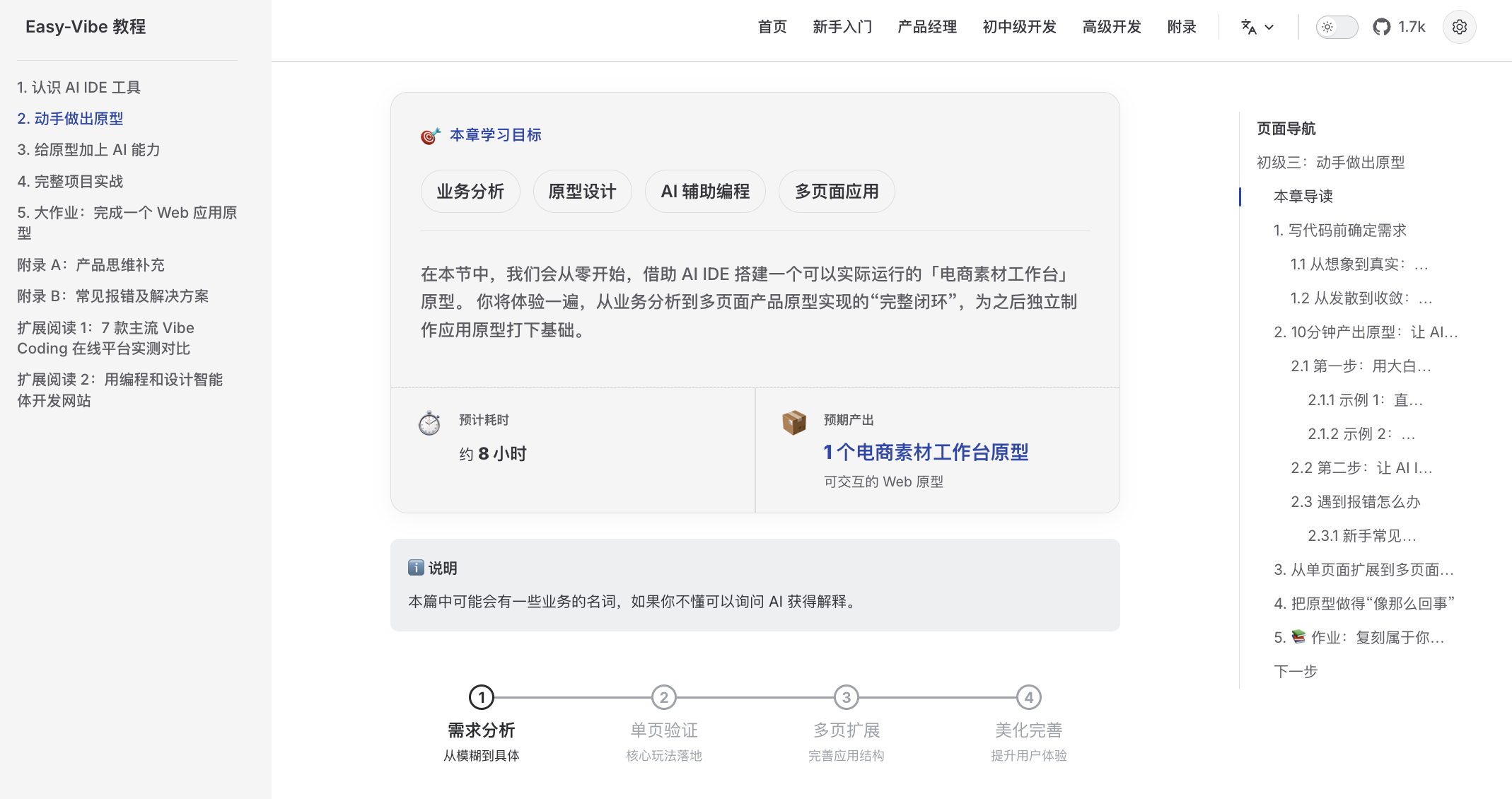
A beginner-friendly learning map
Clear guidance from zero, so you can stop "learning and forgetting"
|
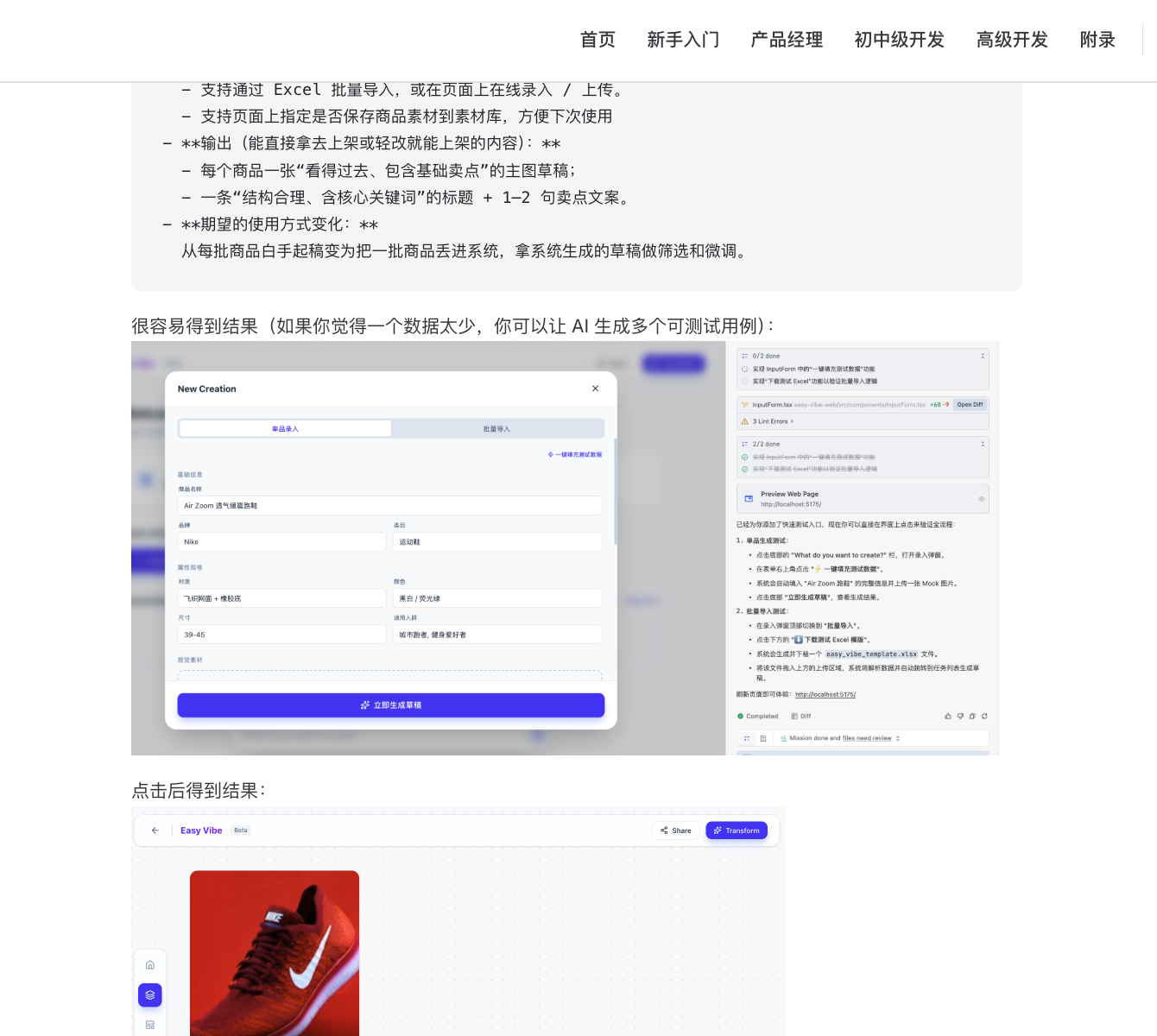
Step-by-step visual tutorials
Detailed walkthroughs that feel like learning with a private tutor
|
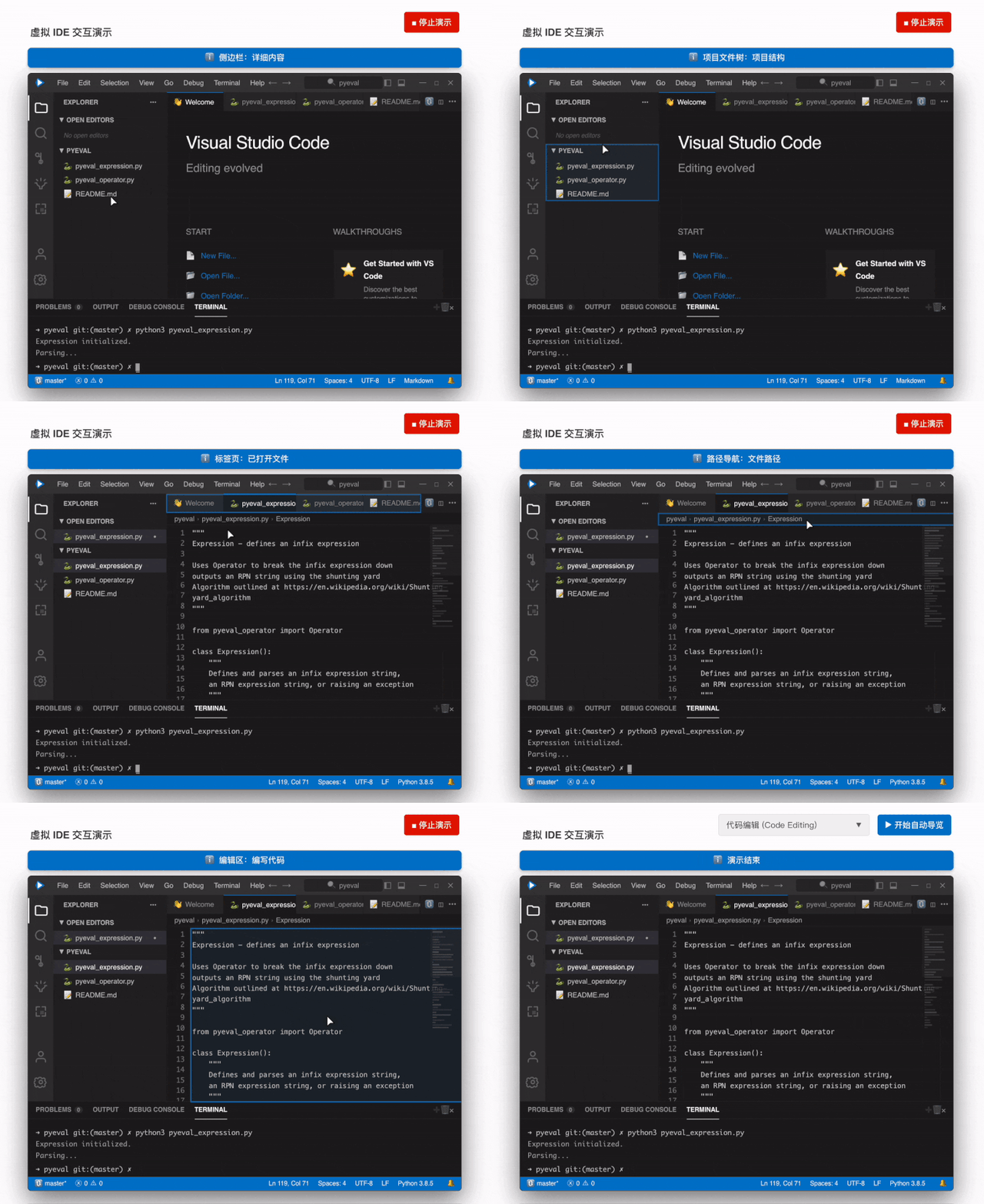
Immersive simulated coding
Virtual mouse guidance helps you quickly learn the core IDE workflow
|
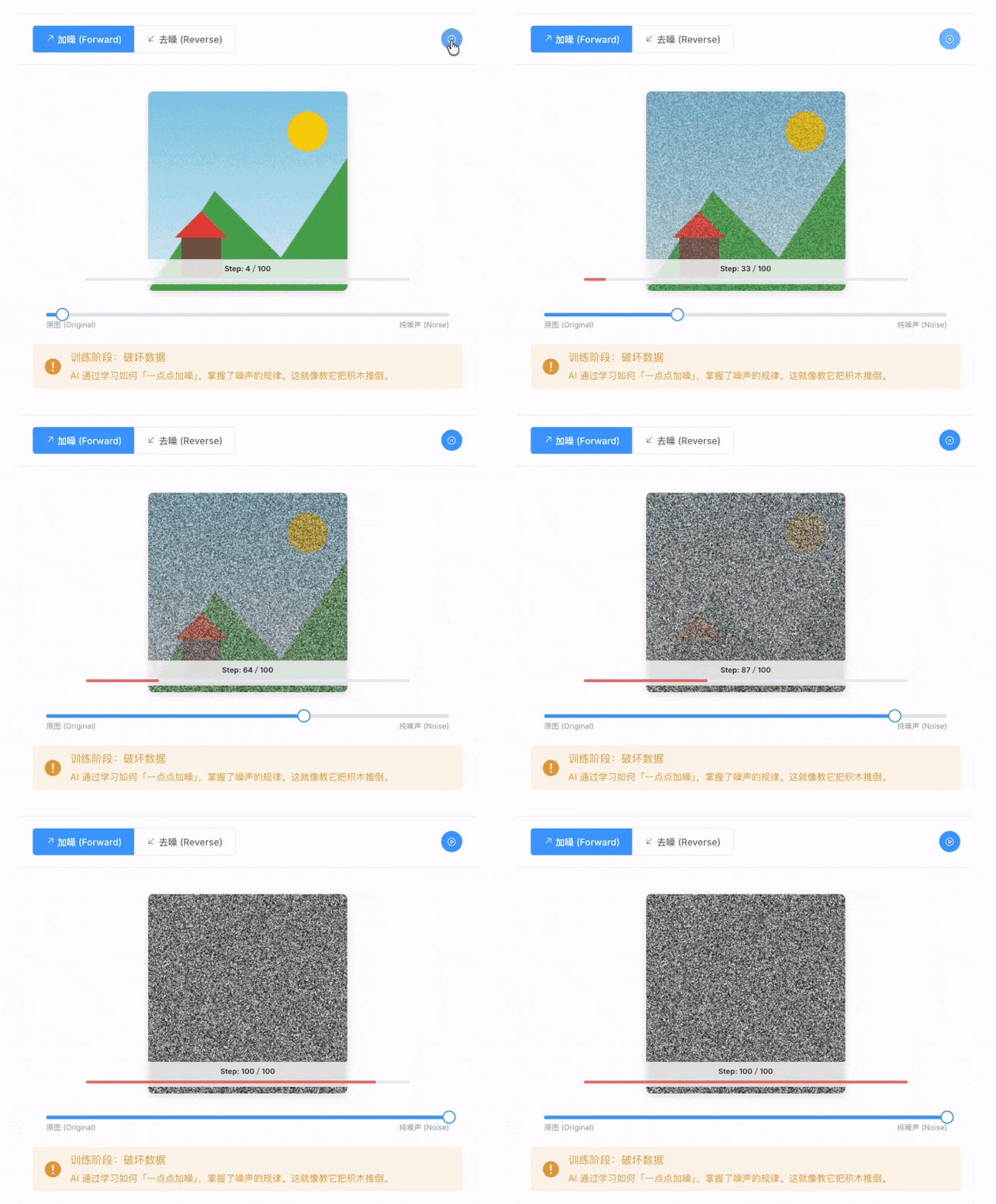
Visible AI principles
Animated explanations make it easy to see how AI generates images
|
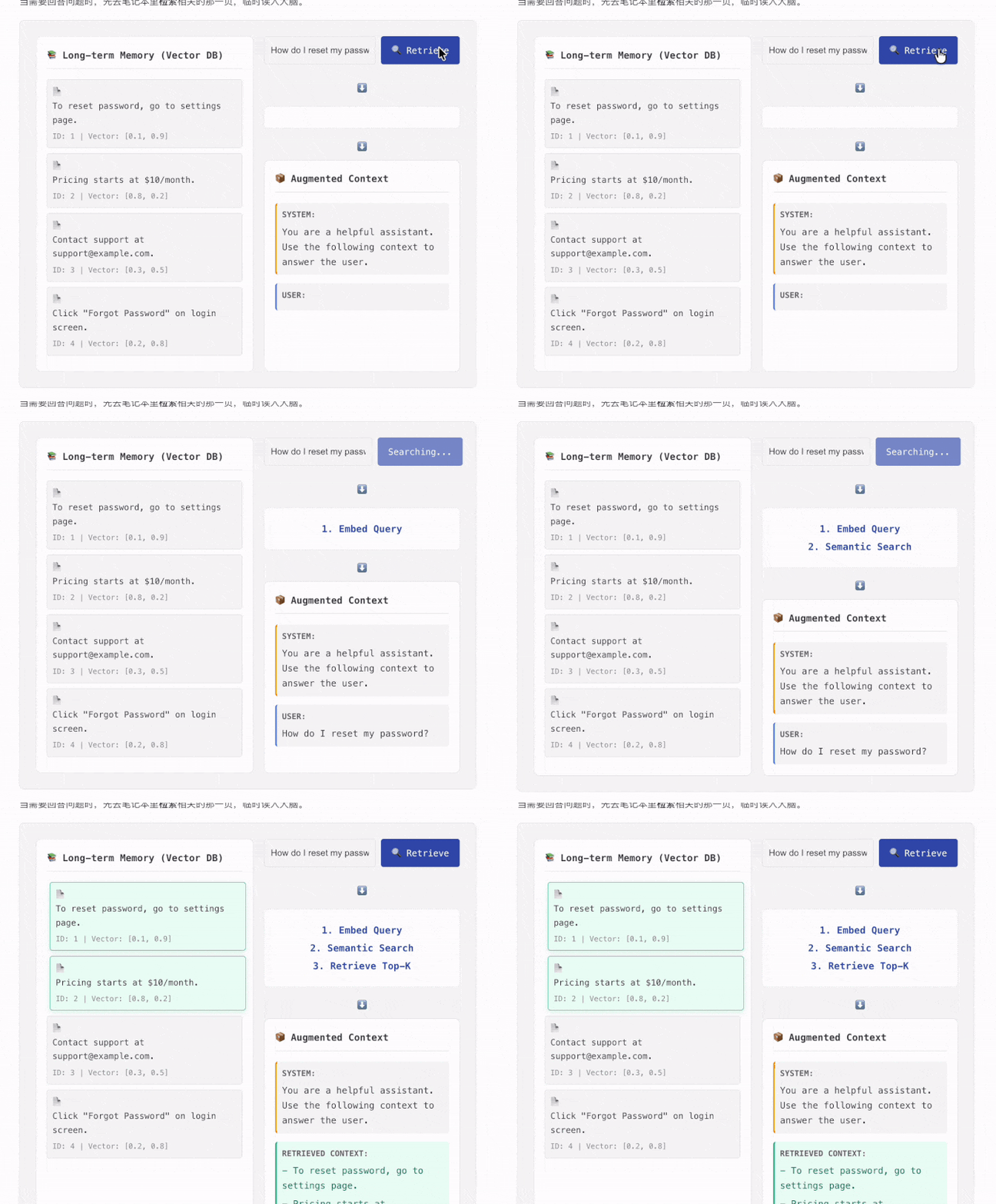
Learn RAG like a game
Interactive components let you click through the full RAG data flow
|
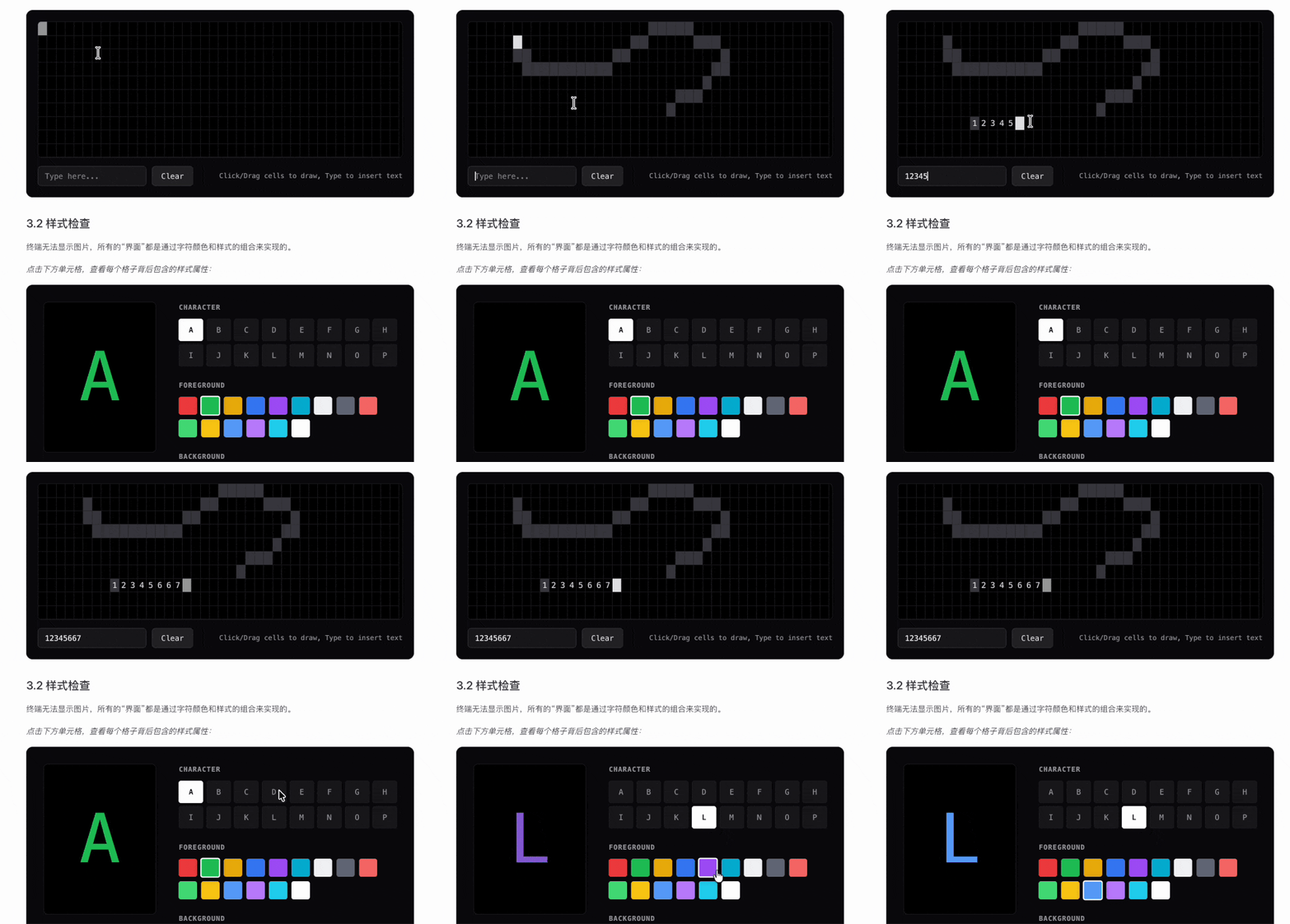
Visual terminal concepts
Command-line behavior becomes intuitive when the underlying logic is visualized
|
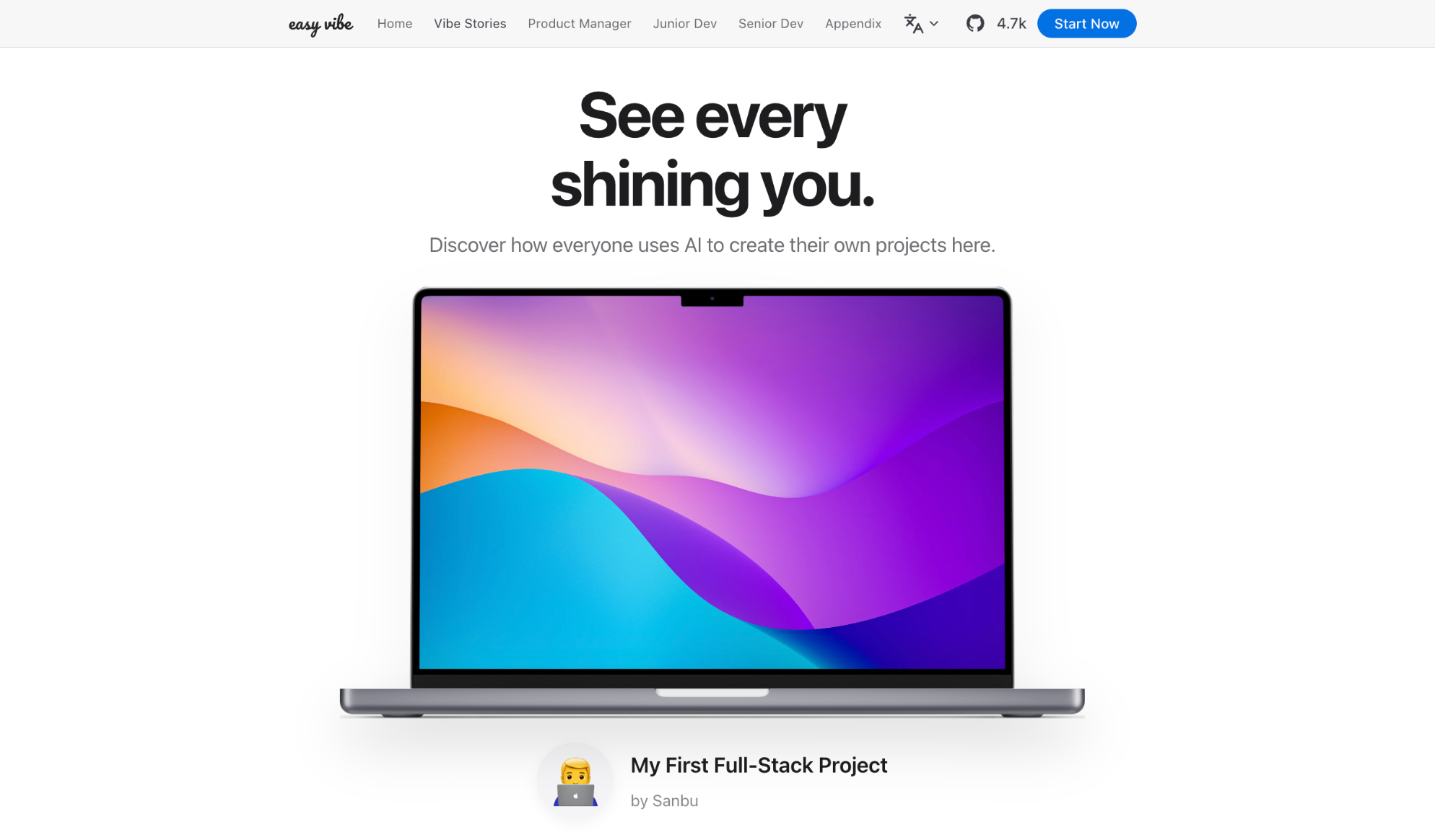
📝 Have your own vibe coding story?
Submit it here and inspire others!
Table of Contents
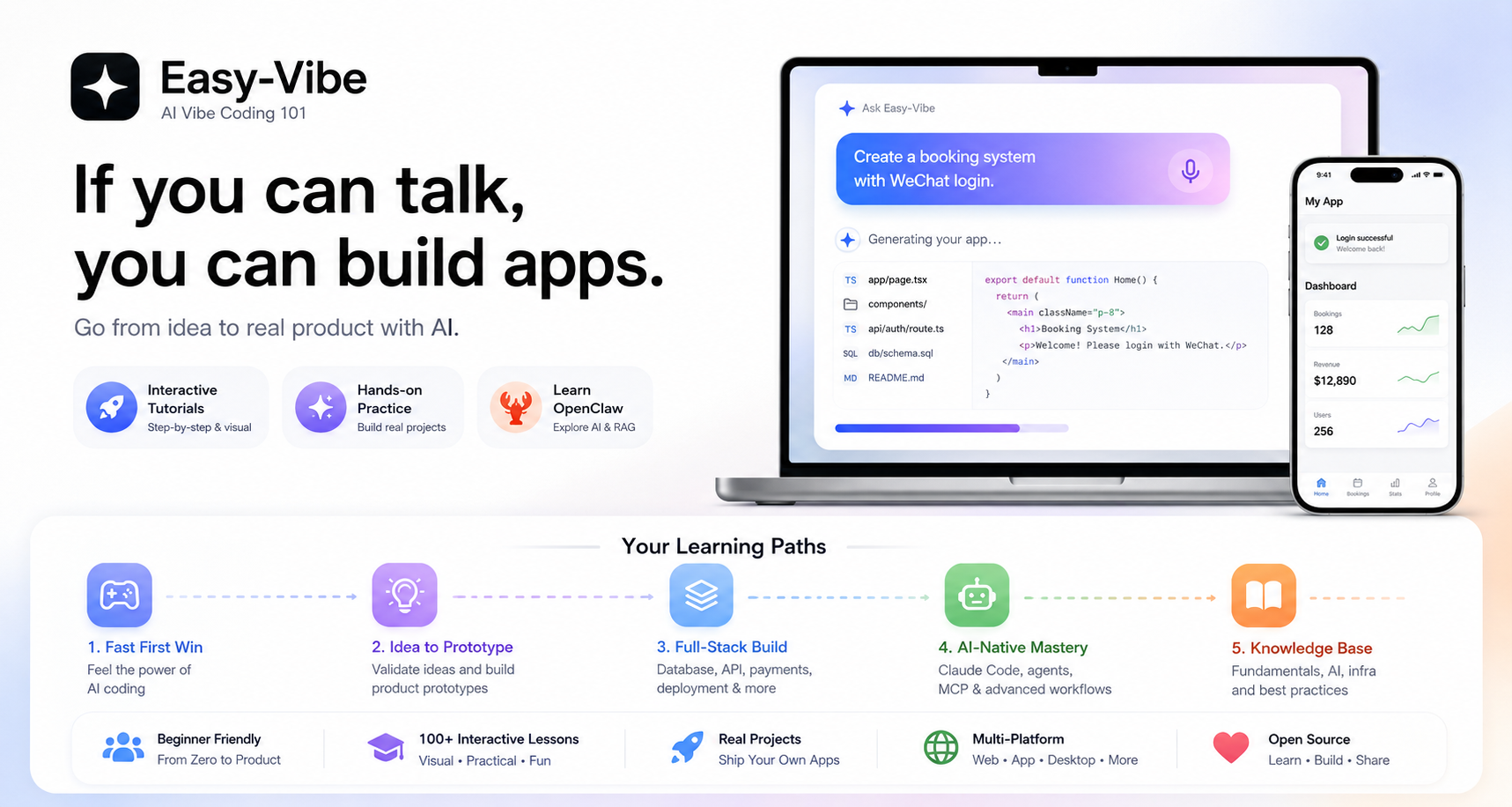
Why Easy-Vibe
Want an expense tracker? Say it.
Need a booking system with WeChat login? Say it.
Want a blog with comments? Say it.
In the AI era, programming starts by describing what you want.
Easy-Vibe teaches you how to turn that into a real product.
🔥 News
- [2026-08-12] 📘 Stage 1 has been restructured and polished: The beginner path now starts with real problems and proceeds through finding opportunities, choosing a direction, understanding user needs, conducting interviews, narrowing the solution, building a prototype, integrating AI, and completing a presentable project. The explanations, real-world examples, images, and hands-on exercises have also been revised. Stage 1 is now better suited to complete beginners, first-time product builders, and indie developers who want to move from a real need to a prototype that can be shown to users. 👉 Start with Stage 1
- [2026-06-17] 🌍 Full multilingual coverage complete: All tutorial content (Stages 1-3) is now available in 10 languages (zh-cn, en, zh-tw, ja-jp, ko-kr, es-es, fr-fr, de-de, ar-sa, vi-vn), covering product prototyping, full-stack development, and cross-platform development.
- [2026-03-29] ✨ Vibe Stories launched and upgraded with real user journeys: Added a new homepage Vibe Stories section with an interactive carousel and dedicated story pages, then replaced placeholder content with four real user stories featuring a rural primary school teacher, a college student, a high school IT teacher, and a truck driver who built real products with AI. 👉 View the stories
- [2026-03-26] 🚀 Major Stage 2 practice update: Completed the SaaS capstone project "Your First SaaS Full-Stack App: Copywriting Generator Website" and substantially expanded the "How to integrate Stripe and payment systems" section, plus key content around multi-product UI and WeChat Mini Program backend workflows.
- [2026-03-25] 📚 New appendix: User Research and Requirement Validation: Added four new articles covering idea sourcing, the Double Diamond model, Jobs to Be Done, and The Mom Test to help beginners discover and validate product ideas. 👉 Read the appendix
- [2026-03-25] 📚 English documentation fully updated: Stage 2 (Full-stack Development) and Stage 3 (Advanced Development) are now fully available in English. 👉 Start learning
Past News
- [2026-03-02] 🦞 OpenClaw and AI Agent friendly support: Added
llms.txt so OpenClaw, Claude, Cursor, Trae, and other AI agents can quickly understand the repository structure and find the right tutorial content.
- [2026-03-01] The Advanced Development section has been comprehensively upgraded with deep guides for Claude Code, including MCP, Skills, Agent Teams, and more, along with eight cross-platform project tutorials.
- [2026-02-25] Updated the Appendix Knowledge Base, now covering 9 knowledge areas and 80+ interactive topics.
- [2026-01-27] Added Android and iOS app development tutorials.
- [2026-01-19] Released interactive demos for Prompt Engineering, AI history, authentication design, Git principles, and more.
- [2026-01-16] Reorganized the project structure and formally established a beginner entry path.
- [2026-01-14] Completed a large update to the Stage 1 product prototyping docs.
- [2026-01-13] Refactored the documentation architecture and fully enabled multi-language support.
- [2026-01-01] Released the core learning map for the project.
Who This Is For
- Complete beginners: Build your first project first, then understand how it works
- Product managers / founders: Validate ideas fast and build MVPs at low cost
- Students: Develop practical skills for the AI era
- Junior developers: Learn the full path from idea to launch
- Mid-level and senior developers: Upgrade your AI collaboration workflow for complex projects
Your Learning Paths
🎮 I want a fast first win
Best for: Everyone
What you will learn: What AI coding actually feels like through a simple, concrete hands-on example
What you will get: A clear first impression of vibe coding and how to work with AI by conversation
Start here
💡 I want to turn an idea into a product prototype
Best for: Beginners / product managers / founders
What you will learn: Learning roadmap, AI IDE tools, idea validation, prototyping, AI capability integration, and full demo iteration
What you will get: A demoable AI product prototype you can actually show to users or teammates
Start learning
🚀 I want to build full-stack products end to end
Best for: Junior developers / indie hackers / advanced learners
What you will learn: Frontend workflows, design-to-code, databases, backend APIs, deployment, billing, and major projects
What you will get: The ability to independently ship modern AI-enabled web applications
Start learning
AI-Native: I want advanced Claude Code and agent workflows
Best for: Developers interested in AI-native engineering
What you will learn: Claude Code, MCP, Skills, Agent Teams, long-running tasks, Spec Coding, and cross-platform app delivery
What you will get: A stronger workflow for complex AI-assisted development and automation
Go to advanced development
📚 I want reference material and fundamentals
Best for: Everyone
What you will learn: Computer fundamentals, frontend/backend basics, infrastructure, AI principles, and engineering practices
What you will get: A long-term reference knowledge base covering 9 major knowledge areas
Browse the knowledge base
Study Suggestions
- If you are a beginner, product manager, or founder, start with Stage 1
- If you want to move from prototypes to full-stack delivery, start with Stage 2
- If you want advanced Claude Code workflows or cross-platform projects, go to Stage 3
- If you get blocked by concepts or missing background knowledge, use the Appendix Knowledge Base
📖 Content Navigation
I. Beginner Entry
Appendix: Product and Business Thinking
Appendix: User Research and Requirement Validation
Appendix: Technical Solutions
II. Junior and Mid-Level Developers
Frontend





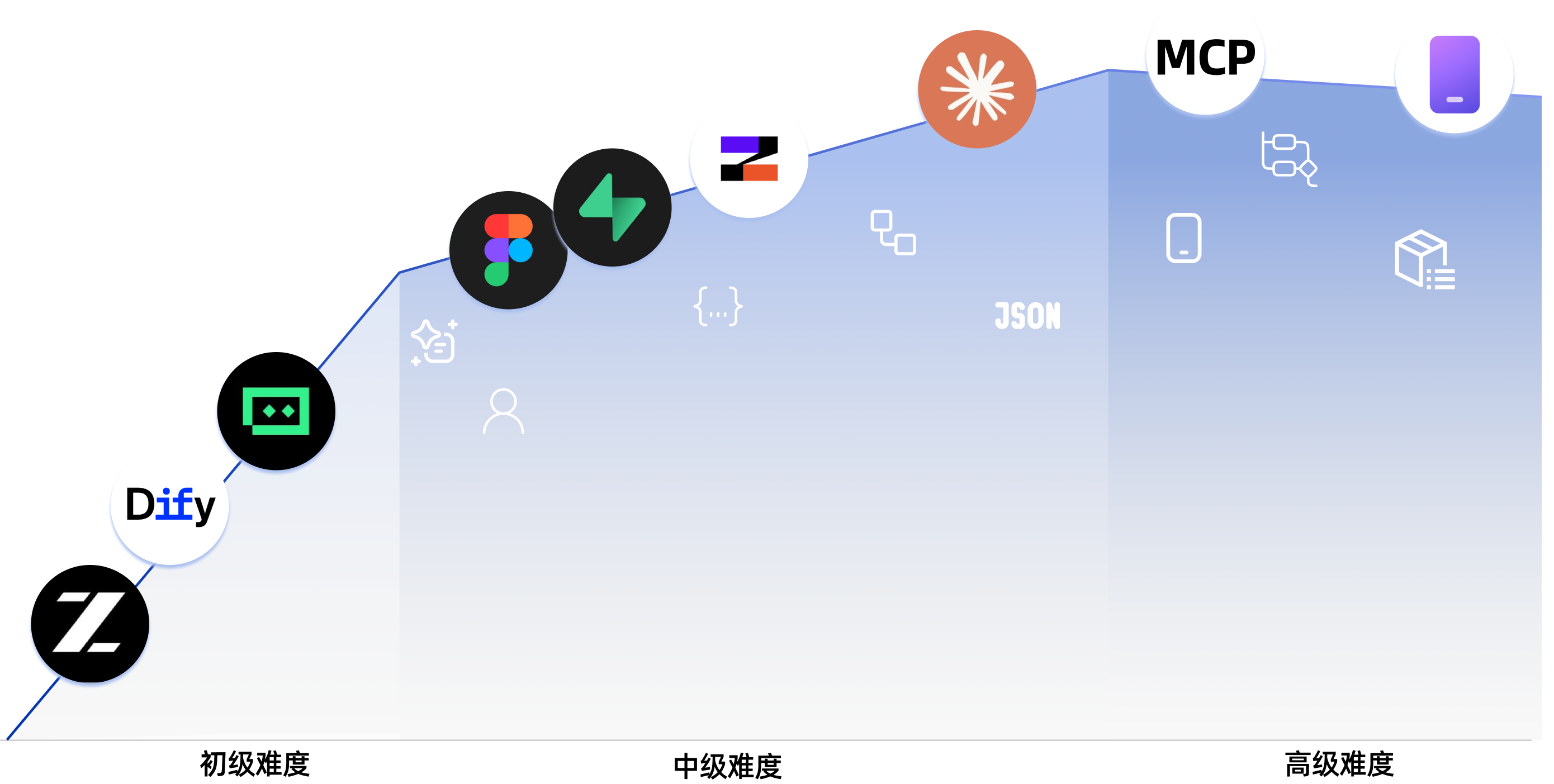

 Easy-Vibe 是 Datawhale 出品的一门面向初学者的课程('vibe coding 101'),教你用 AI 的方式做产品:通过真正上线作品来学编程,从一个初步想法一路做到能跑起来的应用。