




Что это такое?
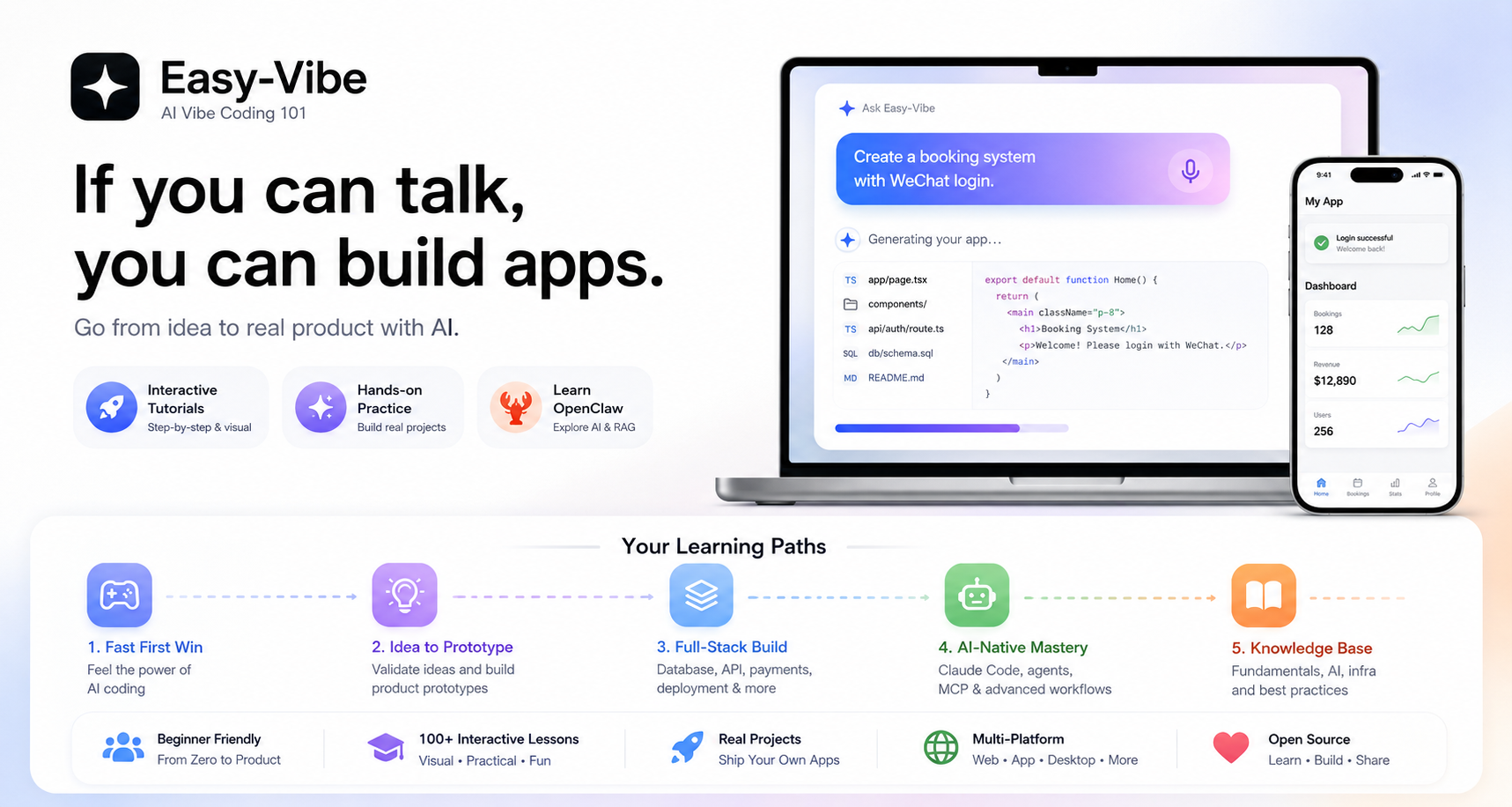
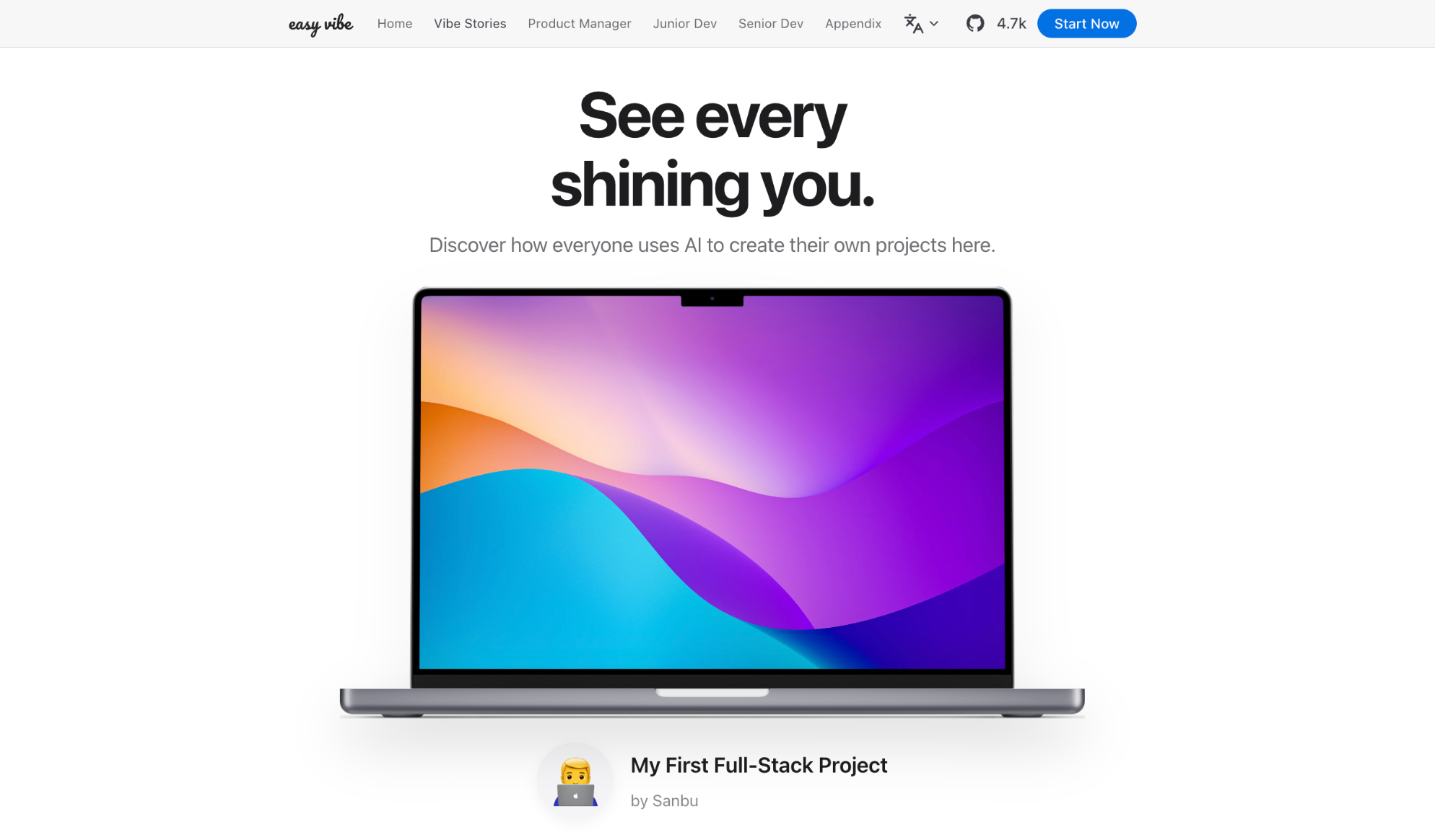
 Easy-Vibe — это курс для начинающих от Datawhale ("vibe coding 101"), который учит создавать продукты вместе с ИИ: осваивать программирование, выпуская настоящие продукты — от первой идеи до работающего приложения.
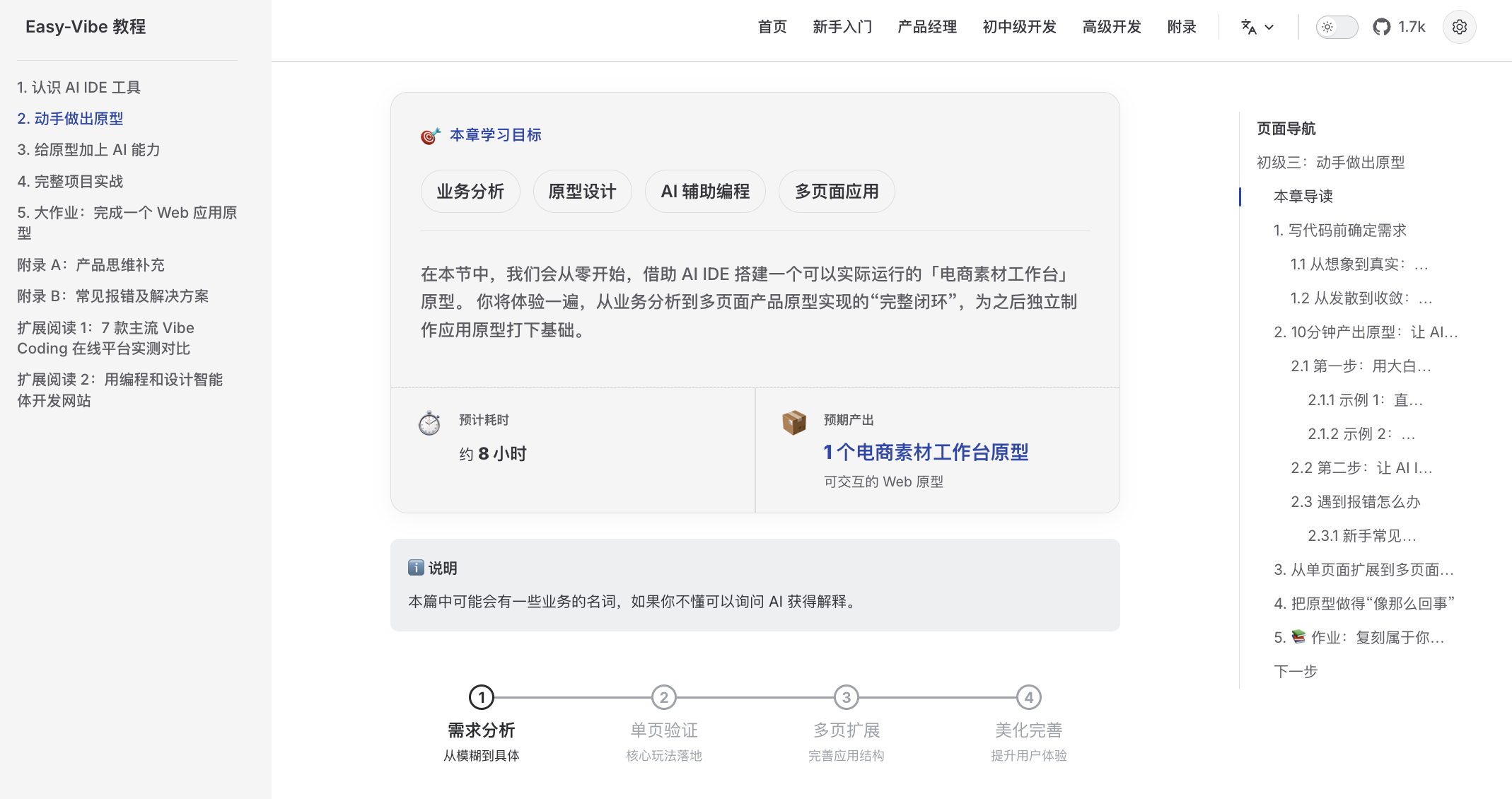
Easy-Vibe — это курс для начинающих от Datawhale ("vibe coding 101"), который учит создавать продукты вместе с ИИ: осваивать программирование, выпуская настоящие продукты — от первой идеи до работающего приложения.Это приложение, которое нужно установить, или курс, который я читаю в браузере?Курс, который вы читаете в браузере: наглядная обучающая карта с пошаговыми визуальными уроками и интерактивными демо, собранная как сайт на VitePress. Его также можно запустить локально с Node 18+ ('npm install && npm run dev'; в комплекте есть Dockerfile).
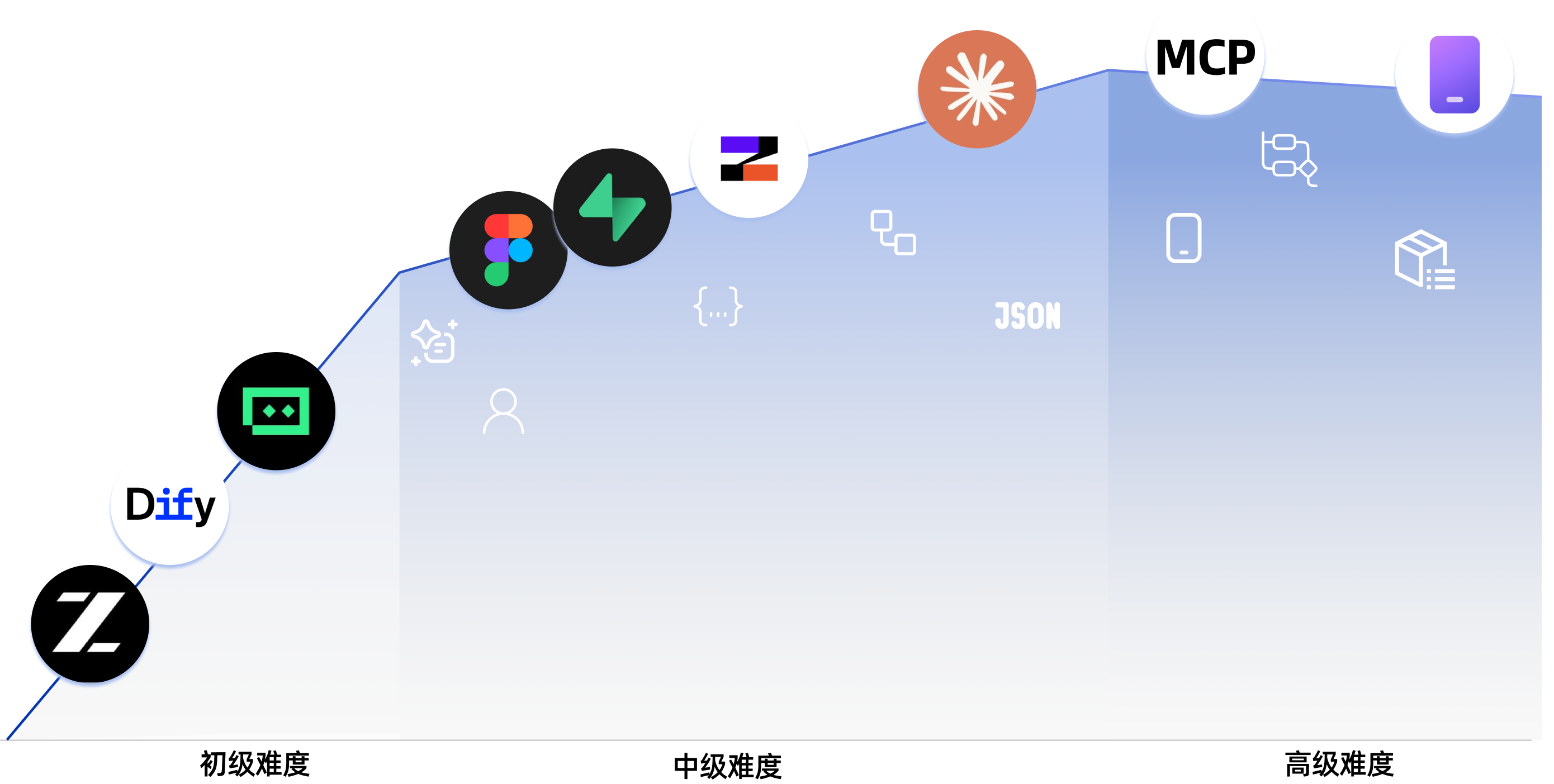
Курс, который вы читаете в браузере: наглядная обучающая карта с пошаговыми визуальными уроками и интерактивными демо, собранная как сайт на VitePress. Его также можно запустить локально с Node 18+ ('npm install && npm run dev'; в комплекте есть Dockerfile).Мне нужны свои ИИ-инструменты для программирования до начала курса?Нет — курс объясняет ИИ-инструменты для разработки с нуля и включает практическое сравнение семи ИИ-платформ для программирования. Этап 3 подробно разбирает Claude Code (MCP, Skills, Agent Teams), а файл llms.txt помогает агентам вроде OpenClaw, Claude, Cursor и Trae ориентироваться в репозитории.
Нет — курс объясняет ИИ-инструменты для разработки с нуля и включает практическое сравнение семи ИИ-платформ для программирования. Этап 3 подробно разбирает Claude Code (MCP, Skills, Agent Teams), а файл llms.txt помогает агентам вроде OpenClaw, Claude, Cursor и Trae ориентироваться в репозитории.Я не разработчик — смогу ли я разобраться?Да — Этап 1 создан для полных новичков, тех, кто впервые делает продукты, и инди-разработчиков; среди целевой аудитории прямо названы продакт-менеджеры, основатели стартапов и студенты, а Этапы 2–3 рассчитаны на разработчиков от джуна до сеньора.
Да — Этап 1 создан для полных новичков, тех, кто впервые делает продукты, и инди-разработчиков; среди целевой аудитории прямо названы продакт-менеджеры, основатели стартапов и студенты, а Этапы 2–3 рассчитаны на разработчиков от джуна до сеньора.Что именно я буду делать по ходу курса?Вы начнёте с простой игры Snake, чтобы почувствовать, как программировать с ИИ, затем соберёте одно- и многостраничные прототипы, финальный SaaS-проект (генератор текстов для копирайтинга с оплатой через Stripe), фронтенд-проект с ИИ-изображениями (Hogwarts Portraits), а в продвинутой части — приложения для Android/iOS.
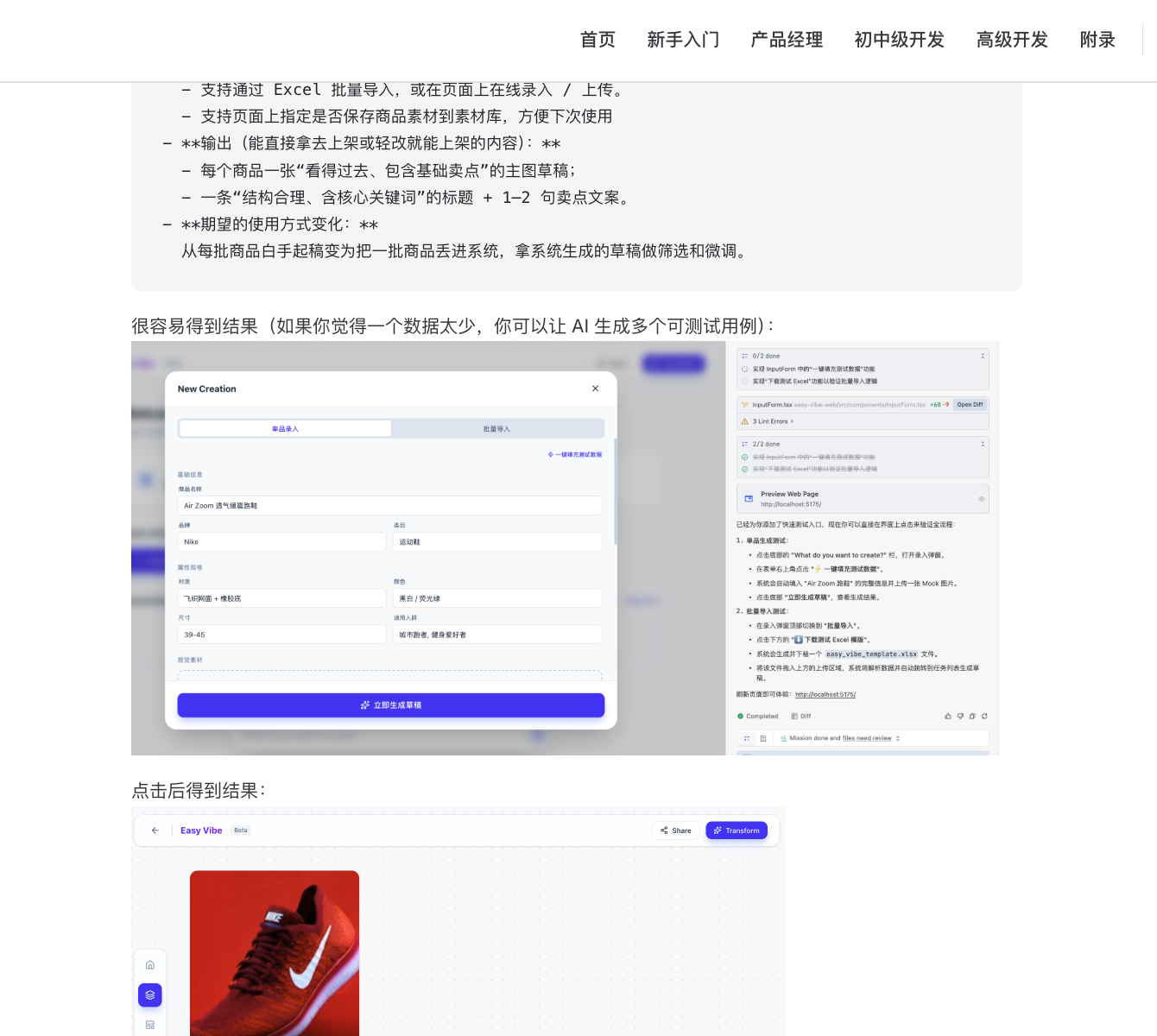
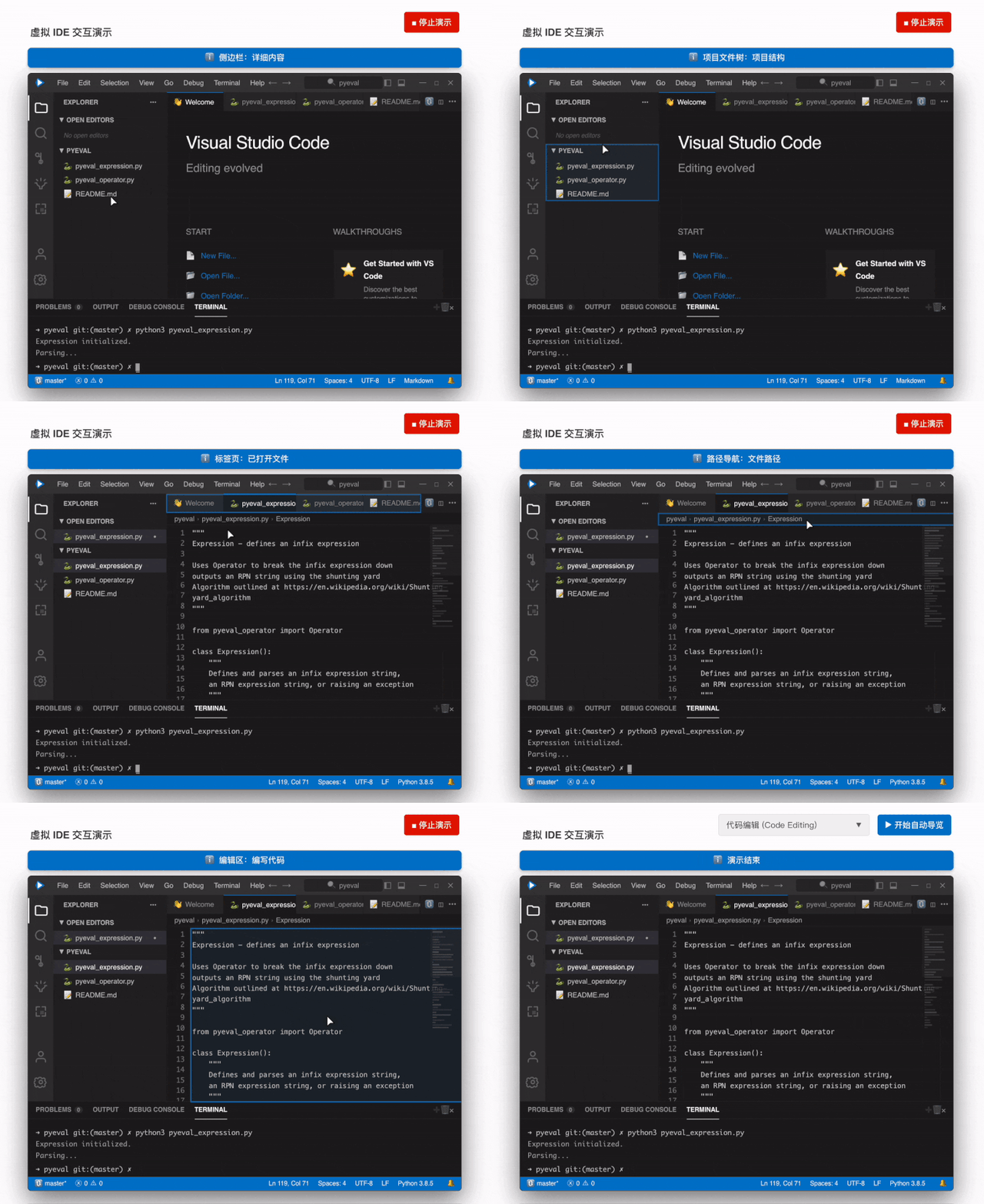
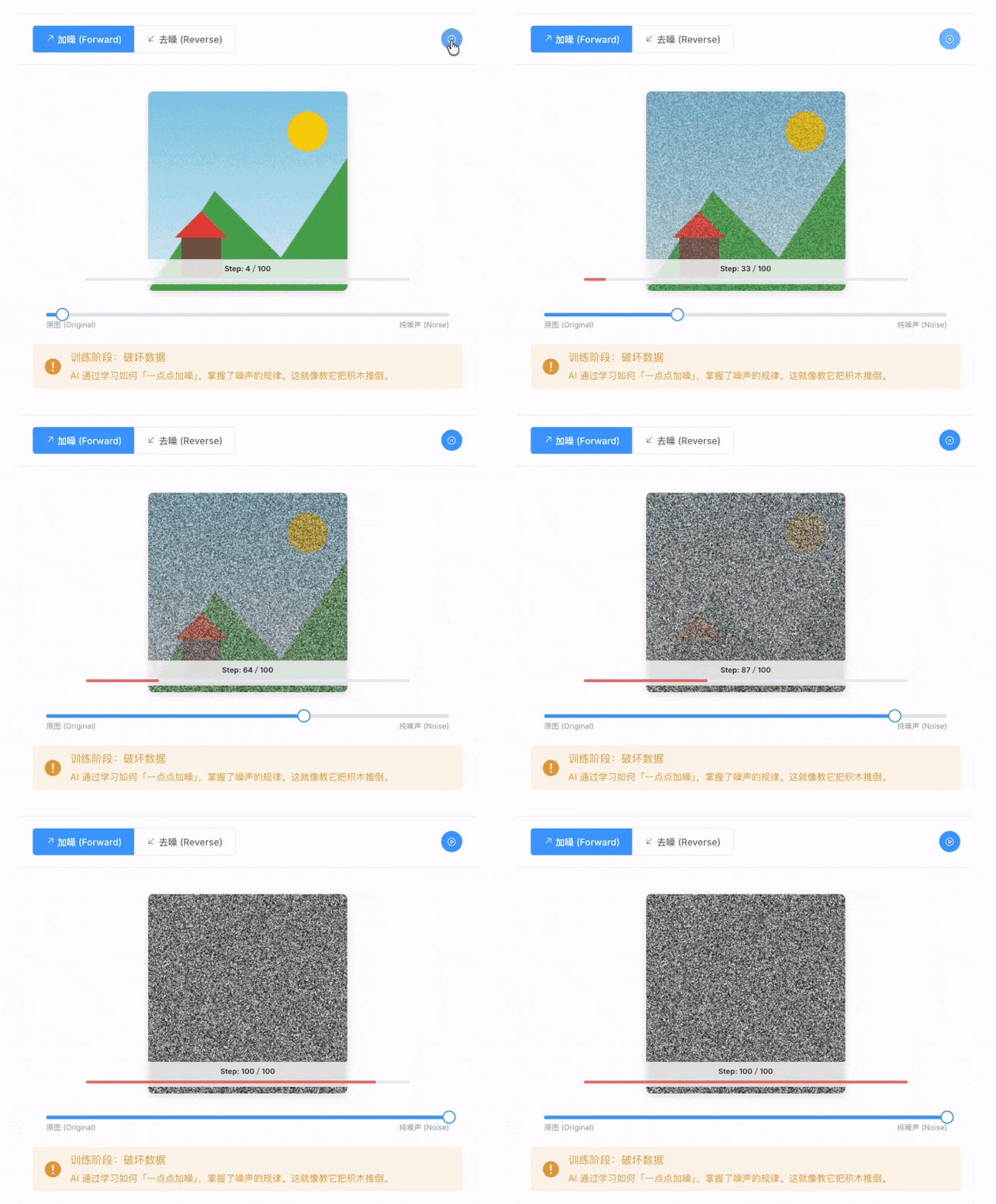
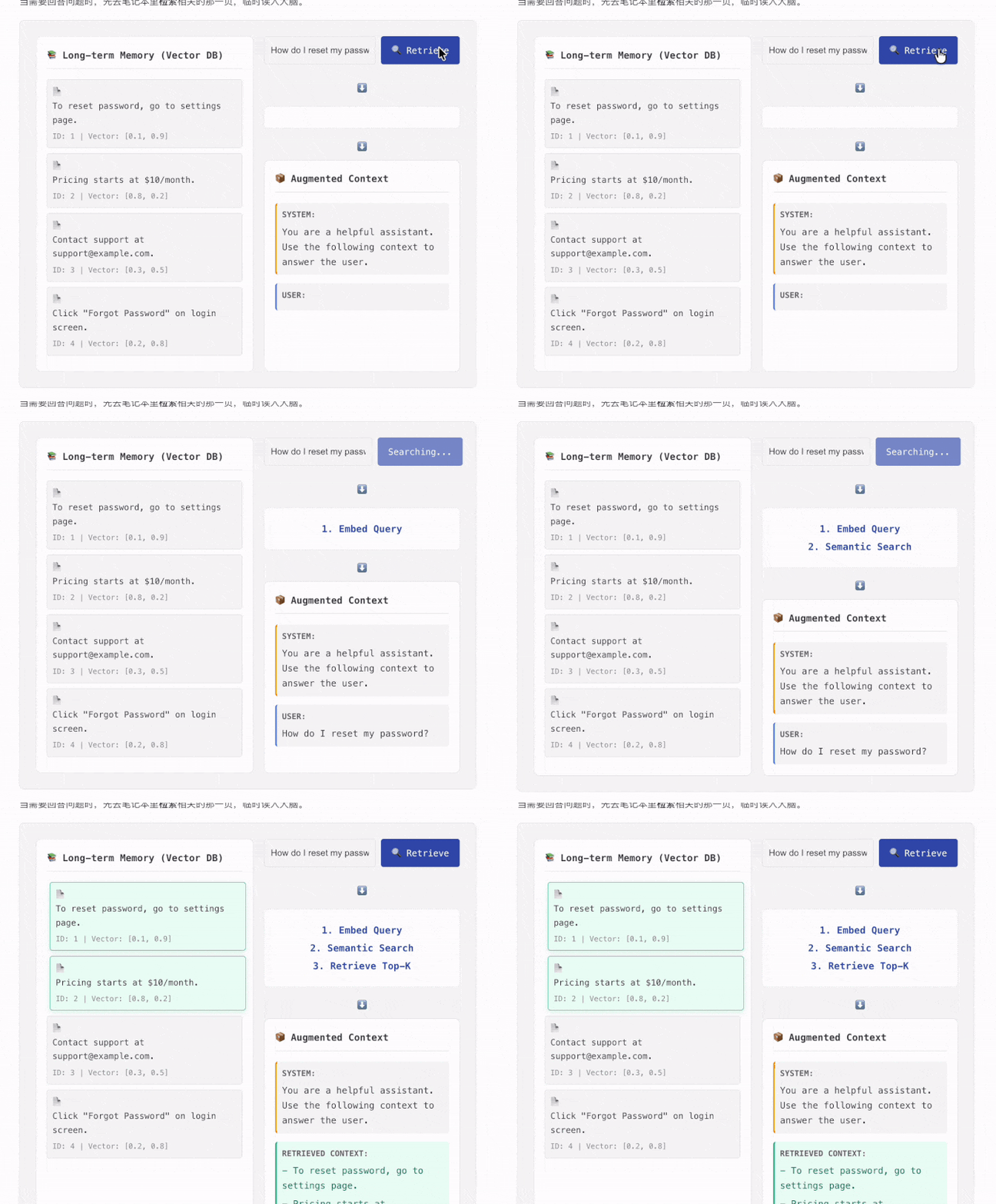
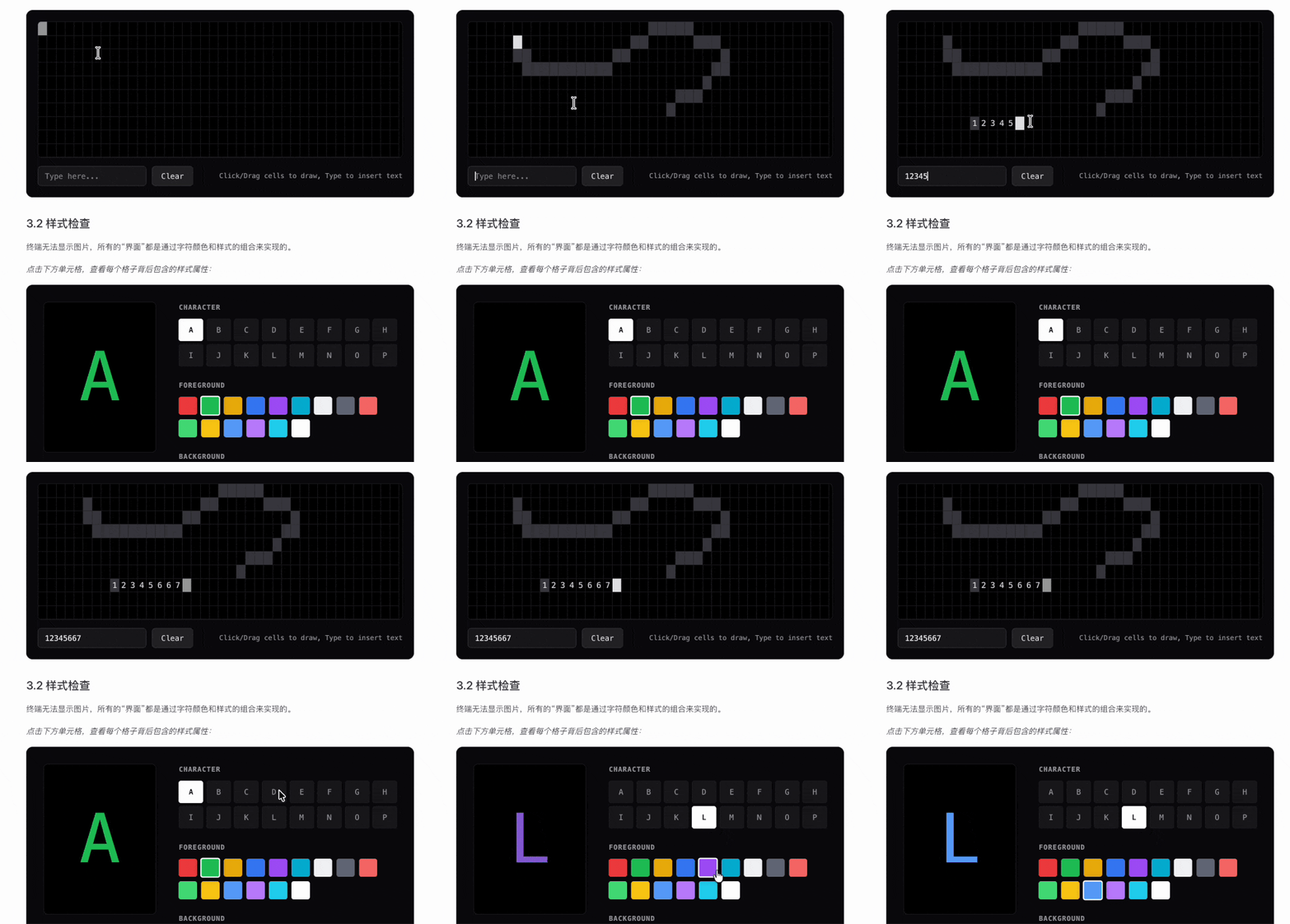
Вы начнёте с простой игры Snake, чтобы почувствовать, как программировать с ИИ, затем соберёте одно- и многостраничные прототипы, финальный SaaS-проект (генератор текстов для копирайтинга с оплатой через Stripe), фронтенд-проект с ИИ-изображениями (Hogwarts Portraits), а в продвинутой части — приложения для Android/iOS.Чем интерактивны уроки?Среди демо: симуляция программирования, где виртуальная мышь проводит вас через основной сценарий работы в IDE, кликовая игра, показывающая весь поток данных в RAG, анимированные объяснения того, как ИИ генерирует изображения, и наглядная работа терминала.
Среди демо: симуляция программирования, где виртуальная мышь проводит вас через основной сценарий работы в IDE, кликовая игра, показывающая весь поток данных в RAG, анимированные объяснения того, как ИИ генерирует изображения, и наглядная работа терминала.Что такое Vibe Stories?Раздел на главной странице с реальными историями пользователей: учитель сельской начальной школы, студент, школьный учитель информатики и дальнобойщик — каждый из них создал настоящий продукт с помощью ИИ.
Раздел на главной странице с реальными историями пользователей: учитель сельской начальной школы, студент, школьный учитель информатики и дальнобойщик — каждый из них создал настоящий продукт с помощью ИИ.Материалы ещё поддерживаются?Да — обновления 2026 года перестроили Этап 1 вокруг поиска и проверки реальных потребностей, добавили финальный SaaS-проект с оплатой через Stripe, а также приложение по исследованию пользователей, охватывающее Double Diamond, Jobs to Be Done и The Mom Test.
Да — обновления 2026 года перестроили Этап 1 вокруг поиска и проверки реальных потребностей, добавили финальный SaaS-проект с оплатой через Stripe, а также приложение по исследованию пользователей, охватывающее Double Diamond, Jobs to Be Done и The Mom Test.What are similar projects?ai-guide, vibe-vibe, dify, vibe-coding-cn, superpowers-zh, mem0, Awesome-GitHub-Repo, agency-agents-zh
ai-guide, vibe-vibe, dify, vibe-coding-cn, superpowers-zh, mem0, Awesome-GitHub-Repo, agency-agents-zhWhich topics is it in?vibecoding, design-to-code, genai, stripe, coding, vibe-coding, low-code, no-code, full-stack, interactive, vscode, saas
vibecoding, design-to-code, genai, stripe, coding, vibe-coding, low-code, no-code, full-stack, interactive, vscode, saas