






这是干什么的?
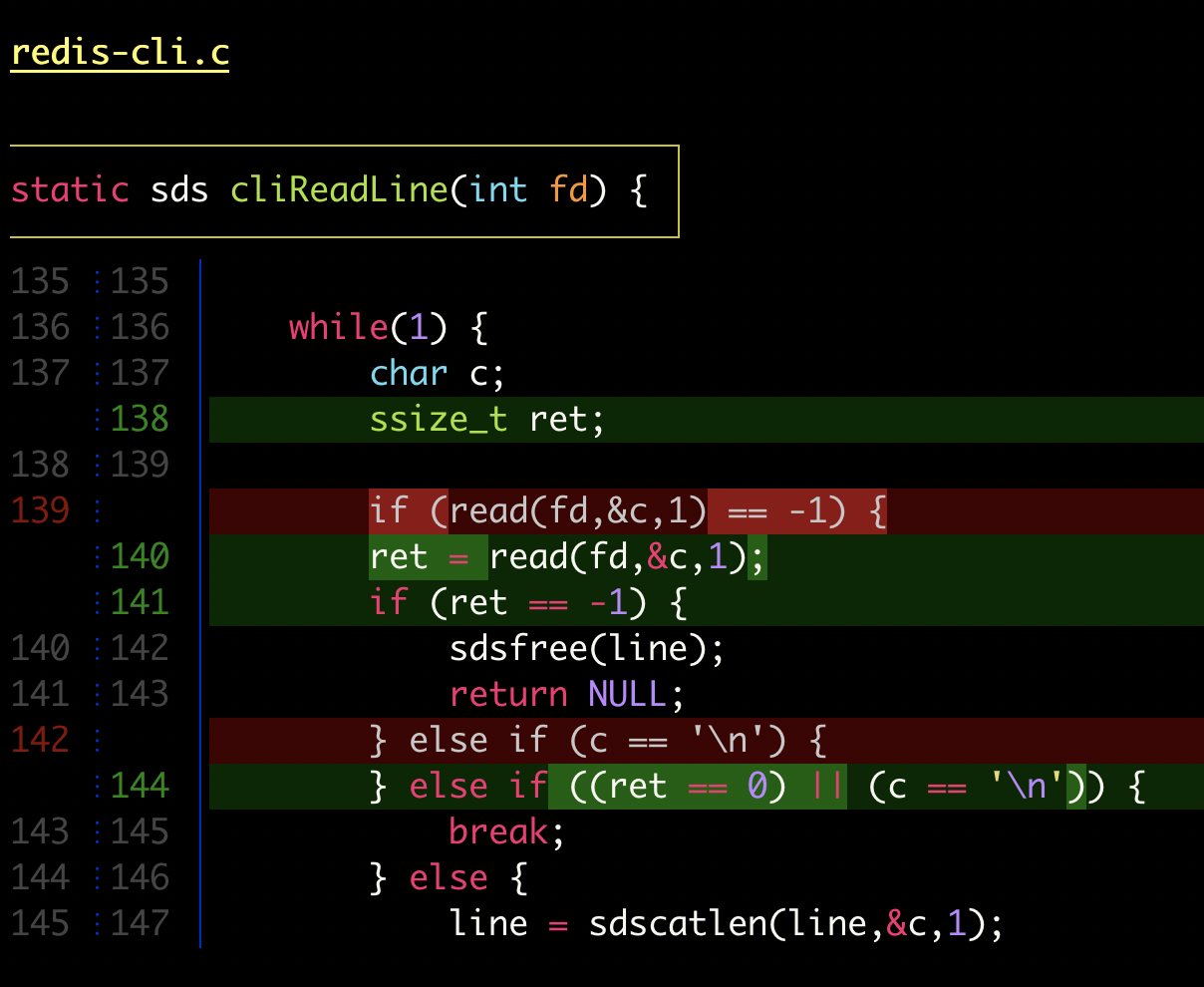
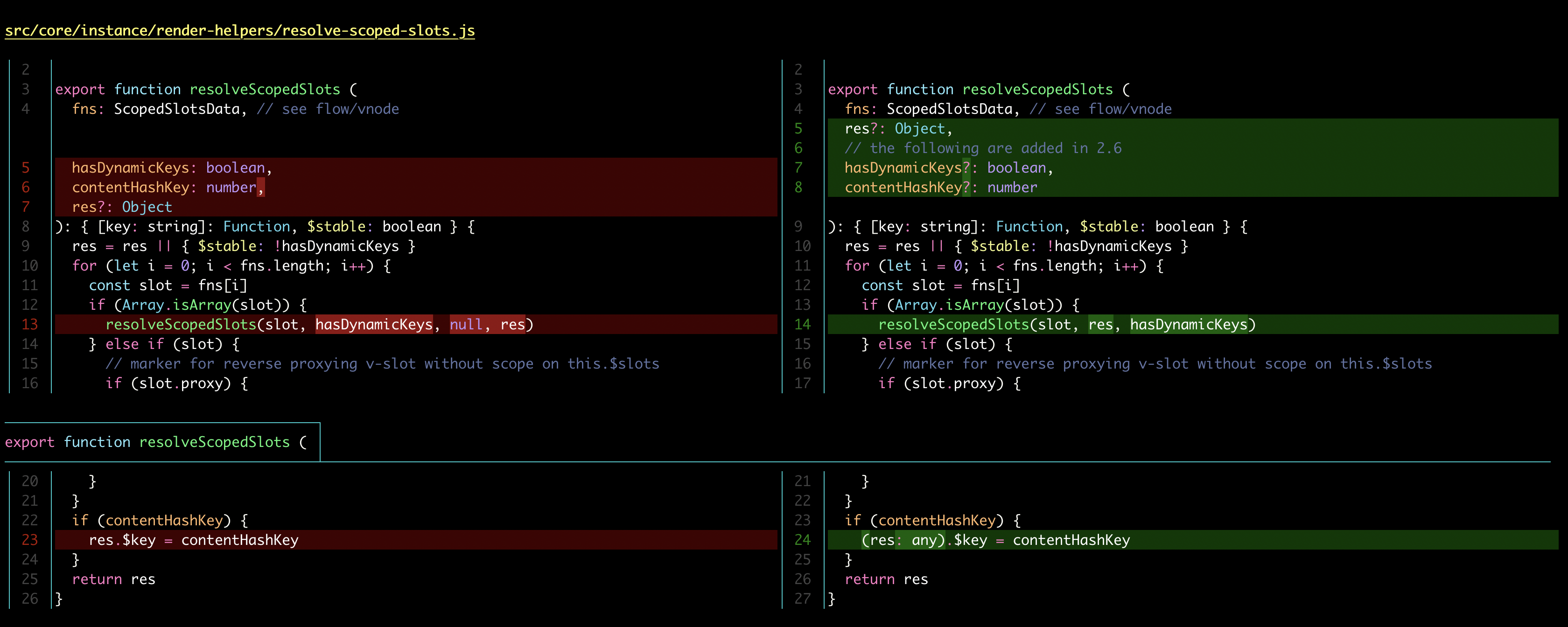
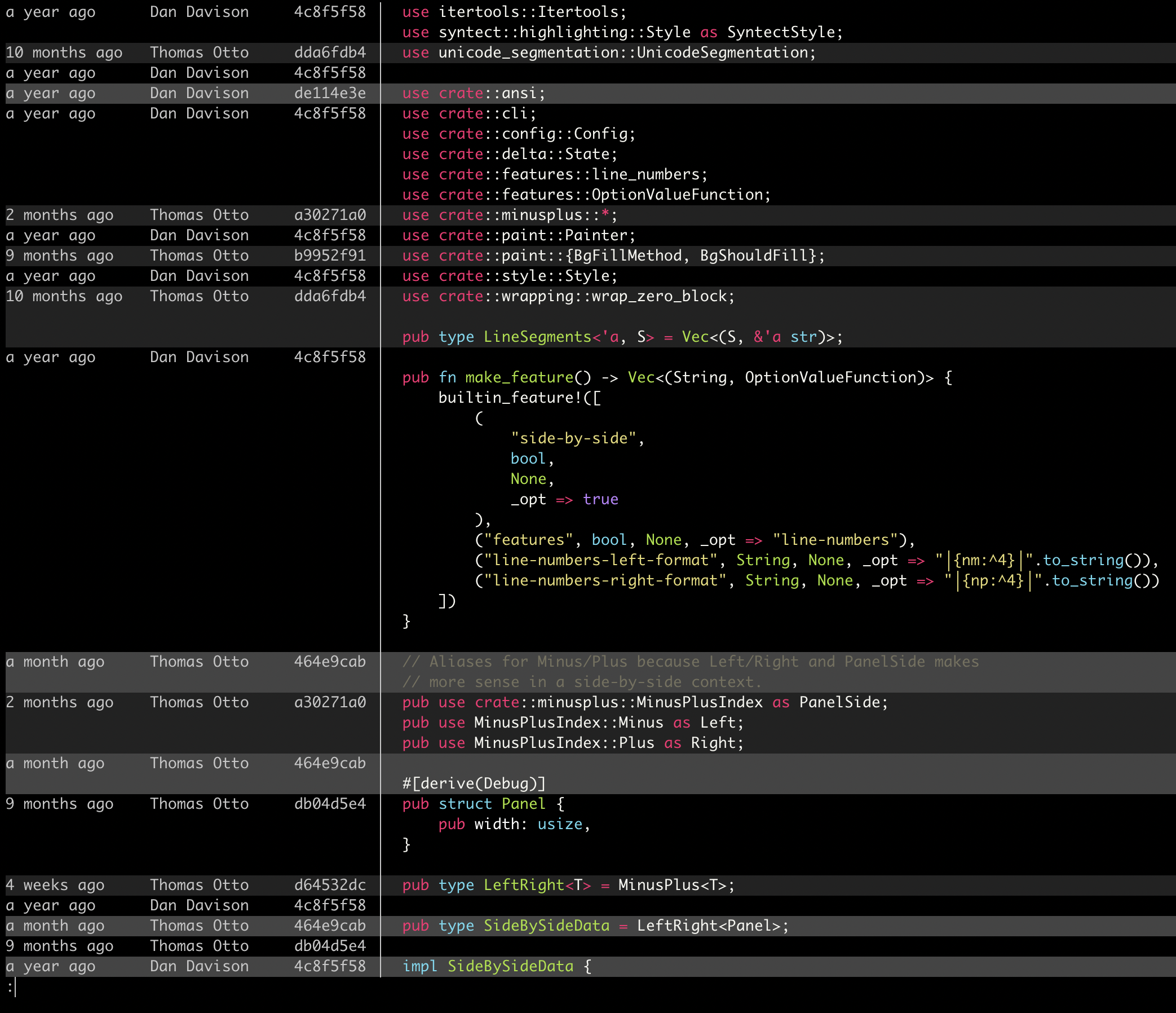
 Delta 是一个语法高亮分页器,用于 git、diff、grep、ripgrep 和 git blame 的输出。它介于 git 和你的终端之间,让你每天要看的 diff 更容易阅读。
Delta 是一个语法高亮分页器,用于 git、diff、grep、ripgrep 和 git blame 的输出。它介于 git 和你的终端之间,让你每天要看的 diff 更容易阅读。这是装在我电脑上的工具,还是加到我代码里的库?它是一个命令行工具,不是库:一个用 Rust 写的二进制程序,装一次然后配置成 git 的分页器就行。在大多数软件包管理器里这个包叫 'git-delta',可执行文件就叫 'delta'。
它是一个命令行工具,不是库:一个用 Rust 写的二进制程序,装一次然后配置成 git 的分页器就行。在大多数软件包管理器里这个包叫 'git-delta',可执行文件就叫 'delta'。怎么让 git 真正把输出交给它处理?先安装这个包,然后把 README 里的配置块粘贴到你的 ~/.gitconfig 中。之后 git diff、show 和 log 的输出就会通过 delta 渲染;完整手册可以看 'delta --help' 或在线文档。
先安装这个包,然后把 README 里的配置块粘贴到你的 ~/.gitconfig 中。之后 git diff、show 和 log 的输出就会通过 delta 渲染;完整手册可以看 'delta --help' 或在线文档。除了 git,还需要别的东西吗?不需要别的——它是一个独立的二进制程序,直接读取管道传来的终端输出。除了 git,它还能处理普通的 unified diff,并对 rg、git grep 和 grep 的输出做高亮。
不需要别的——它是一个独立的二进制程序,直接读取管道传来的终端输出。除了 git,它还能处理普通的 unified diff,并对 rg、git grep 和 grep 的输出做高亮。我的 diff 还会像正常的 git 输出那样显示吗?这完全由你决定:delta 可以任意接近默认的 git/diff 外观,还内置了 diff-highlight 和 diff-so-fancy 的模拟模式。
这完全由你决定:delta 可以任意接近默认的 git/diff 外观,还内置了 diff-highlight 和 diff-so-fancy 的模拟模式。Windows 上也能用吗,还是只有 Unix 能用?它是跨平台的:Linux、macOS 和 Windows 的标准软件包管理器里都能装 delta,只要能跑 git 和终端的地方它都能运行。
它是跨平台的:Linux、macOS 和 Windows 的标准软件包管理器里都能装 delta,只要能跑 git 和终端的地方它都能运行。作者为什么要做这个?代码在不断演进,每个人都要花时间看 diff;delta 的目标是让这项工作既高效又愉快,同时让你完全掌控排版和样式。
代码在不断演进,每个人都要花时间看 diff;delta 的目标是让这项工作既高效又愉快,同时让你完全掌控排版和样式。我能直接从 diff 里复制代码吗?可以——默认情况下显示的行会去掉 +/- 标记,所以从 diff 里复制出来的行可以直接当代码用。
可以——默认情况下显示的行会去掉 +/- 标记,所以从 diff 里复制出来的行可以直接当代码用。它能适应浅色和深色终端吗?它会自动检测你的终端背景是浅色还是深色,并相应调整配色。
它会自动检测你的终端背景是浅色还是深色,并相应调整配色。What are similar projects?difftastic, diff-so-fancy, bat, diffle, hunk, broot, plannotator, eza
difftastic, diff-so-fancy, bat, diffle, hunk, broot, plannotator, ezaWhich topics is it in?syntax-highlighter, diff, code-review, git, utility, rust, productivity, command-line-tool, terminal, cli, developer-tools, windows
syntax-highlighter, diff, code-review, git, utility, rust, productivity, command-line-tool, terminal, cli, developer-tools, windows