






What is this?
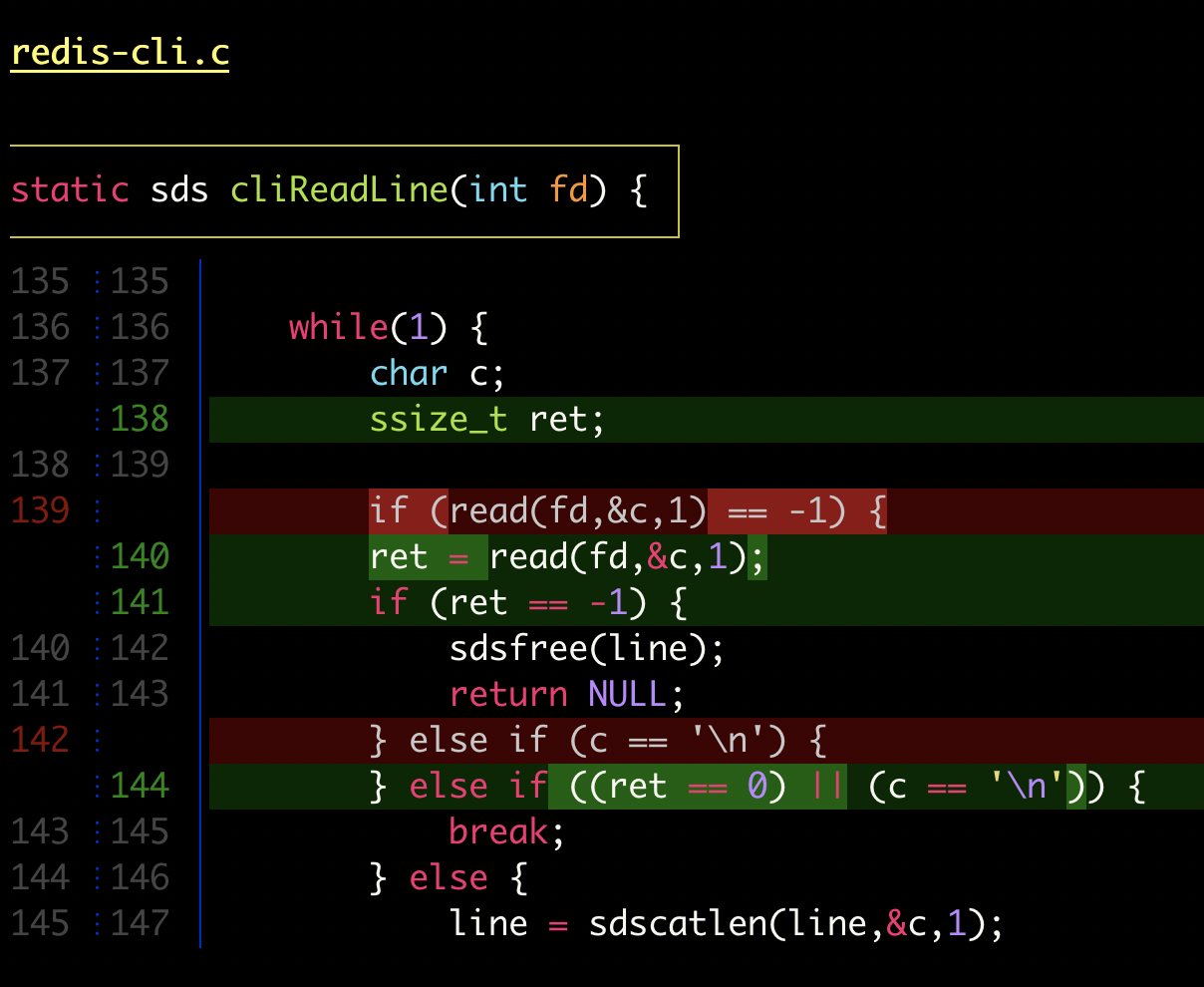
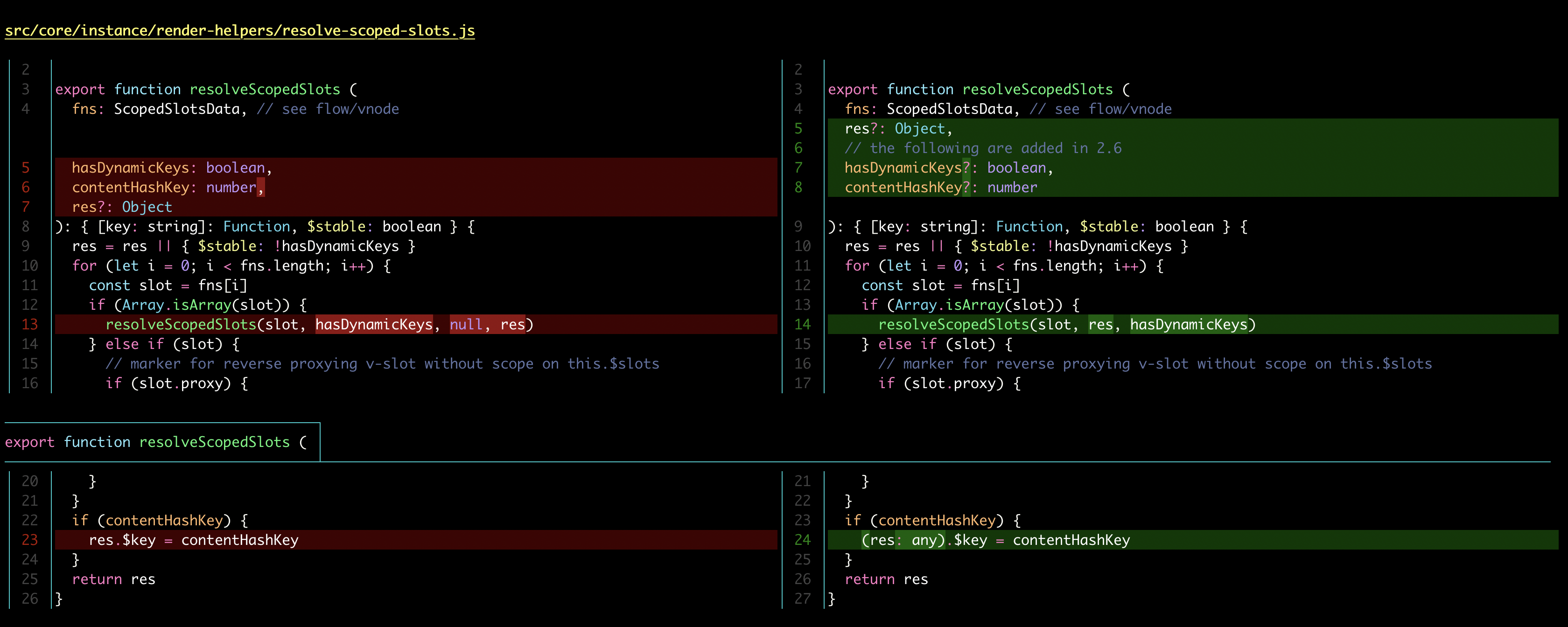
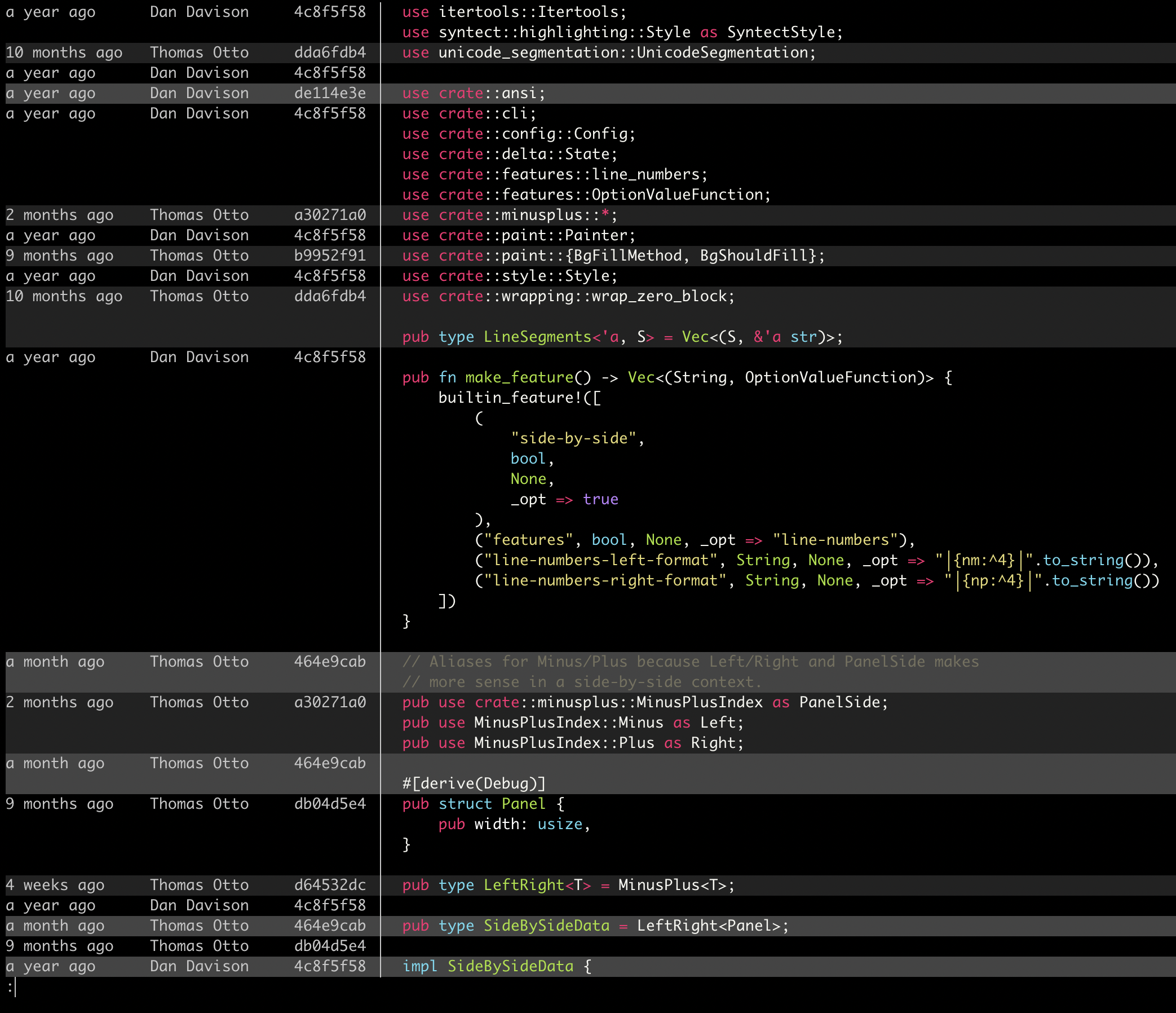
 Delta is a syntax-highlighting pager for git, diff, grep, ripgrep and git blame output. It sits between git and your terminal, making the diffs you study every day easier to read.
Delta is a syntax-highlighting pager for git, diff, grep, ripgrep and git blame output. It sits between git and your terminal, making the diffs you study every day easier to read.Is this a tool I install on my machine, or a library I add to my code?A command-line tool, not a library: a Rust binary you install once and configure as git's pager. In most package managers the package is called 'git-delta', and the executable is just 'delta'.
A command-line tool, not a library: a Rust binary you install once and configure as git's pager. In most package managers the package is called 'git-delta', and the executable is just 'delta'.How do I get git to actually route output through it?Install the package, then paste the config block from the README into your ~/.gitconfig. From then on git diff, show and log views render through delta; the full manual is at 'delta --help' or online.
Install the package, then paste the config block from the README into your ~/.gitconfig. From then on git diff, show and log views render through delta; the full manual is at 'delta --help' or online.Does it need anything besides git to work?Nothing else — it is a self-contained binary that reads piped terminal output. Beyond git it also handles plain unified diffs and highlights grep output from rg, git grep and grep.
Nothing else — it is a self-contained binary that reads piped terminal output. Beyond git it also handles plain unified diffs and highlights grep output from rg, git grep and grep.Will my diffs stop looking like normal git output?Only as much as you choose: delta can stay arbitrarily close to the default git/diff look, and it ships emulation modes for diff-highlight and diff-so-fancy.
Only as much as you choose: delta can stay arbitrarily close to the default git/diff look, and it ships emulation modes for diff-highlight and diff-so-fancy.Will it run on Windows too, or is it a Unix-only thing?It is cross-platform: delta is available through the standard package managers on Linux, macOS and Windows, and runs anywhere git and a terminal do.
It is cross-platform: delta is available through the standard package managers on Linux, macOS and Windows, and runs anywhere git and a terminal do.Why did the author build this?Code evolves and everyone spends time studying diffs; delta aims to make that work both efficient and enjoyable while keeping you in control of layout and styling.
Code evolves and everyone spends time studying diffs; delta aims to make that work both efficient and enjoyable while keeping you in control of layout and styling.Can I copy code straight out of a diff?Yes — the +/- markers are removed from displayed lines by default, so lines copied from a diff are directly usable as code.
Yes — the +/- markers are removed from displayed lines by default, so lines copied from a diff are directly usable as code.Does it adapt to light and dark terminals?It automatically detects whether your terminal background is light or dark and adjusts its colors accordingly.
It automatically detects whether your terminal background is light or dark and adjusts its colors accordingly.What are similar projects?difftastic, diff-so-fancy, bat, diffle, hunk, broot, plannotator, eza
difftastic, diff-so-fancy, bat, diffle, hunk, broot, plannotator, ezaWhich topics is it in?syntax-highlighter, diff, code-review, git, utility, rust, productivity, command-line-tool, terminal, cli, developer-tools, windows
syntax-highlighter, diff, code-review, git, utility, rust, productivity, command-line-tool, terminal, cli, developer-tools, windows