17.4K ·GitHub
这是什么?
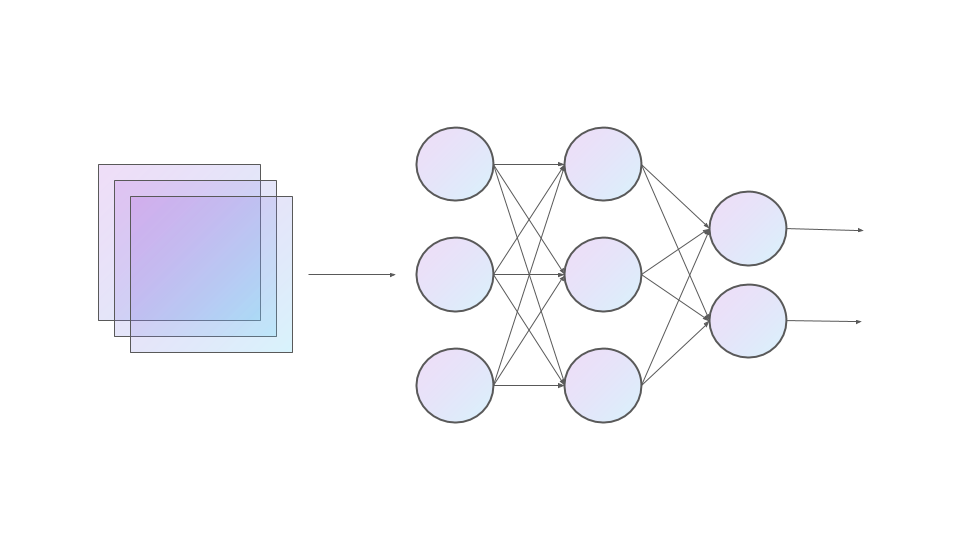
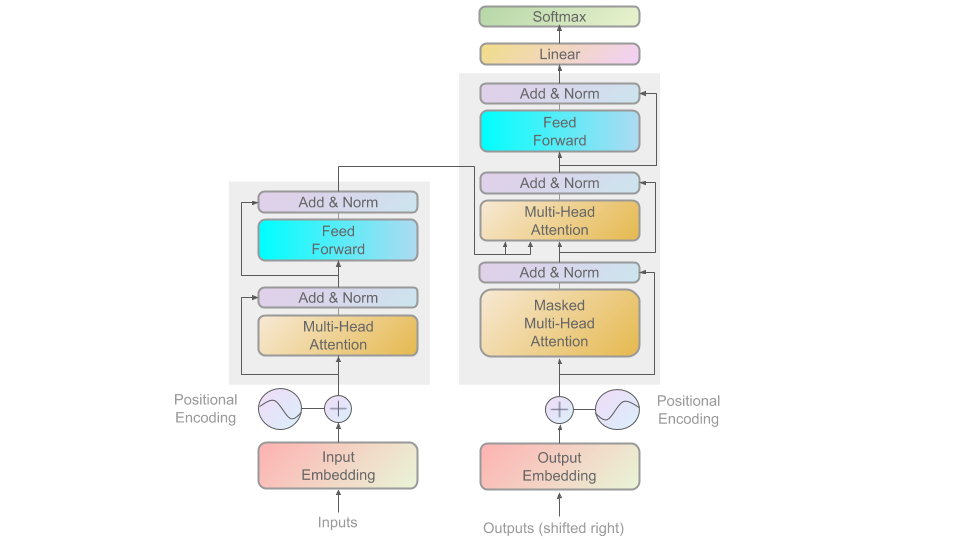
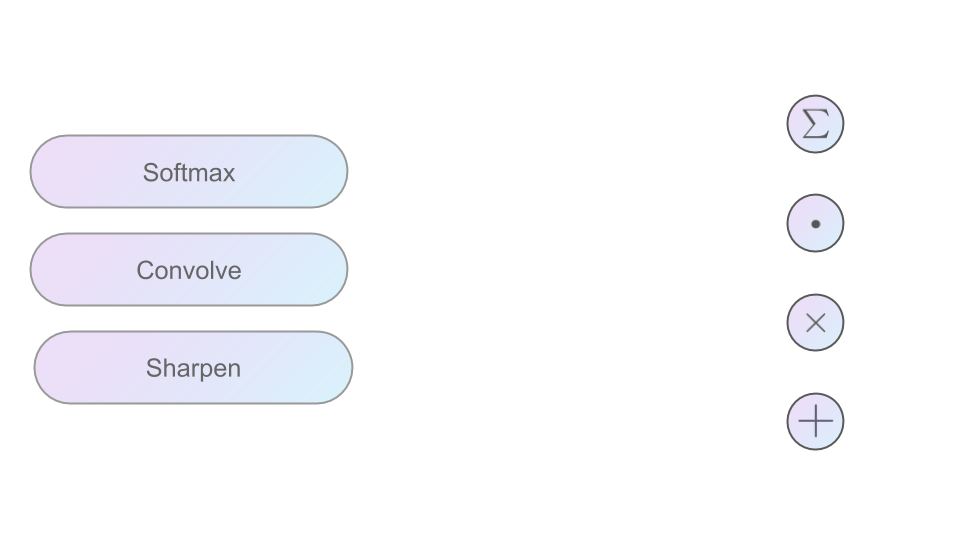
 ML Visuals 是一个由社区免费共建的图集,收录了 100 多个面向机器学习的专业图表和模板,旨在提升演示文稿和博客文章中的科学传播效果。
ML Visuals 是一个由社区免费共建的图集,收录了 100 多个面向机器学习的专业图表和模板,旨在提升演示文稿和博客文章中的科学传播效果。这是一个软件工具吗?我实际能得到什么?它不是软件——这些图表存放在仓库中链接的 Google Slides 演示文稿里。你在浏览器中查看,并直接在那里进行修改。
它不是软件——这些图表存放在仓库中链接的 Google Slides 演示文稿里。你在浏览器中查看,并直接在那里进行修改。怎么把图表用到自己的演示文稿里?打开仓库中链接的 Google Slides,复制一份到自己的账户里进行修改;下载任意图表只需“文件 → 下载 → 选择格式”。
打开仓库中链接的 Google Slides,复制一份到自己的账户里进行修改;下载任意图表只需“文件 → 下载 → 选择格式”。查看或编辑这些幻灯片需要什么特殊条件吗?只需要一个 Google 账号。要编辑他人贡献的幻灯片,你需要编辑权限——可以在只读视图的工具栏下方使用“申请编辑权限”选项,或发邮件至 [email protected]。
只需要一个 Google 账号。要编辑他人贡献的幻灯片,你需要编辑权限——可以在只读视图的工具栏下方使用“申请编辑权限”选项,或发邮件至 [email protected]。我可以不经许可就在论文或博客中使用这些图表吗?在机器学习演示或博客文章中,你可以自由使用这些图表而无需征得同意,不过注明设计者出处会更好——每张幻灯片的备注里都有作者信息。
在机器学习演示或博客文章中,你可以自由使用这些图表而无需征得同意,不过注明设计者出处会更好——每张幻灯片的备注里都有作者信息。这些图表涵盖哪些机器学习主题?已有 100 多个图表,待添加的路线图从线性回归、反向传播和 dropout,到 CNN(LeNet、AlexNet、ResNet)、RNN(LSTM、GRU)和注意力机制,再到 Transformers 以及 Word2vec 和 BERT 等词嵌入。
已有 100 多个图表,待添加的路线图从线性回归、反向传播和 dropout,到 CNN(LeNet、AlexNet、ResNet)、RNN(LSTM、GRU)和注意力机制,再到 Transformers 以及 Word2vec 和 BERT 等词嵌入。我需要一个还不存在的图表,可以提需求吗?可以。在 GitHub 仓库上开一个 issue,描述你需要的可视化内容,维护者会尽力做出来;他们也会帮你定制现有图表。
可以。在 GitHub 仓库上开一个 issue,描述你需要的可视化内容,维护者会尽力做出来;他们也会帮你定制现有图表。这个图集还在持续扩充吗?是的。目前最新版本是 1.0,但 README 预告了后续的重大更新,社区成员也会在接下来的版本中继续添加常用图表和基础元素。
是的。目前最新版本是 1.0,但 README 预告了后续的重大更新,社区成员也会在接下来的版本中继续添加常用图表和基础元素。What are similar projects?deep-learning-drizzle, d2l-en, conv_arithmetic, spaCy, pytorch-handbook, the-gan-zoo, open-llms, jeeves
deep-learning-drizzle, d2l-en, conv_arithmetic, spaCy, pytorch-handbook, the-gan-zoo, open-llms, jeevesWhich topics is it in?community-driven, diagram, presentation, natural-language-processing, template, visualization, academic-research, design, artificial-intelligence, resources, deep-learning, machine-learning
community-driven, diagram, presentation, natural-language-processing, template, visualization, academic-research, design, artificial-intelligence, resources, deep-learning, machine-learning