17.4K ·GitHub
Что это такое?
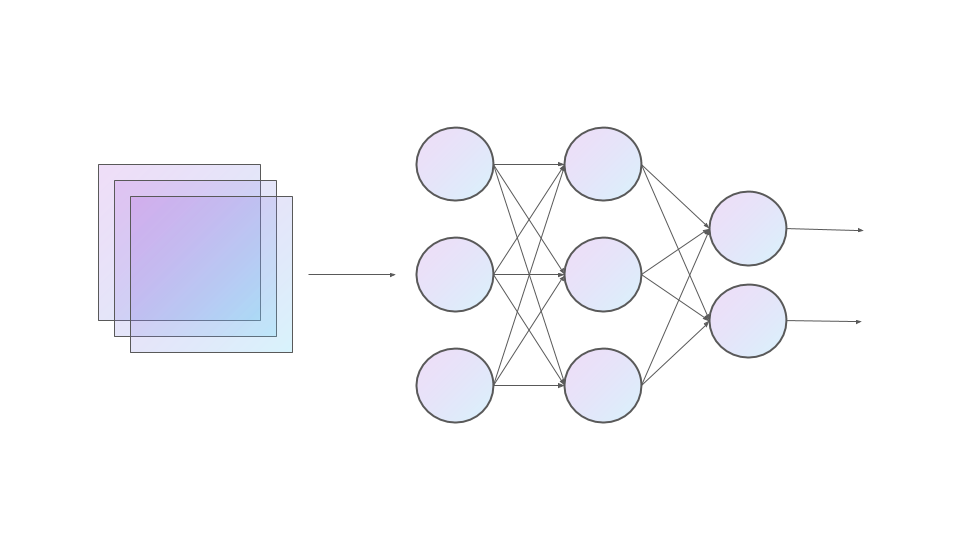
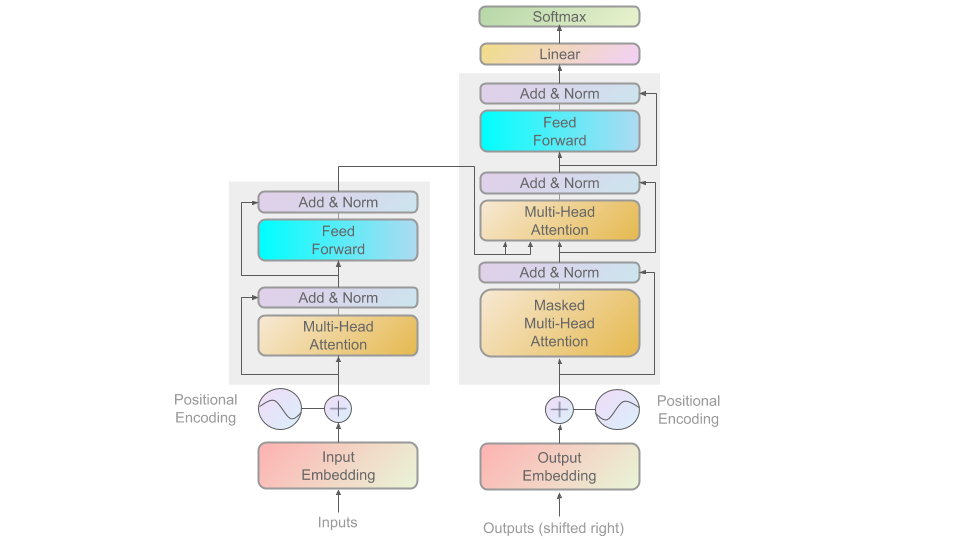
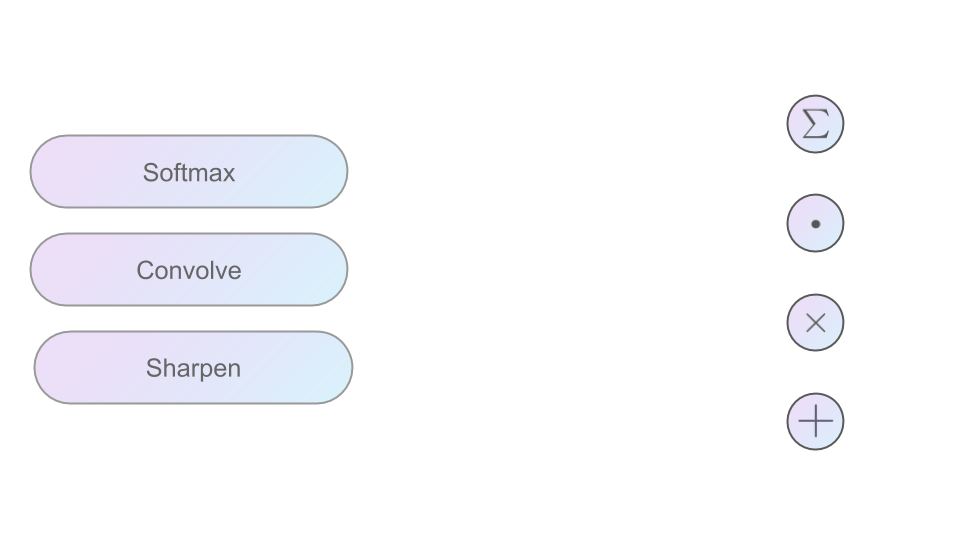
 ML Visuals — это бесплатная коллекция, созданная сообществом: более 100 профессиональных картинок и шаблонов по машинному обучению, созданных для того, чтобы делать доклады и посты в блогах понятнее.
ML Visuals — это бесплатная коллекция, созданная сообществом: более 100 профессиональных картинок и шаблонов по машинному обучению, созданных для того, чтобы делать доклады и посты в блогах понятнее.Это программа или что я вообще получаю?Это не программа — все картинки лежат в презентациях Google Slides, ссылки на которые есть в репозитории. Вы смотрите их в браузере и прямо там редактируете под себя.
Это не программа — все картинки лежат в презентациях Google Slides, ссылки на которые есть в репозитории. Вы смотрите их в браузере и прямо там редактируете под себя.Как добавить картинку в свою презентацию?Откройте презентацию Google Slides из репозитория и сделайте её копию себе, чтобы менять как угодно; скачать любую картинку просто: File → Download → выберите нужный формат.
Откройте презентацию Google Slides из репозитория и сделайте её копию себе, чтобы менять как угодно; скачать любую картинку просто: File → Download → выберите нужный формат.Нужно ли что-то особенное, чтобы смотреть или редактировать слайды?Нужен только аккаунт Google. Чтобы редактировать слайды, добавленные другими участниками, нужны права на редактирование — используйте пункт «request edit access» под панелью инструментов (в режиме просмотра) или напишите на [email protected].
Нужен только аккаунт Google. Чтобы редактировать слайды, добавленные другими участниками, нужны права на редактирование — используйте пункт «request edit access» под панелью инструментов (в режиме просмотра) или напишите на [email protected].Можно ли использовать картинки в своей статье или блоге без разрешения?Да, в презентациях по машинному обучению и в постах в блоге картинки можно свободно использовать без спроса, хотя указать авторство будет приятно — информация об авторе есть в заметках к каждому слайду.
Да, в презентациях по машинному обучению и в постах в блоге картинки можно свободно использовать без спроса, хотя указать авторство будет приятно — информация об авторе есть в заметках к каждому слайду.Какие темы по машинному обучению здесь раскрыты?Больше 100 картинок уже готовы, а в планах на будущее — от линейной регрессии, обратного распространения ошибки и dropout до CNN (LeNet, AlexNet, ResNet), RNN (LSTM, GRU), attention и далее до Transformers и эмбеддингов вроде Word2vec и BERT.
Больше 100 картинок уже готовы, а в планах на будущее — от линейной регрессии, обратного распространения ошибки и dropout до CNN (LeNet, AlexNet, ResNet), RNN (LSTM, GRU), attention и далее до Transformers и эмбеддингов вроде Word2vec и BERT.Мне нужна картинка, которой ещё нет, — можно её запросить?Да. Создайте issue в репозитории на GitHub и опишите, какая картинка вам нужна, — авторы постараются её сделать; они также помогают дорабатывать уже готовые картинки.
Да. Создайте issue в репозитории на GitHub и опишите, какая картинка вам нужна, — авторы постараются её сделать; они также помогают дорабатывать уже готовые картинки.Коллекция продолжает пополняться?Да. Последняя версия — 1.0, но в README анонсированы серьёзные обновления, а участники сообщества продолжают добавлять популярные картинки и базовые элементы в будущих версиях.
Да. Последняя версия — 1.0, но в README анонсированы серьёзные обновления, а участники сообщества продолжают добавлять популярные картинки и базовые элементы в будущих версиях.What are similar projects?deep-learning-drizzle, d2l-en, conv_arithmetic, spaCy, pytorch-handbook, the-gan-zoo, open-llms, jeeves
deep-learning-drizzle, d2l-en, conv_arithmetic, spaCy, pytorch-handbook, the-gan-zoo, open-llms, jeevesWhich topics is it in?community-driven, diagram, presentation, natural-language-processing, template, visualization, academic-research, design, artificial-intelligence, resources, deep-learning, machine-learning
community-driven, diagram, presentation, natural-language-processing, template, visualization, academic-research, design, artificial-intelligence, resources, deep-learning, machine-learning