17.4K ·GitHub
What is this?
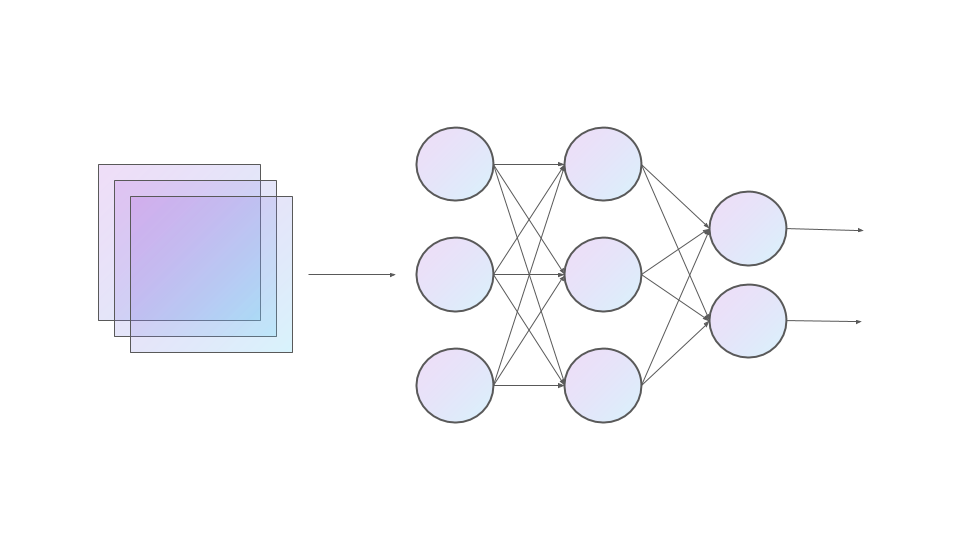
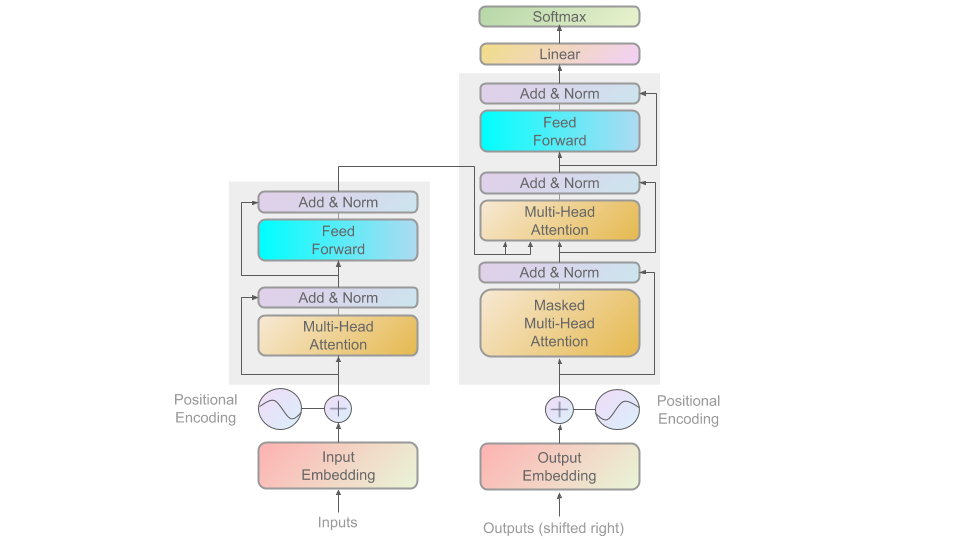
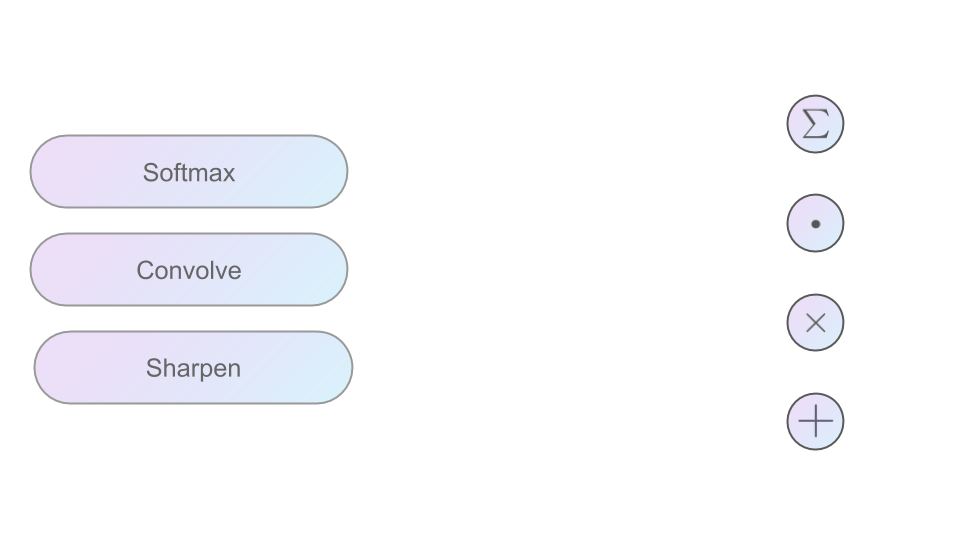
 ML Visuals is a free, community-built collection of 100+ professional figures and templates for machine learning, meant to improve science communication in presentations and blog posts.
ML Visuals is a free, community-built collection of 100+ professional figures and templates for machine learning, meant to improve science communication in presentations and blog posts.Is this a software tool, or what am I actually getting?It is not software — the visuals live in Google Slides decks linked in the repo. You view them in a browser and customize them there.
It is not software — the visuals live in Google Slides decks linked in the repo. You view them in a browser and customize them there.How do I get a figure into my own presentation?Open the Google Slides linked in the repo and make your own copy to customize; downloading any figure is just File → Download → choose your format.
Open the Google Slides linked in the repo and make your own copy to customize; downloading any figure is just File → Download → choose your format.Do I need anything special to view or edit the slides?Just a Google account. To edit contributed slides you need edit permissions — use the 'request edit access' option under the view-only toolbar or email [email protected].
Just a Google account. To edit contributed slides you need edit permissions — use the 'request edit access' option under the view-only toolbar or email [email protected].Can I use the figures in my paper or blog without asking permission?You can use the visuals freely in ML presentations or blog posts without asking, though crediting the designer is appreciated — author info is in each slide's notes.
You can use the visuals freely in ML presentations or blog posts without asking, though crediting the designer is appreciated — author info is in each slide's notes.Which ML topics do the figures cover?Over 100 figures are already there, and the to-add roadmap runs from linear regression, backpropagation and dropout through CNNs (LeNet, AlexNet, ResNet), RNNs (LSTM, GRU) and attention to Transformers and embeddings like Word2vec and BERT.
Over 100 figures are already there, and the to-add roadmap runs from linear regression, backpropagation and dropout through CNNs (LeNet, AlexNet, ResNet), RNNs (LSTM, GRU) and attention to Transformers and embeddings like Word2vec and BERT.I need a figure that doesn't exist yet — can I ask for one?Yes. Open an issue on the GitHub repo describing the visual you need, and the maintainers will do their best to come up with it; they also help with customizing existing figures.
Yes. Open an issue on the GitHub repo describing the visual you need, and the maintainers will do their best to come up with it; they also help with customizing existing figures.Is the collection still growing?Yes. Version 1.0 is the latest, but the README announces significant updates ahead, and community members keep adding common figures and basic elements in upcoming versions.
Yes. Version 1.0 is the latest, but the README announces significant updates ahead, and community members keep adding common figures and basic elements in upcoming versions.What are similar projects?deep-learning-drizzle, d2l-en, conv_arithmetic, spaCy, pytorch-handbook, the-gan-zoo, open-llms, jeeves
deep-learning-drizzle, d2l-en, conv_arithmetic, spaCy, pytorch-handbook, the-gan-zoo, open-llms, jeevesWhich topics is it in?community-driven, diagram, presentation, natural-language-processing, template, visualization, academic-research, design, artificial-intelligence, resources, deep-learning, machine-learning
community-driven, diagram, presentation, natural-language-processing, template, visualization, academic-research, design, artificial-intelligence, resources, deep-learning, machine-learning