










What is this?
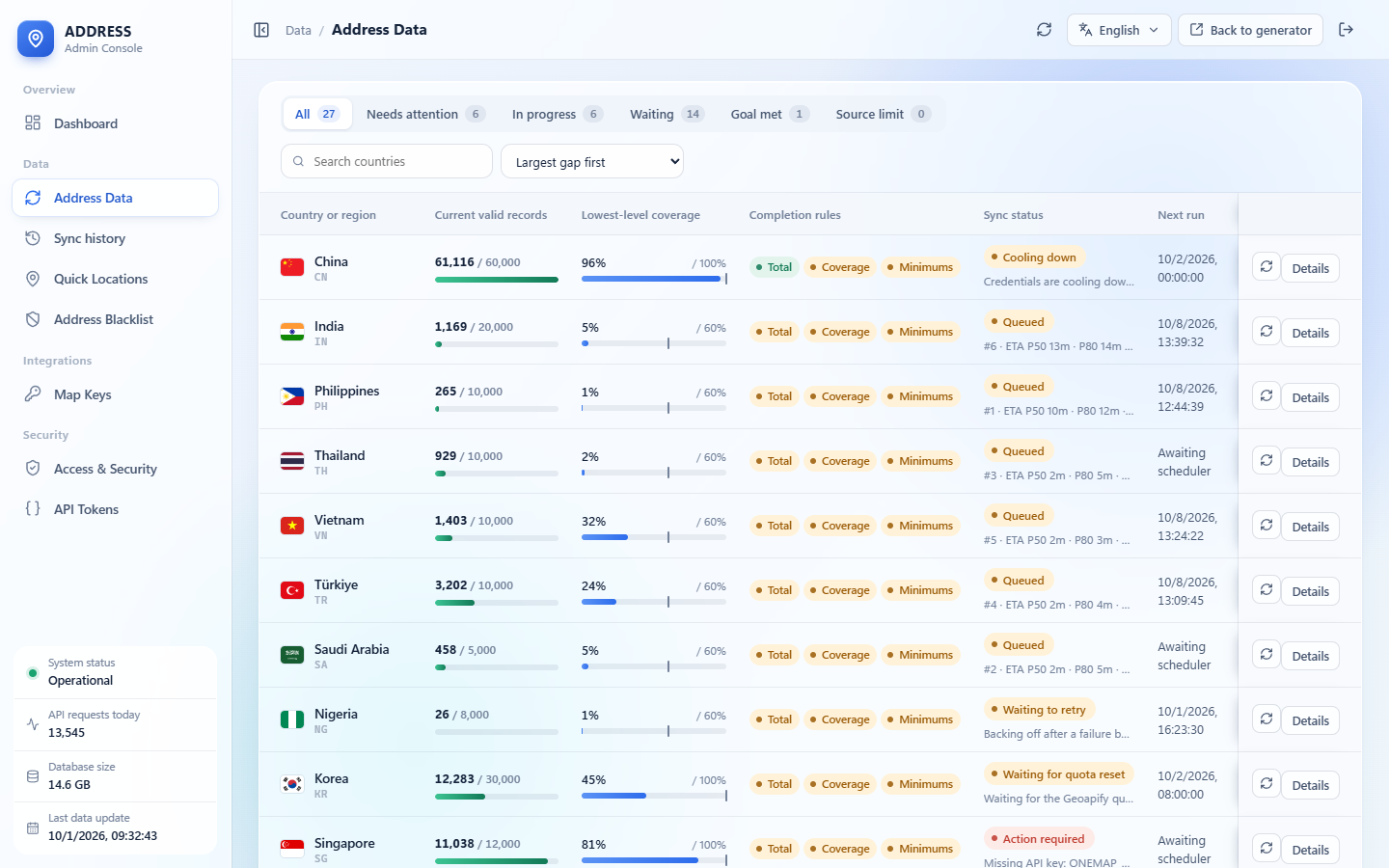
 A self-hosted generator of addresses that really exist, taken from official registries and open map data, plus synthetic test profiles. It covers 27 countries and regions.
Is it a library or a web service?A web service: you deploy it yourself as a Docker Compose stack with a web UI, an admin console and a bearer-token JSON API.
A web service: you deploy it yourself as a Docker Compose stack with a web UI, an admin console and a bearer-token JSON API.How do I get it running?On a Linux host with Docker, run 'docker compose up -d' next to the Compose file. On first start it generates its own secrets, runs migrations and starts the API and sync service. Then sign in with the initial password 'admin', change it when prompted, and create an API token if external clients need one.
On a Linux host with Docker, run 'docker compose up -d' next to the Compose file. On first start it generates its own secrets, runs migrations and starts the API and sync service. Then sign in with the initial password 'admin', change it when prompted, and create an API token if external clients need one.What do I need first?Linux on AMD64 or ARM64, Docker Engine 24+ with Compose v2, and 4 GB RAM (8 GB or more is recommended for the first import of large countries). No third-party keys are required.
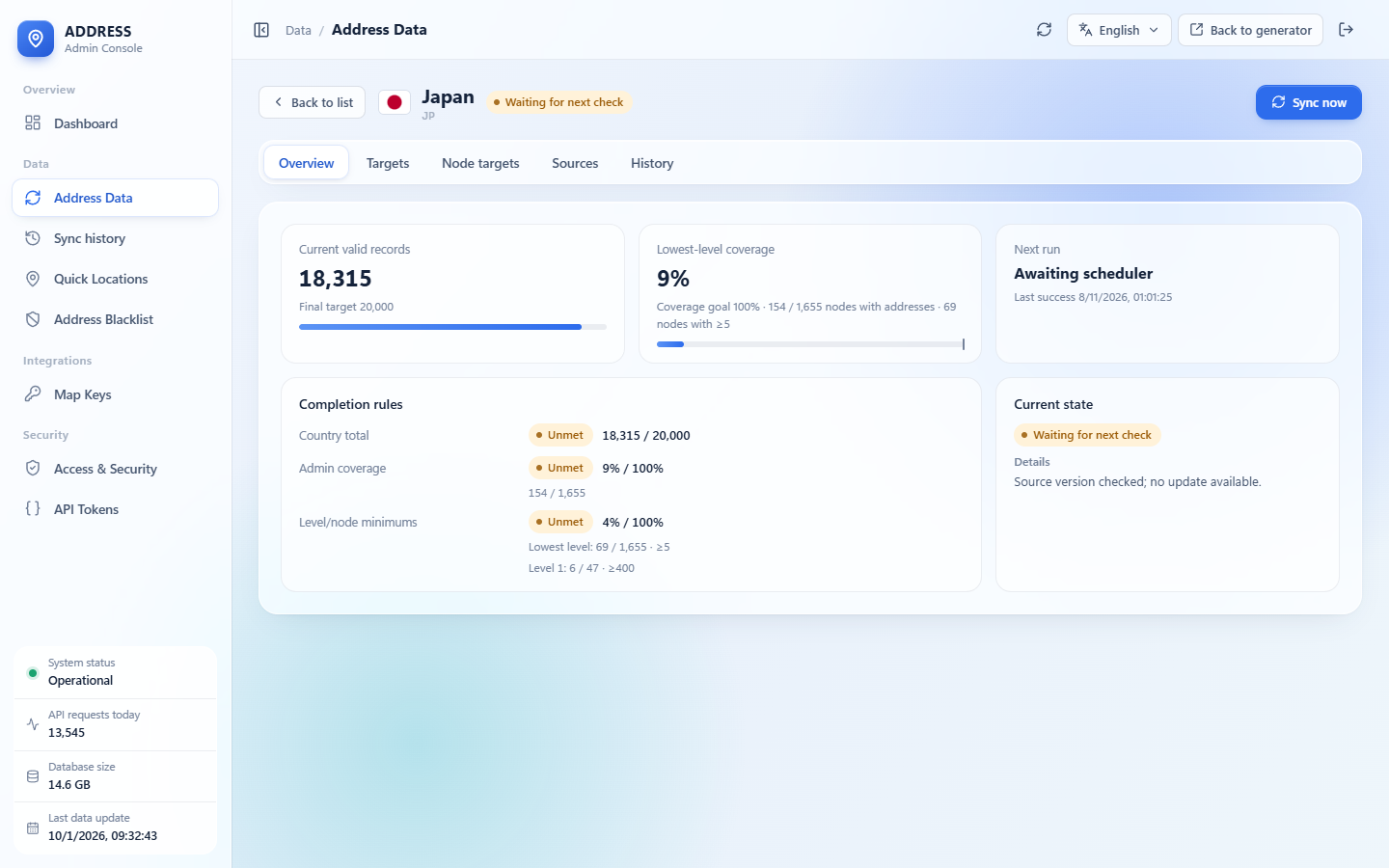
Linux on AMD64 or ARM64, Docker Engine 24+ with Compose v2, and 4 GB RAM (8 GB or more is recommended for the first import of large countries). No third-party keys are required.Will every country have complete data?No. A country counts as complete only when its valid-address total, lowest-level admin coverage and per-level node minimums are all met. If a source has nothing new, the country stops at 'Source limit reached' until the source changes.
No. A country counts as complete only when its valid-address total, lowest-level admin coverage and per-level node minimums are all met. If a source has nothing new, the country stops at 'Source limit reached' until the source changes.Can I get addresses from just one city or district?Yes: region, city, district and postcode filters follow each country's administrative hierarchy. A filter with no data returns an error instead of switching to another area.
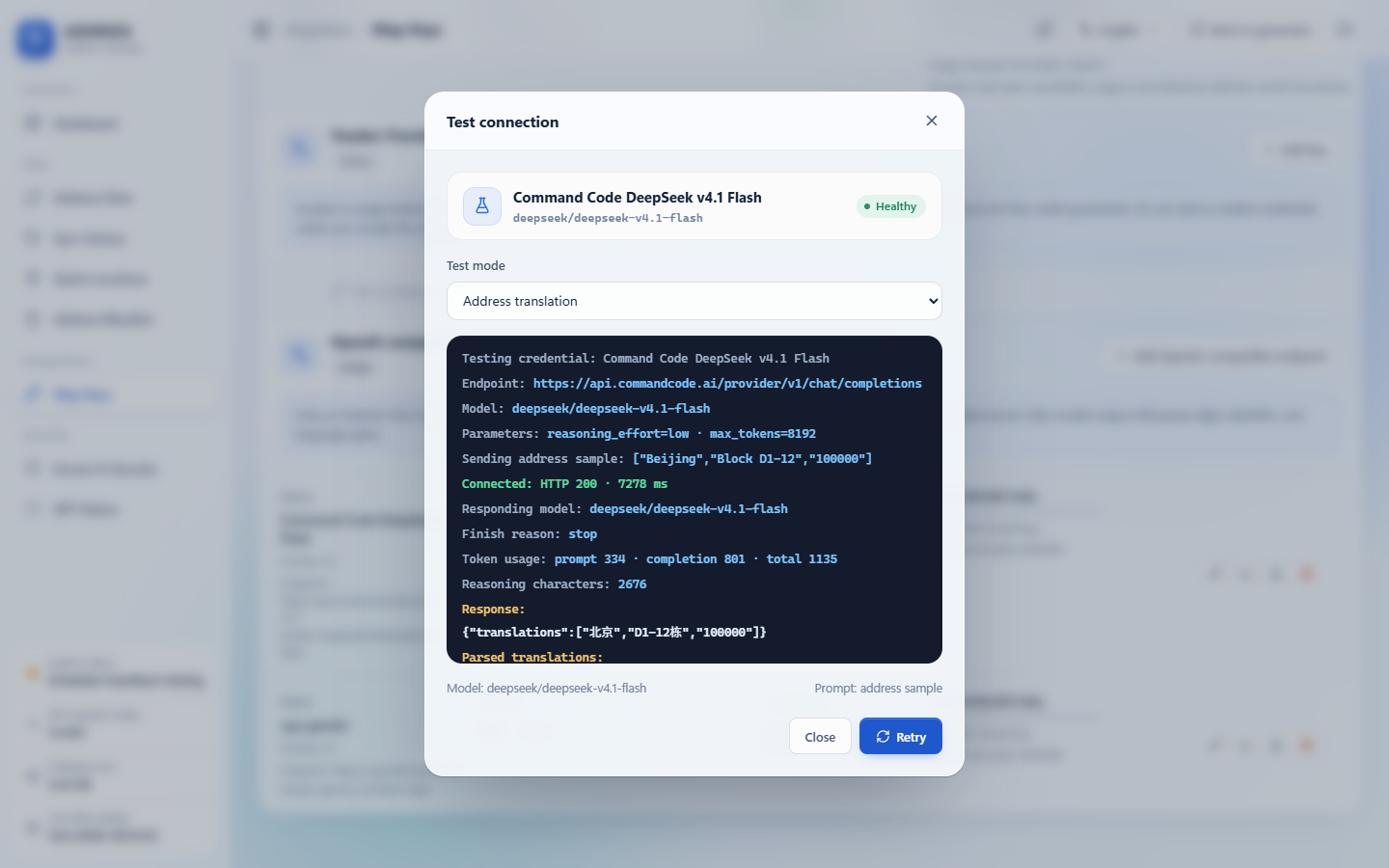
Yes: region, city, district and postcode filters follow each country's administrative hierarchy. A filter with no data returns an error instead of switching to another area.How does the API work?It is a bearer-authenticated JSON API for single and batch generation, location search, coverage and address translation, documented with an OpenAPI 3.1 file.
It is a bearer-authenticated JSON API for single and batch generation, location search, coverage and address translation, documented with an OpenAPI 3.1 file.Can I check results on a map?Yes: map previews are supported, and each result can be opened in Google Maps or AMap, copied, exported or saved to favorites.
Yes: map previews are supported, and each result can be opened in Google Maps or AMap, copied, exported or saved to favorites.Where do the addresses come from?China uses residential communities. Other countries use premise and street-level addresses from official registries and open map data, each labelled with its precision and residential evidence.
China uses residential communities. Other countries use premise and street-level addresses from official registries and open map data, each labelled with its precision and residential evidence.What are similar projects?algeria-geo, itsaplan, fleetbase, pictaria-server, directus, printfilm, rankme.fast, hivepaas
algeria-geo, itsaplan, fleetbase, pictaria-server, directus, printfilm, rankme.fast, hivepaasWhich topics is it in?synthetic-data, open-data, geolocation, geospatial, openapi, admin-dashboard, self-hosting, i18n, multilingual, postgresql, china, docker-compose
synthetic-data, open-data, geolocation, geospatial, openapi, admin-dashboard, self-hosting, i18n, multilingual, postgresql, china, docker-compose